




기업급 보안과 속도를 갖춘 온라인 동영상 업로드
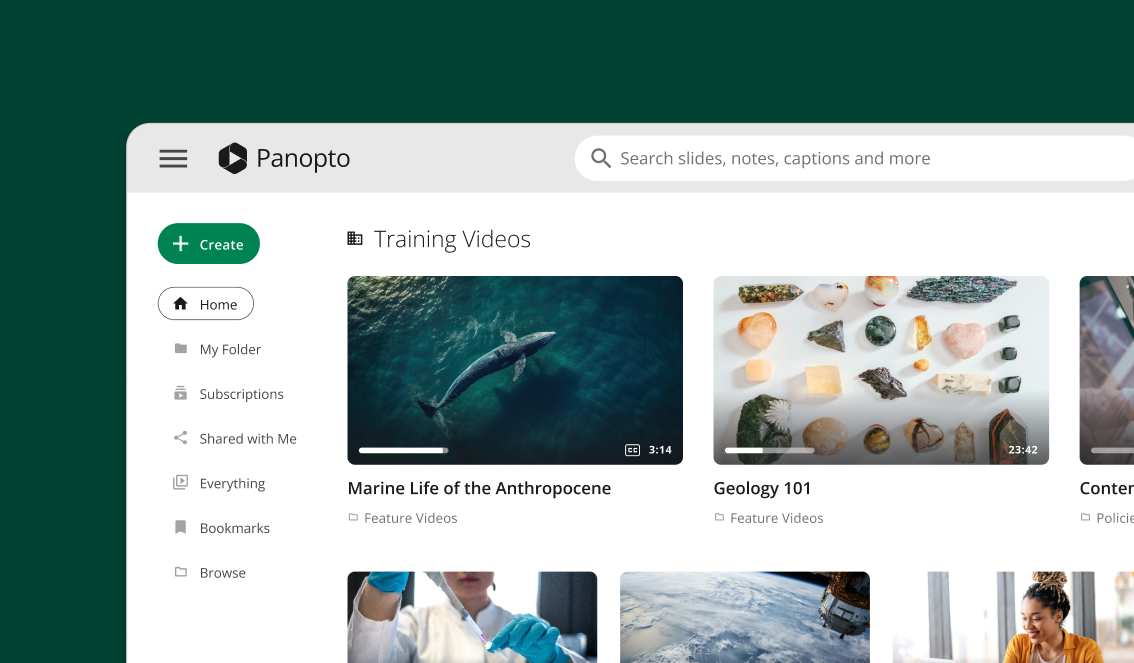
단 몇 분 만에 전체 동영상 라이브러리를 업로드하세요. 개별 파일을 드래그 앤 드롭하거나 수백 개를 한 번에 선택할 수 있습니다. Panopto 백그라운드에서 AI 자막 생성 기능이 실행되는 동안 모든 파일을 자동으로 Panopto .








자동 동영상 처리 및 최적화
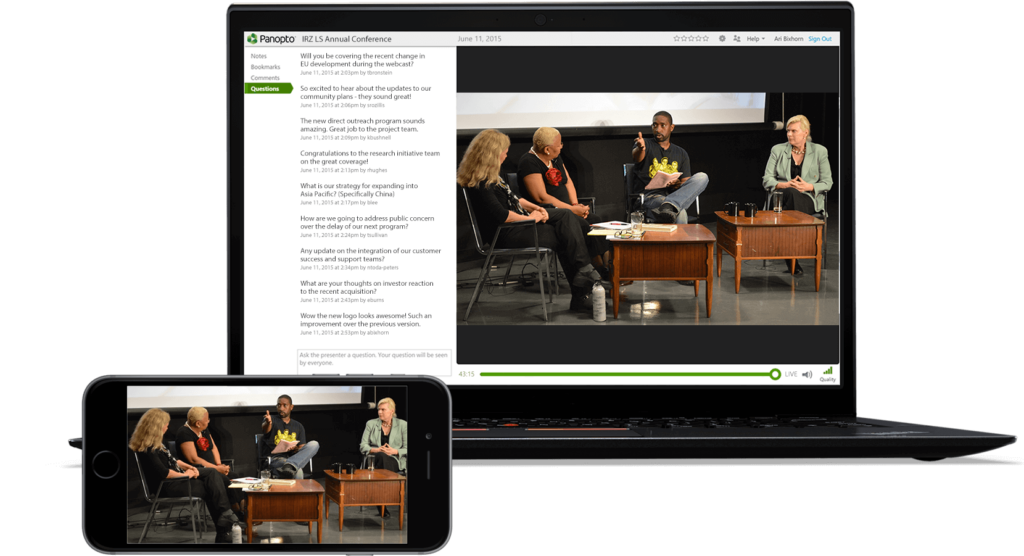
한 번 업로드하면 어디서나 스트리밍 – 데스크톱, 모바일, 태블릿에 최적화됨
동영상은 모든 화면 크기에 자동으로 최적화됩니다. Panopto 업로드된 동영상을 다양한 형식으로 Panopto 시청자가 사용하는 기기에서 최상의 화질을 즐길 수 있도록 합니다. 별도의 작업이 필요하지 않습니다.

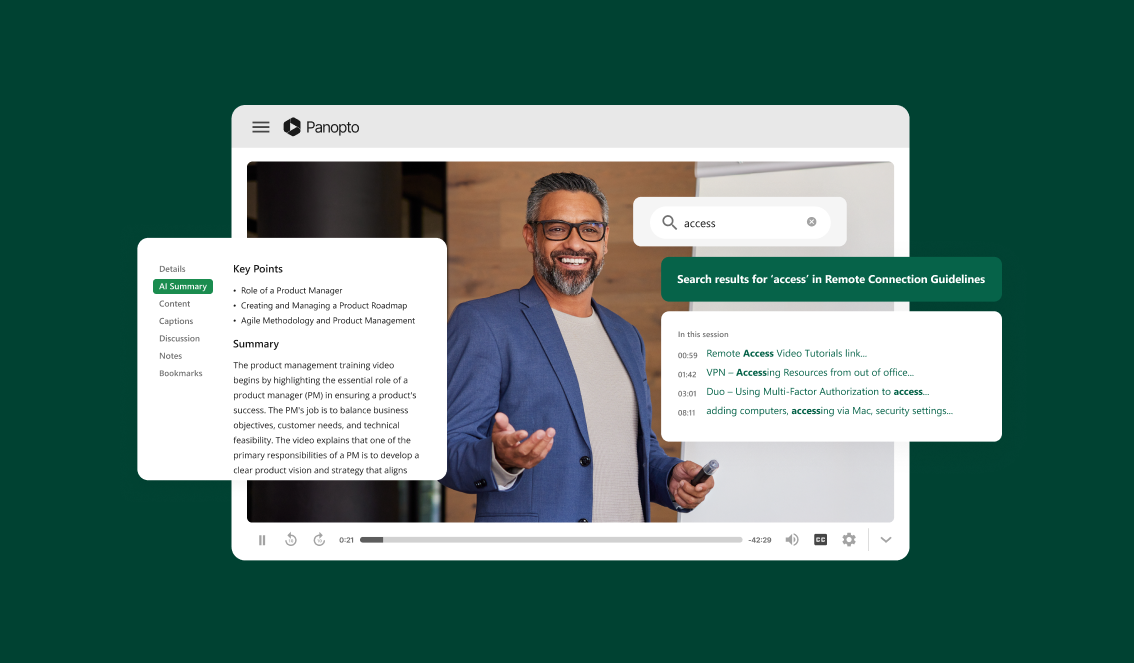
내장된 AI 검색 및 자막 생성 기능을 통해 온라인으로 동영상 업로드하기
업로드한 동영상 콘텐츠에서 원하는 단어나 주제를 즉시 찾아보세요
PanoptoAI는 동영상 속 모든 대사를 색인화합니다. 이메일 검색하듯이 전체 라이브러리를 검색할 수 있습니다. 특정 주제가 언급되는 순간으로 바로 이동할 수 있습니다.
대량 동영상 업로드: 기존 동영상 라이브러리를 원활하게 이전하세요
메타데이터를 유지한 채 여러 동영상 파일을 동시에 가져오기
기존 동영상 라이브러리를 옮긴다고 해서 처음부터 다시 시작해야 하는 것은 아닙니다. 제목, 설명, 사용자 지정 데이터를 모두 그대로 유지한 채 수백 개의 동영상을 한 번에 업로드할 수 있습니다. 조직의 체계는 그대로 유지됩니다.
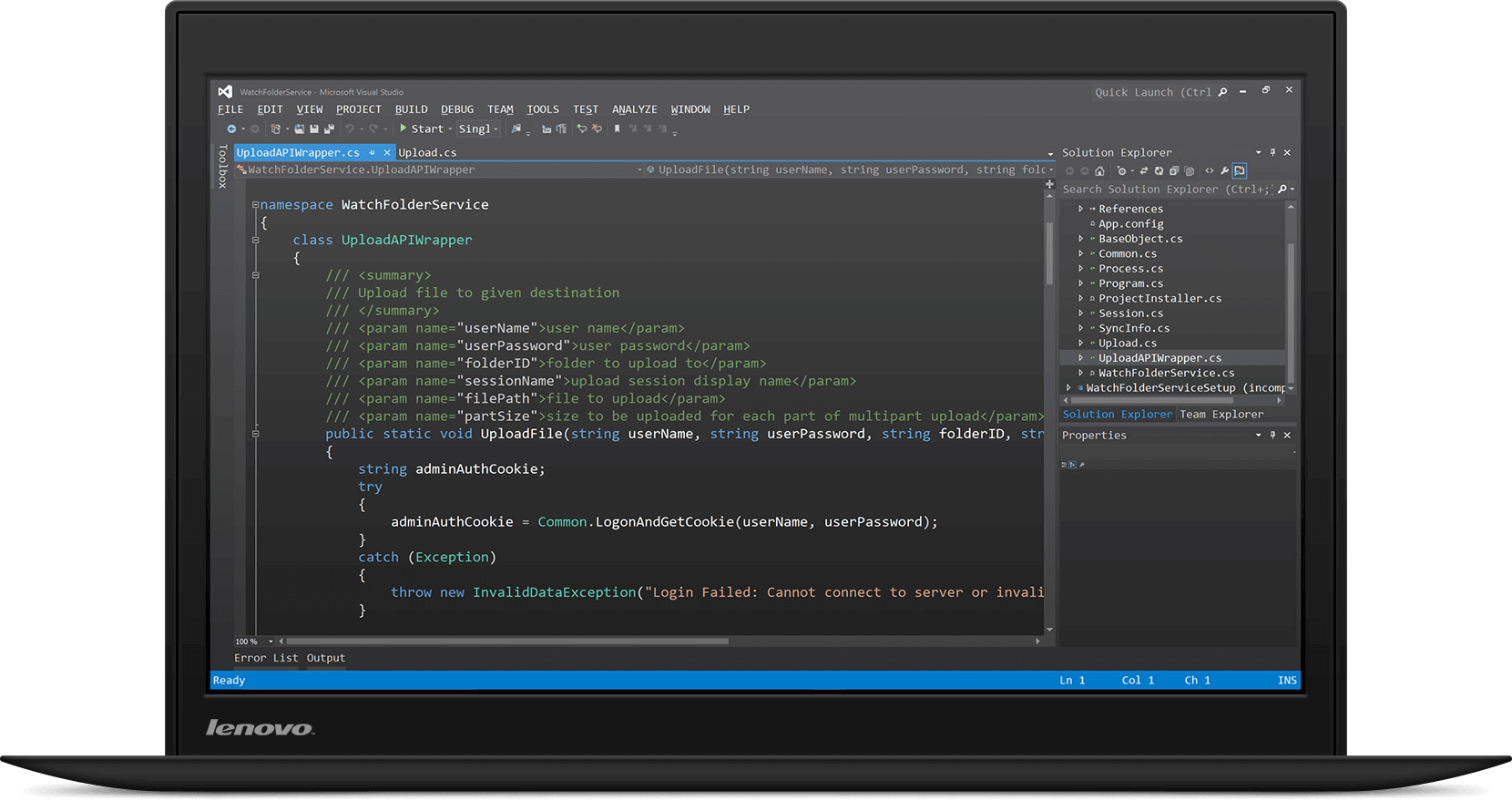
자동화 워크플로우를 위한 개발자 친화적인 동영상 업로드 API
사용자 지정 동영상 업로드 통합을 위한 REST API 문서
Panopto 기존 워크플로에 Panopto 통합하세요. 당사의 API를 통해 개발자는 프로그래밍 방식으로 동영상 업로드를 자동화하고, 권한을 설정하며, 콘텐츠를 관리할 수 있습니다. 자세한 문서와 코드 예제가 포함되어 있습니다.
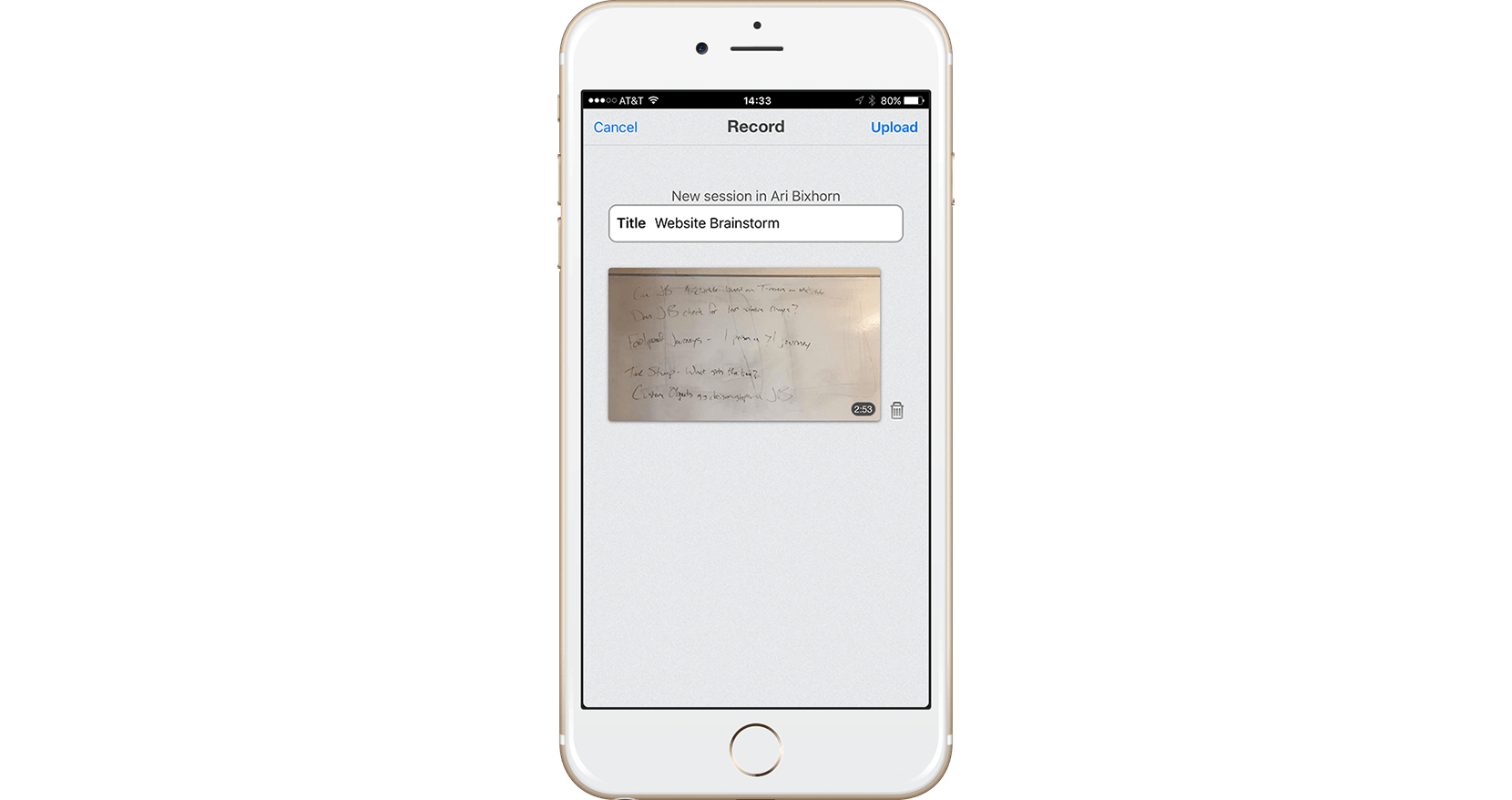
모바일 동영상 업로드 앱: iOS 및 Android에서 촬영하고 공유하기
모바일 기기에서 직접 동영상을 촬영하고 업로드하세요
어디서나 교육 영상이나 캠퍼스 소식을 촬영하세요. Panopto 앱이 콘텐츠를 라이브러리에 자동으로 업로드합니다. 팀원들은 몇 분 안에 해당 콘텐츠에 접근할 수 있습니다.
동영상 파일 업로드에 대해 자세히 알아보세요.



자주 묻는 질문
Panopto 어떤 동영상 파일 형식을 Panopto ?
Panopto MP4, MOV, AVI, WMV 등 모든 주요 동영상 형식을 Panopto . 파일을 업로드하기 전에 변환할 필요가 없습니다. 플랫폼에서 자동으로 형식을 최적화해 줍니다.
동영상 파일 크기에 제한이 있나요?
파일 크기에 대한 엄격한 제한은 없습니다. 30초 분량의 짧은 영상부터 몇 시간 분량의 녹화 영상까지, 어떤 길이의 동영상이라도 업로드할 수 있습니다. 처리 시간은 파일 크기에 따라 달라지지만, 업로드는 백그라운드에서 진행됩니다.
Zoom이나 Teams에서 직접 동영상을 업로드할 수 있나요?
네. Panopto Zoom, Microsoft Teams 및 기타 화상 회의 도구와 Panopto . 수동으로 다운로드할 필요 없이 회의 녹화본을 자동으로 캡처하고 업로드할 수 있습니다. 녹취록도 함께 제공됩니다.
동영상을 업로드한 후 처리되는 데 얼마나 걸리나요?
대부분의 동영상은 몇 분 이내에 시청할 수 있습니다. AI 자막 생성 및 색인 작업은 동영상 길이에 따라 다르지만, 보통 1시간 이내에 완료됩니다. 처리가 완료되면 이메일로 알림을 보내드립니다.
동영상을 업로드한 후에도 편집할 수 있나요?
접이식 콘텐츠
업로드한 동영상은 얼마나 안전한가요?
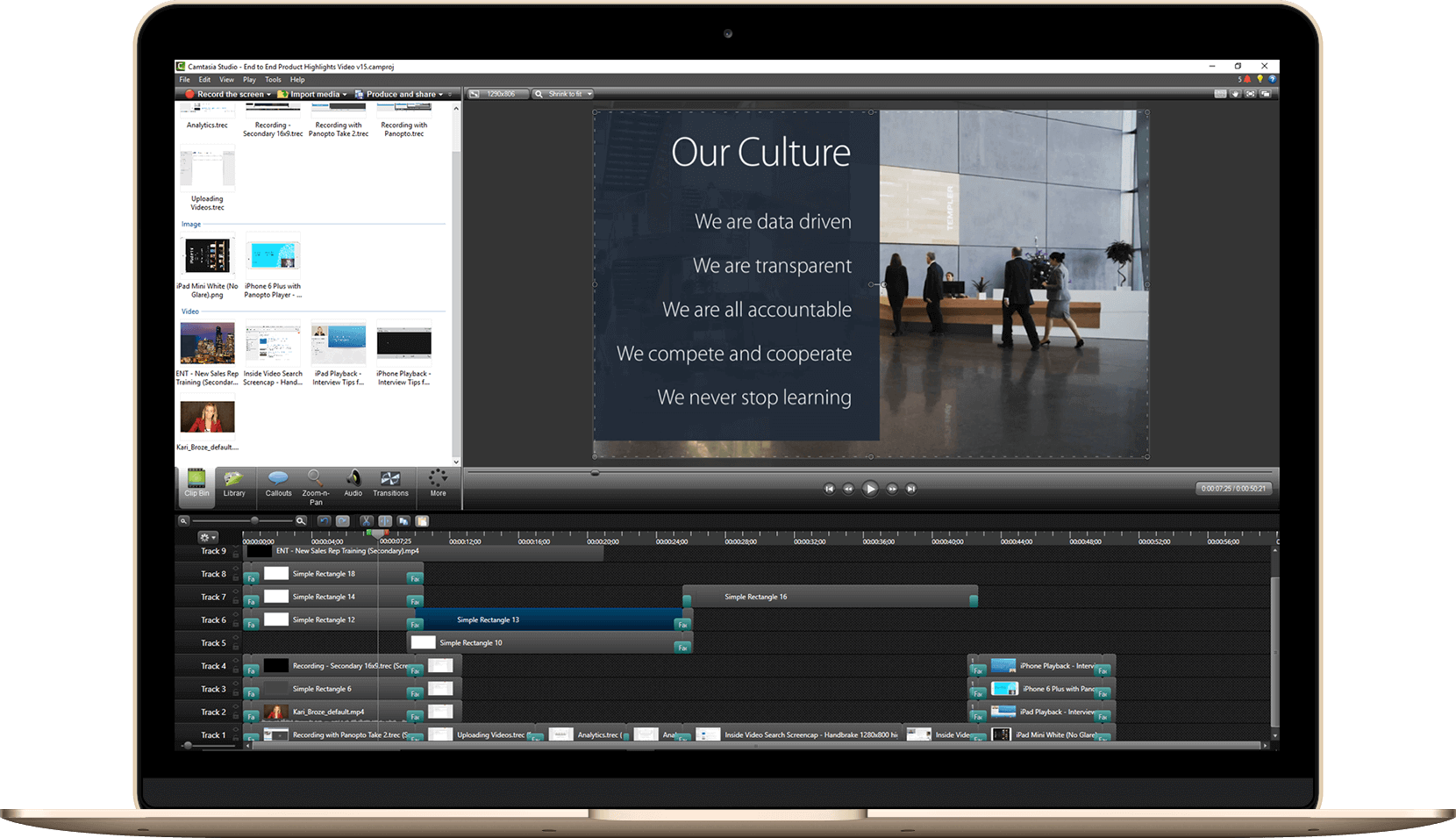
물론입니다. Panopto내장 편집기를 사용하면 클립을 자르고, 자막을 추가하고, 퀴즈를 삽입하며, 여러 동영상을 하나로 합칠 수 있습니다. 모든 편집 작업은 브라우저에서 이루어지므로 별도의 소프트웨어 다운로드가 필요하지 않습니다.