



Videos online hochladen – mit Sicherheit und Geschwindigkeit auf Unternehmensniveau
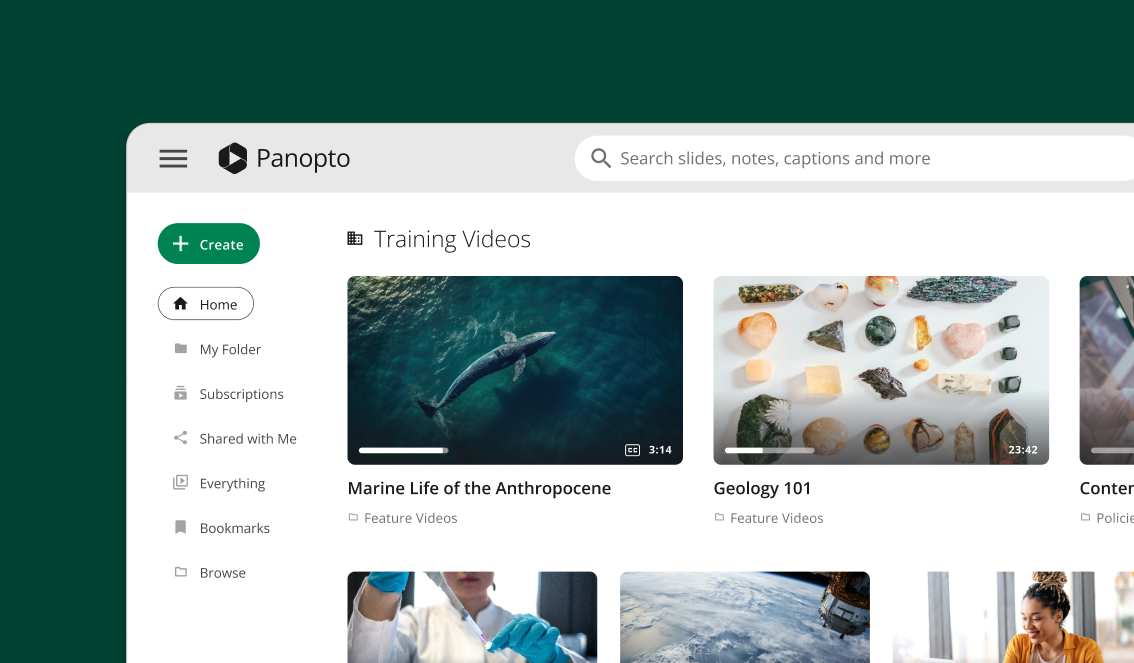
Laden Sie Ihre gesamte Videobibliothek in wenigen Minuten hoch. Ziehen Sie einzelne Dateien per Drag & Drop oder wählen Sie Hunderte auf einmal aus. Panopto Organisiert alles automatisch, während die KI-Transkription im Hintergrund läuft.








Automatische Videoverarbeitung und -optimierung
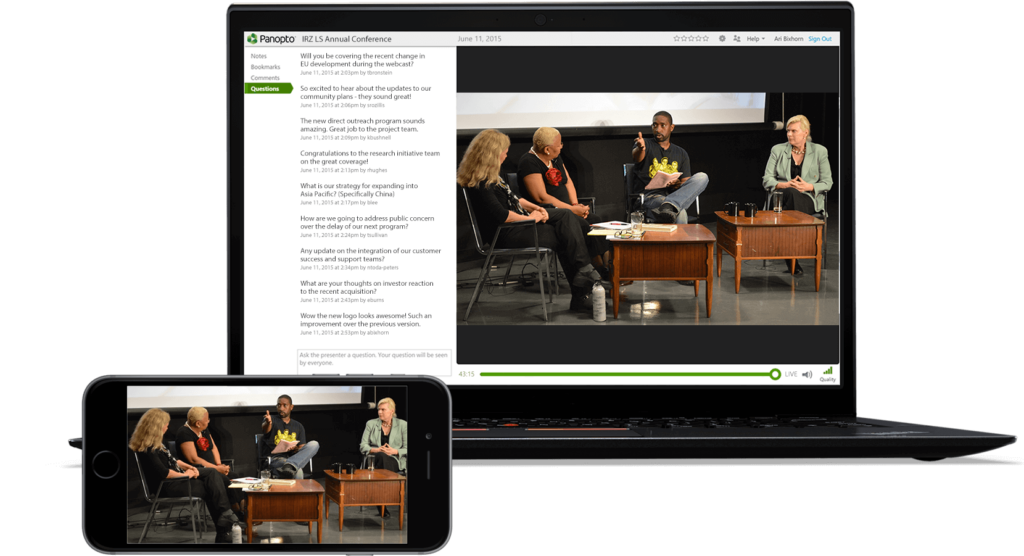
Einmal hochladen, überall streamen – optimiert für Desktop, Mobilgeräte und Tablets
Ihre Videos passen sich automatisch an jede Bildschirmgröße an. Panopto Konvertiert Ihre Uploads in verschiedene Formate, sodass Ihre Betrachter die beste Qualität auf ihrem Gerät erhalten. Kein zusätzlicher Aufwand erforderlich.
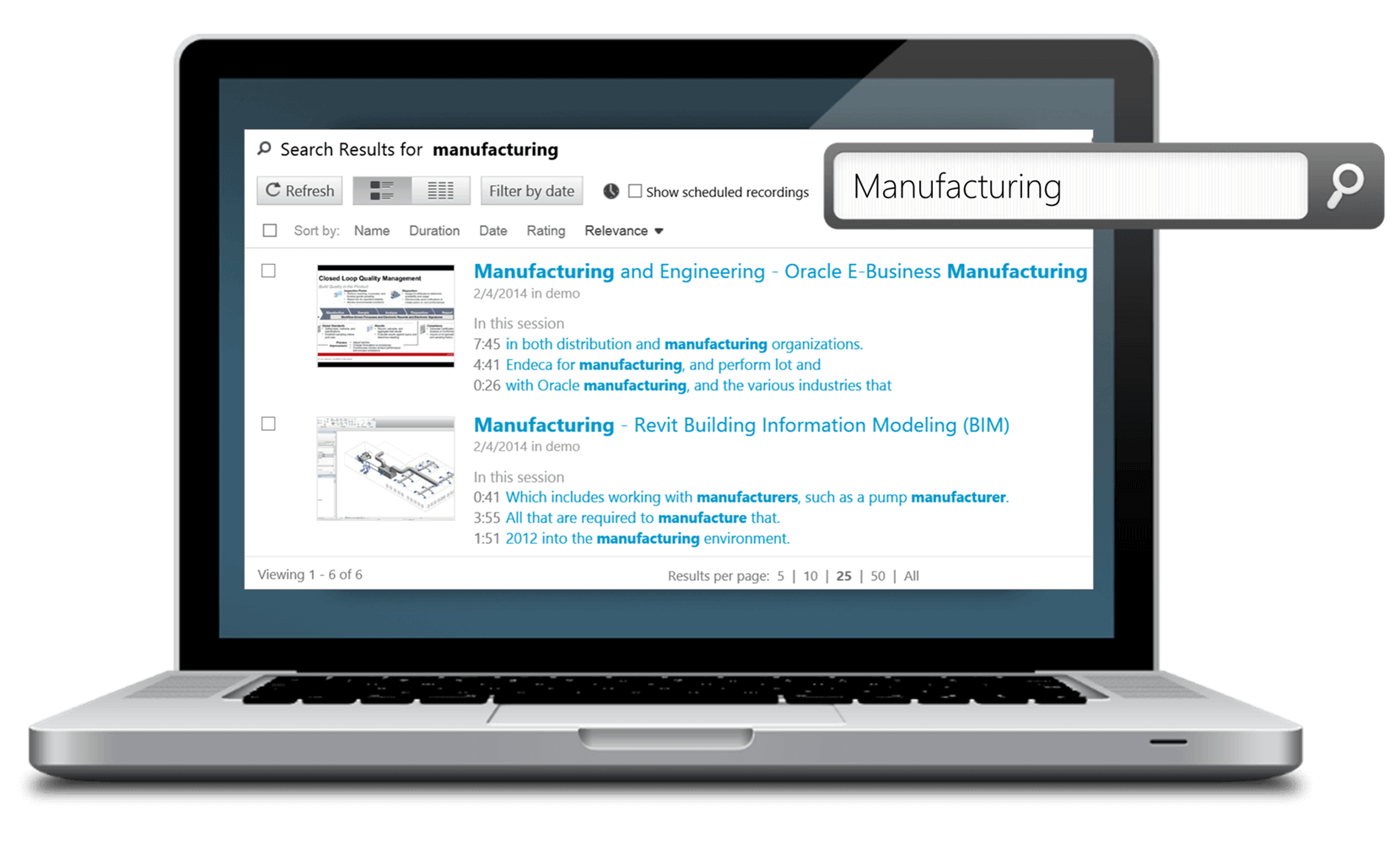
Laden Sie Videos online hoch – mit integrierter KI-Suche und Transkription.
Finde sofort jedes beliebige Wort oder Thema in deinen hochgeladenen Videoinhalten
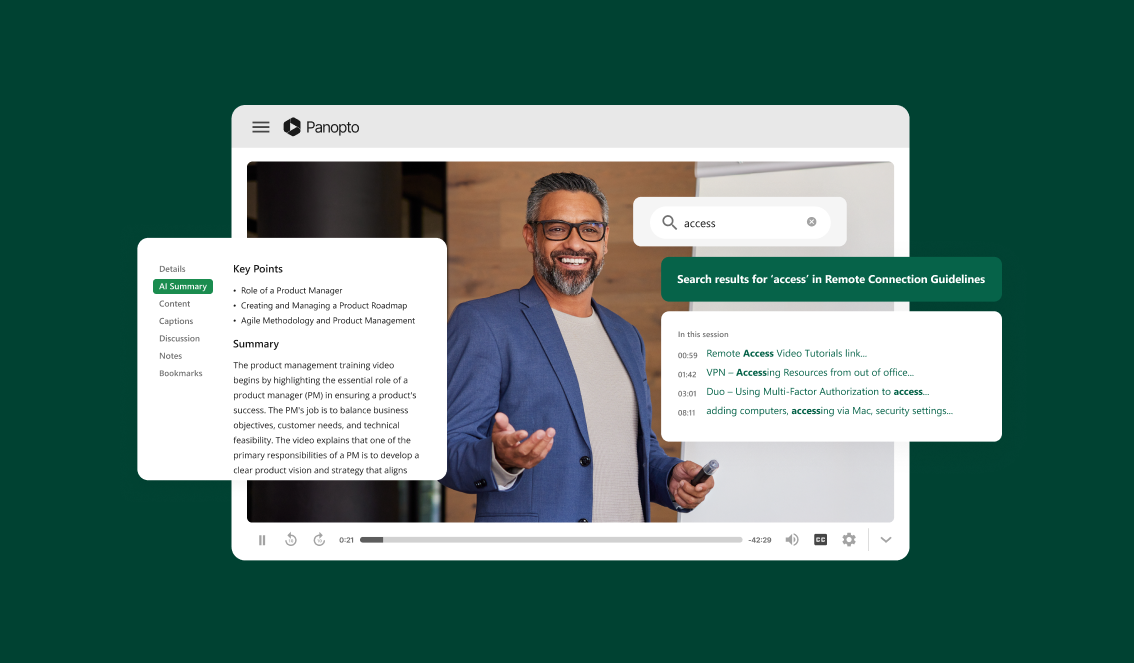
Panopto Die KI von [Name der Plattform] indexiert jedes gesprochene Wort in Ihren Videos. Durchsuchen Sie Ihre gesamte Bibliothek wie Ihre E-Mails. Springen Sie direkt zu dem Moment, in dem ein bestimmtes Thema erwähnt wird.
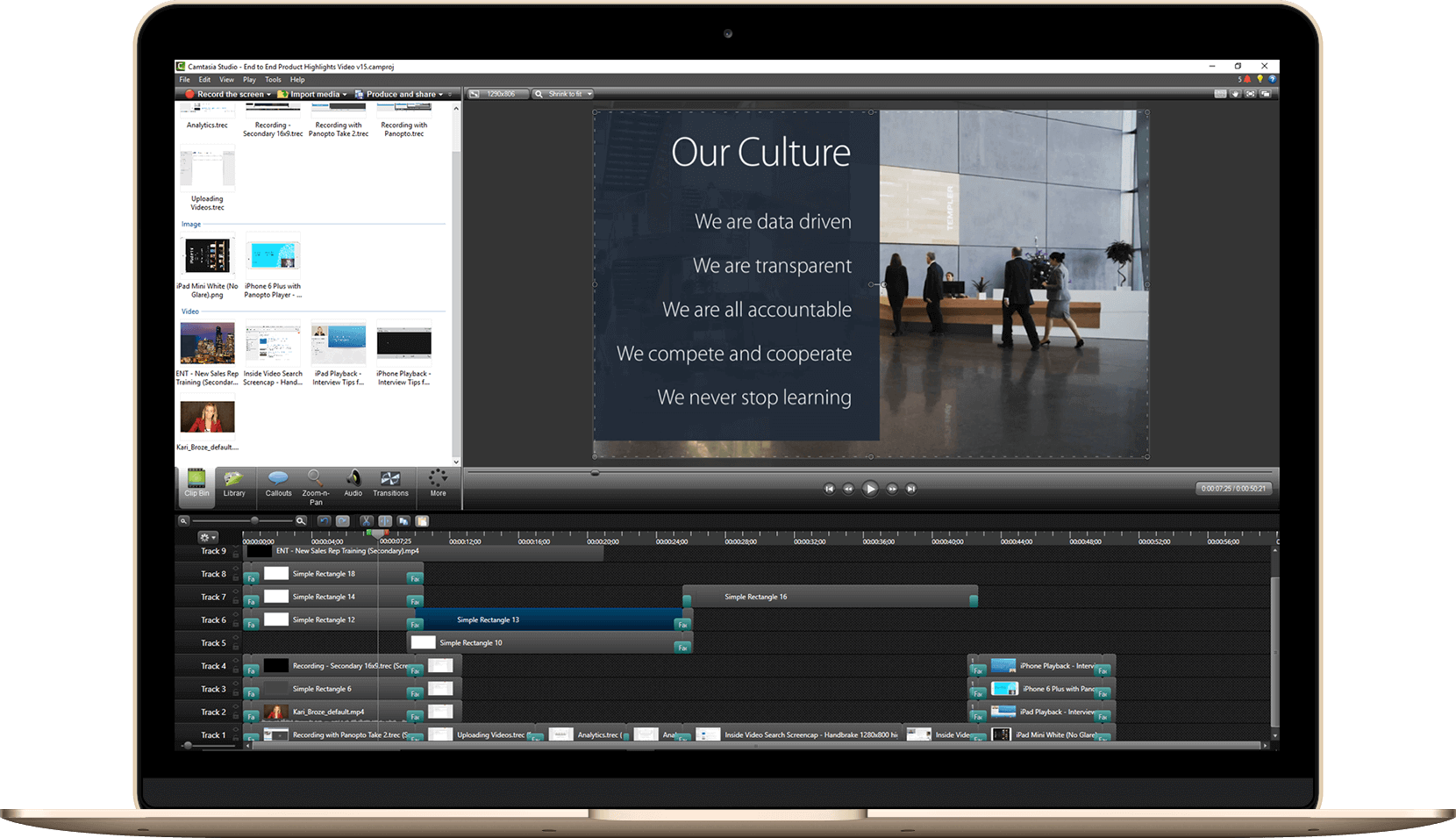
Massen-Video-Upload: Migrieren Sie Ihre bestehende Videobibliothek nahtlos
Gleichzeitiger Import mehrerer Videodateien unter Beibehaltung der Metadaten
Das Umziehen Ihrer bestehenden Videobibliothek bedeutet nicht, dass Sie von vorne beginnen müssen. Laden Sie Hunderte von Videos gleichzeitig hoch und behalten Sie dabei alle Titel, Beschreibungen und benutzerdefinierten Daten bei. Ihre Organisation bleibt erhalten.
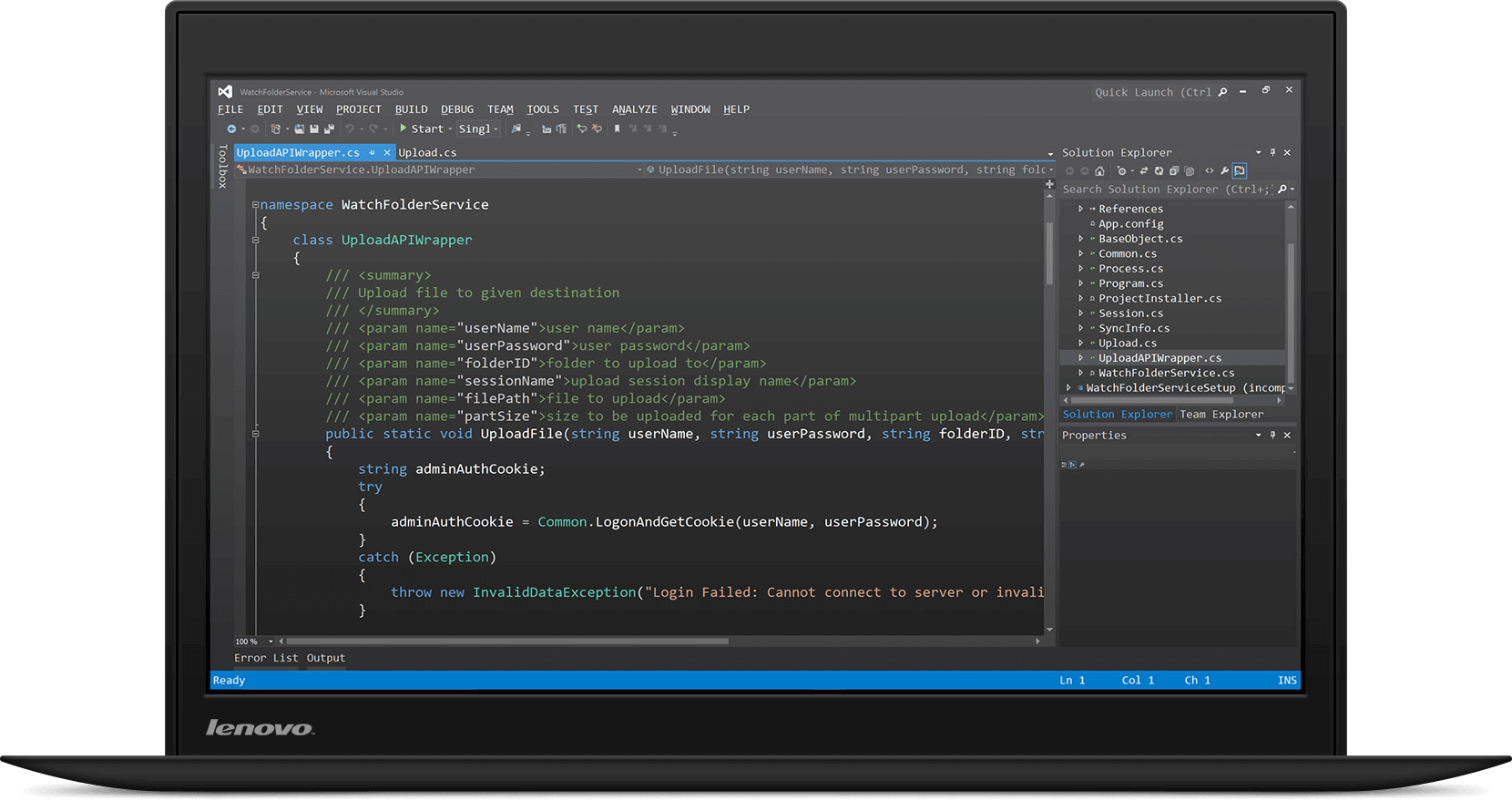
Entwicklerfreundliche Video-Upload-API für automatisierte Arbeitsabläufe
REST-API-Dokumentation für die benutzerdefinierte Video-Upload-Integration
Bauen Panopto Integrieren Sie sich direkt in Ihre bestehenden Arbeitsabläufe. Unsere API ermöglicht Entwicklern die Automatisierung von Video-Uploads, die Festlegung von Berechtigungen und die programmatische Inhaltsverwaltung. Vollständige Dokumentation und Codebeispiele sind enthalten.
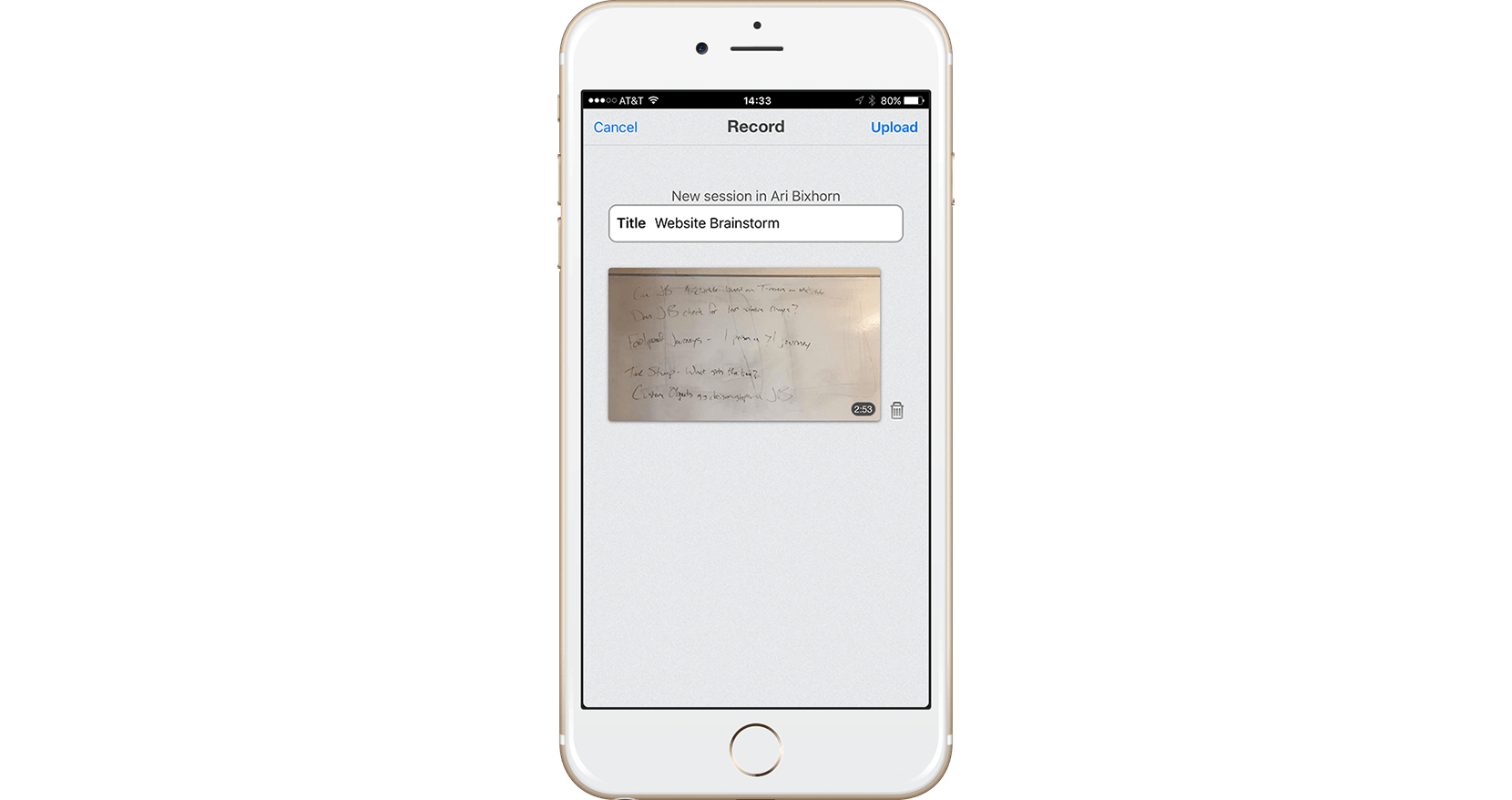
Apps zum Hochladen von mobilen Videos: Aufnehmen und Teilen von iOS- und Android-Geräten
Videos direkt von Ihrem Mobilgerät aufnehmen und hochladen
Nehmen Sie Schulungsvideos oder Campus-Updates von überall aus auf. Panopto Die mobile App lädt Ihre Inhalte automatisch in Ihre Bibliothek hoch. Ihr Team kann wenige Minuten später darauf zugreifen.
Lesen Sie mehr über das Hochladen von Videodateien.



Häufig gestellte Fragen
Welche Videodateiformate gibt es? Panopto Unterstützung?
Panopto Akzeptiert alle gängigen Videoformate, darunter MP4, MOV, AVI, WMV und weitere. Sie müssen die Dateien vor dem Hochladen nicht konvertieren. Die Plattform optimiert das Format automatisch.
Gibt es eine Begrenzung der Videodateigröße?
Es gibt keine festen Beschränkungen für die Dateigröße. Sie können Videos beliebiger Länge hochladen, von 30-Sekunden-Clips bis hin zu mehrstündigen Aufnahmen. Die Verarbeitungszeit skaliert mit der Dateigröße, der Upload erfolgt jedoch im Hintergrund.
Kann ich Videos direkt aus Zoom oder Teams hochladen?
Ja. Panopto Lässt sich nahtlos in Zoom, Microsoft Teams und andere Videokonferenz-Tools integrieren. Besprechungsaufzeichnungen können automatisch erfasst und hochgeladen werden, ohne dass manuelle Downloads erforderlich sind. Transkripte werden ebenfalls erstellt.
Wie lange dauert die Videoverarbeitung nach dem Hochladen?
Die meisten Videos sind innerhalb weniger Minuten abrufbar. Die KI-Transkription und -Indexierung ist in der Regel innerhalb einer Stunde abgeschlossen, abhängig von der Videolänge. Sie erhalten eine E-Mail, sobald die Verarbeitung abgeschlossen ist.
Kann ich Videos nach dem Hochladen bearbeiten?
Akkordeon-Inhalt
Wie sicher sind meine hochgeladenen Videos?
Absolut. Panopto Mit dem integrierten Editor können Sie Clips kürzen, Untertitel hinzufügen, Quizfragen einfügen und mehrere Videos zusammenfügen. Die gesamte Bearbeitung erfolgt direkt im Browser – es sind keine Software-Downloads erforderlich.