



Téléchargez des vidéos en ligne avec une sécurité et une vitesse de niveau professionnel
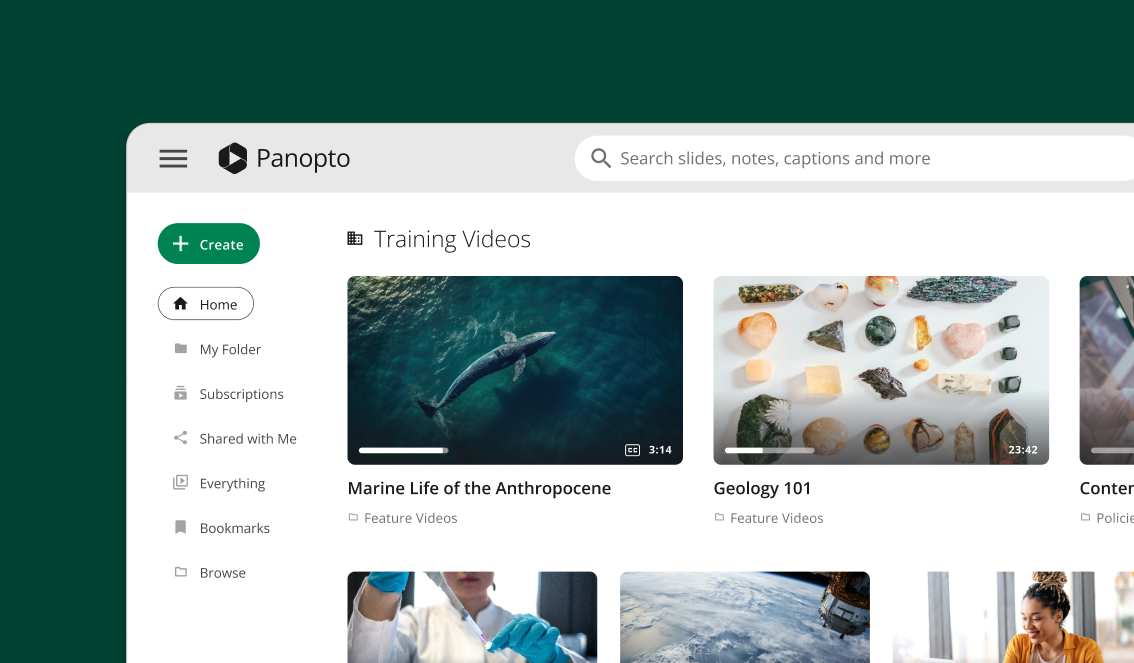
Importez toute votre vidéothèque en quelques minutes. Glissez-déposez des fichiers individuels ou sélectionnez-en des centaines à la fois. Panopto Tout s'organise automatiquement pendant que la transcription par IA s'exécute en arrière-plan.








Traitement et optimisation automatiques de la vidéo
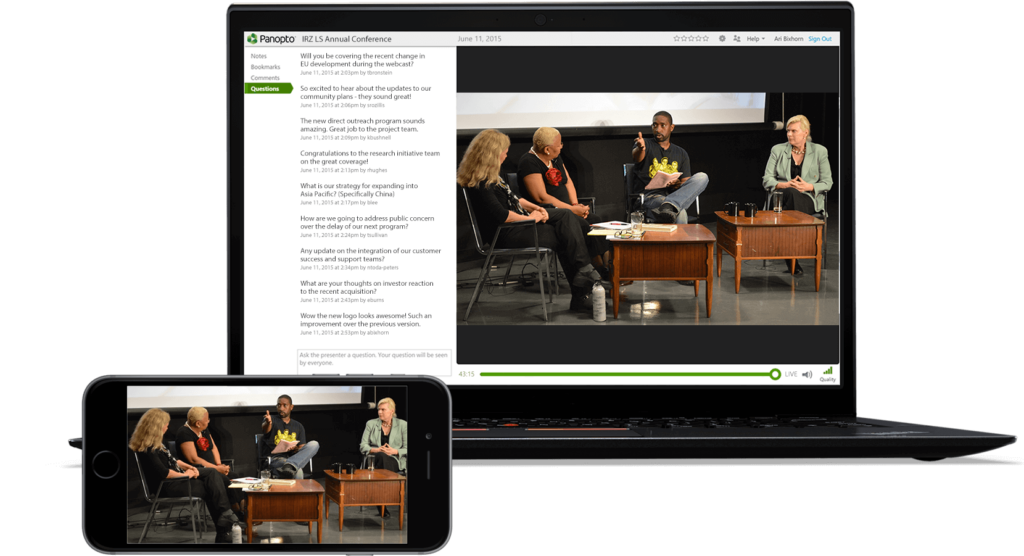
Téléchargez une seule fois, diffusez partout – Optimisé pour ordinateur, mobile et tablette
Vos vidéos s'adaptent automatiquement à toutes les tailles d'écran. Panopto Convertit vos fichiers en plusieurs formats pour que vos spectateurs bénéficient de la meilleure qualité possible sur leur appareil. Aucune action supplémentaire requise.
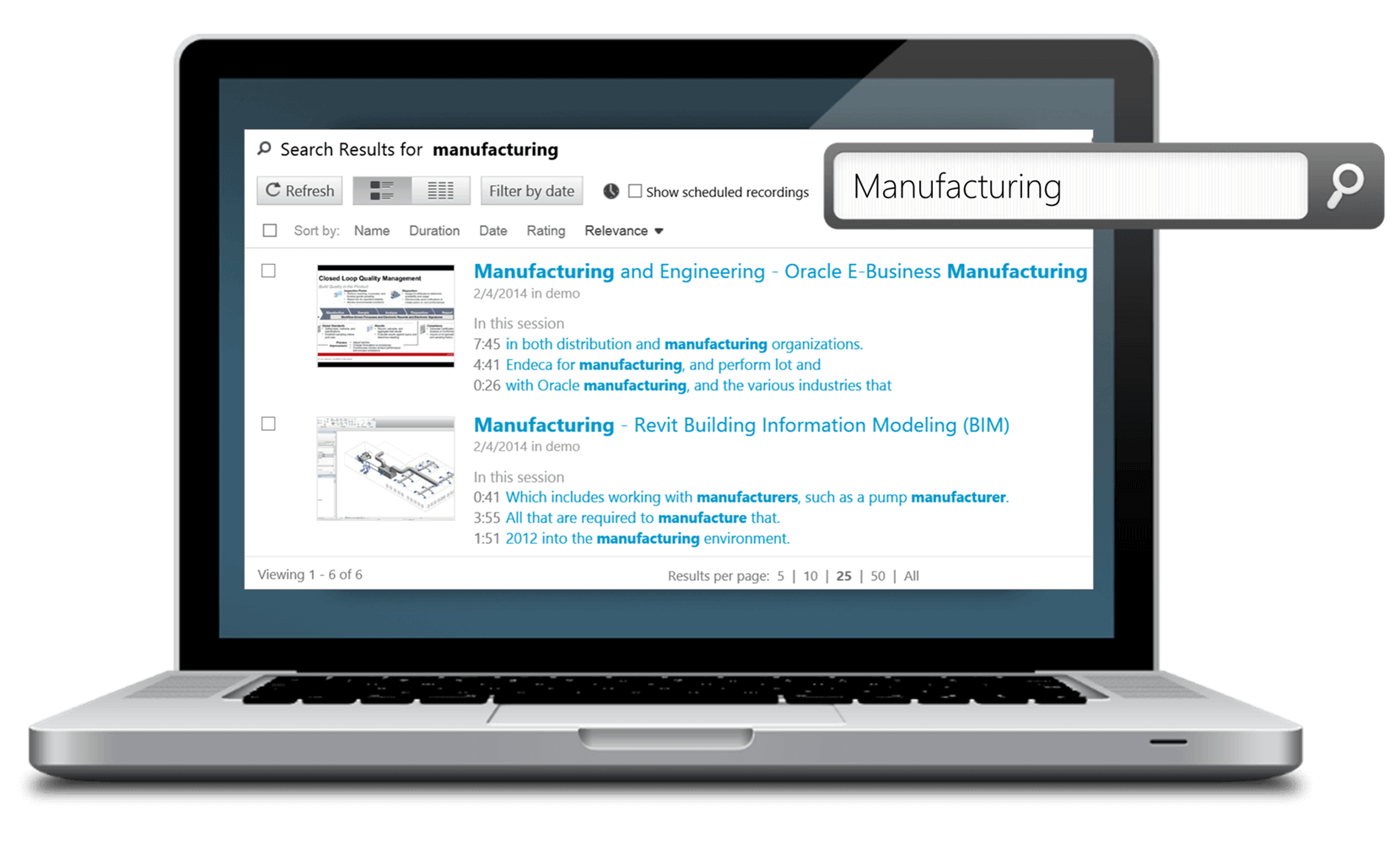
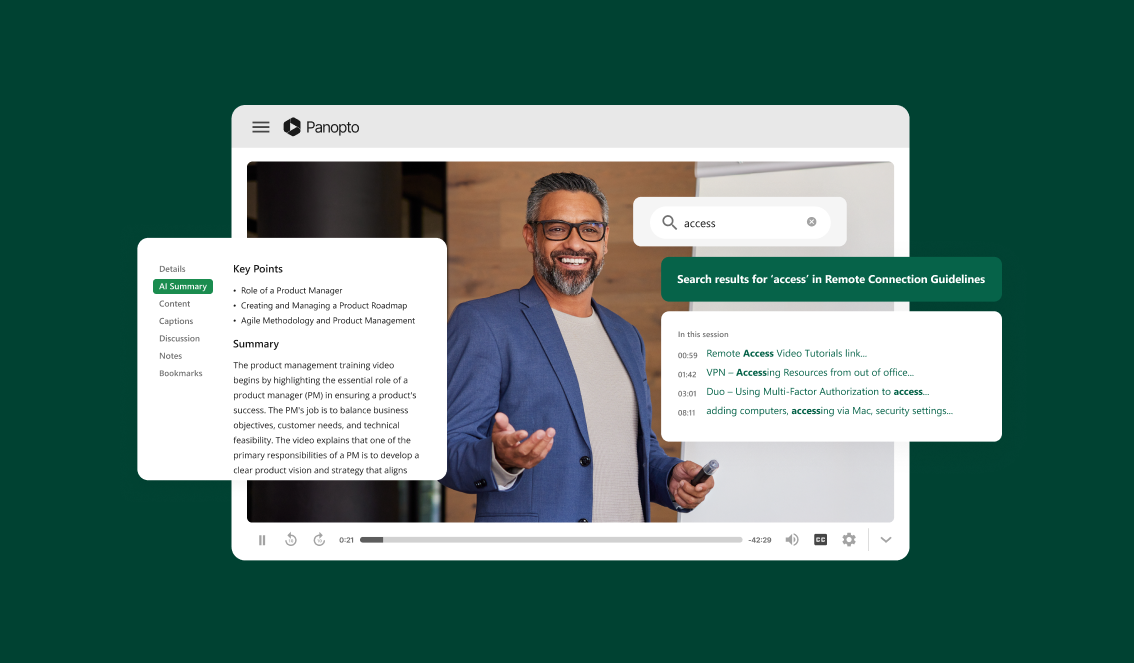
Téléchargez des vidéos en ligne grâce à la recherche et à la transcription intégrées par IA.
Trouvez instantanément n'importe quel mot ou sujet dans votre contenu vidéo téléchargé.
Panopto L'IA de [nom de l'application] indexe chaque mot prononcé dans vos vidéos. Parcourez toute votre bibliothèque comme vous le feriez dans vos e-mails. Accédez directement au moment précis où quelqu'un aborde un sujet.
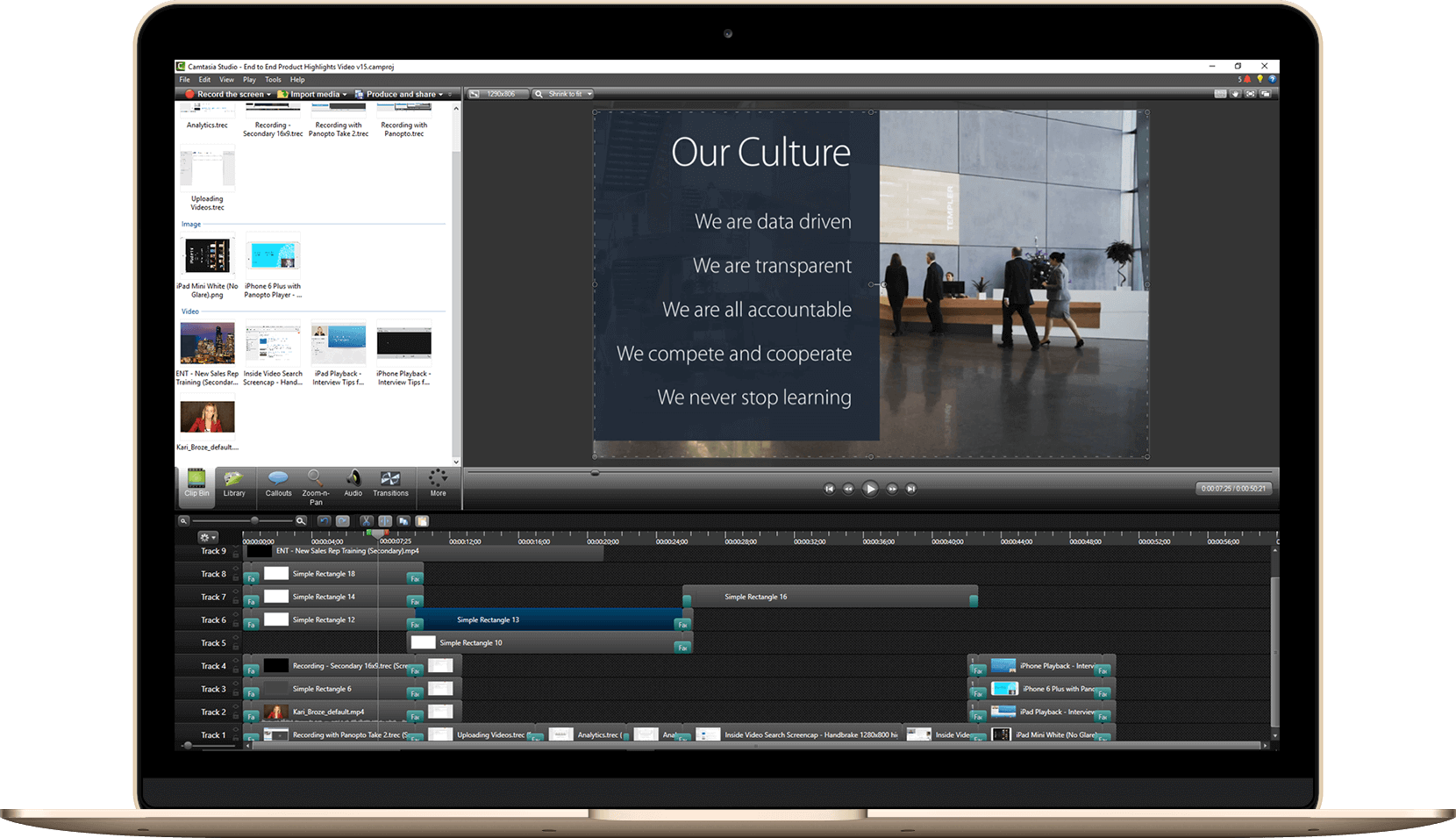
Importation de vidéos en masse : migrez votre bibliothèque vidéo existante en toute simplicité
Importez plusieurs fichiers vidéo simultanément tout en préservant leurs métadonnées.
Transférer votre vidéothèque existante ne signifie pas repartir de zéro. Importez des centaines de vidéos simultanément tout en conservant vos titres, descriptions et données personnalisées. Votre organisation reste impeccable.
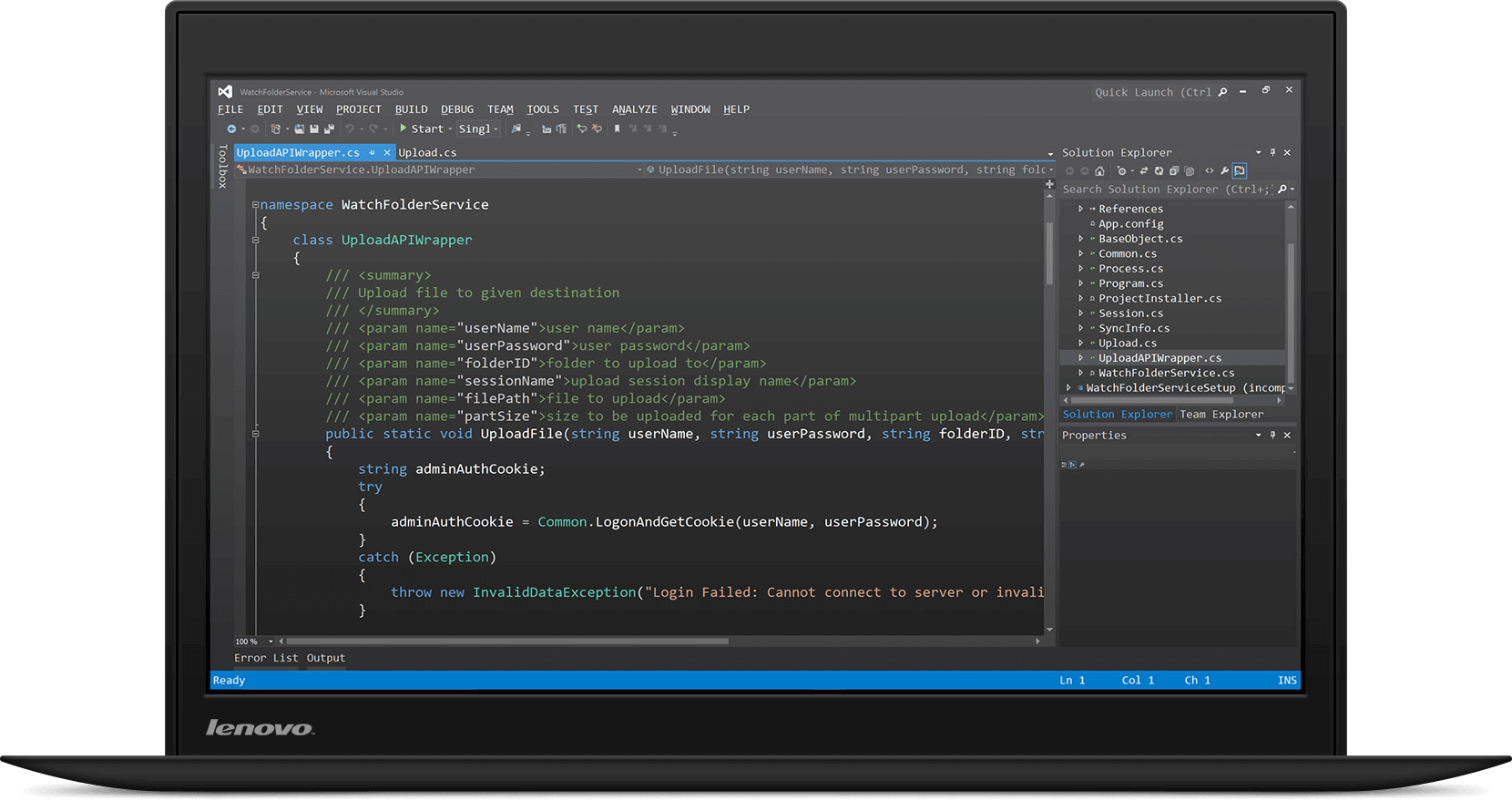
API de téléchargement vidéo conviviale pour les développeurs, destinée aux flux de travail automatisés
Documentation de l'API REST pour l'intégration de téléchargement vidéo personnalisé
Construire Panopto Intégrez-la directement à vos flux de travail existants. Notre API permet aux développeurs d'automatiser le chargement des vidéos, de définir les autorisations et de gérer le contenu par programmation. Documentation complète et exemples de code inclus.
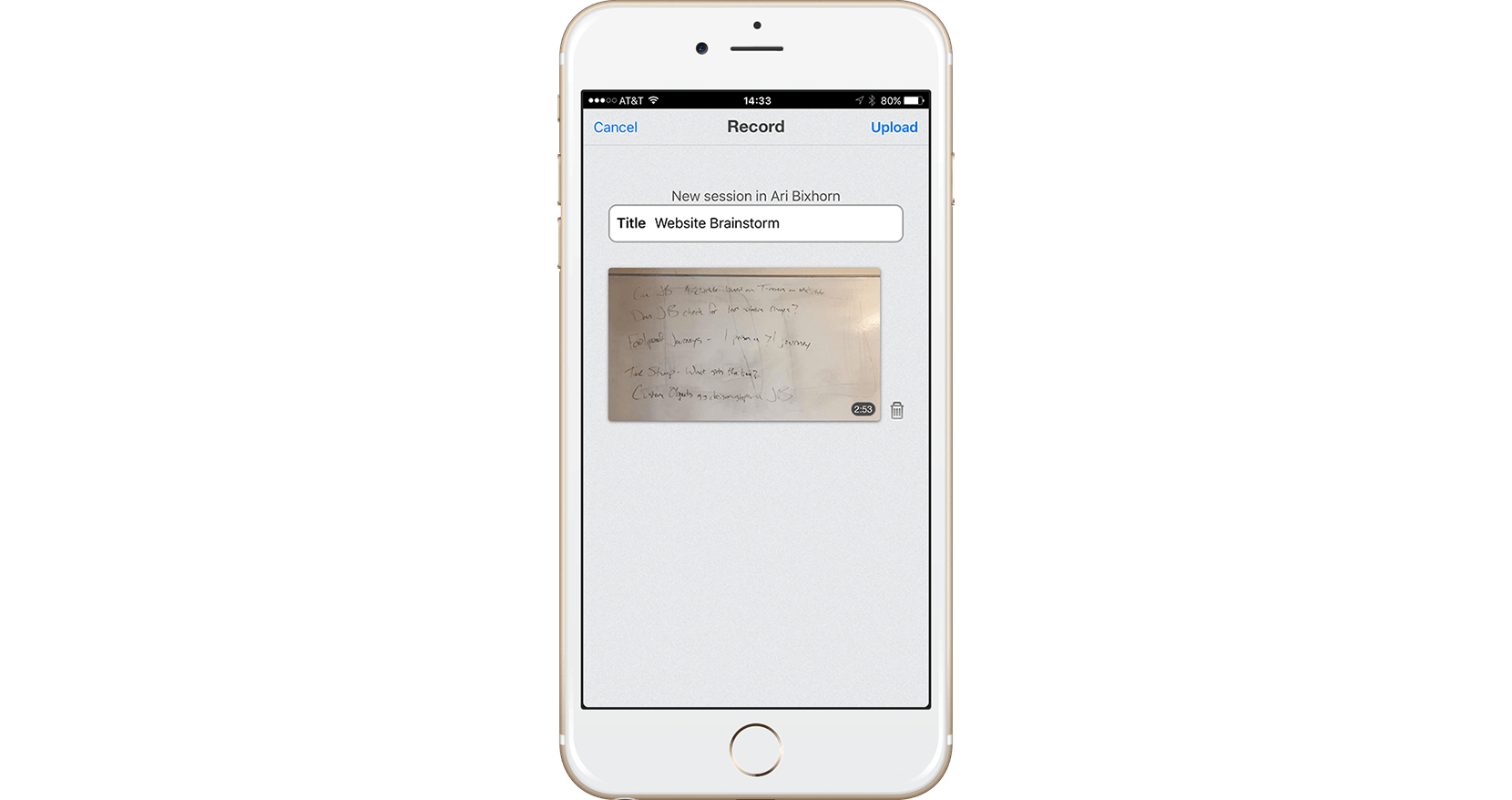
Applications mobiles pour le téléchargement de vidéos : enregistrez et partagez depuis iOS et Android
Capturez et téléchargez des vidéos directement depuis votre appareil mobile
Enregistrez des vidéos de formation ou des mises à jour du campus depuis n'importe où. Panopto L'application mobile télécharge automatiquement votre contenu dans votre bibliothèque. Votre équipe peut y accéder quelques minutes plus tard.
Pour en savoir plus sur le chargement de fichiers vidéo, cliquez ici.



Foire aux questions
Quels formats de fichiers vidéo sont compatibles ? Panopto soutien?
Panopto Elle accepte tous les principaux formats vidéo, notamment MP4, MOV, AVI, WMV et bien d'autres. Vous n'avez pas besoin de convertir vos fichiers avant de les télécharger : la plateforme gère automatiquement l'optimisation du format.
Existe-t-il une limite à la taille des fichiers vidéo ?
Aucune limite stricte quant à la taille des fichiers. Vous pouvez importer des vidéos de toute durée, des clips de 30 secondes aux enregistrements de plusieurs heures. Le temps de traitement est proportionnel à la taille du fichier, mais l'importation s'effectue en arrière-plan.
Puis-je télécharger des vidéos directement depuis Zoom ou Teams ?
Oui. Panopto Compatible avec Zoom, Microsoft Teams et autres outils de visioconférence, ce logiciel permet la capture et le chargement automatiques des enregistrements de réunions, sans téléchargement manuel. Les transcriptions sont également incluses.
Combien de temps dure le traitement vidéo après le téléchargement ?
La plupart des vidéos sont prêtes à être visionnées en quelques minutes. La transcription et l'indexation par IA sont généralement terminées en une heure, selon la durée de la vidéo. Vous recevrez un courriel une fois le traitement terminé.
Puis-je modifier les vidéos après les avoir téléchargées ?
Contenu accordéon
Mes vidéos téléchargées sont-elles sécurisées ?
Absolument. Panopto L'éditeur intégré vous permet de découper des clips, d'ajouter des légendes, d'insérer des quiz et d'assembler plusieurs vidéos. Toutes les modifications se font directement dans votre navigateur ; aucun logiciel à télécharger.