










Accessibilité
Faites en sorte que chaque vidéo soit utile à chaque usager.
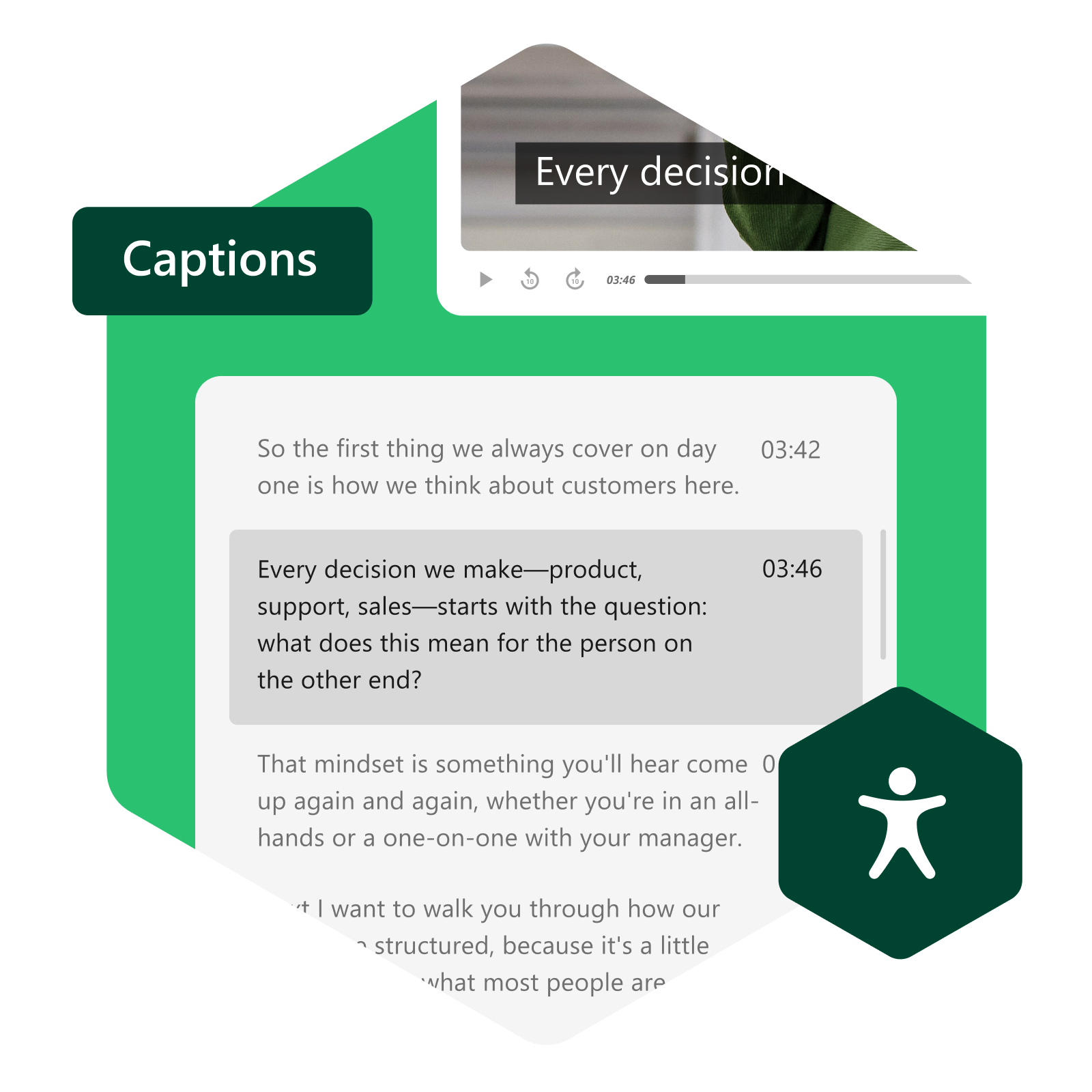
Panopto aide les institutions et les organisations à rendre l'apprentissage vidéo plus accessible tout en s'adaptant à l'évolution des exigences, grâce à un sous-titrage flexible, une lecture accessible et des flux de travail conçus pour évoluer.
Intégrez l'accessibilité au flux de travail, et non à la charge de travail.
Rendre les vidéos accessibles ne devrait pas signifier un surcroît de travail pour les professeurs, les créateurs de contenu ou les administrateurs. Panopto intègre le sous-titrage, les services d'accessibilité et la génération de rapports dans les flux de travail vidéo existants, aidant ainsi les institutions à améliorer l'accessibilité de leurs bibliothèques de contenu sans ajouter de complexité inutile.
Soutenir les usagers selon leurs capacités
Donnez à chaque usager le contrôle sur la manière dont il s'engage.
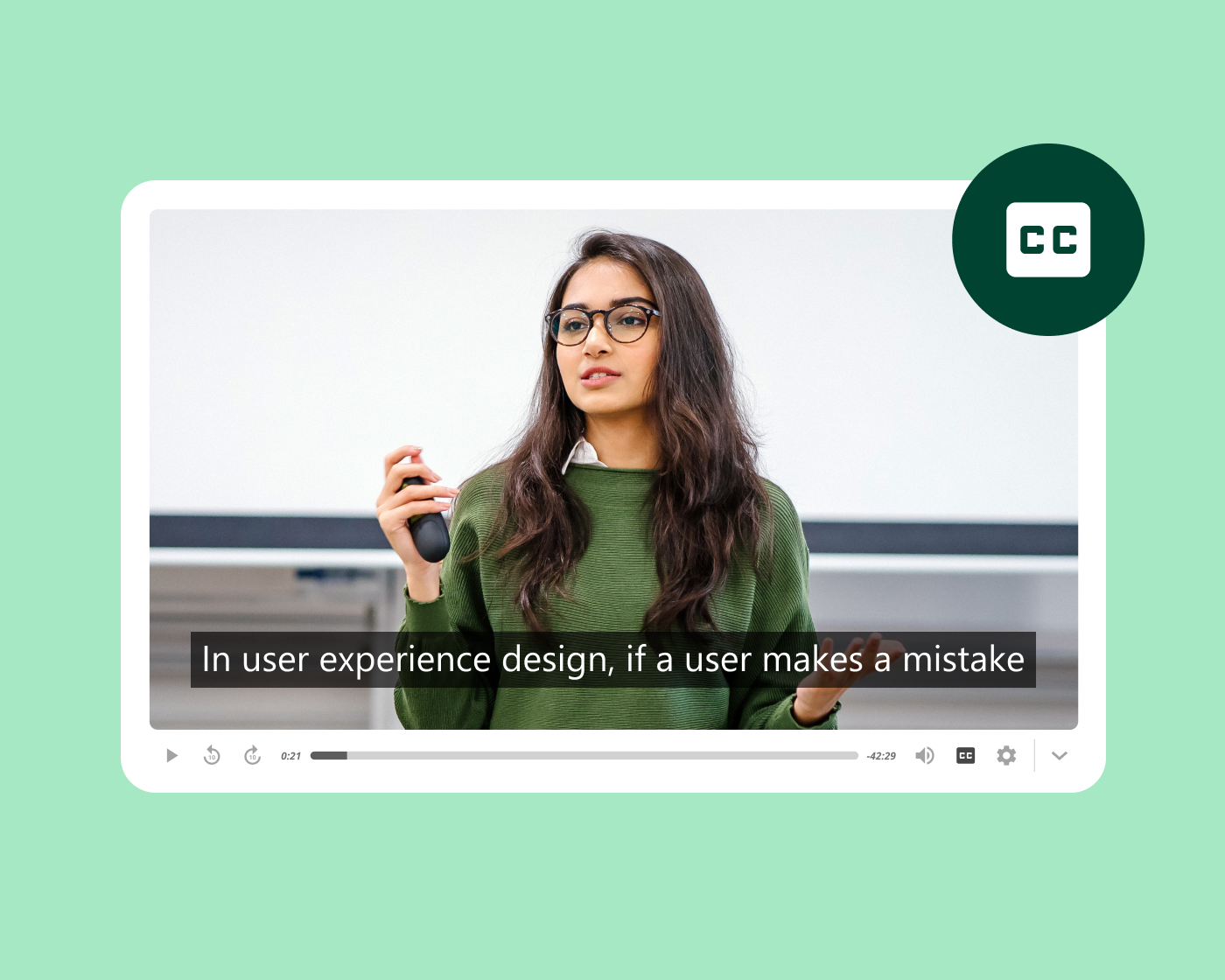
La prise en charge des lecteurs d'écran, la navigation au clavier, les commandes accessibles et le sous-titrage garantissent l'accessibilité du contenu aux usagers quelles que soient leurs capacités. Les options de style des sous-titres, comme le contraste des couleurs et la taille du texte, permettent à chaque usager de personnaliser l'affichage selon ses besoins. La vitesse de lecture variable (du facteur 0,5 au facteur 2) permet à chaque usager de progresser à son propre rythme.
Touchez un public à l'international
Rendez votre bibliothèque de contenu plus accessible dans toutes les langues
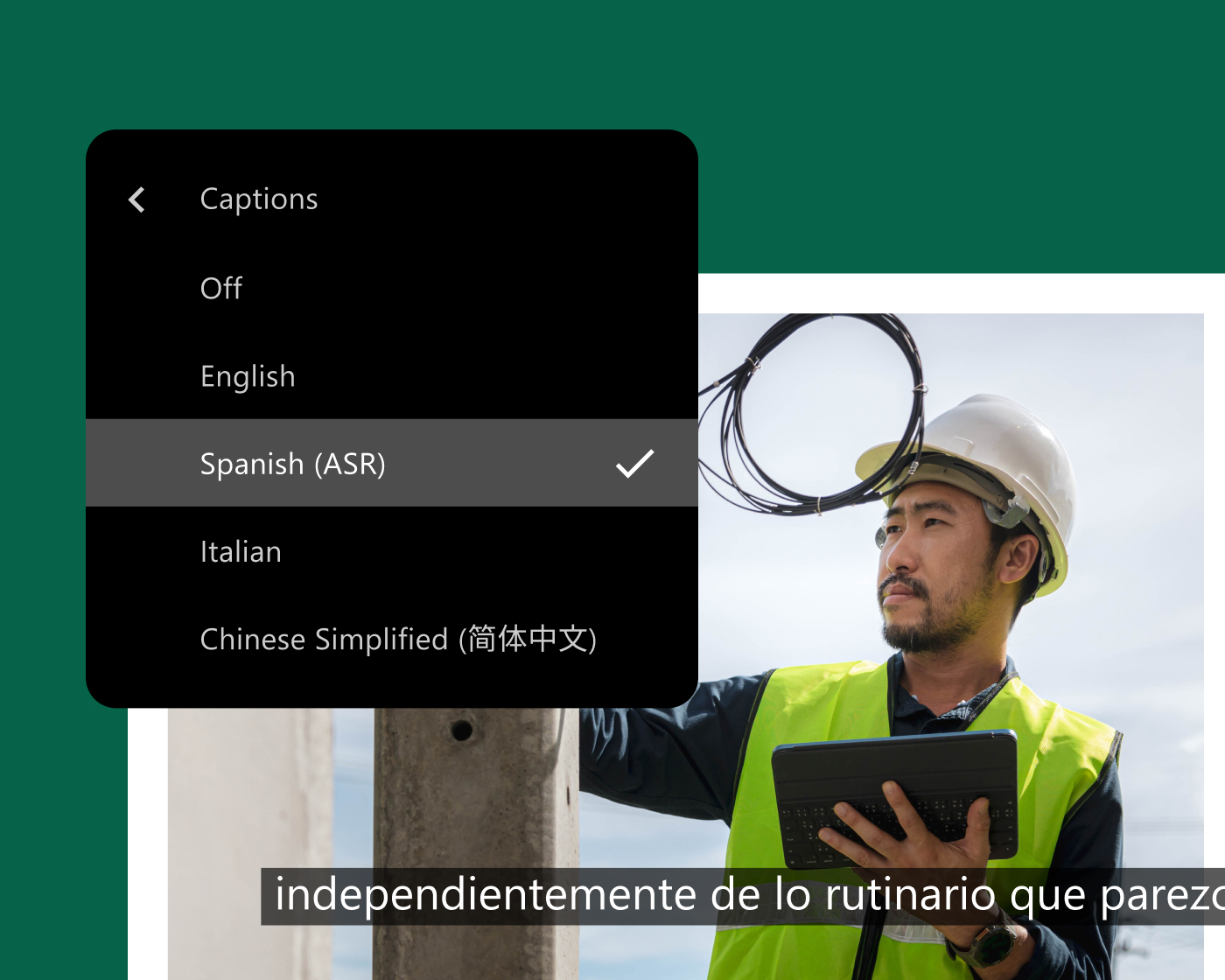
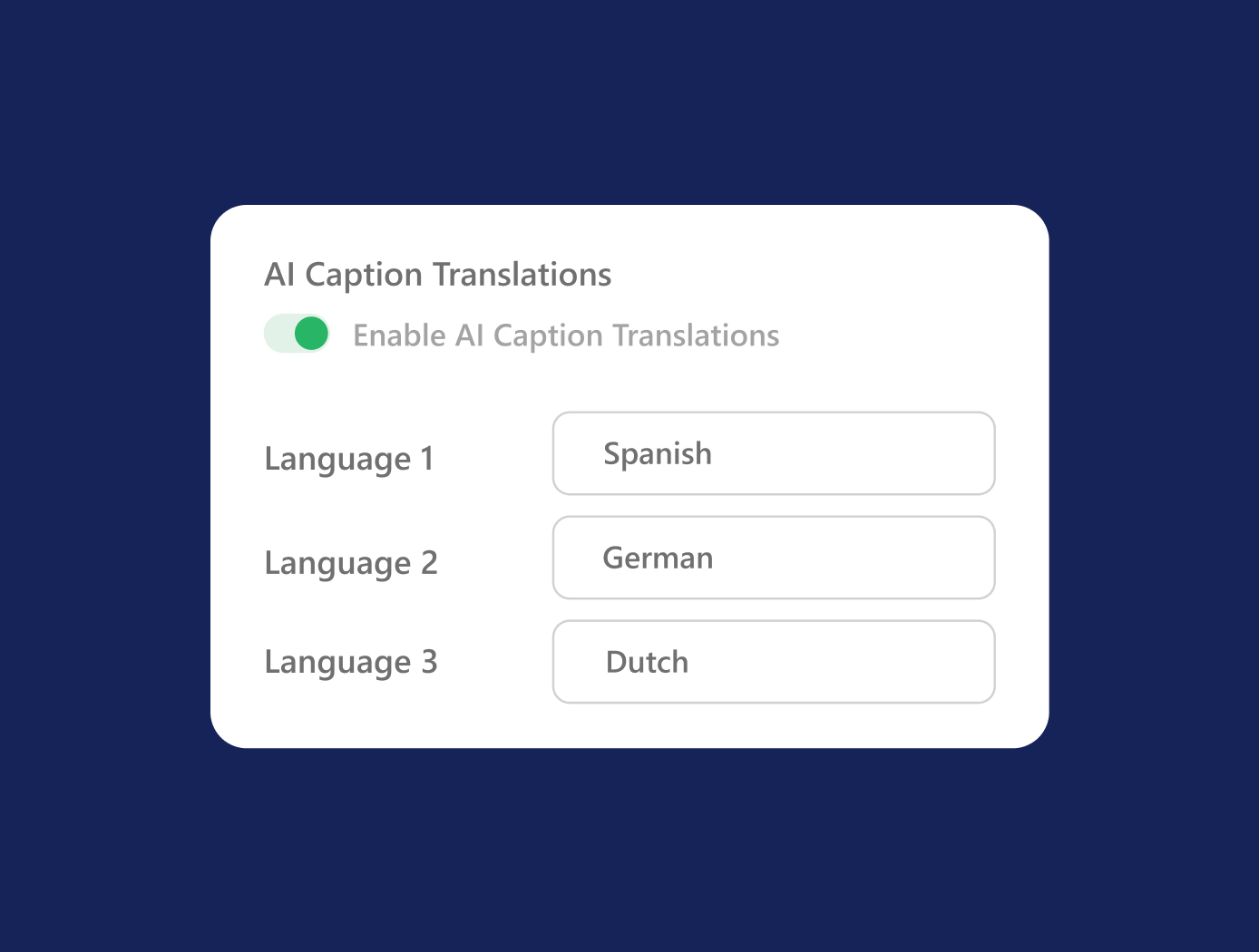
Panopto prend en charge plusieurs pistes de sous-titrage par vidéo, en plusieurs langues, de sorte que chaque usager puisse accéder au contenu dans la langue de son choix, sans avoir à créer d'enregistrements supplémentaires. Le sous-titrage automatique multilingue garantit une accessibilité homogène dans toute votre bibliothèque, et le téléchargement des transcriptions est disponible pour les usagers qui préfèrent les supports textuels aux vidéos.
Créez vos propres légendes
Adaptez votre approche au sous-titrage aux normes de votre organisation.
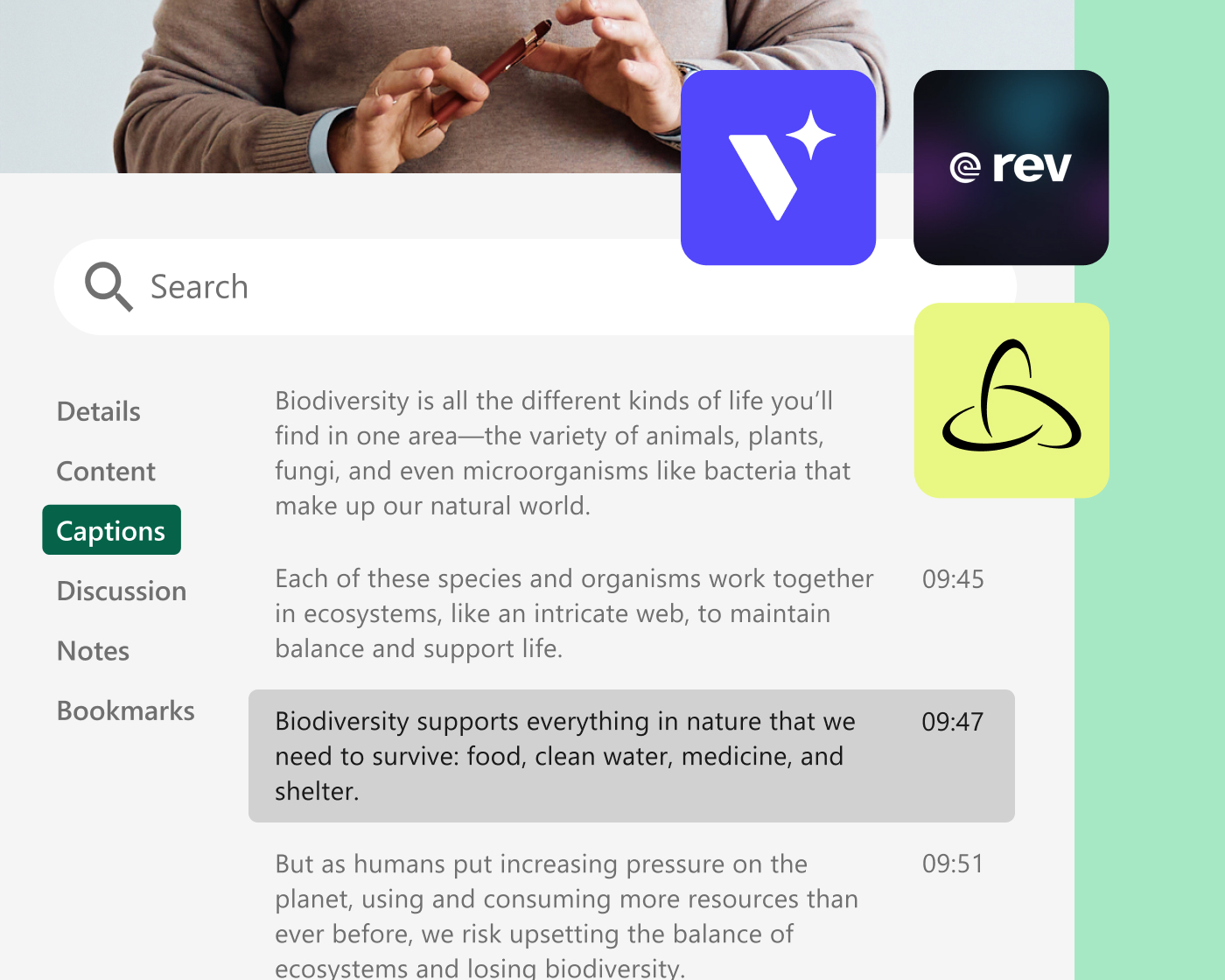
Choisissez parmi les sous-titres automatiques générés par l'IA pour plus de rapidité et d'efficacité, les sous-titres transcrits par des humains conformes à la section 508 pour une précision garantie, ou l'intégration d'applications tierces avec des fournisseurs comme 3Play Media. Rev .com, et Verbit.ai. L'édition des sous-titres permet aux créateurs de corriger manuellement les sous-titres générés automatiquement, et le sous-titrage en temps réel par flux RTMP prend en charge les sous-titres en temps réel pour les événements en direct.
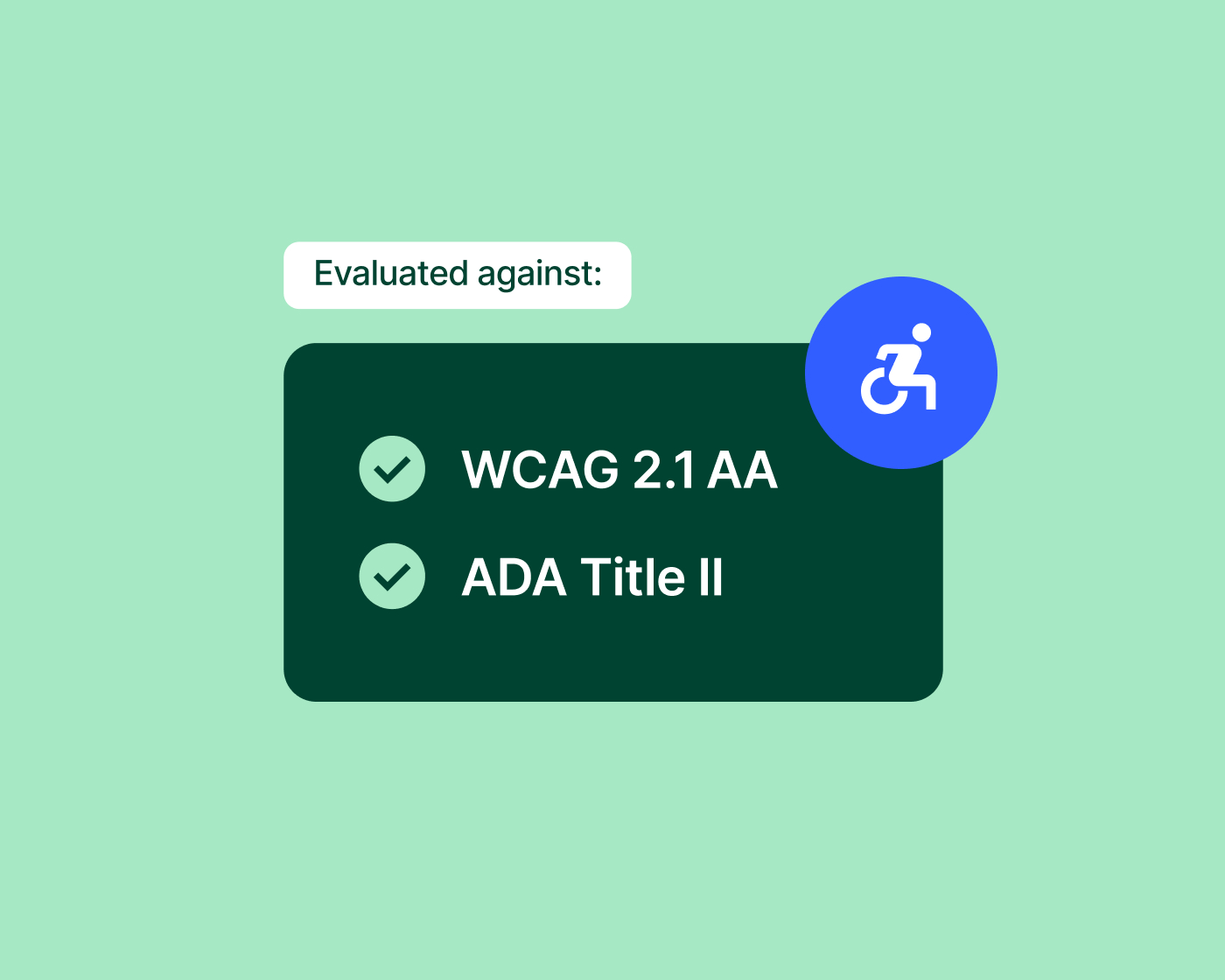
Respecter les exigences de conformité
Anticipez les exigences de conformité sans la charge opérationnelle
À mesure que les exigences en matière d'accessibilité évoluent, Panopto Ce service aide les institutions à se conformer aux directives telles que le Titre II de l'ADA grâce à des outils pratiques de sous-titrage, d'audiodescription et de reporting. Un audit d'accessibilité réalisé par un tiers et un rapport de conformité à l'accessibilité mis à jour attestent de cette conformité. Panopto sa conformité aux normes WCAG 2.2 niveau AA et à la section 508.
Module complémentaire de plateforme
Déployez l'accessibilité multilingue sur l'ensemble de votre bibliothèque
Access AI enrichit chaque vidéo de votre bibliothèque grâce à des résumés et des chapitres intelligents générés par l'IA, rendant le contenu plus facile à parcourir et offrant aux usagers davantage de possibilités d'interaction, à leur rythme propre. Combiné avec les fonctionnalités de sous-titrage multilingues de Panopto, Access AI contribue à étendre l'accessibilité à l'ensemble de votre bibliothèque de contenu, et ce à grande échelle.
Explorez tout ce que Panopto peut faire
L'accessibilité est l'un des aspects d'une plateforme conçue pour tirer le plus possible des vidéos dans toute votre organisation. Découvrez les fonctionnalités qui la rendent possible.
Examinez de plus près l'accessibilité


Foire aux questions
Comment Panopto gère-t-il le sous-titrage des vidéos ?
Les paramètres de sous-titrage automatique peuvent être configurés au niveau du dossier ou du système lors du processus d'enregistrement, offrant ainsi aux organisations plusieurs options pour répondre à leurs exigences en termes de précision et de conformité. Le sous-titrage automatique est disponible peu après le traitement, ce qui est idéal pour les flux de tâches rapides et les volumes importants. Pour les contenus où la précision est essentielle, les organisations peuvent demander des sous-titres transcrits par des humains et conformes à la Section 508, ou faire appel à un prestataire indépendant de services de sous-titrage. Les éditeurs de sous-titres permettent aux créateurs de corriger ou améliorer les sous-titres générés automatiquement directement sur la plateforme, sans changer d'outil.
Est-ce que Panopto répond aux exigences d'accessibilité des normes ADA et WCAG ?
Le titre II de l'ADA établit des exigences d'accessibilité numérique pour les institutions publiques américaines concernées, y compris les collèges et universités publics, sur la base du niveau AA des WCAG 2.1.
Panopto Ce service aide les établissements à gérer leurs efforts d'accessibilité grâce à des options de sous-titrage automatique et humain, des services d'audiodescription et des rapports offrant une visibilité sur la couverture d'accessibilité des vidéothèques. Ces fonctionnalités permettent aux équipes d'identifier les contenus nécessitant une attention particulière, de prioriser les améliorations et de réduire les tâches manuelles.
Panopto Le rapport de conformité en matière d'accessibilité mis à jour de la plateforme atteste de sa conformité aux normes WCAG 2.2 niveau AA et à la section 508 et est disponible via le site web suivant : Panopto Centre de confiance.
Est-ce que Panopto peut traduire des vidéos en d'autres langues ?
Oui. Panopto prend en charge le sous-titrage automatique ASR en plus de 20 langues, avec la traduction des sous-titres disponible en option, permettant ainsi de proposer plusieurs pistes audio en plusieurs langues par vidéo sans duplication des enregistrements. Les sous-titres traduits et les transcriptions sont indexés par la fonctionnalité de recherche de Panopto afin que le contenu dans les langues prises en charge soit aussi facile à trouver que le contenu original. Ceci est particulièrement utile pour les établissements accueillant des étudiants internationaux ou les organisations mondiales dont les effectifs sont multilingues.
Quels contrôles d'accessibilité les usagers de Panopto ont-ils à disposition ?
Les usagers peuvent personnaliser l'affichage des sous-titres (taille, couleur et position de la police) selon leurs préférences. La lecture à vitesse variable permet de visionner le contenu à une vitesse de facteur 0,5 à 2, ce qui est utile pour les usagers qui ont besoin de ralentir face à un matériel complexe ou, au contraire, de parcourir rapidement des contenus familiers. Le téléchargement des transcriptions offre aux usagers qui préfèrent lire plutôt que regarder un autre contenu la possibilité d'accéder à ces mêmes ressources. Ces options sont accessibles à tous les utilisateurs sans configuration particulière de la part des enseignants ou des administrateurs.