







Accessibility
Make every video work for every learner
Panopto helps institutions and organizations make video learning more accessible while navigating evolving requirements, with flexible captioning, accessible playback, and workflows built to scale.
Make accessibility part of the workflow, not the workload
Making video accessible shouldn’t mean adding more work for faculty, content creators, or administrators. Panopto integrates captioning, accessibility services, and reporting into existing video workflows, helping institutions improve accessibility across their content libraries without adding unnecessary complexity.
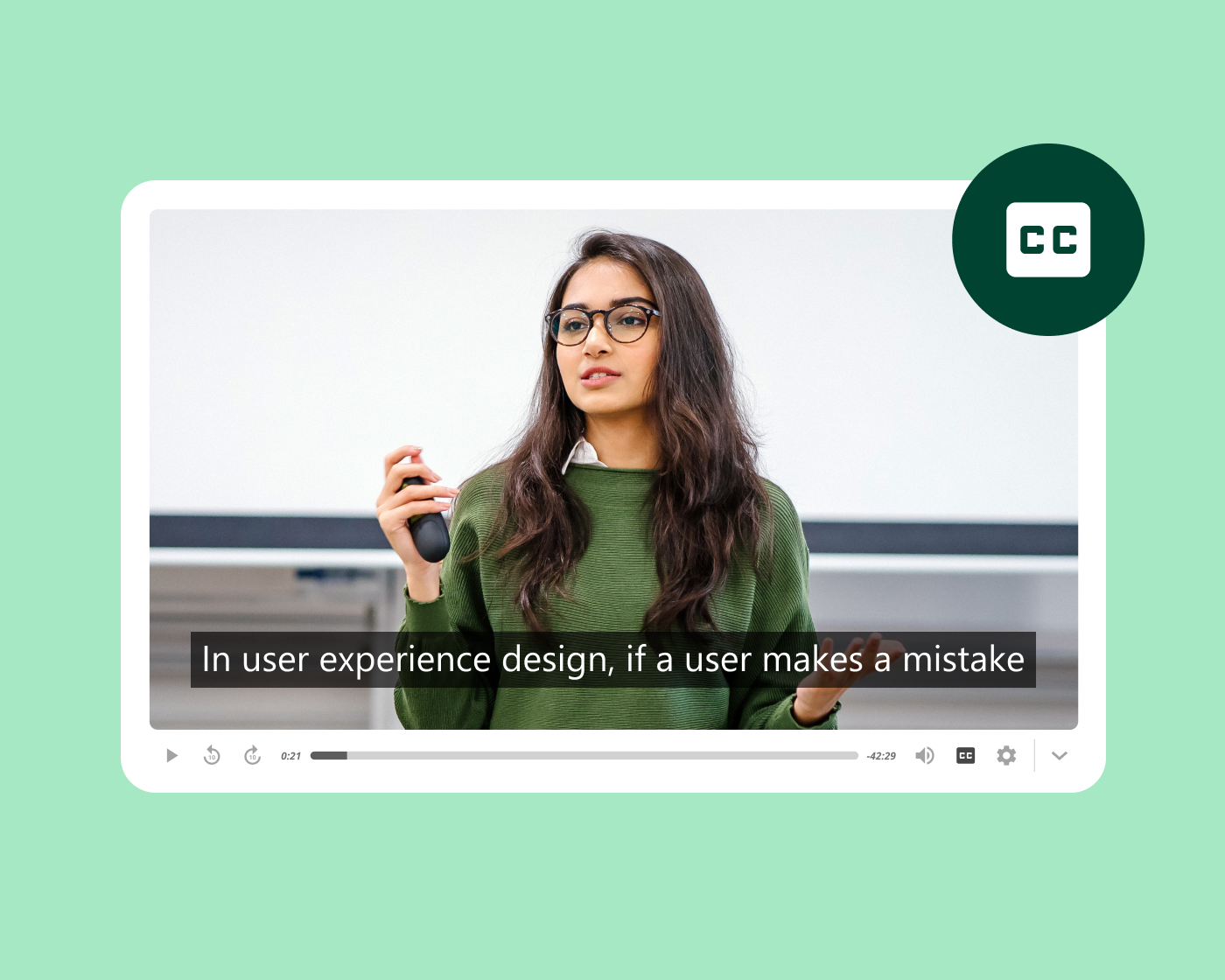
Support learners of all abilities
Give every learner control over how they engage
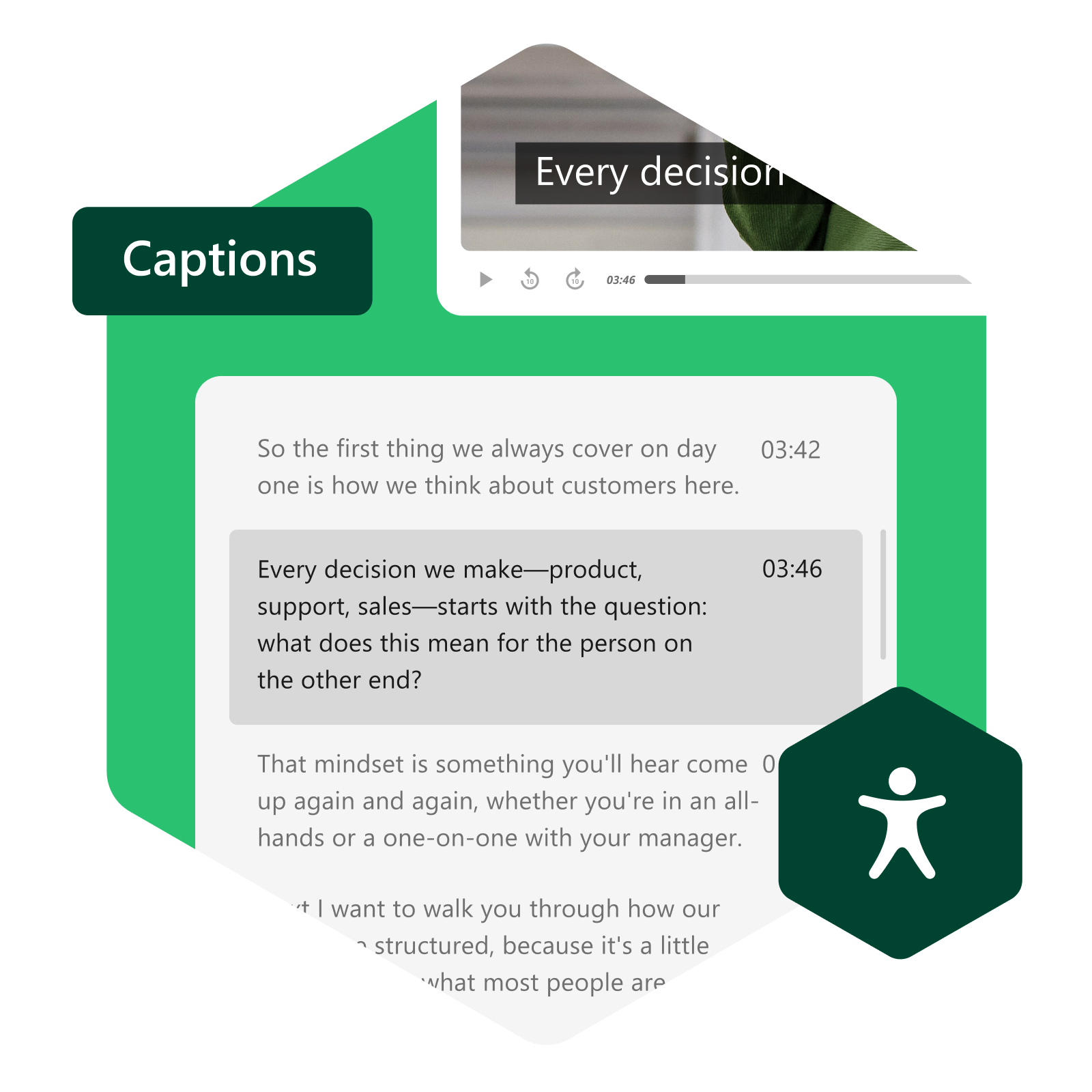
Screen reader support, keyboard navigation, accessible controls, and closed captioning ensure learners of all abilities can engage with content. Caption styling options including color contrast and text size give learners control over how captions display to suit their individual needs. Variable speed playback lets every learner move at their own pace—from 0.5x to 2x.
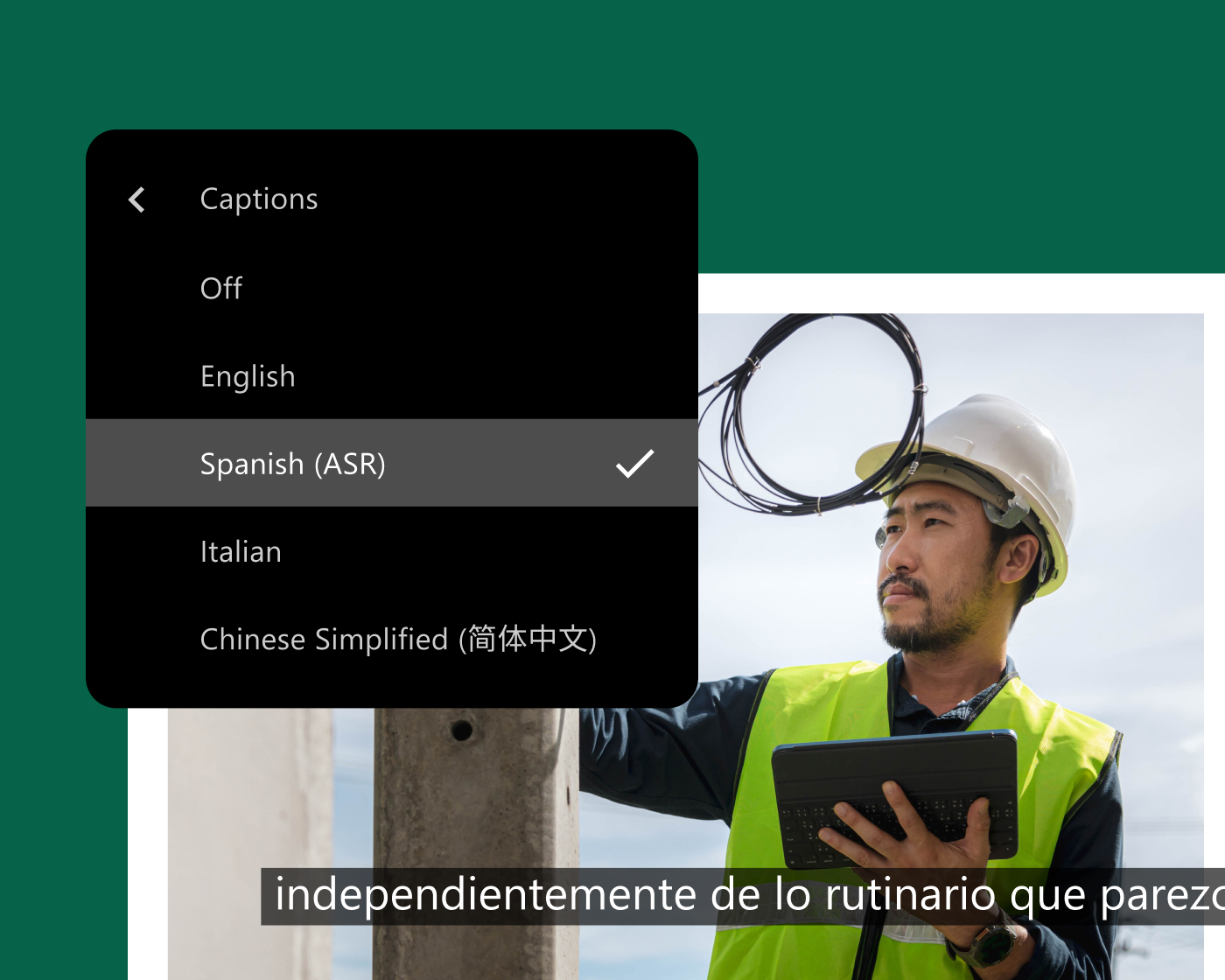
Reach a global audience
Make your content library more accessible in any language
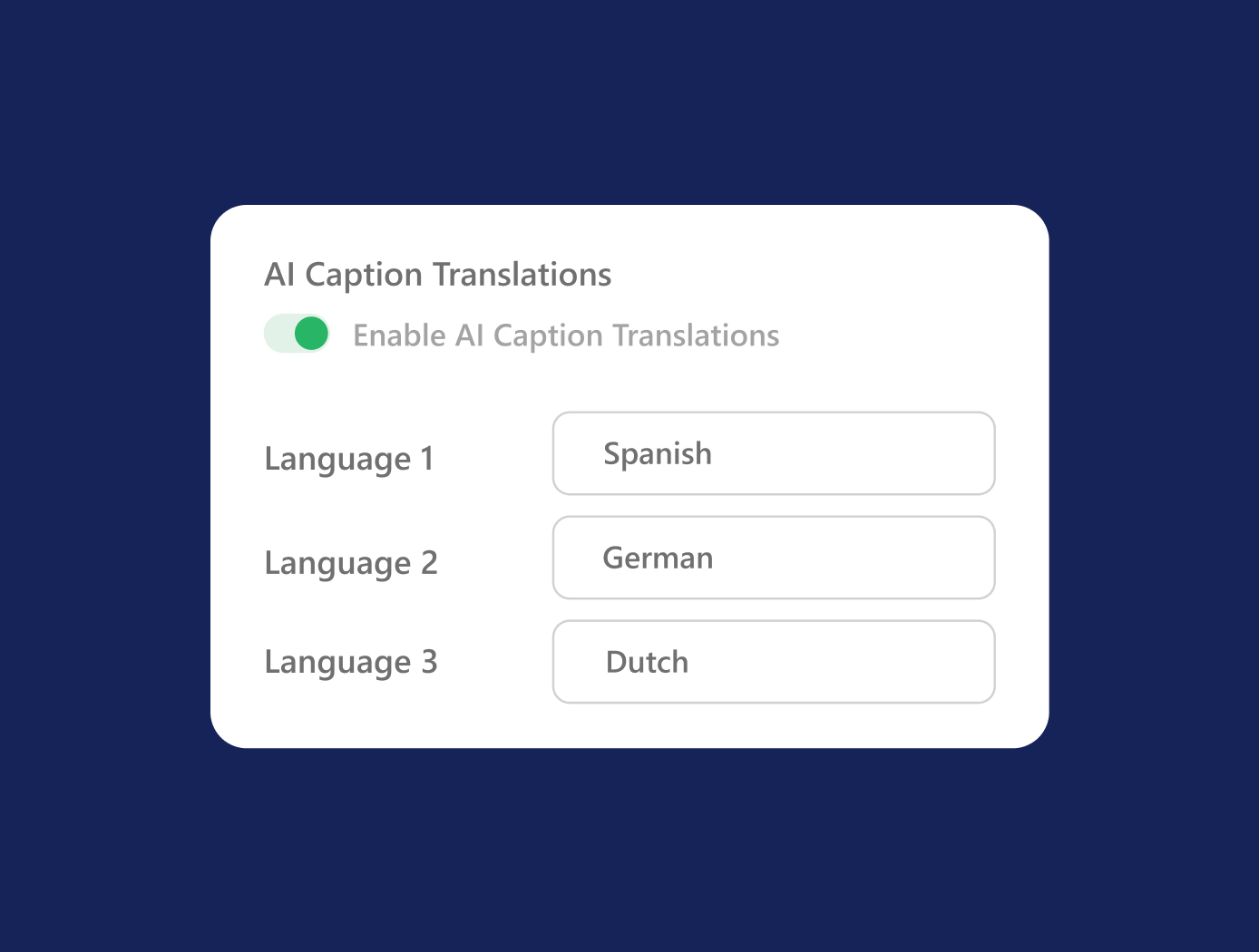
Panopto supports multiple language caption tracks per video, so every learner can engage with content in their preferred language—without creating separate recordings. Multilingual ASR captioning ensures consistent accessibility coverage across your library at scale, and transcript downloads support learners who rely on text-based alternatives to video.
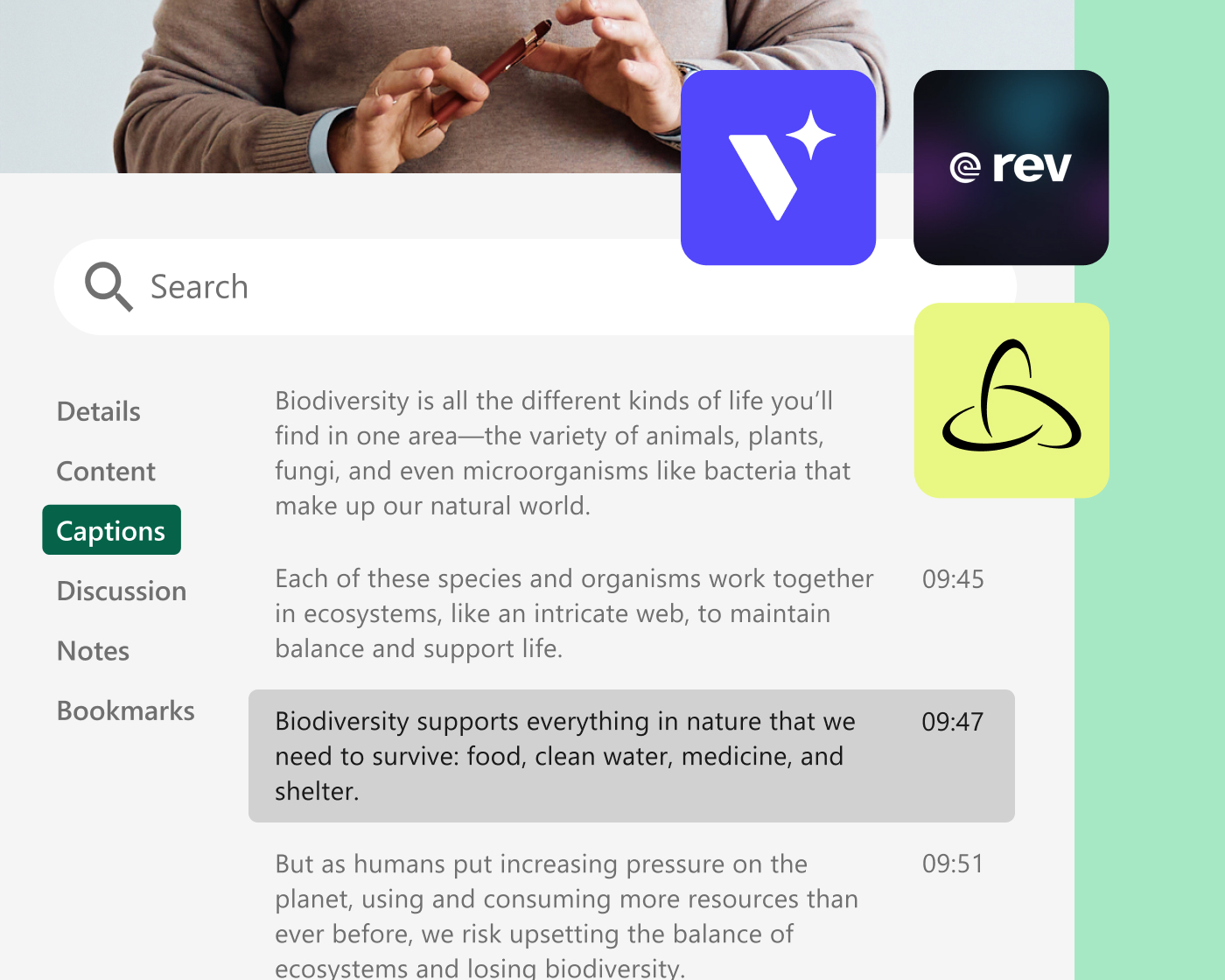
Generate captions your way
Match your captioning approach to your organization’s standards
Choose from automatic AI-generated captions for speed and scale, Section 508-compliant human-transcribed captions for guaranteed accuracy, or third-party integrations with providers like 3Play Media, Rev.com, and Verbit.ai. Caption editing lets creators correct auto-generated captions manually, and RTMP live captioning supports real-time captions for live events.
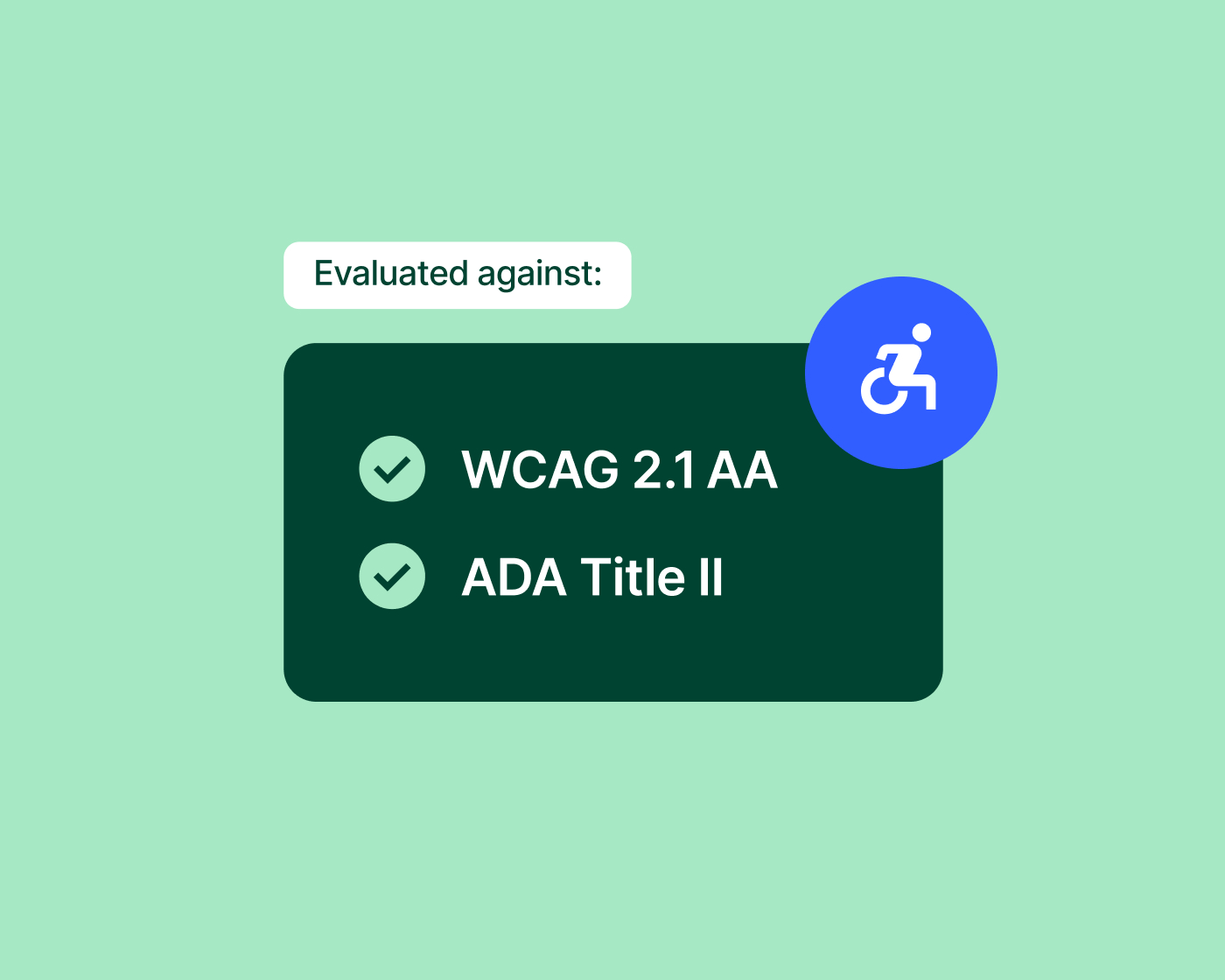
Meet compliance requirements
Stay ahead of compliance requirements without the operational burden
As accessibility requirements evolve, Panopto helps institutions navigate guidelines such as ADA Title II with practical tools for captioning, audio description, and reporting. A recent third-party accessibility audit and updated Accessibility Conformance Report document the Panopto’s conformance with WCAG 2.2 Level AA and Section 508 standards.
Platform add-on
Scale multilingual accessibility across your entire library
Access AI enhances every video in your library with AI-generated summaries and smart chapters, making content more navigable and giving learners more ways to engage on their own terms. Combined with Panopto’s multilingual captioning capabilities, Access AI helps extend accessibility across your entire content library at scale.
Explore more of what Panopto can do
Accessibility is one part of a platform designed to make video work harder across your entire organization. Explore the capabilities that make it possible.
Take a closer look at accessibility


Frequently asked questions
How does Panopto handle video captioning?
Auto-captioning settings can be configured at the folder level, or at the system level as part of the recording workflow, giving organizations multiple options to match their accuracy and compliance requirements. Automatic captions can be made available shortly after processing—suitable for fast turnaround and high-volume workflows. For content where accuracy is critical, organizations can request Section 508-compliant human-transcribed captions or connect to a third-party captioning provider. Caption editors let creators correct or refine auto-generated captions directly in the platform without switching tools.
Does Panopto meet ADA and WCAG accessibility requirements?
ADA Title II establishes digital accessibility requirements for covered U.S. public institutions, including public colleges and universities, based on WCAG 2.1 Level AA.
Panopto helps institutions manage accessibility efforts with automated and human captioning options, audio description services, and reporting that provides visibility into accessibility coverage across video libraries. These capabilities help teams identify content that needs attention, prioritize improvements, and reduce manual work.
Panopto’s updated Accessibility Conformance Report documents the platform’s conformance with WCAG 2.2 Level AA and Section 508 standards and is available through the Panopto Trust Center.
Can Panopto translate videos into other languages?
Yes. Panopto supports ASR auto-captioning in 20+ languages, with translated captioning available as an additional service—delivering multiple language tracks per video without duplicating recordings. Translated captions and transcripts are indexed by Panopto’s search—so content in supported languages is just as discoverable as the original. This is particularly useful for institutions with international student populations or global organizations with multilingual workforces.
What accessibility controls do learners have in Panopto?
Learners can adjust caption display settings including font size, color, and position to suit their preferences. Variable speed playback lets viewers watch at speeds from 0.5x to 2x—useful for learners who need to slow down complex material or move quickly through familiar content. Transcript downloads give learners who prefer reading over watching a way to engage with the same material. These controls are available to every viewer without requiring special configuration by instructors or administrators.