










Enterprise video platform
One searchable library for every training, town hall, and presentation
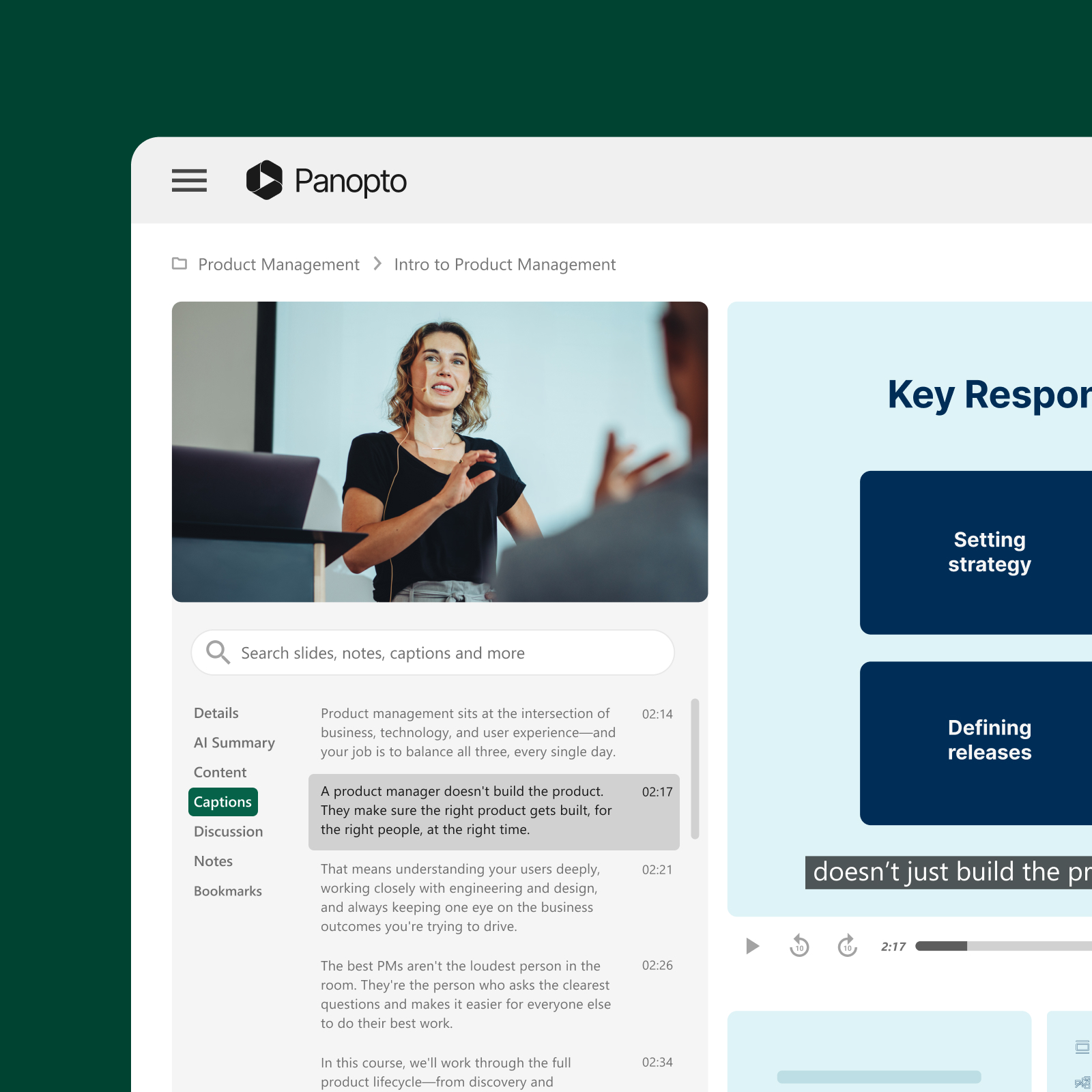
Scale video learning across your organization, from meeting recordings to live streams and training content. Panopto handles any number of employees and hours of video with infrastructure built for enterprise requirements.
Trusted by 2,000+ organizations worldwide




Built for how enterprise organizations actually work
Capture, search, stream, secure, and manage all your organization’s video, turning scattered recordings into a governed library everyone can actually use.
AI Video Search
Find any moment in any recording
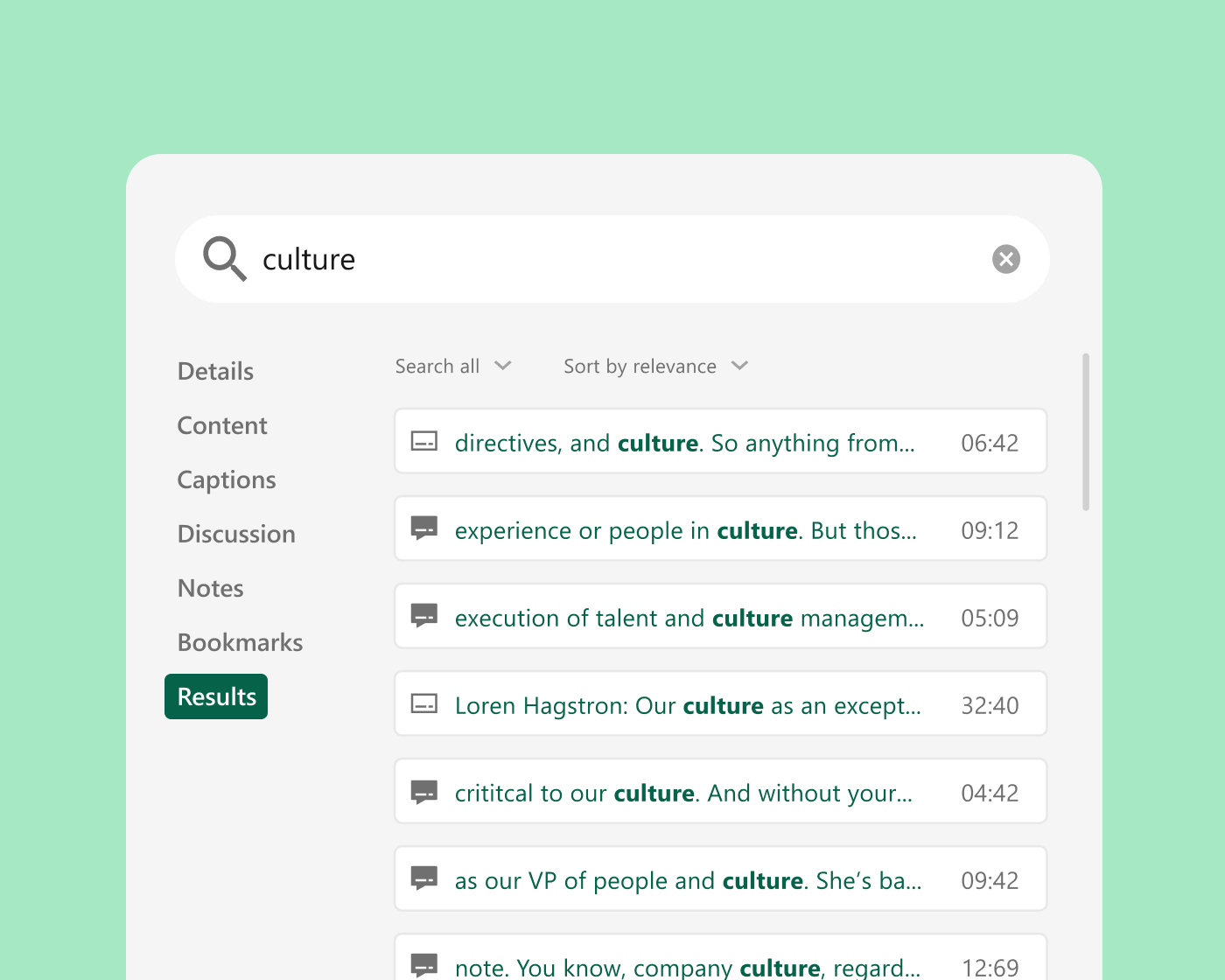
Panopto indexes the audio and the visuals in every video you upload, using automated transcription to make every word searchable. Smart Search returns the exact point in the recording where a topic was discussed, whether the words were spoken out loud or displayed on a slide, a shared screen, or a whiteboard. Smart Chapters break long recordings into sections automatically, so a viewer can skip to what matters instead of watching from the start.
Video creation software
Video creation that scales
Automatic capture from your existing conferencing tools. Recordings arrive automatically from Zoom, Microsoft Teams, GoTo Meeting, and Webex. Teams create new content with Panopto Capture in a browser, or with Remote Recorder in a fixed room, simplifying video workflows without a production team in the middle.
Enterprise video content management
One place for every kind of video
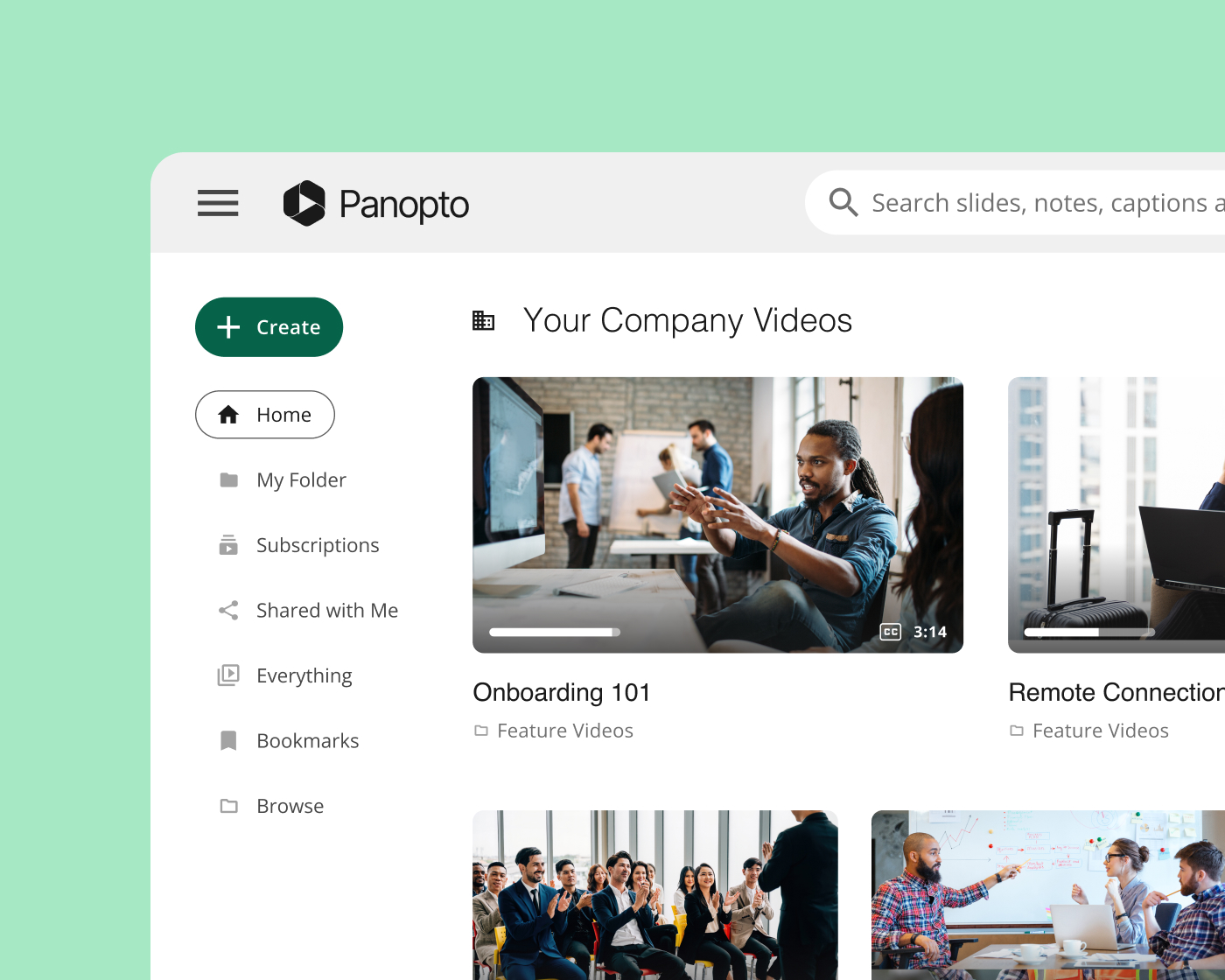
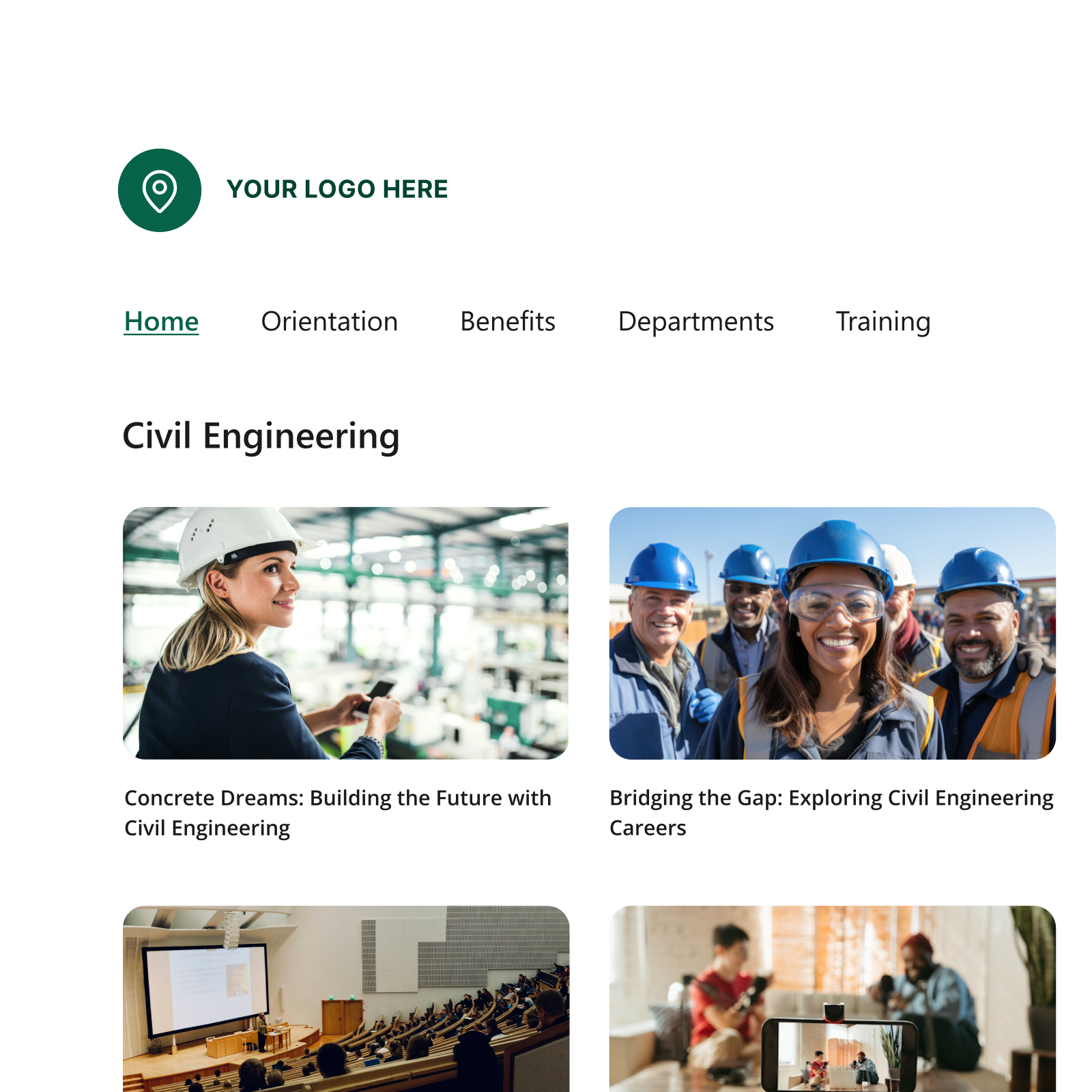
Panopto acts as a central hub for all your video portals. Knowledge Insights reporting on views, completion, and advanced analytics for engagement.
Live streaming
Live, interactive, and built for large audiences
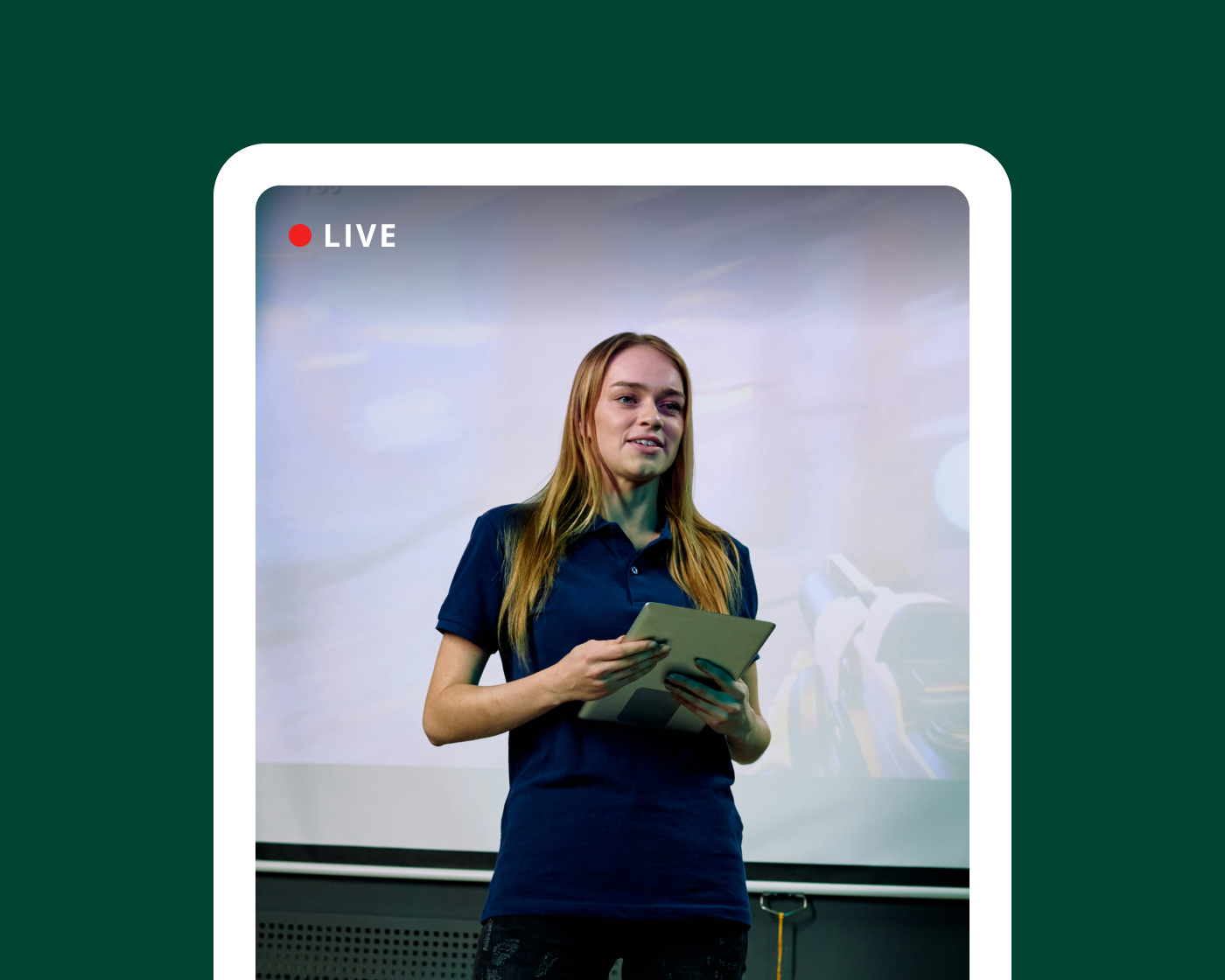
Live streaming with multi-stream playback, in-video quizzing, comments, and note taking. Recordings available as on-demand video in the same library, already indexed and captioned. Adaptive playback across devices and network conditions.

Security and compliance
Built to pass enterprise security review
Panopto holds ISO 27001, ISO 27017, ISO 27018, and ISO 9001 certifications, is SOC 2 Type II compliant, and is TX-RAMP Level 2 authorized. It supports GDPR, FERPA, Section 508, and WCAG 2.1 AA. Documentation is available in the Panopto Trust Center.
Extend what’s possible with platform add-ons
AI Video Studio
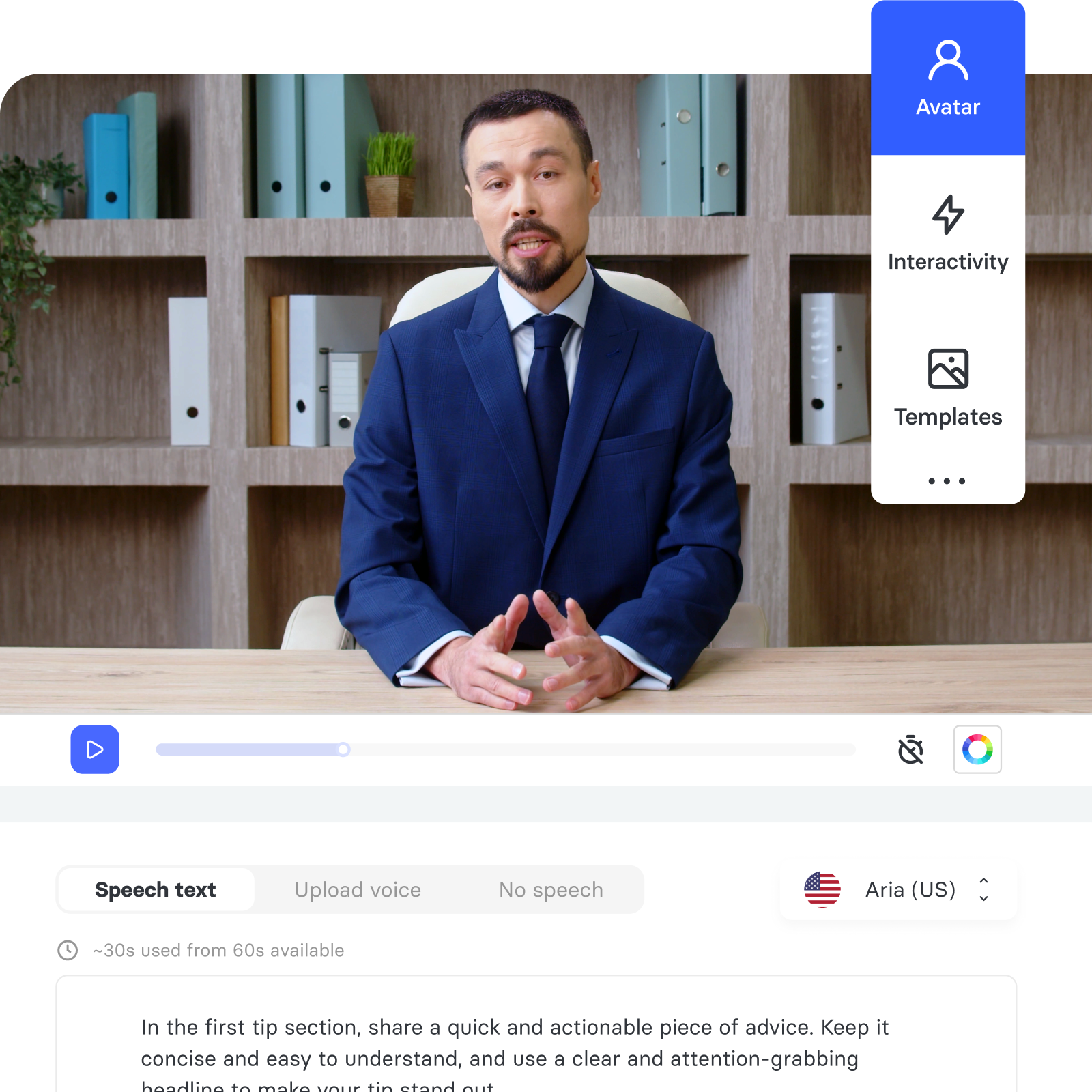
Go from presentation, PDF, or prompt to polished video in minutes.
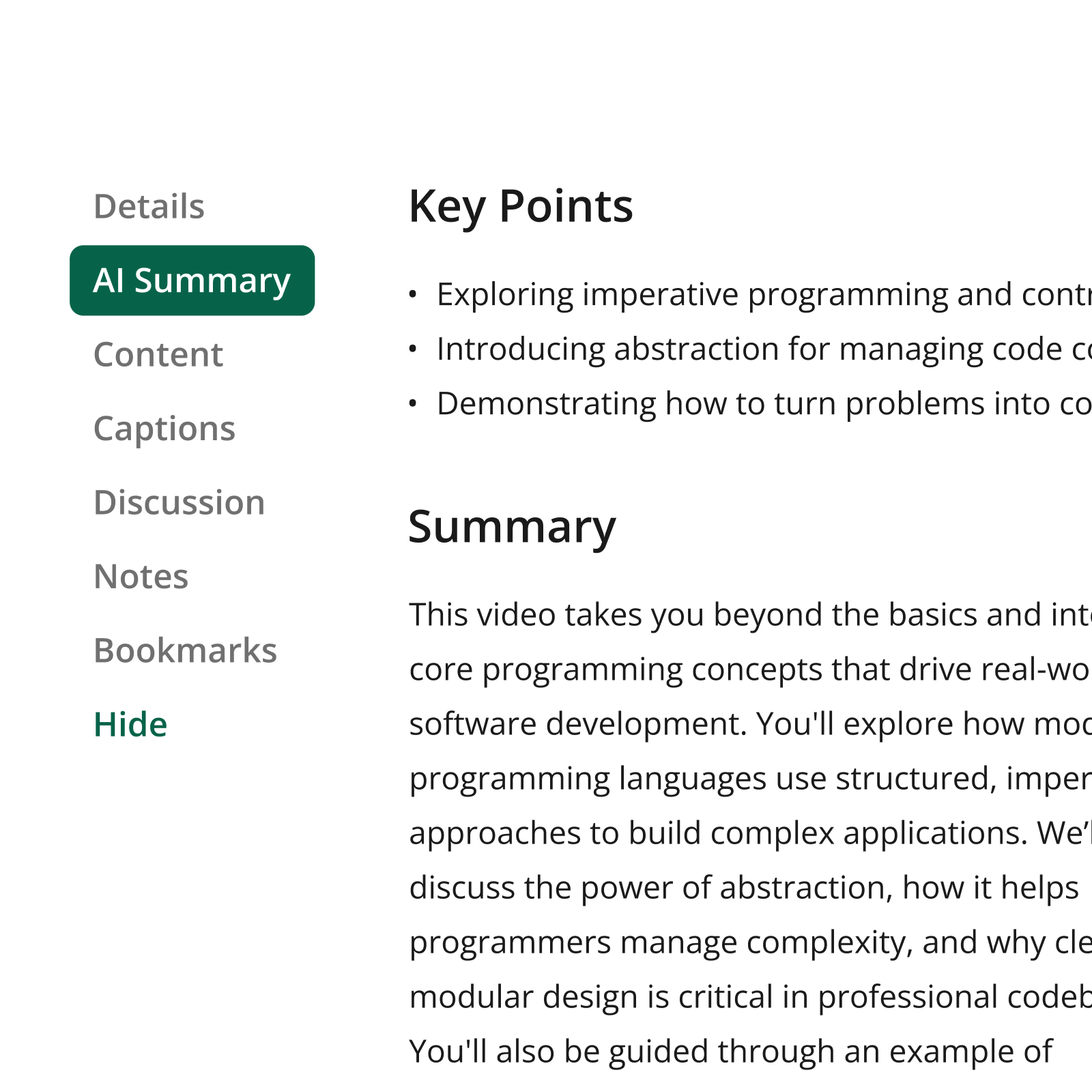
Access AI
Help learners find the precise information they need, faster.
Connect
Deliver branded video experiences that reach beyond your LMS.
Knowledge Insights
Turn viewing data into decisions that improve learning outcomes.
Hear how our customers are putting knowledge to work



Seamlessly integrate with your systems
From authentication to content delivery, Panopto integrates with leading LMS, conferencing, and collaboration platforms, so video fits into your existing workflows rather than sitting outside them.

SAP SuccessFactors
Human resources information systems

Workday
Human resources information systems

Cornerstone
Learning management system

Slack
Collaboration

Zoom
Collaboration
Microsoft Teams
Collaboration
What organizations achieve with Panopto

“For the team here at Nike, Panopto has two major benefits. First, the Panopto video platform really helps us meet all our video needs. And second, Panopto’s customer support and service has been just amazing.”
Program Coordinator, Nike
Video training across industries
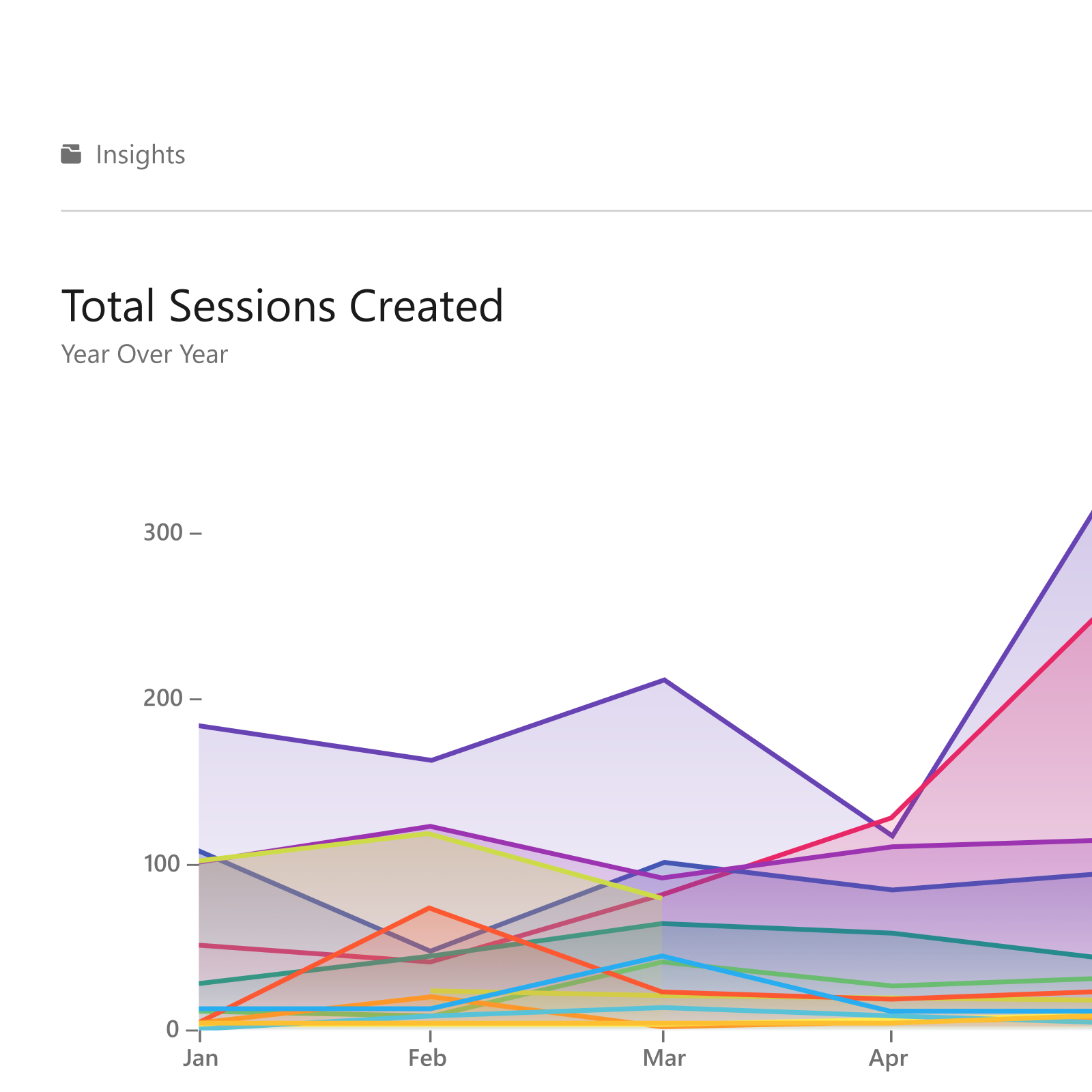
Organizations across sectors use Panopto to build scalable, governed training libraries—delivering consistent instruction to every employee, regardless of location or role.
Enterprise video, explained
What is an enterprise video platform?
An enterprise video platform is one system for recording, storing, organizing, and sharing all of an organization’s corporate video. It replaces the mix of meeting tools, shared drives, and file links that most companies end up with, and it adds the things those tools do not have: search inside the video itself, permissions that follow your existing user groups, and reporting on what people actually watched.
The difference between an enterprise video platform and consumer video hosting or an enterprise video solution like Brightcove or Vidyard comes down to what happens after upload. Consumer tools store a file and give you a link. Panopto indexes every spoken word and every word shown on screen, applies the access rules your IT team already maintains, and keeps the recording findable years later by the people who need it. Panopto is used for workforce training, onboarding, compliance courses, town halls, executive updates, and meeting recordings, across 2,000+ organizations worldwide.
Frequently asked questions
What is the difference between an enterprise video platform and a video CMS?
A video CMS is the library layer—storing, organizing, and controlling access to video. An enterprise video platform includes that library and adds the capabilities around it: recording, live streaming, search inside video, and video analytics. The distinction matters when you’re comparing vendors, because some cover only storage. Panopto covers both.
How is this different from using Zoom or a shared drive?
Meeting tools and shared drives are built to store the file. Searching across an entire video library, applying permissions that follow your identity provider, and seeing who actually watched sit outside what they’re designed to do. Panopto pulls recordings from your conferencing tools automatically and adds search, access control, and reporting on top.
Is Panopto an alternative to Microsoft Stream?
Yes. Panopto is a Microsoft Stream alternative that runs inside Microsoft Teams, so organizations moving off Microsoft Stream can keep video capture, sharing, and management in one governed library without changing where people already work.
How does Panopto control who can access a video?
Panopto controls video access through your existing single sign-on (SSO) and identity provider, so permissions follow the user groups your IT team already manages. Publishers can restrict an individual recording further with password protection—useful when one video needs tighter access than the group it sits in, without filing a ticket.
How is Panopto video data protected, and where is it stored?
Panopto encrypts video at rest and in transit using TLS 1.3, hosted on secure AWS cloud infrastructure. Organizations with geographic requirements can choose data residency options or an on-premises deployment, so video stays in the region or environment their policies require.
Does it work on mobile and on poor connections?
Yes. Panopto delivers video through a global CDN with adaptive playback, so quality adjusts to the available bandwidth instead of stalling. That matters for field teams, plant floors, and anyone training outside an office.
How long does it take to roll out?
Timelines depend on scope, but most organizations don’t migrate everything at once—they start with one team and one content type. Because Panopto connects to the conferencing tools and identity provider you already use, that first group can typically be recording and publishing while the wider rollout is still being planned.
How many users and how many hours of video can Panopto handle?
Panopto is built for organization-wide deployment, supporting large user populations and video libraries across global sites. Great Learning has delivered more than 5 million hours of learning to more than 10,000 professionals through Panopto.
Who uses Panopto?
Panopto is used across entire organizations rather than by a single team. Learning and Development and Internal Communications teams typically own and manage the library, while employees across the business are the day-to-day viewers.