










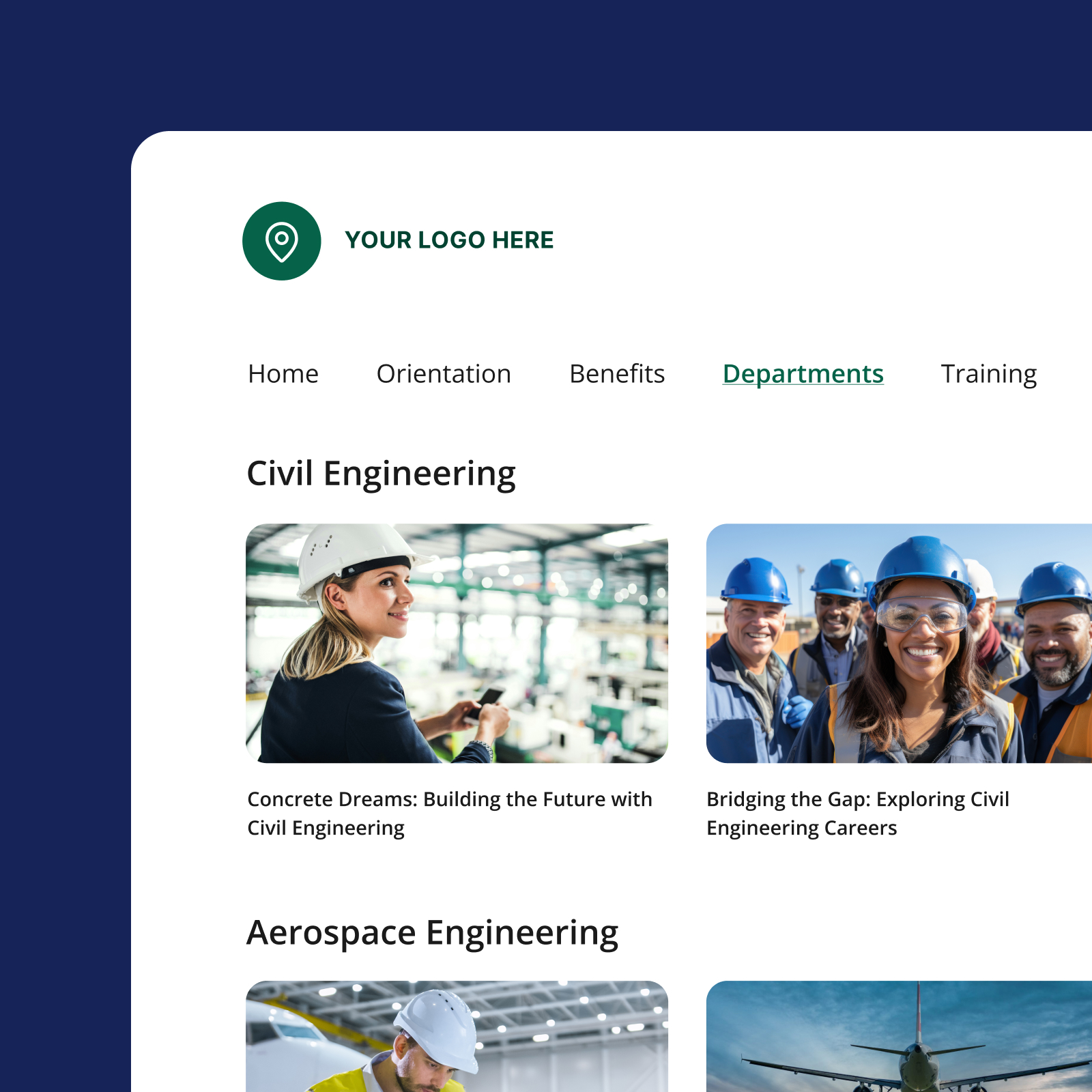
Connect · Add-on
Extend your video library to any audience, on your terms
Panopto Connect gives you a fully branded external video portal—so you can share content with alumni, partners, customers, or any audience outside your LMS without losing control of how it looks, who can access it, or how it’s organized. The content lives in Panopto. Connect puts it in front of the right people.
Platform add-on
Connect requires the Panopto Video CMS
Connect is a platform add-on that extends your Panopto library with an external-facing branded portal. Your content lives in the Video CMS. Connect makes it accessible to any audience, anywhere.
Trusted by 2,000+ customers across higher education and enterprise




Branded, governed video for every audience
Connect gives you a dedicated external portal that keeps your internal library completely separate—so you can share content with prospective students, channel partners, or customers without custom builds or manual access management.
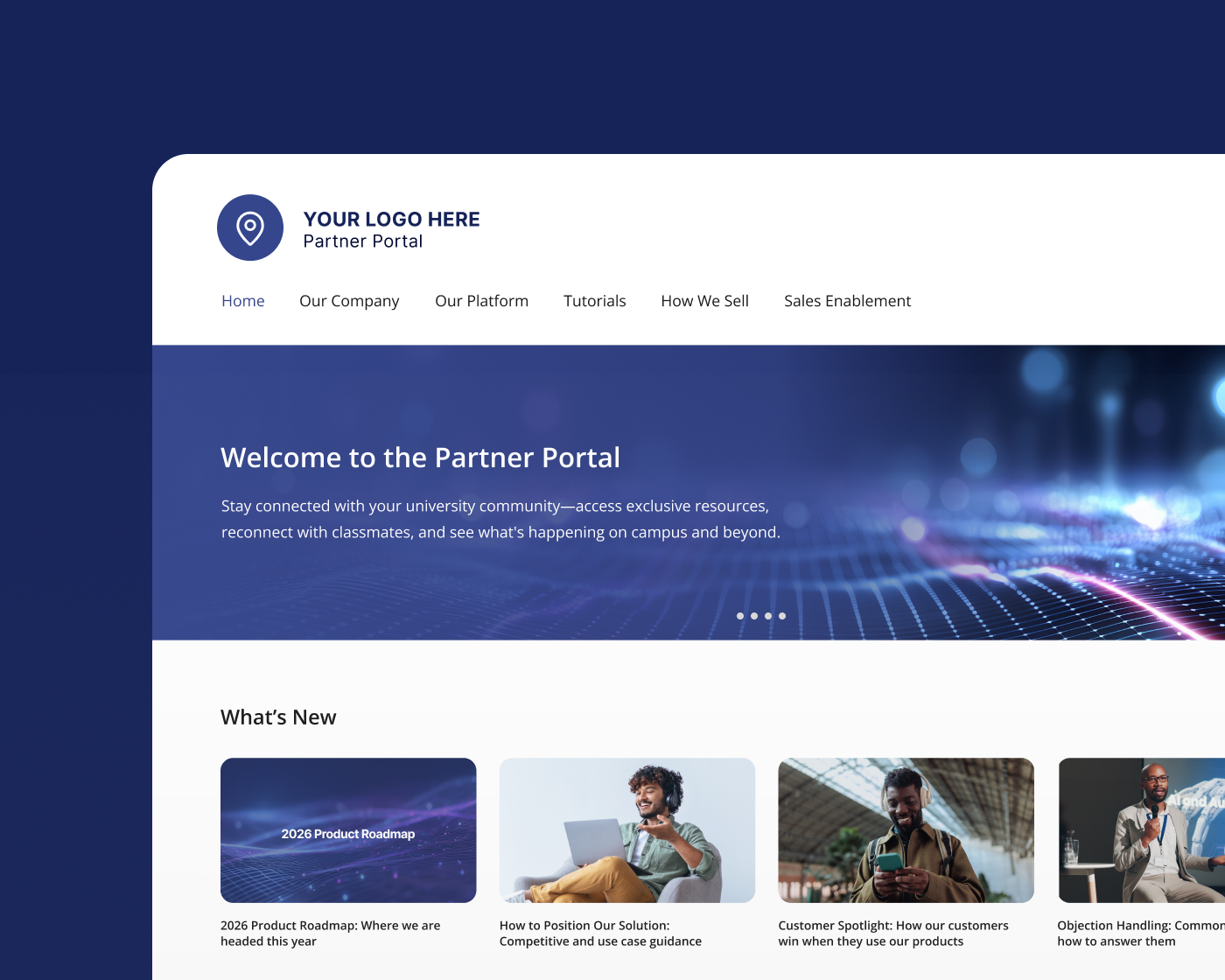
Branding
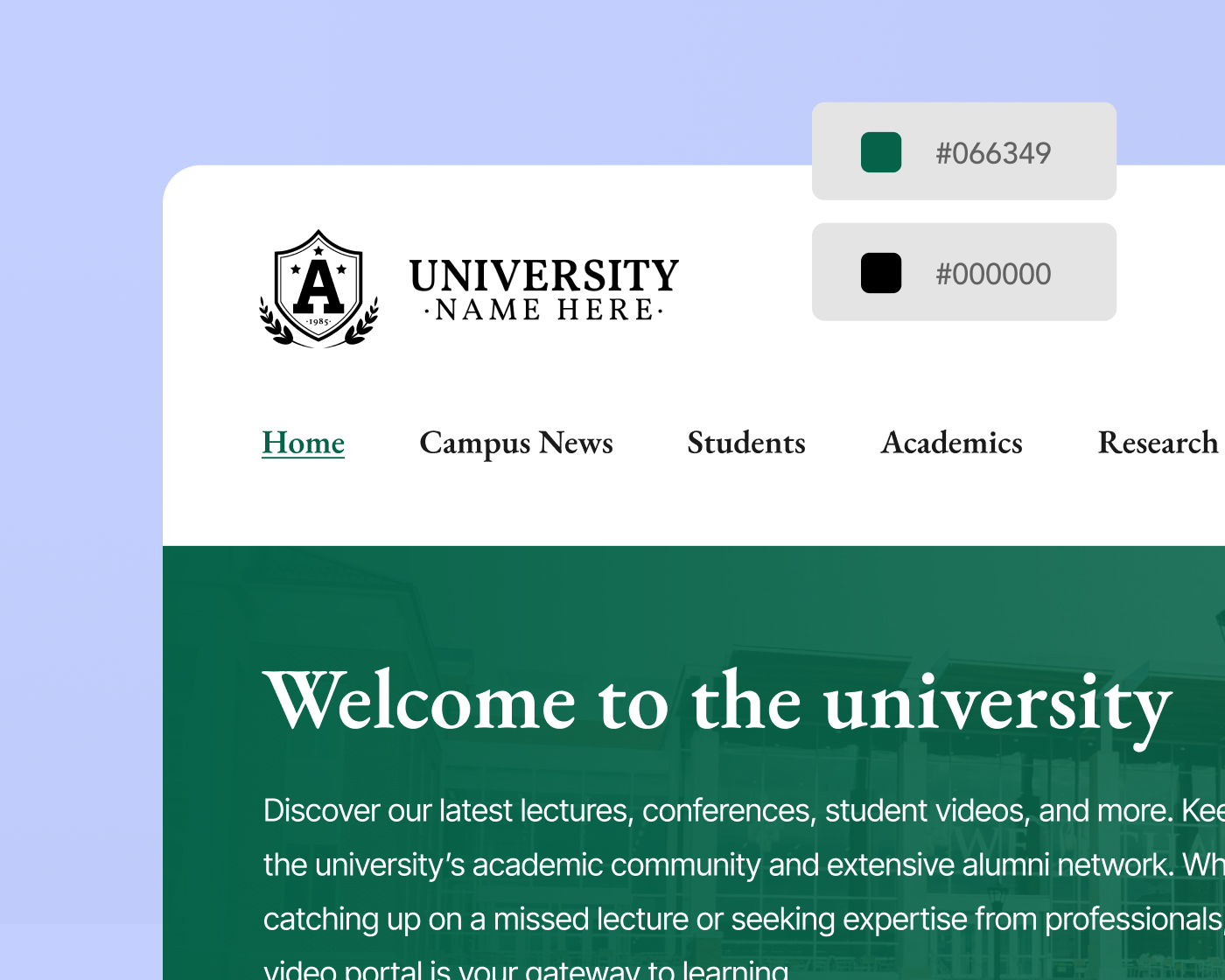
Every detail reflects your organization, not ours
The portal header, banners, player controls, navigation, and embedded player are all customizable to match your brand. Apply distinct branding at the folder level for departments, child brands, or business units—so every audience gets an experience that feels intentional.
Content pages and carousels
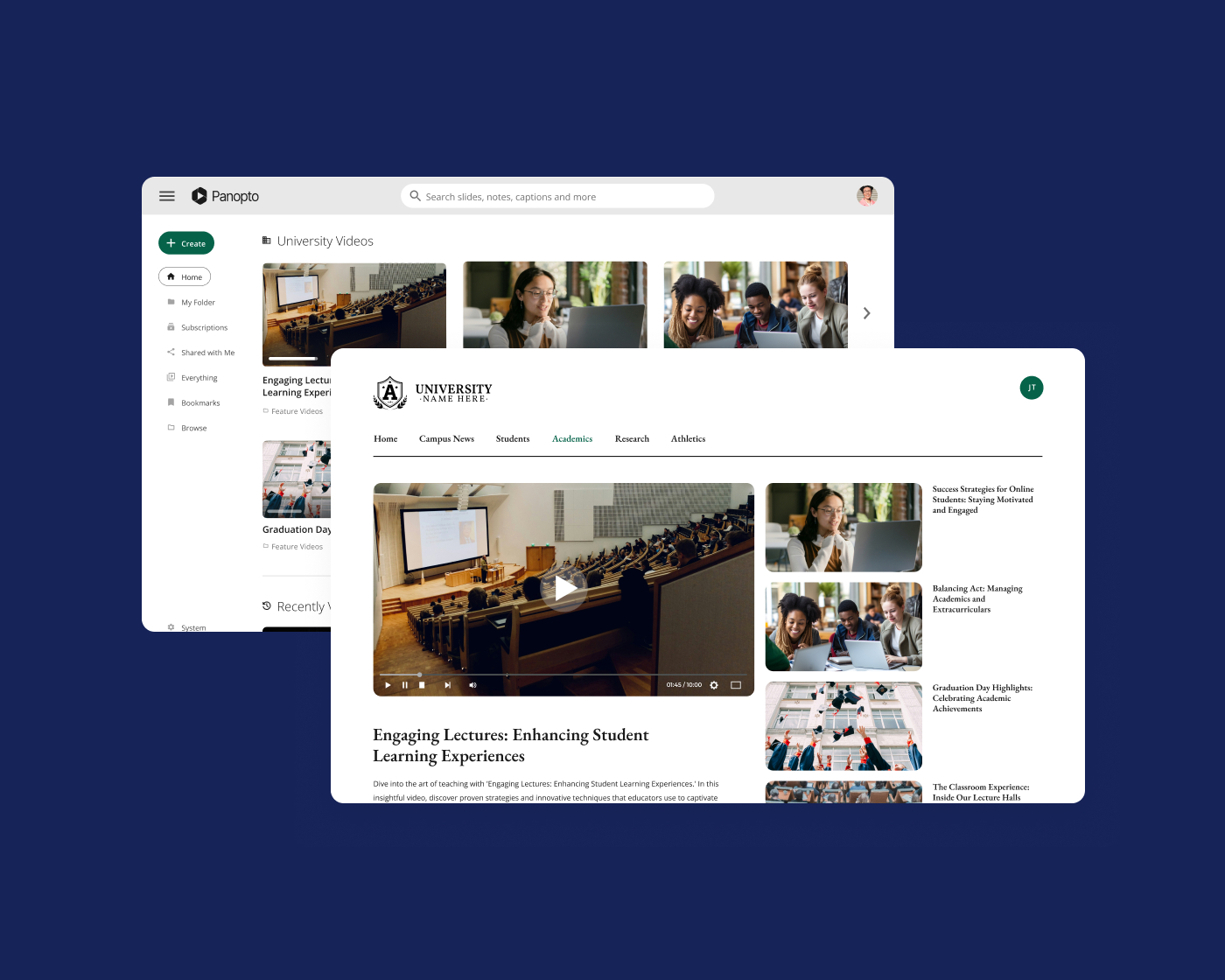
Organized the way your audience thinks, not your folder structure
Sub-pages, topic tags, and custom carousels let you surface featured content, highlight new releases, and group related videos in a format that keeps viewers browsing—all within your branded environment.
Permissions
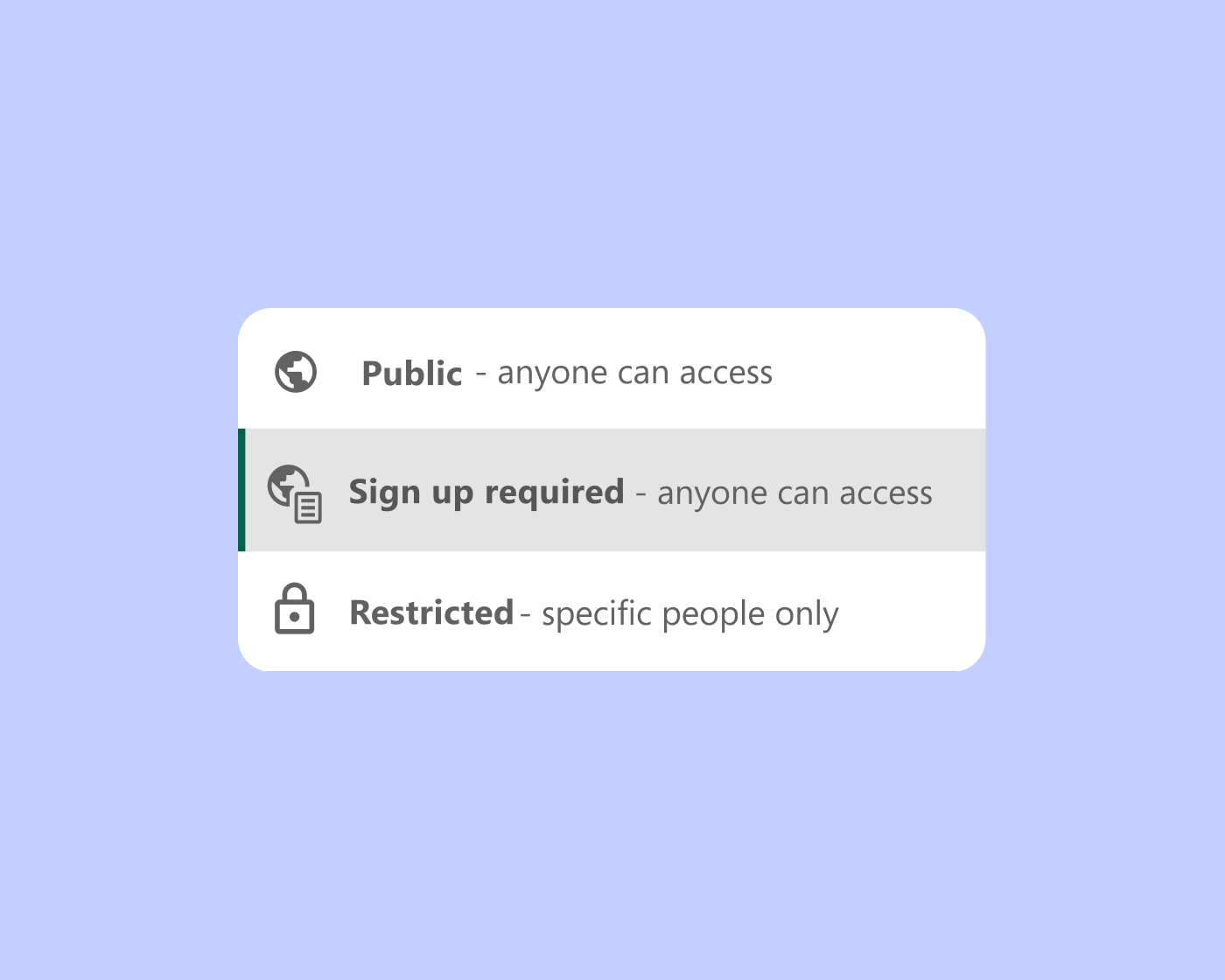
The right content in front of the right people, nothing more
Some content belongs in front of everyone. Some doesn’t. Administrators control access at the portal, page, or video level—offering a public URL for broad audiences or requiring SSO, password, or invite-only access for content that needs tighter controls

Responsive design
A consistent experience on any screen, without an app
Viewers get the same quality experience whether they’re on a desktop, tablet, or phone—adaptive bitrate streaming and mobile-first design handle the rest. No app download required.
Video Knowledge Platform
Panopto manages your video, Connect puts it in front of the right audience
Together, Panopto’s Video CMS and Connect give you a complete publishing solution—content that’s centralized, searchable, and governed, paired with a branded portal that makes it easy for any audience to find and watch. One platform, from ingestion to distribution.
Extend what’s possible with platform add-ons
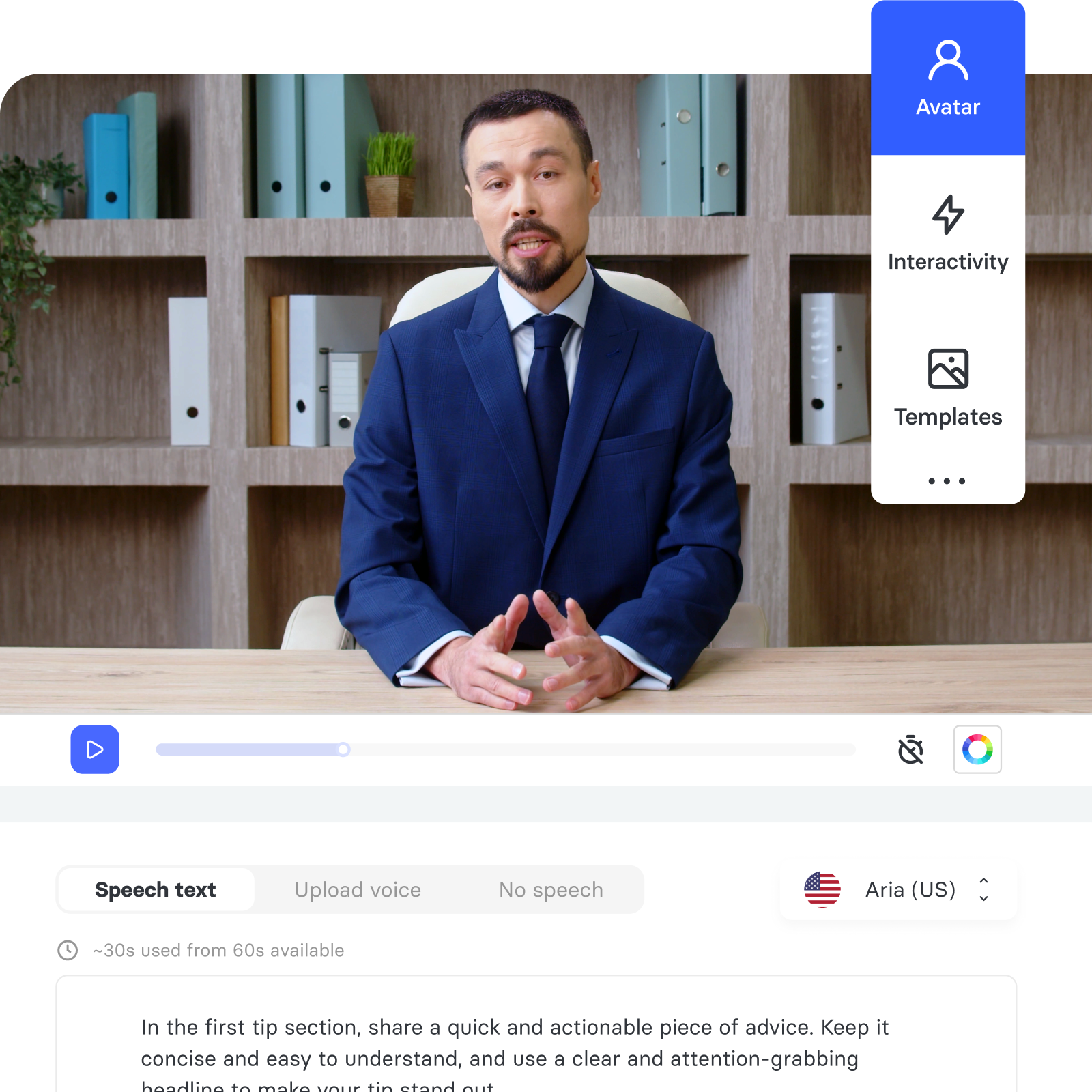
AI Video Studio
Go from presentation, PDF, or prompt to polished video in minutes.
Access AI
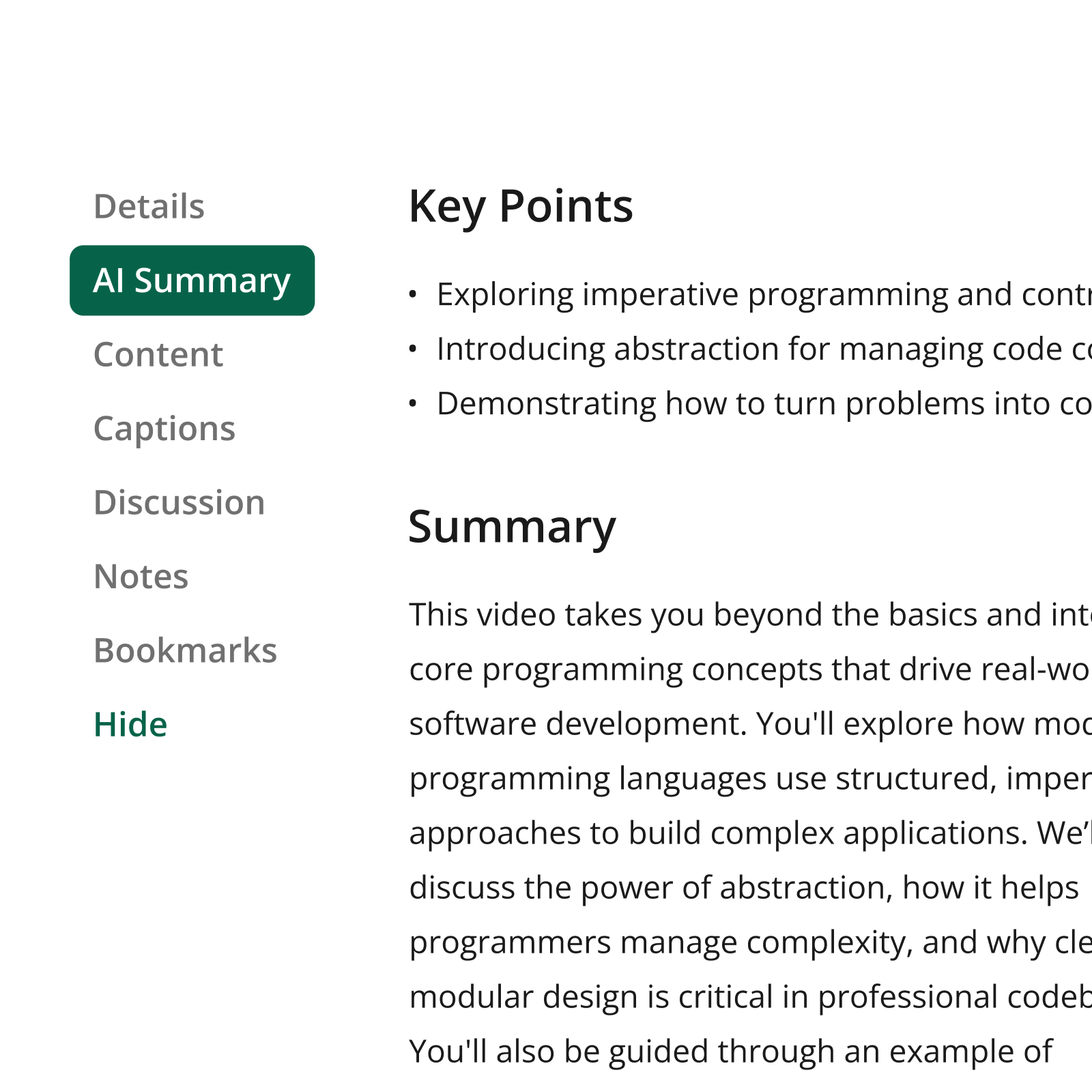
Help learners find the precise information they need, faster.
Knowledge Insights
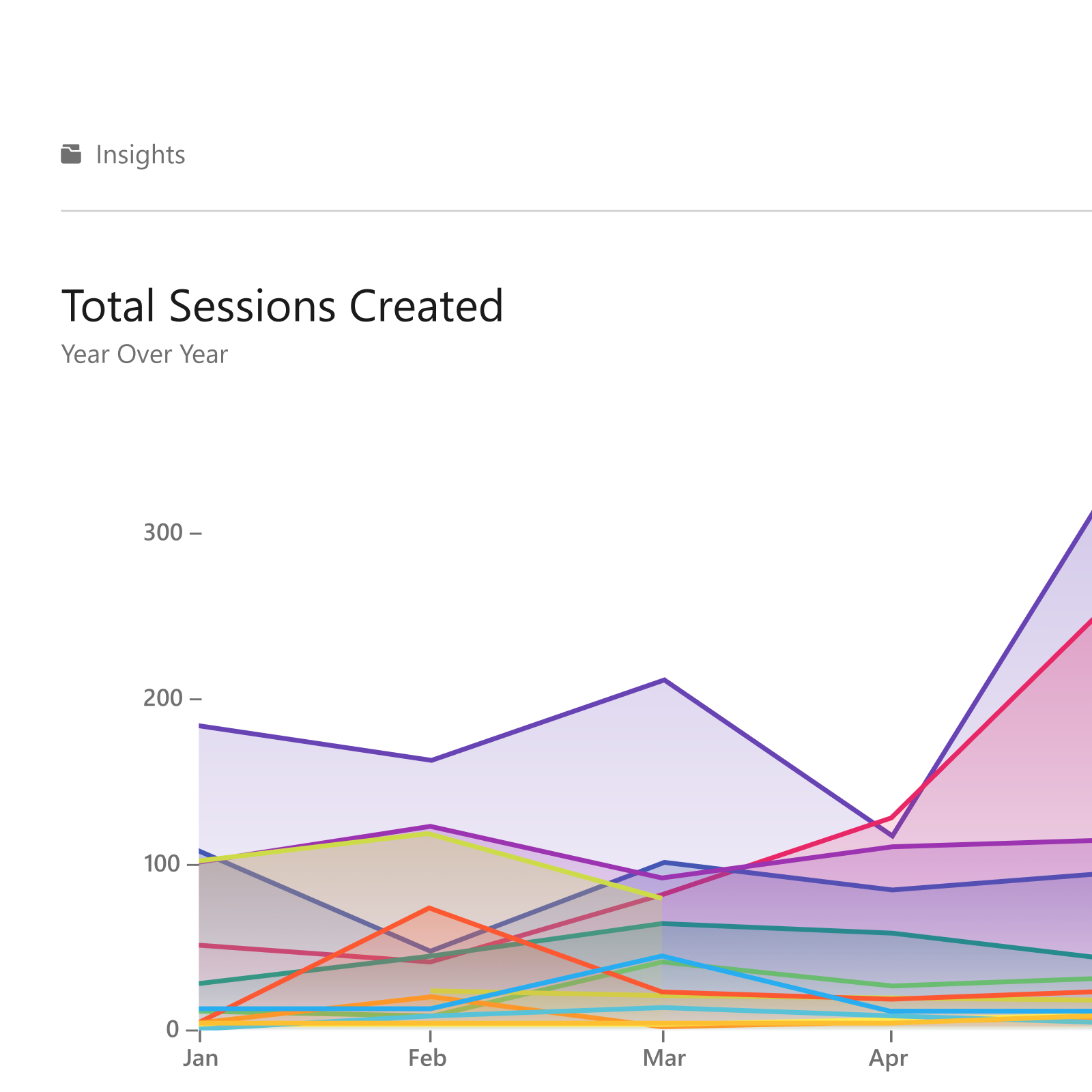
Turn viewing data into decisions that improve learning outcomes.
Frequently asked questions
Can external viewers watch content without a Panopto account?
Yes. Connect supports public-facing URLs that don’t require a Panopto account or SSO. For content that needs tighter controls, you can require SSO, a password, or invite-only access—configurable at the portal, page, or video level.
Can I create separate portals for different audiences?
Yes. You can run multiple Connect portals simultaneously, each with its own branding, content selection, and access permissions. A university might maintain one portal for alumni, another for prospective students, and another for public lectures—all governed independently.
How much control do I have over the look and feel of the portal?
You control the full visual experience—logo, accent colors, banners, imagery, and navigation. Branding can be applied at the folder level for departments or child brands, and Panopto automatically adjusts colors for readability so the portal looks intentional on every screen.
Does everything in my Panopto library automatically appear in the portal?
No. Only content you explicitly assign to a portal is visible to external viewers. Everything else in your Panopto library remains inaccessible. You organize what appears using sub-pages by topic, tag, or category, and arrange it into custom carousels.
Is Connect available as a standalone product?
No. Connect is a platform add-on that requires an active Panopto Video CMS license. If you’re not yet a Panopto customer, the Video CMS is the starting point—Connect can then be added as part of your commercial agreement.
Ready to give your video a destination?
Connect gives your video library a branded, searchable home—built for any audience, on any device, with the access controls your organization needs to share content securely and at scale.
Already a Panopto customer? Talk to your account team about adding Connect to give every audience a branded, searchable way to find and watch your content.