











AI capabilities
Surface the right knowledge at the right moment
Panopto’s AI capabilities turn hours of recorded content into something instantly findable, navigable, and useful—so the knowledge your organization has already created keeps working long after the recording ends.
AI that makes your video library work harder
From intelligent search that finds the exact moment inside a recording to automated summaries and smart navigation, Panopto’s AI capabilities reduce the friction between your people and the knowledge they need.

New · AI Search
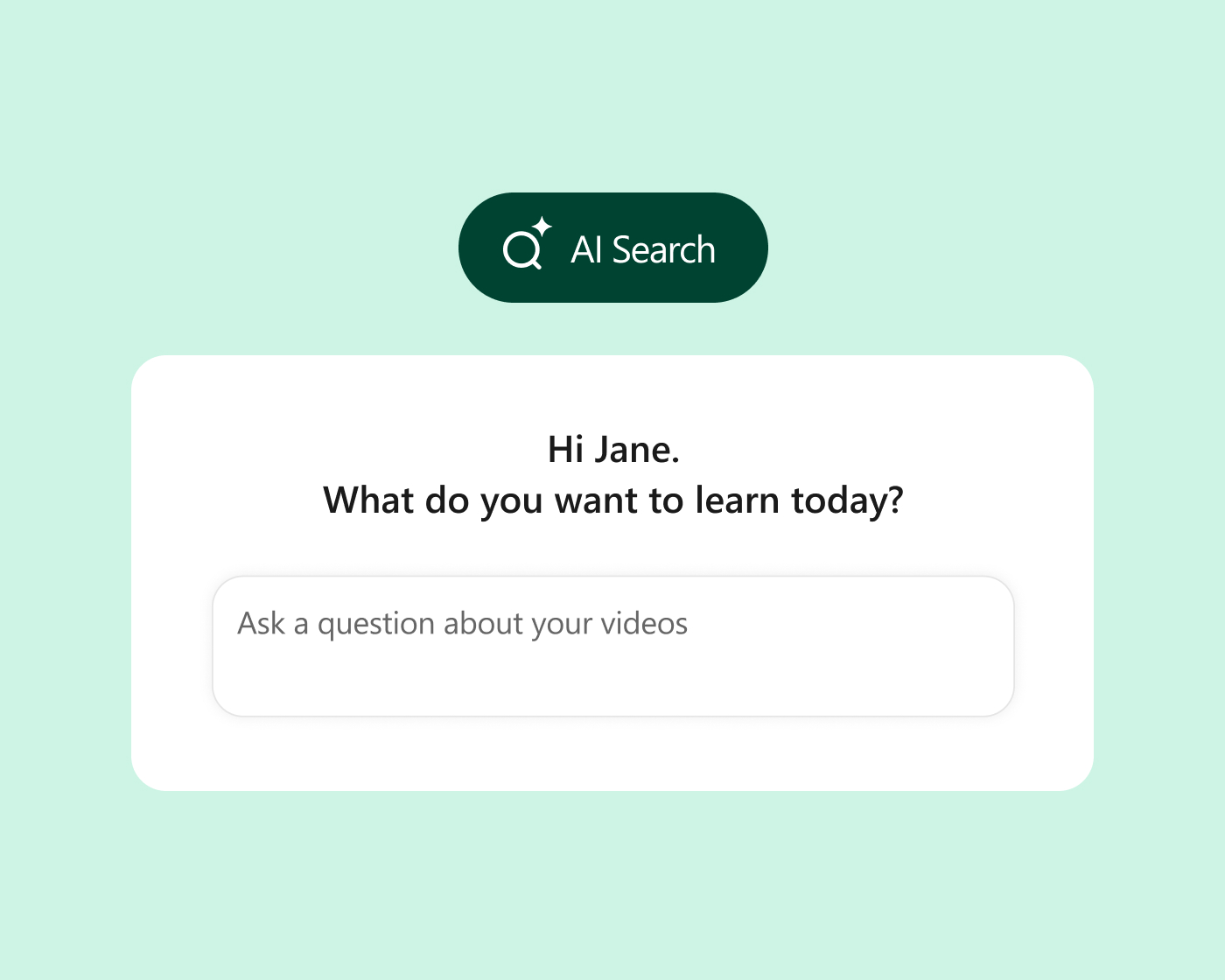
Give every question a direct answer
AI Search turns your Panopto Video CMS into a conversational knowledge base. Ask a question in plain language and jump straight to the exact moment it’s covered. Draw on years of training, teaching, presentations, and expert content from one search, so people spend less time hunting through recordings and more time learning, working, and putting knowledge to use.
Intelligent search
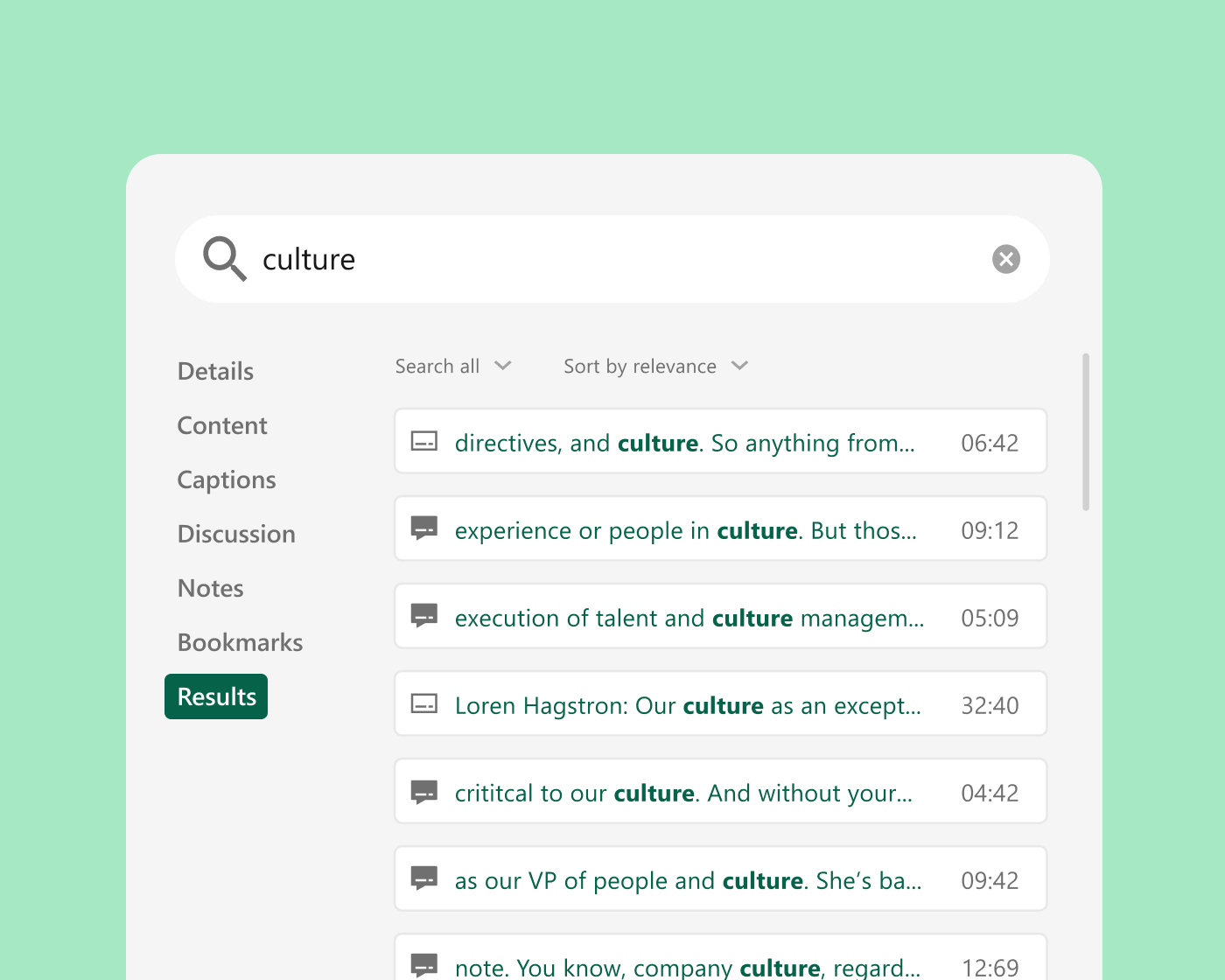
Find the exact moment—not just the video
Panopto indexes every spoken word, on-screen text, and slides in every recording—so users search across an entire library and jump directly to the timestamp where a topic is discussed. No scrubbing. No re-watching. The right answer, in seconds.
Smart navigation
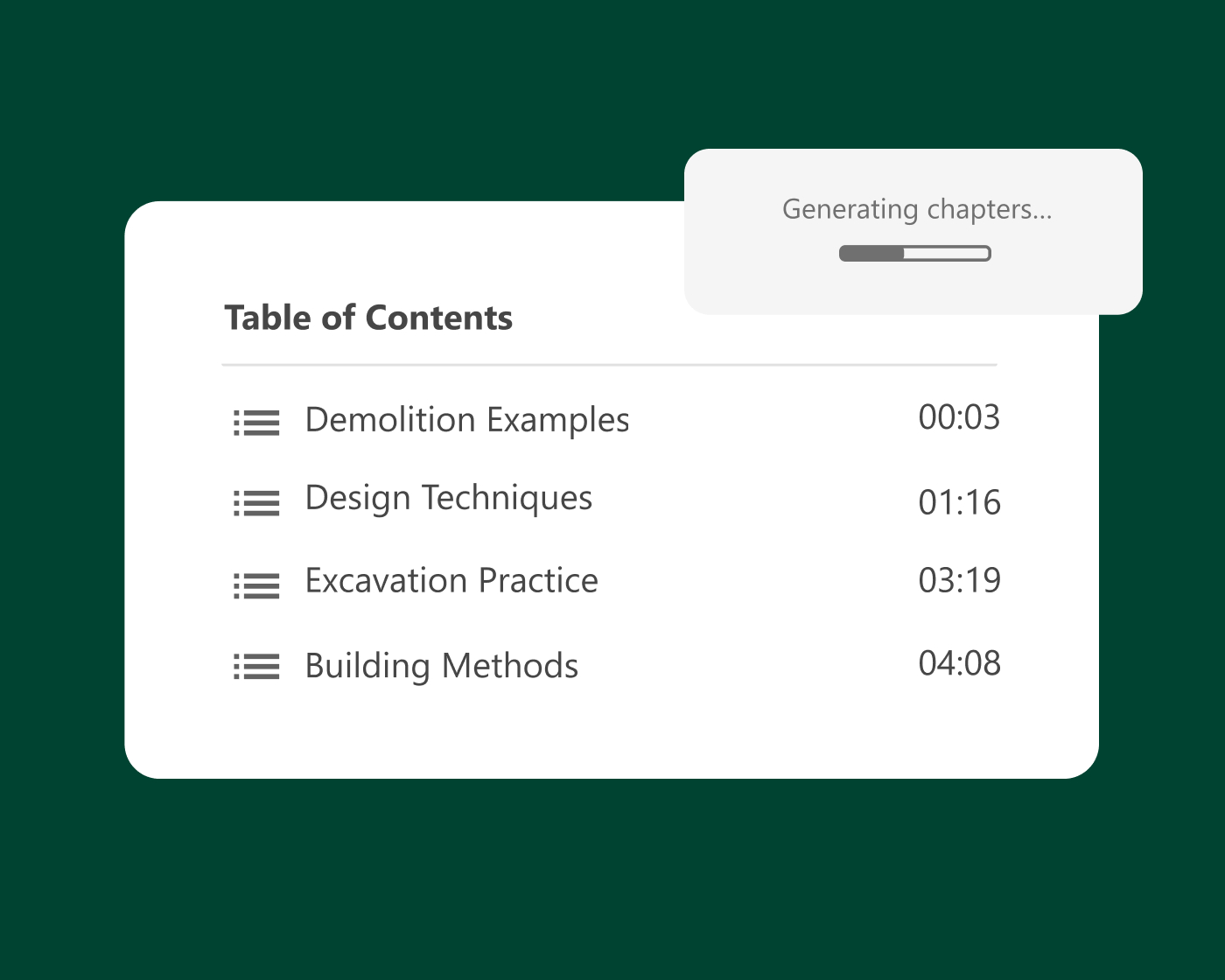
Give every recording a structure learners can navigate
AI-generated chapters and table of contents break long recordings into navigable sections—so learners move directly to the content they need rather than watching from the beginning. Combined with automated summaries, every recording becomes a structured resource, not just a file.
Content intelligence
Turn your existing library into a searchable knowledge base
Panopto’s AI capabilities allow users to query video libraries conversationally—surfacing relevant explanations, examples, and moments from across recorded content. For organizations with years of accumulated video, this transforms a passive archive into an active knowledge resource.
Automated workflows
Reduce the manual work behind every published video
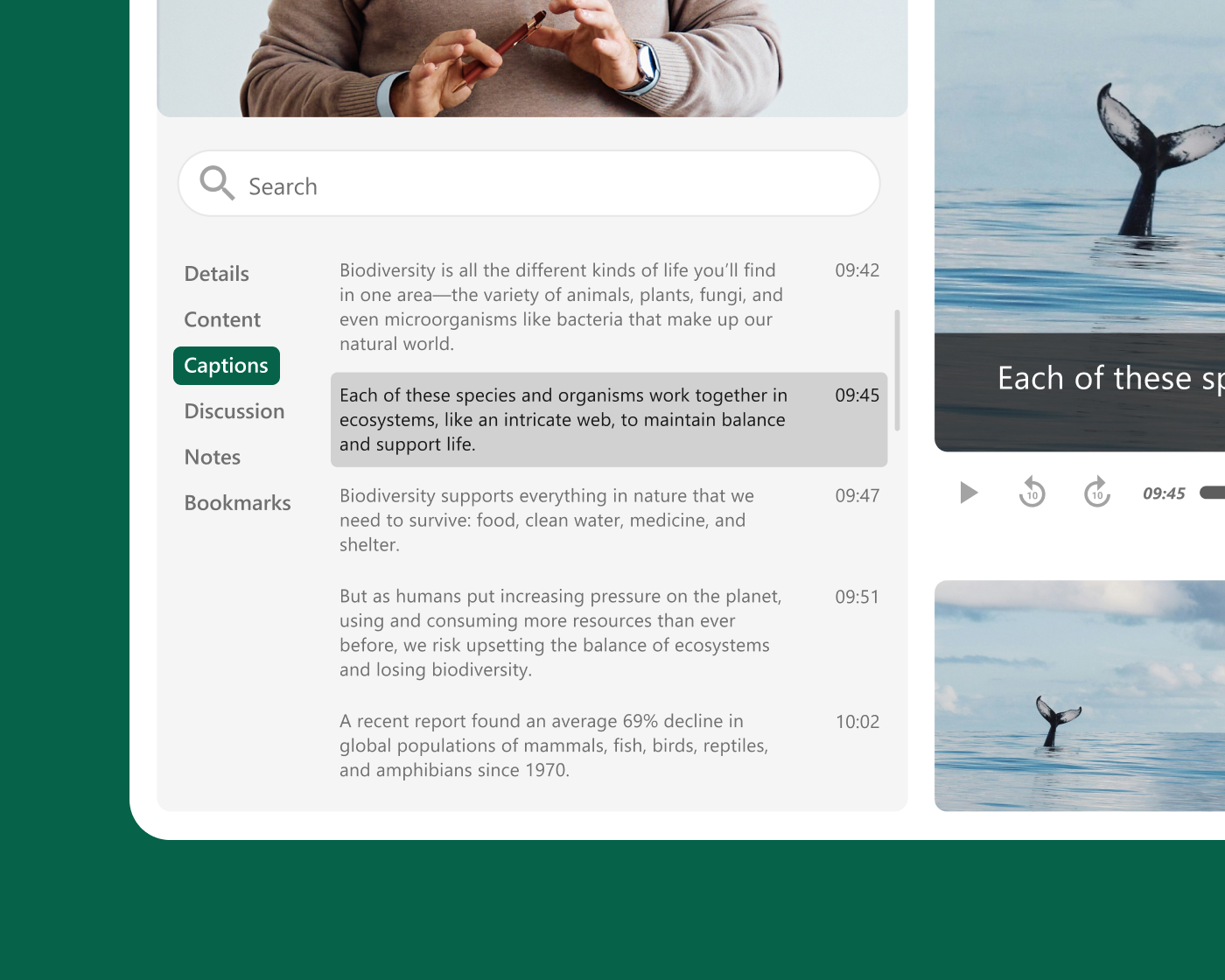
AI handles the time-consuming tasks that slow down content publishing—generating captions, identifying key moments, and organizing content automatically. Teams spend less time on post-production and more time on the work that requires human judgment.
Platform add-on
Help every learner find answers at the moment they need them
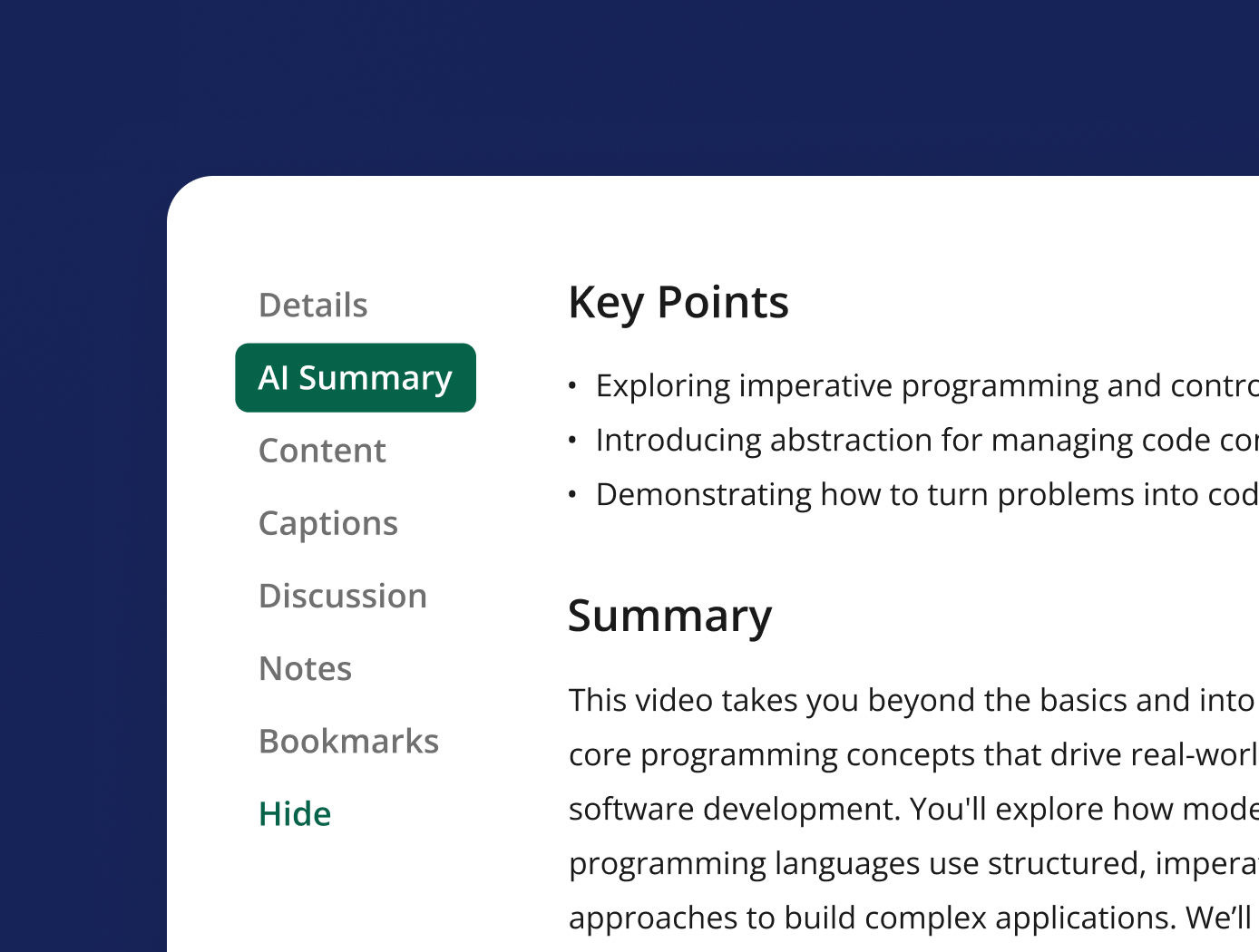
Access AI extends Panopto’s core search with automatic language detection for captioning, AI-generated video summaries, and enhanced smart chapters—so learners navigate directly to the content they need, in their own language, without having to know which recording to start with.
Explore more of what Panopto can do
AI capabilities are one part of a platform designed to make video work harder across your entire organization. Explore the capabilities that make it possible.
Take a closer look at AI capabilities


Frequently asked questions
What does Panopto use AI for across its video platform?
Panopto uses AI across the full video lifecycle—from creation and captioning to search, navigation, and content organization. This means AI is active at every stage, not just one.
On the creation side, Panopto’s AI Video Studio turns scripts, slides, and documents into polished avatar-led video in minutes, with automatic translation into 75+ languages. On the discovery side, Panopto uses automatic speech recognition (ASR) and optical character recognition (OCR) to index every spoken word and on-screen element in every recording, making the entire library searchable at the word and timestamp level. AI also generates captions, transcripts, smart chapters, and video summaries automatically at publication.
How does Panopto’s AI-powered video search work?
Panopto’s intelligent search indexes every spoken word and every word displayed on screen across all recordings using ASR and OCR. When a user searches for a term, Panopto returns timestamped results from across the entire library, allowing them to jump directly to the exact moment where that term appears.
This is distinct from searching for a video title or description. Panopto searches inside the content itself—so a student looking for a specific concept, or an employee searching for a procedure step, lands at the right moment without rewatching the full recording.
Can Panopto use AI to create video content automatically?
Yes. Panopto’s AI Video Studio, Elai, converts scripts, PowerPoint presentations, and written prompts into professional avatar-led video. Users choose from 500+ avatars and 450+ voices across 75 languages, and can customize content to match brand guidelines.
Autodesk used Elai to produce more than 5,000 minutes of training content, improving onboarding and L&D delivery across global teams. SendPulse reduced voiceover production costs by over 87% after switching to Elai for multilingual training content, based on outcomes reported by those customers directly.
Does Panopto’s AI replace human review of captions and transcripts?
No. Panopto’s AI-generated captions and transcripts are available as a starting point, but human review and editing remain available for situations requiring guaranteed accuracy. Panopto supports automatic AI-generated captions for speed and scale, human-transcribed captions for Section 508-compliant accuracy, and third-party captioning integrations with providers.
Organizations choose the approach that fits their accuracy requirements and workflow—AI captions for high-volume content where speed matters, human transcription for regulated or accessibility-critical material. The two approaches can be applied selectively across the same library.
How does Panopto handle video content in multiple languages?
Panopto supports multilingual content delivery through two distinct capabilities. Folder-based language configuration applies the right captions automatically to every recording within them—so multilingual libraries are managed at scale without manual intervention per video. One-click video translation localizes content into 75+ languages—including translated captions and avatar-led video narration via AI Video Studio—without requiring separate recordings for each language.
Multilingual search ensures that translated content is as discoverable as the original. LKQ Europe used Panopto to move from manual multilingual production to AI-powered translation across multiple languages, reporting significant time savings in their translation process and an 80% reduction in video production costs.