











Active learning
Make video a two-way learning experience
Turn passive recordings into active learning—with in-video assessments, discussion, and engagement tools that give every student a way to participate.
The challenge
Most course video gives students content to watch—not ways to engage with it
Instructors invest significant time creating video content, but the viewing experience rarely requires students to do anything with it. Questions go unasked because there’s nowhere to ask them. Understanding goes unverified until the exam. Students who fall behind on a concept have no way to flag it in the moment, and instructors have little visibility into how the material is landing until it’s too late to adjust.
Put every student in the middle of the learning
Active learning isn’t just about what happens in the classroom. Panopto gives instructors the tools to build participation, reflection, and assessment directly into video—so learning stays active whether students are watching in class or on their own time.
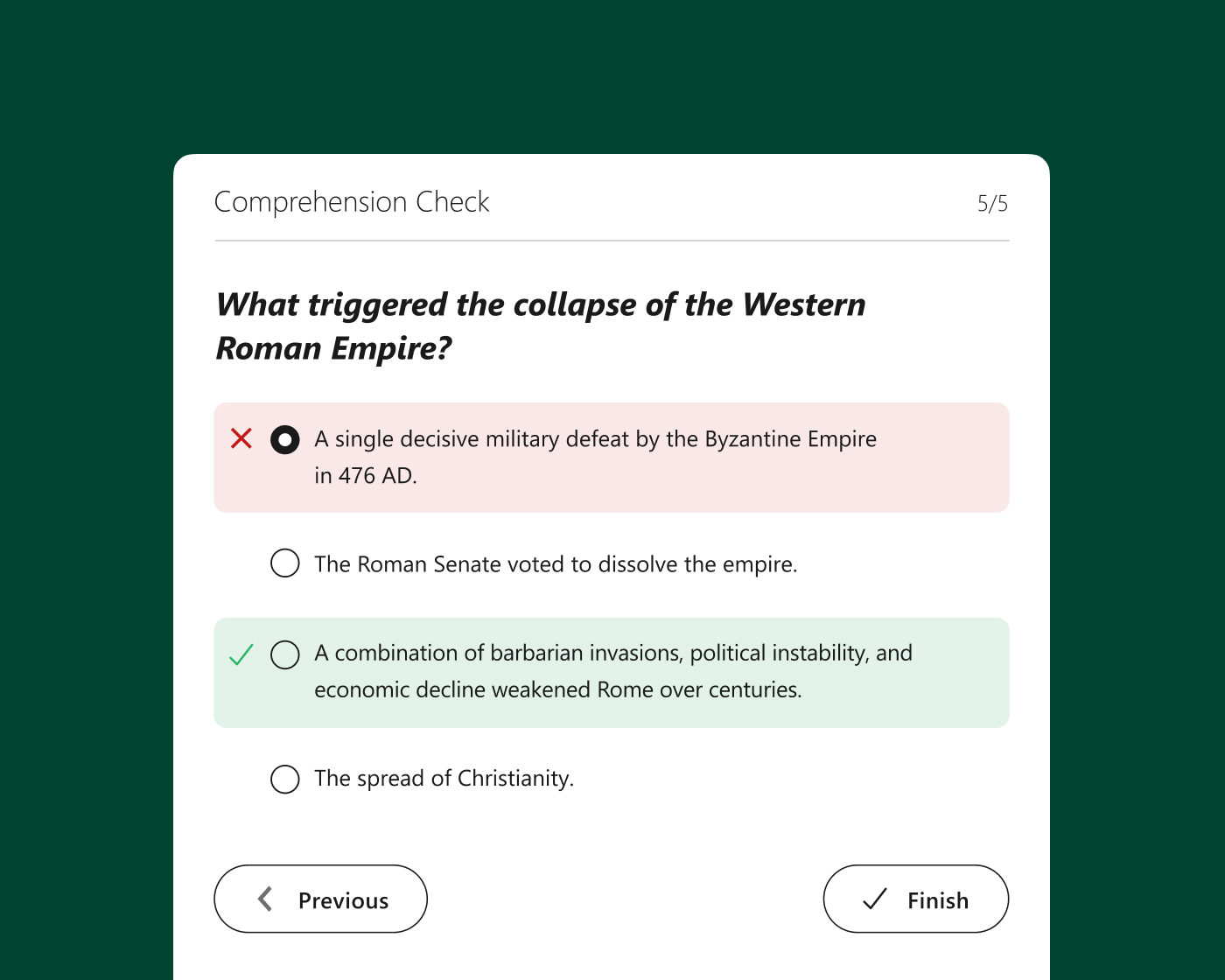
In-video assessments
Check understanding at the moment it matters
Embed quizzes and knowledge checks at any point in a recording—pausing playback so students engage with a concept before moving on. Results feed directly into many LMS gradebooks, giving instructors visibility into comprehension across the cohort without a separate assessment tool.
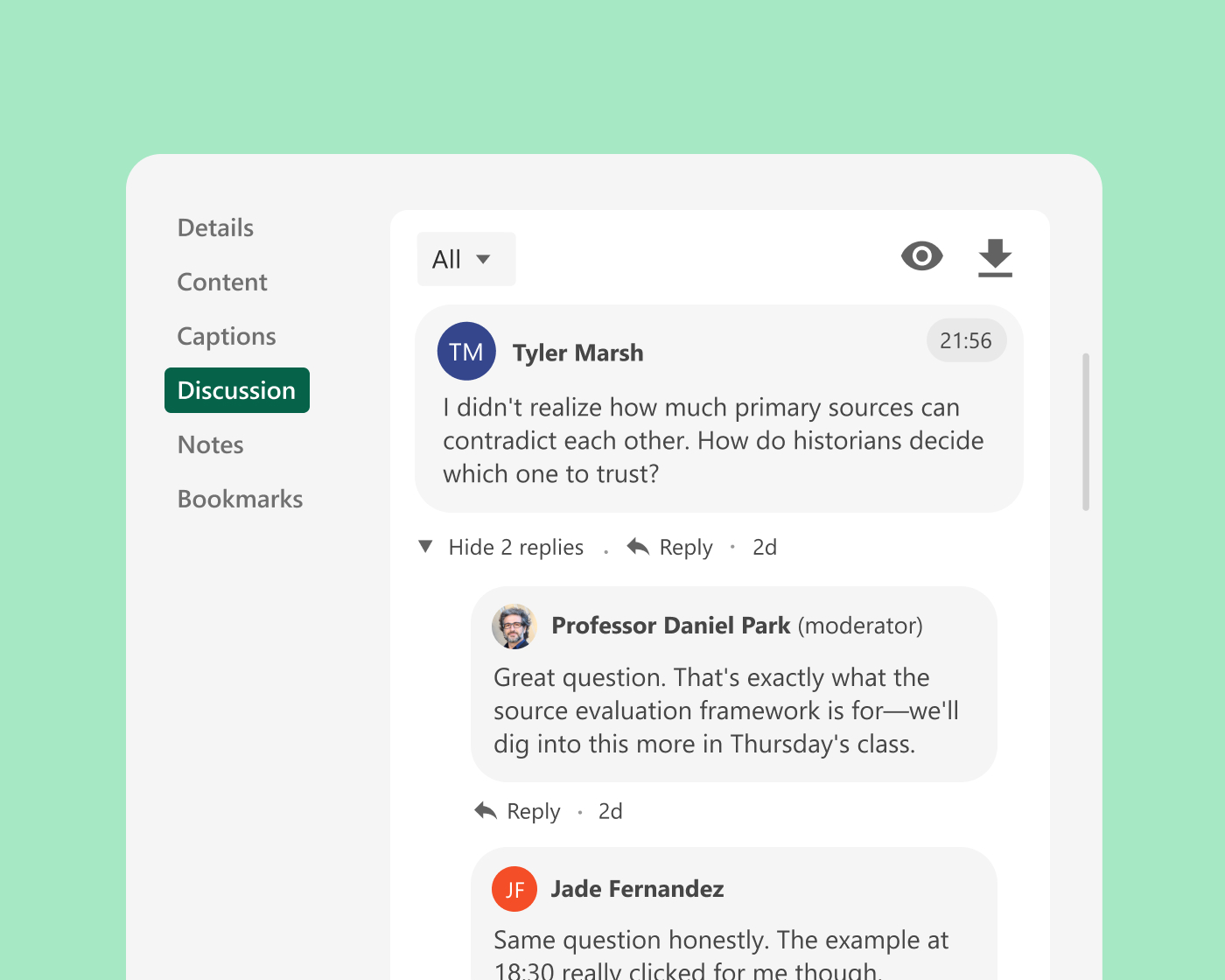
Discussion and annotation
Anchor class discussion to the content itself
Time-stamped comments let students ask questions and respond to each other at the exact moment they’re referencing—turning recordings into ongoing learning conversations. Instructors can respond in context, extending the discussion beyond the live session.
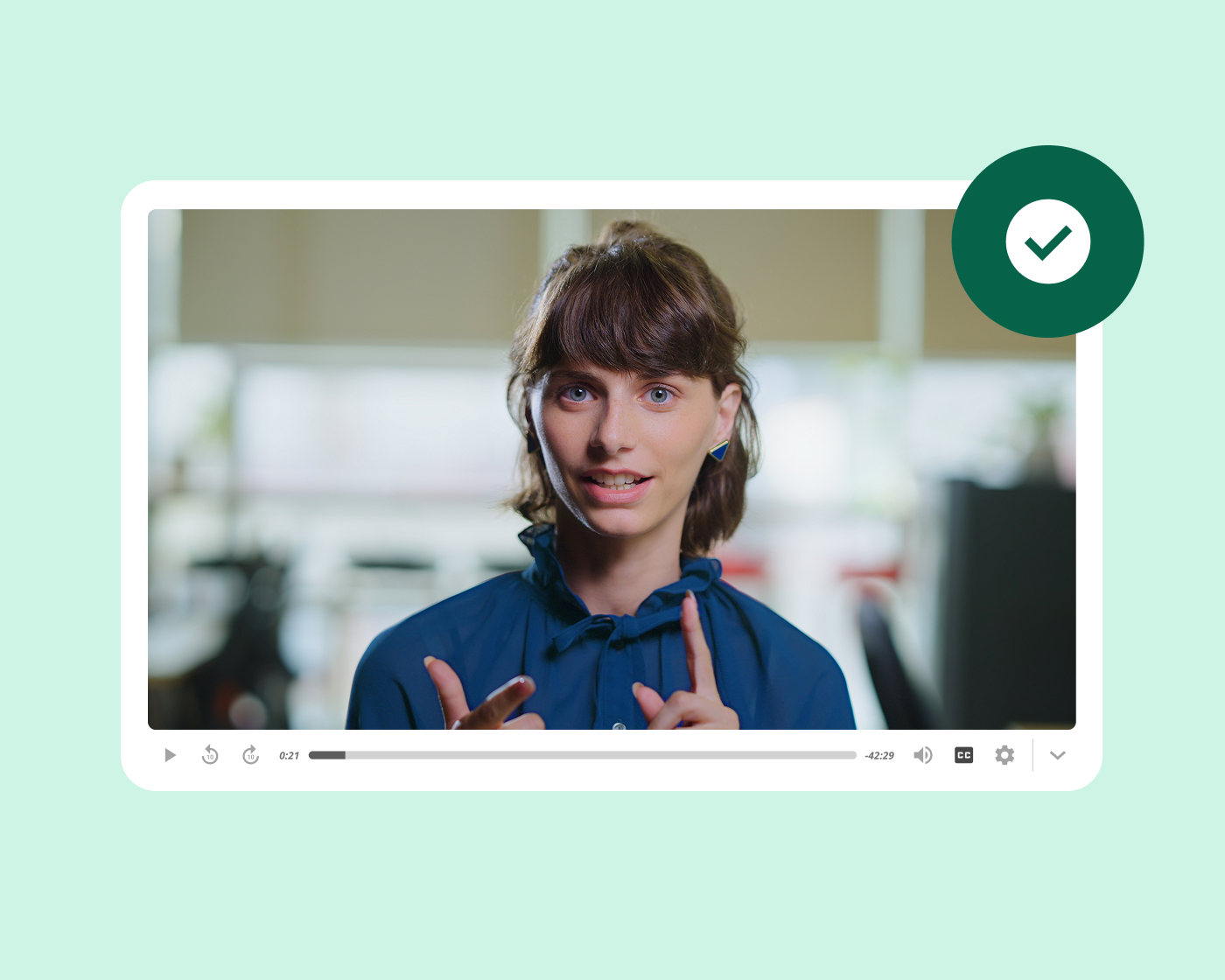
Peer learning and student video
Give students a way to demonstrate and share what they know
Students record presentations, explanations, and demonstrations in Panopto and share them with the class—building communication skills alongside subject knowledge. Peer review workflows let classmates engage with each other’s work directly inside the platform.
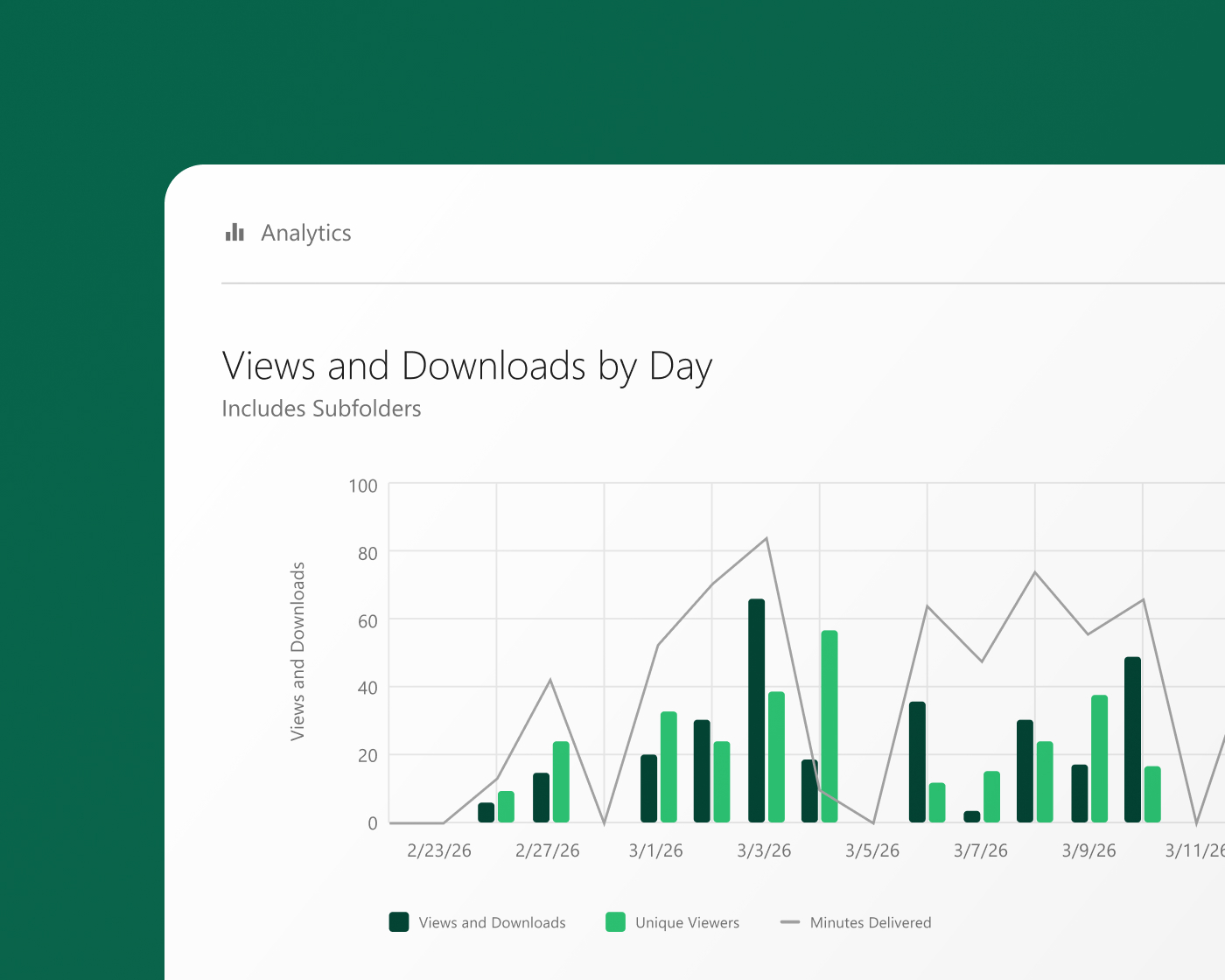
Engagement analytics
See where students engage—and where they don’t
Per-viewer engagement data shows instructors how much of each recording students watched and what percentage they completed—identifying the concepts that may need reinforcement before the next class session. Combined with quiz results, it gives a clear picture of how actively the cohort is engaging with course material.
What leading institutions achieve with Panopto
Active learning across higher education
Institutions use Panopto to make active learning practical at scale—embedding participation and assessment directly into video, inside the LMS.
Trusted by leading universities and institutions around the world




Explore what’s possible with active learning



How leading institutions use Panopto
Frequently asked questions
How does Panopto support active learning with video?
Panopto turns recorded course content into an interactive learning experience—with in-video knowledge checks and discussion tools that give students a way to engage with material rather than passively watch it.
Instructors can embed questions at specific moments in a recording so students respond before moving forward, creating a built-in accountability structure without requiring live attendance. The result is that the same recording serves as both a content delivery tool and a formative assessment—giving instructors signal on what students understood and where the cohort needs more support. Read more about our interactivity.
Can instructors see how students are engaging with course video?
Yes. Panopto tracks per-viewer engagement at the individual level—including identifying moments where students paused, rewound, or dropped off—so instructors can identify which parts of a recording students are returning to and which sections may need reinforcement in class.
Combined with in-video quiz results, this gives instructors a composite picture of how actively the cohort is engaging with material before the exam. Instructors who have historically had limited visibility into how students prepare independently can use this data to adjust in-class time toward the concepts that need it most. Read more about our tracking and analytics.
Does Panopto support peer learning and student discussion around video?
Yes. Panopto supports time-stamped commenting on recordings, allowing students to post questions and observations tied to specific moments in a video. Instructors can respond directly in context, and discussion threads stay associated with the recording rather than migrating to a separate channel.
For courses where student discussion is a learning objective—not just a support mechanism—this creates a lightweight, asynchronous engagement layer inside the video itself. Students who engage with material at different times can participate in the same discussion without a synchronous session.
How does Panopto support active learning in large lecture courses where individual engagement is harder to track?
In-video assessments embedded throughout a recording give instructors engagement data even at scale—showing completion rates, quiz performance, and drop-off points across the full cohort, not just the students who raise their hands or visit office hours.
For large introductory courses where passive viewing is a particular risk, embedding questions at regular intervals encourages students to stay engaged throughout rather than letting a recording run in the background. Instructors can act on cohort-level patterns—adjusting pacing, re-recording unclear sections, or targeting specific concepts in class—based on data rather than intuition.
Does Panopto integrate with the LMS for active learning assignments?
Yes. Panopto integrates natively with Canvas, Blackboard, Moodle, and D2L Brightspace via LTI-compliant embedding—so quiz scores from in-video assessments pass directly into the LMS gradebook where the integration supports grade passback. Students can access interactive recordings within the course environment they already use, without navigating a separate platform.
For instructors who use in-video assessments as a participation or preparation grade, this removes the manual step of transferring scores and keeps the grading record in one place alongside the rest of the course. Read more about our integrations.