










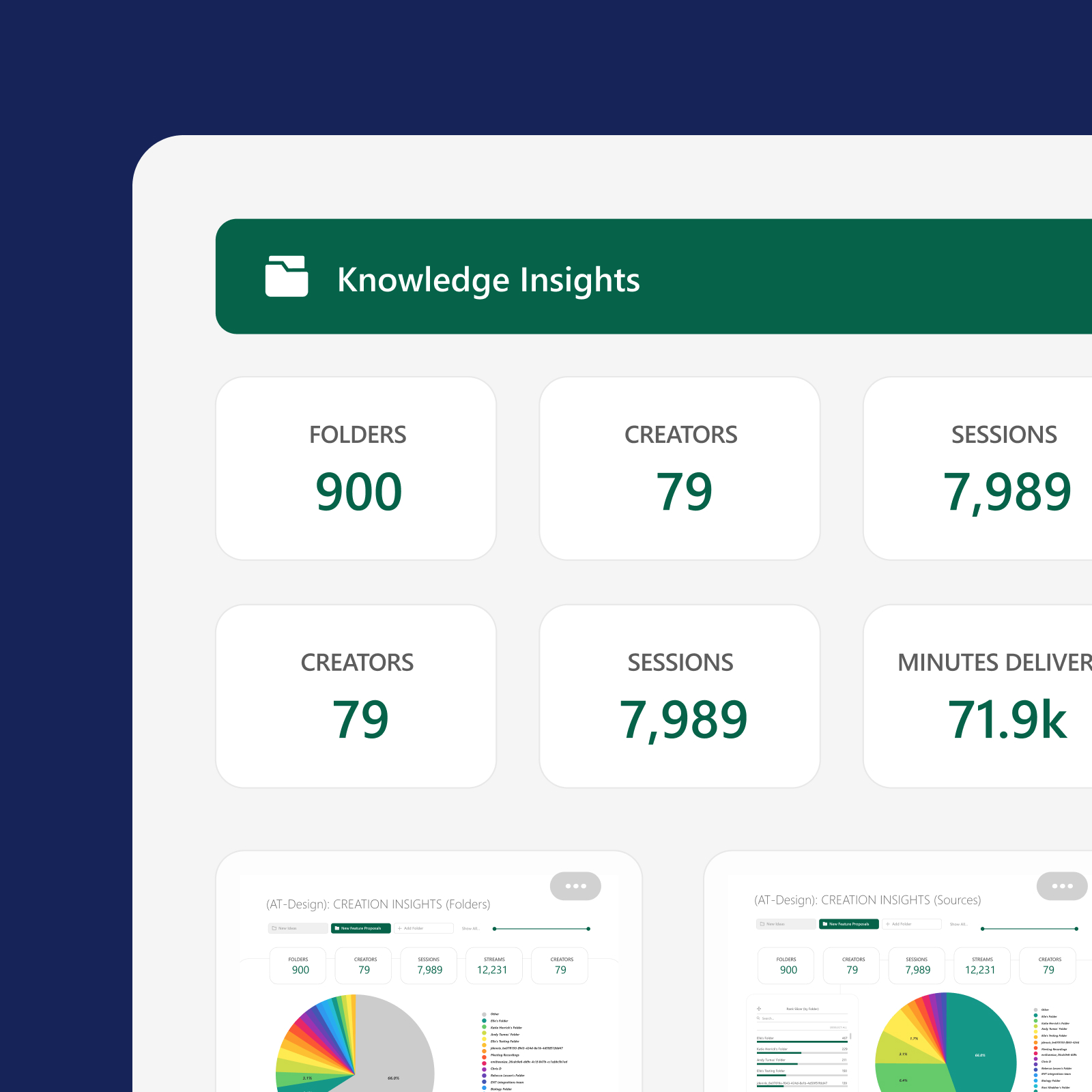
Knowledge Insights · Add-on
Know what’s working in your video library—and what isn’t
Knowledge Insights adds specialized analytics dashboards to Panopto so administrators and L&D teams can track engagement, identify high-value content, and get ahead of system issues—without building reports from scratch.
Platform add-on
Knowledge Insights requires the Panopto Video CMS
Knowledge Insights is an admin-only add-on that surfaces deeper analytics from your Panopto deployment. The Video CMS is where your data originates.
Trusted by 2,000+ customers across higher education and enterprise





Deeper visibility into every corner of your Panopto deployment
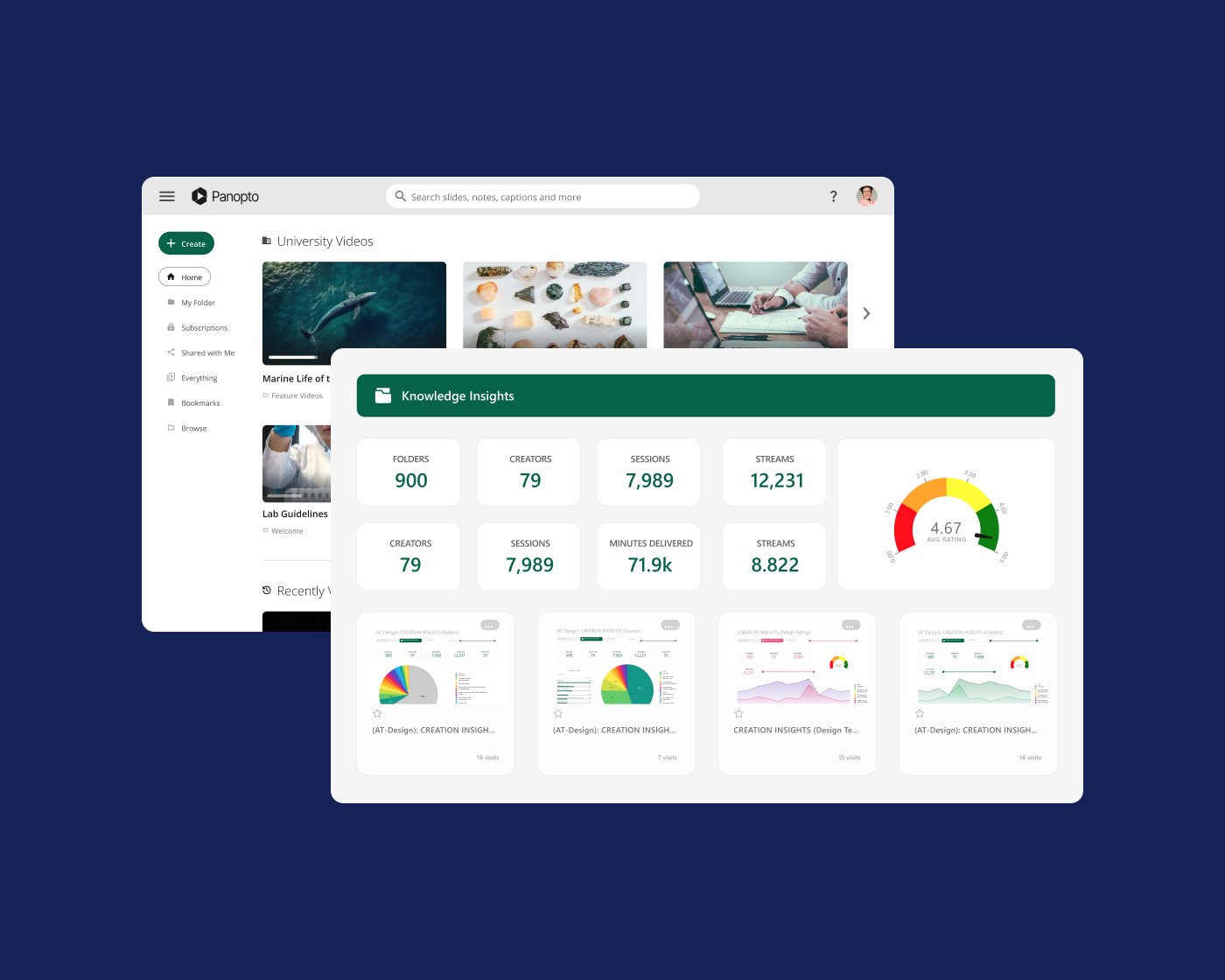
The core Panopto platform tracks what’s in your library. Knowledge Insights shows you how it’s being used, where engagement drops off, which content is driving results, and where your system needs attention—so decisions are based on data, not assumptions.
Usage and trends
Decisions backed by data that’s already organized
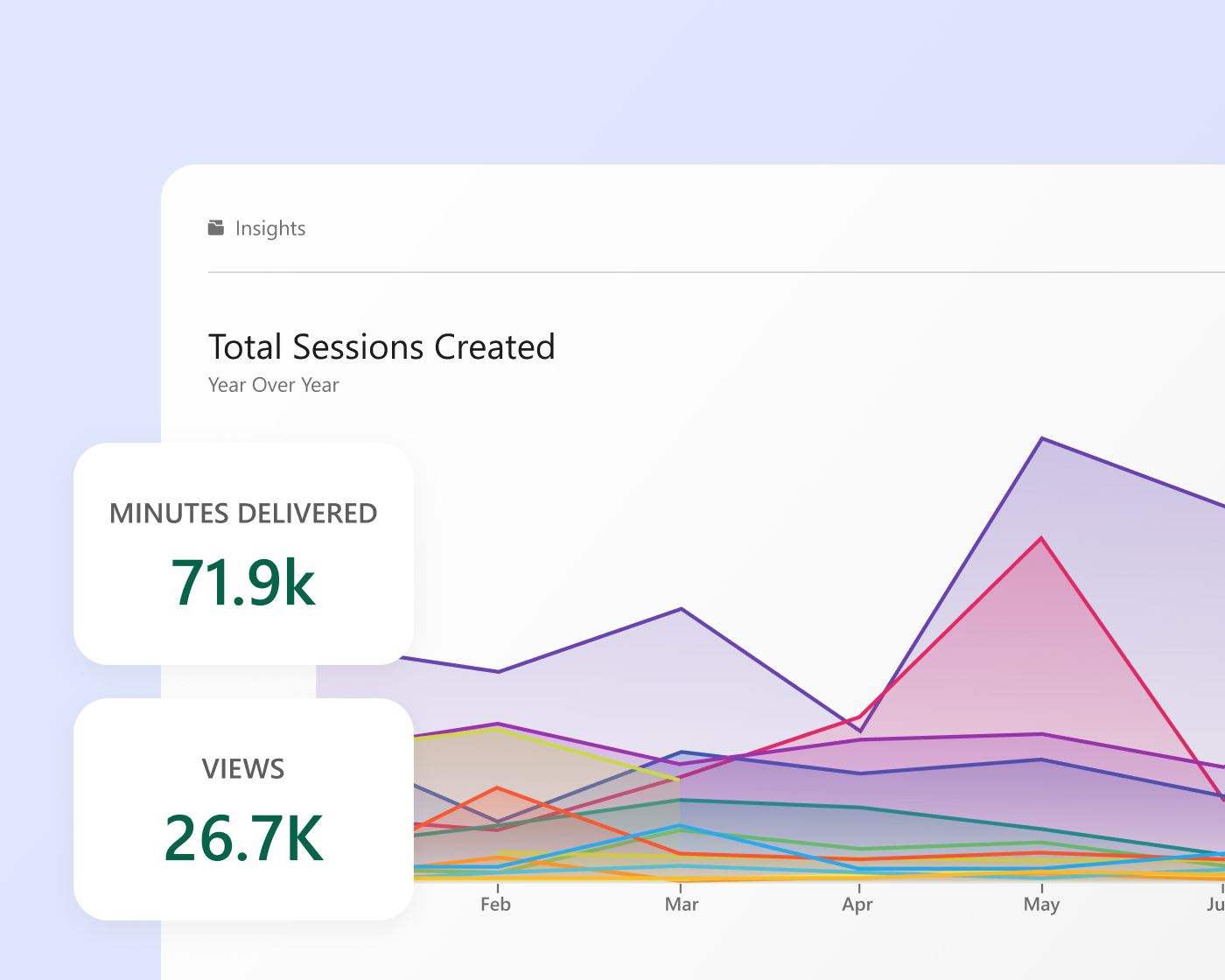
Month-over-month and year-over-year trends in usage, engagement, and content performance are surfaced automatically—filterable by department or folder, and exportable when you need to share findings with stakeholders.
Content intelligence
Understand what’s earning attention and what’s losing it
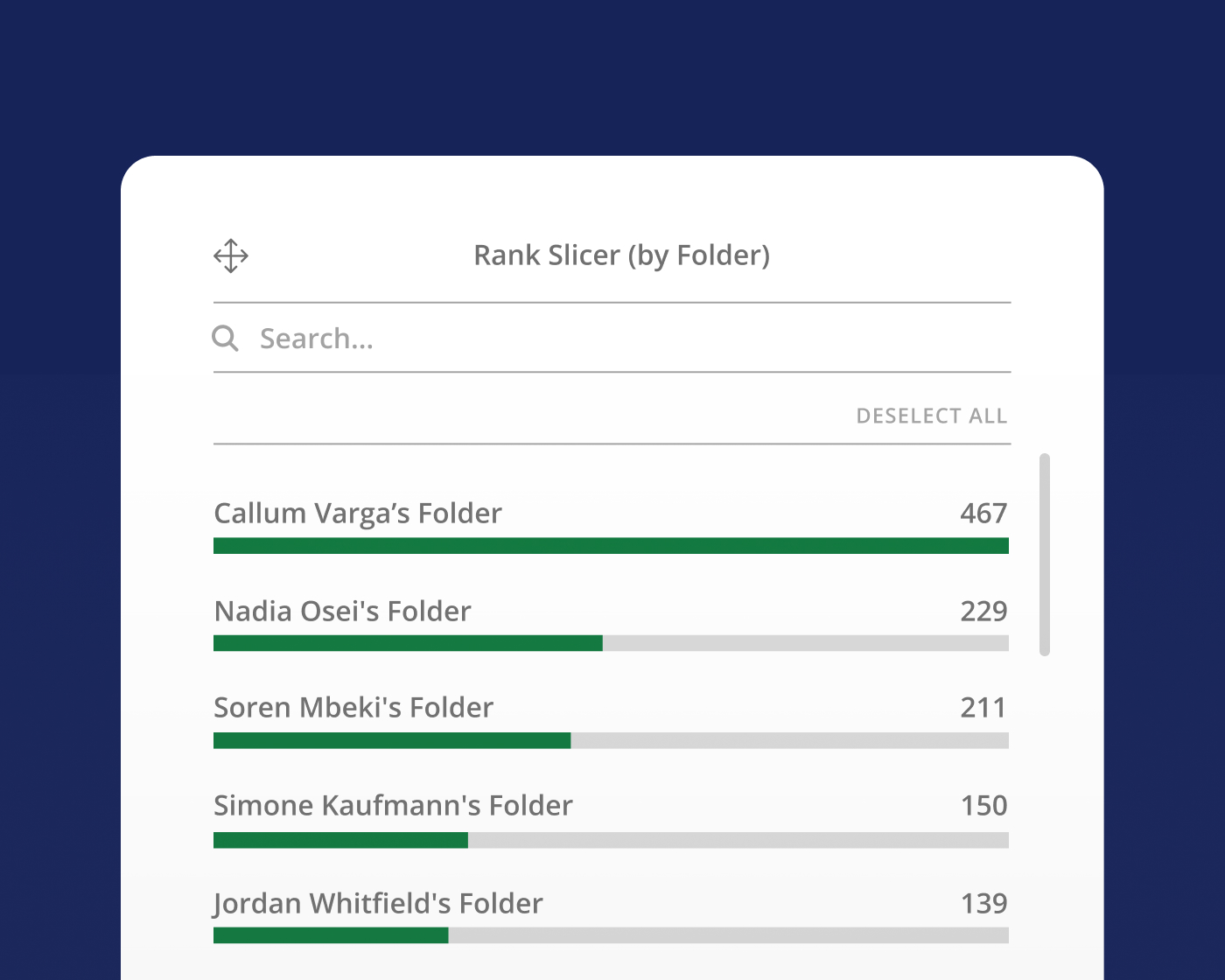
Administrators and L&D teams can see which videos are driving engagement, who the top creators are, and where content is underperforming—so there’s a clear basis for what to improve, replace, or replicate across the library.
System health
Get ahead of issues before learners notice them
Custom threshold alerts notify administrators of recorder errors, storage warnings, and unusual usage drops before they affect learning. Configure alerts per administrator and receive them by email, SMS, or webhook—however your team works best.

Knowledge Insights Data Connector—New March 2026
Connect your BI tools to your Panopto Video CMS data
The Knowledge Insights Data Connector lets you integrate your business intelligence tool—such as Tableau or Power BI—with Panopto’s Knowledge Insights dashboards. Bring Panopto analytics into the same environment where the rest of your organizational data lives.
Knowledge Insights Data Connector is also available as a stand-alone add-on. Talk to your account manager for more information.
Video Knowledge Platform
Panopto manages your video, Knowledge Insights makes it measurable
Together, Panopto’s Video CMS and Knowledge insights give you the full picture—content that’s centralized, searchable, and governed, paired with the analytics to understand how it’s performing. More viewers, better content, fewer system surprises. One platform, two layers of visibility.
Extend what’s possible with platform add-ons
AI Video Studio
Go from presentation, PDF, or prompt to polished video in minutes.

Access AI
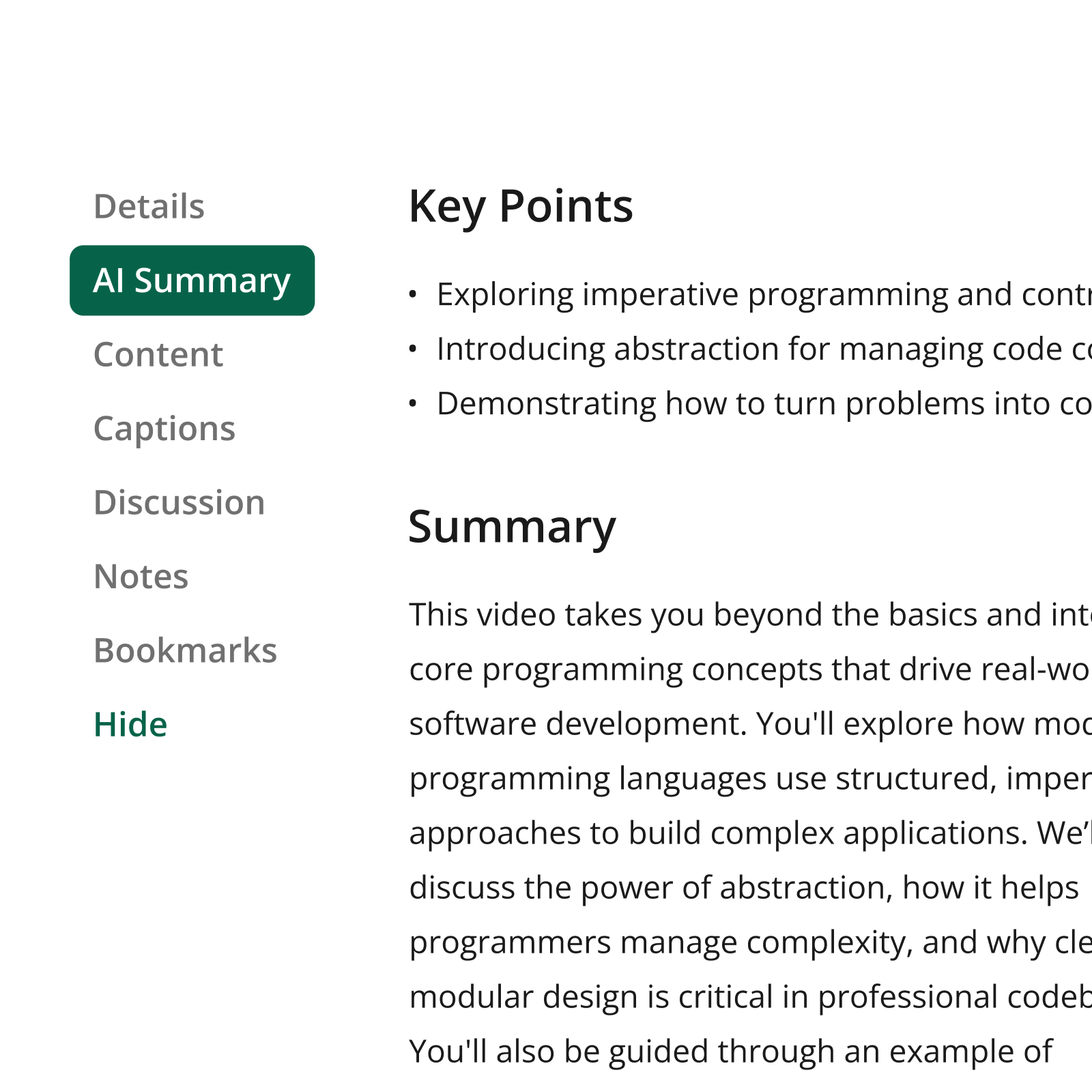
Help learners find the precise information they need, faster.
Connect
Deliver branded video experiences that reach beyond your LMS.

Frequently asked questions
Who can access the Knowledge Insights dashboards?
Knowledge Insights dashboards are available to administrators only. Admins can export reports in XLS, CSV, or PNG format and can share findings directly via scheduled emails with stakeholders who don’t need direct dashboard access.
Which dashboards are included with Knowledge Insights?
Knowledge Insights includes the following dashboards: System, Creation Insights, Retention Insights, Session Insights, Portals and Remote Recorders. Each surfaces a different layer of your Panopto deployment—from content engagement trends and top creator performance to recorder health and storage warnings. Knowledge Insights also includes direct access to the 13 legacy usage reports.
What is the Knowledge Insights Data Connector?
The Data Connector lets administrators integrate Panopto analytics directly with BI tools like Tableau, Power BI, and Looker—so teams already working in those environments can analyze video data alongside other organizational metrics. Launched in March 2026, it’s available free to existing Knowledge Insights customers and as a standalone add-on for organizations that need it independently.
Can I export data from Knowledge Insights?
Yes. Any dashboard can be exported in XLS, CSV, or PNG format after filtering by department, folder, or time period—making it straightforward to share findings with stakeholders or include data in existing reports.
How are threshold alerts delivered?
Alerts are delivered by email, SMS, or webhook. Each administrator can configure their own notification preferences, so individuals only receive alerts relevant to their role—whether that’s storage capacity warnings or unusual usage drops.
Is Knowledge Insights available as a standalone product?
No. Knowledge Insights requires an active Panopto Video CMS license. If you’re not yet a Panopto customer, the Video CMS is the starting point—Knowledge Insights can then be added as part of your commercial agreement.
Ready to turn your video data into action?
Knowledge Insights brings the dashboards, alerts, and export tools your team needs to understand and improve the impact of video in your organization.
Already a Panopto customer? Talk to your account team about adding Knowledge Insights for deeper visibility into every video in your library.