









New · Panopto MCP Server · Add-on
Bring the content you already trust into AI tools you already use
Your organization has valuable video content captured in Panopto. Why should your AI tools operate without it?
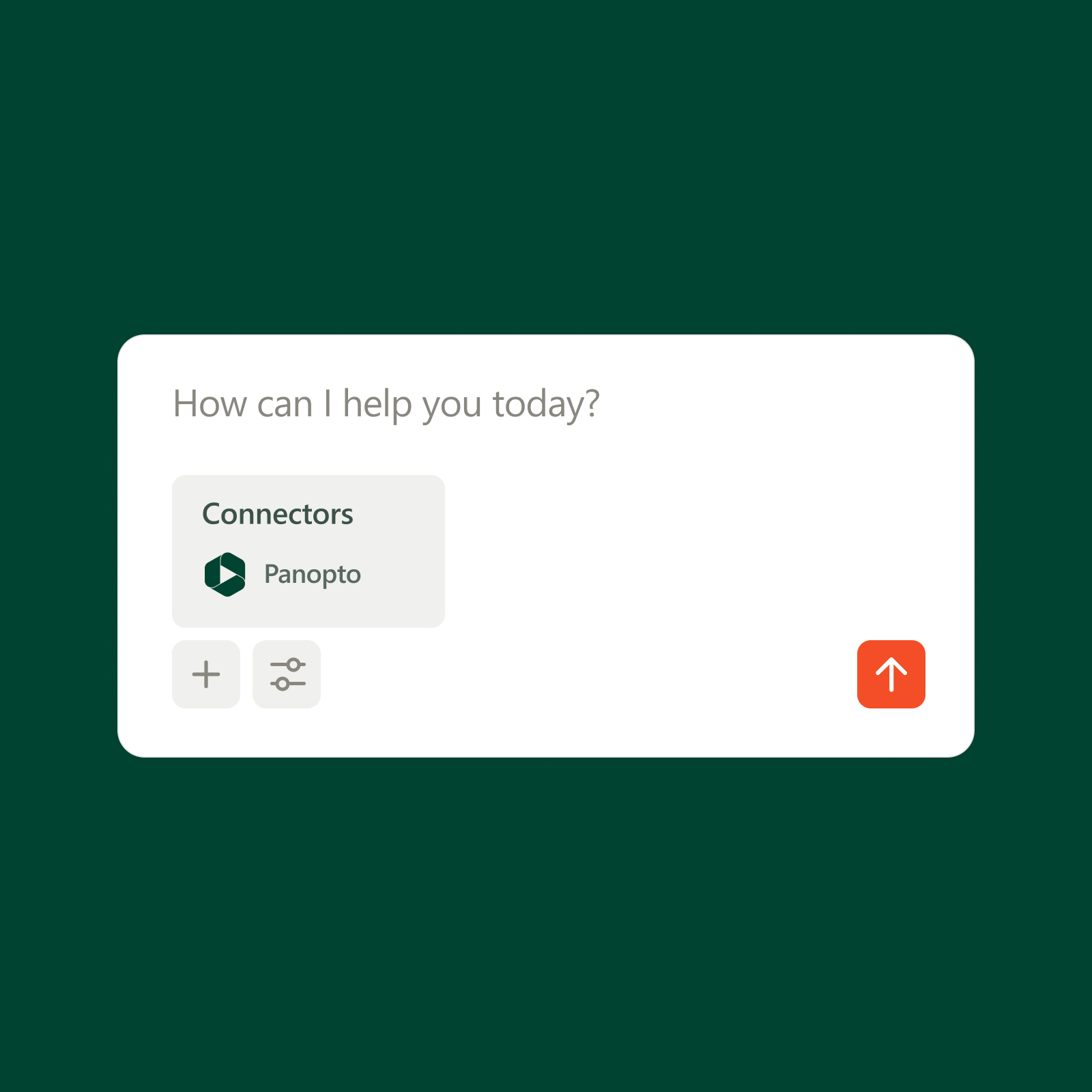
Panopto MCP Server connects approved AI tools like Claude and ChatGPT to your video library, so people can find the trusted answers they need faster, without leaving the tools they’re already using.
Platform add-on
Panopto MCP Server connects to the Panopto Video CMS
MCP Server connects the AI tools your organization has licensed to the knowledge captured in Panopto. Your existing permissions ensure the right people get the right content.
Trusted by global organizations to power learning at scale






Make the answers easier to find
People shouldn’t have to search across multiple systems or dig through hours of video to find an answer they know exists. Panopto MCP Server brings the content in your video library into the AI tools you already use, making trusted information easier to find when it matters most.

Trusted knowledge in approved AI
Stay in the tools you already use
There’s no new destination to manage or another place for people to search. Panopto MCP Server brings your video content into approved AI tools, so people can ask questions where they already work or study and get answers grounded in content they’re already authorized to access.
Managed permissions and privacy
Move forward with AI without giving up control
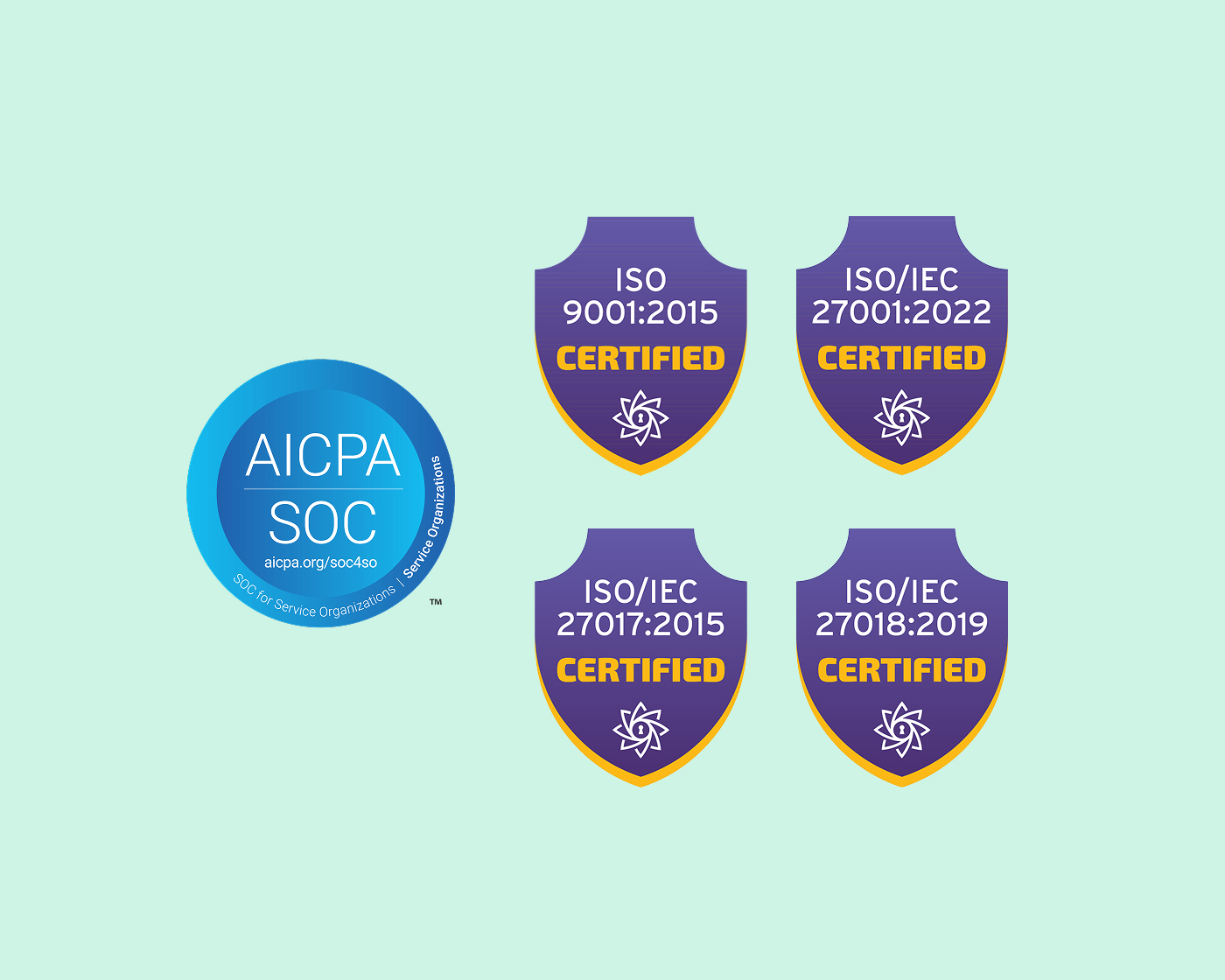
Panopto MCP Server runs through the security and governance already in place with Panopto. Existing permissions determine what each user can access, and the read-only design keeps your library intact. Your data stays where it lives, and as with all of Panopto’s AI capabilities, your content remains private, and is never used to train external AI models.
Video knowledge platform
Bring your knowledge into your AI
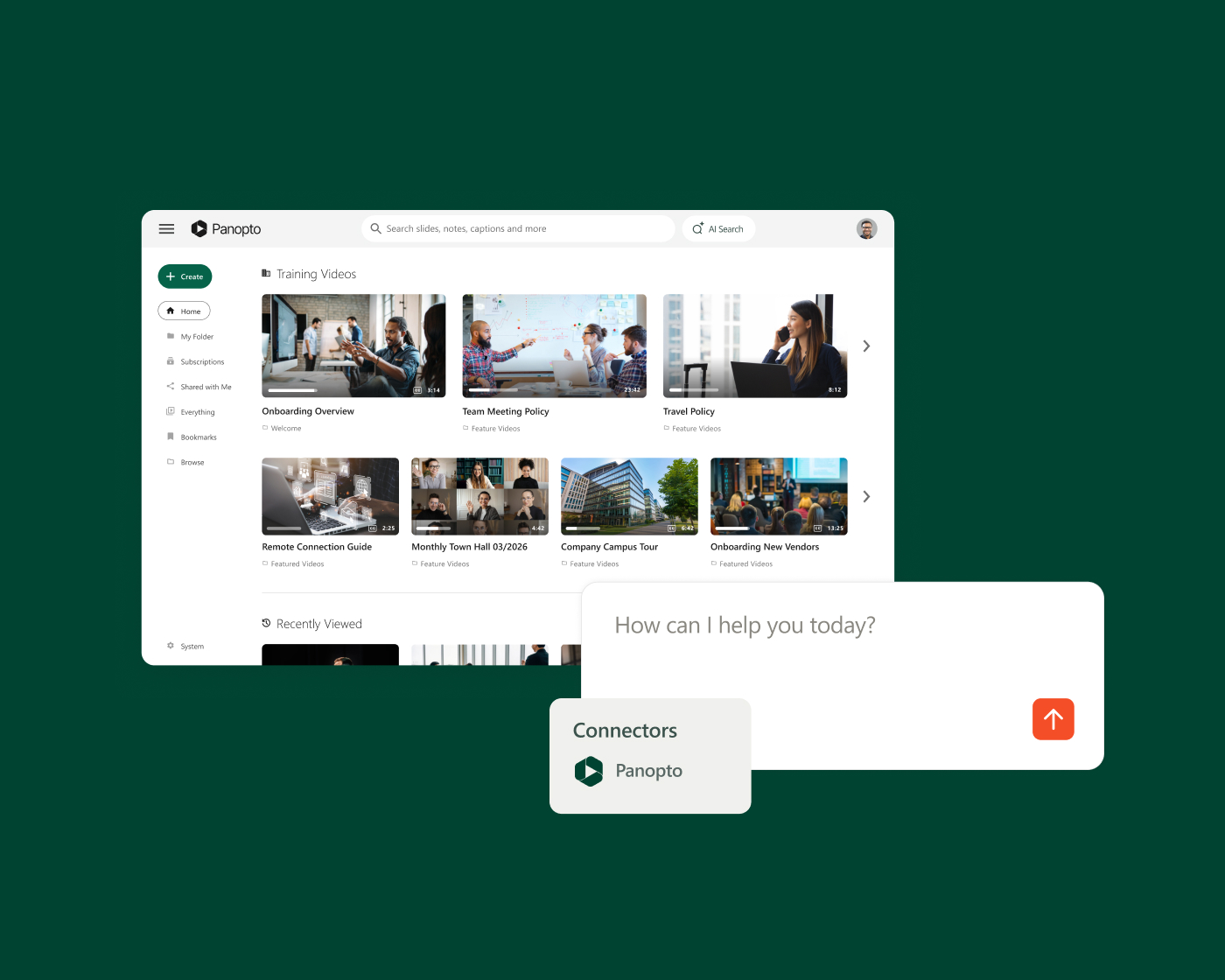
Panopto gives organizations one trusted place to capture, manage, and preserve expertise. Panopto MCP Server connects that library to the AI tools people already use, so trusted knowledge shows up in the answers people get.
Extend what’s possible with platform add-ons
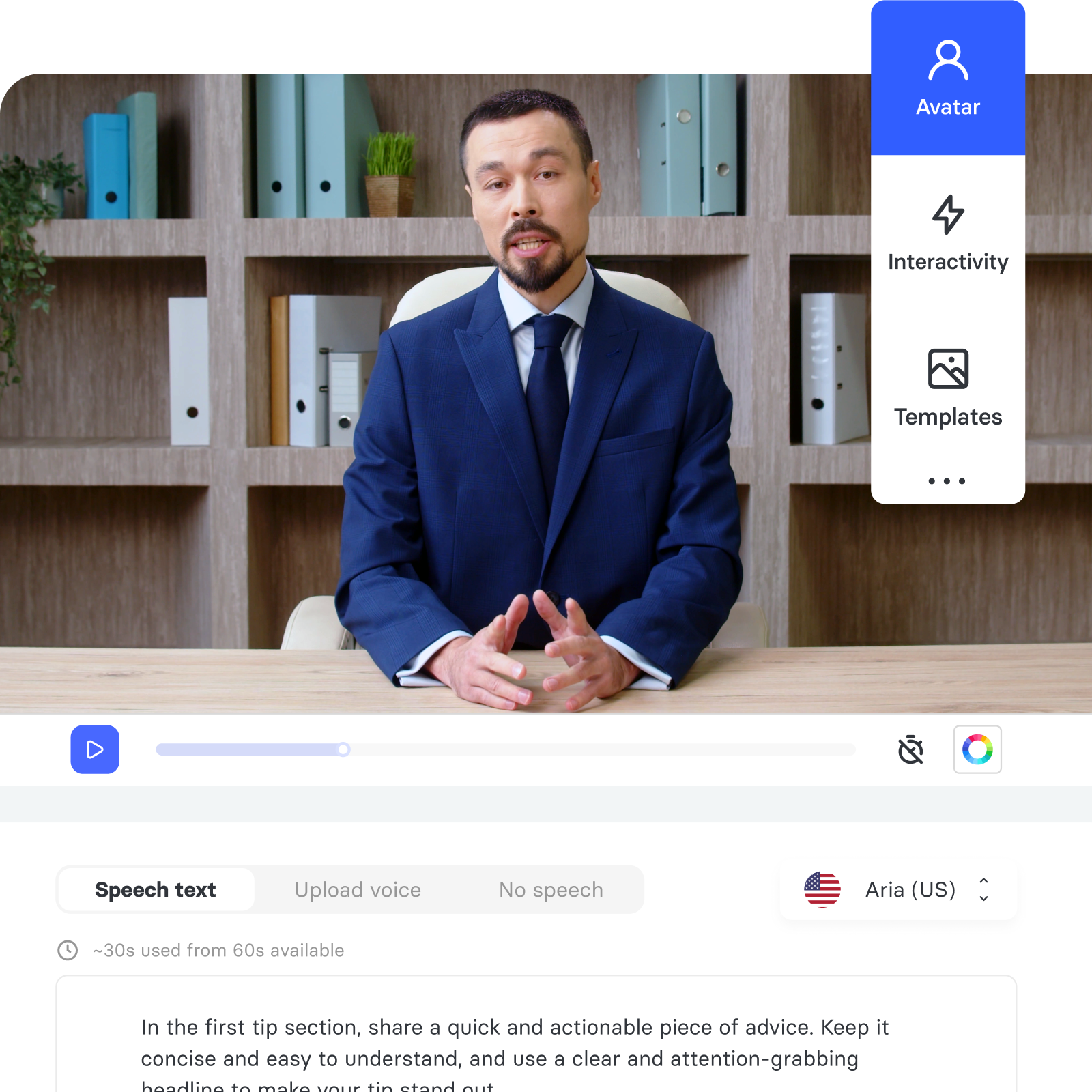
AI Video Studio
Go from presentation, PDF, or prompt to polished video in minutes.
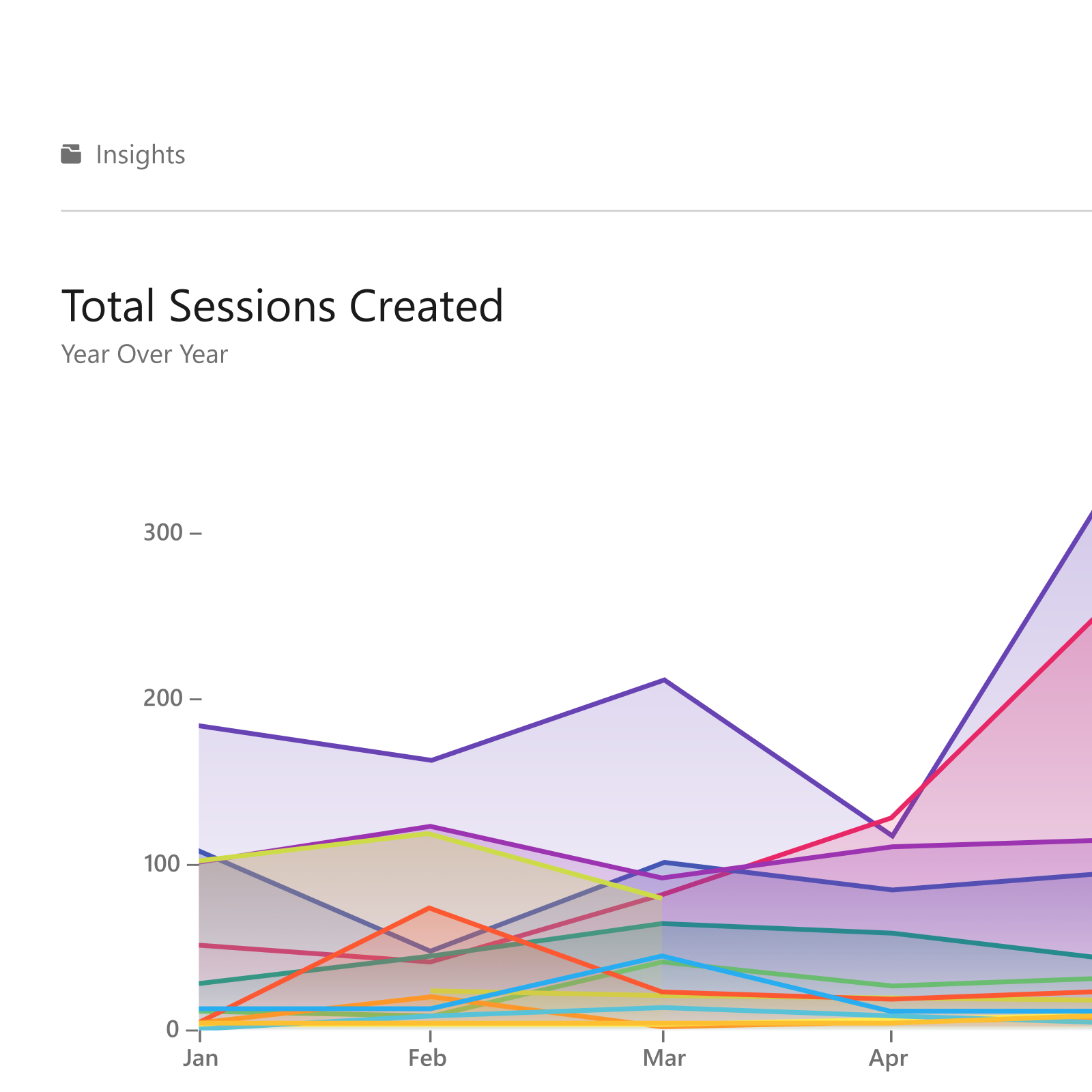
Knowledge Insights
Turn viewing data into decisions that improve learning outcomes.
Connect
Deliver branded video experiences that reach beyond your LMS.

Frequently asked questions
What is Panopto MCP Server?
MCP Server securely connects trusted Panopto knowledge to approved AI tools, such as Claude, ChatGPT, or Microsoft CoPilot. Institutional or organizational content captured in Panopto becomes available through those AI experiences.
How do Panopto permissions work with MCP Server?
Existing Panopto permissions continue to determine what each user can access. Users can only reach content they’re already authorized to see in Panopto.
Can an AI tool modify content in Panopto?
No. MCP Server is read-only by design. AI can search and retrieve Panopto content, but it cannot modify, delete, or create content in the library.
Can administrators control AI access to Panopto
Yes. Administrators control whether AI can access Panopto content. Administrators can disable that access as organizational policies, security requirements, or AI strategies change.
Is Panopto content used to train external AI models?
No. Panopto content is not used to train external AI models, and existing Panopto privacy and data-residency protections remain in place.
Get more from the AI tools you already use
See how you can connect the knowledge you’ve already captured to your AI tools with safeguards in place.
Already a Panopto customer? Talk to your account team about adding MCP Server to connect your knowledge to your AI.