











Student assignments
Give students a better way to demonstrate what they know
From recorded presentations to peer-reviewed video assignments, Panopto makes student video creation simple—and gives instructors a structured way to assess it.
The challenge
Student video assignments have clear pedagogical value—and real logistical friction
Faculty who assign video work often cobble together a process from tools that weren’t designed to work together. Students submit recordings through email, shared drives, or consumer platforms. Instructors review them outside the LMS and return feedback manually. Peer review is difficult to structure and harder to moderate. The assignments that do get assigned tend to stay simple because the process of managing anything more complex isn’t sustainable.
How video assignments work better with Panopto
Video assignments build communication and presentation skills alongside subject knowledge. Panopto gives students a straightforward recording experience and gives instructors the structure to assign, collect, review, and grade video work—all inside the LMS.
Student video creation
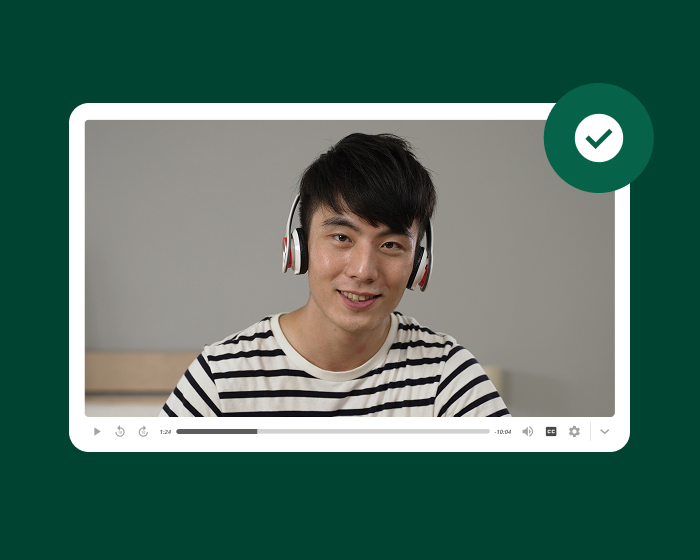
Record a presentation without needing a production setup
Students record screen, webcam, and audio directly in Panopto—on any device, from any location—and submit to the LMS without exporting files or using external platforms. The experience is simple enough that the technology doesn’t become the assignment.
Assignment collection and organization
Keep every submission in one place
Student recordings are organized automatically by course and assignment in Panopto—searchable, captioned, and accessible to instructors without manual collection. Submission workflows integrate with the LMS so instructors manage video assignments the same way they manage any other coursework.
Peer review and feedback
Make peer learning part of the assignment
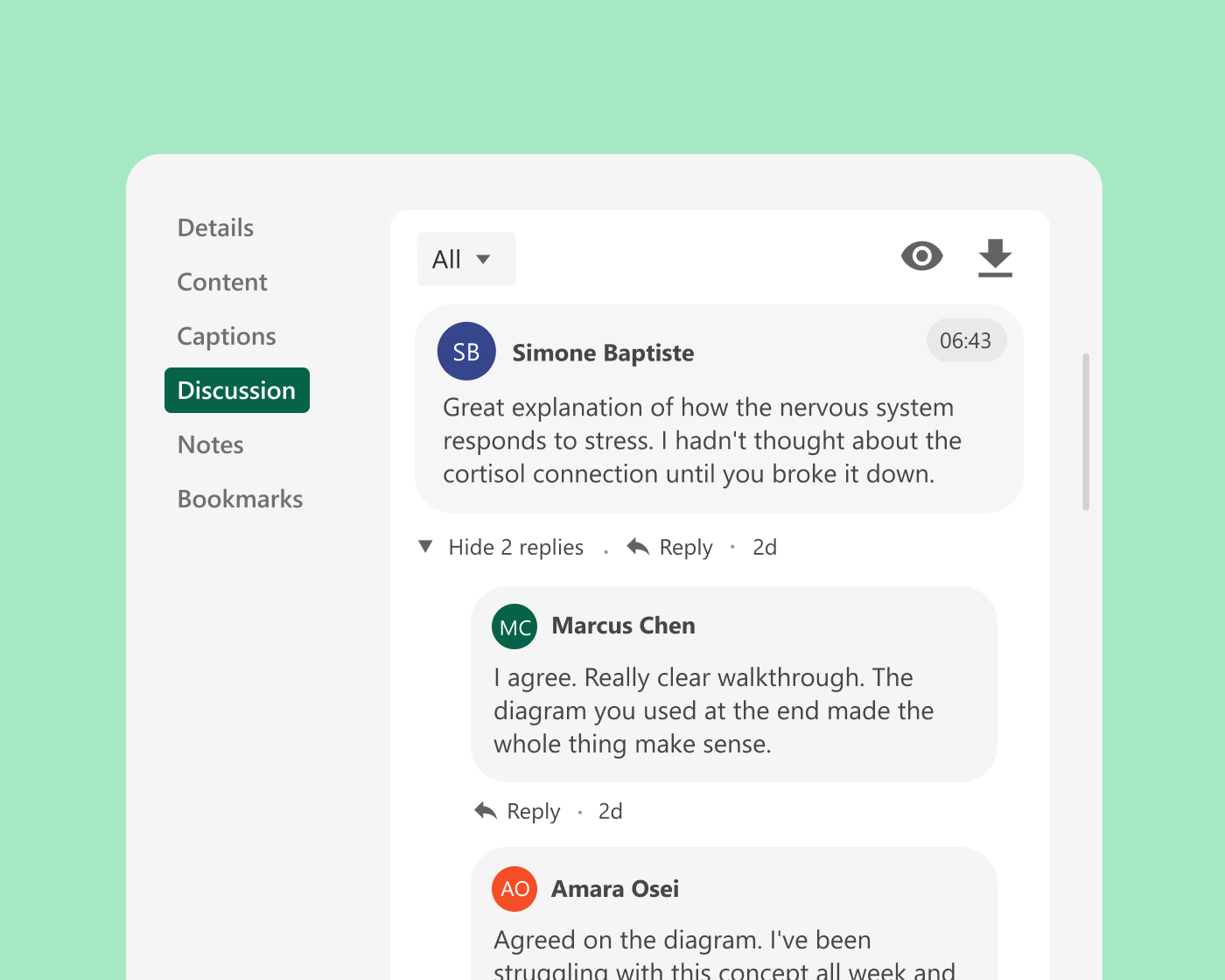
Time-stamped comments let students give specific, contextual feedback on each other’s recordings—anchored to the exact moment they’re responding to. Instructors set the review criteria and moderate the conversation, turning peer feedback into a structured part of the learning experience.
Instructor review and grading
Review, annotate, and grade video work efficiently
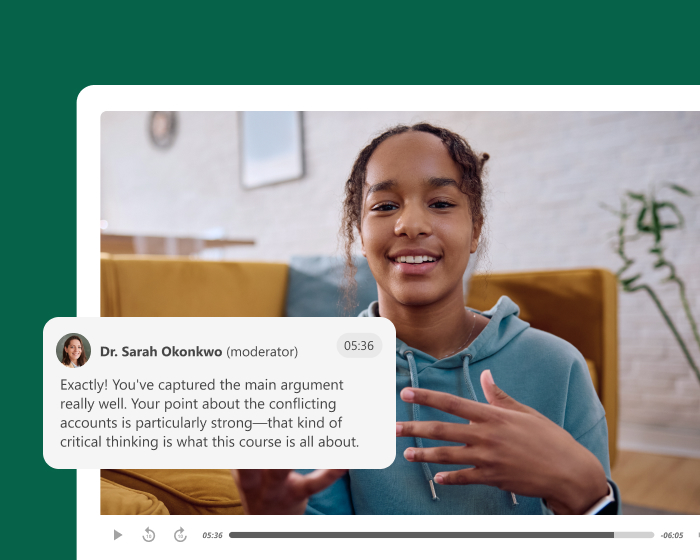
Instructors review student submissions inside Panopto, leaving time-stamped feedback at specific moments in the recording. Grades sync to the LMS gradebook, and engagement data gives instructors additional context about how students approached the assignment.
What leading institutions achieve with Panopto
Student assignments across higher education
Institutions use Panopto to make video assignments a practical, scalable part of course design—integrated into the LMS and accessible to every student.
Trusted by leading universities and institutions around the world



Customer story
How Samuel Merritt University built equitable learning experiences through video
At Samuel Merritt, faculty needed a way to deliver flexible, high-quality instruction to students balancing clinical work with coursework. With Panopto embedded in the LMS, students could record and submit assignments on their own schedule—and instructors could review and respond at the moment in the recording that mattered most.
Explore what’s possible with student video assignments
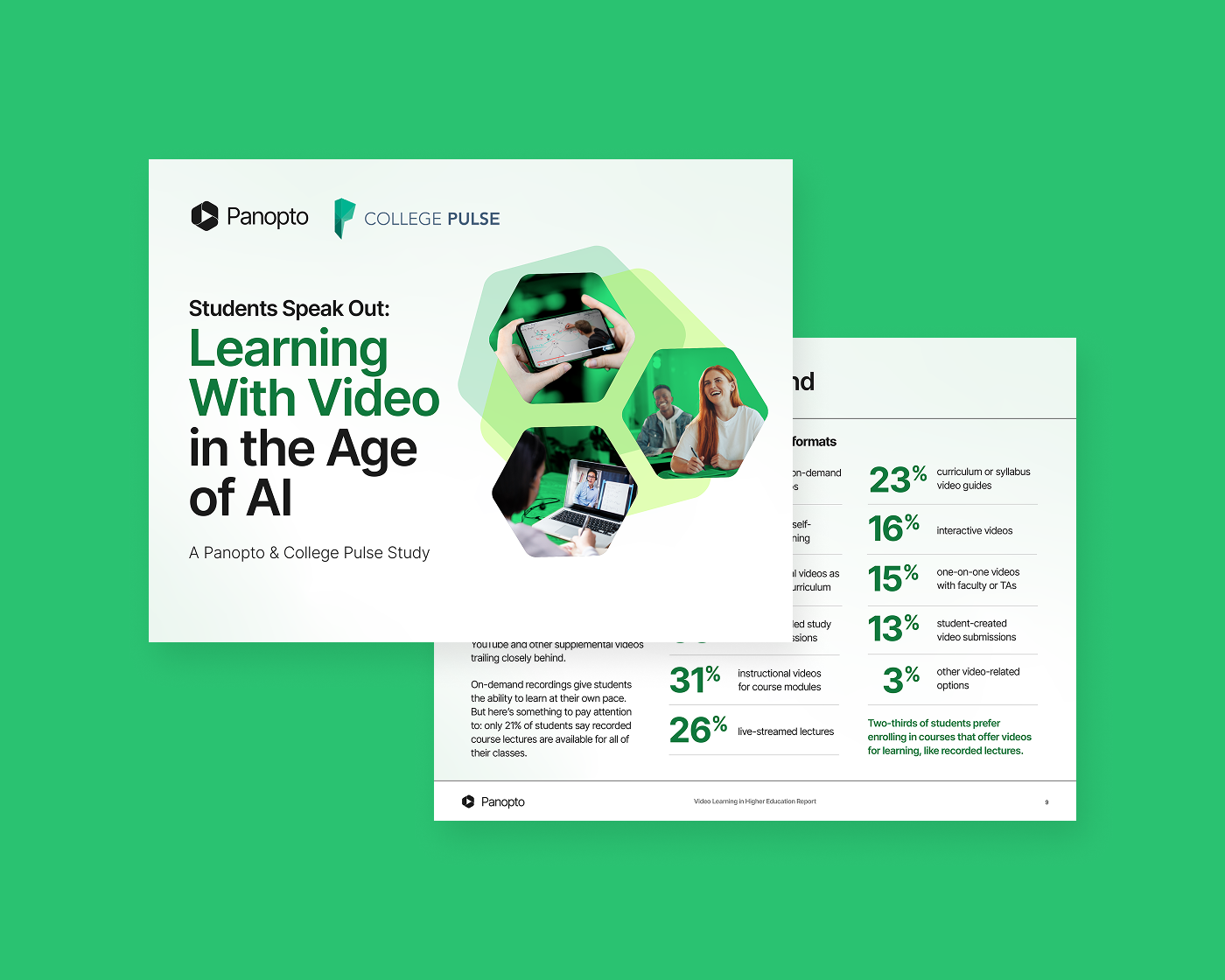


How leading institutions use Panopto
Frequently asked questions
How does Panopto make video assignments practical for faculty to manage?
Panopto gives instructors a structured workflow for assigning, collecting, and reviewing student video submissions inside the LMS—so video assignments don’t require students to use external platforms, and instructors don’t receive files through email or shared drives.
Students record and submit directly in Panopto, submissions are organized automatically in a course folder, and instructors review and leave time-stamped feedback at specific moments in each recording. Grades sync to the LMS gradebook, keeping the full record in one place. For faculty who have found video assignments logistically demanding to run at scale, this workflow removes the friction that makes them impractical.
What types of video assignments can students complete through Panopto?
Students use Panopto to record and submit a range of assignment types—including recorded presentations, reflective journals, clinical skill demonstrations, language practice recordings, and peer-reviewed video projects. The recording interface works from a browser or the Panopto mobile app, so students submit from a laptop, tablet, or phone without additional software.
For programs where demonstrating practical competency is part of the learning objective—clinical education, teacher preparation, performance-based courses—video assignments give students a way to show what they know rather than describe it, and give instructors richer evidence of learning than written work alone provides.
Can students review each other’s video assignments in Panopto?
Yes. Panopto supports peer review workflows where students view and comment on each other’s submissions using time-stamped feedback tied to specific moments in the recording. Instructors can set the review criteria and moderate the conversation, turning peer feedback into a structured part of the learning experience rather than an informal exchange.
Research on peer learning consistently finds that giving feedback on others’ work deepens understanding of the criteria and improves students’ own performance. Panopto’s peer review workflow makes this a practical course design option rather than a logistical challenge.
How does Panopto support equity in video assignments for students with different technical access?
Panopto’s mobile app for iOS and Android means students can record and submit assignments from a smartphone without a laptop or specialist recording equipment. Browser-based recording removes the need to install software, and submission happens directly inside the LMS so students don’t need separate accounts or platforms.
Customers have noted that Panopto lets students work at a pace that’s comfortable for them—recording and reviewing their work on their own schedule, not tied to a lab booking or equipment loan. Reducing the technical barriers to video assignment submission makes the format accessible to students across a wider range of circumstances.
How does Panopto give instructors feedback tools for student video work?
Panopto’s instructor review interface lets faculty leave time-stamped comments at specific moments in a student’s recording—so feedback is tied directly to the relevant section of the work rather than delivered as a general note at the end. Students receive specific, actionable feedback they can act on for future assignments or use to understand the grade they received.
For larger courses where reviewing video submissions could be time-intensive, Panopto’s organization of submissions by student and assignment, combined with timestamp-level annotation, makes the review workflow significantly more manageable than receiving files through email or a file-sharing service.