










AI Video Studio · Add-on
High-quality training video, without the production overhead
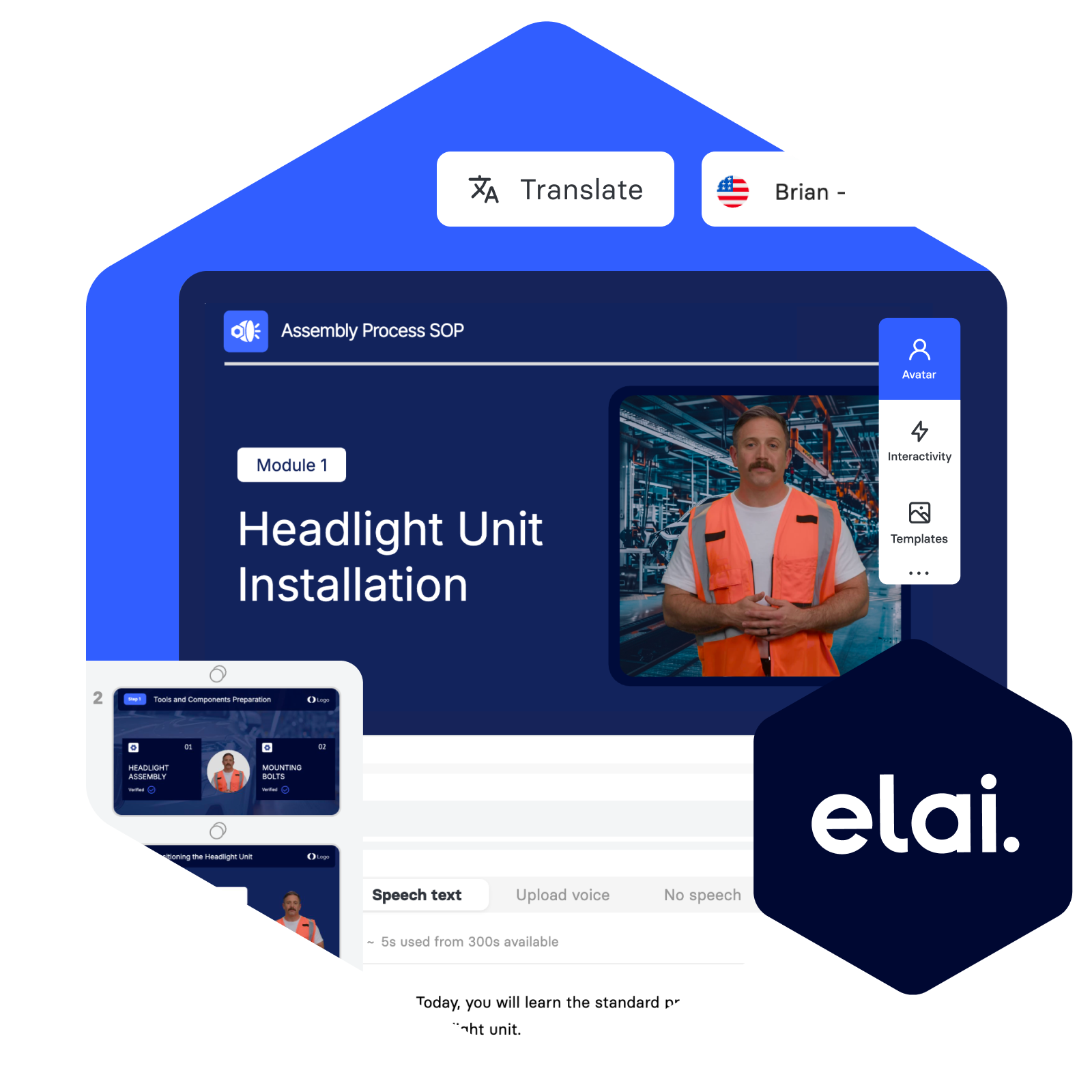
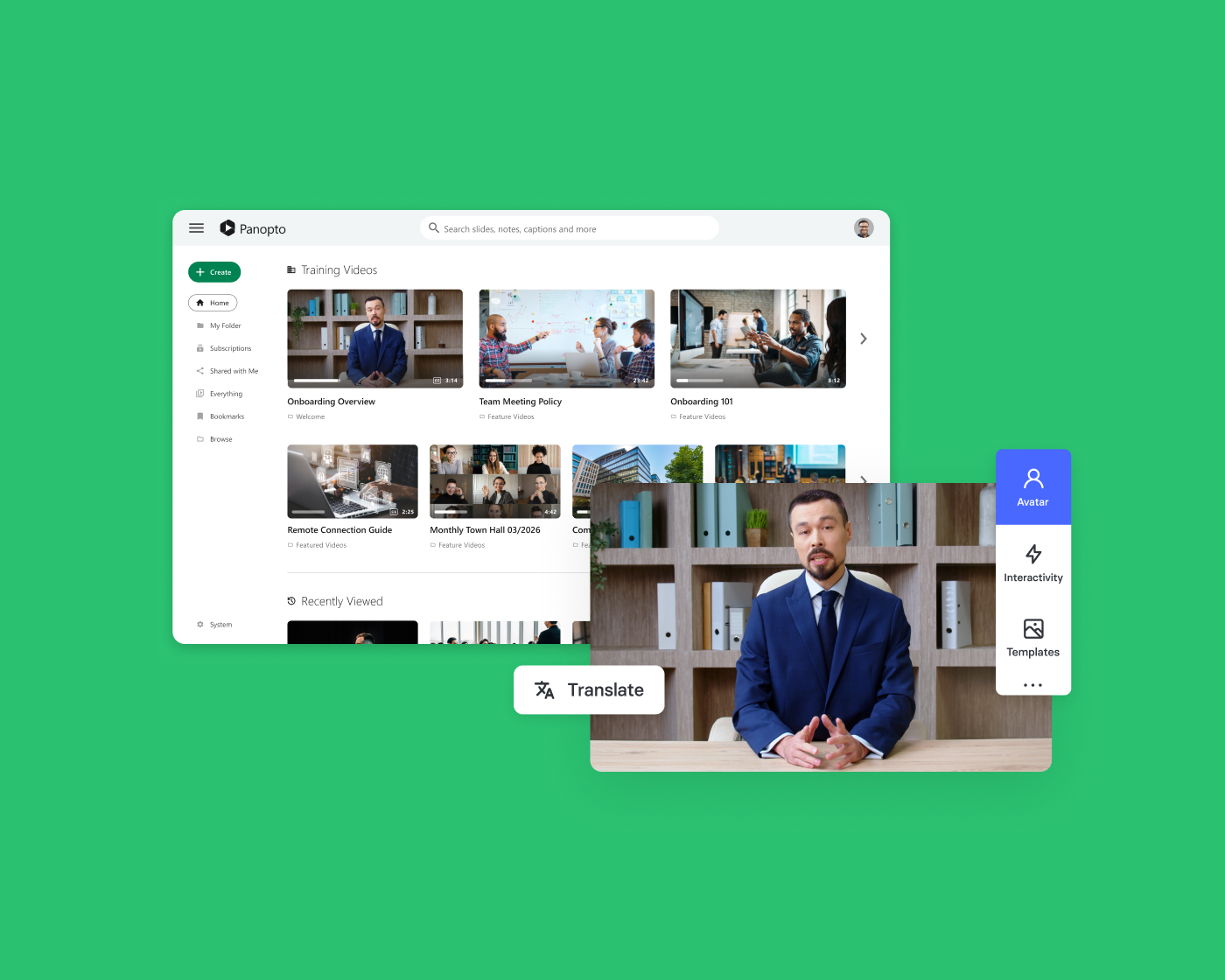
Elai, Panopto’s AI Video Studio, lets your subject matter experts focus on what they know—not on recording schedules, production timelines, or post-production queues. Start from a template, an existing presentation, or a plain-text prompt, and publish polished, avatar-narrated video directly to your Panopto library in minutes.
Platform add-on
AI Video Studio requires the Panopto Video CMS
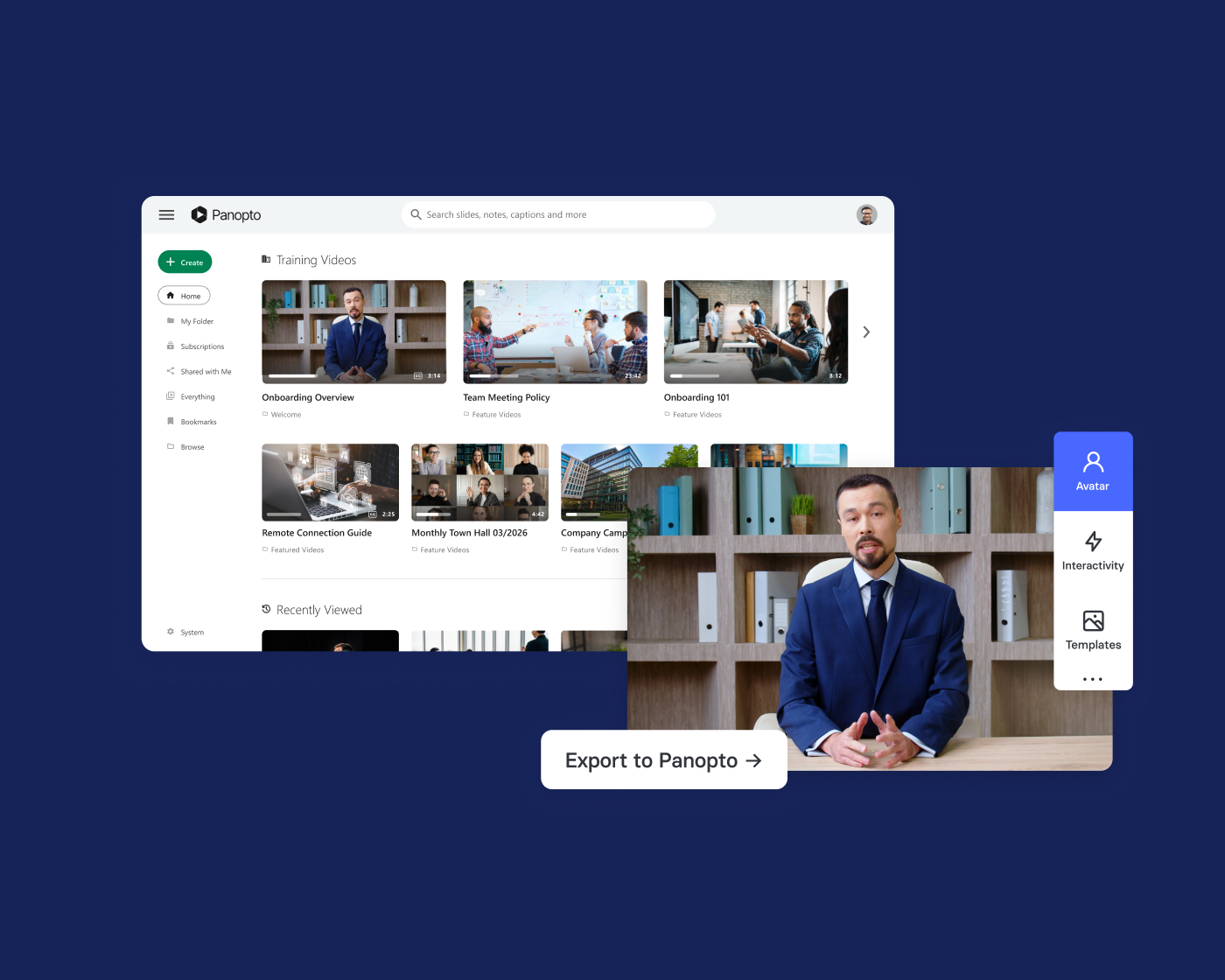
AI Video Studio is a platform add-on that extends your Panopto Video CMS with AI-powered video creation. Videos publish directly to your Panopto library, searchable and tracked from day one.
Trusted by 2,000+ organizations worldwide to create video at scale



What organizations are achieving with AI Video Studio
Professional video from the content you already have
Lecture slides, training decks, compliance documents, and SOPs—Elai, Panopto’s AI Video Studio, turns existing materials into polished, avatar-narrated video without a camera, a studio, or a production team. What used to take weeks gets done in minutes, and everything publishes directly to your Panopto library.
Content creation
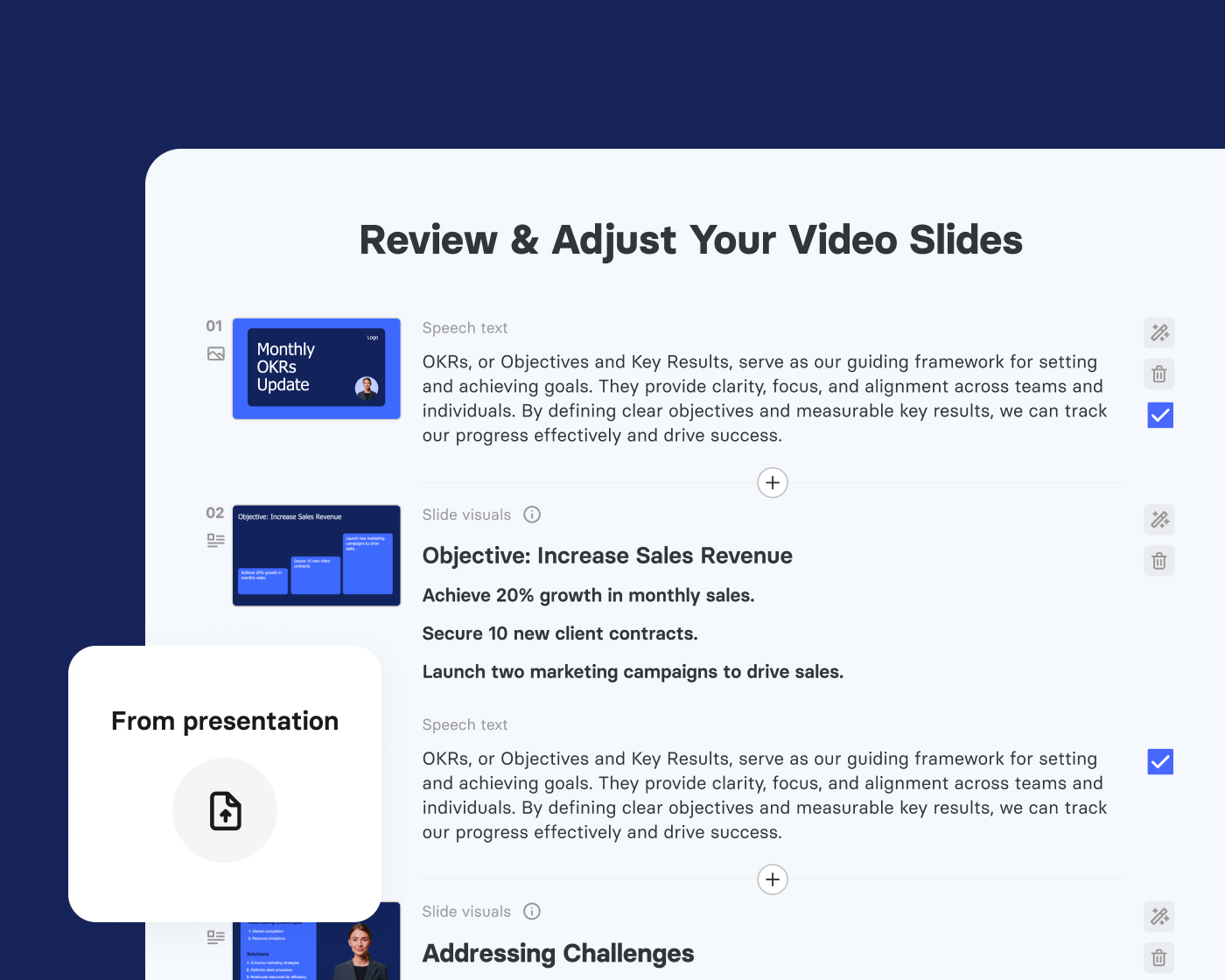
Turn what you already have into video learners actually engage with
Speaker notes become narration. Slides become scenes. The materials your subject matter experts already use for teaching and training become polished, avatar-narrated video—without a recording session or production queue. Everything is editable and publishable directly to Panopto before you’re done with your coffee.

Avatars and voiceover
The right presenter for every audience, in every language
Learners engage more with content that feels relevant to them. Choose from 500+ diverse, licensed AI avatars and 450+ voices, clone your own voice in 28 languages, or go screen-only with voiceover. For scenario-based learning, two-avatar dialogues add realism without adding production complexity
Avatar-free video is fully supported. Slides with voiceover, screen recordings with narration, and text-and-visuals-only formats are all available. Avatars are an option, not a requirement. Choose what fits your content and your audience.
Interactivity
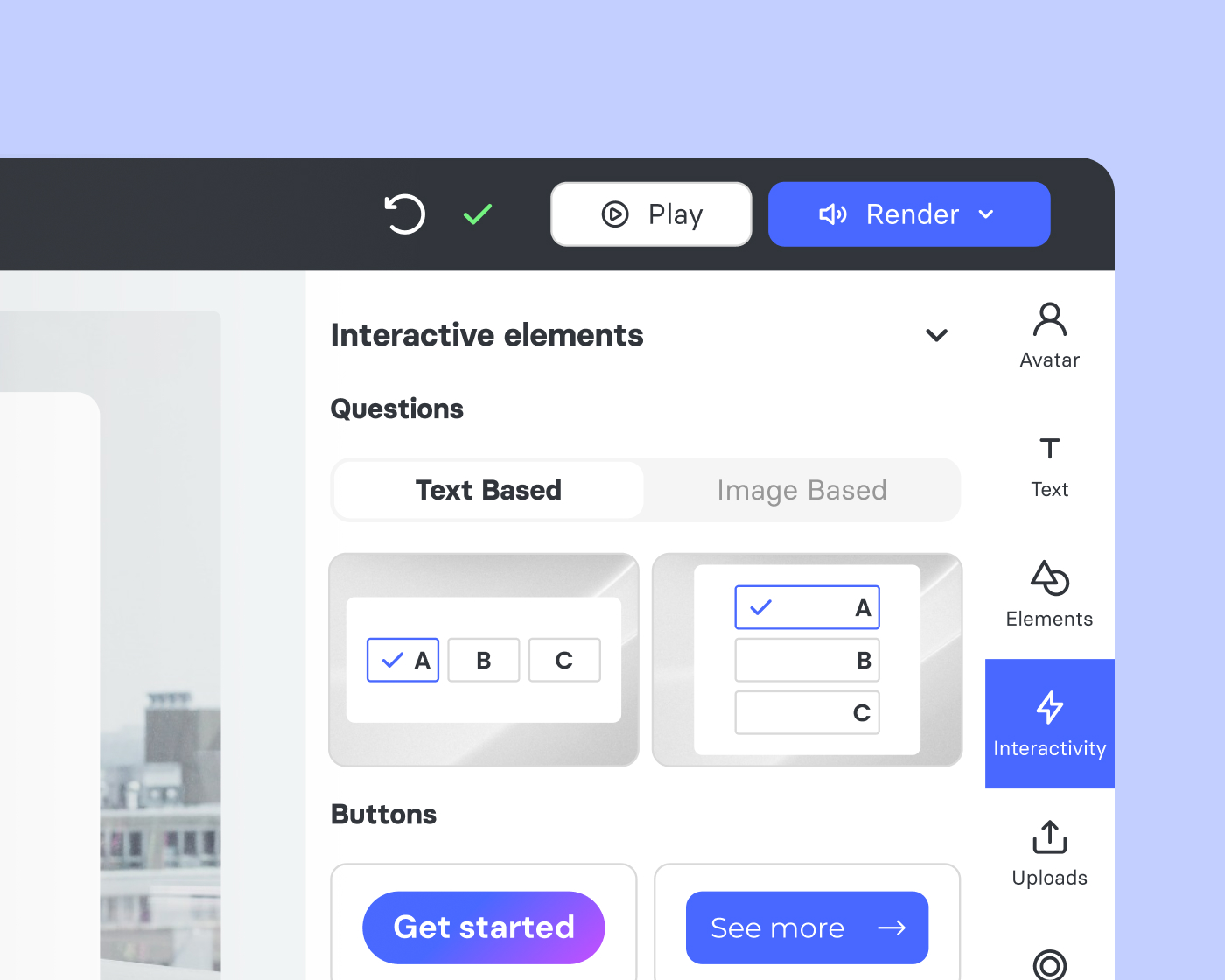
Give learners something to do, not just something to watch
Knowledge checks, branching scenarios, clickable buttons, and chapter navigation are built directly into the same editor where the video was created—no separate authoring tool, no LMS workaround, no developer required. Learners make decisions, answer questions, and navigate content on their own terms.
Video editing
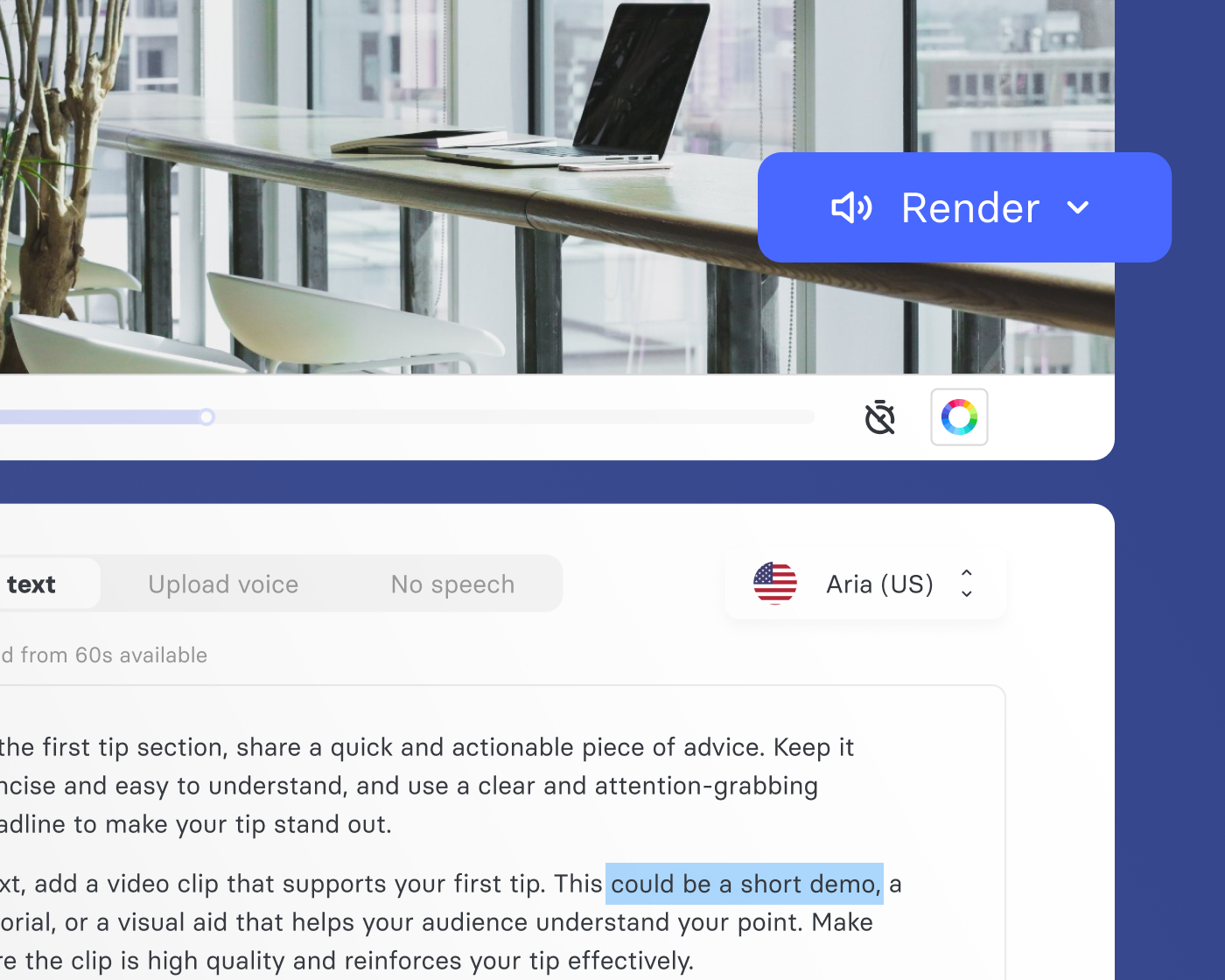
Keep content current without starting from scratch
When a policy changes or a product updates, editing a scene is as simple as updating the script text and re-rendering that section. The rest of the video stays exactly as it was. No new recording session, no full re-edit—just the change that needs to be made, made quickly.
Every starting point covered
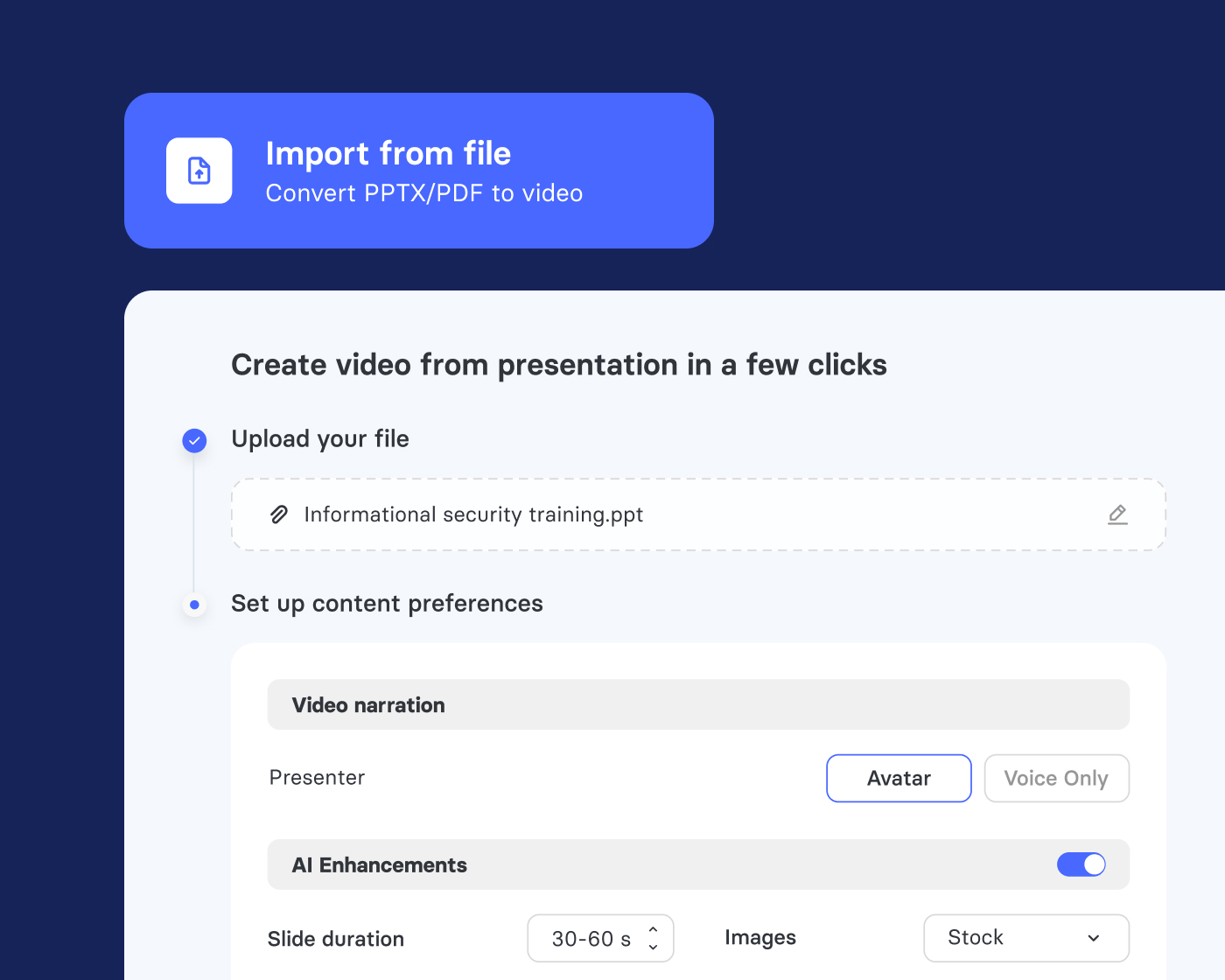
However your content begins, AI Video Studio takes it from there
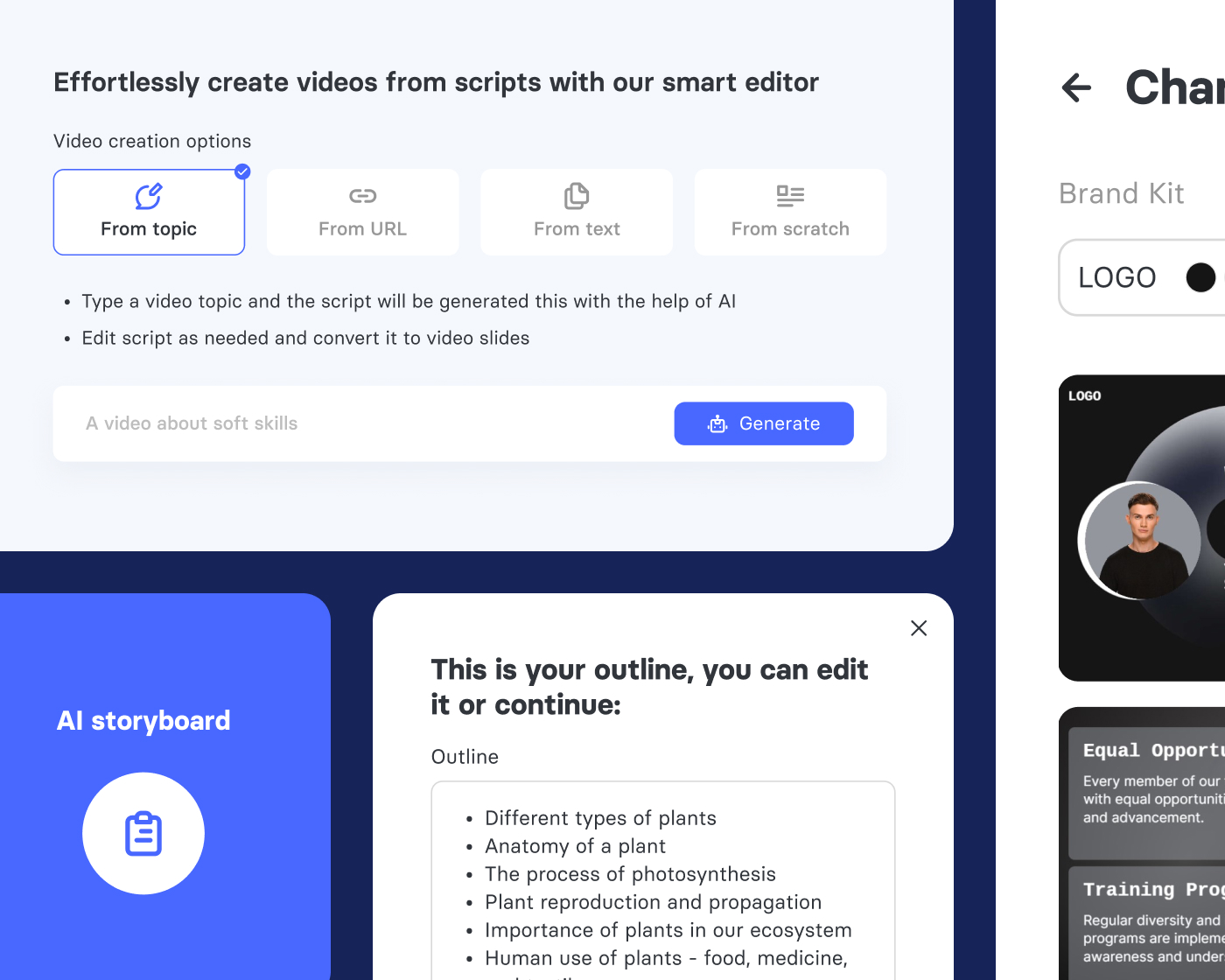
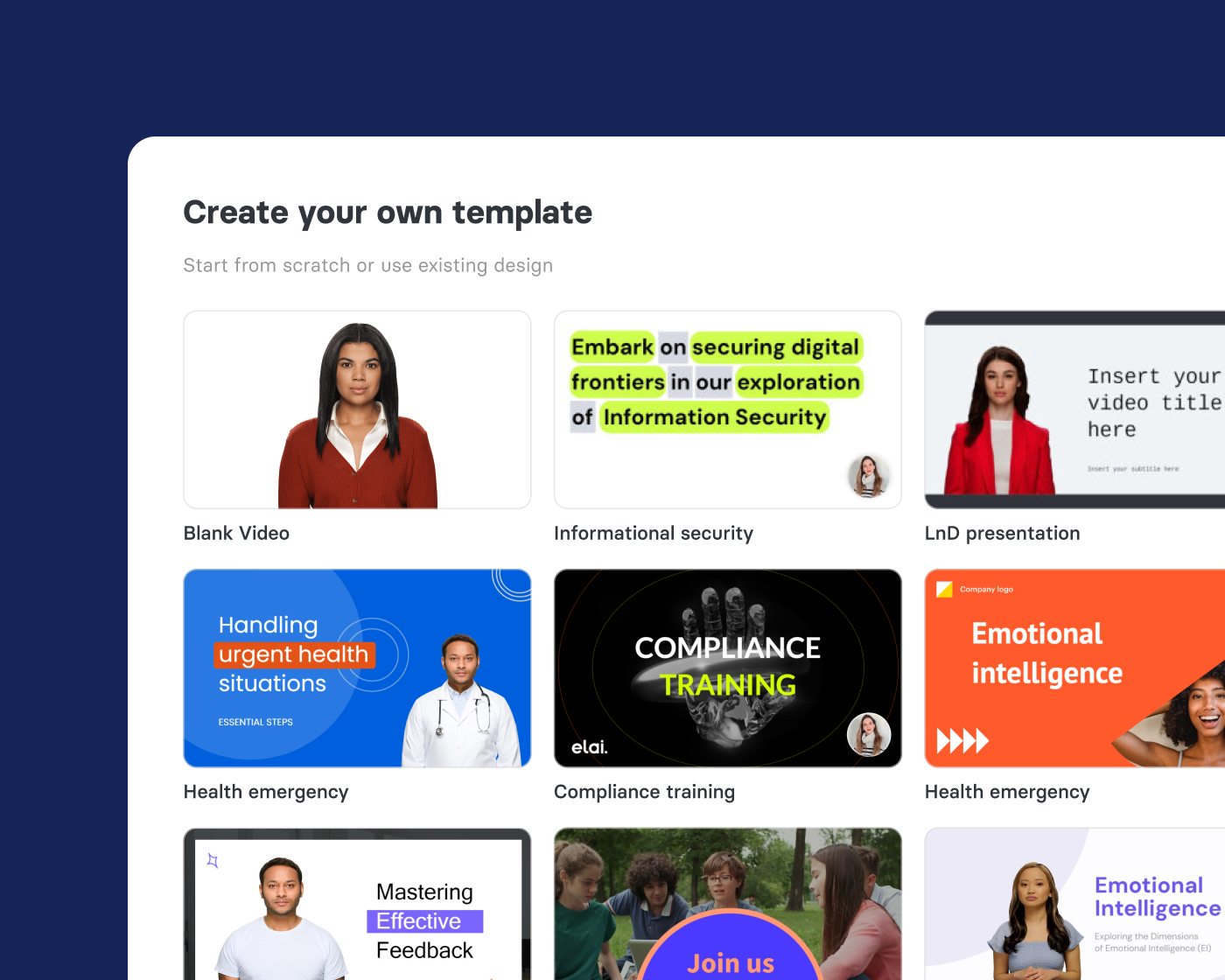
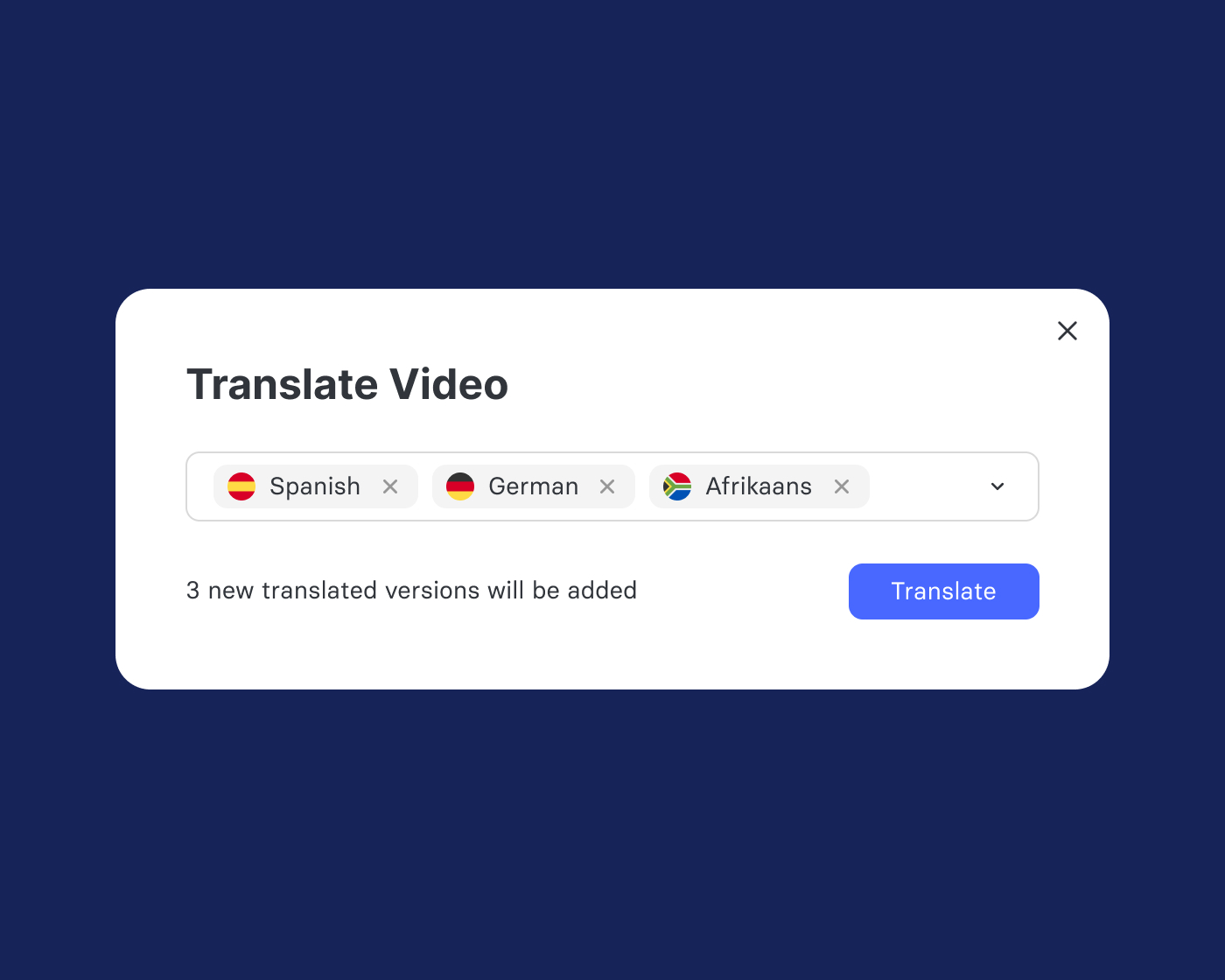
Create video that works for your organization
500+
AI avatars to choose from
75+
Languages supported with one click
450+
Voices for every tone and audience
Video Knowledge Platform
AI Video Studio, built into your Panopto workflow
AI Video Studio is a powerful standalone product. Paired with Panopto’s Video CMS, it becomes part of a complete video lifecycle—from AI-generated creation through secure storage, intelligent search, and viewer analytics.

Customer story
How LKQ reduced video training production costs by 80%
Producing multilingual training content for a customer base spread across Europe is expensive, slow, and difficult to keep consistent. LKQ solved it by turning their existing PowerPoint presentations directly into polished training videos using AI Video Studio.
80%
Reduction in video training production costs
10+
Languages for multilingual video training
PPT
To video is primary workflow
Explore what’s possible with AI Video Studio



“LKQ can produce training videos across Europe using Elai and deliver them via LKQ Academy, our learning management system. The ability to create content directly from PowerPoint presentations is a big advantage.”
Automotive distribution · 26,000+ employees across Europe
Extend what’s possible with platform add-ons
Access AI
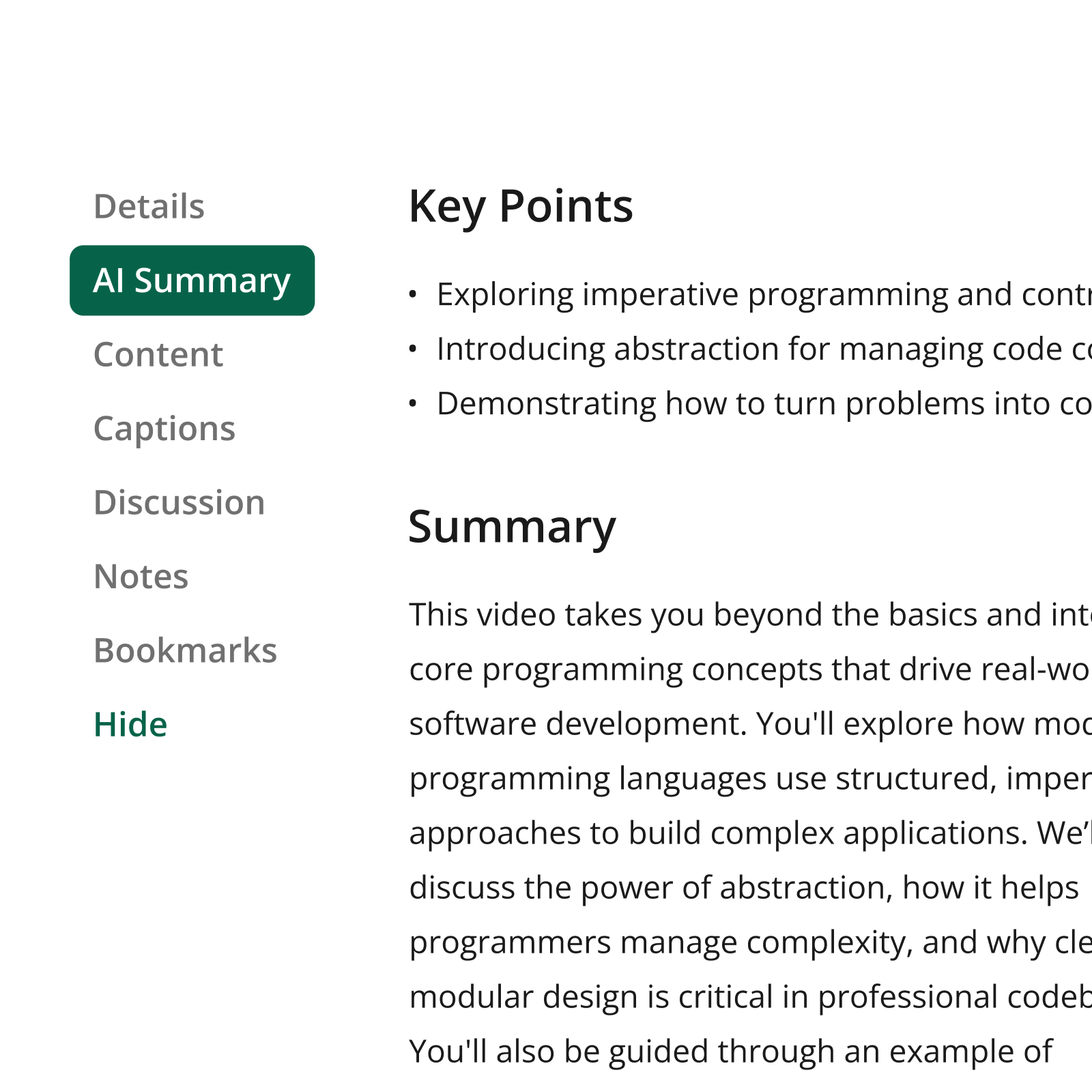
Help learners find the precise information they need, faster.
Connect
Deliver branded video experiences that reach beyond your LMS.

Knowledge Insights
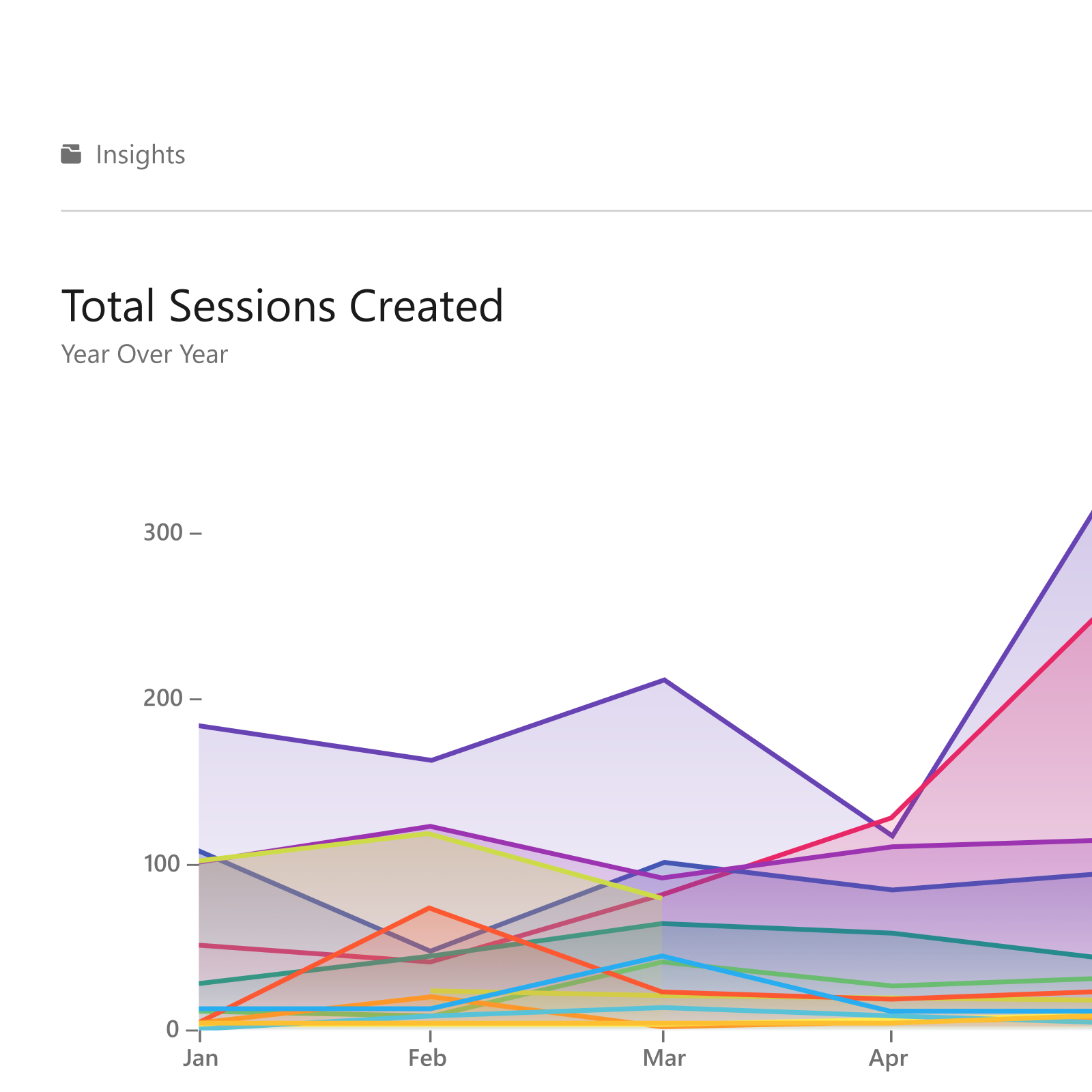
Turn viewing data into decisions that improve learning outcomes.
Frequently asked questions
Do I need any video production experience to use AI Video Studio?
No, and that’s the point. AI Video Studio was specifically built to eliminate the production barrier. You don’t need a camera, a microphone, a studio, or any video editing skills. If you can upload a PowerPoint file or type a paragraph of text, you can produce a professional video.
How does PPTX-to-Video actually work?
AI Video Studio reads both the visible slide content and the speaker notes attached to each slide. If your slides have speaker notes, those become the narration script. If they don’t, AI generates a script based on the slide content. Each slide becomes a scene in the video, with your chosen avatar presenting the narration while the slide visuals appear on screen.
How good is the translation quality?
AI Video Studio supports 75+ languages with high-quality AI translation that handles most professional and technical content accurately. Voice cloning is available in 28 languages—allowing the original speaker’s voice to narrate in each translated version.
Can I update a video if the content changes?
Yes. Because the video is generated from a script and slides, you can open any video, edit the script for a specific scene, update the slide content, and re-render that section without touching the rest of the video.
Ready to create high-quality video in minutes with AI?
Elai, Panopto’s AI Video Studio, enables your organization to create high-quality video in minutes with AI at scale without a camera or production team.
Already a Panopto customer? Talk to your account team about adding AI Video Studio for a seamless create-to-manage workflow.