











Community colleges
Quality instruction that scales across your system
Panopto turns lectures, demonstrations, and course explanations into accessible, searchable learning assets—embedded directly in the LMS workflows your faculty and students already use.
Trusted by leading universities and institutions around the world


Where community colleges see the greatest impact
Student persistence and access
Give every student a reliable way to learn at their pace
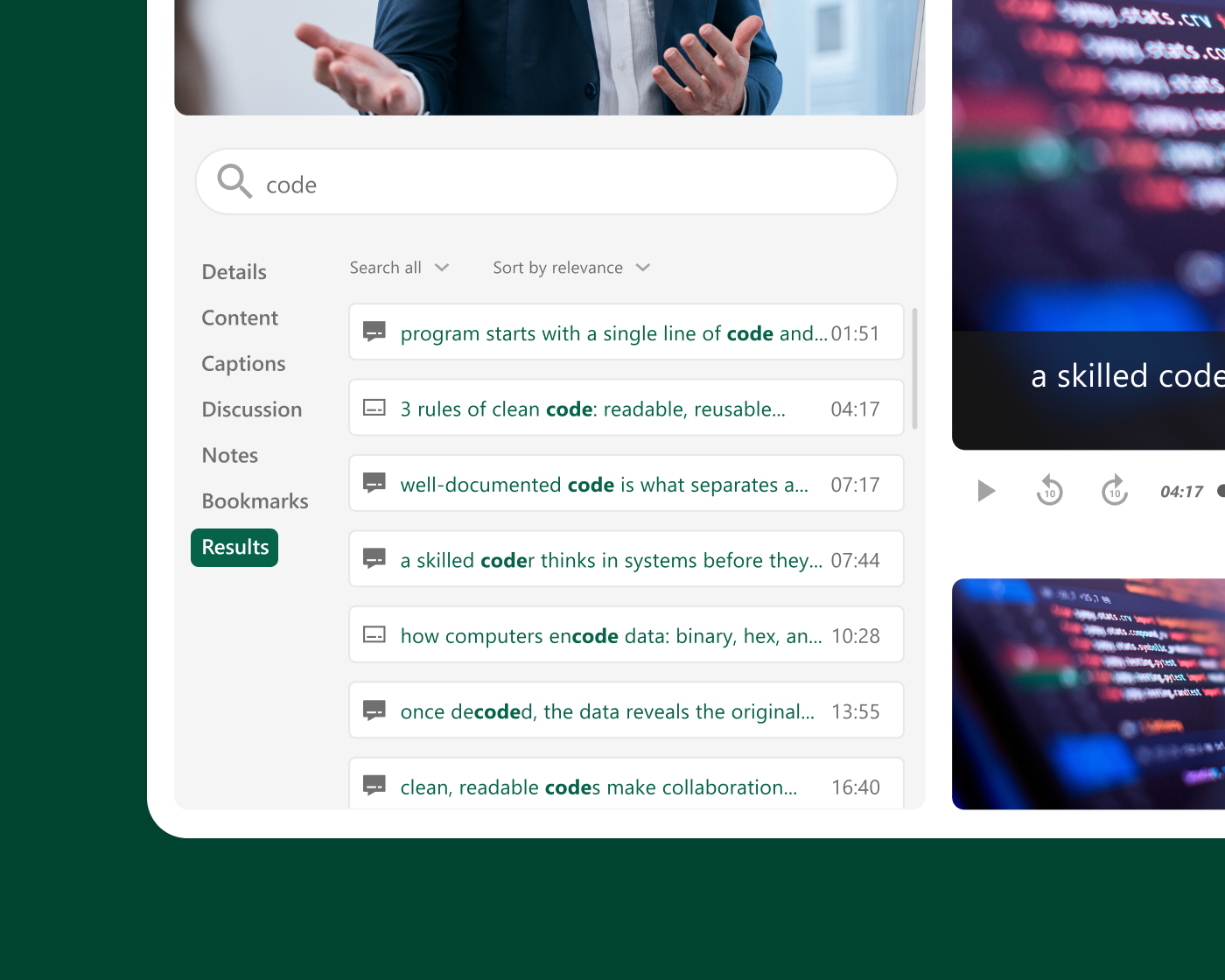
When students can revisit lectures, search for exact explanations, and review course material on their own time, learning isn’t contingent on a single class session. Panopto makes recorded content a natural extension of every course—without adding steps for faculty.
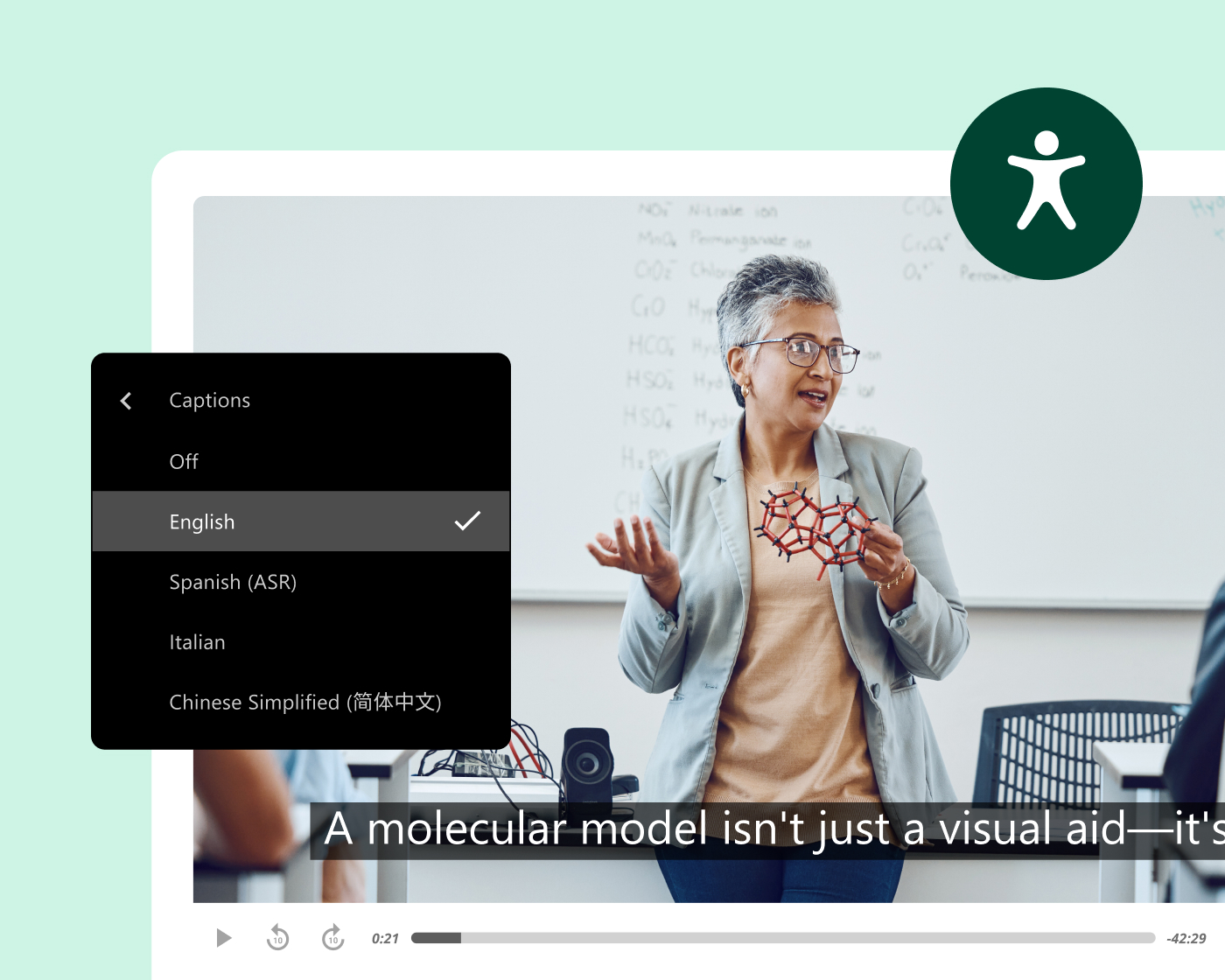
Accessibility and compliance
Consistent captions and transcripts across every course and campus
Automated captions and transcripts help institutions scale accessibility support across courses, departments, and campuses—without creating additional work for faculty or IT. As accessibility expectations evolve, automated workflows help institutions maintain consistency at scale.
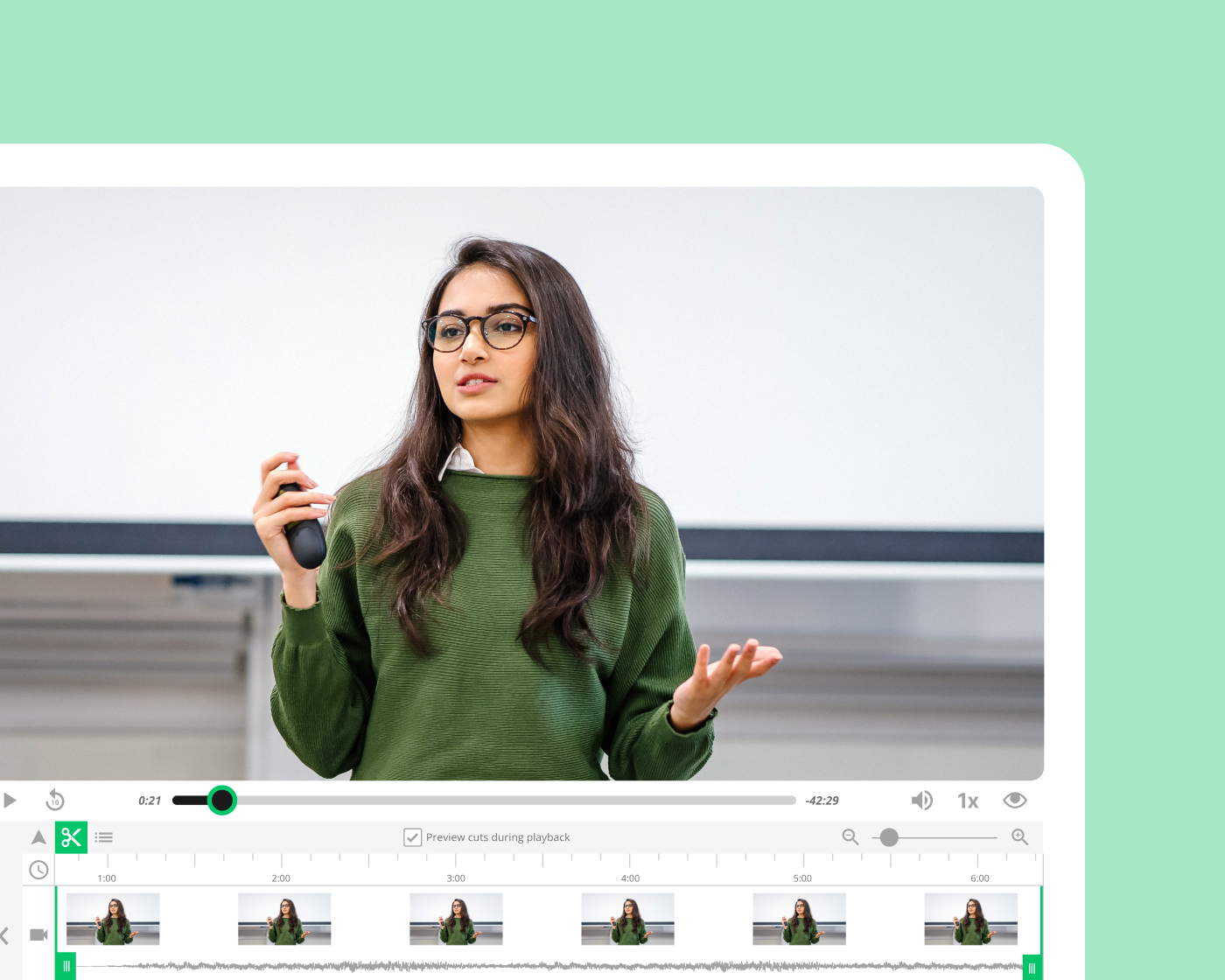
Faculty efficiency
Less time re-recording. More time teaching.
Many community college faculty teach the same courses across multiple sections each term. When content is recorded once and reused across sections, semesters, and formats, course prep time goes down and instructional quality stays consistent—even as faculty rosters change.
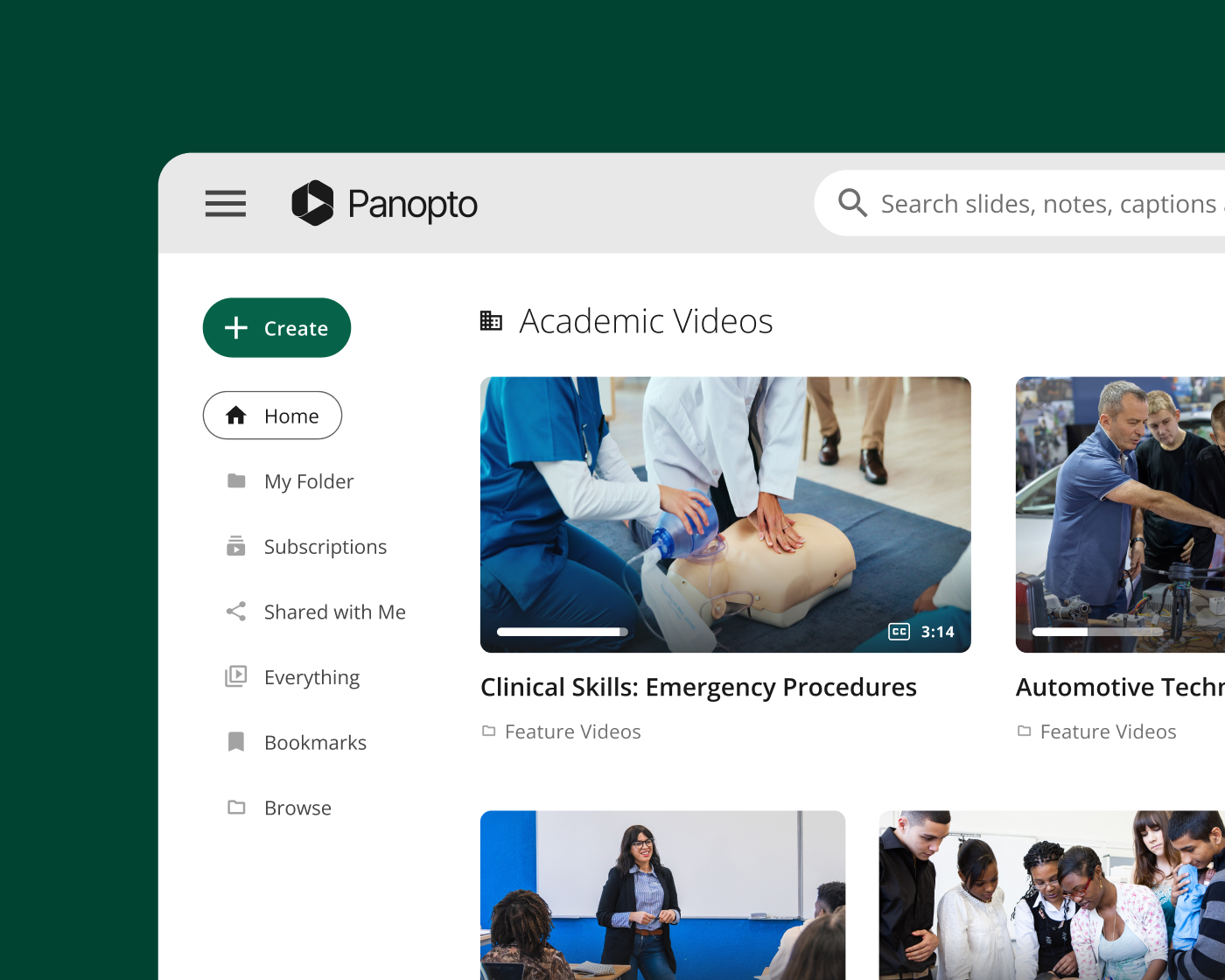
Workforce and skills training
Support hands-on learning beyond the classroom
From healthcare and nursing to skilled trades and workforce certification programs, community colleges deliver practical learning across a wide range of modalities. Panopto helps instructors capture demonstrations, lab walkthroughs, and technical instruction students can revisit anytime—supporting retention, flexibility, and skills development outside scheduled class time.
Seamlessly integrate with your systems
Built to fit your existing stack—not replace it. Deep integrations with your LMS, collaboration tools, and classroom AV systems mean Panopto works the way your campus already does.

Canvas by Instructure
Learning management system
Moodle
Learning management system
D2L Brightspace
Learning management system

Blackboard
Learning management system

Zoom
Collaboration
Microsoft Teams
Collaboration
Customer story
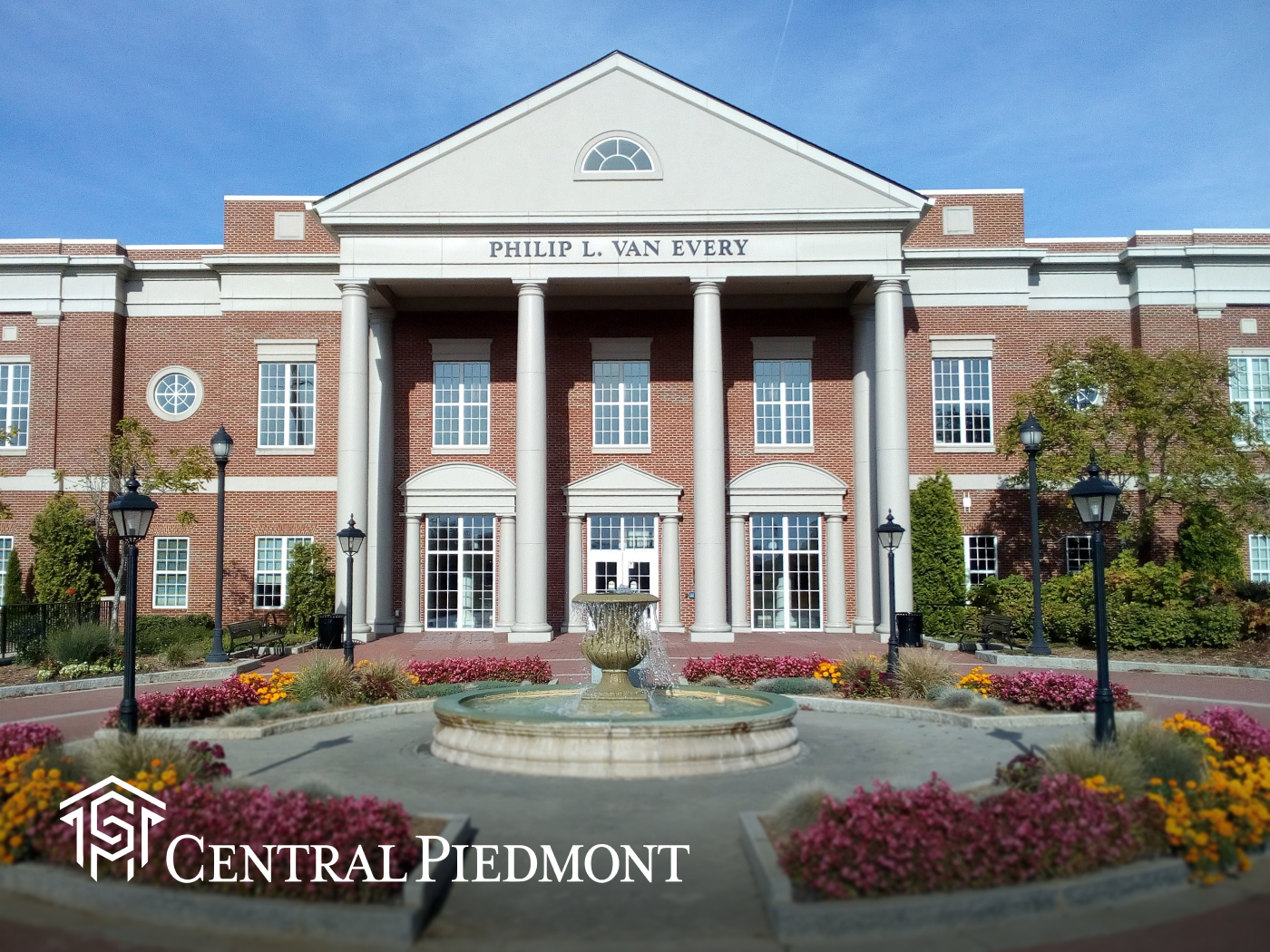
How Central Piedmont Community College made video work for every instructor
Central Piedmont needed video to work reliably across a diverse faculty—many of whom had limited time and little interest in becoming video producers. After implementing Panopto, instructors across disciplines were creating and managing their own recordings with minimal support, and students gained consistent access to course content regardless of section or modality.
How leading institutions use Panopto

“I’ve gotten feedback from a lot of faculty about how good the transcription is. Most of the instructors feel comfortable enough to do it on their own.”
Media Systems Project Manager, Central Piedmont Community College
Resources for community colleges



Frequently asked questions
How does Panopto help community colleges improve student persistence and outcomes?
Panopto makes recorded lecture content a reliable study resource students can search, revisit, and engage with on their own schedule—supporting the kind of flexible, self-directed learning that community college students, many of whom balance work and family commitments, depend on.
Panopto customers in higher education report that 9 of 10 students saw better grades and 7 of 10 improved knowledge retention after their institution adopted video as a learning resource, based on outcomes reported by Butler University, Northwest University, and the Kazakhstan Brittany Technical University (KBTU). When students can find the exact explanation they need rather than rewatching a full lecture, learning becomes more efficient and more effective.
How does Panopto help community colleges manage ADA and Section 508 compliance at scale?
Auto-captioning settings can be configured at the folder level, or at the system level as part of the recording workflow—so every new video can be captioned by default, without requiring additional steps from faculty or IT. For institutions managing thousands of hours of course content, automated captioning makes accessibility systemic rather than reactive.
Voluntary Product Accessibility Template (VPAT) documentation is available on request, and Panopto’s accessibility audit reporting gives institutions visibility into the caption status of their video library across all departments and courses. Jeff Jarvis, Media Systems Project Manager at Central Piedmont Community College, noted that faculty across disciplines report Panopto’s transcription quality as a key reason they’re comfortable managing their own recordings independently. Read more about accessibility here.
Can Panopto standardize course content delivery across multiple campuses?
Yes. Panopto gives community college systems a single governed library where course recordings, instructional materials, and professional development content are organized, captioned, and accessible to students and faculty system-wide—consistently, regardless of campus or section.
For multi-campus districts where IT and EdTech teams support a wide range of faculty with varying technical comfort, Panopto’s straightforward recording workflow and LMS integration significantly reduce the support burden. Central Piedmont Community College found that after implementing Panopto, instructors across disciplines were creating and managing their own recordings with minimal support.
How does Panopto reduce the burden on community college faculty who teach multiple sections each term?
When course content is recorded once and reused across sections, semesters, and formats, faculty spend less time re-recording the same material and more time on the teaching that requires their direct presence. Instructional consistency also stays high as faculty rosters change across terms.
Many community college instructors are industry practitioners or adjuncts who bring real-world expertise but have limited time for media production. Panopto’s AI-powered tools—automatic captioning, chapter generation, and content editing—reduce the post-recording effort so that creating reusable course content doesn’t become an additional burden on already stretched faculty.
Does Panopto work with the LMS platforms community colleges already use?
Yes. Panopto integrates natively with Moodle, D2L Brightspace, Blackboard, Canvas, and others—so faculty record, manage, and publish video directly from their existing course environment, and students access content inside the LMS without separate logins or platform navigation.
Panopto also integrates with Zoom and Microsoft Teams, making it practical to capture hybrid and synchronous sessions and make them available to students who couldn’t attend live. All recordings are automatically captioned and indexed for search within the LMS course. Read more about our integrations here.