










Content creation
Give your team the tools to create clear, polished video
Panopto makes video creation straightforward for the people who know the most—regardless of their production background. Capture, record, edit, and publish from a single platform, without outsourcing or specialist support.
Content creation that matches how your teams actually work
From screen and camera capture to AI-powered video creation from scripts and slides, Panopto gives instructors, trainers, and subject matter experts the tools to produce clear, high-quality content—and get it in front of learners fast.
Capture and recording
Record from anywhere with everything you need in one take
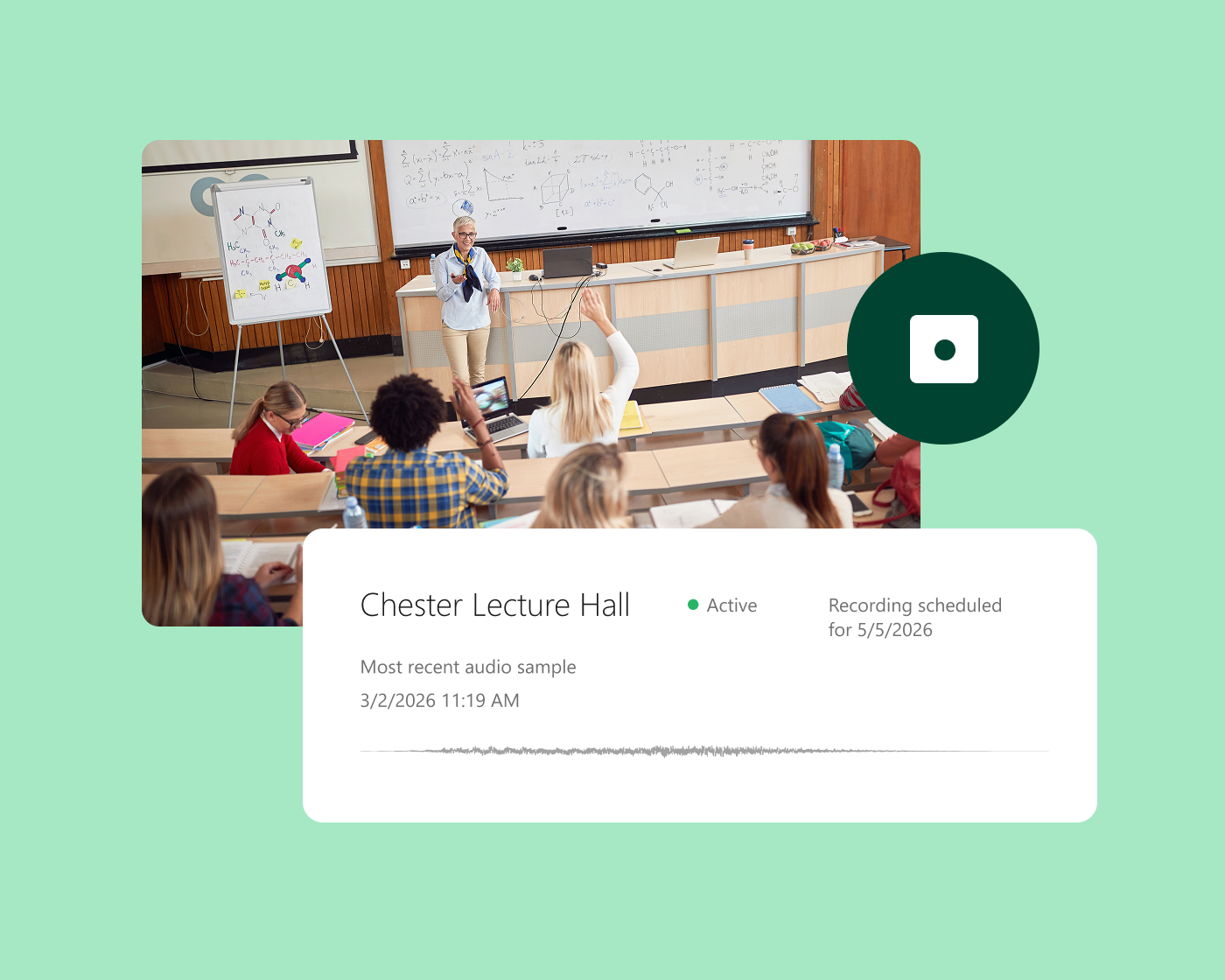
Panopto captures screen, webcam, audio, and multiple video sources simultaneously—so presenters record once and learners get a complete, multi-stream experience. Scheduled and automated recording removes setup friction for recurring sessions, and recordings are organized and published to the LMS automatically.
AI-powered video creation
Go from script or slides to a finished video in minutes
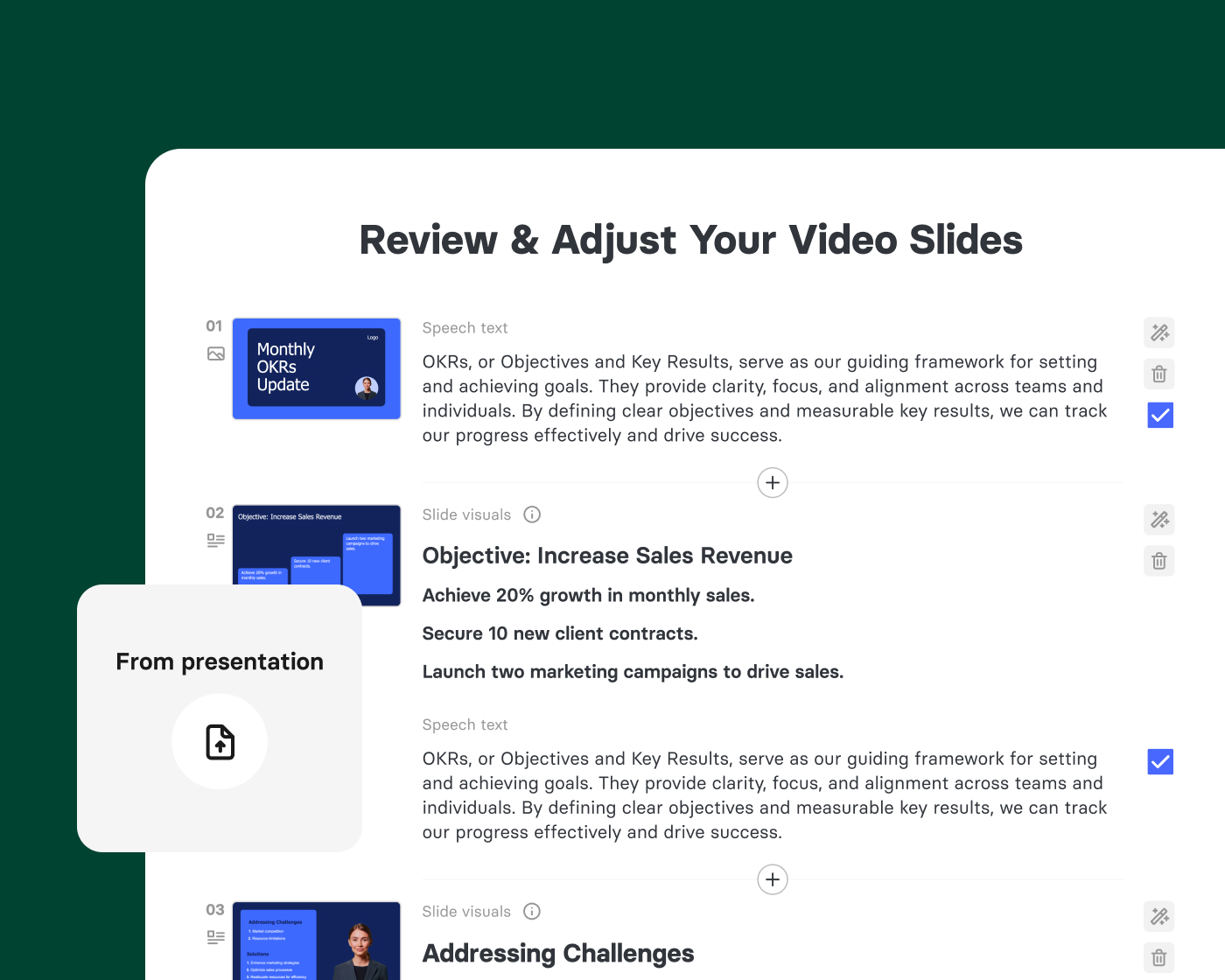
Elai, Panopto’s AI Video Studio, turns scripts, slides, and documents into polished, avatar-led videos—without a camera, studio, or production team. Content updates take minutes, not days, and multilingual versions are generated automatically, making it practical to keep training libraries current at scale.
Editing and post-production
Edit video content without learning new software
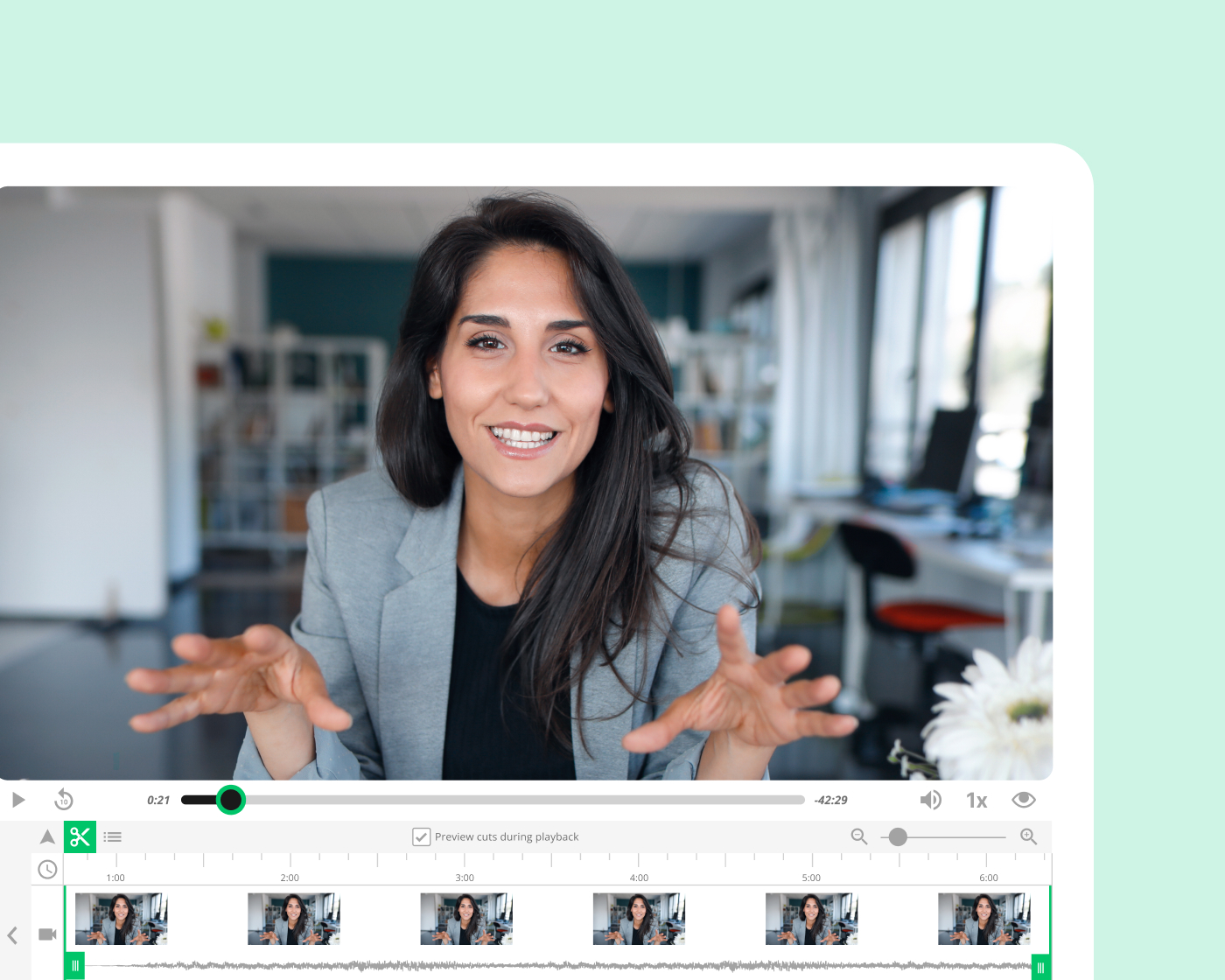
Panopto’s in-browser editor lets creators trim recordings, remove silences, cut segments, and add callouts—directly in the platform, without exporting files or opening separate tools. Smart editing features handle common cleanup tasks automatically, so the time between recording and publishing stays short.
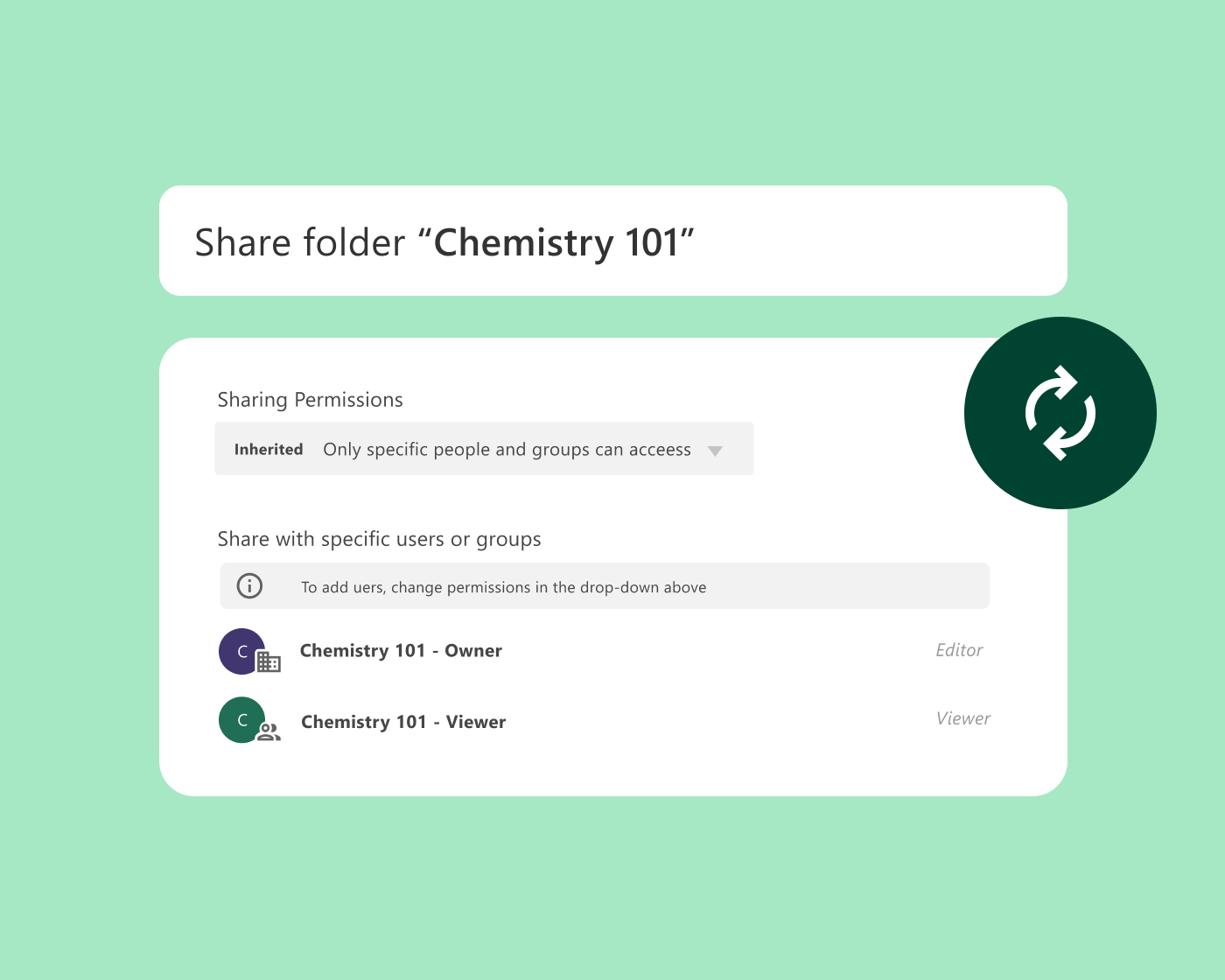
Content management and reuse
Organize content once and reuse it across programs and terms
Content created in Panopto lives in a governed library where it can be reused across courses, sections, and teams without re-recording. Version control ensures learners always access the current content, and permissions keep the right material in front of the right audiences.
Platform add-on
Scale video creation across your entire organization
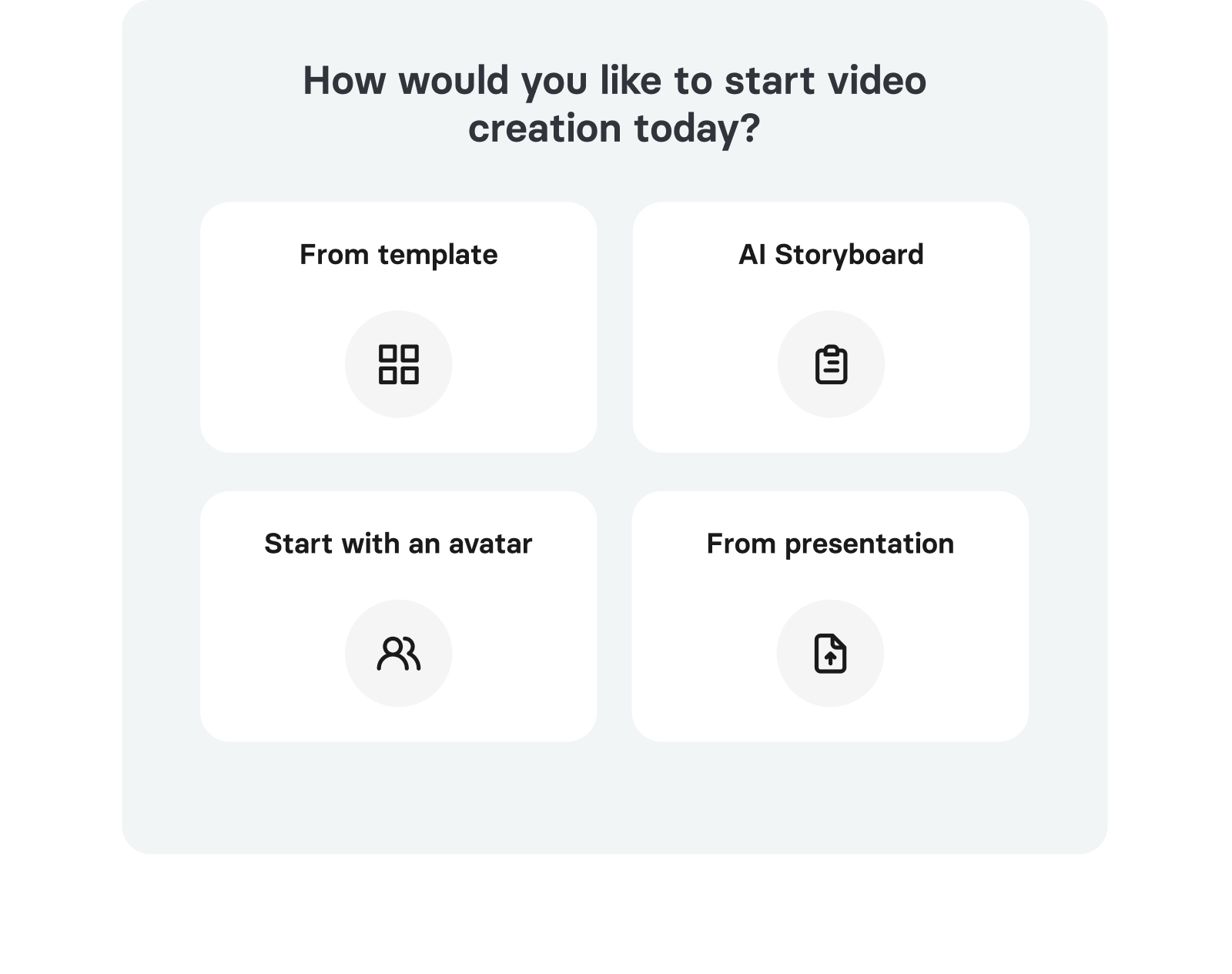
Elai, Panopto’s AI Video Studio gives teams a dedicated environment for producing polished, avatar-led video from prompts, presentations, and PDFs.
Scalable content creation
Repurpose existing materials or generate new videos at scale, ensuring your content library stays current.
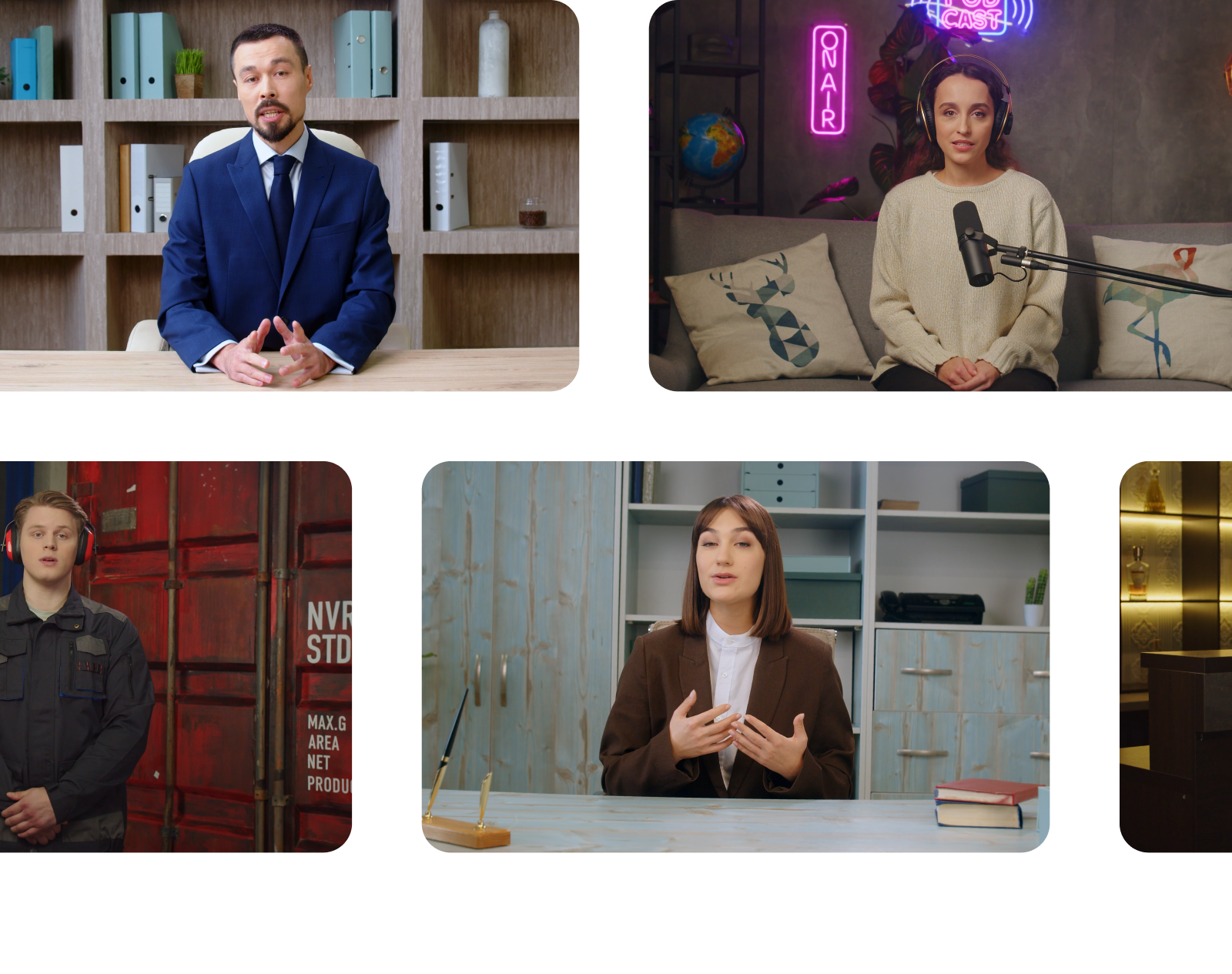
AI avatars and multilingual voiceover
Choose from 500+ realistic avatars and 450+ voices across 75 languages to deliver your content with a human touch.
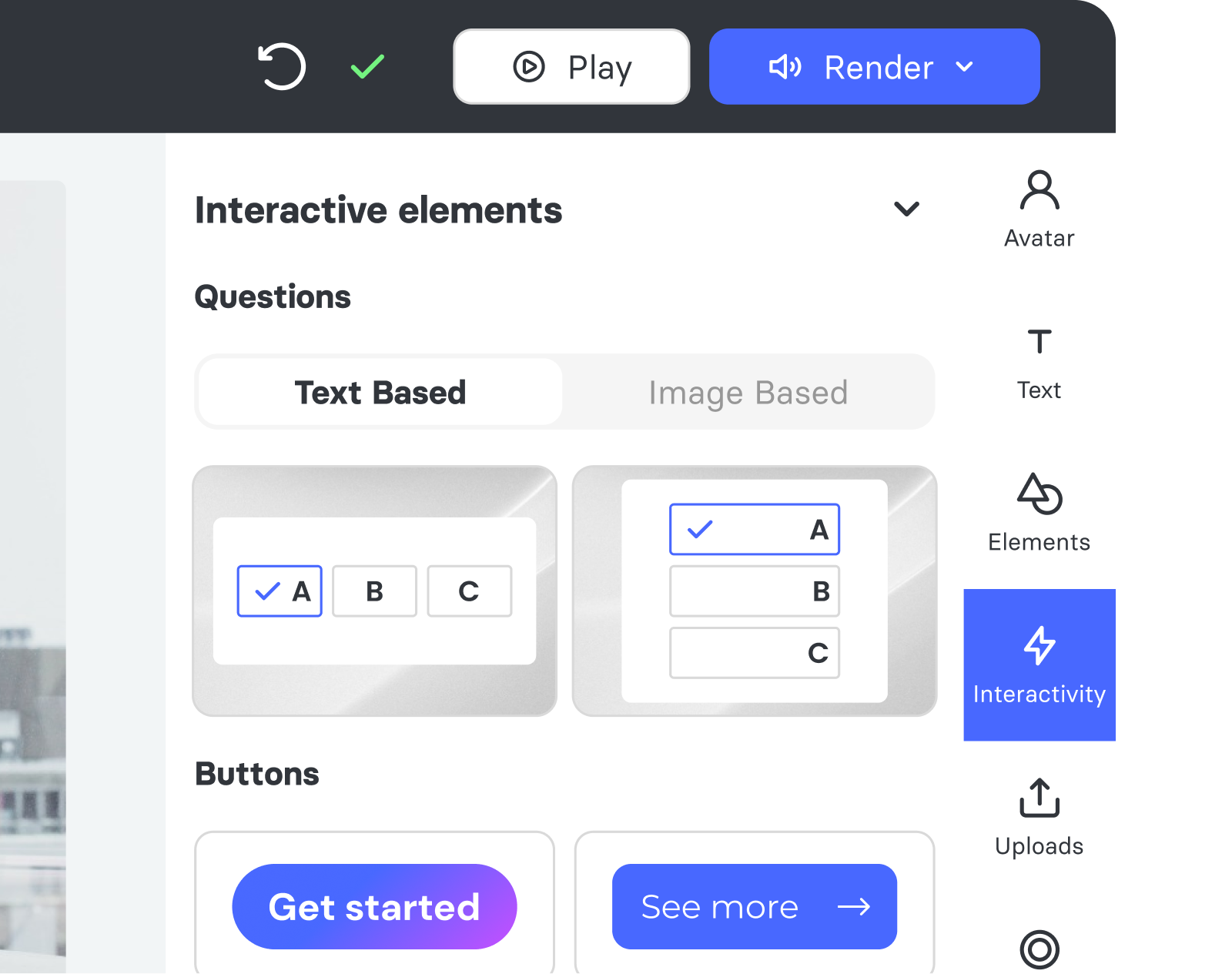
Interactive video elements
Add quizzes, buttons, and branching scenarios that empower your teams to engage with content directly.
Explore more of what Panopto can do
Content creation is one part of a platform designed to make video work harder across your entire organization. Explore the capabilities that make it possible.
Take a closer look at content creation



Frequently asked questions
What tools do I need to record video with Panopto?
No specialist equipment is required. Panopto’s recording software captures screen, webcam, and audio simultaneously from a standard computer—so instructors, trainers, and subject matter experts can record from wherever they work. Scheduled and automated recording removes manual setup for recurring sessions, and recordings publish directly to your LMS or Panopto library without extra steps. Read more about our integrations.
Can I record multiple video sources at the same time?
Yes. Panopto supports multi-stream recording—capturing screen, webcam, and additional video sources simultaneously in a single session. Learners can switch between streams during playback, giving them a more complete view of the content without requiring separate recordings or post-production work.
Do I need video editing software to edit recordings in Panopto?
No. Panopto includes an in-browser editor that lets creators trim recordings, remove silences, cut segments, and add callouts—directly in the platform, without exporting files or opening separate tools. Smart editing features handle common cleanup tasks automatically, keeping the time between recording and publishing short.
Can I create professional video without recording on camera?
Yes. Panopto’s AI Video Studio turns scripts, slides, and documents into polished, avatar-narrated video—without a camera, studio, or production team. It’s a practical option for subject matter experts who want to produce high-quality content without a recording setup, and for teams that need to keep large training libraries current without rebuilding content from scratch.
Can I reuse video content across multiple courses or programs?
Yes. Content created in Panopto lives in a governed central library and can be reused across courses, sections, and teams without re-recording. Version control ensures learners always access the current content, and role-based permissions keep the right material in front of the right audiences. Read more about Panopto’s Video CMS.
How does Panopto handle content that needs to be updated?
It depends on how the video was created. For recordings captured with Panopto’s recorder, the in-browser editor lets creators update specific sections without re-recording the full video. For content created in AI Video Studio, updates are made by editing the script text or slides for a specific scene and re-rendering that section—the rest of the video stays unchanged.