







Recordings that become knowledge
Recording shouldn’t be the hard part. Panopto captures video the way people actually create it—in training sessions, classrooms, on laptops, from webcams, and across multiple sources at once—then takes care of everything that comes after, so a recording is never just a file sitting on a hard drive.
Record however the moment calls for it
Every recording starts differently. A lecture might call for automated, hands-free capture on a classroom schedule. A quick how-to might just need a laptop webcam and a screen share. Panopto supports both, along with everything in between:
- Desktop recording for full control over screens, applications, and multiple video sources at once
- Scheduled and automated capture for classrooms and lecture halls, so recording starts and stops without anyone in the room touching a button
- Mobile recording for capturing video from anywhere, then uploading straight into your library
- Browser-based recording for fast, no-install captures when speed matters more than setup
Capture more than a screen
A single video source rarely tells the whole story. Panopto records multiple inputs—screen, webcam, slides, and secondary cameras—and merges them into one recording, so viewers see the presenter and the content together instead of switching between them. Smart Camera technology can even follow a presenter around a room using a standard webcam, so instructors and speakers aren’t tied to a fixed spot.
Recording is just the starting point
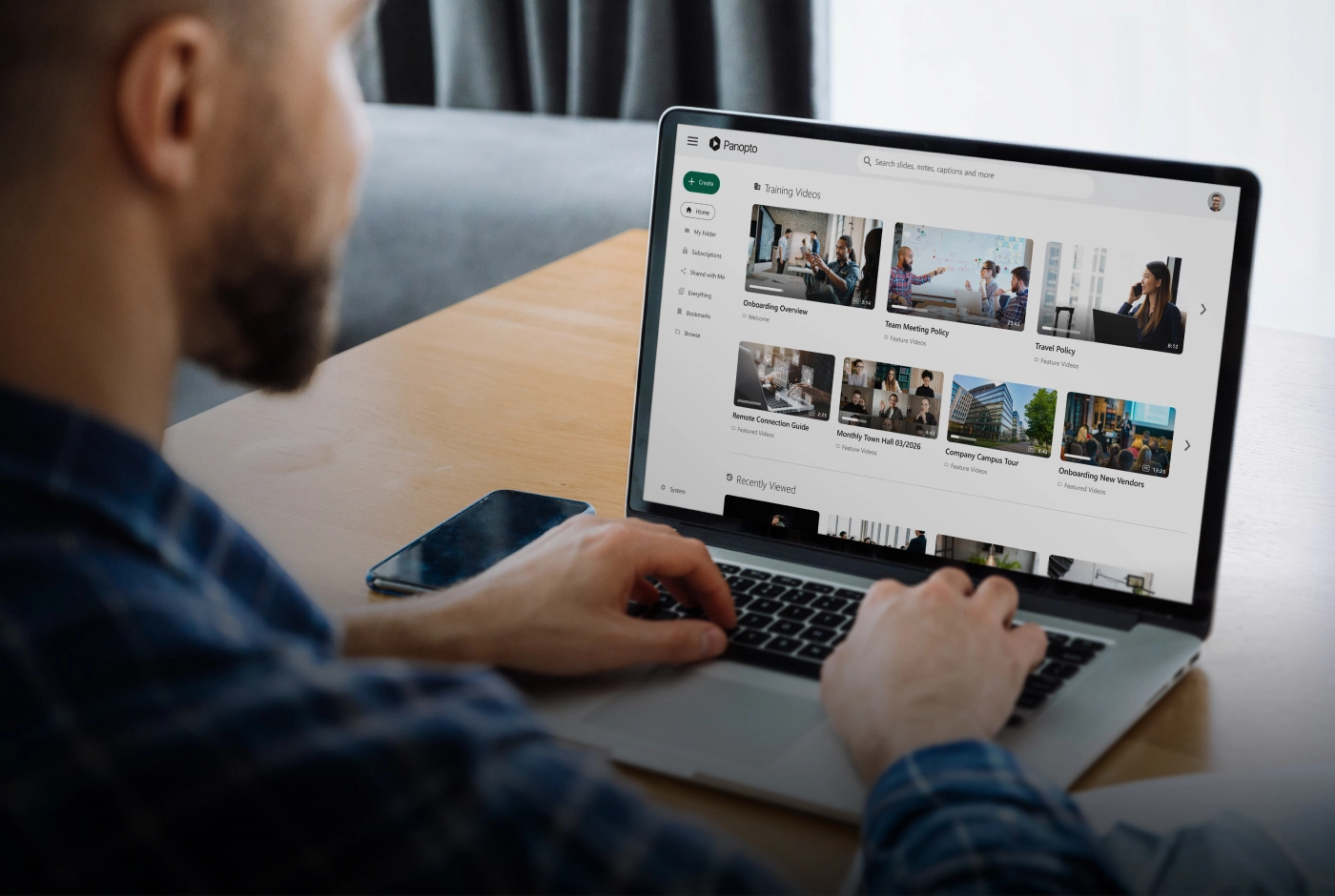
This is where Panopto moves beyond a basic recorder. Once a video is captured, Panopto automatically processes it: transcribing speech, indexing on-screen text and slides, and making every word inside a recording searchable. That means a two-hour lecture or all-hands meeting isn’t just stored—it’s findable, down to the exact moment a topic comes up.
From there, recordings can be organized into folders, embedded in an LMS or intranet, and governed with the same access controls and security as the rest of your video library.
Share on your terms
Recording something shouldn’t mean giving up control of it. Content created in Panopto stays owned by the creator and the organization—not the platform. You decide who can view a recording, where it lives, and how it’s shared, whether that’s inside a course, across a company, or out to the public.
Need something instant and free?
For quick, one-off screen and webcam recordings with no sign-up or install, ask about Panopto Express—our free browser-based recorder. It’s a fast way to capture and download a video on the spot.
Frequently asked questions
What’s the difference between Panopto and Panopto Express?
Panopto Express is a free, browser-based recorder for quick, one-off screen and webcam captures—no sign-up or install required. Panopto is the full video platform: it records, processes, indexes, and manages video at scale, with automatic transcription, search, security controls, and integration into your LMS or intranet.
Can I record more than one video source at once?
Yes. Panopto can capture screen, webcam, slides, and secondary cameras at the same time, then merge them into a single recording so viewers see the presenter and the content together.
Does Panopto work for automated classroom recording?
Yes. Panopto supports scheduled, automated capture in classrooms and lecture halls, so recording starts and stops without anyone needing to operate equipment.
Can I record from a mobile device?
Yes. Panopto’s mobile recording lets you capture video from anywhere and upload it directly into your video library.
Is recorded video searchable?
Yes. Panopto automatically transcribes and indexes every recording, including on-screen text and slides, so viewers can search inside a video and jump straight to the moment a topic is mentioned.
Who owns the content I record?
You do. Recordings created in Panopto stay owned and controlled by the creator and organization, with full control over who can view them and where they’re shared.
Do I need to install software to record?
It depends on the method. Desktop recording offers the most control over multiple sources, while browser-based recording (including Panopto Express) requires no install at all.