







고등교육용 Panopto
LMS 안에서 검색하고 재사용할 수 있는 모든 강의
Panopto는 대학이 강의를 녹화하고, 검색 가능하게 만들고, 학생들이 이미 사용하고 있는 학습 관리 시스템(LMS) 워크플로 내에서 제공할 수 있도록 지원합니다. 안전하고 접근성이 뛰어난 캠퍼스 전체 동영상 공유 시스템으로, 여러 캠퍼스에 배포하고 중앙 집중식으로 관리할 수 있도록 설계되었습니다.
전 세계 유수의 대학과 교육 기관이 신뢰하는 플랫폼

모든 유형의 고등교육기관을 위한 지원



교육 기관이 Panopto로 거두는 성과
고등교육을 위한 맞춤 설계
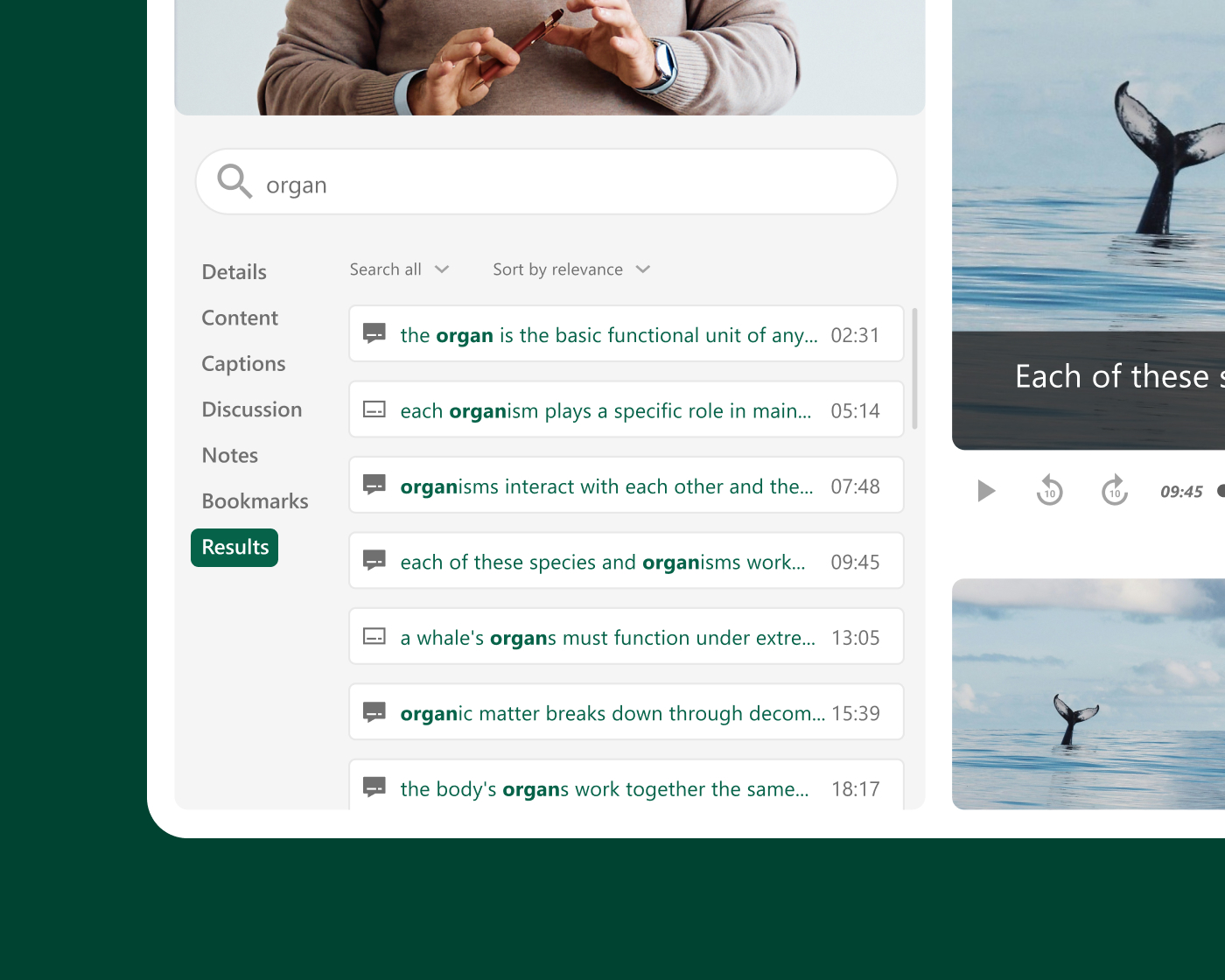
강의 녹화와 학생 접근
학생들이 자신에게 맞는 방식으로 유연하게 학습하도록 도와주세요
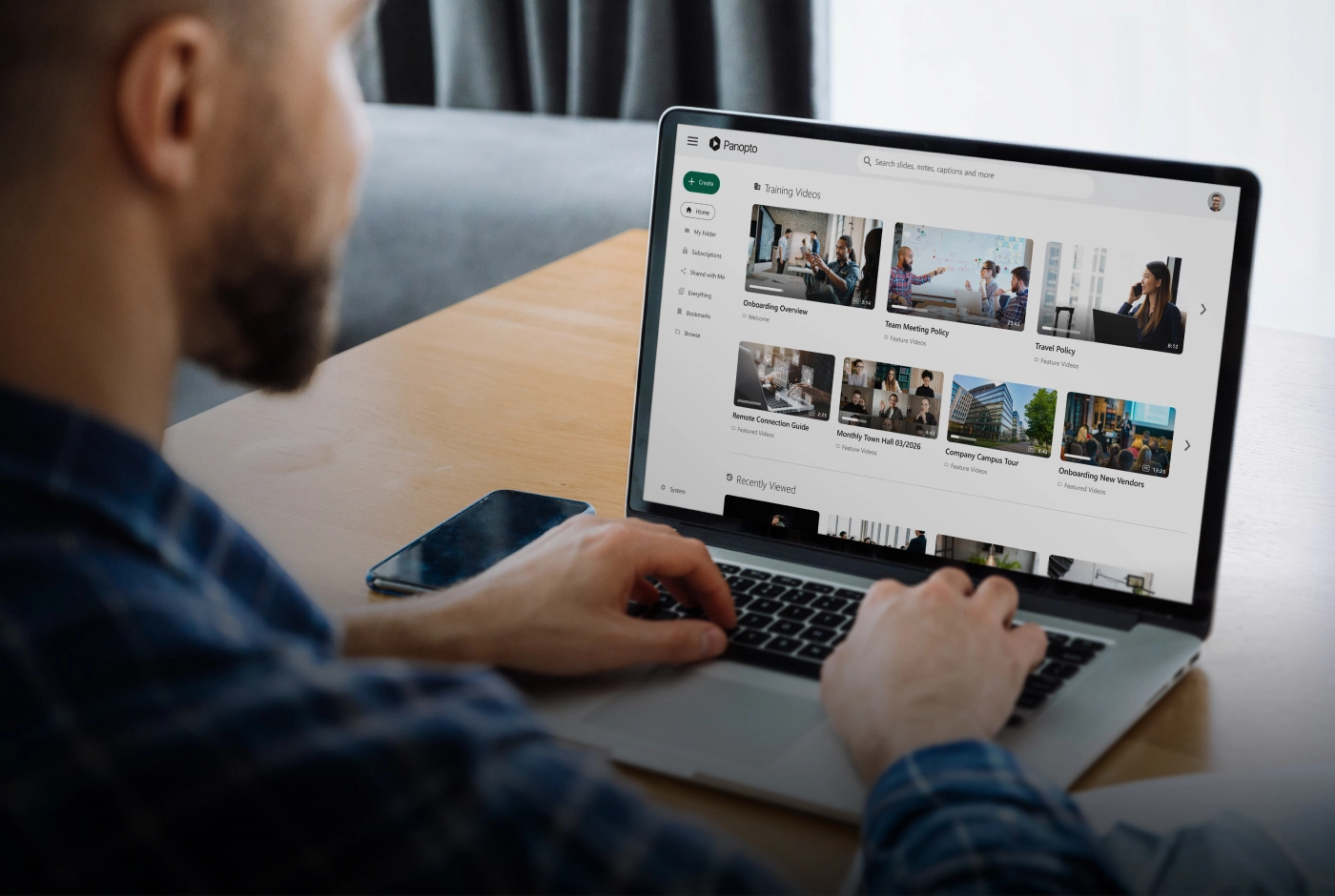
학생이 강의를 다시 보거나, 특정 설명을 찾아보거나, 시험 전에 어려운 개념을 복습할 수 있다면 학습은 교실 밖으로 이어집니다. Panopto는 녹화된 모든 수업을 검색 가능한 온디맨드 자료로 정리하고 교수진이 별도로 작업하지 않아도 LMS에 자동으로 게시합니다.
조직 규모
캠퍼스 전체 및 여러 캠퍼스에 배포할 수 있도록 설계
Panopto는 단일 부서부터 대학 전체 및 여러 캠퍼스까지 배포 범위를 확장할 수 있습니다. 중앙 집중식 관리를 통해 IT 부서는 사용자, 스토리지 및 거버넌스를 한 곳에서 관리할 수 있으므로 모든 학부, 부서 및 캠퍼스가 동일하고 안전하며 일관된 플랫폼에서 운영할 수 있습니다. 이 시스템은 초기 시범 운영뿐만 아니라 대학의 성장과 함께 확장될 수 있도록 설계되었습니다.
LTI를 통한 LMS 연동
학생들이 이미 학습하고 있는 환경, 즉 학습 관리 시스템(LMS)에서 학습을 지속하도록 하세요
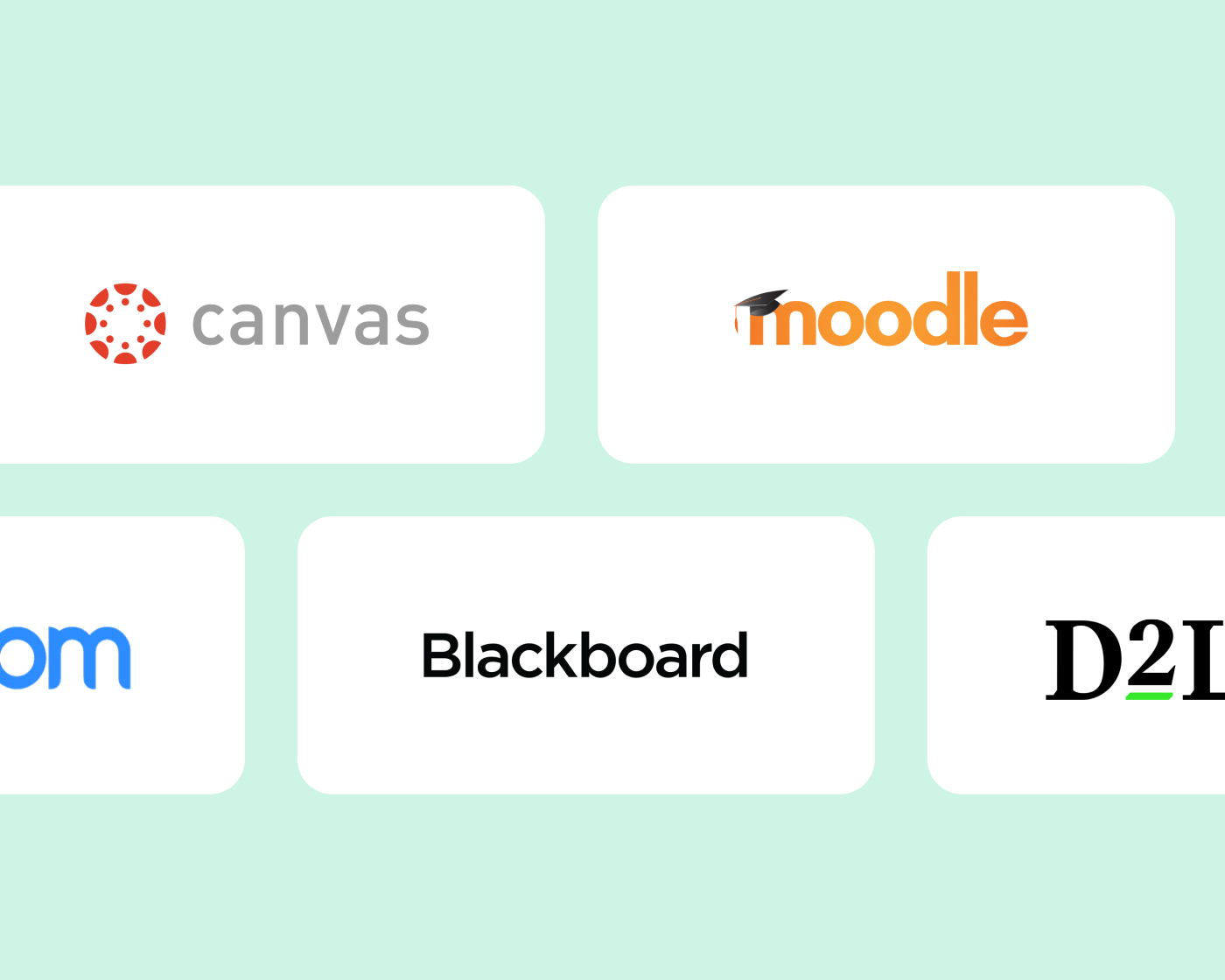
Panopto는 LTI를 통해 Canvas, Blackboard, Moodle, D2L Brightspace 및 다른 주요 LMS 플랫폼과 연동되며 SSO를 지원합니다. 학생과 교수진은 강의 환경을 벗어나지 않고 녹화본에 접근하고 업로드할 수 있습니다. 검색부터 퀴즈, 분석까지 Panopto의 모든 기능이 추가 로그인이나 별도의 포털 없이 LMS 내에서 바로 작동합니다.
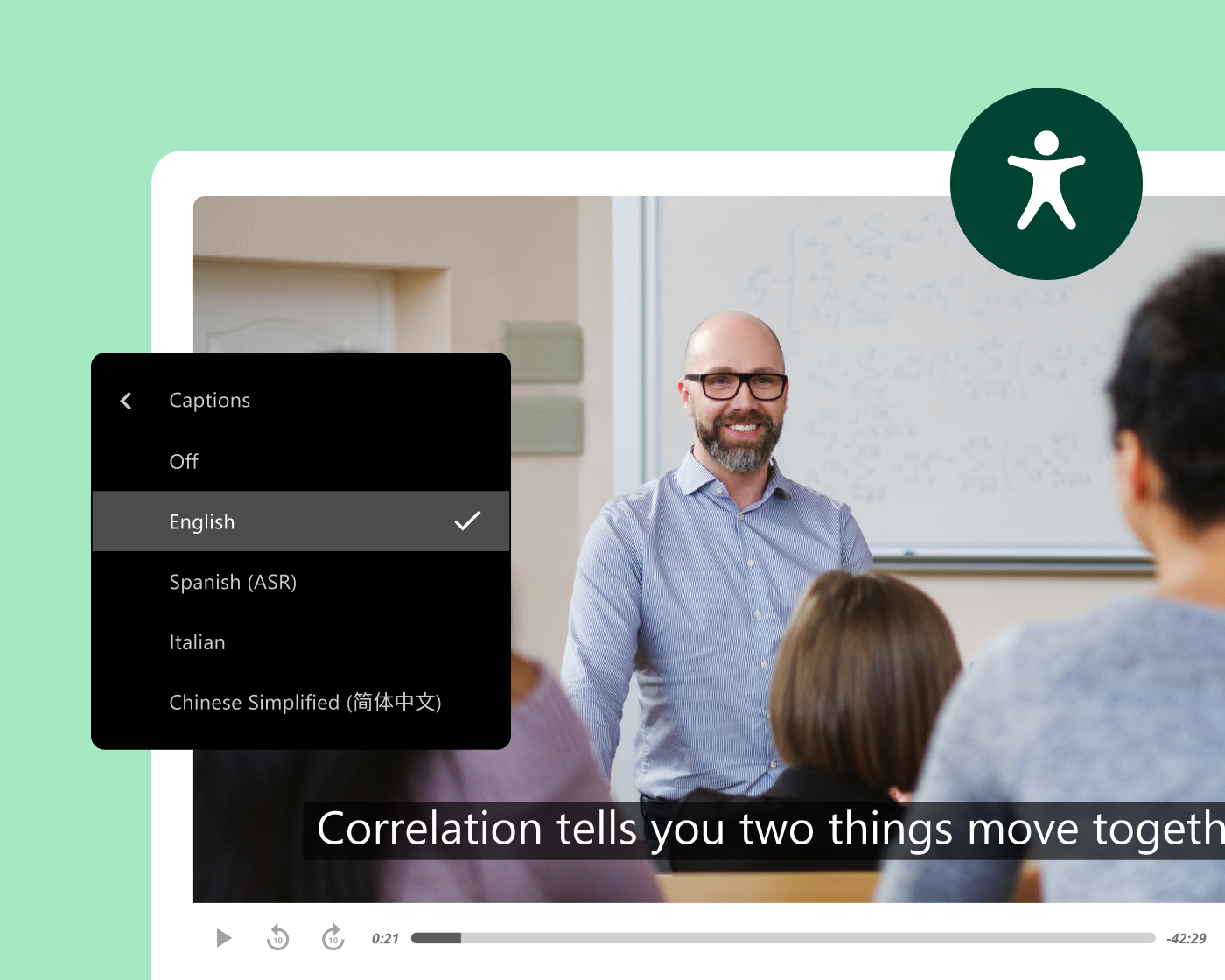
접근성 및 규정 준수
모든 녹화본을 게시되는 순간부터 누구나 이용할 수 있게 하세요
Panopto는 교수진이나 교육 설계자가 추가 작업을 할 필요 없이 녹화량에 관계없이 모든 녹화본에 정확한 자막과 스크립트를 자동으로 생성합니다. 모든 영상에는 키보드 탐색 및 접근성을 갖춘 재생 기능이 포함되어 있으며, 재생 속도 조절 및 화면 낭독기 지원이 내장되어 있습니다.
이는 ADA Title II 및 WCAG에 부합하는 접근성을 확보하기 위해 노력하는 조직을 지원하며, Section 508을 준수하는 자막 옵션도 포함합니다.
교수진의 업무 효율성과 콘텐츠 재사용
한 번 녹화해 매 학기 재사용하는 라이브러리를 만드세요
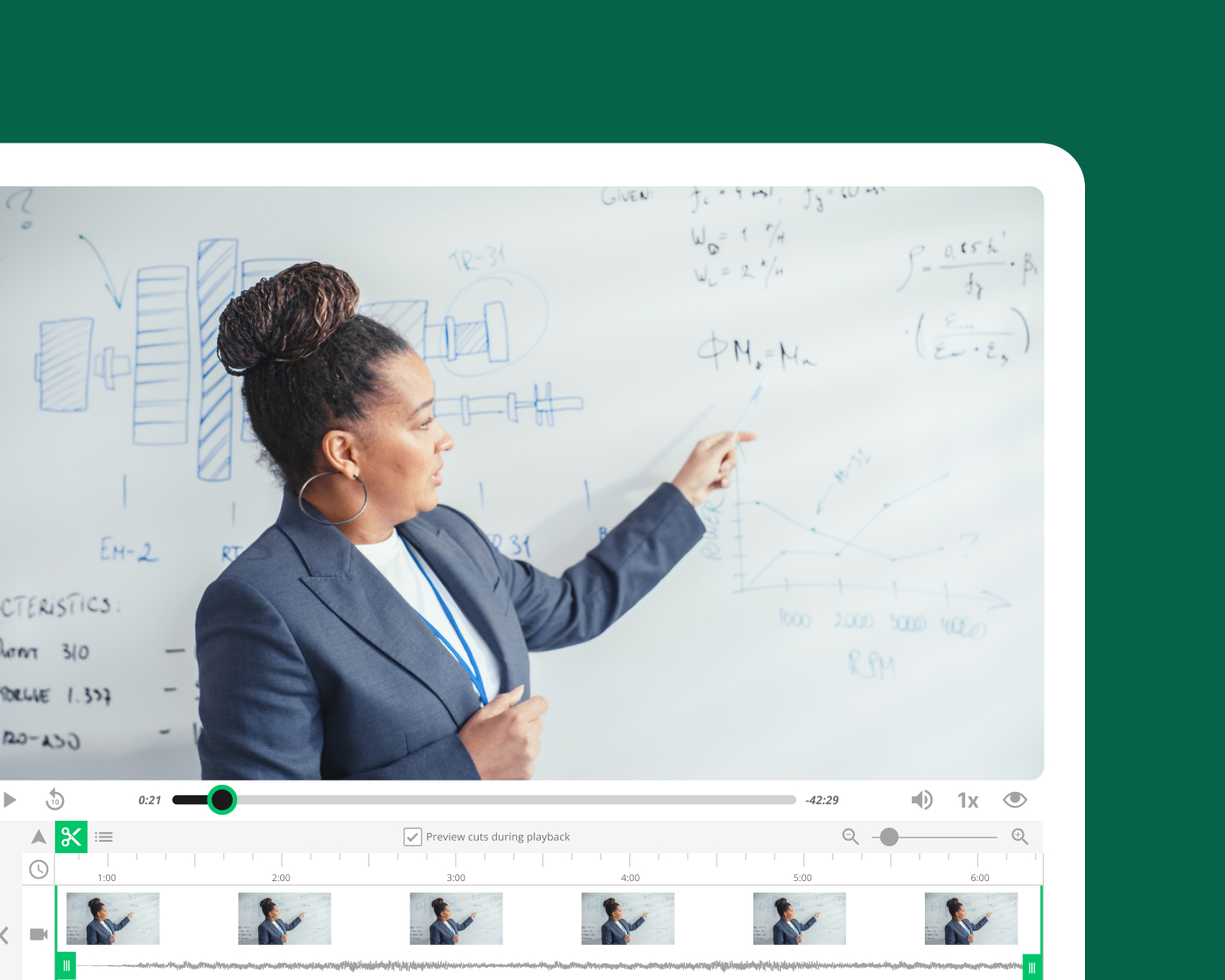
Panopto로 기초 강의를 녹화해 두면 교수진은 처음부터 다시 녹화하지 않고도 그 콘텐츠를 여러 분반, 학기, 강의 형식에서 재사용할 수 있습니다. 자동 일정 예약, LMS 연동, 즉시 게시 기능이 녹화 과정의 번거로움을 없애 주므로 교수진은 준비 작업에 드는 시간은 줄이고 가르치는 데 더 많은 시간을 쓸 수 있습니다.
인공지능과 지능형 검색
AI 기반 검색, 자막 및 학습 지원
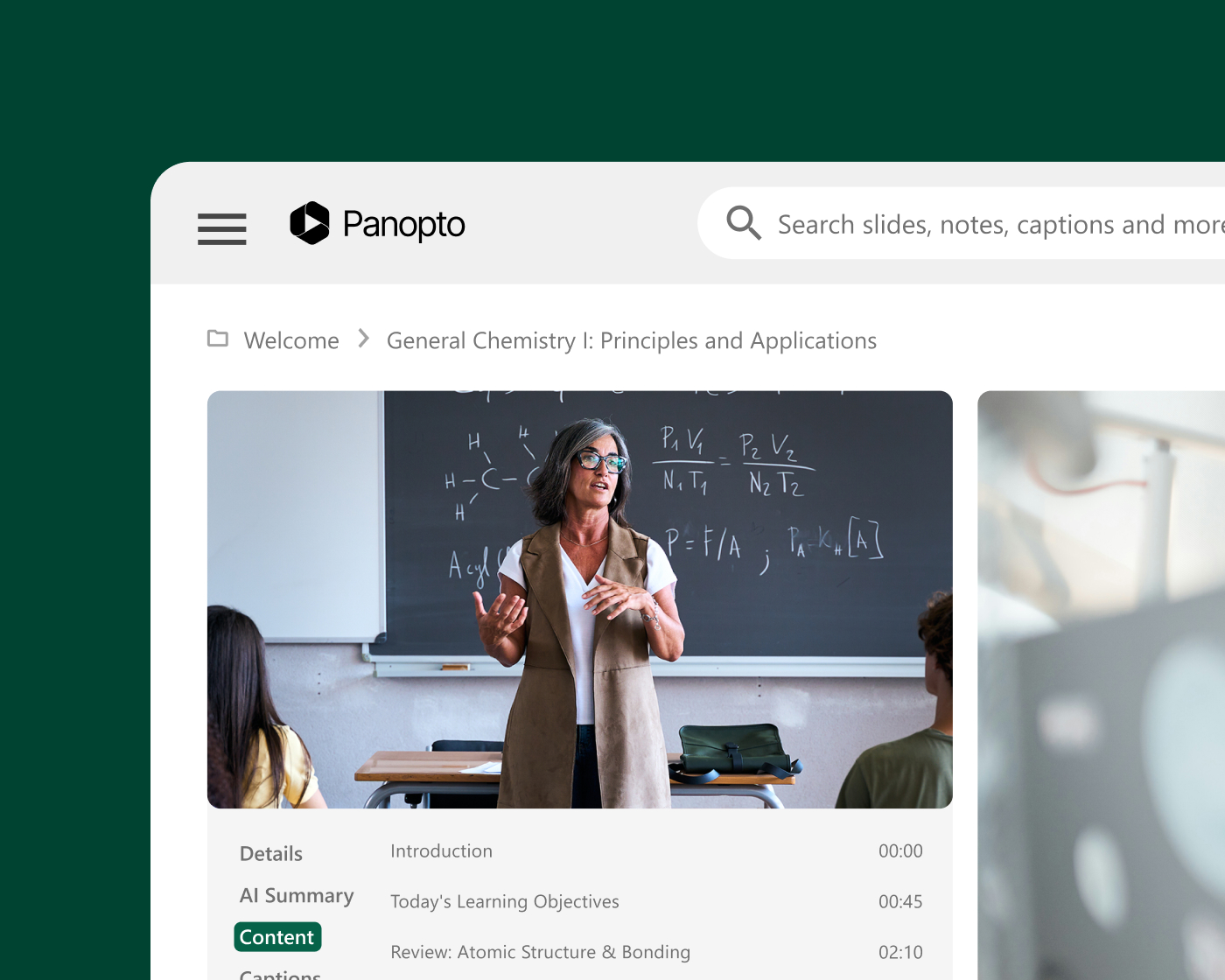
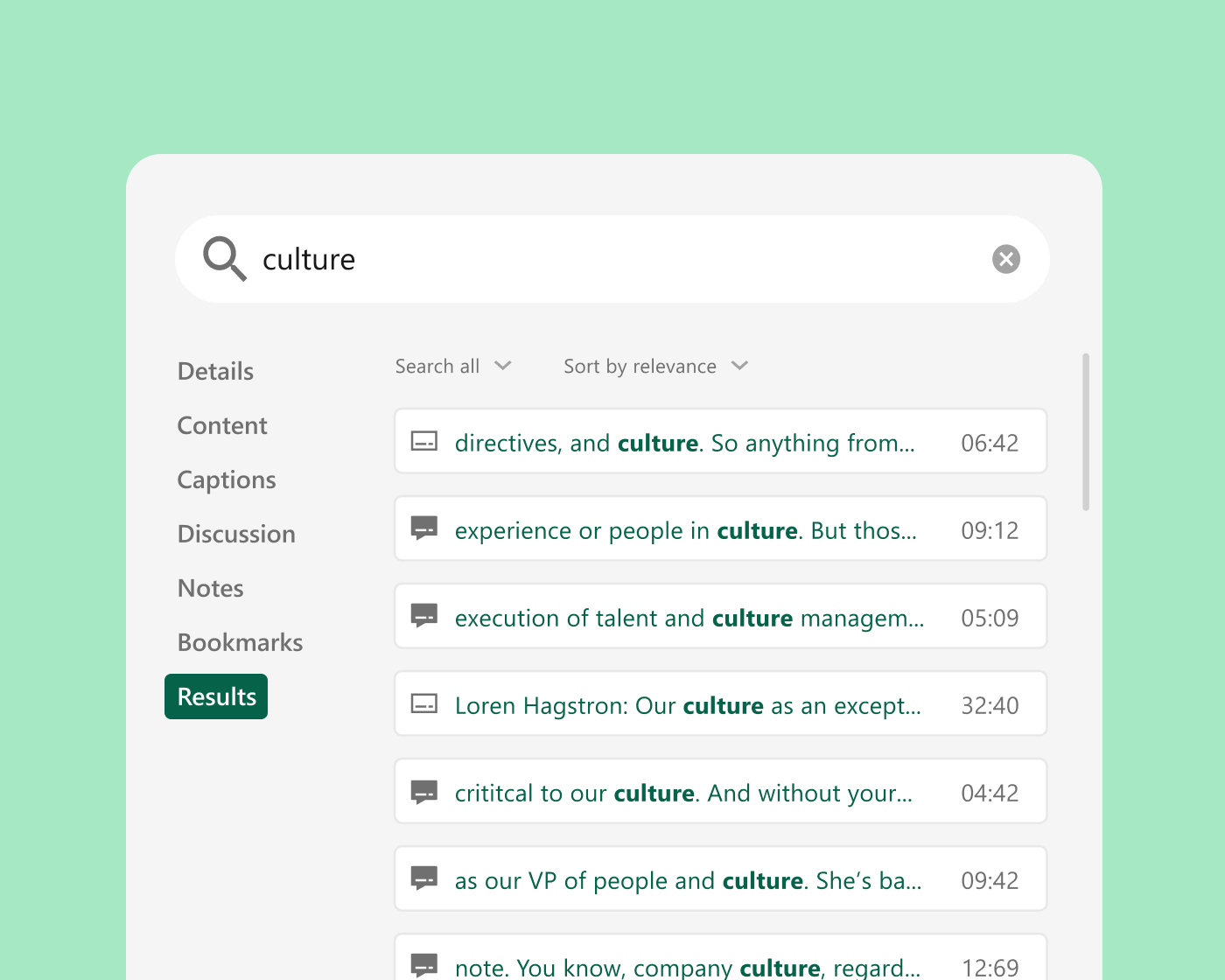
Panopto는 모든 녹화본에 자동으로 자막과 스크립트를 생성합니다. Smart Search는 음성, 화면 텍스트, 슬라이드를 색인화하여 학생들이 원하는 개념의 설명 부분으로 바로 이동할 수 있도록 도와줍니다. 자동 생성되는 챕터는 교수진이 제작하고 학생들이 신뢰하는 강의 영상을 기반으로 긴 강의를 빠르게 훑어볼 수 있는 부분으로 나누어 줍니다.

연구 보고서
동영상 라이브러리를 학생들이 신뢰할 수 있는 AI 학습 파트너로 활용해 보세요
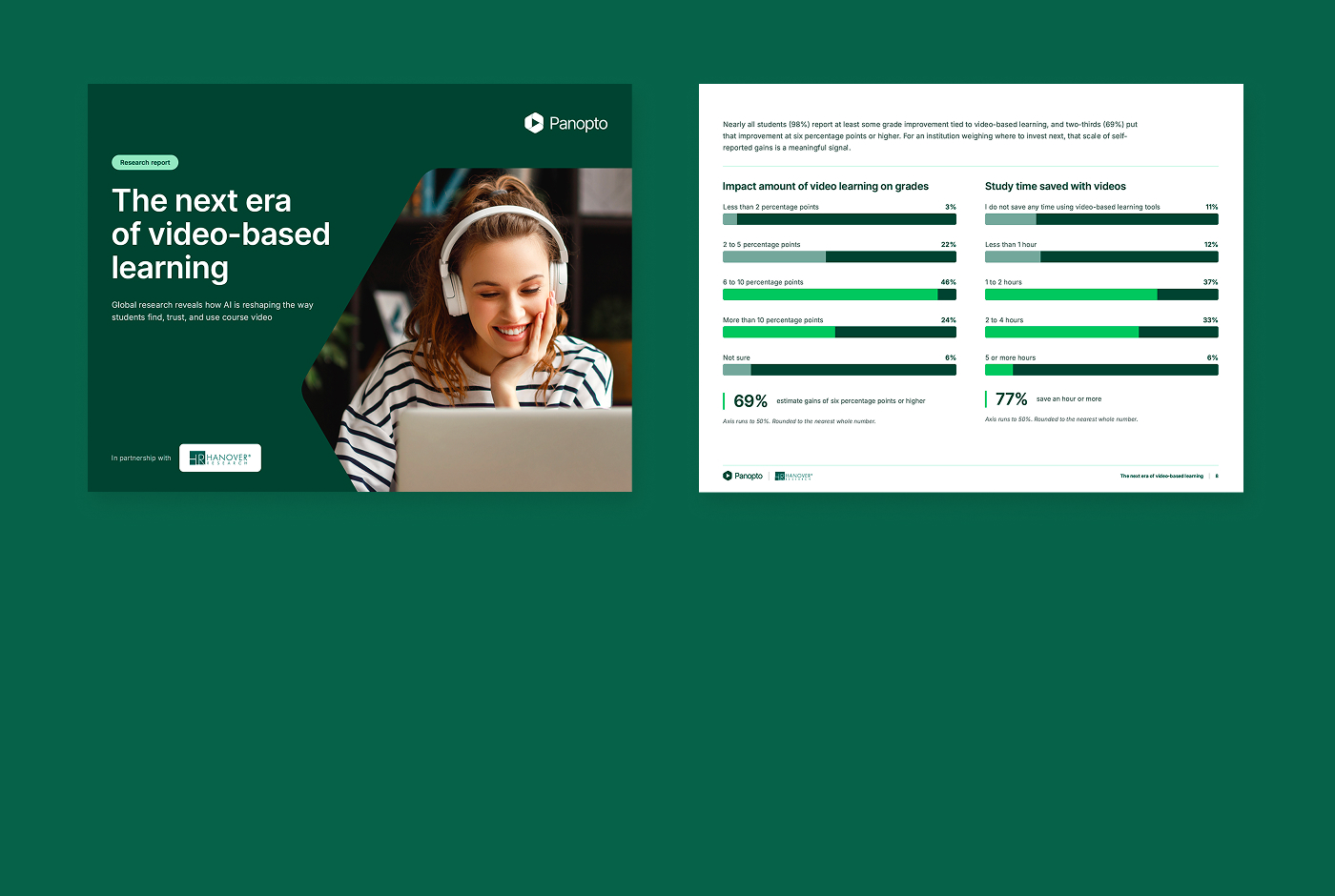
학생들은 이미 강의 동영상으로 시간을 아끼고 성적도 올리고 있습니다. 하지만 많은 학생이 찾는 외부 AI는 교수가 무엇을 가르쳤는지 전혀 모르고, 바로 이 지점에서 신뢰가 무너지기 시작합니다. 교수가 직접 만든 동영상에 기반을 둔 선별형 AI라면 학생들은 믿을 수 있는 인터랙티브 학습 경험을 얻습니다.
91%
이미 AI를 활용해 학습하는 학생들
69%
동영상 기반 학습으로 성적이 6%포인트 이상 오른다고 추정한 학생
84%
통합 AI의 가치를 매우 높거나 대단히 높게 평가한 학생
기존 시스템과 통합하세요
기존 시스템을 대체하는 것이 아니라, 기존 시스템과 연동되도록 설계되었습니다. LMS, 협업 도구, 강의실 AV 시스템과의 긴밀한 연동으로 Panopto는 캠퍼스의 기존 업무 방식에 맞춰 작동합니다.

Canvas by Instructure
학습 관리 시스템
Moodle
학습 관리 시스템
D2L Brightspace
학습 관리 시스템
Blackboard
학습 관리 시스템
Zoom
협업
고객들이 어떻게 지식을 활용하고 있는지 들어보세요


주요 교육 기관의 Panopto 활용법
Panopto 고객이 전하는 이야기
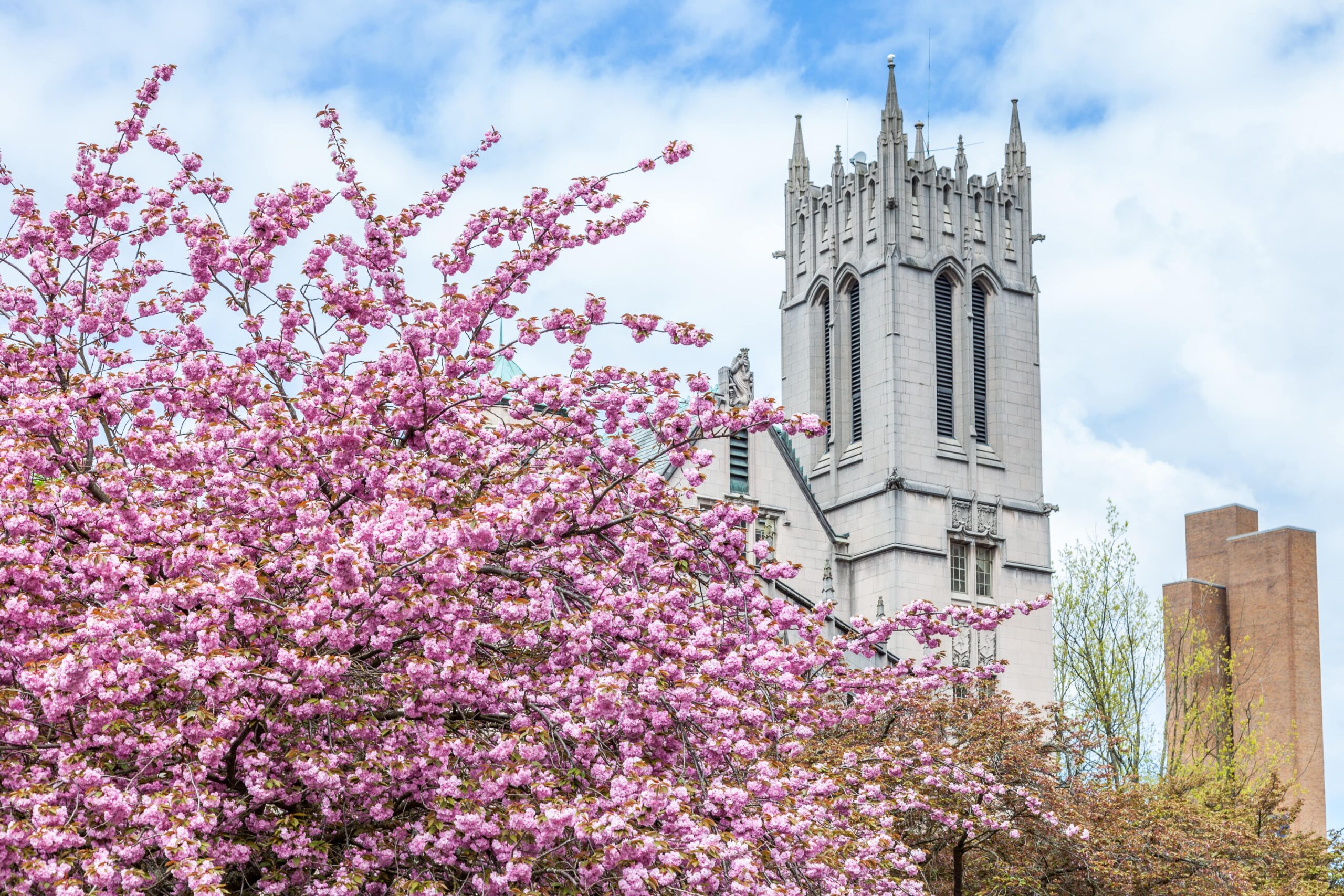
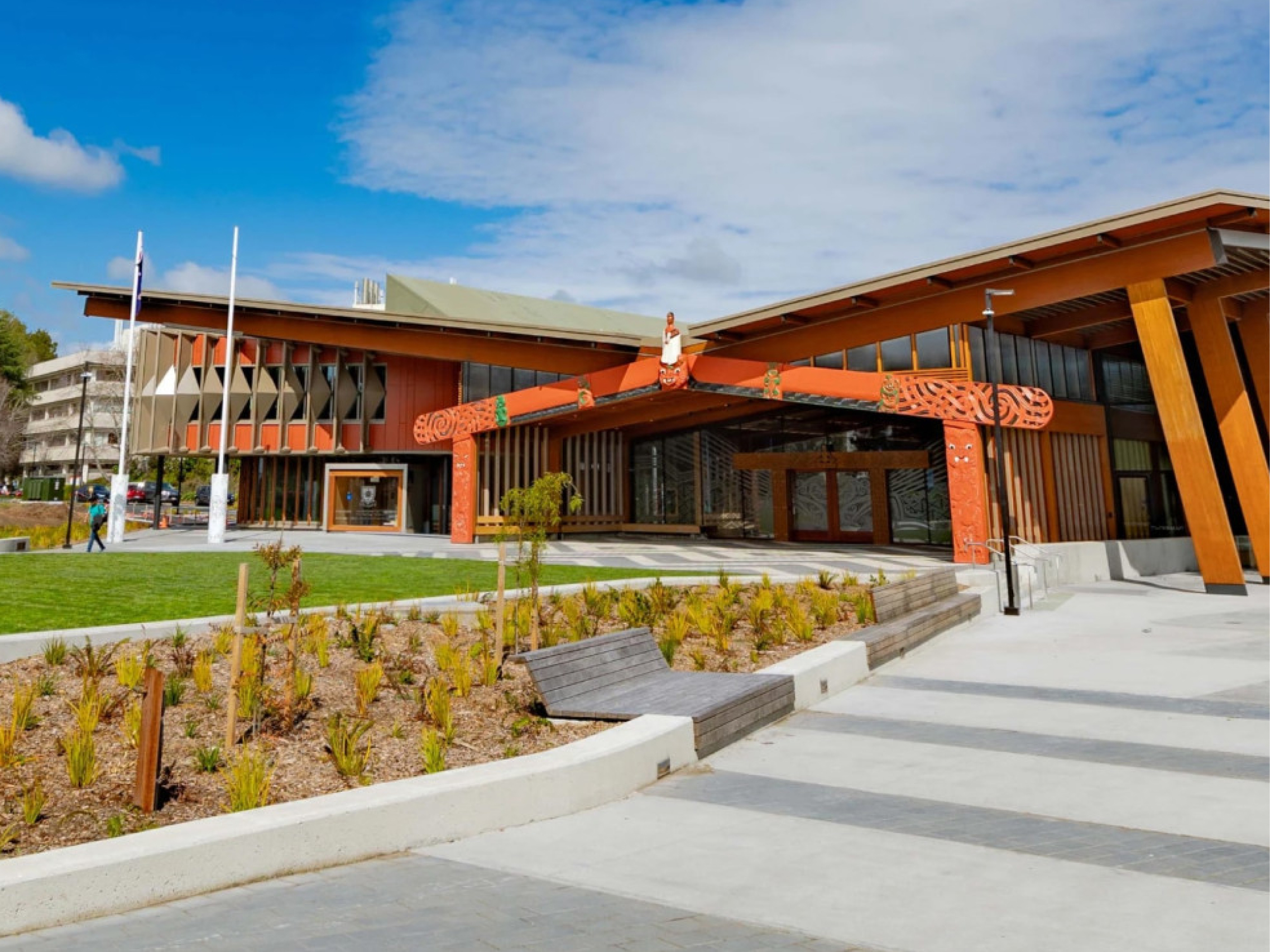
“[Panopto]는 우리 교수진과 학생들에게 없어서는 안 될 자산이 되었습니다. 지난 3년 동안 교수진과 교직원이 총 6만 시간이 넘는 학술 녹화본을 만들었고, 학생들은 이를 유용한 학습 자료로 활용하고 있습니다.”
워싱턴 대학교 학업 경험 설계 및 운영 디렉터
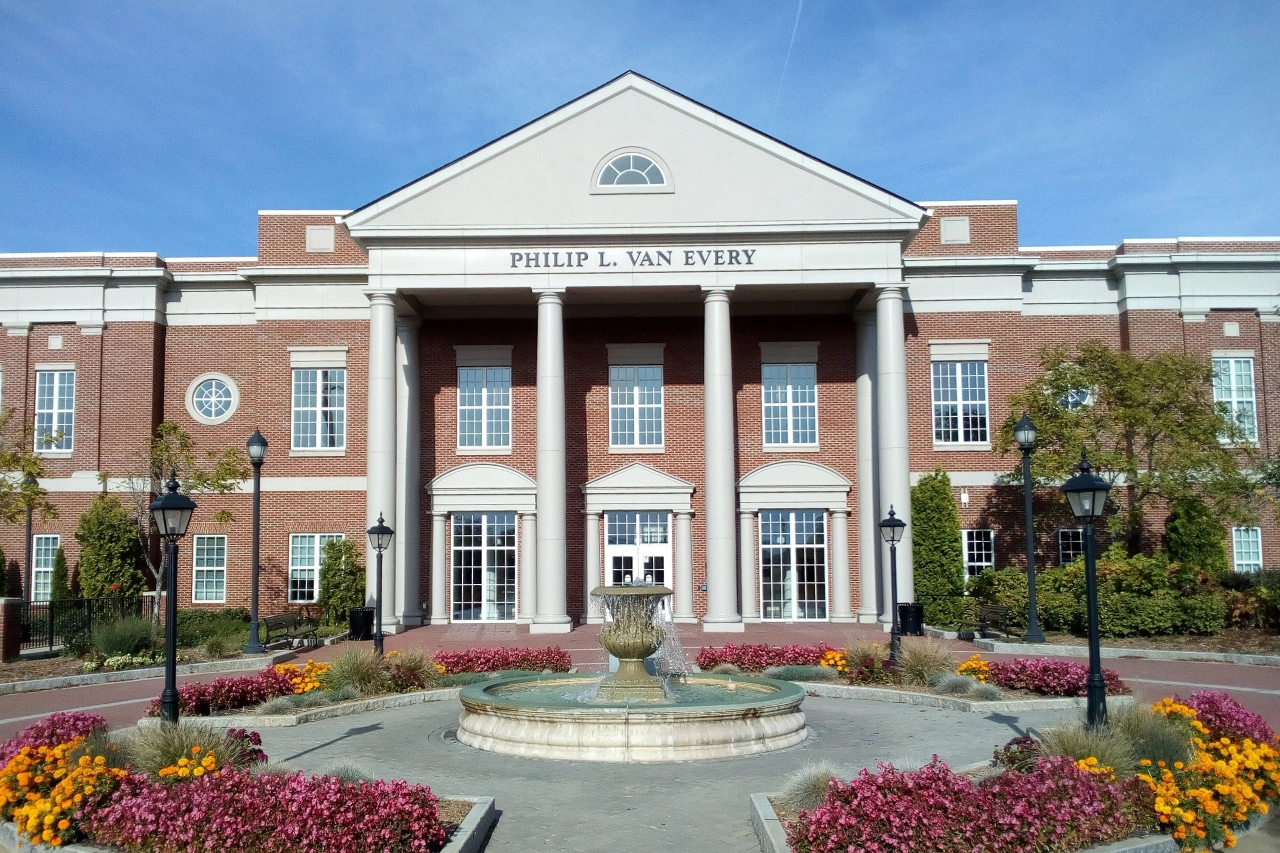
“[LTI 연동]은 관리자 입장에선 고민할 것도 없는 기능이었어요. 그런데 교수진과 학생들은 실제로 돌아가는 걸 보기 전까지는 이게 필요한 줄 몰랐더라고요.”
선임 교육 기술 지원 전문가
네바다 대학교 라스베이거스

“강의나 복습 동영상에 Panopto를 활용하면 학생들이 저마다 편한 속도로 공부할 수 있으니 모두에게 공평한 방식이라고 생각해요. 학습 방식이 모두에게 똑같을 수는 없으니까요.”
조교수
새뮤얼 메리트 대학교 출처

“교수진에게서 스크립트 품질이 좋다는 피드백을 정말 많이 받았습니다. 강사 대부분이 이제 직접 할 만큼 편하게 느끼고 있습니다.”
미디어 시스템 프로젝트 매니저
센트럴 피드몬트 커뮤니티 칼리지

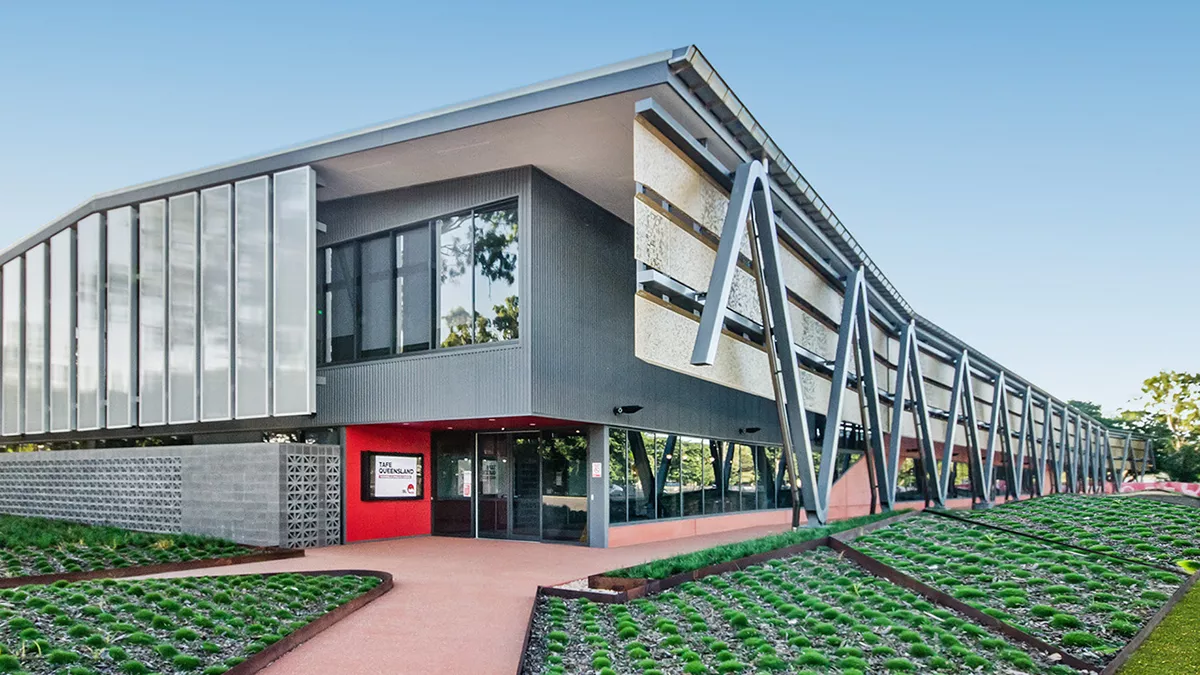
“Panopto를 도입한 뒤로 교사들의 동영상 활용이 크게 늘었습니다. 교사들이 동영상을 더 쉽게 만들고 공유할 수 있게 되었고, 그 혜택은 학생들에게 돌아가고 있습니다.”
교육 기술 담당 매니저
TAFE 퀸즐랜드

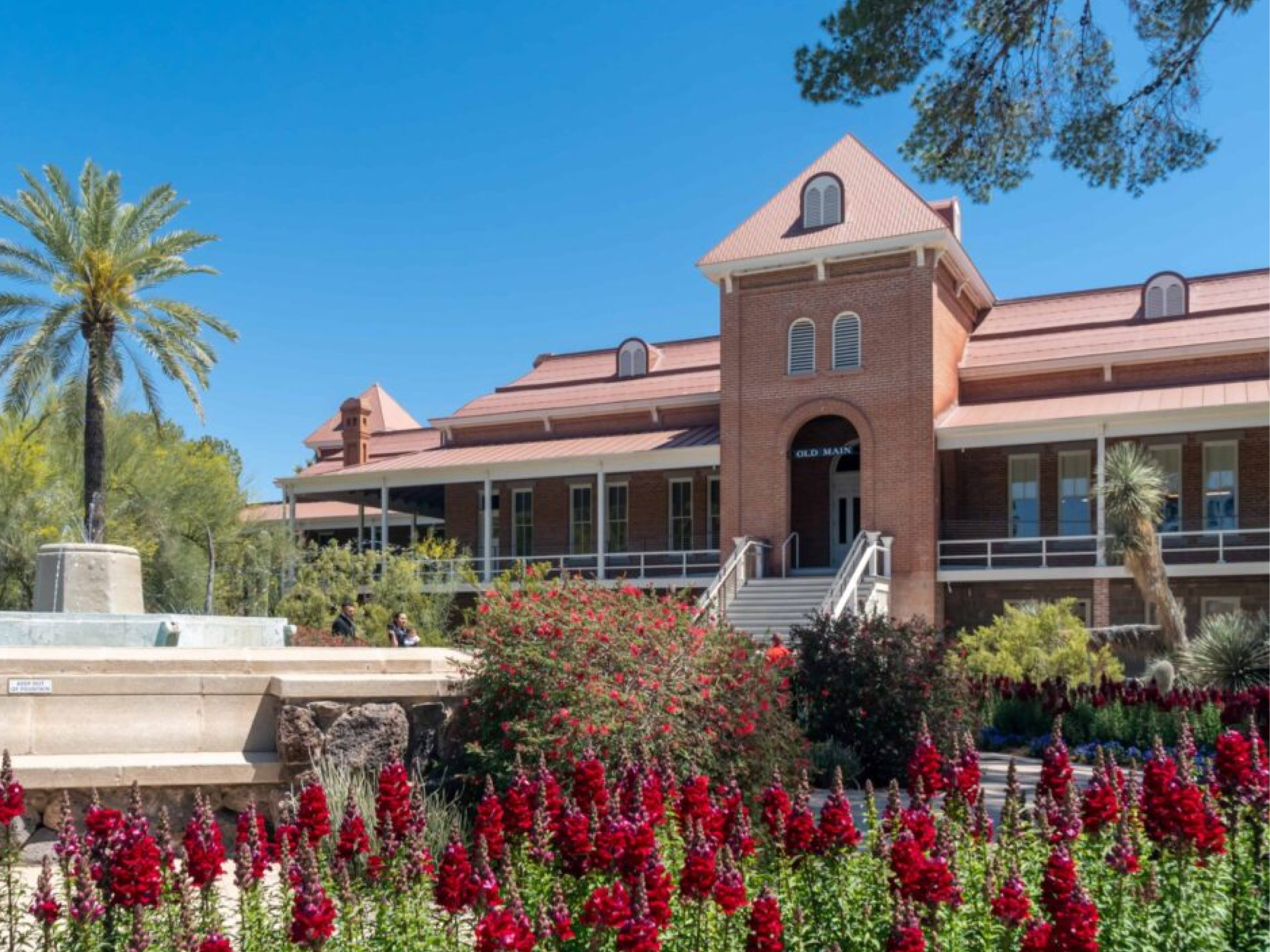
“정말 많은 학생이 강의 내용을 다시 돌려 보면서 여유 있게 복습하고, 수업에서 짚은 부분을 제대로 이해했는지 확인할 수 있다는 게 얼마나 큰 도움이 되는지 이야기하더라고요.”
교육 기술 전문가
노트르담 대학교

고등교육을 위한 Panopto로 무엇을 할 수 있는지 살펴보세요


자주 묻는 질문
Panopto는 우리 조직의 LMS와 어떻게 연동되나요?
Panopto는 LTI를 통해 Canvas, Blackboard, Moodle, D2L Brightspace 및 다른 주요 LMS 플랫폼과 연동하여 강의 환경에 직접 동영상을 내장할 수 있으므로 학생과 교수진은 기존 시스템을 벗어나지 않고도 동영상에 액세스할 수 있습니다. 강의 녹화본은 자동으로 게시되며, 시청 활동은 다른 완료 데이터와 함께 LMS 내에서 추적됩니다. 저희 연동 기능에 대해 자세히 알아보세요.
Panopto는 대규모 환경에서 접근성과 자막 작업을 어떻게 처리하나요?
Panopto는 내장된 음성 인식 기능을 사용하여 모든 녹화본에 대한 자막과 스크립트를 자동으로 생성합니다. 다양한 억양, 학문 분야, 언어의 자막을 제공하며, 교수진이 수동으로 자막을 추가하기 위해 콘텐츠를 제출할 필요가 없습니다. 특정 녹화본의 자막 정확도를 개선해야 할 경우, 플랫폼에서 직접 검토하고 편집할 수 있습니다. 접근성 워크플로는 개인이 아닌 조직 차원에서 관리됩니다. 저희 접근성 지원에 대해 자세히 알아보세요.
교수진이 여러 분반과 학기에 걸쳐 녹화본을 재사용할 수 있나요?
네. 녹화된 자료는 관리되는 라이브러리에 저장되며, 파일을 복제하거나 다시 업로드할 필요 없이 여러 분반에서 공유하거나, 향후 개설될 강좌 공간에 복사하거나, 필요에 따라 재게시할 수 있습니다. 교수진은 시간이 지남에 따라 재사용 가능한 콘텐츠로 구성된 개인 라이브러리를 구축할 수 있으며, 학습 관리 시스템(LMS) 통합을 통해 새로 수강하는 학생은 자신에게 허용된 콘텐츠만 볼 수 있도록 보장됩니다.
Panopto는 혼합형 학습 환경을 어떻게 지원하나요?
Panopto는 대면 수업과 원격 수업에 참여하는 학생들에게 매 수업을 동등하게 이용할 기회를 제공합니다. 녹화된 영상은 자막과 색인이 생성되어 수업 종료 즉시 학습관리시스템(LMS)에 게시되므로, 대면 수업에 참석한 학생, 원격으로 참여한 학생, 또는 수업을 놓친 학생 모두 동일한 학습 자료를 이용할 수 있습니다. 별도의 절차나 접근성 격차가 발생하지 않습니다.
학생이 동영상 과제에 Panopto를 사용할 수 있나요?
네. 학생들은 Panopto로 프레젠테이션, 시연 및 동영상 과제를 직접 녹화하고, 과제물을 학습관리시스템(LMS) 내에 제출하여 강사의 검토를 받을 수 있습니다. 동료 평가를 통해 강사는 여러 도구를 따로 조합할 필요 없이, 체계적인 환경 내에서 학생들이 서로 체계적인 피드백을 제공하도록 과제를 배정할 수 있습니다.
학생에게 동영상 검색은 어떻게 작동하나요?
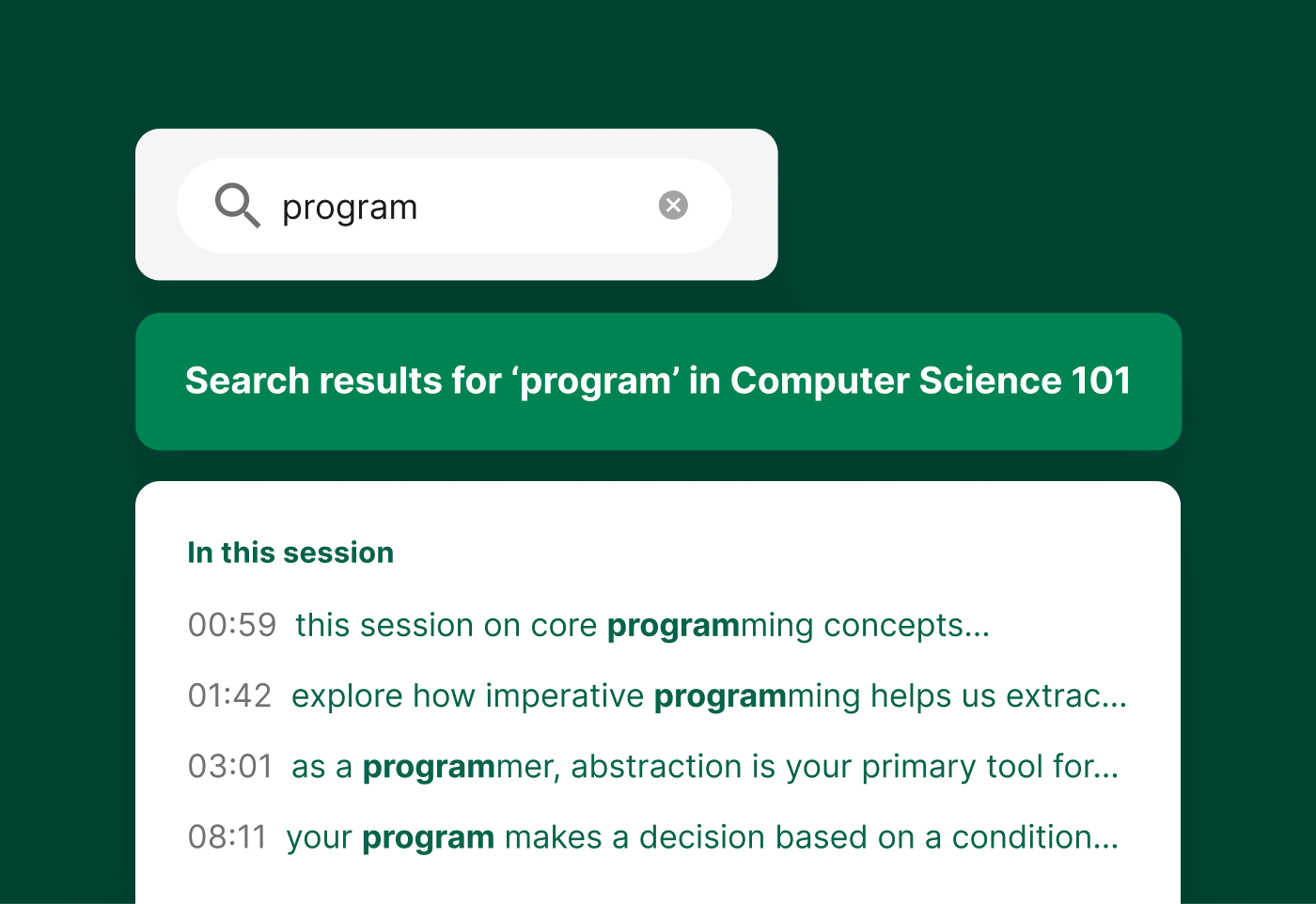
Panopto의 지능형 검색은 자동 음성 인식 및 광학 문자 인식 기술을 사용하여 모든 녹화본의 모든 음성, 슬라이드 및 화면 요소를 색인화합니다. 학생들은 용어, 개념 또는 특정 구문을 검색하여 전체 강의 라이브러리에서 해당 타임스탬프가 지정된 시점으로 바로 이동할 수 있으므로 필요한 내용을 찾기 위해 전체 강의를 다시 시청할 필요가 없습니다. AI 기반 검색에 대해 자세히 알아보세요.
기존 동영상 라이브러리를 Panopto로 옮길 수 있나요?
네. Panopto는 콘텐츠 유효성 검사, 재연결, 자막 복원 또는 추가를 포함하는 체계적인 프로세스를 통해 다른 동영상 플랫폼 및 조직 저장소에서 마이그레이션을 지원합니다. 마이그레이션은 전담 프로젝트 팀에서 주간 목표에 따라 관리합니다. Panopto의 병행 운영 방식으로 전환 과정 전반에 걸쳐 콘텐츠에 대한 접근성을 유지할 수 있습니다. Panopto는 내부 구축 기록을 바탕으로 고객사 시스템 가동 일정을 한 번도 놓친 적이 없다고 밝혔습니다.
Panopto는 대학 전체 또는 여러 캠퍼스에 걸친 배포를 지원하나요?
네. Panopto는 단일 캠퍼스 대학부터 대규모 다중 캠퍼스 대학에 이르기까지 다양한 고등교육기관에서 사용됩니다. 이 플랫폼은 중앙 집중식 관리와 세부적인 접근 제어를 지원하여 대학이 단과대학, 학과, 캠퍼스 전반에 걸쳐 동영상를 표준화할 수 있도록 합니다. Panopto는 워싱턴 대학교, 예일 대학교, 코넬 대학교, 노스캐롤라이나 주립 대학교, 네바다 대학교 라스베이거스, 노스이스턴 대학교를 포함한 대규모 연구 대학 및 주립 대학에서 사용됩니다.
Panopto는 보안, SSO 및 규정 준수를 어떻게 처리하나요?
Panopto는 SAML, OAuth 및 Active Directory를 통한 싱글 사인온(SSO)을 지원하므로 학생과 교직원은 기존에 사용하던 자격 증명으로 로그인할 수 있습니다. 세분화된 접근 제어를 통해 IT 부서는 개별 동영상까지 누가 콘텐츠를 보고, 편집하고, 관리할 수 있는지 관리할 수 있습니다. 데이터는 저장 시와 전송 시 모두 암호화됩니다. Panopto는 FERPA에 대응할 준비가 되어 있으며 GDPR 요건 준수를 지원합니다. 저희 보안 및 규정 준수에 대해 자세히 알아보세요.
대학 및 강사가 활용할 수 있는 분석 도구에는 어떤 것들이 있나요?
Panopto는 동영상, 강좌, 라이브러리 수준에서 시청 및 참여도 분석 정보를 제공하며, 완료율, 이탈 지점, 전체 사용량 등을 확인할 수 있습니다. 강사는 학생들이 특정 녹화물을 어떻게 활용하는지 파악할 수 있고, 관리자는 추가 분석 대시보드인 Knowledge Insights를 통해 더욱 심층적인 추세 분석을 수행할 수 있습니다. 저희 분석 기능에 대해 자세히 알아보세요.