




교육용 비디오 플랫폼
고등 교육을 위한 완벽한 학습 솔루션
전 세계 25개 상위 대학 중 22개 대학에서 사용 중입니다.
비디오 학습을 위해 설계된 업계 최고의 콘텐츠 관리 플랫폼
파놉토의 교육용 비디오 플랫폼 학생 학습을 혁신하는 방법




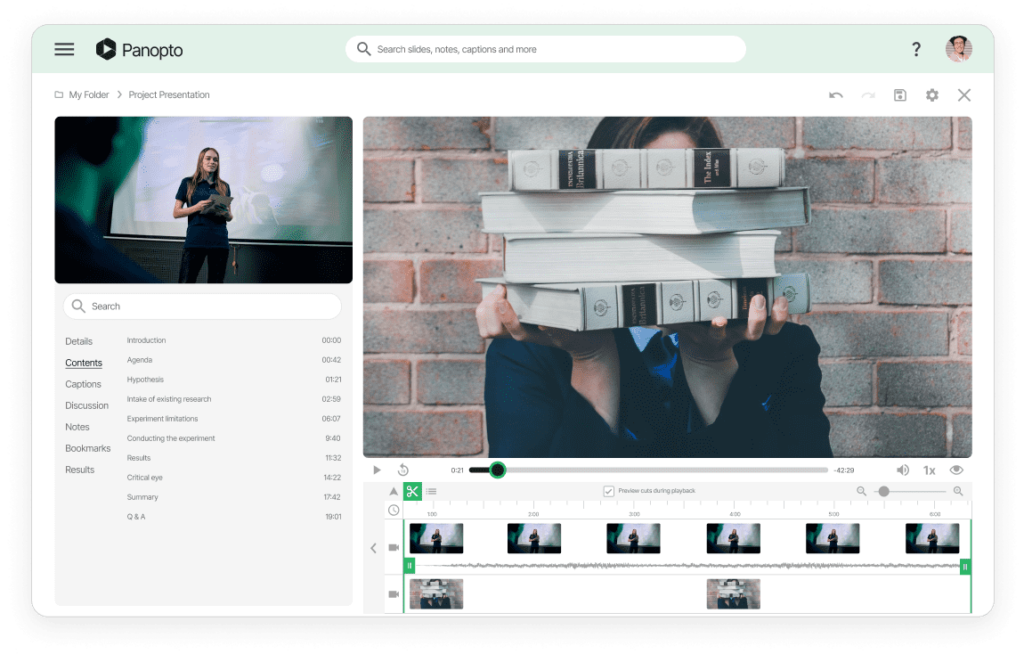
소니의 비디오 플랫폼으로 유연한 교육의 미래를 설계하세요.
모든 교수 스타일에 적합한 하이브리드 및 원격 학습 환경 만들기
Record traditional lectures, flipped classroom content, or lab demonstrations. Faculty use the same tools whether teaching fully online, hybrid, or in-person with recordings. The platform adapts to pedagogy, not the other way around.
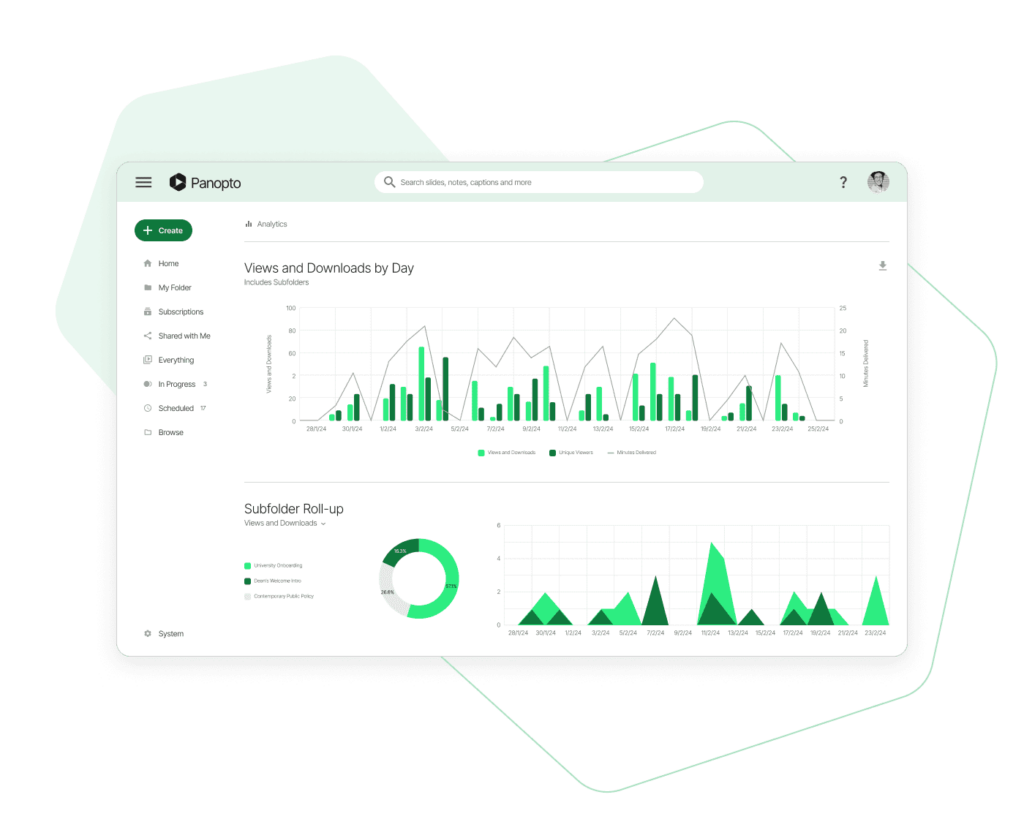
비디오 플랫폼 분석 및 인사이트를 통한 학생 참여 유도
모든 코스에서 비디오 완료율 및 학습 결과 추적하기
See which lectures students watch completely and where they rewatch sections. Identify confusing topics that need clarification. Faculty use engagement data to improve course design.
교육용 비디오 플랫폼과 원활한 LMS 통합
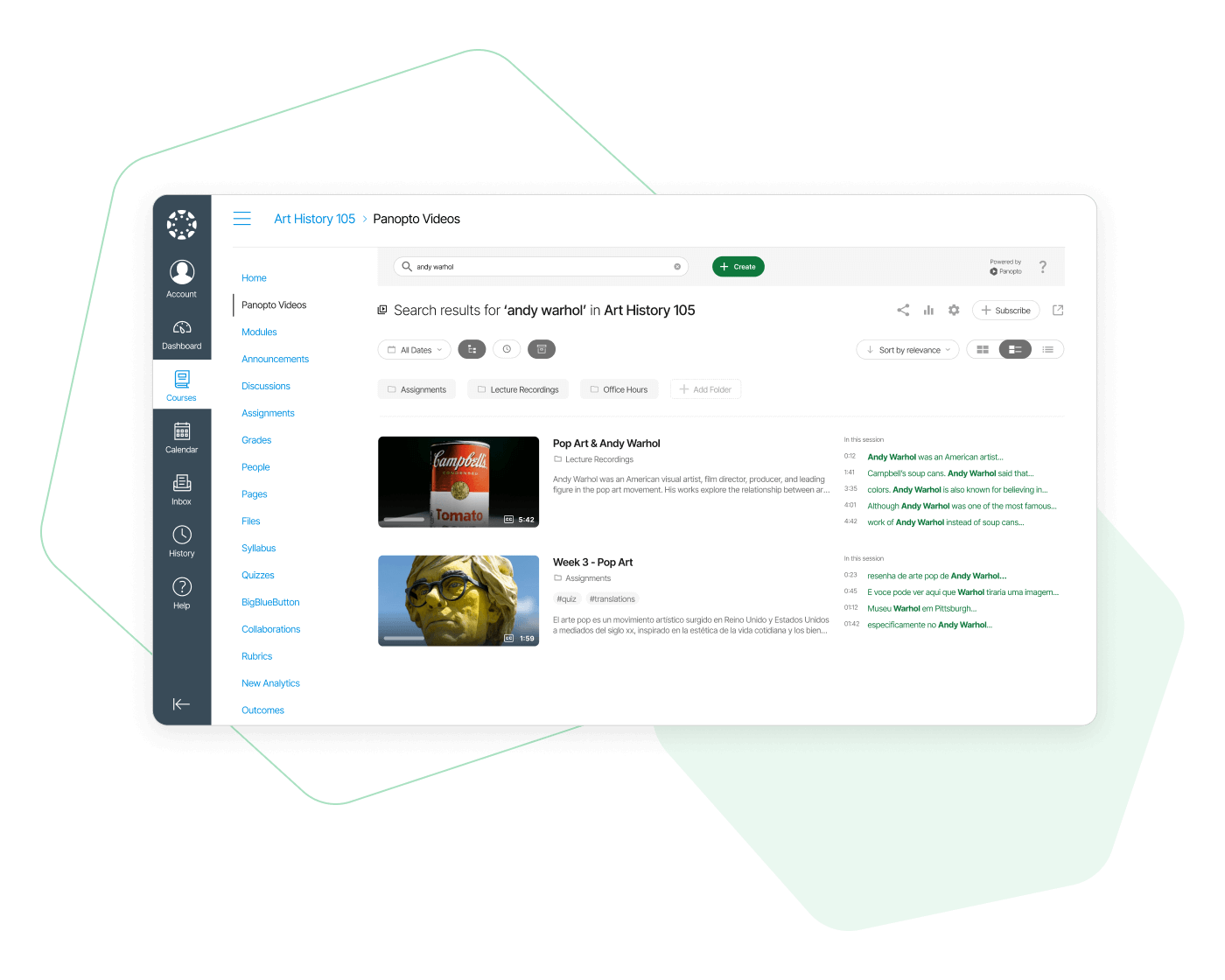
캔버스, 블랙보드, 무들 및 40개 이상의 학습 시스템과 직접 연결하기
Panopto embeds directly into your LMS. Students access lecture videos without leaving Canvas or Blackboard. Grades and completion data sync automatically between systems.
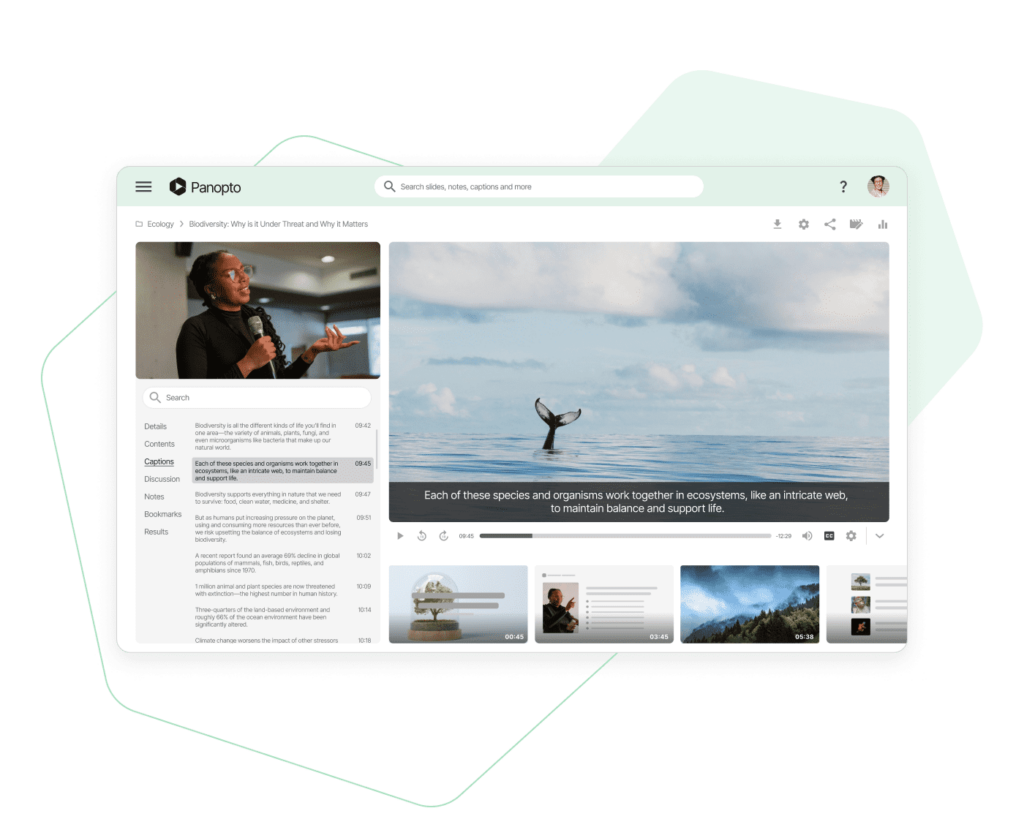
자동 캡션, 스크린 리더 지원 및 WCAG 준수 기능
Every video gets captioned automatically. The platform meets WCAG accessibility standards. Students using screen readers can navigate and search video content just like everyone else.
최신 블로그 게시물 찾기


자주 묻는 질문
Is Panopto FERPA compliant for student video content?
Yes. Panopto meets FERPA requirements for protecting student education records. Access controls ensure only enrolled students see course videos. Student video assignments remain private unless faculty choose to share them.
Do faculty need technical training to start recording lectures?
Most faculty start recording within minutes. One-click capture for basic lectures, scheduled recordings for regular class times. IT can provide support, but the interface is designed for non-technical users.
How much storage does a typical university need?
Storage scales with your institution size and usage. A mid-size university might start with several terabytes and add more as adoption grows. You won’t run out of space for lecture recordings.
Can students watch videos on their phones or tablets?
Yes. Videos play on any device with a browser or through mobile apps. Students can download recordings for offline viewing during commutes. Quality adjusts automatically for mobile data connections.
What happens to course videos after the semester ends?
You control retention policies. Archive past semester videos for student reference or set them to auto-delete. Faculty can keep evergreen content available while removing outdated recordings.
Does Panopto work with our existing classroom capture hardware?
Panopto integrates with most classroom capture systems including Crestron, Extron, and others. You can keep existing hardware investments while gaining centralized management and better search capabilities.