






혼합형 학습
Deliver the same quality of instruction, regardless of where students are
Give in-person and remote students equal access to course content—with recording, streaming, and LMS integration that makes hybrid instruction consistent and manageable.
과제
Hybrid instruction creates two audiences—and most tools only serve one well
Faculty designing hybrid courses often end up running two versions of the same class simultaneously, with neither group getting a fully consistent experience. Remote students miss the informal moments that happen in the room. In-person students can’t easily access recordings after class. Accessibility obligations apply to both groups but are harder to meet consistently across modalities. The workload of supporting two formats falls heavily on faculty who were never trained to do it.
Consistent instruction, regardless of where students are
Hybrid instruction works when both groups of students get an equivalent experience. Panopto gives faculty the tools to capture, deliver, and manage course content across modalities—without running two separate courses or doubling their workload.
Simultaneous capture and streaming
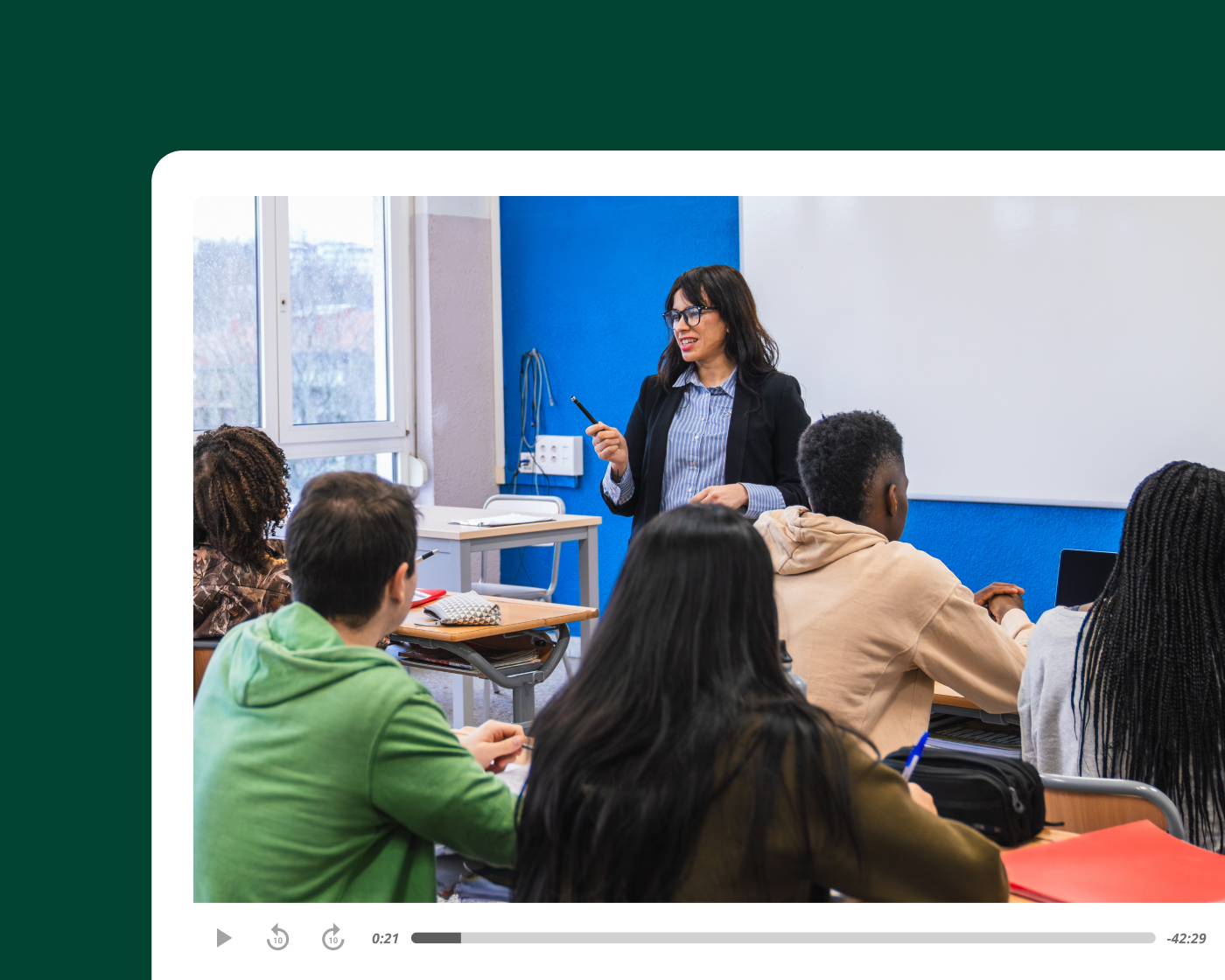
Record and stream every session in one step
Panopto captures in-person sessions and streams them to remote students simultaneously—recording screen, camera, and audio in a single workflow. Remote students participate in real time, and the recording is available inside the LMS automatically once the session ends.
Consistent content access
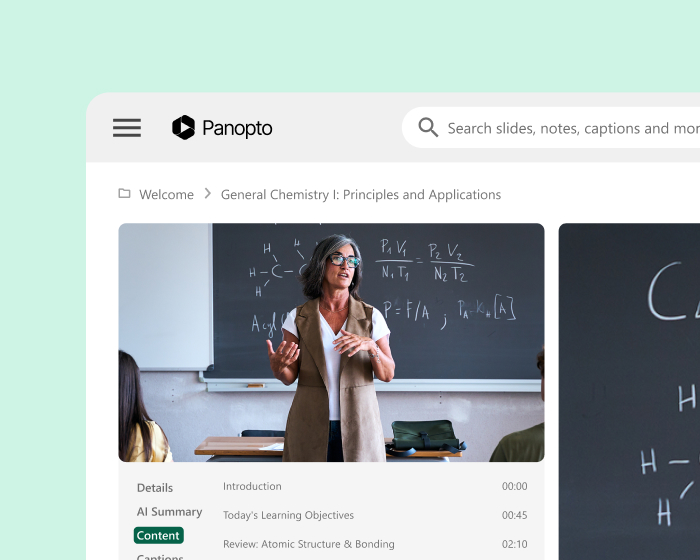
Make sure every student starts from the same place
Whether students attended in person, joined remotely, or missed the session entirely, they access the same recording—searchable, captioned, and available on demand inside the LMS. No separate links, no inconsistent versions, no gaps in who has access to what.
Classroom technology integration
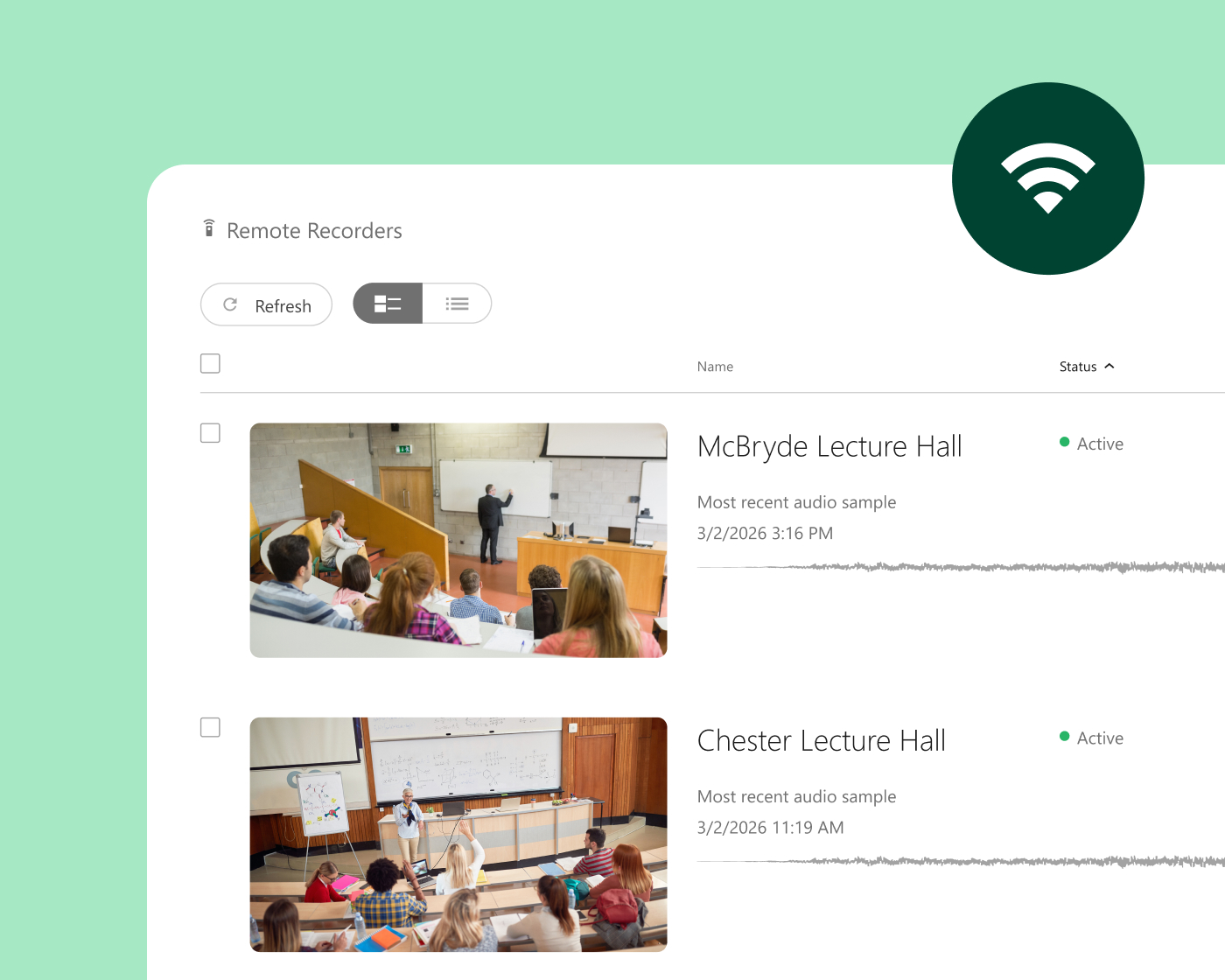
Work with the AV setup already in your rooms
Panopto integrates with leading classroom AV systems—including Crestron and Extron—so hybrid capture works reliably across every teaching space. Recordings start, stop, and publish automatically, keeping the experience consistent regardless of which room or campus a session takes place in.
Accessibility across modalities
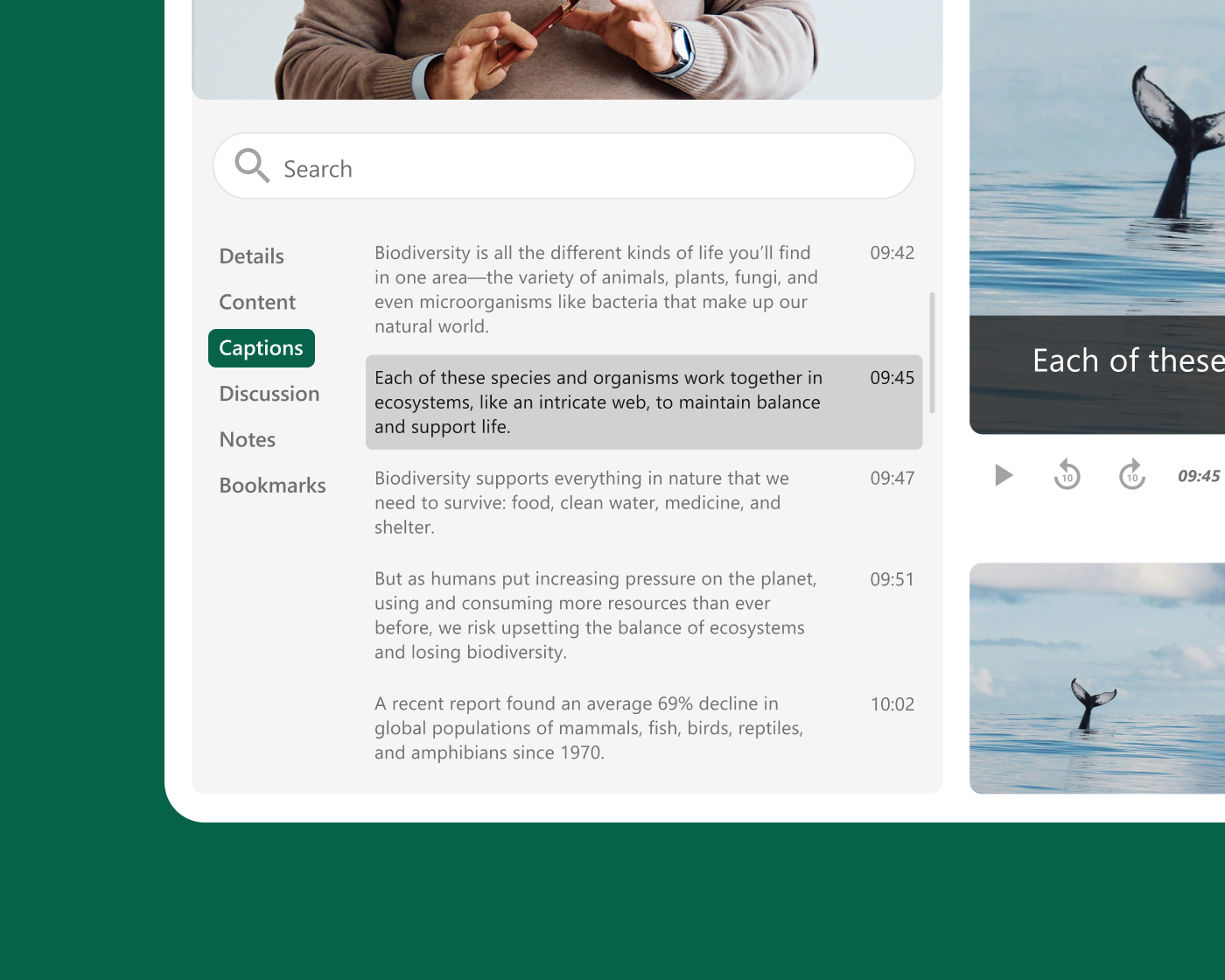
Keep accessibility consistent for every student, in every format
Automated captions and transcripts are generated for every recording—so remote students, students who missed a session, and students with accessibility needs all have the same access to course content. Compliance stays consistent across modalities without additional effort from faculty.
선도적인 기관들이 Panopto 통해 달성한 성과
Hybrid learning across higher education
Institutions use Panopto to deliver consistent instruction across in-person and remote formats—inside the LMS, with accessibility built in.
전 세계 유수의 대학 및 기관들이 신뢰하는

고객 사례
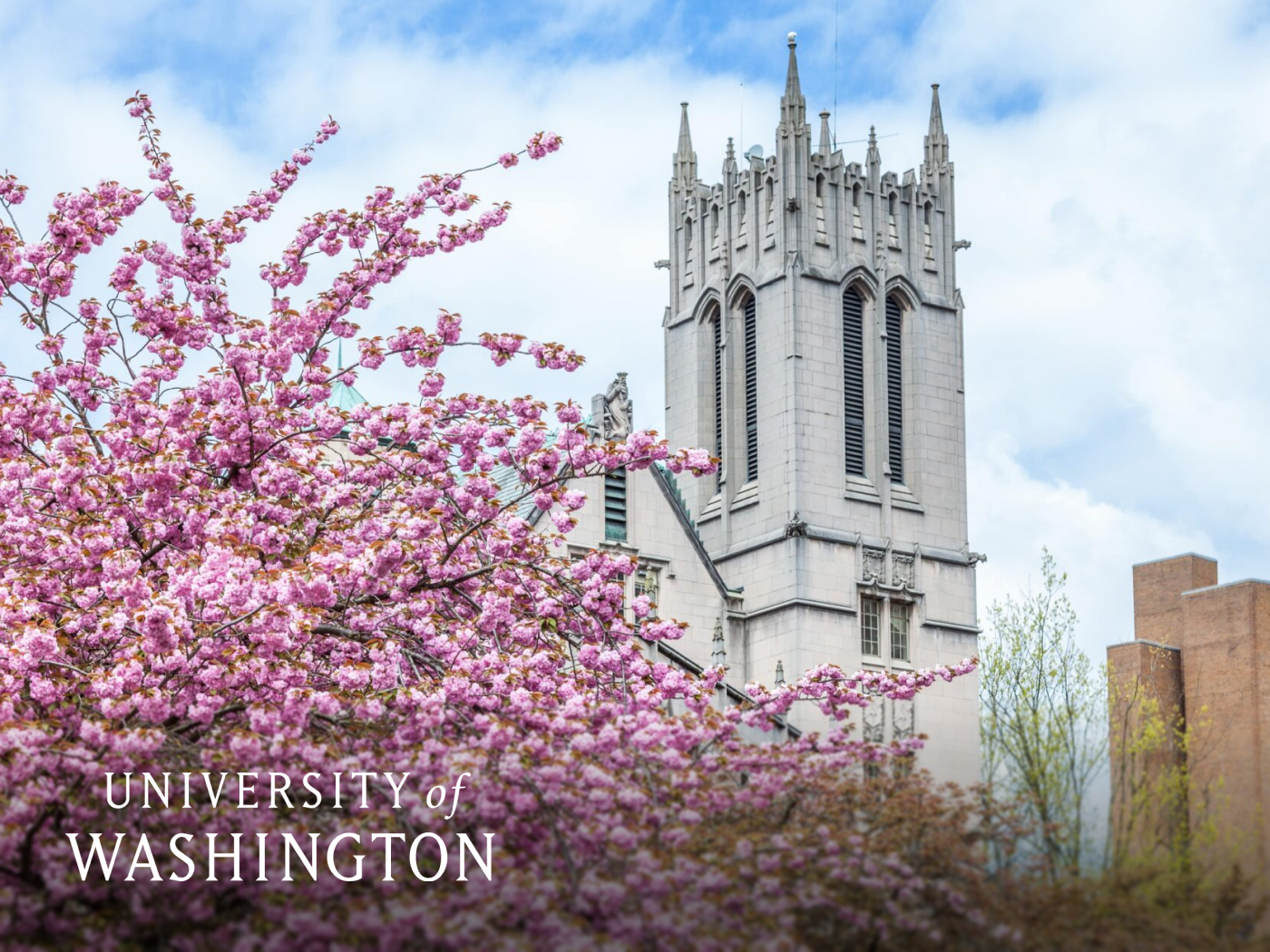
How the University of Washington supports every learner across every format
With 54,000 students across in-person, hybrid, and online formats, UW needed a platform that could deliver consistent course content regardless of how students were enrolled. Panopto’s integration with Canvas and Zoom gave faculty a single workflow for capture, delivery, and management—and students gained on-demand access to every session inside the LMS they already used.
98%
of students said Panopto contributed to their learning
10명 중 9명
학생들은 Panopto 성적 향상에 Panopto 말했다
6만 명 이상
수 시간에 달하는 학술 녹음 자료가 공개되었습니다
Explore what’s possible with hybrid learning


선도적인 기관들이 Panopto 활용하는 방법
자주 묻는 질문
How does Panopto support hybrid instruction for institutions with in-person and remote students?
Panopto can capture and stream every session simultaneously—recording screen, camera, and audio in a single workflow so in-person and remote students receive the same instruction at the same time, and the recording is available inside the LMS automatically once the session ends.
Remote students participate in real time without a diminished experience, and students who miss a session entirely access the same recording—searchable, captioned, and available on demand. The experience doesn’t bifurcate into two unequal versions of the same course depending on how a student is enrolled.
Does Panopto integrate with the classroom AV systems already installed at our institution?
Yes. Panopto integrates with leading classroom AV systems including Crestron and Extron, so hybrid capture works reliably across every teaching space without requiring faculty to manage equipment manually. Recordings start, stop, and publish automatically based on the room calendar—keeping the workflow consistent regardless of room or campus.
For institutions investing in or upgrading classroom infrastructure, Panopto’s AV integrations mean that existing hardware investment extends to capture and streaming without requiring a separate system. IT teams configure the integration centrally, and faculty benefit from automated capture without additional steps. Read more about our integrations.
How does Panopto ensure accessibility for both in-person and remote students in a hybrid course?
Panopto generates captions and transcripts automatically for every recording—so remote students, students who missed a session, and students with accessibility needs all have equal access to course content, regardless of how or when they engage with it.
Accessibility compliance is often harder to maintain consistently across modalities in hybrid instruction. Panopto’s automated captioning removes that inconsistency—every recording can be captioned by default, whether it was a live-streamed session, a recorded lecture, or a pre-class video. Faculty don’t need to take extra steps to meet accessibility obligations. Read more about our accessibility.
Can students who miss a hybrid session access the recording in their LMS?
Yes. Every session captured in Panopto can be automatically published to the designated LMS course folder—searchable, captioned, and available to enrolled students from any device. Students who missed a session can then find the recording in the same place they access all their course materials, without requiring a separate link or additional steps from the instructor.
Panopto customers in higher education report a 9x increase in video adoption due to ease of use, based on outcomes reported across multiple institutions. When recordings are genuinely easy to find and navigate, students engage with them more actively—and the investment in capture delivers more learning value over time.
How does Panopto help faculty manage the workload of hybrid instruction?
Panopto’s LMS integration and automated recording workflows mean faculty can run their session once and both audiences are served—without managing separate streams, maintaining two sets of materials, or following up to distribute recordings manually.
For faculty who have found hybrid instruction logistically demanding, reducing the number of steps required to capture and publish content makes a meaningful difference to workload over a full semester. The University of Washington has built a library of more than 60,000 hours of academic recordings through Panopto, based on outcomes reported by Tom Lewis, Director of Academic Experience Design & Delivery at the University of Washington—a scale that’s only sustainable when capture is integrated into existing workflows rather than added on top of them.