



“Blended learning” has typically described pedagogies that engage students in learning through in-person and online course materials. However, the COVID-19 pandemic saw a massive shift to online learning and flipped classroom video, meaning educators everywhere approached blended learning differently. The new challenge? Blend synchronous (live) and asynchronous (on-demand) learning to optimize outcomes for both remote and in-person learners.
The flipped classroom is a particular blended learning methodology designed to do exactly that—move passive learning, which requires less direct engagement with the instructor, outside of the classroom to maximize the learning benefits students get during live, synchronous class time with instructors. It’s just as effective in physical classrooms as it is in fully virtual learning environments.
Flipped classroom video examples
Pre-recording the lecture content you’d typically present in front of the class is often the simplest way to free up synchronous class time to engage students in active learning online. Still, many instructors have gone further to explore other types of videos for asynchronous learning in their flipped classrooms.
Flipping a class provides educators with an opportunity to experiment with new media and content formats that can deliver course materials in different, often more engaging ways. For example, many instructors choose to shorten their lectures or divide up a full lecture into smaller digestible video sessions. Other flipped classroom videos may incorporate multimedia curated from across the web, or take students on a virtual tour via video recorded in a lab or out in the field.
Below are five examples of flipped classroom videos you can create for asynchronous learning assignments:
- Foundational knowledge videos—Present foundational knowledge that is essential for mastering new concepts, arming students with the information they need to practice and demonstrate their understanding of different subjects. Record yourself presenting these lessons with PowerPoint or Google Slides, a Prezi, Powtoon, or anything else you decide to show on your screen.
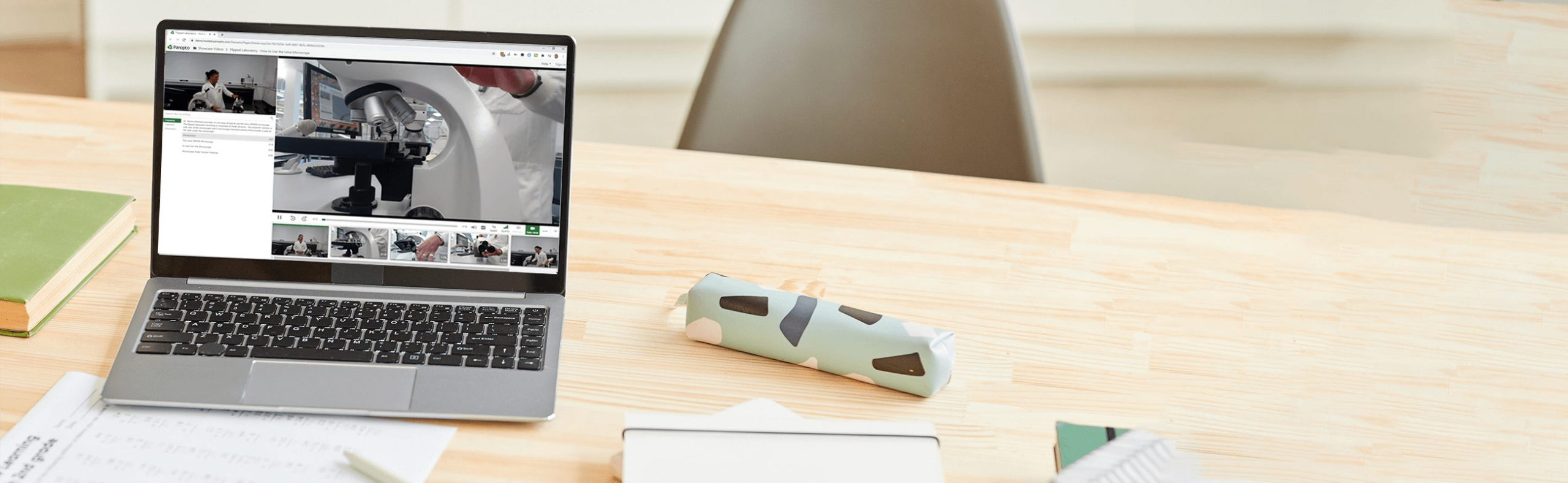
- Lab demonstration videos—Visually demonstrate how to use lab equipment, present experiments to students in a multi-camera video, or record a simulation that shows all the details. Multi-camera video recording makes it possible to show remote students almost anything in a lab setting.
- Problem-solving videos—Show students how to solve example problems in a video to help them succeed in other active learning assignments. If you can connect it to your laptop, you can record it: walk through problem-solving on a digital whiteboard or with any camera pointed at a surface you can write on.
- Applications and examples from the field—Field trips have always been a great way to engage students and make classroom concepts more tangible. Of course, there’s no substitute for the experience of actually seeing the data center of a Fortune 500 company or taking part in an archaeological excavation. Video can offer a comparable virtual experience when a class trip isn’t possible. And as smartphone video cameras have become increasingly powerful, you can now capture HD video from anywhere.
- Video podcasts—Interviews, short stories, and commentary on current events can provide students with learning content in a popular format that’s likely to keep them engaged throughout the entire video.
Bonus tip
Keep it short! For each of your flipped class modules, remember that the pre-class lecture need not run the full length of the ordinary class. In fact, many videos will only run between 5 and 15 minutes.
According to research from Ball State, these shorter videos make it easier for students to pay attention and remain engaged. The research suggests that the most effective microlectures may actually clock in at under 7 minutes. This is just enough time to focus each video on a single subject. And if you need to cover multiple subjects in a single module, simply record and share two or three videos.
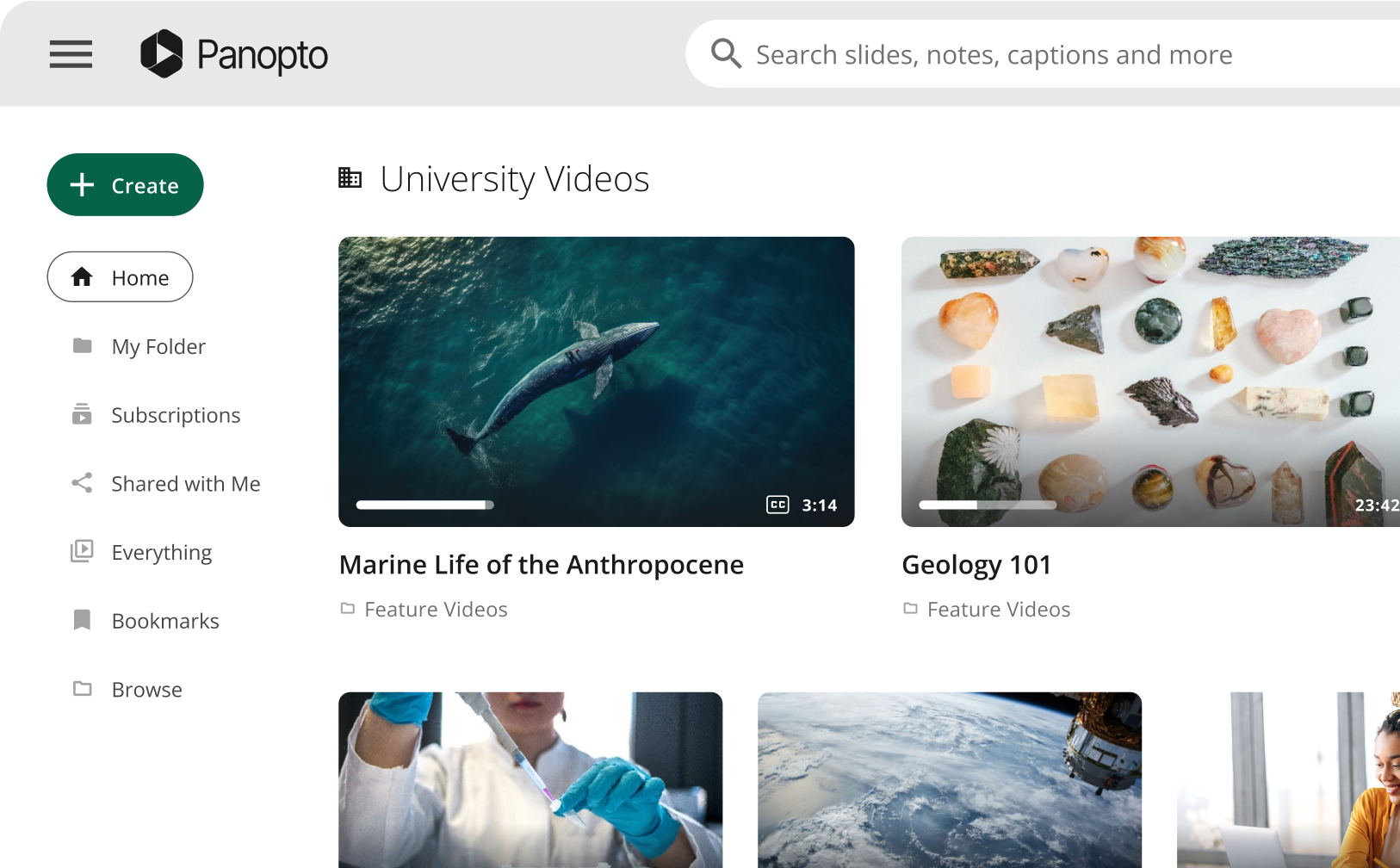
Panopto makes flipping the classroom—and flipping the teacher—easy, with flexible video presentation software that teachers and students alike can use to record lectures and presentations anytime, anywhere, from any device, and share them instantly with students, teachers, and peers on a secure, searchable video library.