










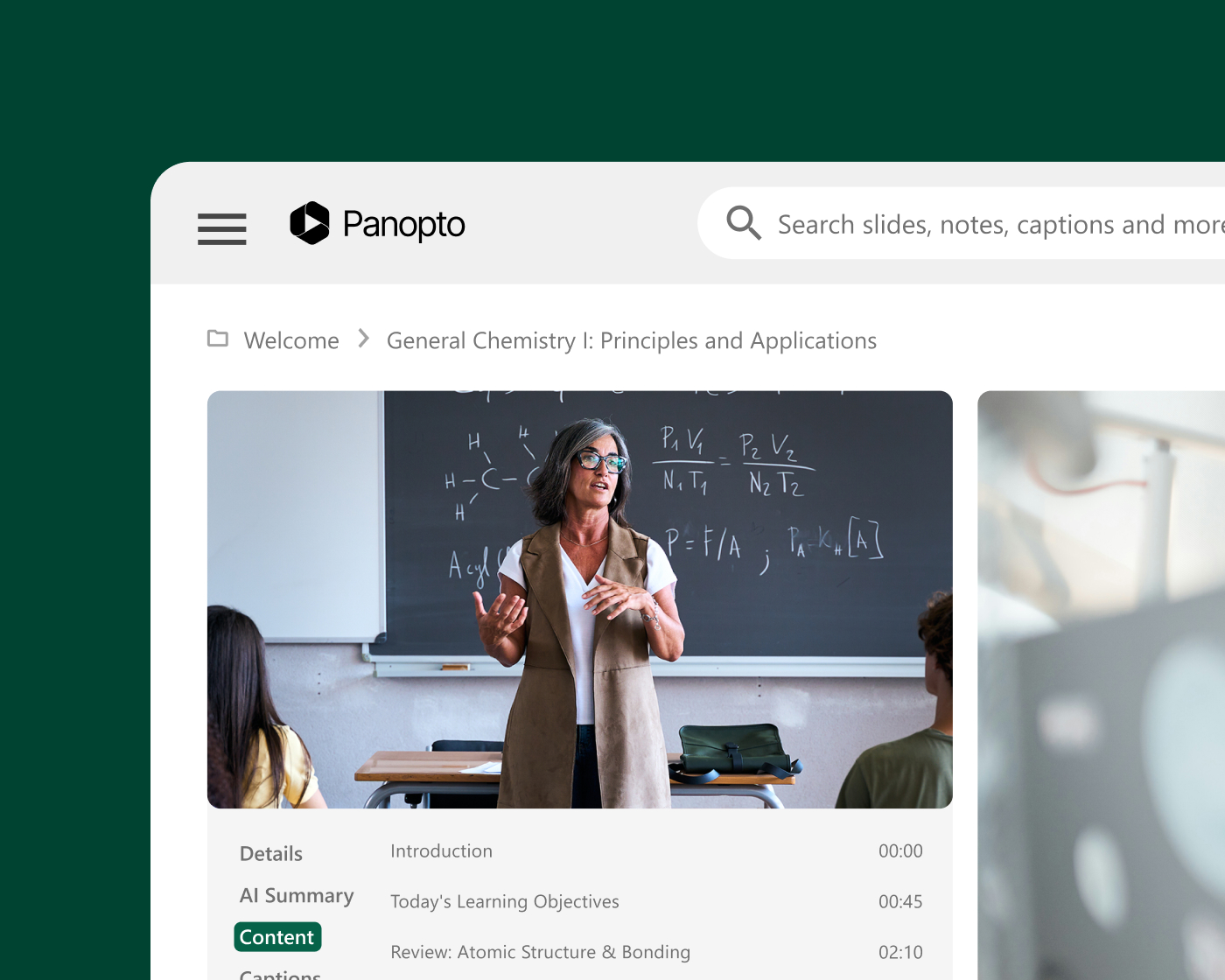
Panopto for higher education
Every lecture, searchable and reusable within your LMS
Panopto helps colleges and universities capture lectures, make them searchable, and deliver them within the LMS workflows students already use. Secure, accessible, campus-wide video built for multi-campus deployments and centralized management.
Trusted by leading universities and institutions around the world

Serving higher education institutions of every kind



What institutions achieve with Panopto
Purpose-built for higher education
Lecture capture and student access
Give students the flexibility to learn on their terms
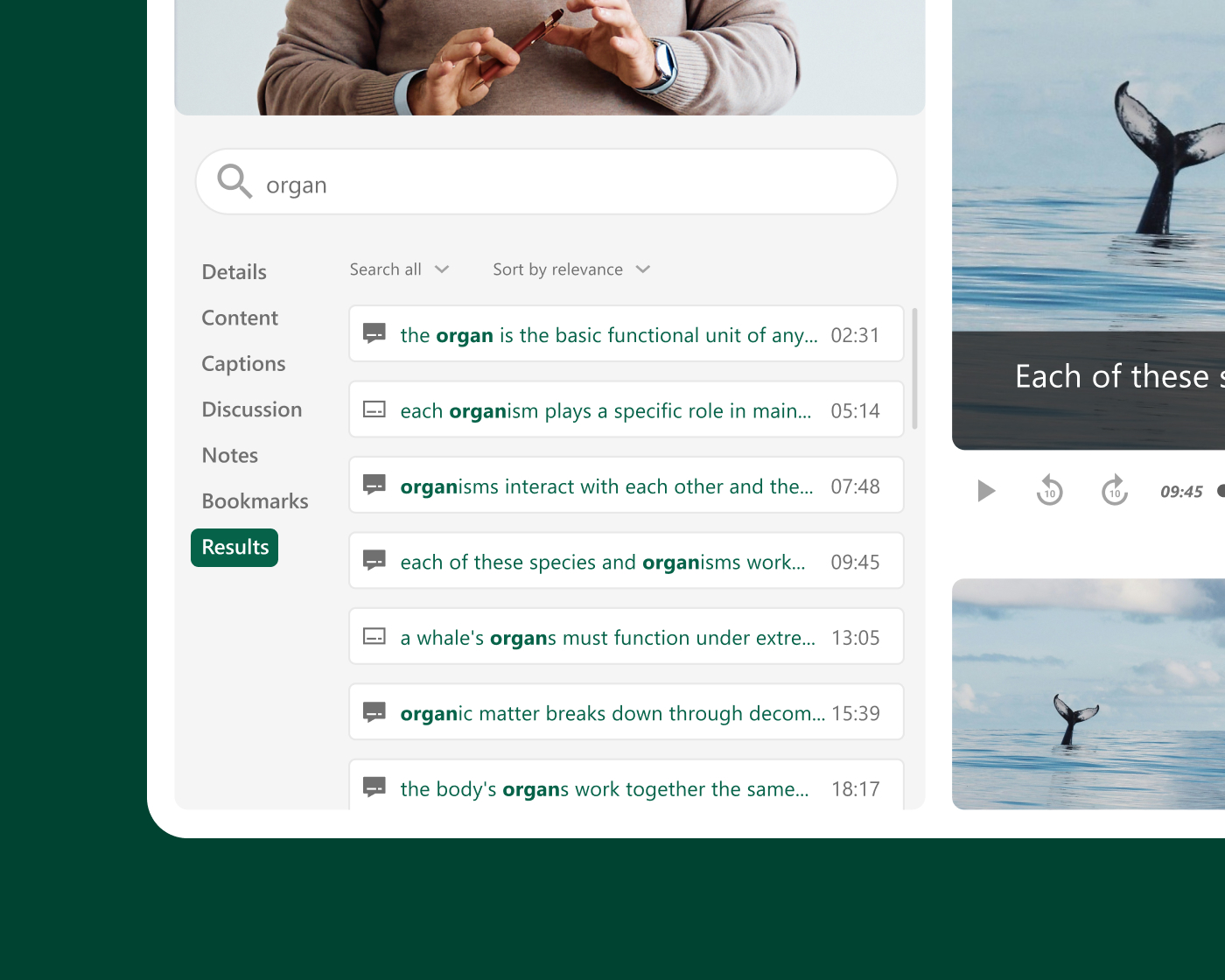
When students can revisit a lecture, search for a specific explanation, or review a complex concept before an exam, learning extends beyond the classroom. Panopto turns every recorded session into a searchable, on-demand resource—automatically published to the LMS with no extra steps for faculty.
Institutional scale
Built for campus-wide and multi-campus deployments
Panopto scales from a single department to university-wide and multi-campus rollouts. Centralized administration gives IT one place to manage users, storage, and governance, so every faculty, department, and campus works from the same secure, consistent platform. It’s built to grow with your institution, not just your first pilot.
LMS integrations via LTI
Keep your students learning where they already are: in your LMS
Panopto integrates with Canvas, Blackboard, Moodle, D2L Brightspace, and other major LMS platforms through LTI and supports SSO. Students and faculty can access and upload recordings without leaving the course environment. From search to quizzing to analytics, Panopto capabilities work right inside your LMS, with no extra logins or separate portals.
Accessibility and compliance
Make every recording accessible from the moment it’s published
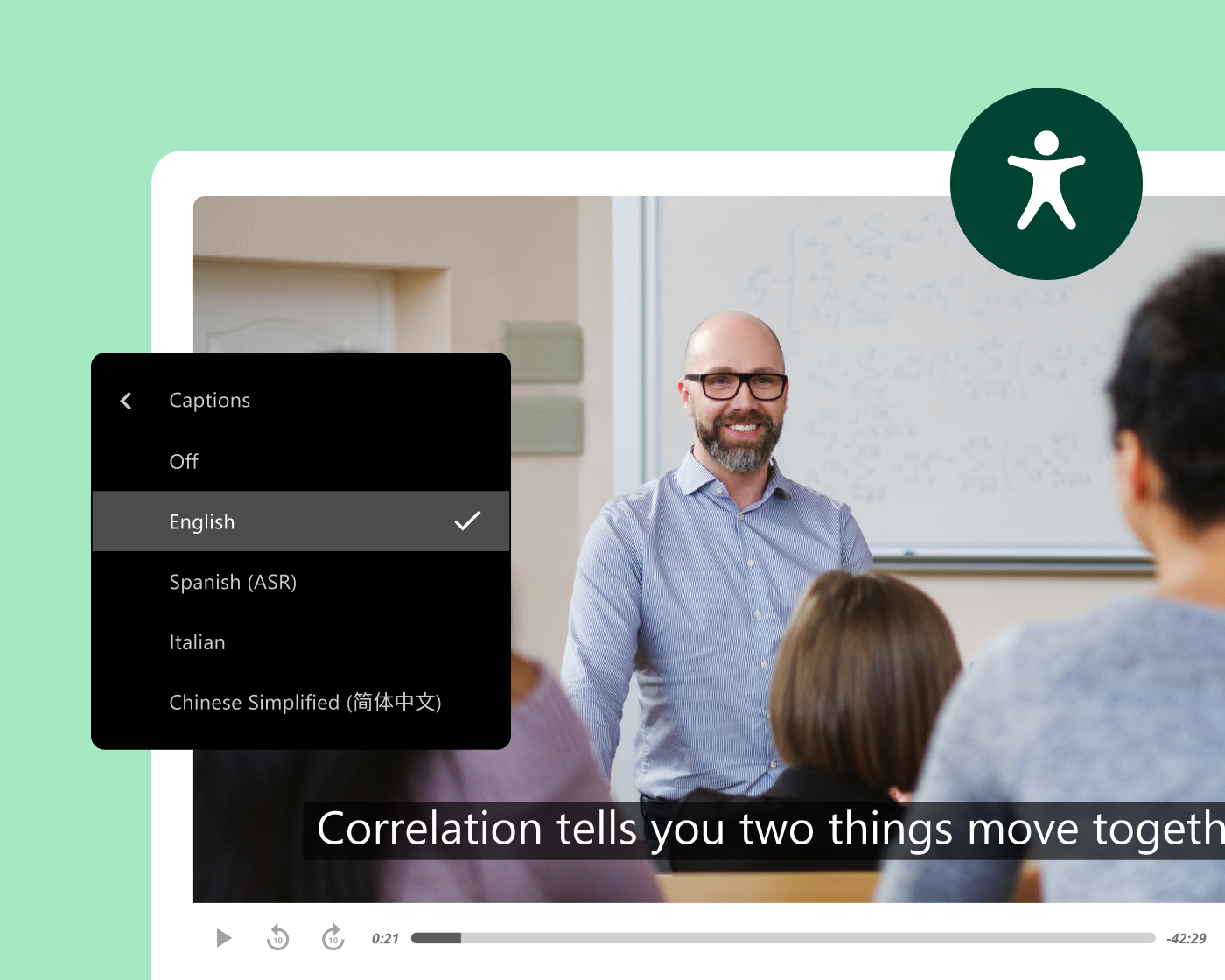
Panopto generates captions and transcripts automatically for every recording, accurately and at scale, without added work for faculty or instructional designers. Every video includes keyboard navigation and accessible playback, with variable-speed playback and screen reader support built in.
This supports institutions working toward ADA Title II and WCAG-aligned accessibility, with Section 508-compliant captioning options included.
Faculty efficiency and content reuse
Record once and build a library that teaches every term
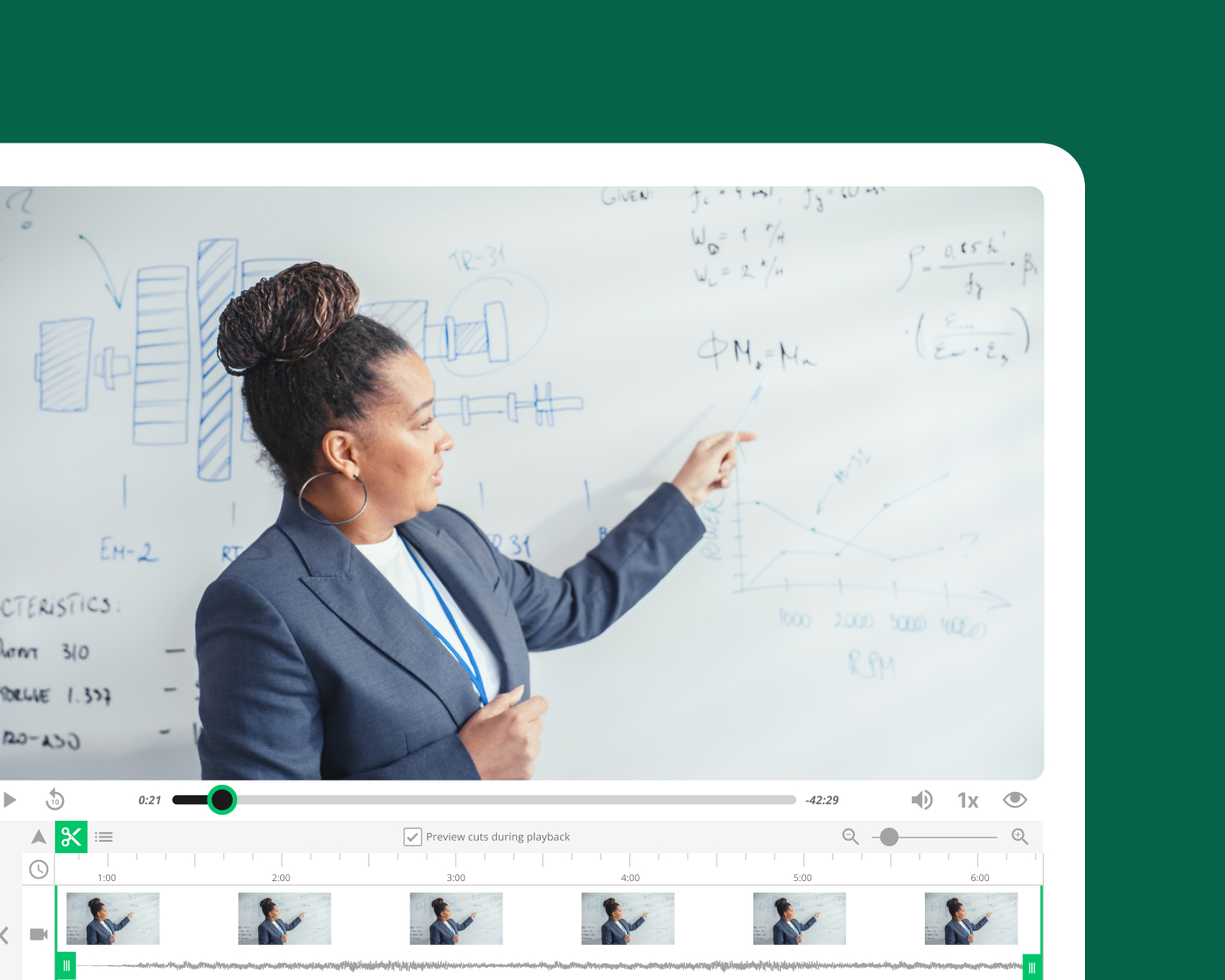
Faculty who record foundational lectures in Panopto can reuse that content across sections, semesters, and course formats without re-recording from scratch. Automated scheduling, LMS integration, and instant publishing remove the friction from capture—so faculty spend less time on logistics and more time on teaching.
AI and intelligent search
AI-powered search, captions, and study support
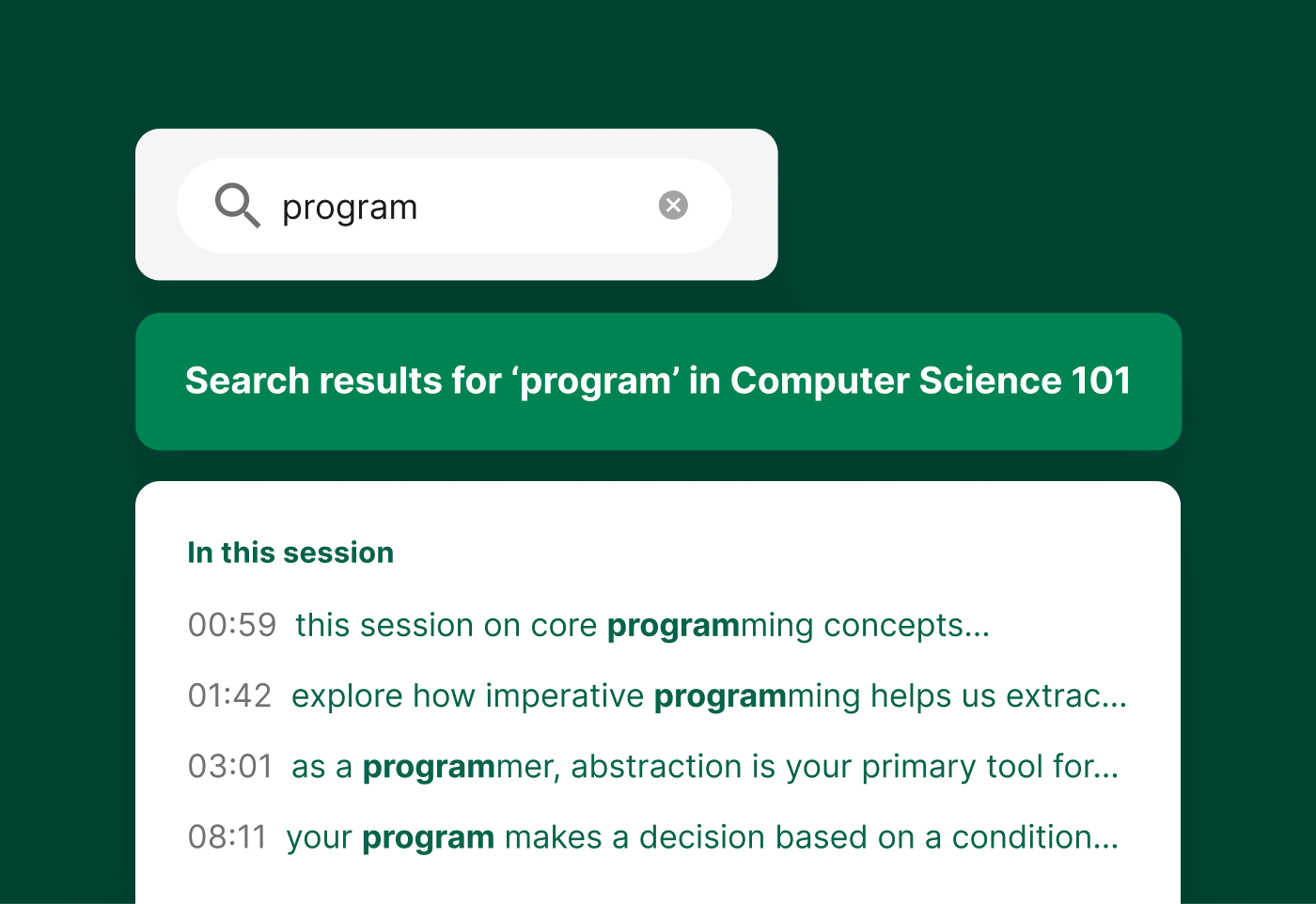
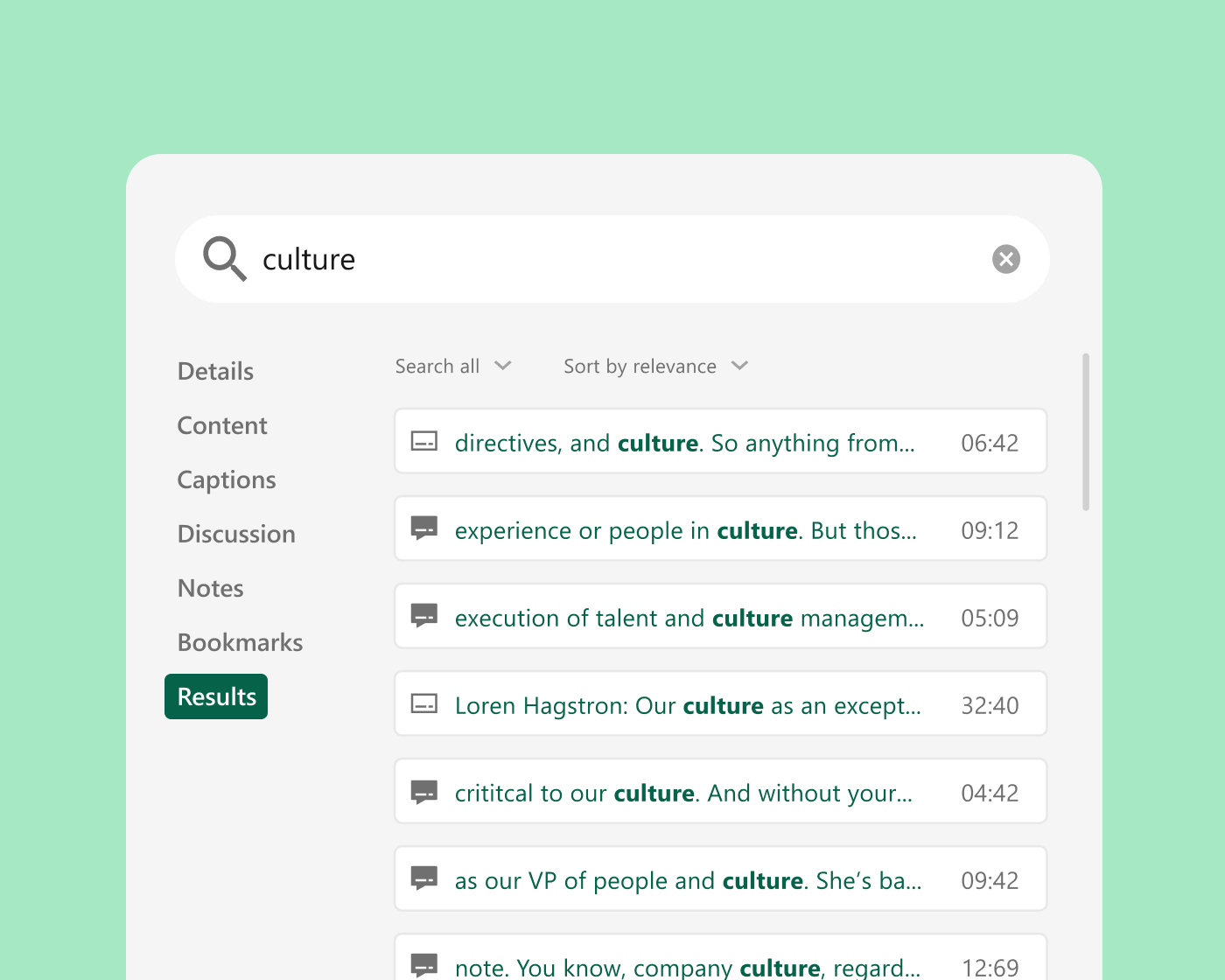
Panopto automatically captions and transcribes every recording. Smart Search indexes spoken words, on-screen text, and slides, so students can jump straight to the moment a concept is covered. Auto-generated chapters break long lectures into scannable segments, grounded in faculty-created course video students trust.

Research report
Turn your video library into the AI study partner students can trust
Students already save hours and improve grades with course video, but the external AI many turn to has no idea what their professor taught, and that’s where trust starts to break down. When curated AI is grounded in faculty-created video, students get a trusted, interactive learning experience.
91%
Students who already use AI to study
69%
Students estimate video-based learning improves their grades by six percentage points or more
84%
Students with integrated AI find it very or extremely valuable
Integrate with your existing systems
Built to fit your existing stack, not replace it. Deep integrations with your LMS, collaboration tools, and classroom AV systems mean Panopto works the way your campus already does.

Canvas by Instructure
Learning management system
Moodle
Learning management system
D2L Brightspace
Learning management system
Blackboard
Learning management system
Zoom
Collaboration
Microsoft Teams
Collaboration
Hear how our customers are putting knowledge to work


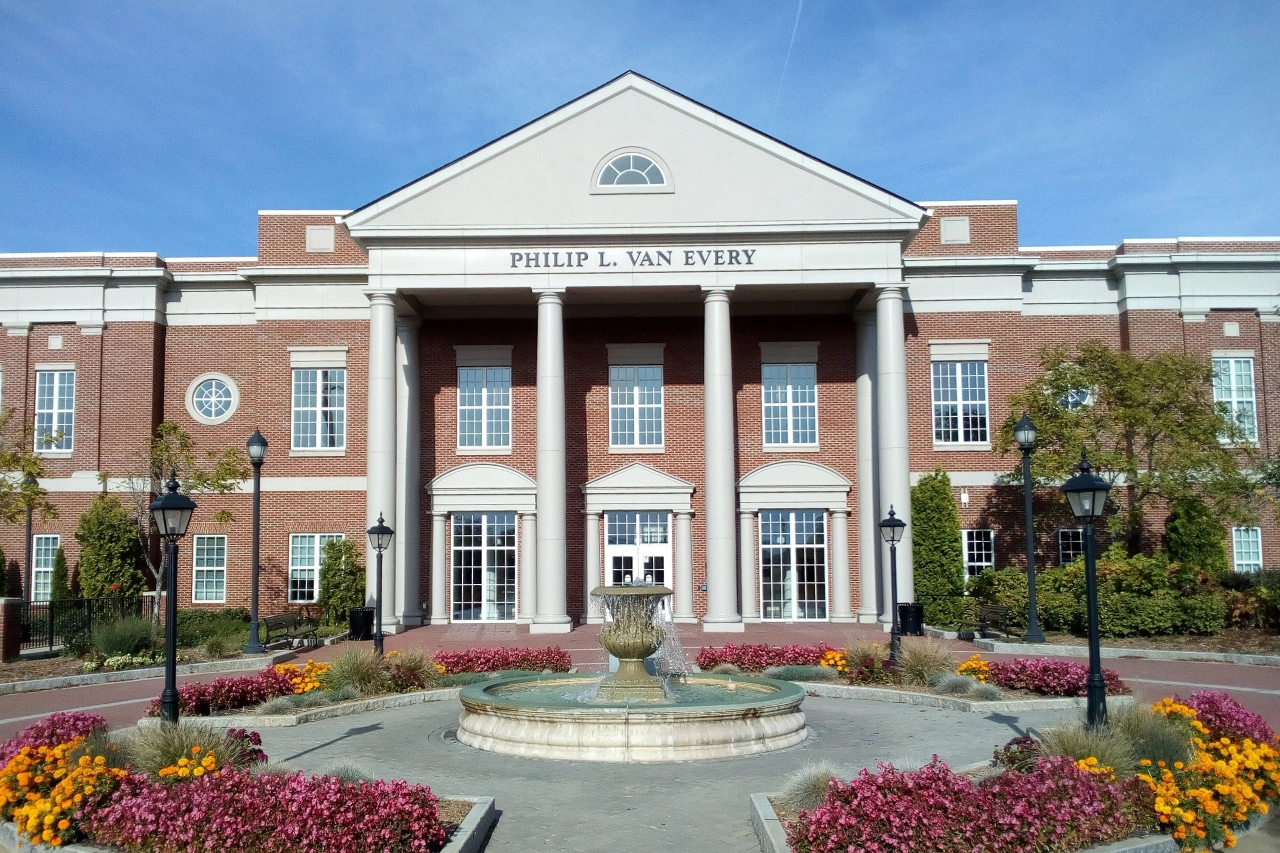
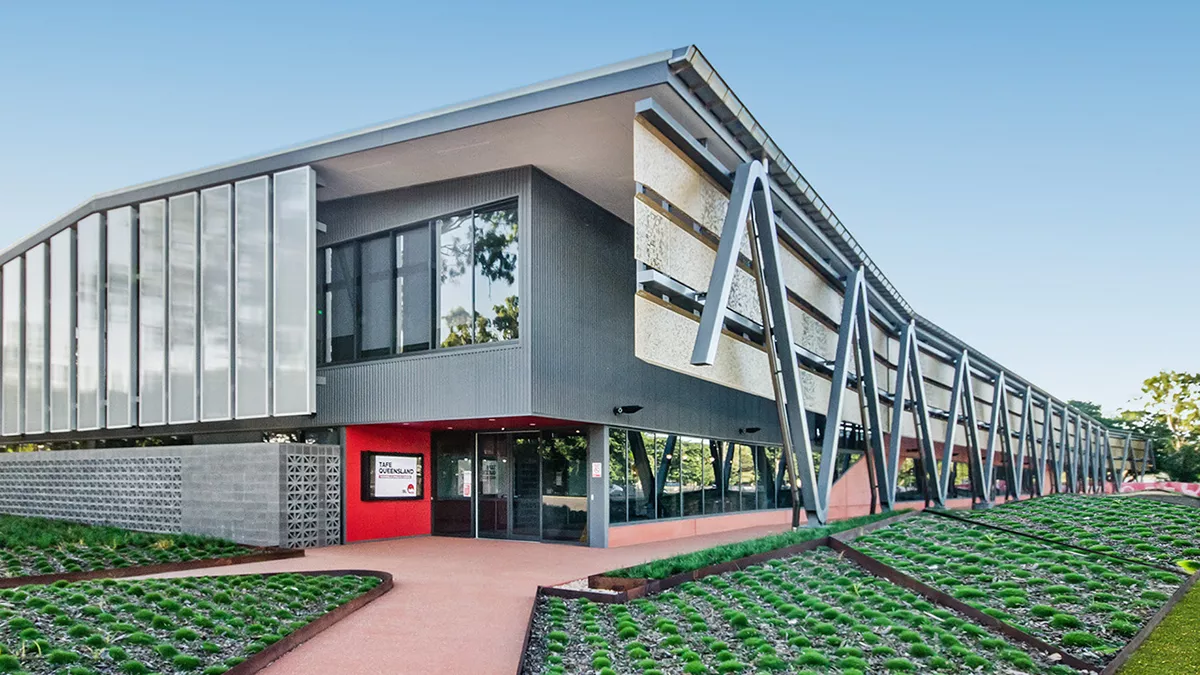



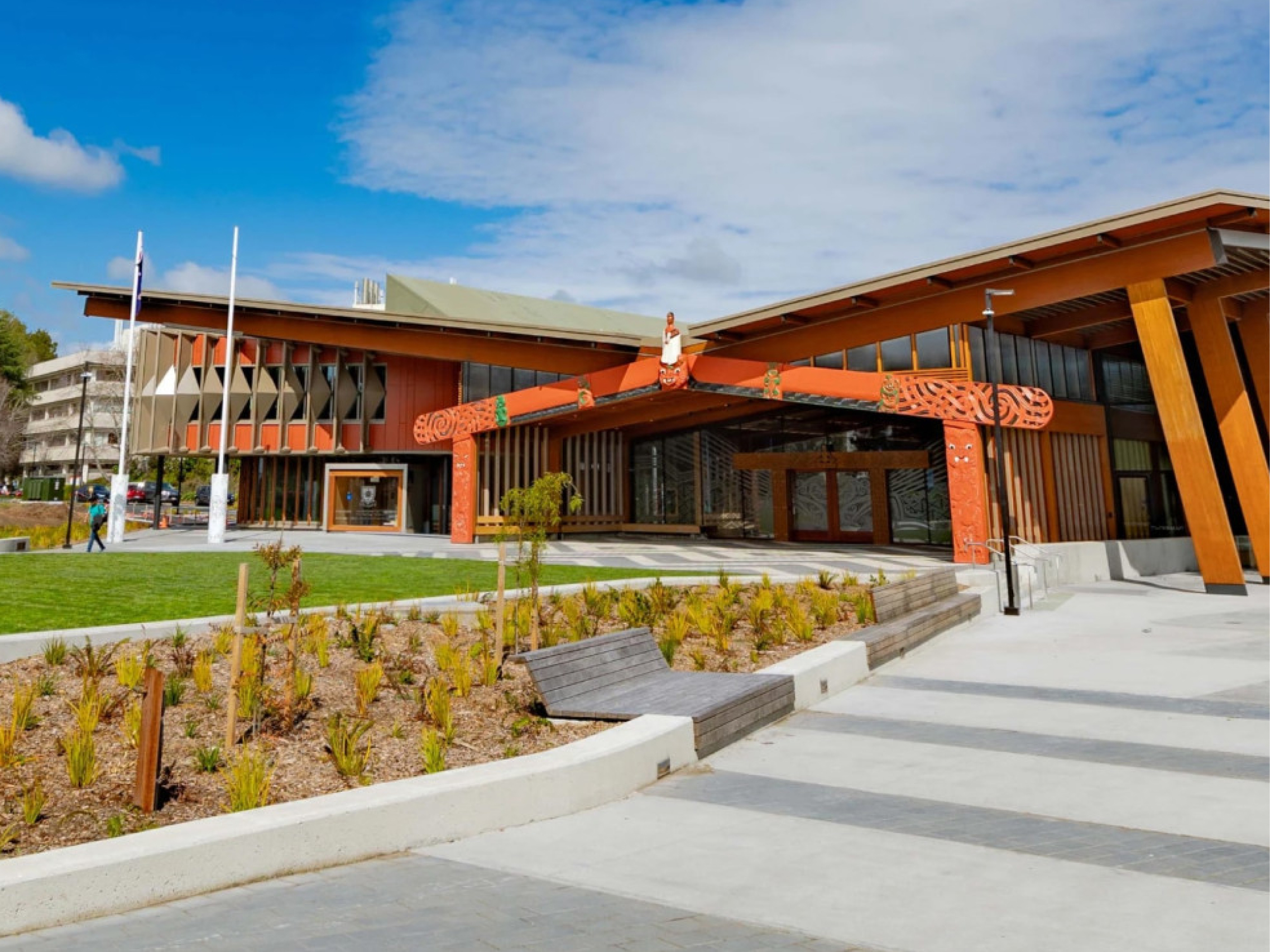
How leading institutions use Panopto
What Panopto customers are saying
“[Panopto] has become a critical asset for our faculty and students. Over the last three years, our faculty and staff have created more than 60,000 total hours of academic recordings that students use as a valuable study aid.”
Director, Academic Experience Design & Delivery, University of Washington
“[LTI integration] was a no-brainer feature to implement from the administrative side, but it was a feature that faculty and students didn’t realize they needed until they saw it in action.”
Sr. Instructional Technology Support Specialist
University of Nevada Las Vegas

“Being able to use Panopto with a lecture or review video lets students work at a pace that’s comfortable for them, which I think is equitable for all. Learning is not one size fits all.”
Assistant Professor
Samuel Merritt University Source

“I’ve gotten feedback from a lot of faculty about how good the transcription is. Most of the instructors feel comfortable enough to do it on their own.”
Media Systems Project Manager
Central Piedmont Community College

“Since implementing Panopto, we’ve seen a significant increase in the use of video by teachers. We’ve made it easier for teachers to create and share the video, and the students are benefiting from that.”
Manager of Educational Technologies
TAFE Queensland

“So many students have reported how valuable [it is to have] the ability to just go back and review the content at their leisure, to make sure they understood a point in the lecture.”
Educational Technologist
University of Notre Dame

Explore what’s possible with Panopto for higher education



Frequently asked questions
How does Panopto integrate with our LMS?
Panopto integrates with Canvas, Blackboard, Moodle, D2L Brightspace, and other major LMS platforms via LTI, embedding directly inside course environments so students and faculty access video without leaving the system they already use. Course recordings are published automatically, and viewing activity is tracked within the LMS alongside other completion data. Read more about our integrations.
How does Panopto handle accessibility and captioning at scale?
Panopto generates captions and transcripts automatically for every recording using built-in speech recognition. Captions are available across accents, disciplines, and languages, without requiring faculty to submit content for manual captioning. When accuracy needs to be improved for a specific recording, captions can be reviewed and edited directly in the platform. Accessibility workflows are institutional, not individual. Read more about our accessibility.
Can faculty reuse recordings across sections and semesters?
Yes. Recordings are stored in a governed library and can be shared across multiple course sections, copied into future course shells, or republished as needed, without duplicating files or re-uploading. Faculty build a personal library of reusable content over time, and the LMS integration ensures that new students see only what they’re meant to access.
How does Panopto support hybrid learning environments?
Panopto gives in-person and remote students equal access to every session. Recordings are captioned, indexed, and published to the LMS the moment a class ends, so students who attended in person and students who joined remotely or missed the session entirely all have the same learning resource available to them. No separate workflows, no gaps in access.
Can students use Panopto for their own video assignments?
Yes. Students can record presentations, demonstrations, and video assignments directly through Panopto and submit them inside the LMS for instructor review. Peer reviews allow instructors to assign structured feedback between students, all within a governed environment that doesn’t require cobbling together separate tools.
How does video search work for students?
Panopto’s intelligent search indexes every spoken word, slide, and on-screen element in every recording using automatic speech recognition and optical character recognition. Students can search for a term, concept, or specific phrase and jump directly to the timestamped moment across the entire course library, rather than rewatching a full lecture to find what they need. Read more about our AI-powered search.
Can we migrate our existing video library into Panopto?
Yes. Panopto supports migration from other video platforms and institutional storage with a structured process that includes content validation, re-linking, and caption restoration or addition. Migration is managed by a dedicated project team with weekly milestones. Panopto’s parallel operation approach keeps content accessible throughout the transition, and Panopto states it has never missed a customer go-live, based on internal delivery records.
Can Panopto support university-wide or multi-campus deployments?
Yes. Panopto is used by higher education institutions ranging from single-campus colleges to large, multi-campus universities. The platform supports centralized administration and granular access controls so institutions can standardize video across colleges, departments, and campuses. Panopto is used at large research and state institutions including University of Washington, Yale, Cornell, NC State, UNLV, and Northeastern.
How does Panopto handle security, SSO, and compliance?
Panopto supports single sign-on through SAML, OAuth, and Active Directory, so students and faculty log in with the credentials they already use. Granular access controls let IT govern who can view, edit, or manage content down to the individual video. Data is encrypted at rest and in transit, and Panopto is FERPA-ready and supports GDPR requirements. Read more about our security and compliance.
What analytics are available for institutions and instructors?
Panopto provides viewing and engagement analytics at the video, course, and library level, including completion rates, drop-off points, and overall usage. Instructors can see how students are engaging with a specific recording, and administrators can access deeper trend analysis through Knowledge Insights, an add-on analytics dashboard. Read more about our analytics.