




Students aren’t watching lectures the way they used to. They’re treating video the way they treat a search engine: skipping to the exact second that answers their question, rewinding to a specific explanation, and bookmarking moments they’ll need again. Video has become a living knowledge base. The gap institutions need to close now is between video being available and video being actually usable.
Research from the University of Washington puts the stakes in sharp relief. 98% of students report that video directly contributed to their learning, and 90% credit it with helping improve their actual grades. The value is proven. What has changed is the standard students hold it to.
Friction between students and the answers they need
In the age of generative AI, students expect answers to be instant and searchable. When a 60-minute lecture is the only route to a specific concept, that expectation goes unmet. Students scrub timelines, rewatch full recordings to find a single moment, and spend more cognitive energy locating information than processing it.
Benjie Messinger-Barnes, Canvas Solutions Engineer at Instructure and a former classroom teacher of 15 years, puts it plainly:
“Learners today don’t want to watch a video. They want to query it. They want to treat a video the same way we treat a textbook or a search engine. They want to flip to the exact page, the exact paragraph, the exact second that solves their immediate problem.”
The risk isn’t just inefficiency. When students can’t find answers quickly inside vetted course materials, they go outside them. External AI tools don’t carry the context of a specific lecture, a specific lab, or a specific curriculum. The further students stray from those materials, the more likely they are to encounter information that is generic or inaccurate. Making the right information the easiest information to find is not just a convenience improvement. It is a learning integrity issue.
What intelligent video infrastructure actually looks like
Solving this problem starts with how video is integrated into the learning environment. Kuljit Dharni, Chief Product Officer at Panopto, identifies the core design principle:
“Canvas is where faculty wonder and where students want to engage. Going outside of that content context is friction. So we try to eliminate that.”
Panopto’s integration with Canvas via LTI means faculty access their full video library within Canvas, assign recordings as course resources embedded directly into the course structure, and never ask students to log into a separate platform. Students engage with a video where learning already happens.
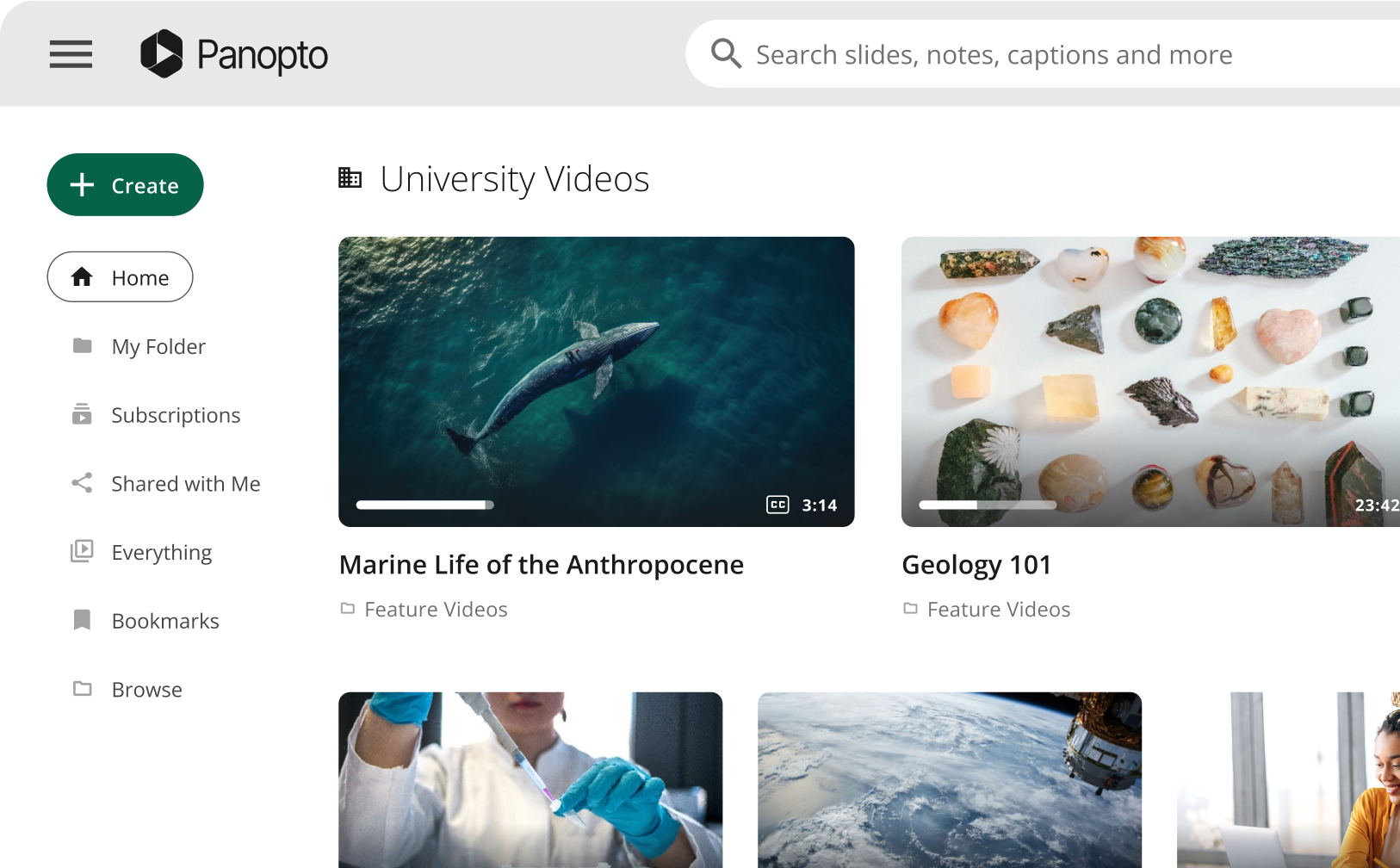
Panopto transcribes every spoken word and applies optical character recognition to text visible on screen, so every word said or displayed carries a timestamp and is searchable. Students type a term, concept, or keyword and arrive at the precise moment in the relevant video, across everything they have access to.
Built on top of this foundation is Access AI: a tool that generates video summaries, extracts key concepts, and creates navigable chapters linked to the relevant moments. Everything surfaces within the video player, with no new interface required.
Engagement analytics complete the loop for faculty: dashboards that surface where students drop off, which segments they rewatch, and what terms they search for.
What deep integration produces: The UNLV case
UNLV has run Canvas and Panopto together for eight years, and the adoption data is instructive. Six weeks into a single semester, the institution recorded 437,000 Panopto navigation link launches inside Canvas, across more than 11,000 users. In a system with approximately 90 Canvas integrations, Panopto leads all of them by a wide margin.
Andy Borts, Senior Instructional Technology Support Specialist at UNLV, attributes this to one thing above all:
“We didn’t have to go anywhere else. Didn’t need a separate username. Didn’t need a separate password. I did everything from inside my Canvas course shell. That’s what I expect, and that’s what students expect.”
UNLV also automated folder provisioning. When a new course shell is created, the Panopto course folder and assignment folder are created automatically so students immediately have the access they need.
The student experience inside this integration includes full-text search across every spoken word and on-screen element; in-video quizzes that pass grades directly to the Canvas gradebook; notes and bookmarks that create a personalized, timestamped navigation system within any video; adjustable playback speed; and full caption support.
Evaluating AI tools: The case for purposeful adoption
Not every AI feature improves learning. The practical test: does the AI surface its outputs where students already are, without adding new navigation or cognitive overhead? Panopto’s approach keeps summaries, chapters, and key concepts inside the video player. Faculty retain the ability to override any AI-generated output. The AI handles what is routine; instructional judgment handles what is nuanced.
On the accessibility side, Panopto supports automatic captions in over 20 languages, audio descriptions for visually impaired learners (both AI-generated and human-ordered), and a compliance reporting dashboard. For institutions preparing for ADA Title II requirements, this is increasingly non-negotiable infrastructure.
Also in Panopto’s near-term roadmap: Elai, Panopto’s AI Video Studio, that converts static documents such as PDFs and PowerPoints into avatar-narrated video with support for branching logic and embedded quizzes, giving faculty who are uncomfortable on camera a route to engaging instructional content without production resources.
The question worth asking
The data on the impact of videos on student learning is settled. What is not settled is whether institutions are building the infrastructure that lets students actually use it. There is a meaningful difference between a library of recorded lectures and a searchable, interactive, AI-assisted knowledge base that lives inside the environment where learning already happens.
As Benjie Messinger-Barnes frames it, drawing on his own experience in the flipped classroom:
“When you use video strategically, it doesn’t just deliver content. It amplifies the learning.”
The institutions positioned to close the gap between video available and video useful are the ones treating discoverability, accessibility, and AI not as product features, but as foundational design decisions.