




- Higher Education
Video Tool Sprawl in Community Colleges and the Case for Consolidation

It starts innocuously enough: one department begins storing lecture recordings in Zoom, another uses YouTube for course content, faculty in the nursing program upload skills demos to a shared Google Drive, or the distance education team purchases a standalone captioning tool to address an ADA complaint. Each of those decisions was reasonable in isolation, but the cumulative result is an institution running four to six video-related tools simultaneously, none of them integrated, all of them generating support tickets, and collectively costing far more than any single line item on a budget spreadsheet suggests.
This is video sprawl, and for community college IT teams already operating with lean staff and constrained budgets, it is a structural problem that compounds every semester.
The Real Cost Is Not the Licensing Fee
When evaluating the cost of video infrastructure, most IT leaders look at what they are paying per tool, but that is the wrong calculation because the actual cost of video sprawl includes several compounding factors that rarely appear in a single budget line.
Support burden compounds quickly in a multi-campus environment where each college may be running a different combination of tools with no shared governance or escalation path. At an average cost of $45 per resolved support ticket, even a modest reduction of 360 tickets annually represents over $16,000 in recoverable IT labor, not counting the opportunity cost of what your team could be doing instead.
Also in multi-campus districts, individual colleges frequently procure video tools independently, which produces duplicated licensing spend, inconsistent service levels across campuses, and procurement complexity that falls on the system office to untangle. In a 12-college district, per-campus redundancies in licensing, captioning services, and support contracts can compound into $420,000 or more in annual waste.
Then there is the quieter cost of institutional knowledge that simply walks out the door. When a faculty member retires or departs, the videos they stored on a personal drive, a department YouTube channel, or a Zoom account often disappear with them. Re-recording that content is technically free in terms of direct spend, but it requires a willing faculty replacement, protected time carved out of an already stretched schedule, and the assumption that whoever records it next can recreate the original material with the same depth and accuracy. In practice, that combination rarely comes together. What should have been a governed, reusable academic asset instead existed only on one person’s laptop, with no backup and no institutional visibility.
Why This Problem Is Getting Worse
Community colleges are in a period of enrollment growth, with overall enrollment up roughly 3% in fall 2025 from the previous year, and certificate enrollment up even faster at 28% since 2021. More students, courses, certificate programs, and faculty who need to produce accessible content quickly are all landing on IT teams that have not grown proportionally. Tool sprawl builds up slowly as organizations add more solutions to solve individual problems, creating overlap and unclear ownership. A silent cost to this is lost attention and slower recovery when things go wrong.
The Need for a Governed Video Platform
The most defensible IT investment in this environment is one that consolidates multiple capabilities under a single governed platform, reducing the surface area your team has to manage while giving system and district offices the standardization, cost-sharing, and governance consistency they are constantly being asked to deliver across campuses. A purpose-built academic video platform eliminates the need for separate tools covering lecture capture, video hosting, accessibility and captioning, faculty content creation, and analytics, and at the system and district level, it enables centralized governance, procurement, and compliance paired with campus-level flexibility for content creation.
A governed video platform can be mapped simultaneously to student success and distance education funding by improving access to on-demand course content. It applies to ADA and Section 508 compliance budgets by replacing ad hoc captioning workflows with automated, audit-ready accessibility built into the platform. It helps shared services and operational efficiency initiatives by consolidating contracts and reducing redundant tools. Lastly, it can be applied to CTE program support by enabling multi-source recording for labs, clinics, and field-based skills demonstrations. This is an infrastructure consolidation play with measurable ROI across multiple budget lines.
Ready to see what consolidation looks like in practice? Request a Panopto demo, and we’ll walk through how your system or district could reduce tool sprawl, lower support load, and simplify compliance across every campus.
What Governed Video Infrastructure Looks Like in Practice
The operational differences between a governed platform and a collection of point solutions are significant. A single administration interface to manage permissions, folder structures, storage, and access across all campuses replaces the need to log into five separate tools to answer one question from a faculty member or auditor. Content that lives and surfaces inside the LMS your faculty already use results in fewer support escalations, faster adoption, and a dramatic reduction in “I can’t find the recording” tickets. Panopto’s automated speech-to-text captioning generates captions for every video recorded or uploaded, and those captions are editable by faculty and auditable by compliance teams. The platform supports over 20 languages for captions and transcripts, making it particularly well-suited to the diverse, multilingual student populations that community colleges serve. Engagement data tied to actual course outcomes, available through Panopto’s analytics suite, surfaces minute-by-minute viewing patterns and quiz performance without requiring a separate reporting stack or custom integrations. And pre-negotiated higher education contracts, available through frameworks such as Internet2 NET+, give multi-campus systems and consortia a simplified procurement path with favorable pricing terms that hold as enrollment grows.
The Starting Point for Building the Business Case
CIOs and IT directors ready to build the case internally can start with a few steps that help frame the conversation with leadership and procurement. Begin by auditing your current video tool inventory and cataloging every platform where video is created, stored, or delivered across your campuses, including informal tools like personal Zoom accounts, faculty YouTube channels, and shared drives. From there, quantify your annual support ticket volume for video-related issues, because even a rough estimate reveals the true labor cost of your current approach. Then assess your captioning spend and compliance exposure by asking how much your institution is paying for manual captioning and how confident you are in the WCAG 2.1 compliance status of instructional video across all departments.
With that baseline established, map your current contracts to funded priorities to determine which existing budget lines, including student success, ADA compliance, distance education, and shared services, a consolidated platform could be legitimately mapped to. Finally, build the system-level ROI by combining per-campus contract consolidation savings, support ticket reduction, captioning cost avoidance, and faculty time savings, because the numbers add up faster than most IT leaders expect.
Panopto is an academic video platform purpose-built for higher education, designed to centralize lecture capture, video management, accessibility, and analytics under a single governed infrastructure. If you are ready to see how community college systems and districts are using Panopto to consolidate video operations and reduce IT costs, request a demo with our team today.
Latest News
-
- Remote Work
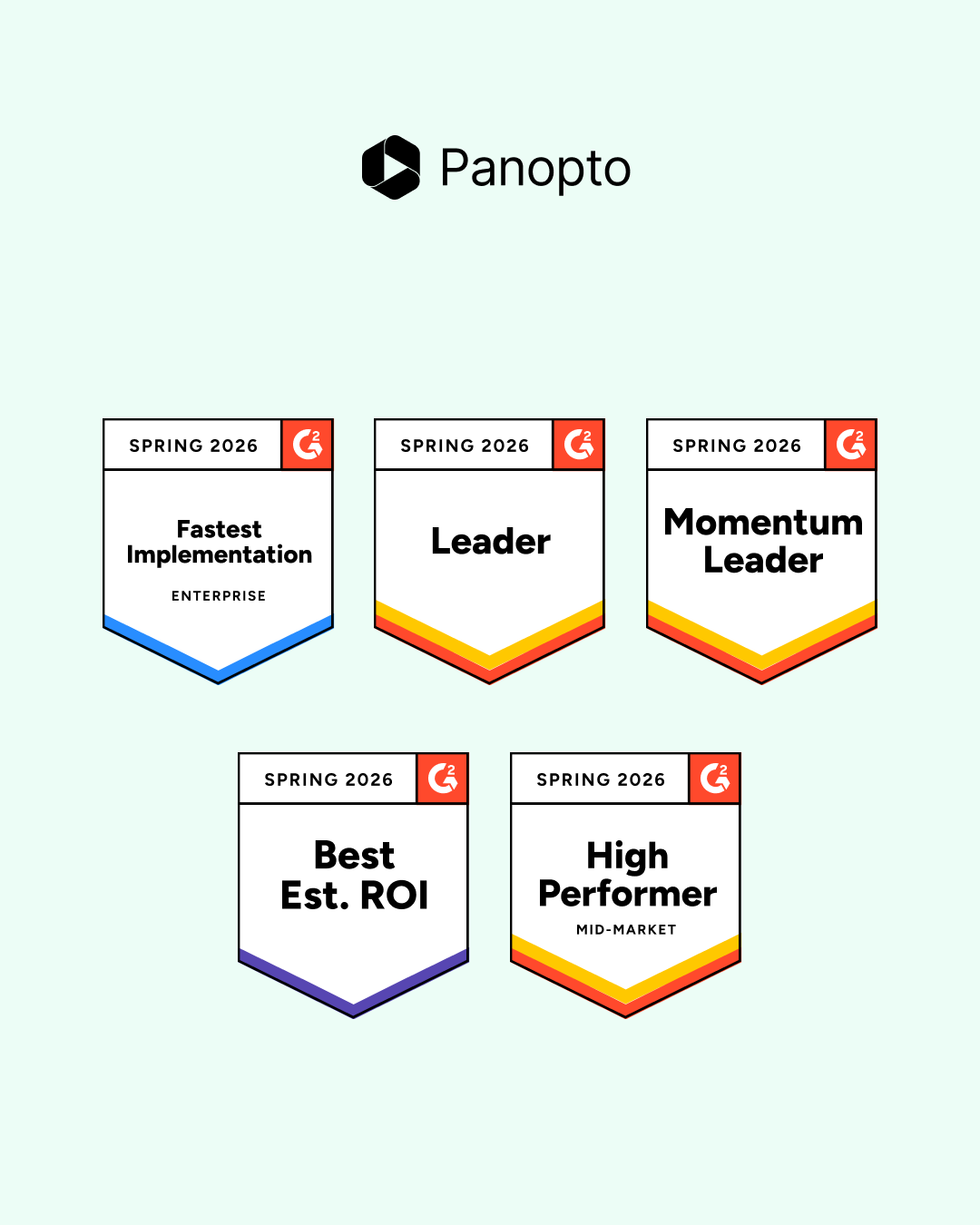
How Our Customers Made Panopto a G2 Spring 2026 Leader
We’re proud to support the customers whose feedback and real-world outcomes led to Panopto being recognized with multiple G2 Spring 2026 badges. This season, Panopto earned Leader, Momentum Leader, High Performer, Fastest Implementation, and Best Estimated ROI badges across multiple G2 Spring 2026 Reports, based on its performance within the Video Communications, Video CMS, Virtual…
How Our Customers Made Panopto a G2 Spring 2026 Leader
-

- Enterprise Video Platform
Best Video Management Platforms for Training and L&D Teams in 2026
Most video platforms were built for marketing teams. They track clicks, conversions, and ad performance. That’s useful if you’re selling a product. It’s not useful if you’re training 5,000 employees on updated compliance procedures and need to know who actually watched the whole thing. Training teams have a different set of problems to solve. You…
Best Video Management Platforms for Training and L&D Teams in 2026
-

- Webinar Recap
Beyond the Prompt: Key Webinar Insights on AI as a Strategic Thought Partner
The landscape of Artificial Intelligence in Learning and Development has reached a critical tipping point. It is no longer a question of whether organizations are introducing these tools, especially as AI adoption jumped from 55% to 78% in the last year alone. Instead, the focus has shifted to whether they are using it to move…
Beyond the Prompt: Key Webinar Insights on AI as a Strategic Thought Partner