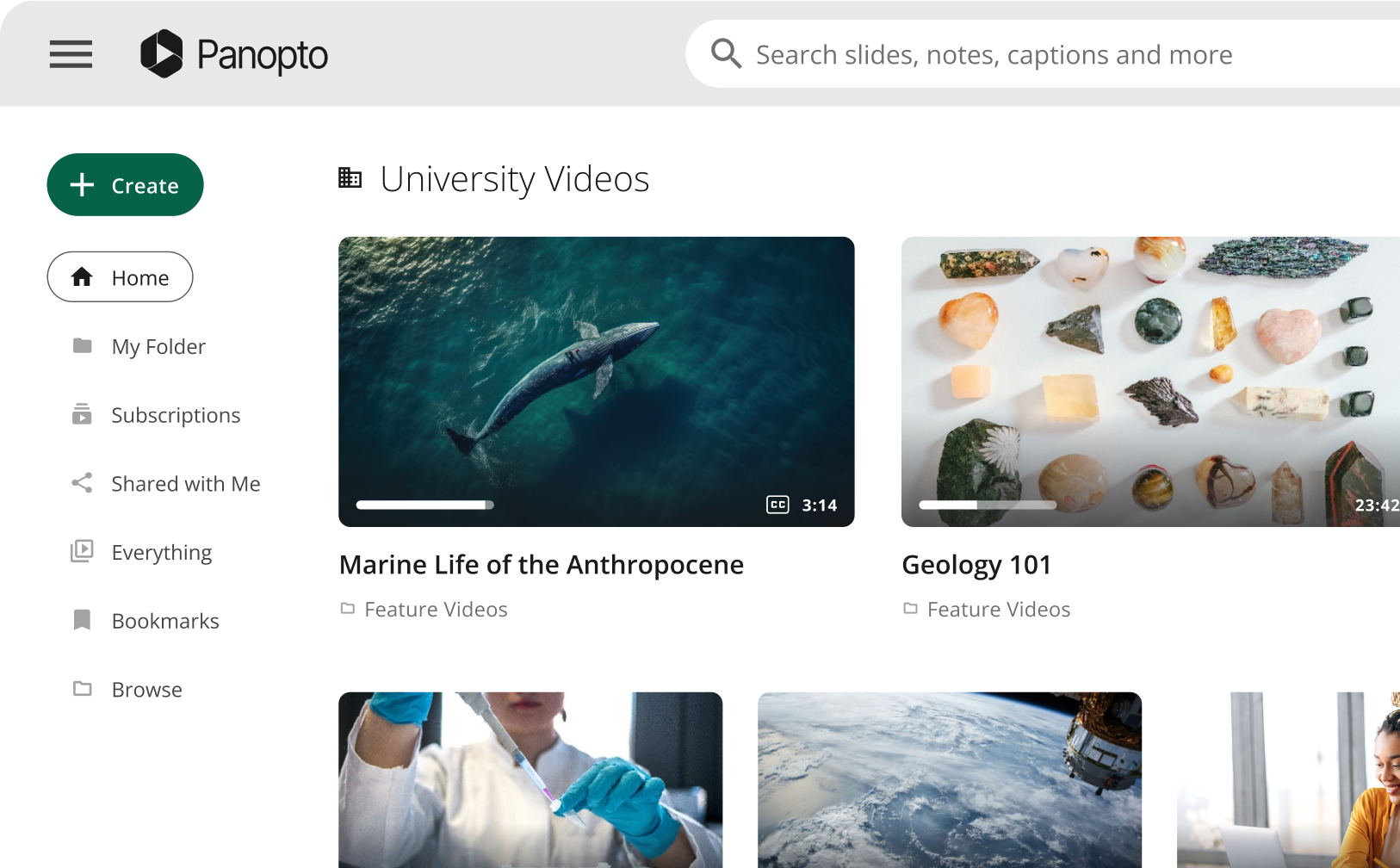
As video becomes a standard part of teaching and learning, higher education institutions are increasingly responsible for managing it at scale. Lecture recordings, instructional videos, student support content, and departmental assets all contribute to how students learn and how faculty teach.
For institutions supporting online, hybrid, and in-person learning models, the challenge is not introducing video but sustaining it as usage grows. Scaling video successfully requires clear decisions around infrastructure, accessibility, faculty support, data use, system integration, and long-term content management. Institutions that address these areas directly are better positioned to support growth without increasing complexity or operational risk.
Panopto: The video infrastructure layer for higher education
Manufacturing work is visual, physical and sequential. People learn Panopto is built for higher education institutions that rely on video across courses and programs, and need a dependable way to manage that content as usage grows. It is a governed video layer that supports teaching and learning while remaining manageable for faculty and IT teams.
Using Panopto, universities can capture instructional content and make it available to students directly within the institution’s Learning Management System (LMS), while maintaining oversight of who can view it, how it is updated, and how long it is retained.
With Panopto, you can:
- Standardize instructional video across courses and programs, ensuring that approved content is consistently available to students, both in access and in quality.
- Reduce repeated recording and manual effort, allowing faculty to reuse high-value explanations across terms rather than recreating the same material.
- Apply accessibility by default, with automated captions and transcripts generated as part of the standard video workflow.
- Maintain centralized governance to ensure access, permissions, and retention policies remain aligned with institutional standards.
What this looks like across campus
A faculty member may record a core lecture that is shared across multiple sections of a course, while an instructional designer updates a short explanation video tied to a common assessment issue, and a department publishes orientation content for students entering a program.
All of this instructional material can be uploaded once into Panopto and managed centrally rather than distributed across individual tools or storage locations. This allows students and faculty to access video content consistently across departments.
From there:
- Students search across video libraries by keyword, topic, or spoken phrase.
- Faculty share content directly inside the LMS using existing course structures.
- Outdated versions are replaced without confusion.
- Captions and transcripts are applied automatically.
Instead of video scattered across personal tools and shared drives, the institution maintains one governed source of instructional video.
Scaling accessibility without increasing staffing burden
Accessibility requirements apply to all instructional video content, regardless of how or where it is created, and these expectations grow in parallel with video usage across programs and academic terms.
Manual approaches to captioning and transcription often rely on faculty follow-through or limited staff resources, which becomes difficult to sustain when video volumes increase across multiple courses and departments.
Panopto applies automated captions and searchable transcripts directly to instructional video as part of the standard workflow, which allows institutions to:
- Provide consistent accessibility across all instructional content.
- Reduce reliance on manual captioning processes.
- Avoid delays introduced by post-publication remediation.
This approach supports compliance while also improving the learning experience for students who rely on captions, transcripts, and flexible review options.
Simplifying video use for faculty and IT
Faculty adoption directly affects whether video can scale across an institution, particularly when tools feel disconnected from teaching workflows or require additional effort to manage. To drive adoption, focus on practical outcomes. This includes the ability to reuse instructional content across terms and organize videos so students can find specific topics.
Panopto integrates directly with your LMS, allowing faculty to record, manage, and share video within the same environment they already use for course delivery. This means Panopto reduces operational complexity by consolidating recording, hosting, and management into a single system that integrates with existing campus platforms, which simplifies support, clarifies governance, and reduces the overhead associated with maintaining multiple video tools as usage grows.
Understanding how students use video
Students often search within recordings, revisit short sections, and focus attention on specific explanations rather than watching full lectures sequentially, which means engagement patterns differ from traditional assumptions.
Panopto provides detailed video analytics that help instructors and instructional designers:
- See which sections students revisit most often.
- Identify where attention drops off.
- Understand how content is used across different courses.
When this information is combined with broader measures of course performance and retention, institutions gain a clearer picture of how video contributes to student success and where instructional adjustments can improve outcomes.
Planning for scalable video in higher education
Because video is now embedded across teaching, learning, and student support, institutional leaders must understand whether existing systems can support continued growth without introducing risk or unmanaged cost.
When institutions evaluate how video fits into their academic infrastructure, the goal should be to ensure that it can continue to support teaching and learning as programs grow and expectations evolve.ers are already there. That confidence changes how teams operate.