




Panopto Features
Professional Video Recording Software for Learning, Knowledge Sharing and More
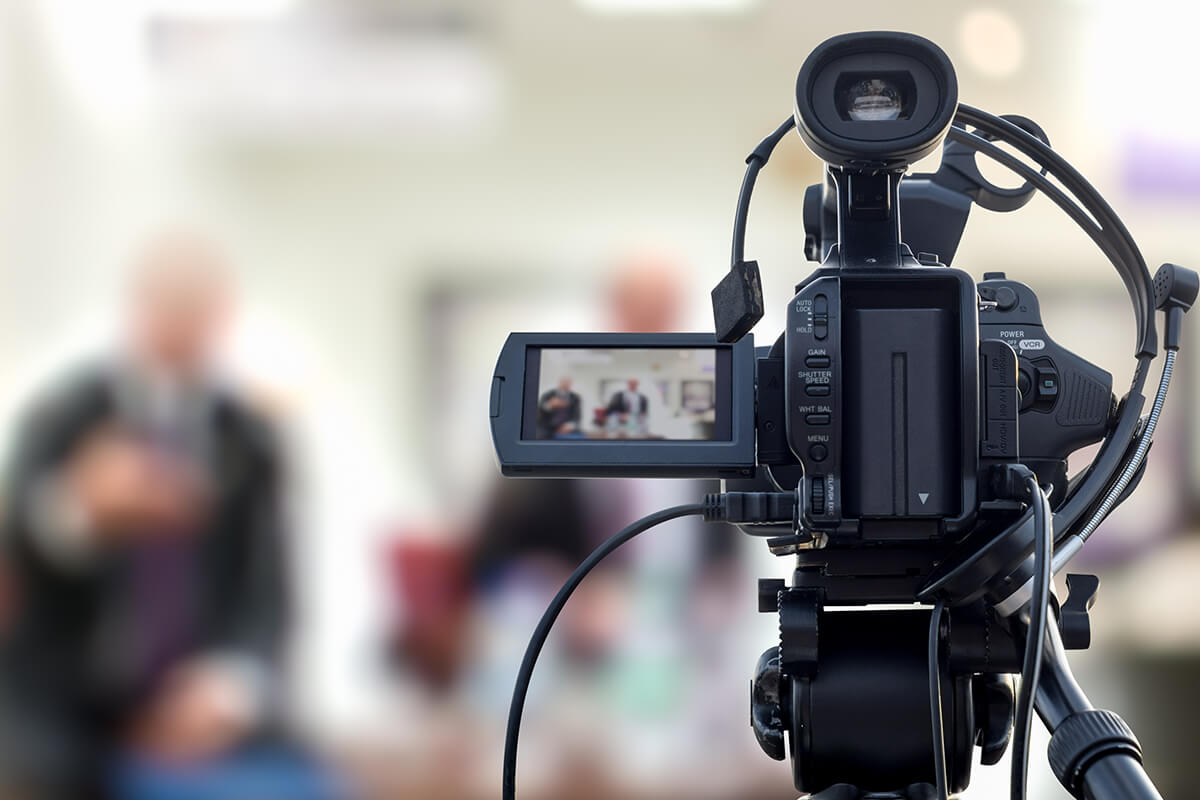
Video recording software makes it easy to capture, share, and manage video content across your organization. Panopto’s multicamera recording platform lets you create professional presentations, training videos, and lectures through multiple sources with just a few clicks.
13,000,000
users











Multi-Camera Video Recording Software for Professional HD Content
Panopto’s free screen recorder lets you record video presentations and messages without downloading software or installing plugins. Start recording yourself presenting from your webcam alongside visuals from your entire screen in brilliant high-definition. Whether you need screen recording for presentations, training content, or educational materials, Panopto delivers high-quality video capture. The platform includes virtual background blur and an auto-tracking Smart Camera that keeps you centered in frame.
Screen and Webcam Recording Software for Any Device or Location
With dedicated software for Windows, Mac, and iOS, Panopto’s video recording platform works wherever you do. Record online, offline, or on your smartphone with professional quality that’s easy for beginners yet powerful for AV teams. Panopto captures video from virtually any device you plug into your computer, including external webcams, camcorders, and document cameras. Simply connect your devices, select your sources, and start recording.

Interactive Video Recording Tools with Engagement Features
Panopto’s interactive video player delivers an experience that feels like being in a live audience. Multi-camera HD playback, customizable video views, variable speed playback, notes and discussions, and closed captioning let viewers personalize their experience. The platform automatically detects each viewer’s network connection to deliver an optimized video stream with minimal buffering.
Learn more about Panopto’s interactive video player
Professional Video Recording Software with Built-in Editing Capabilities
Panopto’s built-in video editor provides comprehensive video editing software functionality. Designed for ease of use while maintaining quality video output, Panopto makes professional video editing accessible for users at any skill level.
- Smart Chapters Auto-generate a table of contents that helps viewers navigate and digest information quickly.
- Automatic Captioning Add machine-generated closed captioning to videos automatically with just a click.
- Video Editor Included Trim unwanted sections, switch between different video feeds, embed quizzes inside videos, and more with our online video editing tools.

Video Recording Software with Built-In Live Streaming
Turn any video presentation into a live webcast with one click. Broadcast to ten people across campus or ten thousand people worldwide in real time. From keynotes and conferences to town halls and internal announcements, Panopto makes it simple to securely live stream video and instantly share the recording. Whether hosting webinars or running meetings, the platform handles live streaming alongside recorded content.
Learn more about live streaming >

Meeting Storage Software for Zoom Teams and Webex
Recording video conferences captures real-time communications between teams, but most video conferencing software doesn’t let you easily share, manage, or search those recordings. Panopto includes pre-built integrations for Zoom, Webex Meetings, GoToMeeting, and BlueJeans to centralize your organization’s meeting recordings in a secure, searchable video library.
Learn more about managing video conference recordings with Panopto

360-Degree Video Recording for Immersive Training Content
Panopto supports 360-degree and Virtual Reality video, making it easy to bring your viewers inside virtual simulations, demonstrations, tours, classrooms, and meetings. Viewers can watch and rotate your 360-degree videos in Panopto’s interactive video player. For the full Virtual Reality experience, use our mobile player with just about any VR headset.
Enterprise Video Recording Platform for Distributed Teams
For large organizations, Panopto makes it easy for administrators to deploy video recording software at scale, integrate Panopto with identity management systems to enable single sign-on, and remotely manage video recording from any location.
- Automate Video Recording Automatically record from conference rooms, classrooms, studios, or video conferences.
- Manage Recording Remotely Schedule and control video recordings from your tablet, smartphone, or web browser.
- Video Capture Appliances Panopto’s best-in-class video capture solution in a turnkey, rackmount appliance.
Frequently asked questions
What is the best screen recorder for professional video recording?
Accordion ContentPanopto offers professional screen recording software with multi-camera support and web-based editing tools. The platform provides enterprise-grade functionality including secure storage, AI-powered search capabilities, and integration with business systems. You can try Panopto’s screen recorder for free at panopto.com/record.
Does the free version include video editing tools?
Panopto’s free online screen recorder includes basic recording capabilities. The full platform provides comprehensive video editing features including trimming, the ability to switch between video feeds, and tools to embed quizzes and other interactive elements.
What video file formats does Panopto support?
Panopto records and exports in multiple formats optimized for different uses. The platform handles standard video files for playback on any device and automatically optimizes video output based on viewer bandwidth and device type.
Can I record videos on both Windows and Mac?
Accordion CYes, Panopto’s video recording software works on Windows, Mac, and iOS devices. The platform offers dedicated applications for each operating system, plus a web-based screen recording option that works across platforms.
ontent
How does Panopto compare to OBS Studio, Camtasia, or other screen capture software?
Panopto is designed to be accessible for users at all skill levels. The platform combines screen recording, webcam capture, video editing, live streaming, and secure content management in one solution. Panopto includes searchable video libraries and enterprise integrations for organizations that need comprehensive video management.