




Lecture capture
Every lecture, accessible and searchable
Turn recordings into searchable, reusable learning assets—accessible inside your LMS on demand.
The challenge
Lecture recordings exist across campuses—but most of them go unused
Most institutions invest heavily in classroom technology and recording infrastructure, yet the content rarely works as hard as it should. Students re-watch entire sessions to find one concept they missed. Faculty rebuild the same lectures from scratch every term. Accessibility compliance falls on individual instructors to manage manually, and inconsistently. The recordings exist—but they’re treated as passive archives rather than active learning tools, leaving students underserved and faculty overburdened at every stage of the course lifecycle.
Get more from every lecture you record
Recording a lecture is only the beginning. Panopto turns those recordings into searchable, accessible, reusable assets—embedded in the LMS, available on demand, and built to serve students the way they actually learn.
Extended access to course materials
Let students revisit the moments that matter most
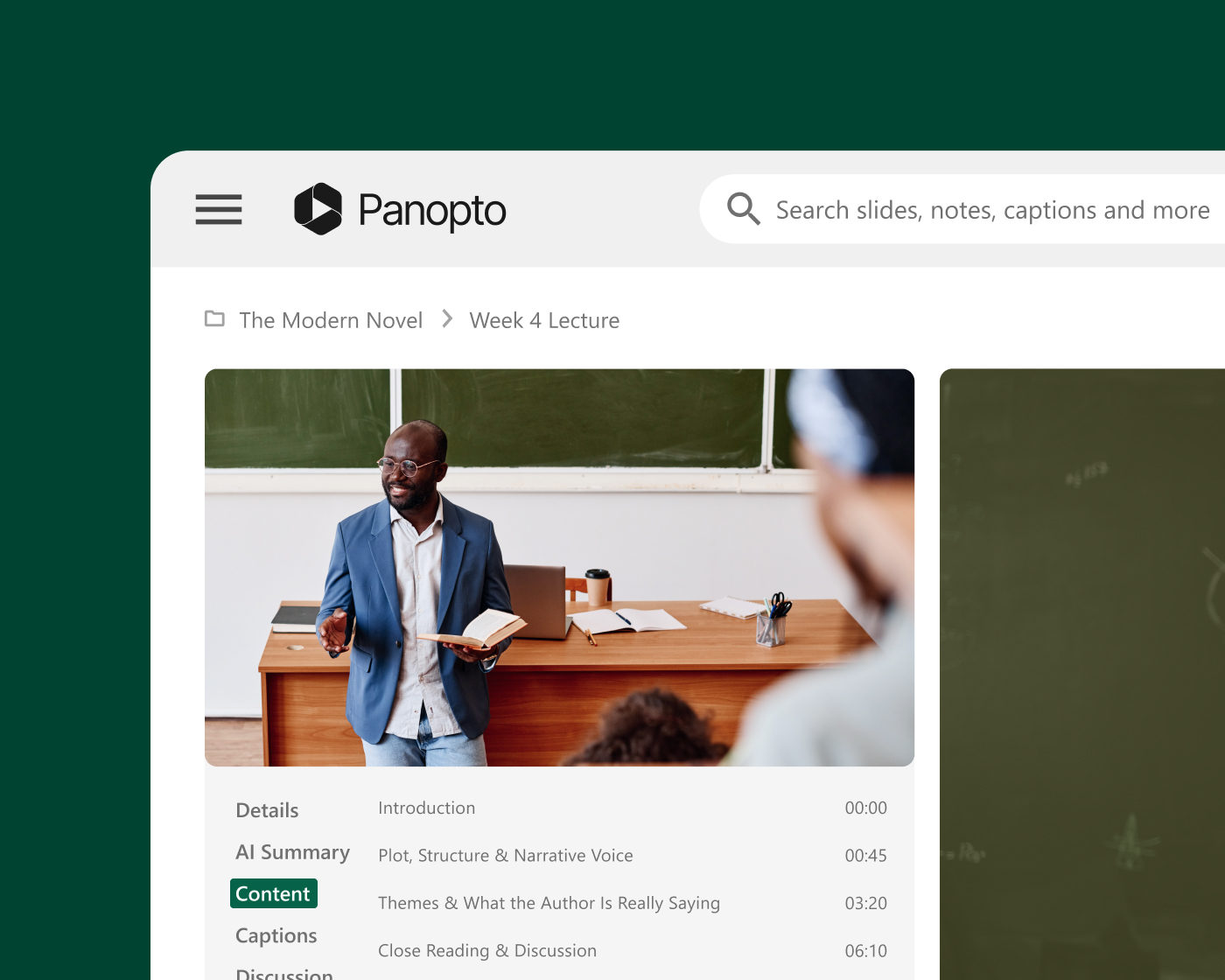
When students can replay a complex explanation, pause at a difficult concept, or adjust playback speed to match how they process information, the lecture doesn’t end when the class does. Panopto makes every recording searchable by spoken word and slide content—so students find exactly what they need without re-watching an entire session.
Exam preparation and review
Give students a more effective way to prepare
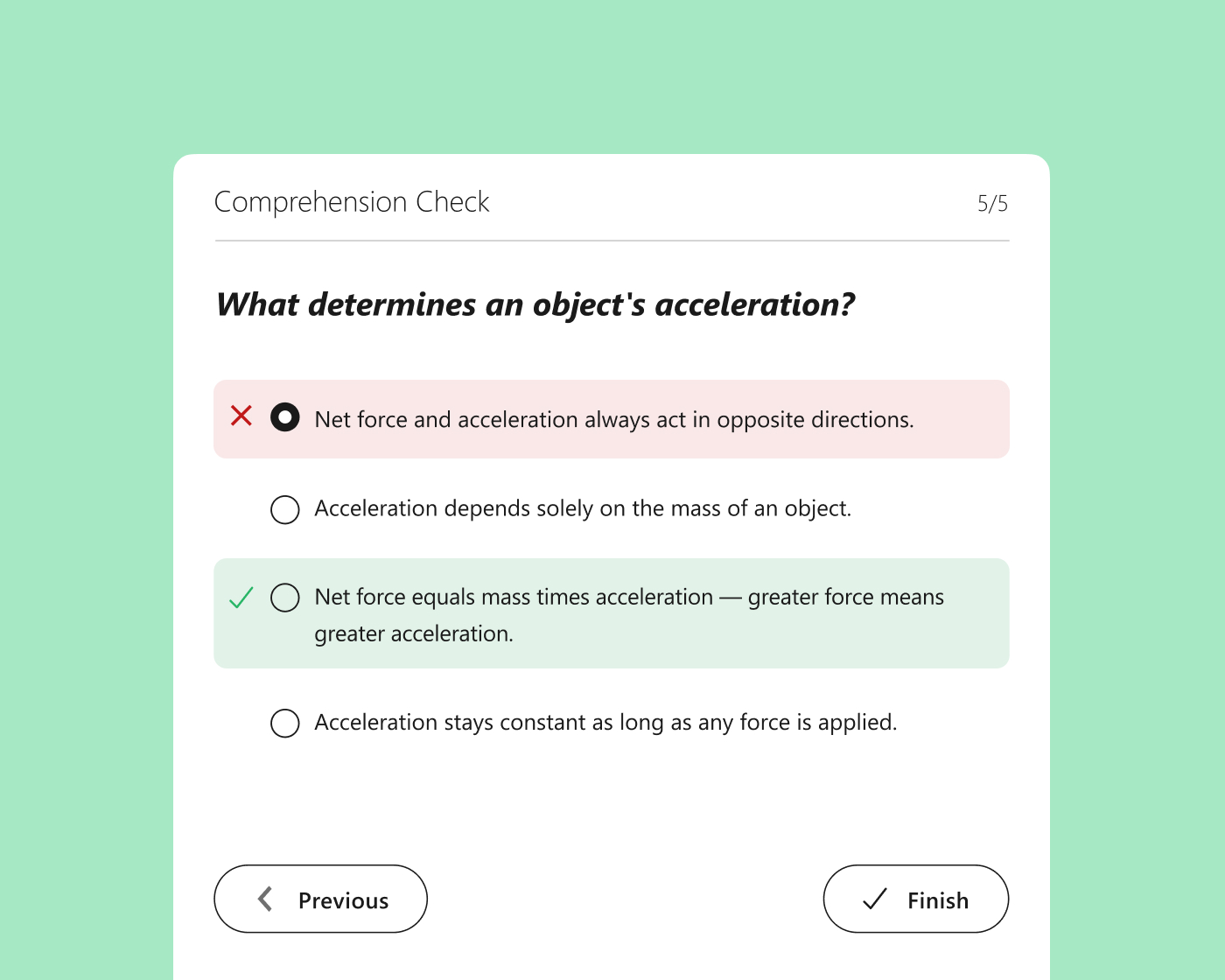
With Panopto, students search across every course recording for a specific term, concept, or explanation—jumping directly to the relevant moment rather than relying on notes or memory. Combined with in-video quizzes, recordings become an active study tool, not just a passive archive.
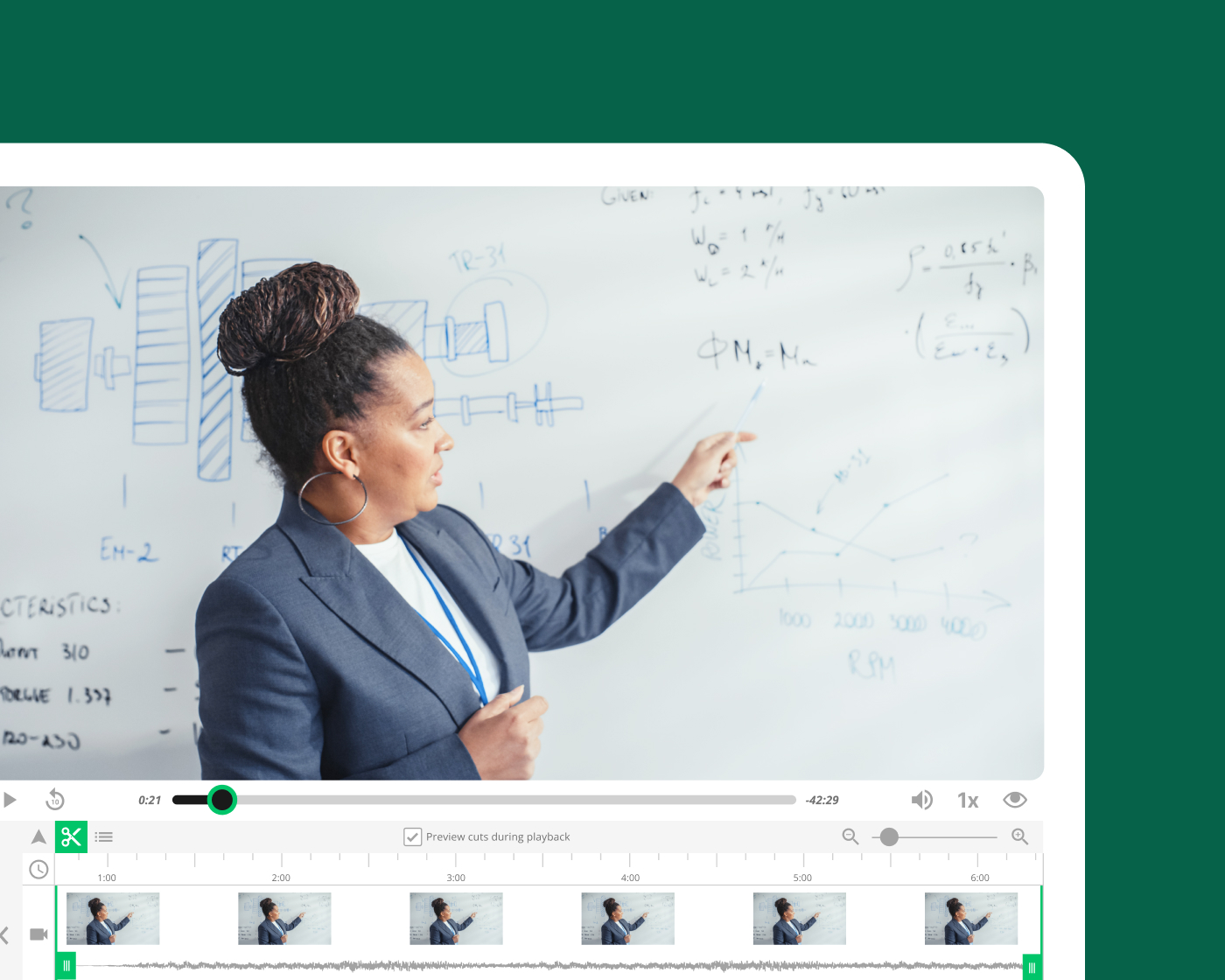
Faculty efficiency and content reuse
Record once and build a library that teaches every term
Faculty who record foundational lectures in Panopto can reuse that content across sections, semesters, and course formats without re-recording from scratch. Automated scheduling, LMS integration, and instant publishing remove the friction from capture—so course prep time goes down over successive terms.
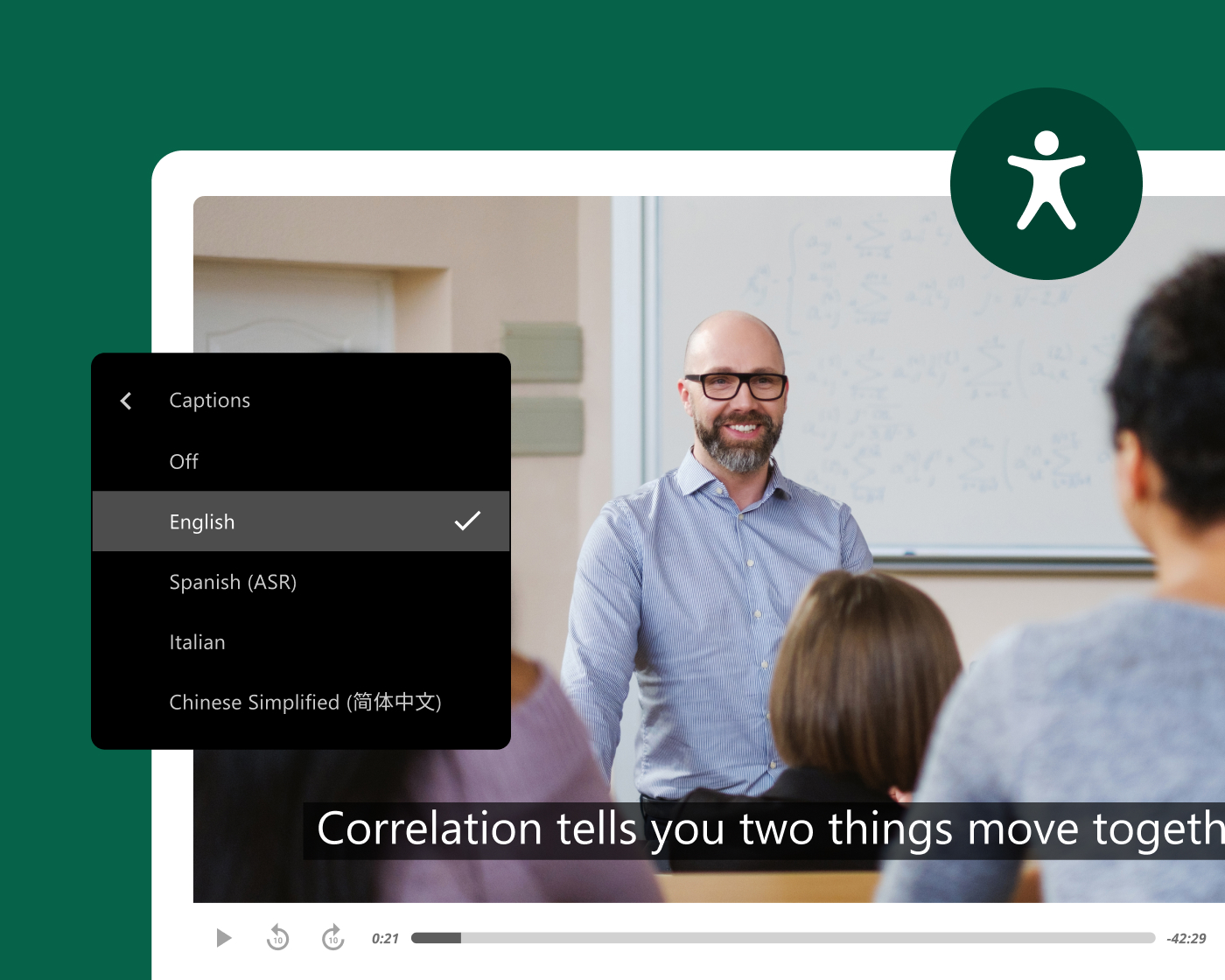
Accessibility at institutional scale
Make every recording accessible from the moment it’s published
Panopto generates captions and transcripts automatically across every recording—accurately, at scale, and without requiring manual effort from faculty or instructional designers. Automated accessibility workflows make compliance consistent rather than contingent on individual follow-through.
What leading institutions achieve with Panopto
Lecture capture across higher education
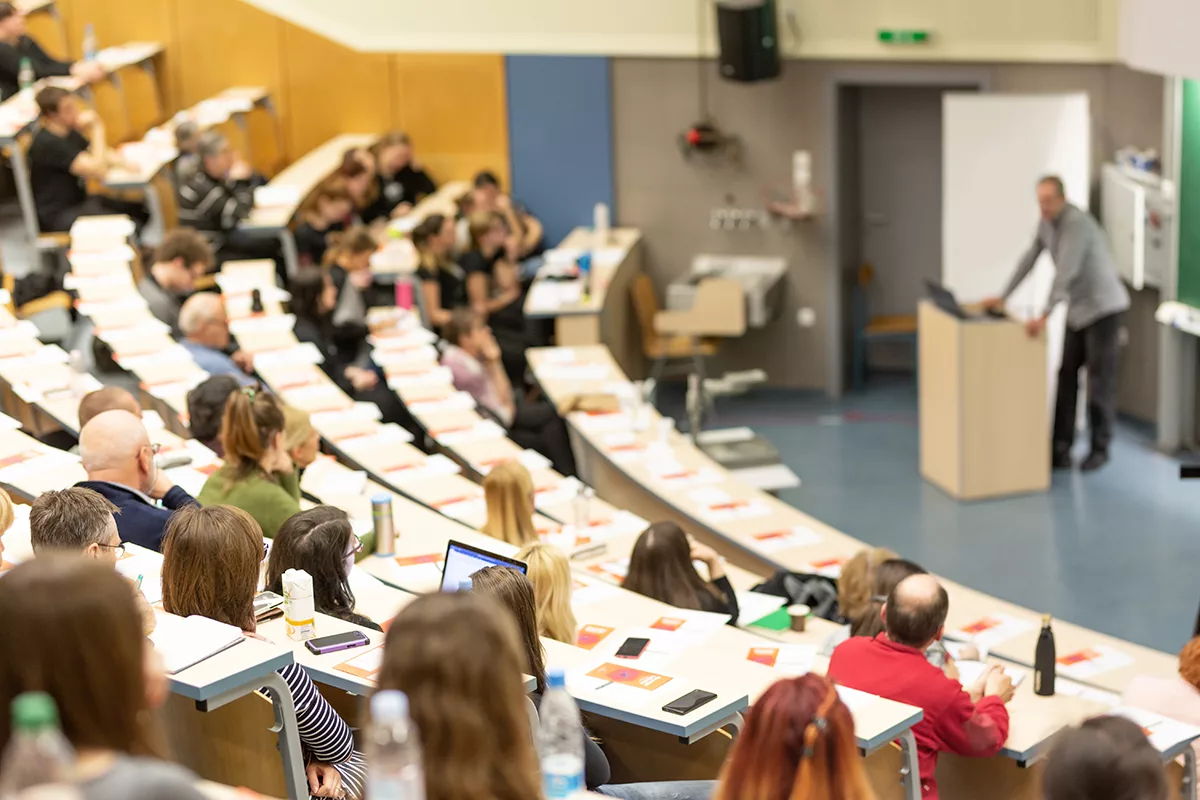
Institutions use Panopto to make lecture content accessible, reusable, and integrated into the LMS environments students already use.
Trusted by leading universities and institutions around the world
Customer story
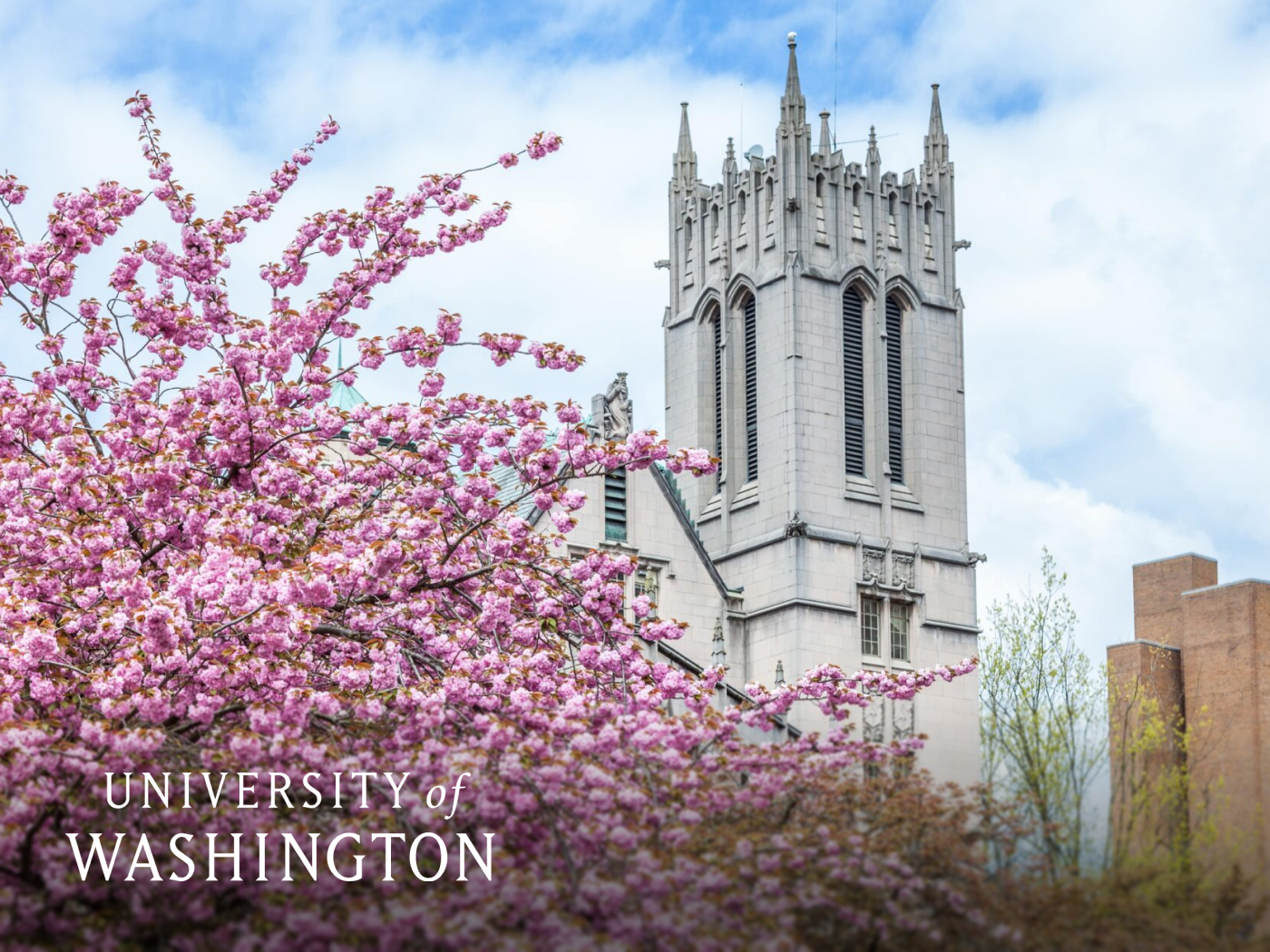
How the University of Washington built a 60,000-hour learning library
With 54,000 students and a fragmented mix of legacy tools, UW needed a unified platform that could serve every learner and integrate with Canvas and Zoom. After implementing Panopto, faculty and staff built an academic recording library that students rely on as a core study resource.
98%
students said Panopto contributed to their learning
9 in 10
students said Panopto helped them improve their grades
60K+
hours of academic recordings made available
Explore what’s possible with lecture capture

How leading institutions use Panopto
Frequently asked questions
How does Panopto automate lecture capture for universities?
Panopto integrates with classroom AV systems and LMS platforms so recordings can start, stop, and publish to the course automatically—without requiring faculty to initiate or manage the process. Students access recordings inside their existing course environment from the moment the session ends.
The University of Washington built a library of more than 60,000 hours of academic recordings through Panopto over three years, with 98% of students reporting that Panopto contributed to their learning. At that scale, automation and LMS integration are what make lecture capture a sustainable institutional practice rather than a per-course project. Read more about our integrations here.
How do students use Panopto lecture recordings to study?
Panopto’s intelligent search indexes every spoken word, slide, and on-screen element in every recording—so students search a specific term or concept and jump directly to the moment in a lecture where it was explained, rather than rewatching an entire session to find what they need.
Panopto customers in higher education report that 9 of 10 students saw better grades and 7 of 10 improved knowledge retention after their institution adopted lecture video as a learning resource, based on outcomes reported by Butler University, Northwest University, and KBTU. When recordings are genuinely searchable and navigable rather than flat files students have to scrub through, they become a study tool students return to throughout the course.
Does Panopto work with Canvas, Blackboard, and other LMS platforms universities already use?
Yes. Panopto integrates natively with Canvas, Blackboard, Moodle, and D2L Brightspace via LTI-compliant embedding—so faculty publish recordings directly from the LMS course environment and students access content inside the tools they already use, without separate logins or navigation.
For IT and EdTech teams supporting large institutions with hundreds of courses and varied faculty technical comfort, LMS integration significantly reduces the support burden. Faculty don’t need to manage a separate system—recordings appear in the course automatically, and students never need to look beyond the LMS to find what they need. Read more about our integrations here.
How does Panopto handle accessibility for lecture recordings at scale?
Panopto generates captions automatically as part of the recording workflow—so every new lecture can be captioned by default, without requiring additional steps from faculty or instructional designers. For institutions managing thousands of hours of course content across hundreds of faculty, this makes accessibility systemic rather than dependent on individual follow-through.
WCAG 2.1 AA and Section 508 compliance documentation is available on request, and Panopto’s accessibility audit reporting gives institutions visibility into the caption status of the entire video library. For institutions operating under ADA Title II, EU Accessibility Act, or UK Public Sector Bodies Accessibility Regulations, automated captioning at scale is a meaningful component of a defensible compliance posture. Read more about our accessibility here.
Can faculty reuse lecture recordings across sections and semesters?
Yes. Recordings published in Panopto can be reused across sections, semesters, and course formats without re-recording from scratch. Faculty update specific segments when content changes rather than rebuilding entire lectures—trimming, splicing, or adding new sections to an existing recording through Panopto’s in-platform editor.
For programs managing multiple sections of the same course, a shared library of faculty-recorded content ensures instructional consistency regardless of who is teaching a given section in a given term. Faculty who invest time in recording foundational content benefit from that investment across every subsequent term the course runs.