








Corporate teams use video to train employees, document processes, and share knowledge across the organization. But not every video platform supports all three. Choosing between Panopto and Vimeo often comes down to what the platform needs to do after recording. Many corporate teams start with a tool like Vimeo because it’s easy to use and produces polished results. For marketing or communications content, that’s often the right call.
The trouble shows up later when compliance needs proof someone completed required training, a team can’t find a procedure they know they recorded, or leadership can’t say who’s prepared and who isn’t. That’s the difference between a video hosting platform and a video knowledge platform.
Panopto vs. Vimeo for corporate teams
A video hosting platform stores recordings. A video knowledge platform makes them usable, searchable, and trackable at scale. The next five sections explore what that distinction looks like in practice.
1. Proof that compliance training was completed
Compliance and safety teams need a reliable record of who completed required training and when. That record is one part of documenting compliance. Alongside knowledge checks and other assessments, it helps show that employees received the required instruction and where follow-up may be needed.
Both Panopto and Vimeo can send completion data to a corporate LMS using SCORM, so completion tracking alone isn’t what separates them. The difference is how each platform fits into the broader learning environment. Panopto supports multiple integration models depending on the system in place. Cornerstone uses SCORM-based workflows, while Workday supports catalog publishing with single sign-on. Panopto also supports LTI-based integrations where available and keeps viewer-level completion, engagement, knowledge checks, search, and reporting within the video platform itself.
When a review or audit comes, you need that record in a form you can hand over. Panopto provides per-viewer completion data, audit logs, and exportable reporting for compliance reviews, and in-video knowledge checks add a check on understanding alongside completion.
For teams in regulated industries, proof of completion helps document that required instruction was delivered and completed. That might be a safety procedure on a plant floor, a disclosure requirement for a financial advisor, or a clinical protocol in healthcare. When training records require manual reconciliation, teams can’t be sure whether people are meeting the standard the training was meant to establish.
When compliance asks who completed a required training and when, Panopto has the answer.
2. A searchable video library
Completion data answers one audit question. Finding the right video in the first place is a separate issue. When a procedure, a policy explanation, or a key moment from a meeting exists somewhere in the library, but nobody can find it, that’s a productivity drain. When the right answer is buried in a video no one can retrieve, it becomes a compliance risk, too.
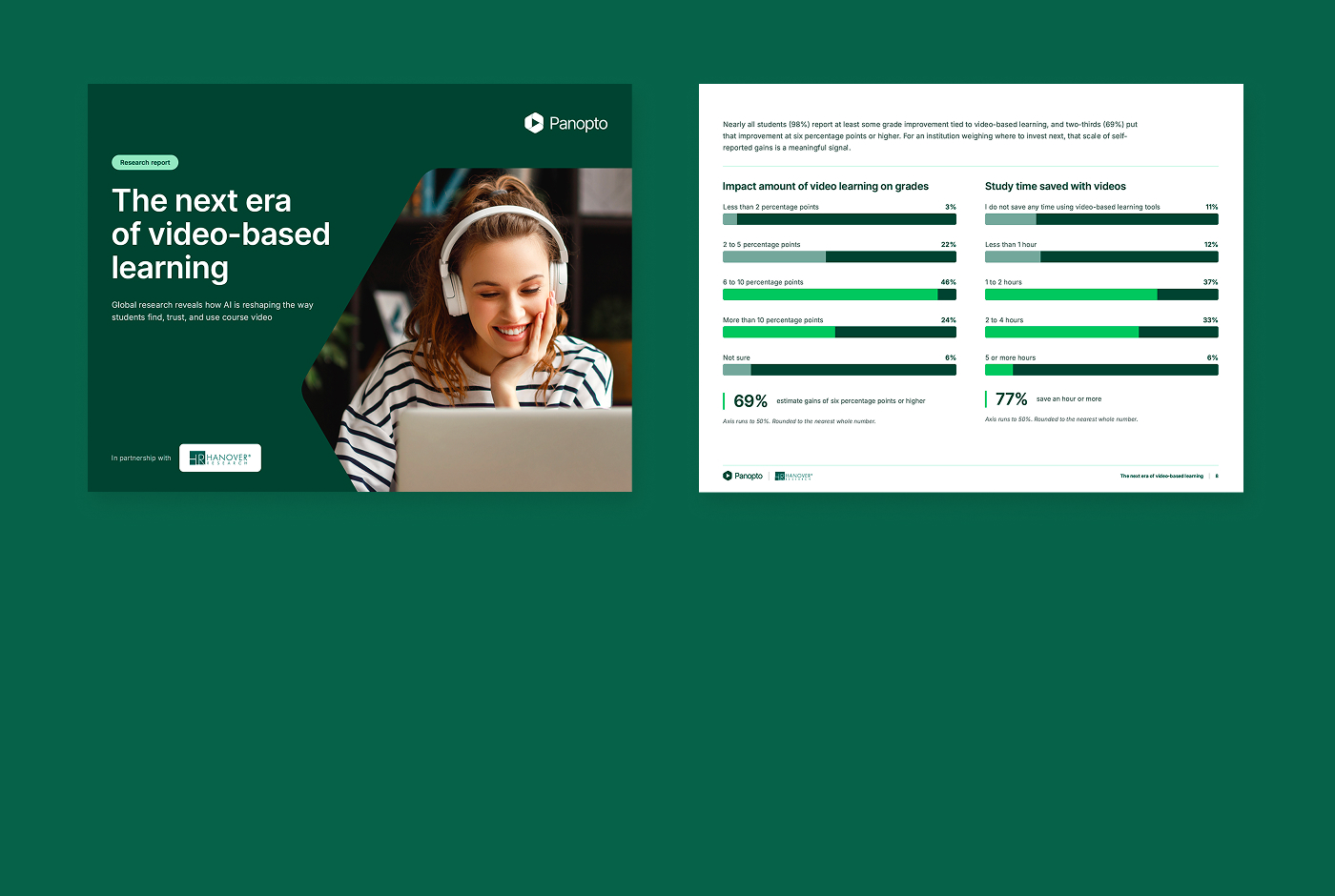
Video content search is a common failure point for large libraries. In a 2025 survey of 428 L&D professionals, most reported they could search less than half of their recorded video. Recovering even 24 minutes per employee per week in search time works out to roughly $576,000 a year at a 500-employee organization.
Vimeo’s Smart Library Search, available as an add-on to Enterprise customers, searches video titles, transcripts, and an AI-generated understanding of what’s shown on screen, so a plain-language query can surface results based on what’s said or what’s visually in a scene. Vimeo doesn’t document dedicated OCR-based indexing of on-screen text, so slide or document text specifically is less likely to surface in results, though broader visual scene content can.
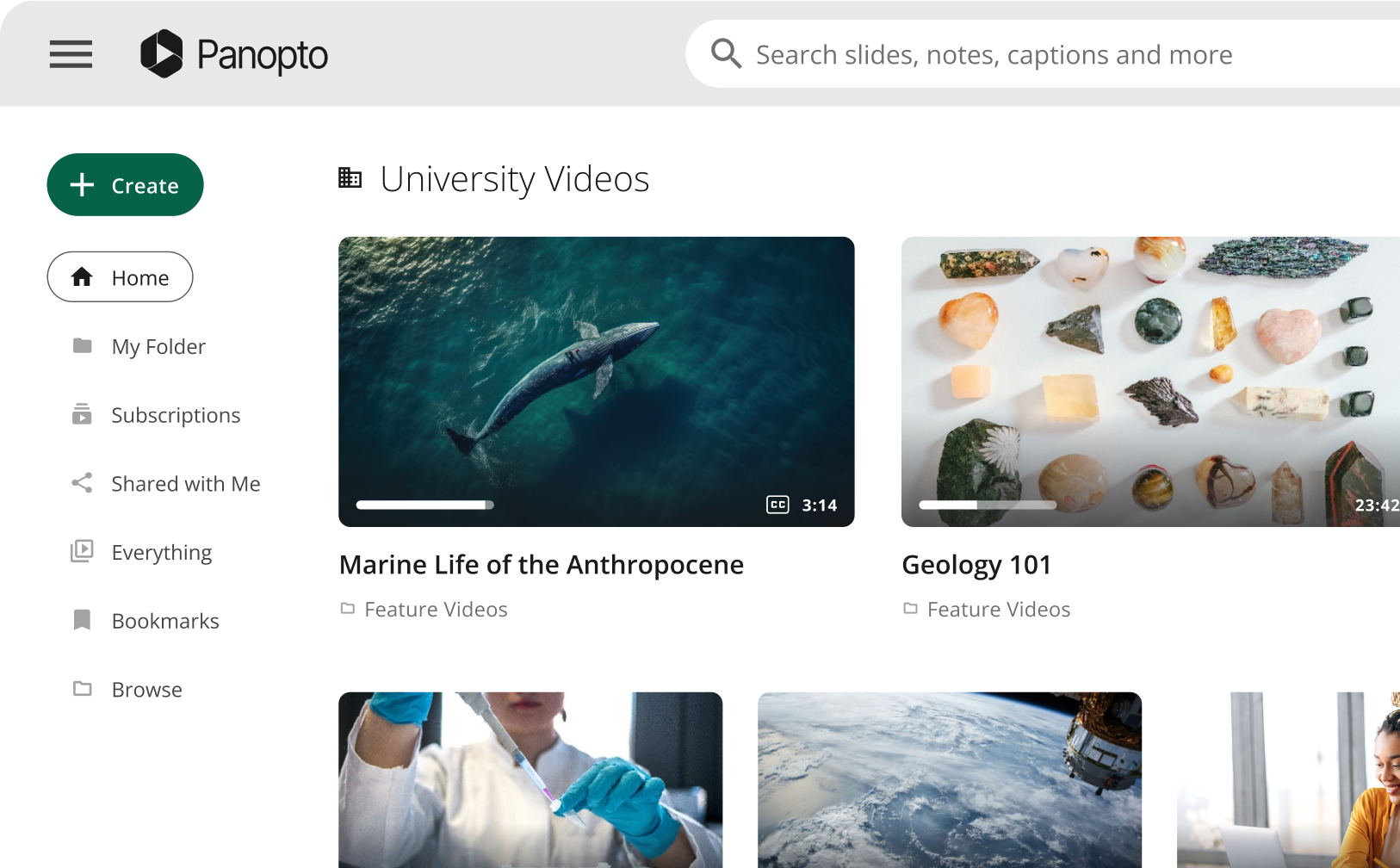
Panopto combines two search methods, Smart Search and AI Search. Smart Search indexes what’s said through ASR and what’s shown on screen through OCR, including slides, whiteboards, and documents, across the entire library. Results include click-to-timestamp links that jump straight to the relevant moment. AI Search goes a step further. Someone can type a plain-language question into a conversational interface and get a written answer, with links to the exact videos and timestamps it came from. The results respect existing permissions.
Vimeo can also extend search beyond its own portal: Federated Search can surface Vimeo content inside tools like Microsoft SharePoint, and Vimeo has its own MCP Server in public beta connecting to Claude and ChatGPT. The difference isn’t whether either platform can reach outside its own player. It’s what gets indexed and how permissions carry through. Organizations using tools like Claude or ChatGPT across their workforce can extend Panopto’s search capability through Panopto’s MCP Server, which applies existing content permissions to what gets retrieved, so people only see what they’re already authorized to see, and IT can disable external AI access at any time without changing the underlying library.
3. Analytics that show how employees engage with training
Even when a team finds the right video, watching it doesn’t guarantee anyone understood it. View counts show that a video was popular, but they don’t show whether the people who needed to understand it did.
Vimeo’s native dashboard measures viewership, reach, and a basic watch-through signal, a video watched more than 95% of the way through in one session, for named team members. For assessment-tied completion, Vimeo’s Enterprise-only interactive quizzes can track named, SSO-authenticated results, question responses, and scores natively, or communicate them to an LMS through a manually exported SCORM package. That requires a separate add-on and dedicated learner seats, rather than being part of the platform’s standard built-in tracking.
Panopto’s Knowledge Insights show how people are engaging with training content. Engagement heatmaps show exactly where viewers lose interest or rewatch a section, while individual engagement data shows who is watching, who is not engaging, and where follow-up may be needed. Panopto’s Data Connector also makes video data available in Power BI, Tableau, and Excel so L&D, compliance, and operations teams can incorporate it into broader reporting.
4. Scheduled availability for time-sensitive content
Keeping training content current and controlling when it stops being available are two different problems, and the second one is easy to overlook until a prospect asks about it directly.
Both Panopto and Vimeo offer automatic, admin-level retention tools that clean up a library over time based on age or inactivity. Vimeo’s Enterprise Data Retention tool and Panopto’s content retention policies work in a similar way, so this isn’t a capability gap between the platforms, and we wouldn’t claim otherwise.
The more specific difference is control at the content level. Panopto’s Availability Workflow lets the person who owns a specific video or folder set its own start and end date, so time-sensitive training becomes unavailable to viewers on a scheduled date without waiting for an org-wide policy or involving an administrator.
This is most useful for content with a shelf life: a seasonal compliance update, a time-limited policy, or a procedure tied to equipment or regulations that will change on a known date. Panopto lets the person closest to that content control when it becomes unavailable, without relying on an administrator to manage a broader retention policy.
5. A platform that scales with your strategy
As your library grows, scaling the platform affordably is the next thing to plan for. Lower Vimeo tiers include limits around factors such as seats, storage, and bandwidth, while Enterprise pricing is customized through a sales conversation.
Panopto structures enterprise plans around factors such as organization size, capacity, integrations, and the capabilities required, with additional capacity or functionality available as needs grow.
The important question at renewal is not simply which platform has the lower starting price, but how each pricing model changes as your video strategy expands.
What to consider as a Vimeo alternative
Vimeo works well for what it’s built for. It produces polished, easy-to-make video that looks great as a standalone destination. Corporate teams, particularly those in regulated industries, need a video strategy that also supports compliance, training, and organizational knowledge, and Panopto is built for those requirements.
If your team is coming up on a renewal, consider more than whether your current platform still works. Vimeo has changed under Bending Spoons ownership, with organizational restructuring and changes to pricing and packaging across parts of its customer base. At the same time, your own needs may have grown more complex. A renewal is a useful moment to ask whether Vimeo is still the platform you’d choose today.
Switching platforms does not have to mean an all-at-once cutover. Panopto can help organizations plan a transition from Vimeo, including assessing what content needs to move and validating the destination environment. Depending on scope and agreed services, migration planning can account for metadata, folder structure, captions, embeds, and a phased transition or pilot before the full library moves, helping to minimize disruption for your users and reducing effort for your IT or L&D teams.
Request a demo today to see what a pilot looks like for your team.