







Panopto für die Hochschulbildung
Jede Vorlesung, durchsuchbar und wiederverwendbar innerhalb Ihres LMS
Panopto helps colleges and universities capture lectures, make them searchable, and deliver them within the LMS workflows students already use. Secure, accessible, campus-wide video built for multi-campus deployments and centralized management.
Weltweit führende Universitäten und Institutionen vertrauen uns

Wir bedienen Hochschulen aller Art



Was Institutionen mit Panopto erreichen
Speziell für die Hochschulbildung entwickelt
Vorlesungsaufzeichnung und Studentenzugriff
Geben Sie den Studierenden die Flexibilität, nach ihren eigenen Vorstellungen zu lernen.
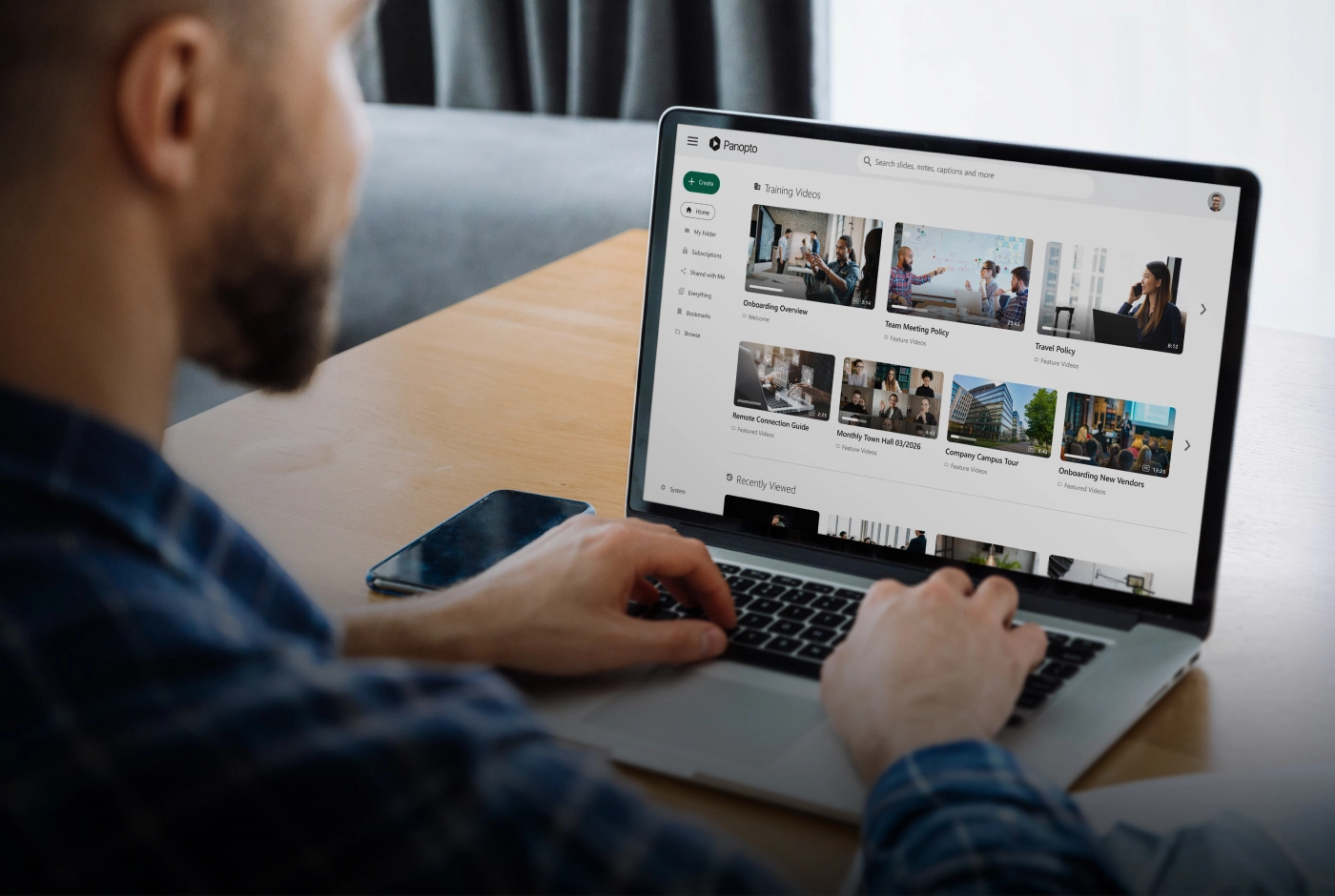
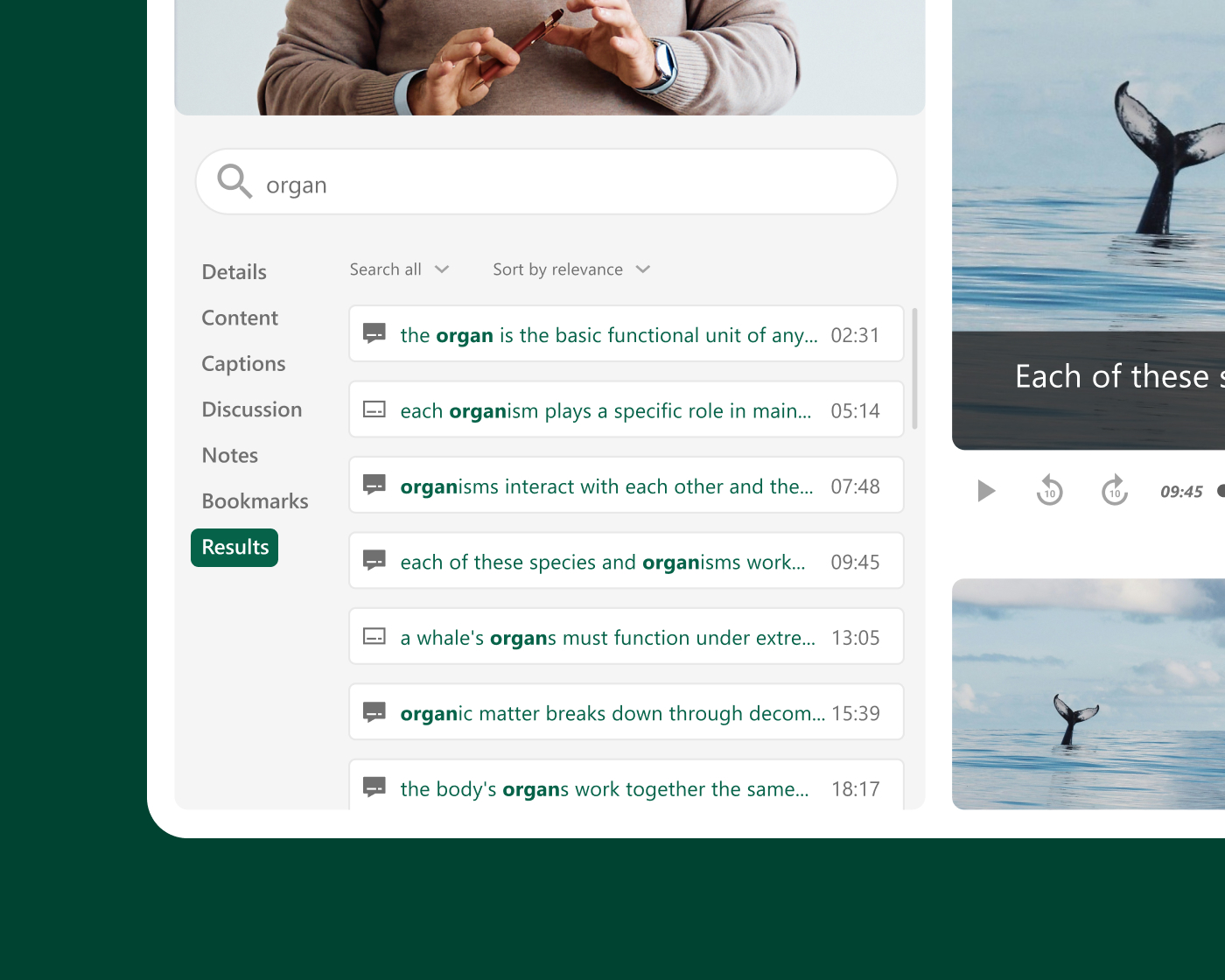
Wenn Studierende eine Vorlesung erneut ansehen, nach einer bestimmten Erklärung suchen oder ein komplexes Konzept vor einer Prüfung wiederholen können, geht das Lernen über den Unterricht hinaus. Panopto Jede aufgezeichnete Sitzung wird in eine durchsuchbare, jederzeit abrufbare Ressource umgewandelt, die automatisch im LMS veröffentlicht wird, ohne dass für die Dozenten zusätzliche Schritte erforderlich sind.
Institutional scale
Built for campus-wide and multi-campus deployments
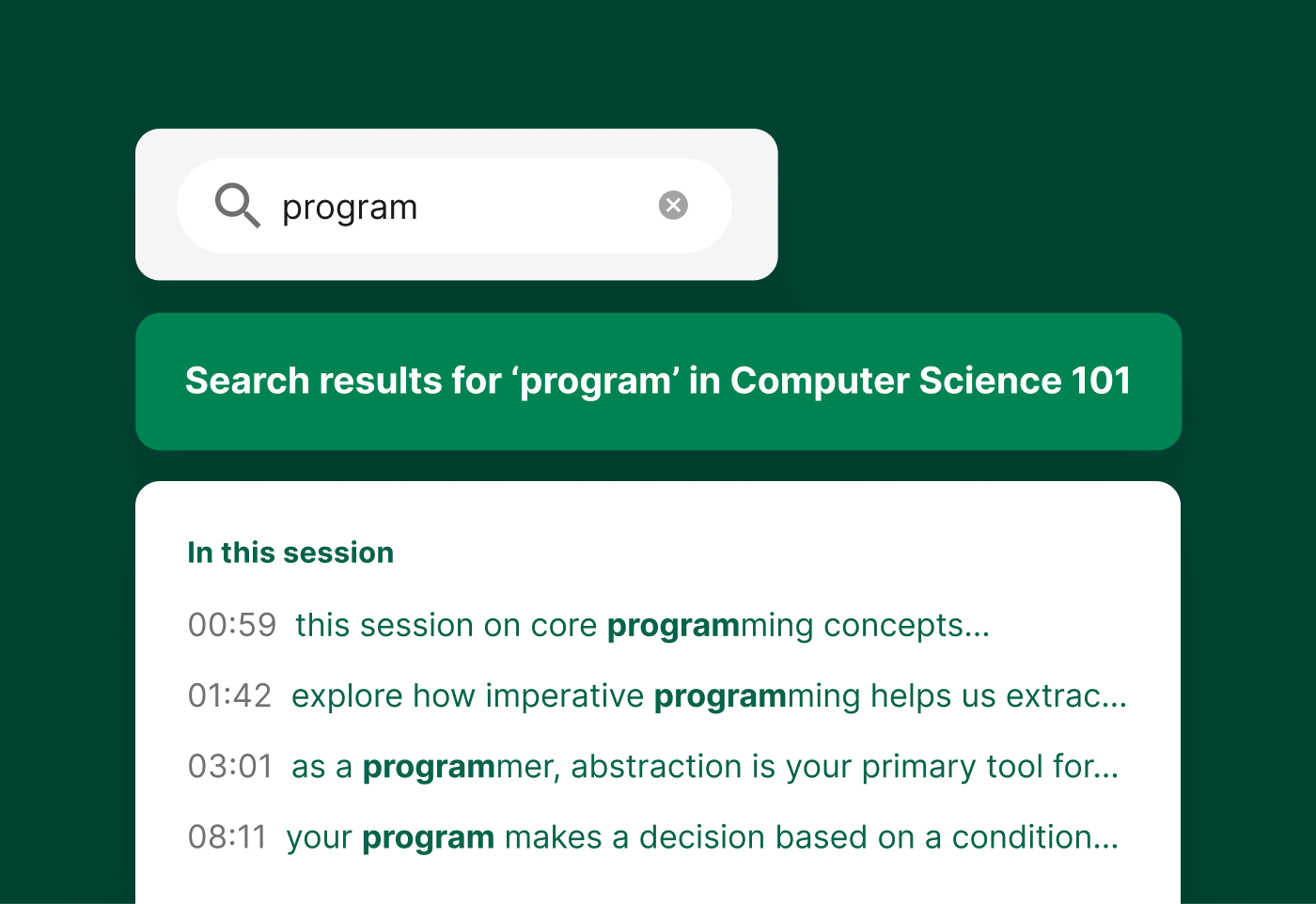
Panopto scales from a single department to university-wide and multi-campus rollouts. Centralized administration gives IT one place to manage users, storage, and governance, so every faculty, department, and campus works from the same secure, consistent platform. It’s built to grow with your institution, not just your first pilot.
LMS-Integrationen über LTI
Keep your students learning where they already are: in your LMS
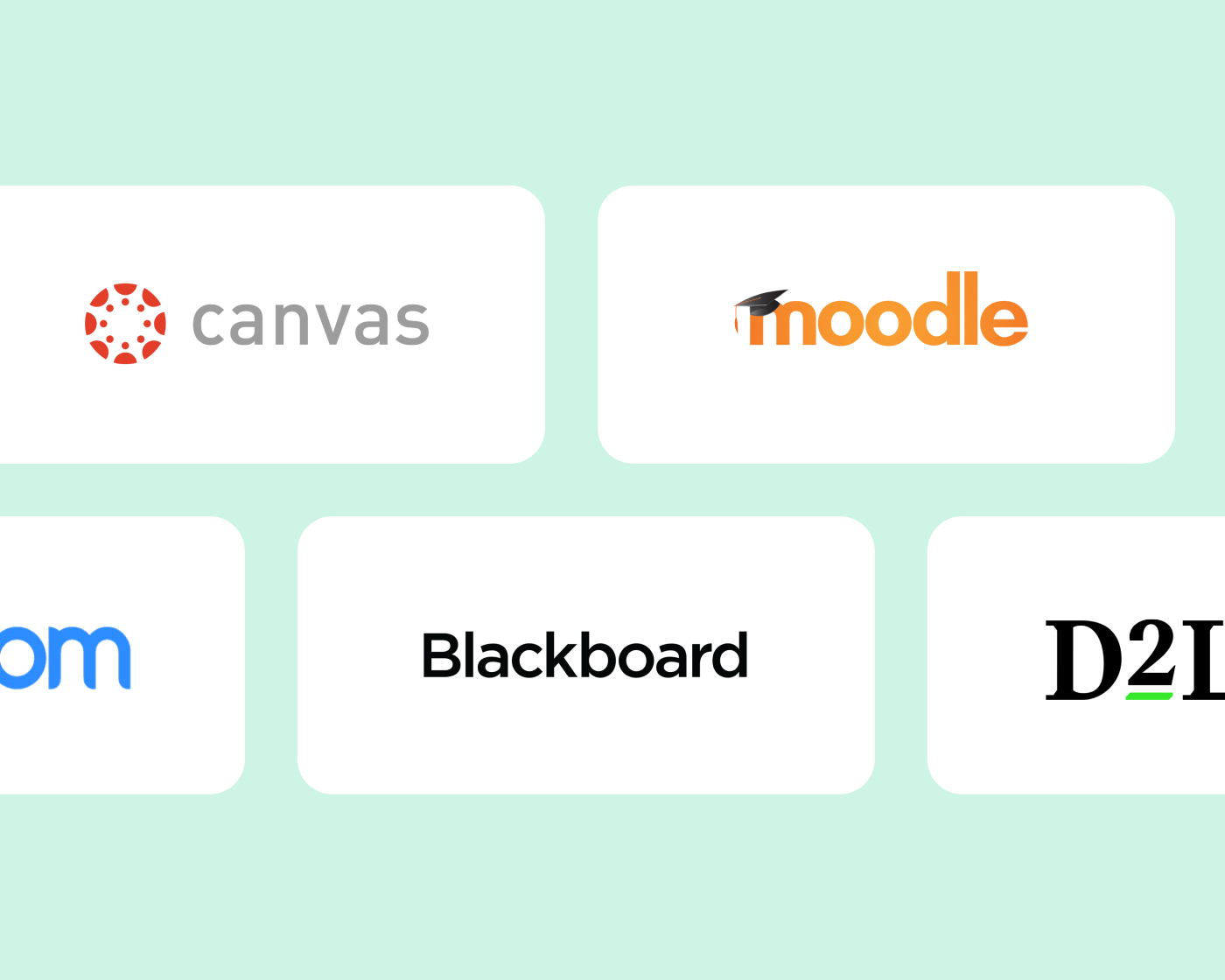
Panopto integrates with Canvas, Blackboard, Moodle, D2L Brightspace, and other major LMS platforms through LTI and supports SSO. Students and faculty can access and upload recordings without leaving the course environment. From search to quizzing to analytics, Panopto capabilities work right inside your LMS, with no extra logins or separate portals.
Barrierefreiheit und Konformität
Jede Aufnahme sollte ab dem Zeitpunkt ihrer Veröffentlichung zugänglich sein.
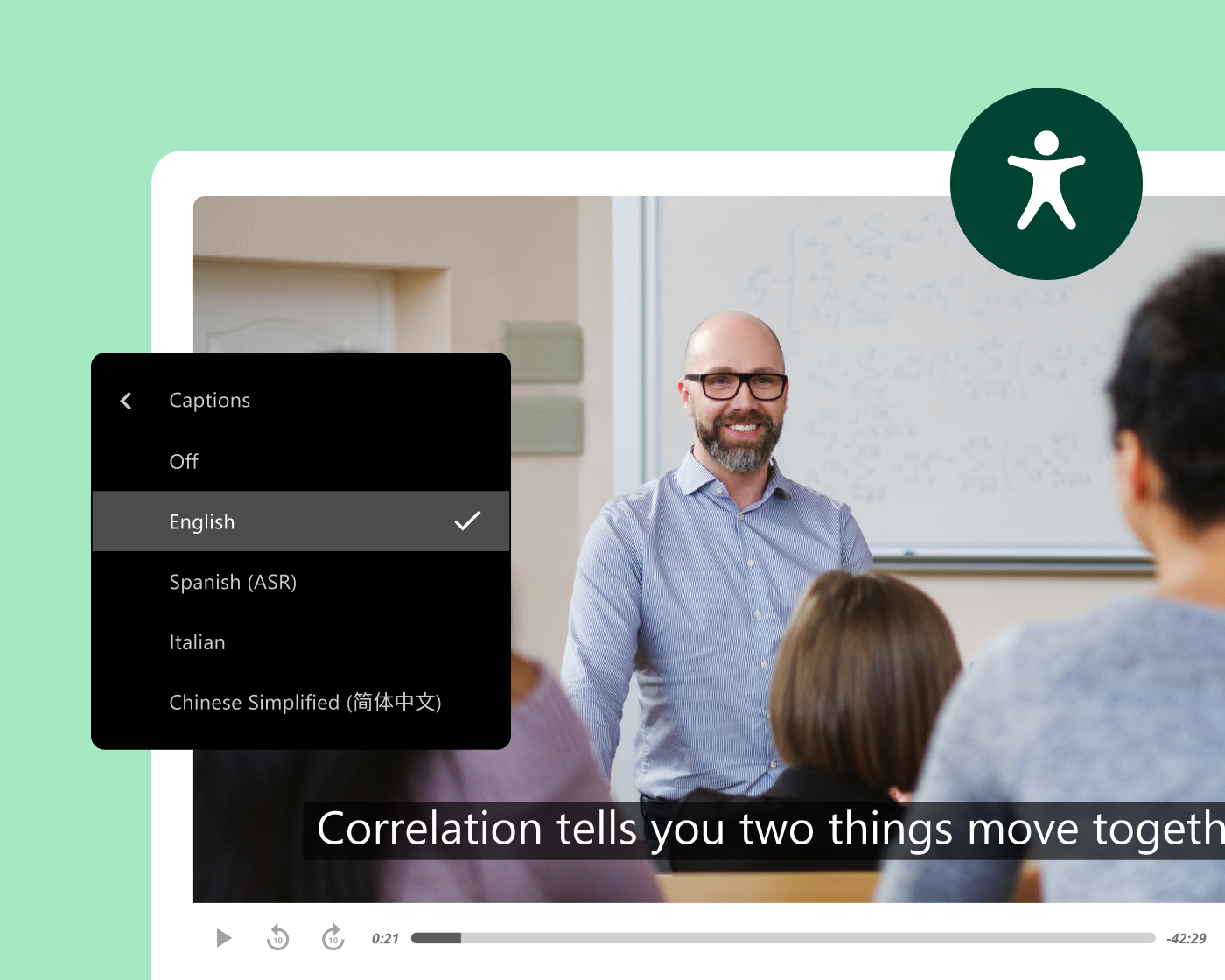
Panopto generates captions and transcripts automatically for every recording, accurately and at scale, without added work for faculty or instructional designers. Every video includes keyboard navigation and accessible playback, with variable-speed playback and screen reader support built in.
This supports institutions working toward ADA Title II and WCAG-aligned accessibility, with Section 508-compliant captioning options included.
Effizienz der Fakultät und Wiederverwendung von Inhalten
Einmal aufnehmen und eine Bibliothek aufbauen, die jedes Semester abdeckt
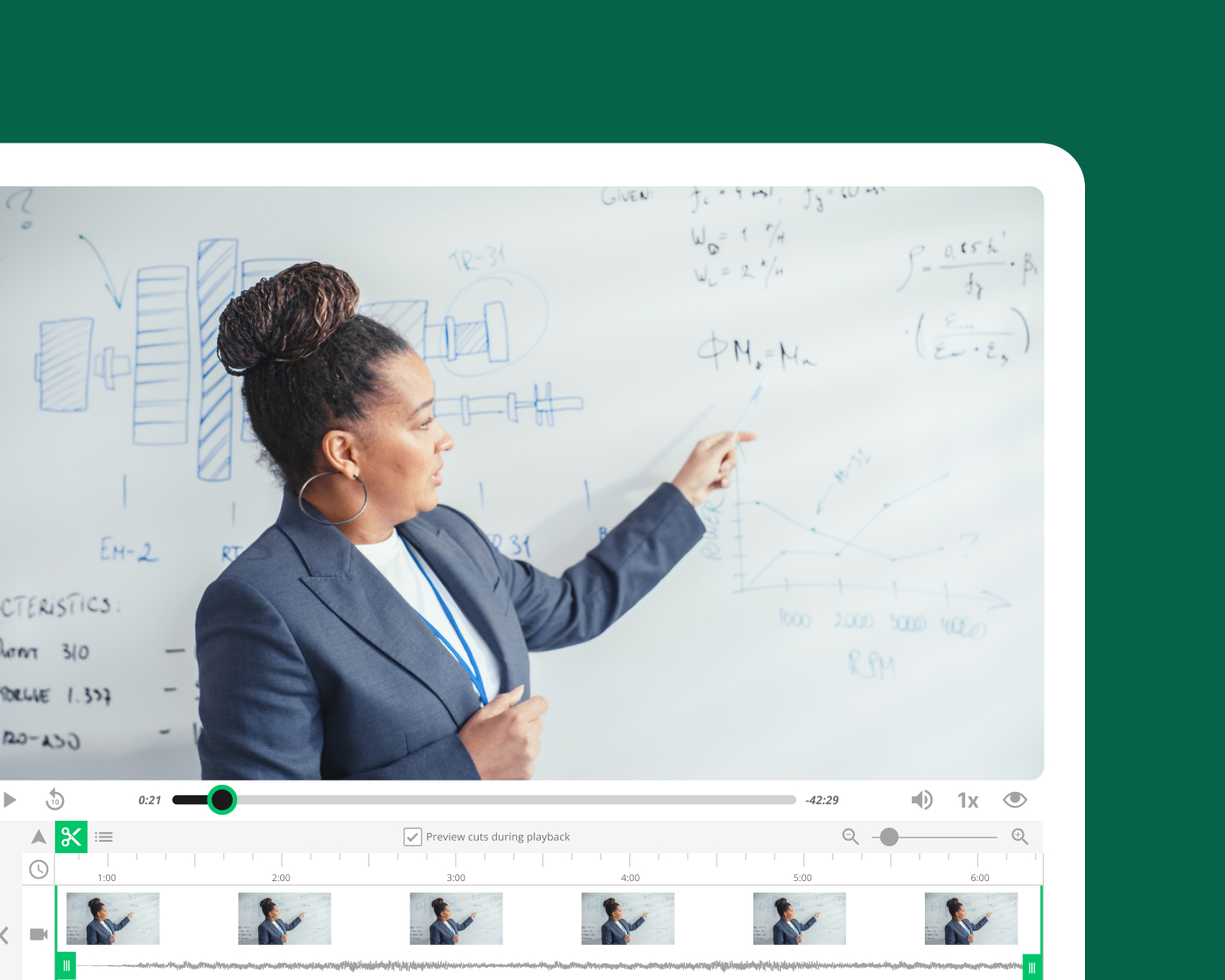
Dozenten, die Grundlagenvorlesungen aufzeichnen in Panopto Diese Inhalte lassen sich über verschiedene Abschnitte, Semester und Kursformate hinweg wiederverwenden, ohne dass eine Neuaufnahme erforderlich ist. Automatisierte Planung, LMS-Integration und sofortige Veröffentlichung vereinfachen die Aufzeichnung – so verbringen Dozenten weniger Zeit mit organisatorischen Aufgaben und mehr Zeit mit dem Unterrichten.
AI and intelligent search
AI-powered search, captions, and study support
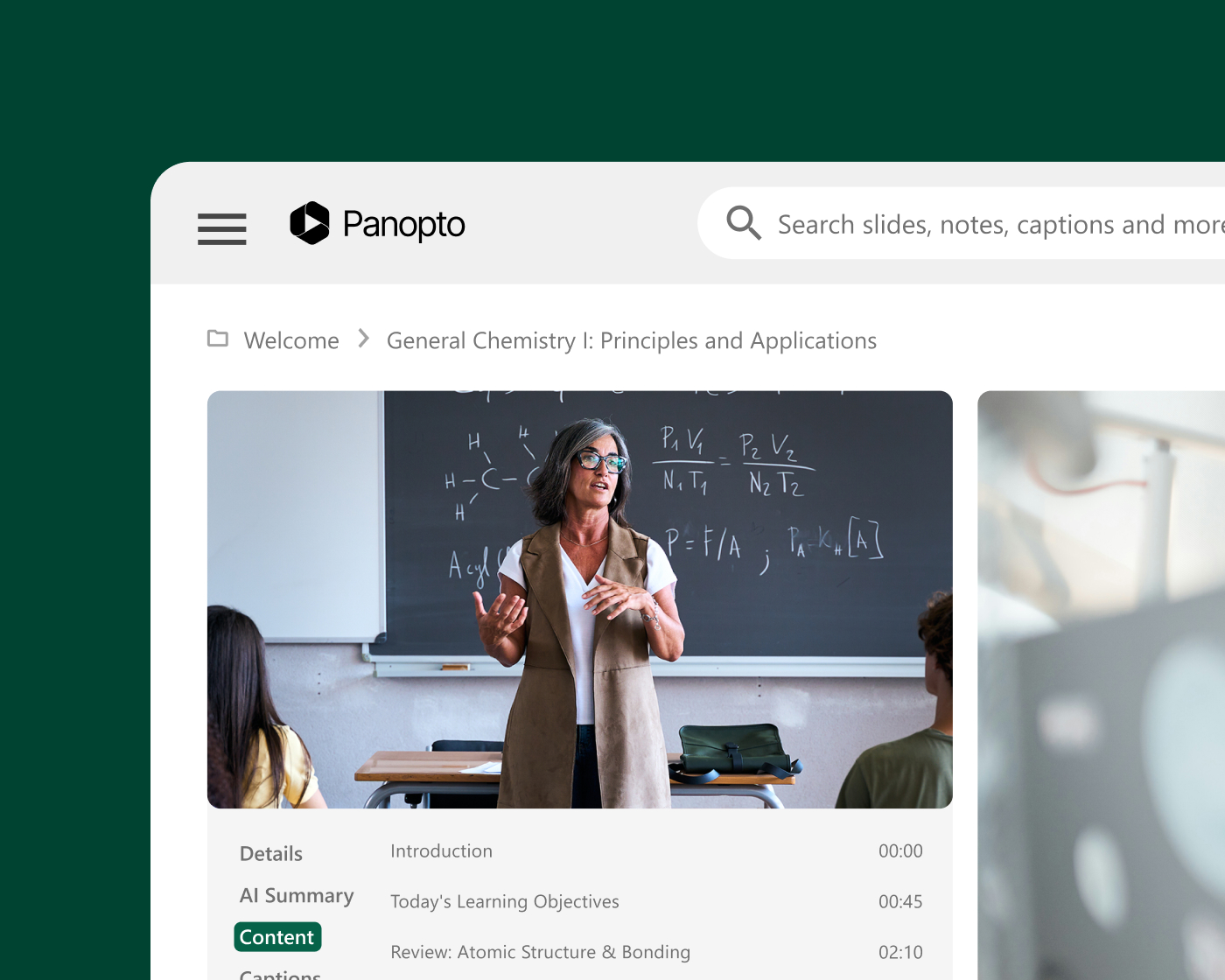
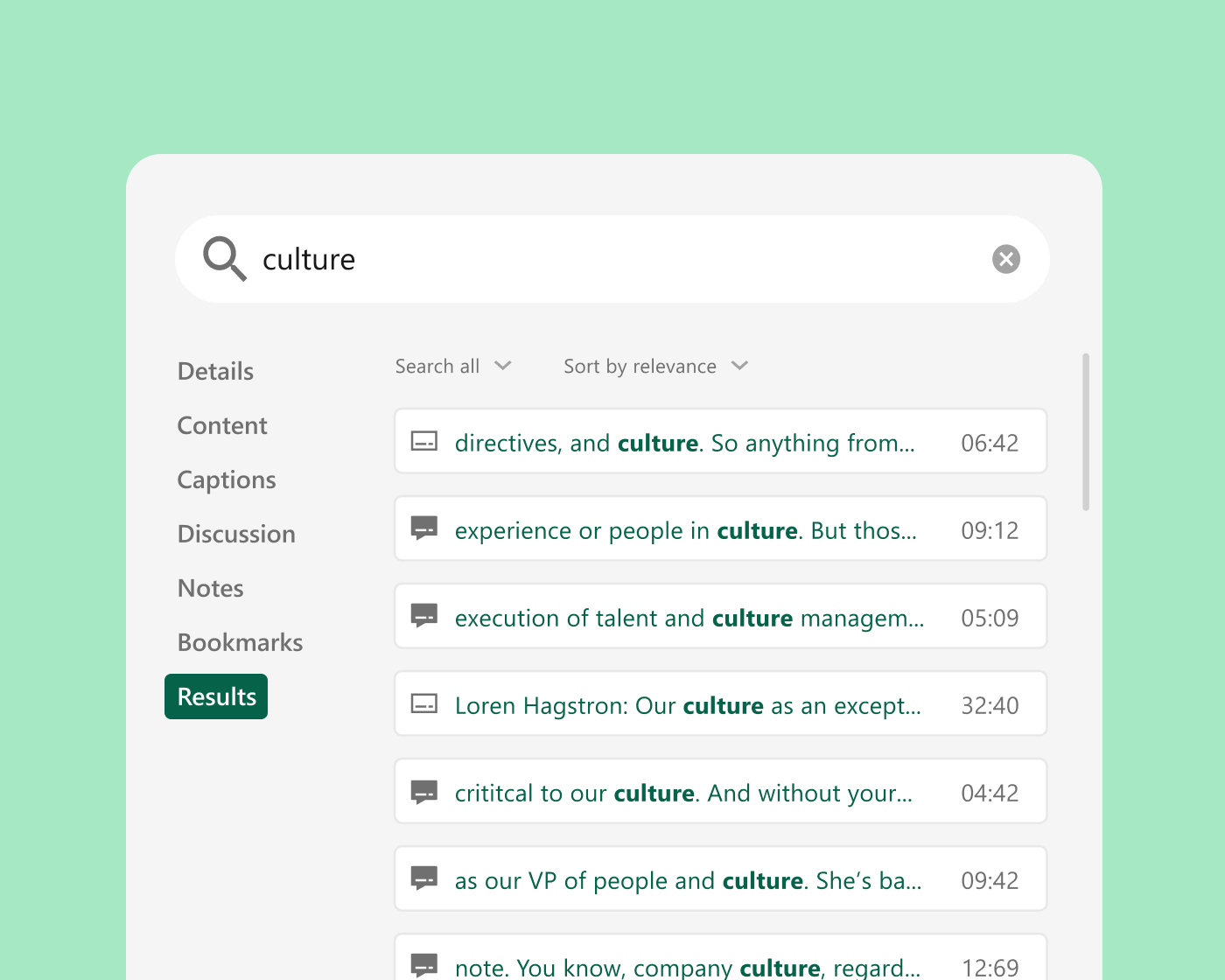
Panopto automatically captions and transcribes every recording. Smart Search indexes spoken words, on-screen text, and slides, so students can jump straight to the moment a concept is covered. Auto-generated chapters break long lectures into scannable segments, grounded in faculty-created course video students trust.

Forschungsbericht
Verwandeln Sie Ihre Videobibliothek in einen KI-Lernpartner, dem Studierende vertrauen können.
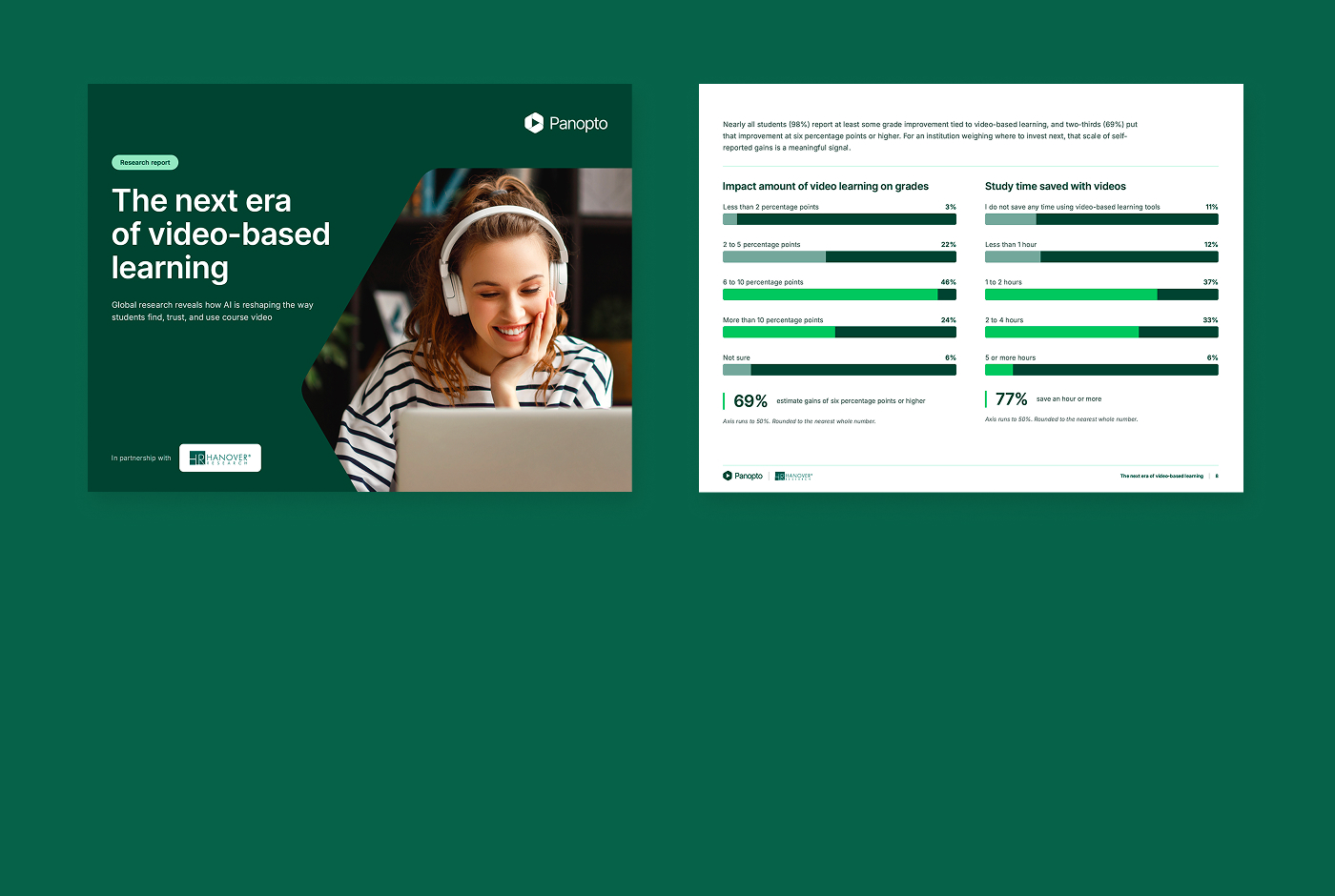
Studierende sparen bereits Stunden und verbessern ihre Noten durch Kursvideos, doch die externe KI, auf die viele zurückgreifen, hat keine Ahnung, was ihr Professor gelehrt hat – und genau hier beginnt das Vertrauen zu schwinden. Wenn kuratierte KI auf von Dozenten erstellten Videos basiert, erhalten Studierende ein vertrauenswürdiges, interaktives Lernerlebnis.
91%
Studenten, die bereits KI zum Lernen nutzen
69%
Die Studierenden schätzen, dass videobasiertes Lernen ihre Noten um sechs Prozentpunkte oder mehr verbessert.
84%
Studierende mit integrierter KI finden es sehr oder extrem wertvoll
Integrate with your existing systems
Built to fit your existing stack, not replace it. Deep integrations with your LMS, collaboration tools, and classroom AV systems mean Panopto works the way your campus already does.

Canvas by Instructure
Lernmanagementsystem
Moodle
Lernmanagementsystem
D2L Brightspace
Lernmanagementsystem

Blackboard
Lernmanagementsystem
Zoom
Zusammenarbeit
Microsoft Teams
Zusammenarbeit
Erfahren Sie, wie unsere Kunden ihr Wissen in die Praxis umsetzen.

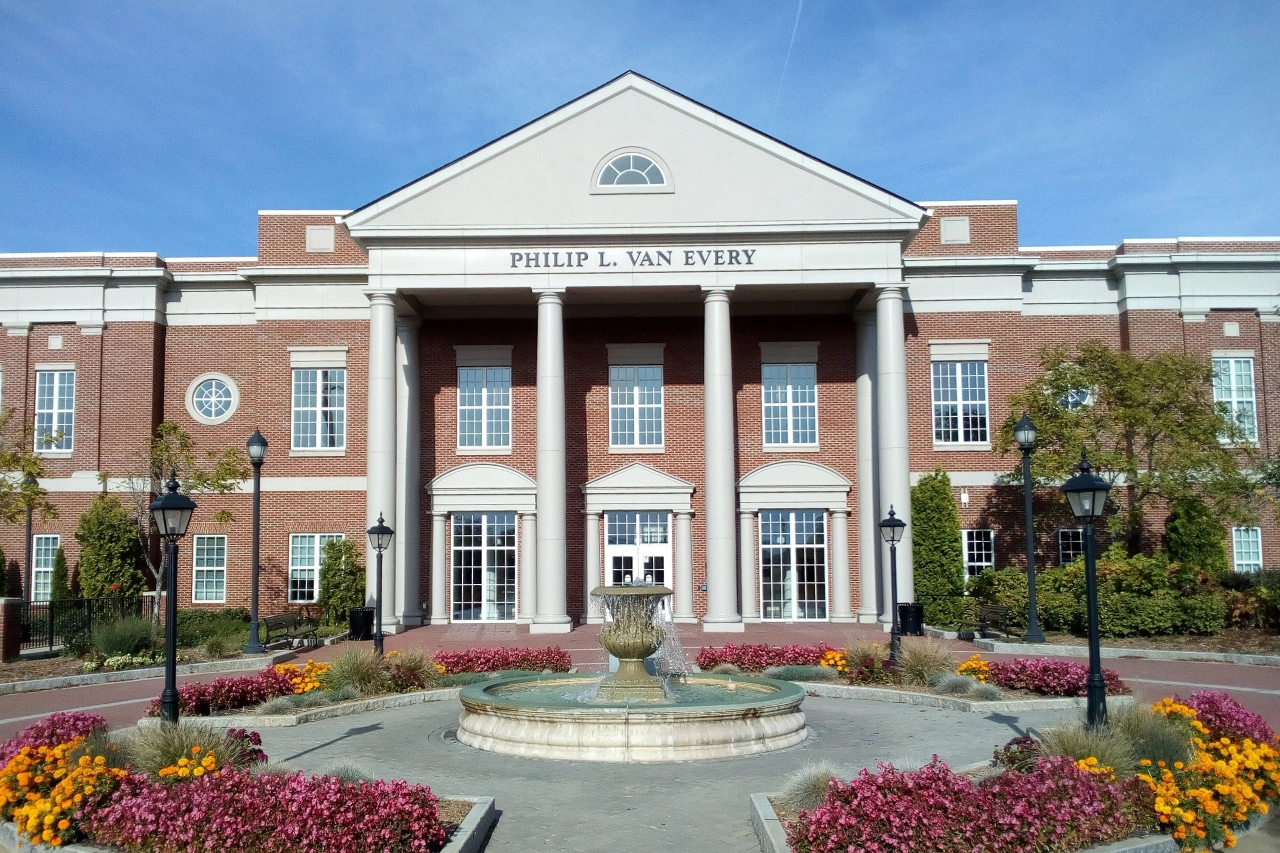
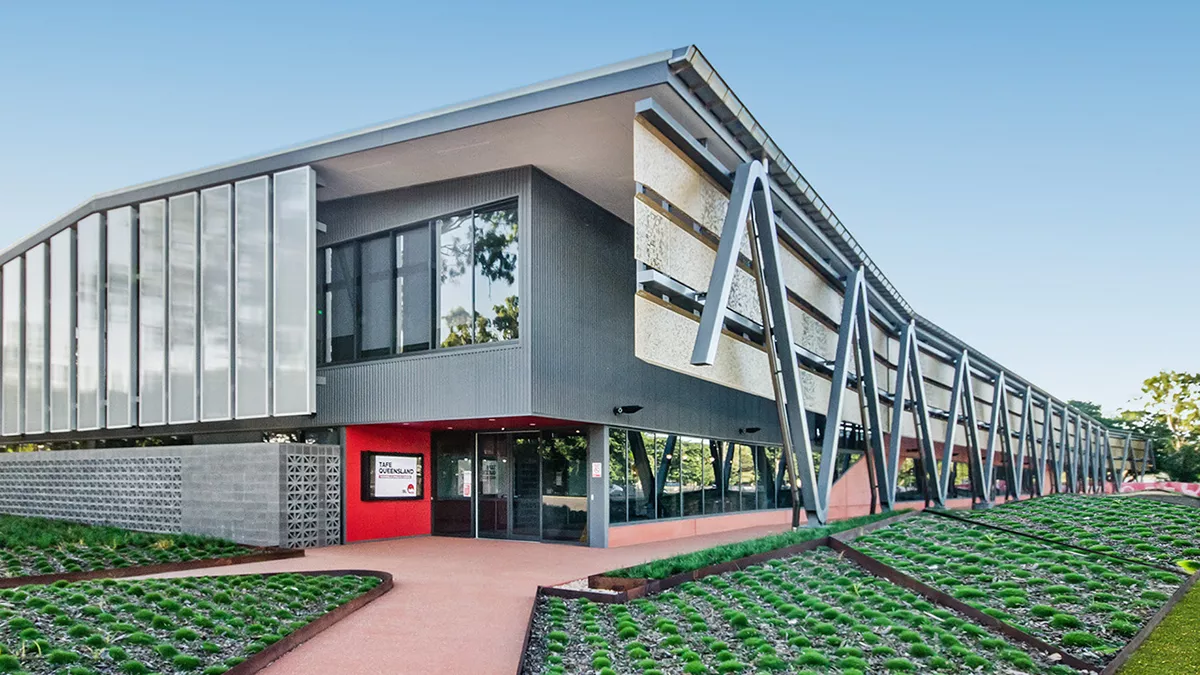



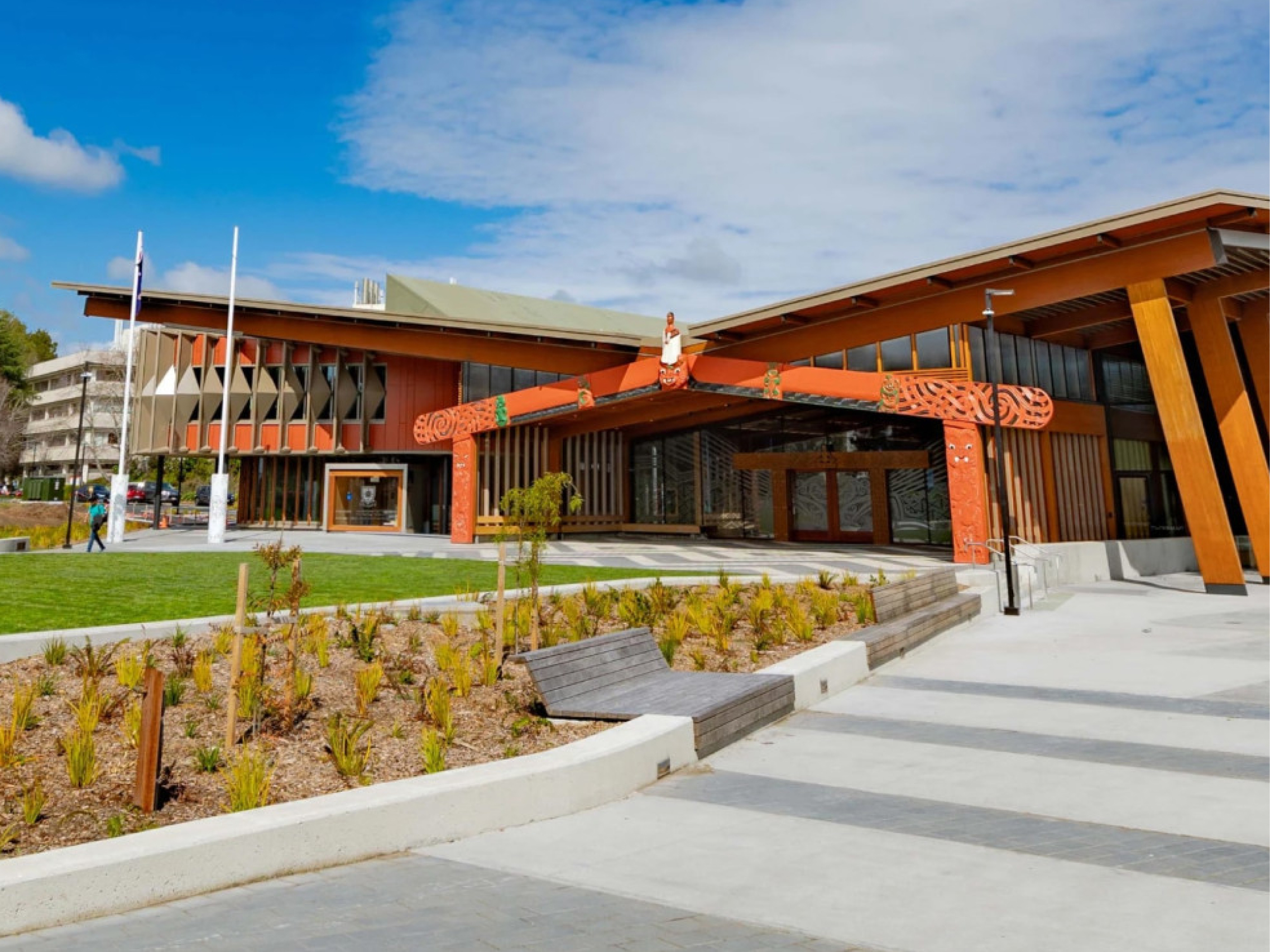
Wie führende Institutionen Panopto nutzen
Was Panopto Kunden sagen
„[Panopto] ist für unsere Lehrkräfte und Studierenden zu einer unverzichtbaren Ressource geworden. In den letzten drei Jahren haben unsere Lehrkräfte und Mitarbeiter insgesamt mehr als 60.000 Stunden an Lehrvideos erstellt, die den Studierenden als wertvolle Lernhilfe dienen.“
Direktor für akademisches Erlebnisdesign und -umsetzung, Universität von Washington
„[Die LTI-Integration] war aus administrativer Sicht eine Selbstverständlichkeit, aber Dozenten und Studierende erkannten erst im praktischen Einsatz, wie notwendig diese Funktion ist.“
Senior Spezialist für Unterstützung der Unterrichtstechnologie
Universität von Nevada Las Vegas

„Die Möglichkeit, Panopto in Verbindung mit einer Vorlesung oder einem Wiederholungsvideo zu nutzen, ermöglicht es den Studierenden, in einem für sie angenehmen Tempo zu arbeiten, was meiner Meinung nach für alle fair ist. Beim Lernen gibt es keine Einheitslösung.“
Dozent
Quelle: Samuel Merritt University

„Ich habe von vielen Dozenten positives Feedback zur Qualität der Transkriptionen erhalten. Die meisten Dozenten fühlen sich sicher genug, um dies selbstständig zu tun.“
Projektmanager für Mediensysteme
Central Piedmont Community College

„Seit der Einführung von Panopto hat die Nutzung von Videos durch die Lehrkräfte deutlich zugenommen. Wir haben es den Lehrkräften erleichtert, Videos zu erstellen und zu teilen, und davon profitieren die Schüler.“
Manager für Bildungstechnologien
TAFE Queensland

„Viele Studenten haben berichtet, wie wertvoll es ist, die Möglichkeit zu haben, den Inhalt in Ruhe noch einmal durchzugehen und zu wiederholen, um sicherzustellen, dass sie einen Punkt in der Vorlesung verstanden haben.“
Bildungstechnologe
Universität Notre Dame

Entdecken Sie, wasfür die Hochschulbildung mit Panopto möglich ist


Häufig gestellte Fragen
Wie lässt sich Panopto in unser LMS integrieren?
Panopto integrates with Canvas, Blackboard, Moodle, D2L Brightspace, and other major LMS platforms via LTI, embedding directly inside course environments so students and faculty access video without leaving the system they already use. Course recordings are published automatically, and viewing activity is tracked within the LMS alongside other completion data. Read more about our integrations.
Wie geht Panopto mit Barrierefreiheit und Untertitelung in großem Maßstab um?
Panopto generates captions and transcripts automatically for every recording using built-in speech recognition. Captions are available across accents, disciplines, and languages, without requiring faculty to submit content for manual captioning. When accuracy needs to be improved for a specific recording, captions can be reviewed and edited directly in the platform. Accessibility workflows are institutional, not individual. Read more about our accessibility.
Können Dozenten Aufnahmen kurs- und semesterübergreifend wiederverwenden?
Yes. Recordings are stored in a governed library and can be shared across multiple course sections, copied into future course shells, or republished as needed, without duplicating files or re-uploading. Faculty build a personal library of reusable content over time, and the LMS integration ensures that new students see only what they’re meant to access.
Wie unterstützt Panopto hybride Lernumgebungen?
Panopto gives in-person and remote students equal access to every session. Recordings are captioned, indexed, and published to the LMS the moment a class ends, so students who attended in person and students who joined remotely or missed the session entirely all have the same learning resource available to them. No separate workflows, no gaps in access.
Können Studierende Panopto für ihre eigenen Videoaufgaben nutzen?
Yes. Students can record presentations, demonstrations, and video assignments directly through Panopto and submit them inside the LMS for instructor review. Peer reviews allow instructors to assign structured feedback between students, all within a governed environment that doesn’t require cobbling together separate tools.
Wie funktioniert die Videosuche für Studierende?
Panopto’s intelligent search indexes every spoken word, slide, and on-screen element in every recording using automatic speech recognition and optical character recognition. Students can search for a term, concept, or specific phrase and jump directly to the timestamped moment across the entire course library, rather than rewatching a full lecture to find what they need. Read more about our AI-powered search.
Können wir unsere bestehende Videobibliothek in Panopto migrieren?
Yes. Panopto supports migration from other video platforms and institutional storage with a structured process that includes content validation, re-linking, and caption restoration or addition. Migration is managed by a dedicated project team with weekly milestones. Panopto’s parallel operation approach keeps content accessible throughout the transition, and Panopto states it has never missed a customer go-live, based on internal delivery records.
Can Panopto support university-wide or multi-campus deployments?
Yes. Panopto is used by higher education institutions ranging from single-campus colleges to large, multi-campus universities. The platform supports centralized administration and granular access controls so institutions can standardize video across colleges, departments, and campuses. Panopto is used at large research and state institutions including University of Washington, Yale, Cornell, NC State, UNLV, and Northeastern.
How does Panopto handle security, SSO, and compliance?
Panopto supports single sign-on through SAML, OAuth, and Active Directory, so students and faculty log in with the credentials they already use. Granular access controls let IT govern who can view, edit, or manage content down to the individual video. Data is encrypted at rest and in transit, and Panopto is FERPA-ready and supports GDPR requirements. Read more about our security and compliance.
What analytics are available for institutions and instructors?
Panopto provides viewing and engagement analytics at the video, course, and library level, including completion rates, drop-off points, and overall usage. Instructors can see how students are engaging with a specific recording, and administrators can access deeper trend analysis through Knowledge Insights, an add-on analytics dashboard. Read more about our analytics.