







Panopto 高等教育向け
すべての講義は、LMS内で検索および再利用可能です。
Panopto helps colleges and universities capture lectures, make them searchable, and deliver them within the LMS workflows students already use. Secure, accessible, campus-wide video built for multi-campus deployments and centralized management.
世界中の主要大学や研究機関から信頼されています


あらゆる種類の高等教育機関にサービスを提供しています。



機関が達成することPanopto
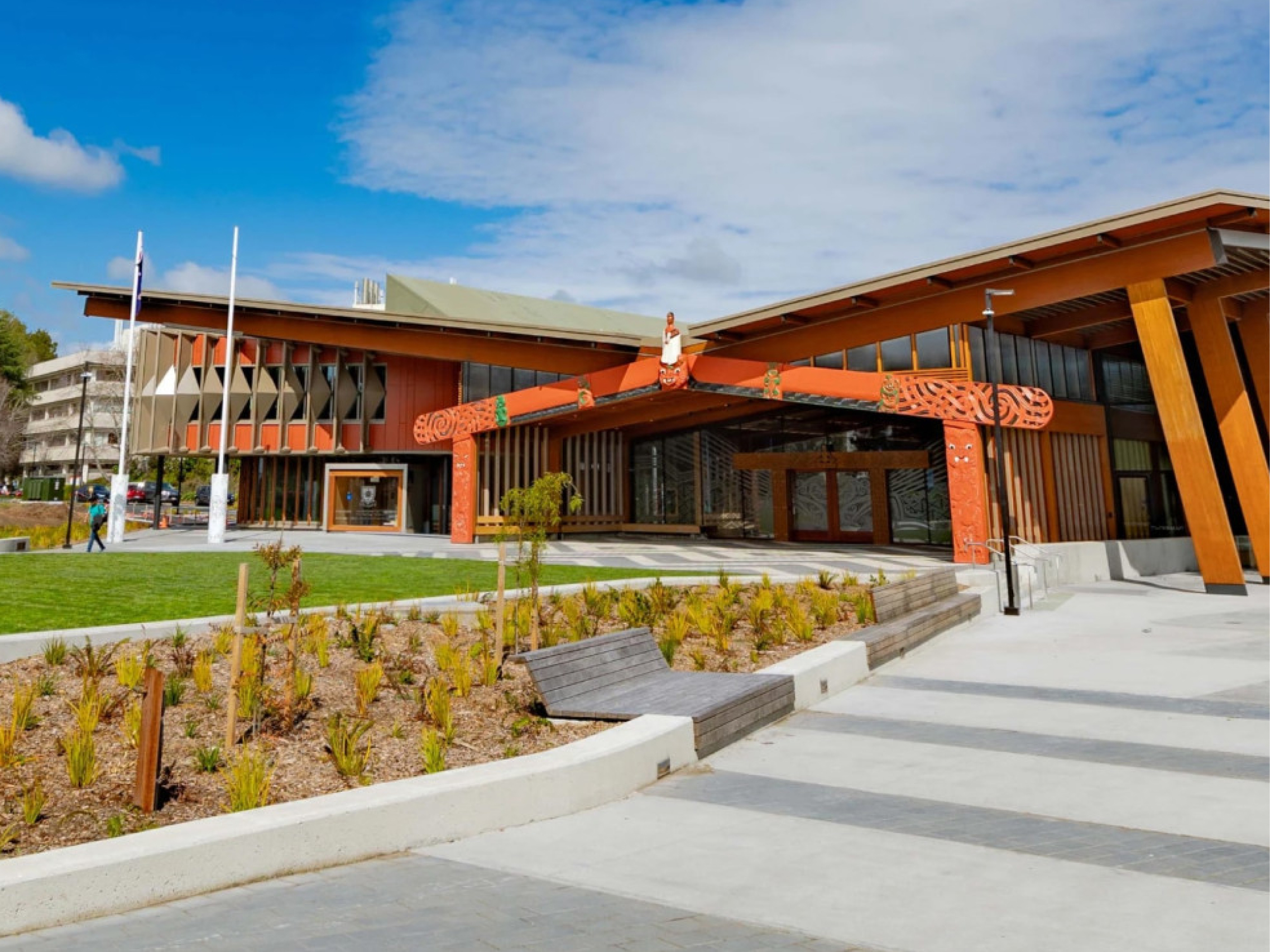
高等教育機関向けに特別に設計された建物
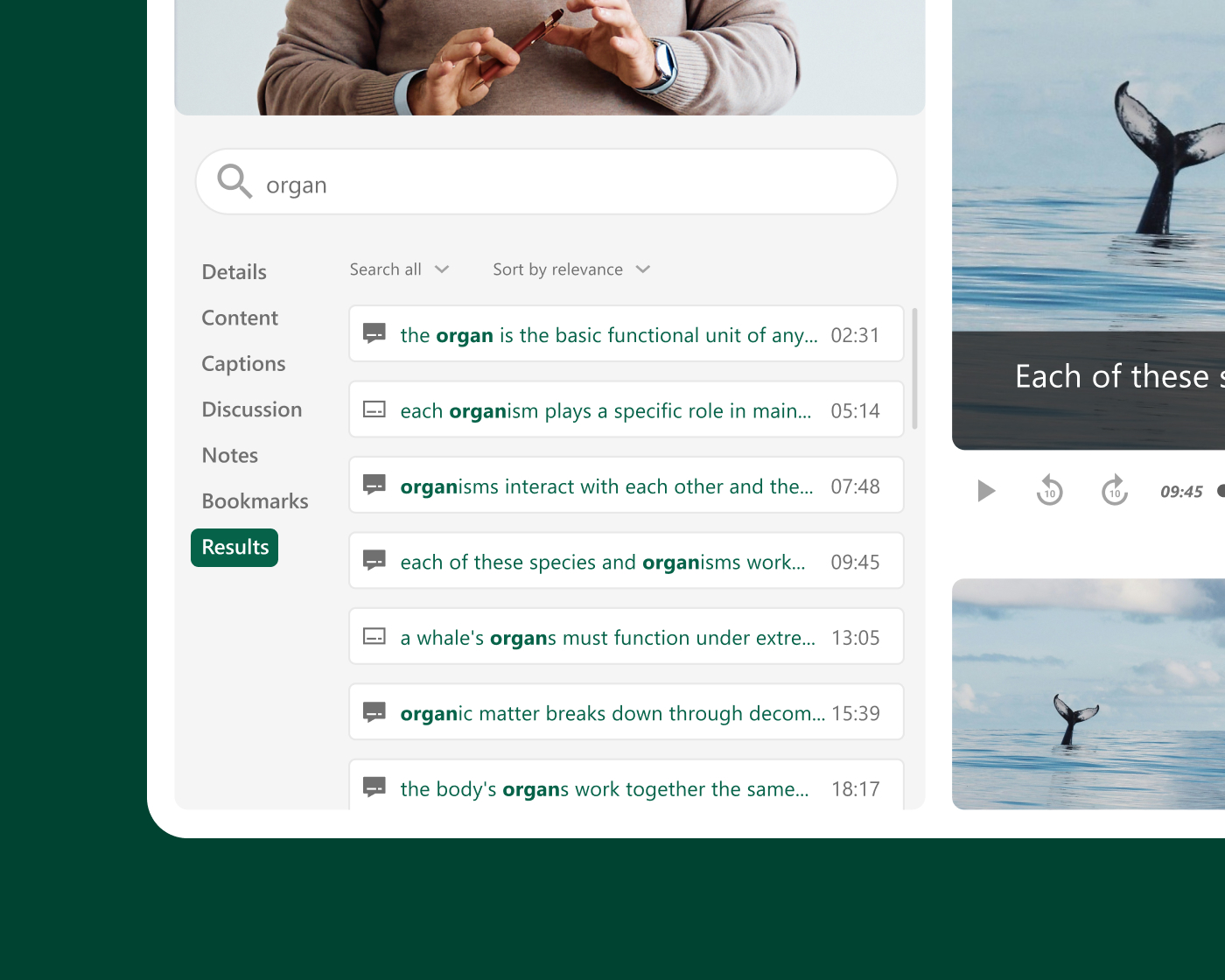
講義録画と学生のアクセス
生徒に自分のペースで学習できる柔軟性を与える
学生が講義を繰り返し視聴したり、特定の解説を検索したり、試験前に複雑な概念を復習したりできる場合、学習は教室の外にも広がる。 Panopto 録画されたすべてのセッションを検索可能なオンデマンドリソースに変換し、教員が追加の手順を踏むことなく、自動的にLMSに公開します。
Institutional scale
Built for campus-wide and multi-campus deployments
Panopto scales from a single department to university-wide and multi-campus rollouts. Centralized administration gives IT one place to manage users, storage, and governance, so every faculty, department, and campus works from the same secure, consistent platform. It’s built to grow with your institution, not just your first pilot.
LTIを介したLMS統合
Keep your students learning where they already are: in your LMS
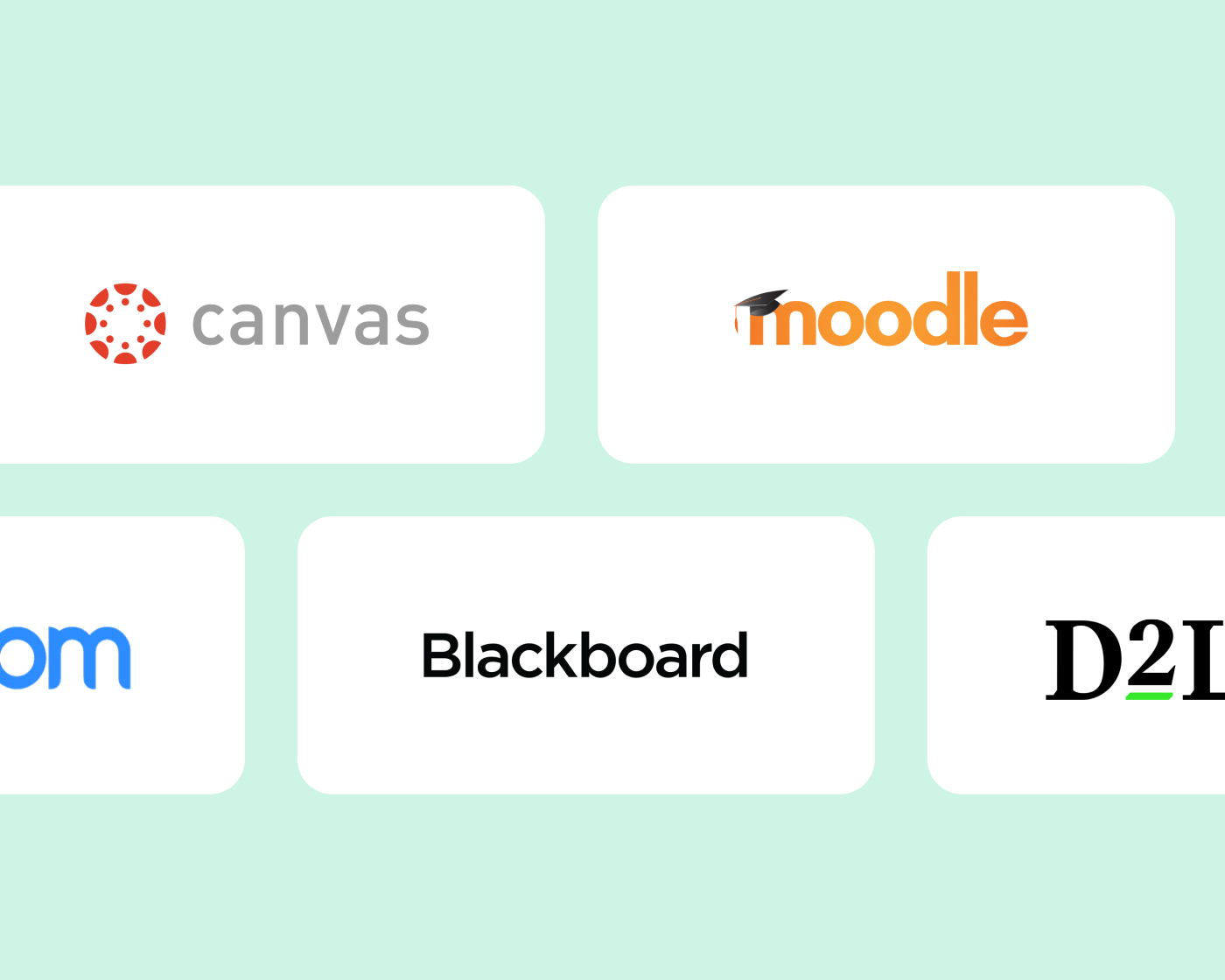
Panopto integrates with Canvas, Blackboard, Moodle, D2L Brightspace, and other major LMS platforms through LTI and supports SSO. Students and faculty can access and upload recordings without leaving the course environment. From search to quizzing to analytics, Panopto capabilities work right inside your LMS, with no extra logins or separate portals.
アクセシビリティとコンプライアンス
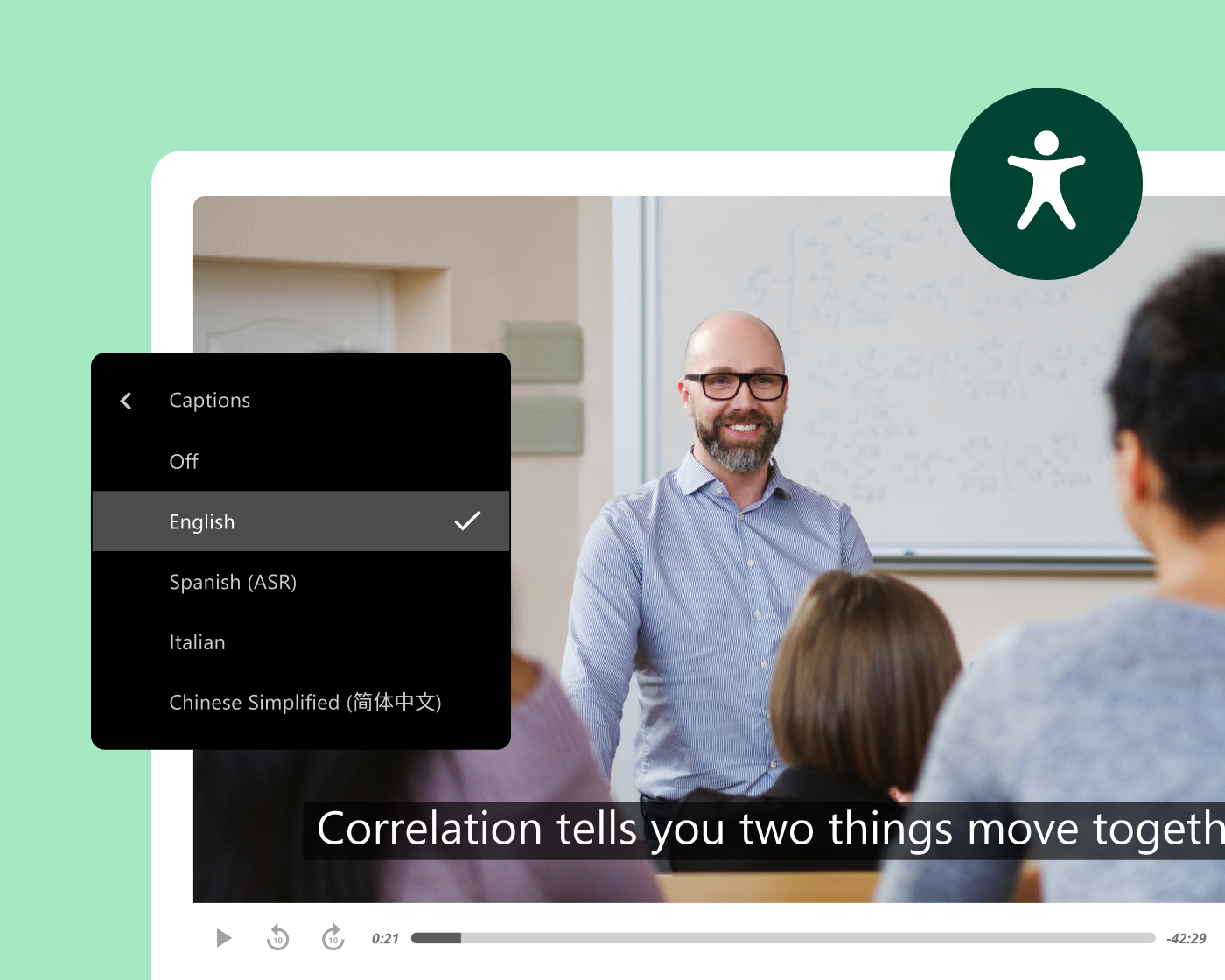
録音された音声は、公開された瞬間からすべてアクセス可能にする。
Panopto generates captions and transcripts automatically for every recording, accurately and at scale, without added work for faculty or instructional designers. Every video includes keyboard navigation and accessible playback, with variable-speed playback and screen reader support built in.
This supports institutions working toward ADA Title II and WCAG-aligned accessibility, with Section 508-compliant captioning options included.
教員の効率化とコンテンツの再利用
一度録画すれば、あらゆる用語を教えるライブラリが構築できます。
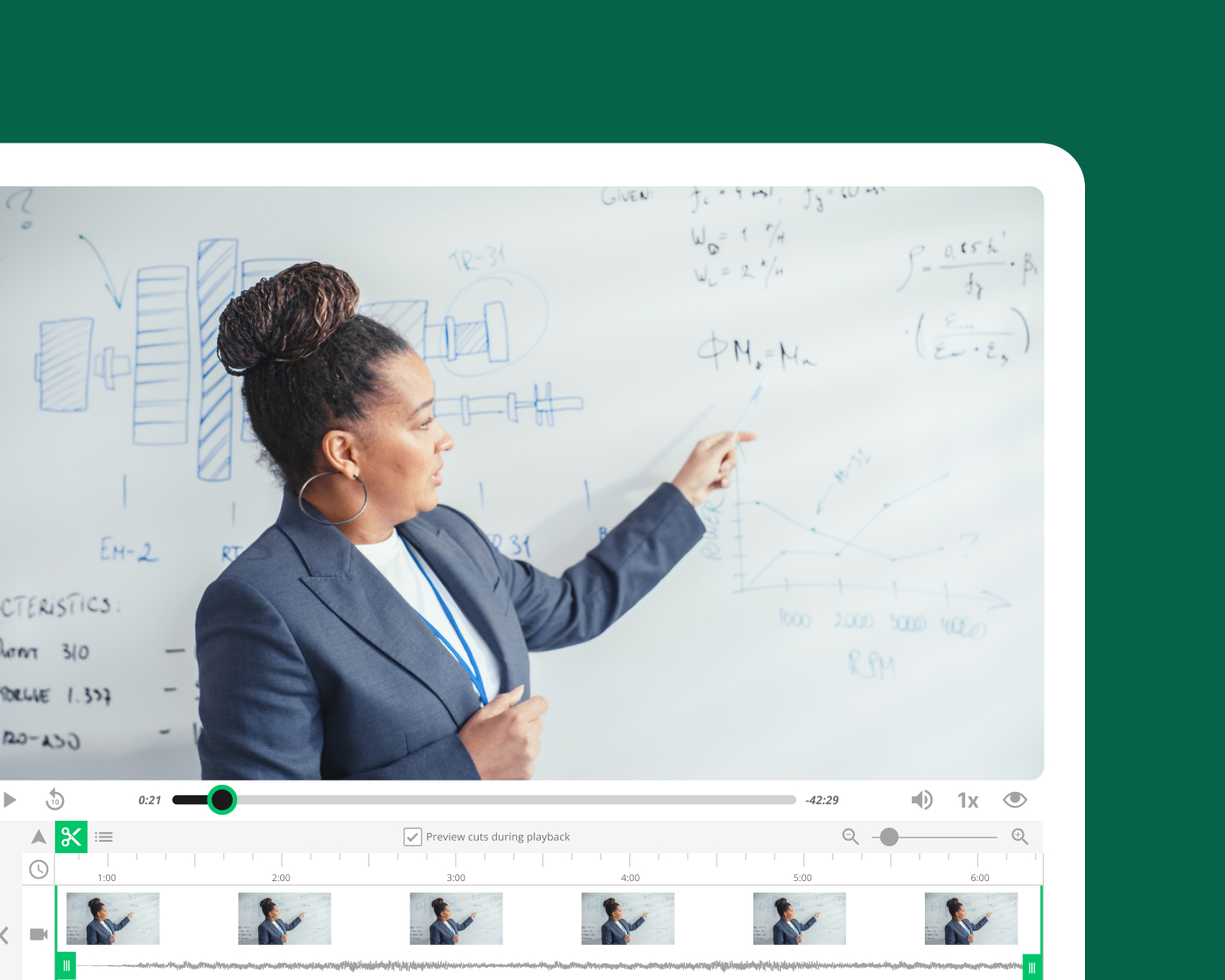
基礎講義を録画する教員Panopto コンテンツをセクション、学期、コース形式を問わず再利用できるため、最初から録画し直す必要がありません。自動スケジュール設定、LMSとの連携、即時公開機能により、録画作業の手間が省けるため、教員は準備や管理に費やす時間を減らし、授業に集中できます。
AI and intelligent search
AI-powered search, captions, and study support
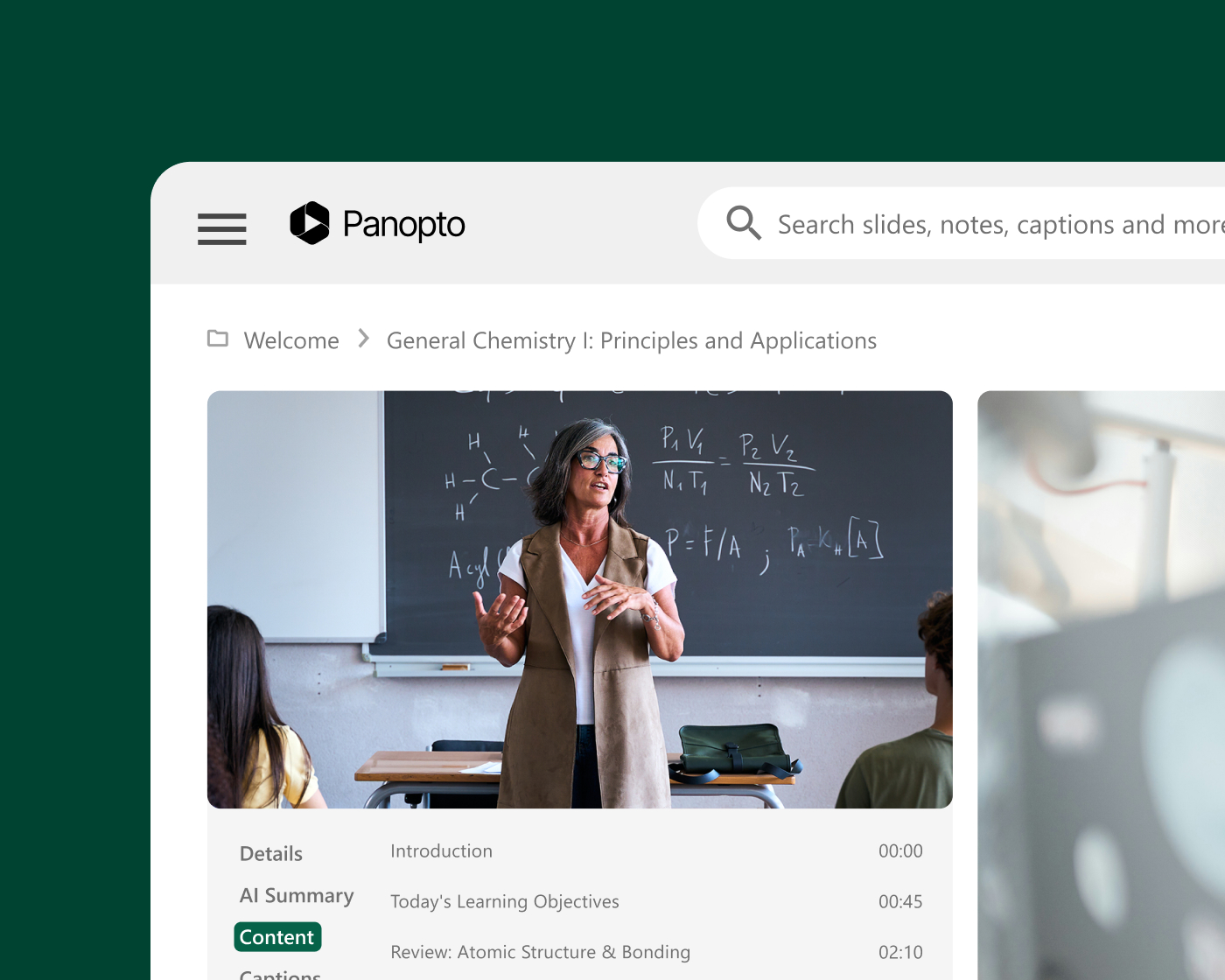
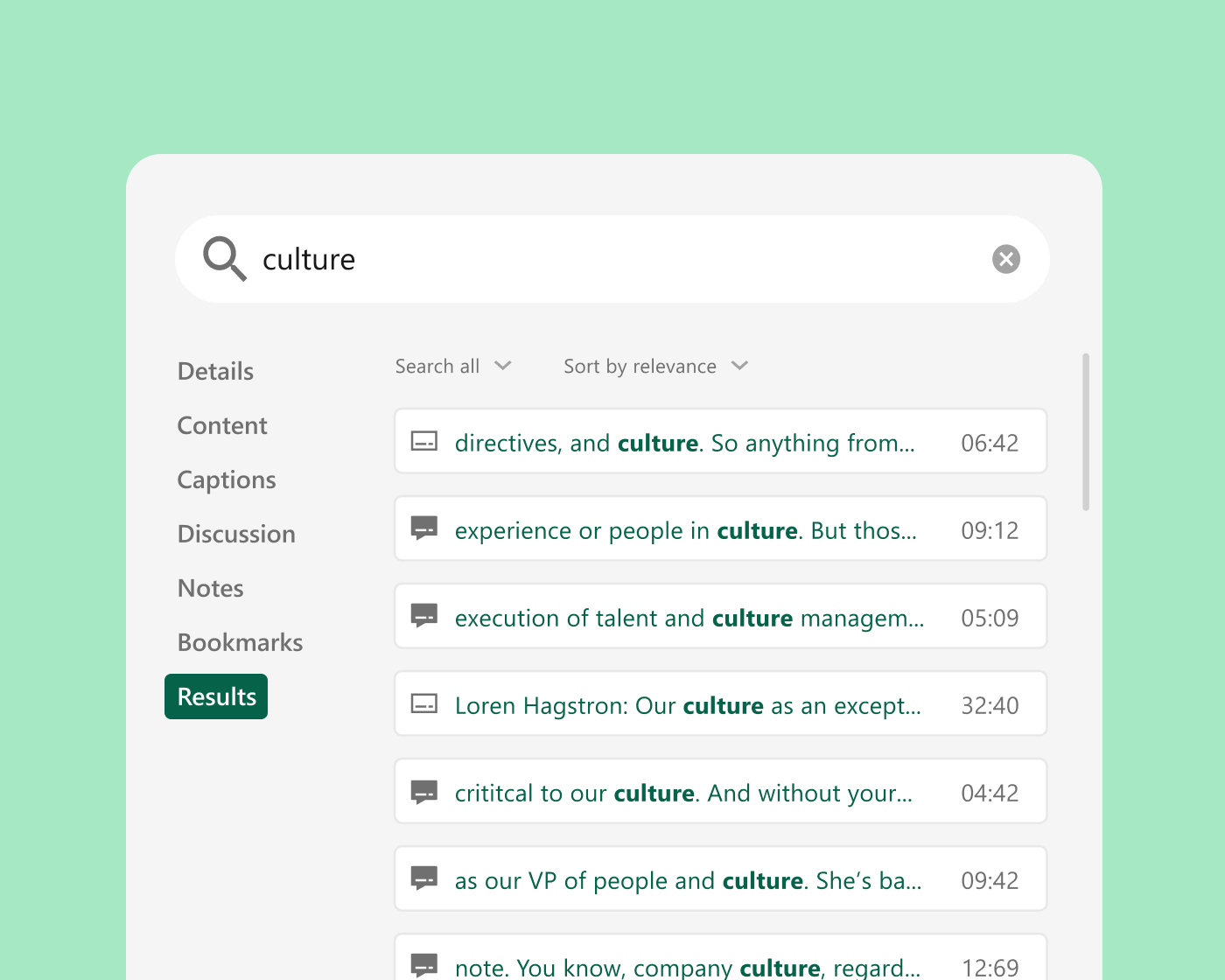
Panopto automatically captions and transcribes every recording. Smart Search indexes spoken words, on-screen text, and slides, so students can jump straight to the moment a concept is covered. Auto-generated chapters break long lectures into scannable segments, grounded in faculty-created course video students trust.

調査報告書
あなたのビデオライブラリを、学生が信頼できるAI学習パートナーに変えましょう。
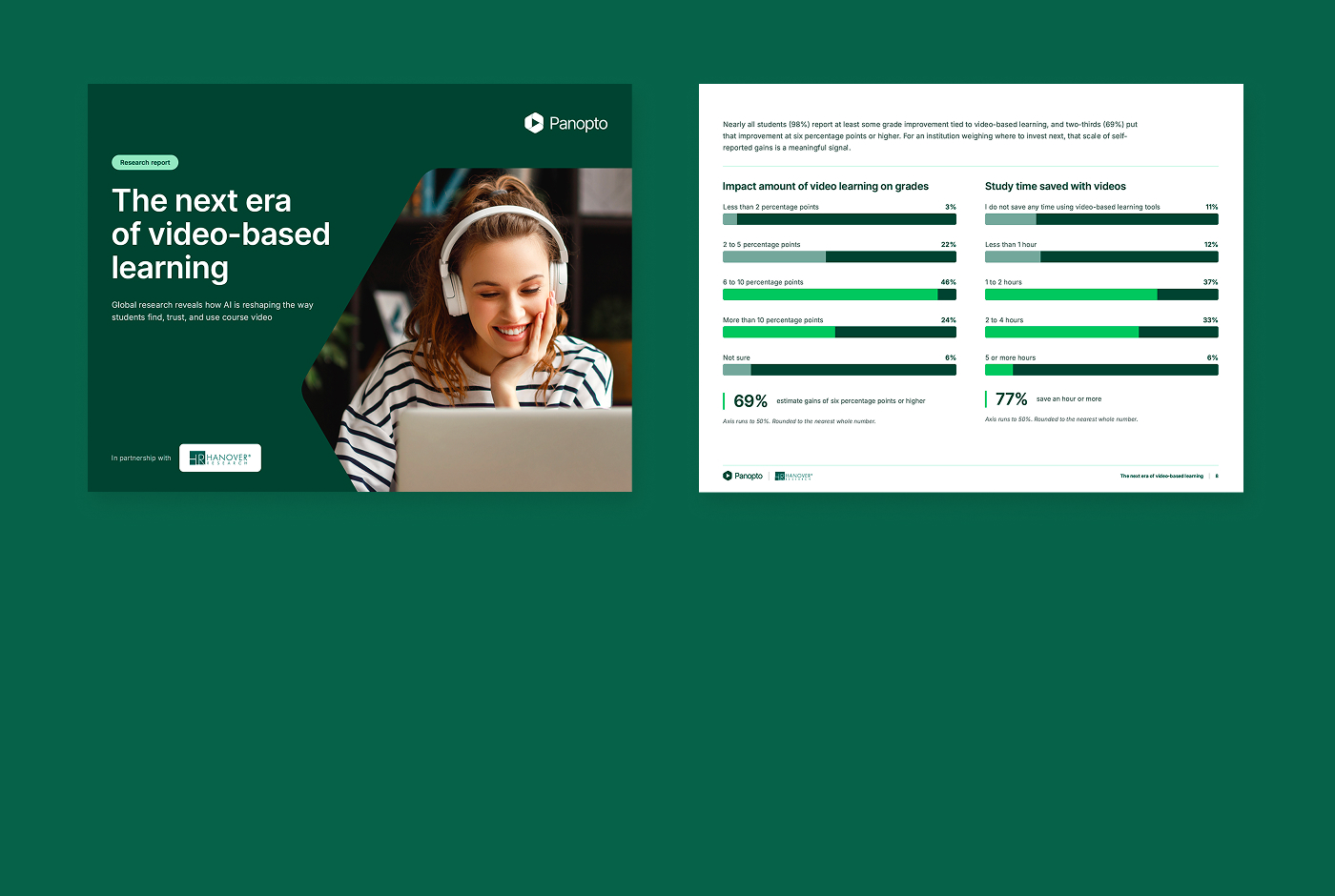
学生は既に授業動画を活用することで学習時間を節約し、成績を向上させていますが、多くの学生が利用している外部AIは教授が何を教えたのか全く理解しておらず、そこで信頼関係が崩れ始めています。教員が作成した動画を基に厳選されたAIであれば、学生は信頼できるインタラクティブな学習体験を得ることができます。
91%
すでにAIを使って学習している学生
69%
学生たちは、動画を使った学習によって成績が6パーセントポイント以上向上すると見積もっている。
84%
統合型AIを搭載した学生は、それを非常にまたは極めて価値があると感じている。
Integrate with your existing systems
Built to fit your existing stack, not replace it. Deep integrations with your LMS, collaboration tools, and classroom AV systems mean Panopto works the way your campus already does.

Canvas by Instructure
学習管理システム

Moodle
学習管理システム
D2L Brightspace
学習管理システム

Blackboard
学習管理システム
Zoom
コラボレーション
Microsoft Teams
コラボレーション
お客様がどのように知識を実践に活かしているかをご覧ください。
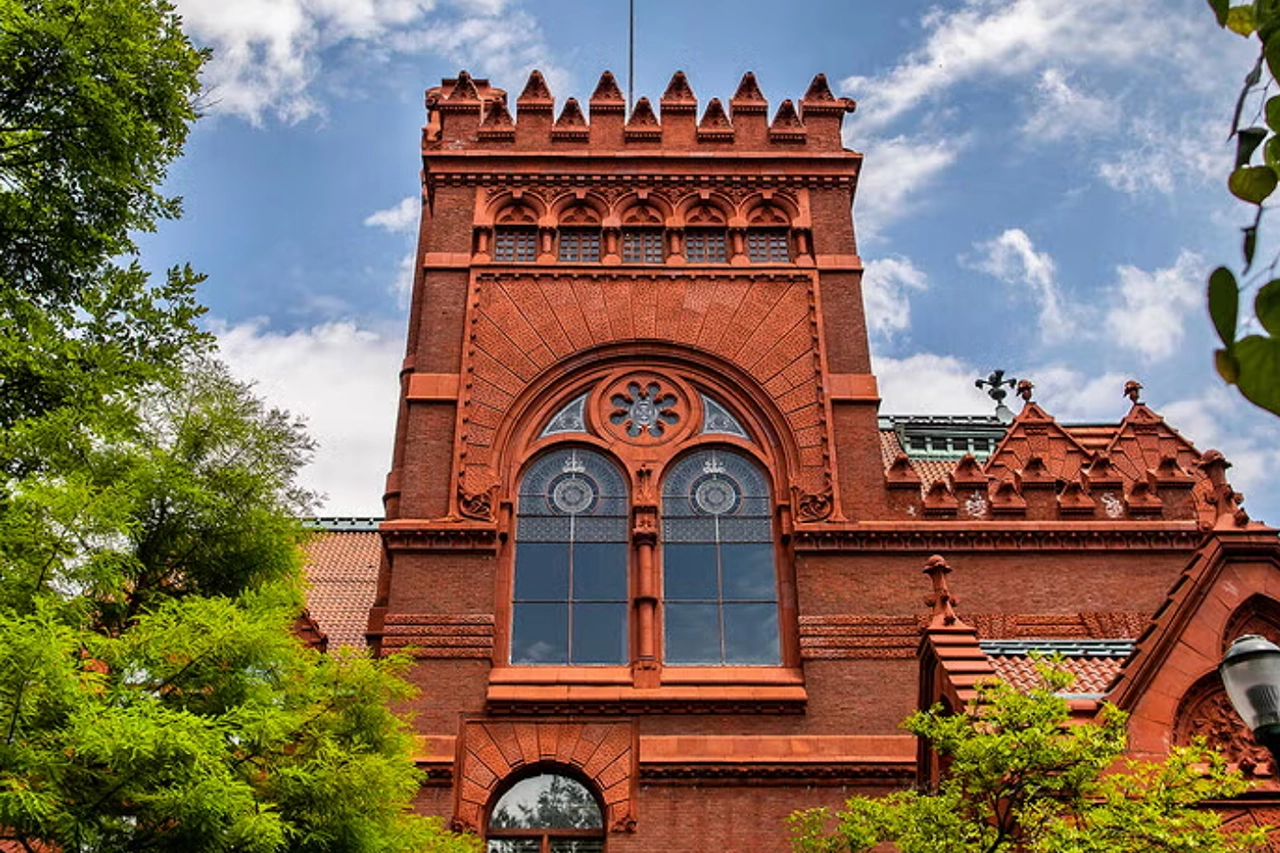

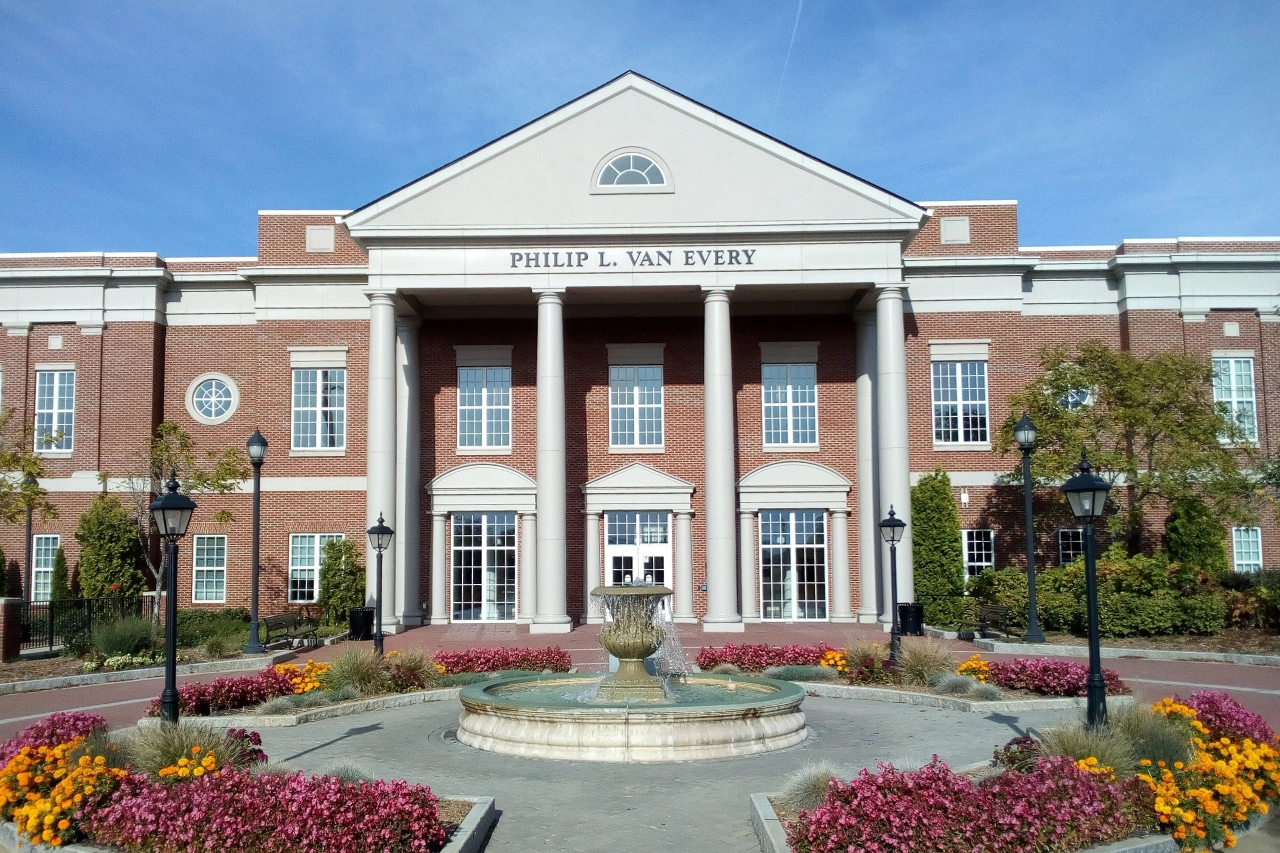
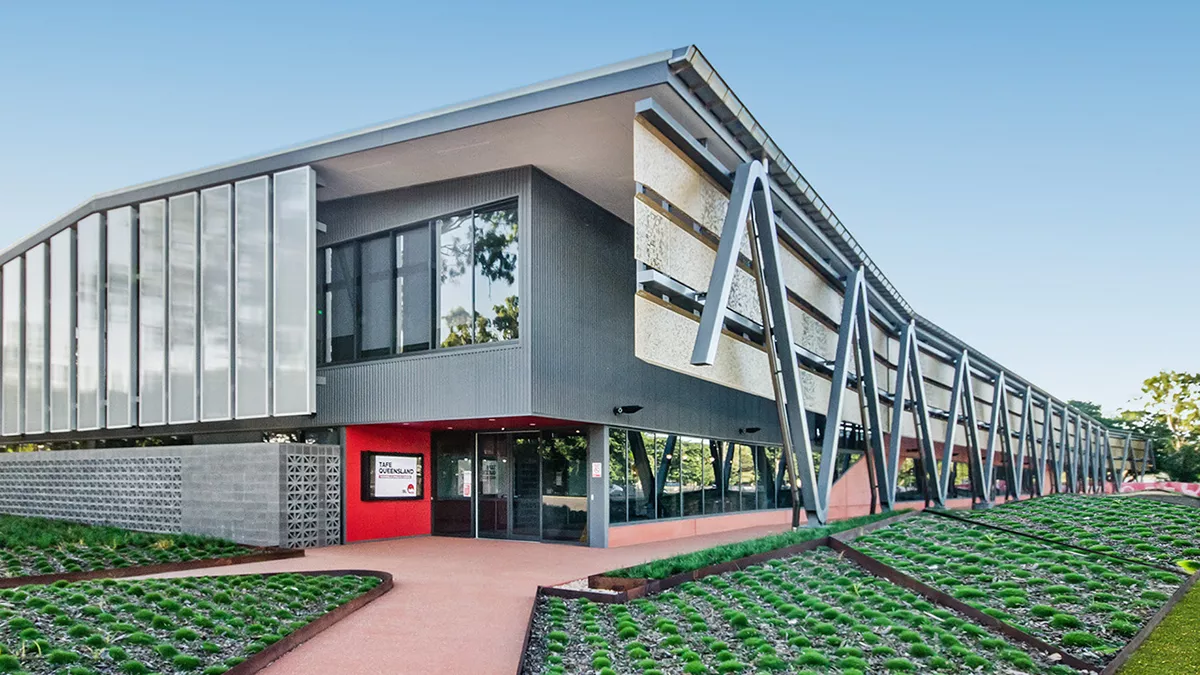



主要機関がどのように活用しているかPanopto
何Panopto お客様はこう言っています
「[ Panoptoこれは、教職員と学生にとって非常に重要な資産となっています。過去3年間で、教職員は合計6万時間以上の授業録音を作成し、学生はそれを貴重な学習補助教材として活用しています。
ワシントン大学 学術体験設計・提供担当ディレクター
「[LTIとの連携]は、管理側からすれば当然導入すべき機能でしたが、教職員や学生は実際に使ってみるまで、その必要性に気づいていませんでした。」
上級教育技術サポートスペシャリスト
ネバダ大学ラスベガス校

「 Panopto 講義や復習ビデオを使うことで、学生は自分に合ったペースで学習を進めることができ、それはすべての人にとって公平だと私は考えています。学習方法は万人に共通するものではありません。
助教授
サミュエル・メリット大学

「多くの教員から、文字起こしの質の高さについてフィードバックをいただいています。ほとんどの教員は、自分で文字起こしをすることに抵抗を感じていないようです。」
メディアシステムプロジェクトマネージャー
セントラル・ピードモント・コミュニティカレッジ

「導入以来Panopto教師による動画の利用が大幅に増加しました。教師が動画を作成・共有しやすくしたことで、生徒たちはその恩恵を受けています。」
教育技術マネージャー
TAFEクイーンズランド

「多くの学生から、講義の内容を自分の都合の良い時に見直して、理解できたかどうかを確認できる機能がどれほど貴重かという声が寄せられています。」
教育テクノロジスト
ノートルダム大学

可能性を探るPanopto 高等教育向け


よくある質問
どのようにPanopto 当社のLMSと統合しますか?
Panopto integrates with Canvas, Blackboard, Moodle, D2L Brightspace, and other major LMS platforms via LTI, embedding directly inside course environments so students and faculty access video without leaving the system they already use. Course recordings are published automatically, and viewing activity is tracked within the LMS alongside other completion data. Read more about our integrations.
どのようにPanopto アクセシビリティと字幕を大規模に処理するには?
Panopto generates captions and transcripts automatically for every recording using built-in speech recognition. Captions are available across accents, disciplines, and languages, without requiring faculty to submit content for manual captioning. When accuracy needs to be improved for a specific recording, captions can be reviewed and edited directly in the platform. Accessibility workflows are institutional, not individual. Read more about our accessibility.
教員は、授業の録音を複数のセクションや学期にわたって再利用できますか?
Yes. Recordings are stored in a governed library and can be shared across multiple course sections, copied into future course shells, or republished as needed, without duplicating files or re-uploading. Faculty build a personal library of reusable content over time, and the LMS integration ensures that new students see only what they’re meant to access.
どのようにPanopto ハイブリッド学習環境をサポートしますか?
Panopto gives in-person and remote students equal access to every session. Recordings are captioned, indexed, and published to the LMS the moment a class ends, so students who attended in person and students who joined remotely or missed the session entirely all have the same learning resource available to them. No separate workflows, no gaps in access.
学生は使用できますかPanopto 彼ら自身のビデオ課題のために?
Yes. Students can record presentations, demonstrations, and video assignments directly through Panopto and submit them inside the LMS for instructor review. Peer reviews allow instructors to assign structured feedback between students, all within a governed environment that doesn’t require cobbling together separate tools.
学生にとって動画検索はどのように機能するのでしょうか?
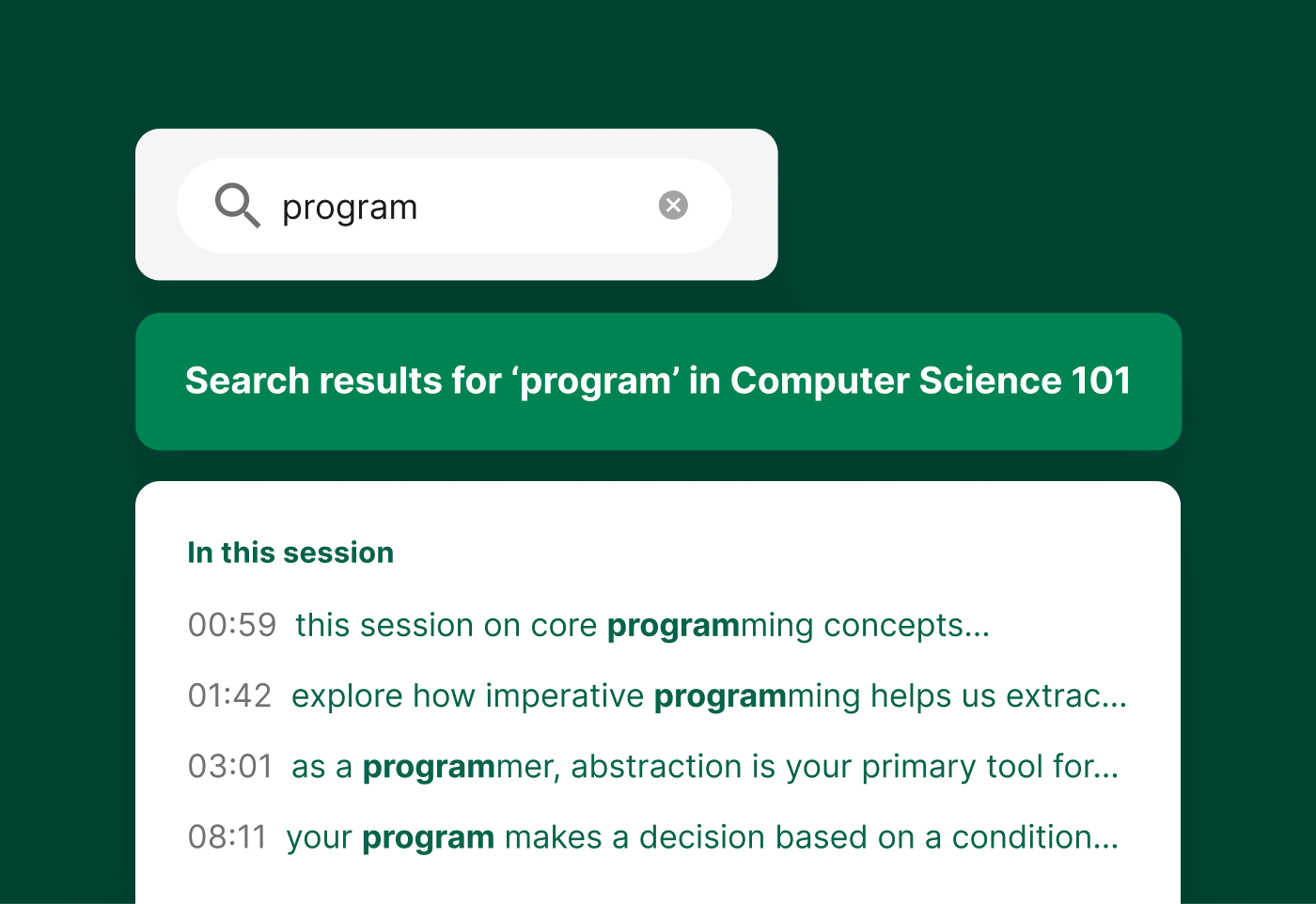
Panopto’s intelligent search indexes every spoken word, slide, and on-screen element in every recording using automatic speech recognition and optical character recognition. Students can search for a term, concept, or specific phrase and jump directly to the timestamped moment across the entire course library, rather than rewatching a full lecture to find what they need. Read more about our AI-powered search.
既存のビデオライブラリを移行できますか? Panopto ?
Yes. Panopto supports migration from other video platforms and institutional storage with a structured process that includes content validation, re-linking, and caption restoration or addition. Migration is managed by a dedicated project team with weekly milestones. Panopto’s parallel operation approach keeps content accessible throughout the transition, and Panopto states it has never missed a customer go-live, based on internal delivery records.
Can Panopto support university-wide or multi-campus deployments?
Yes. Panopto is used by higher education institutions ranging from single-campus colleges to large, multi-campus universities. The platform supports centralized administration and granular access controls so institutions can standardize video across colleges, departments, and campuses. Panopto is used at large research and state institutions including University of Washington, Yale, Cornell, NC State, UNLV, and Northeastern.
How does Panopto handle security, SSO, and compliance?
Panopto supports single sign-on through SAML, OAuth, and Active Directory, so students and faculty log in with the credentials they already use. Granular access controls let IT govern who can view, edit, or manage content down to the individual video. Data is encrypted at rest and in transit, and Panopto is FERPA-ready and supports GDPR requirements. Read more about our security and compliance.
What analytics are available for institutions and instructors?
Panopto provides viewing and engagement analytics at the video, course, and library level, including completion rates, drop-off points, and overall usage. Instructors can see how students are engaging with a specific recording, and administrators can access deeper trend analysis through Knowledge Insights, an add-on analytics dashboard. Read more about our analytics.