







Panopto para la educación superior
Cada clase, con función de búsqueda y reutilización dentro de tu LMS
Panopto helps colleges and universities capture lectures, make them searchable, and deliver them within the LMS workflows students already use. Secure, accessible, campus-wide video built for multi-campus deployments and centralized management.
Con la confianza de las principales universidades e instituciones de todo el mundo

Al servicio de instituciones de educación superior de todo tipo



Lo que las instituciones consiguen con Panopto
Diseñado específicamente para la educación superior
Grabación de clases y acceso para estudiantes
Ofrece a los estudiantes la flexibilidad de aprender a su propio ritmo
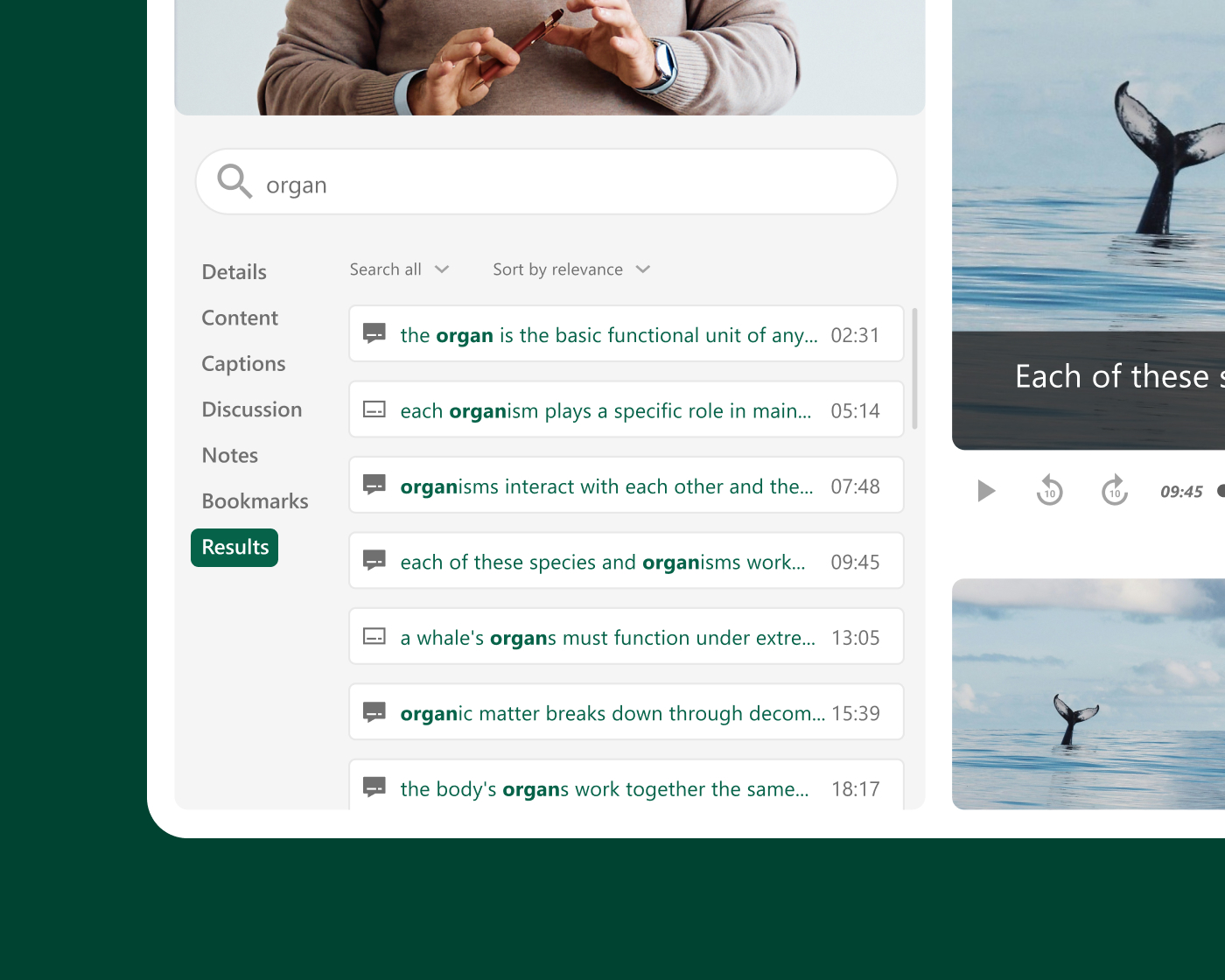
Cuando los estudiantes tienen la posibilidad de volver a ver una clase, buscar una explicación concreta o repasar un concepto complejo antes de un examen, el aprendizaje va más allá del aula. Panopto convierte cada sesión grabada en un recurso con función de búsqueda y disponible bajo demanda, que se publica automáticamente en el LMS sin que el docente tenga que realizar nada más.
Institutional scale
Built for campus-wide and multi-campus deployments
Panopto scales from a single department to university-wide and multi-campus rollouts. Centralized administration gives IT one place to manage users, storage, and governance, so every faculty, department, and campus works from the same secure, consistent platform. It’s built to grow with your institution, not just your first pilot.
Integraciones con LMS mediante LTI
Keep your students learning where they already are: in your LMS
Panopto integrates with Canvas, Blackboard, Moodle, D2L Brightspace, and other major LMS platforms through LTI and supports SSO. Students and faculty can access and upload recordings without leaving the course environment. From search to quizzing to analytics, Panopto capabilities work right inside your LMS, with no extra logins or separate portals.
Accesibilidad y cumplimiento normativo
Haz que todas las grabaciones sean accesibles desde el momento de su publicación
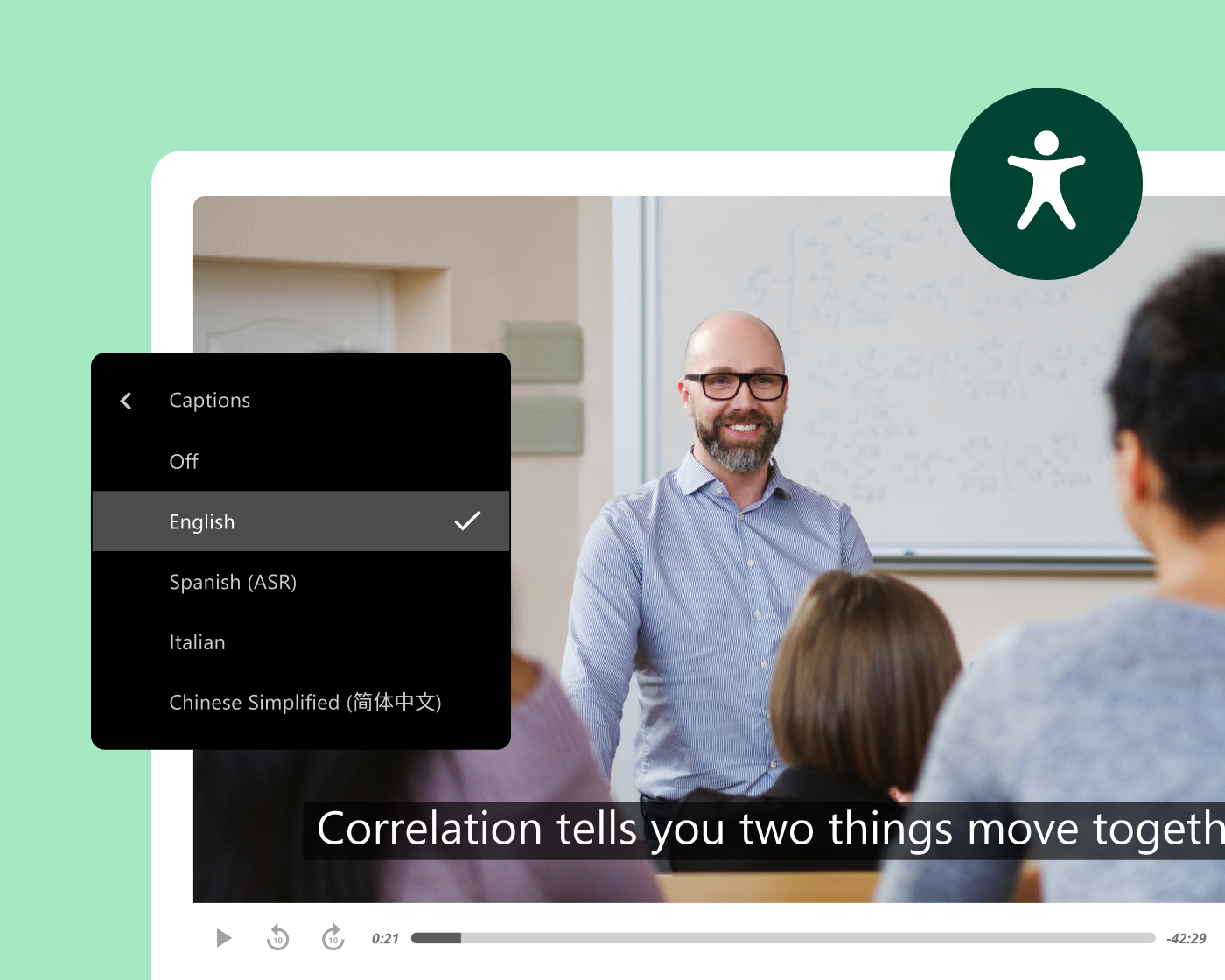
Panopto generates captions and transcripts automatically for every recording, accurately and at scale, without added work for faculty or instructional designers. Every video includes keyboard navigation and accessible playback, with variable-speed playback and screen reader support built in.
This supports institutions working toward ADA Title II and WCAG-aligned accessibility, with Section 508-compliant captioning options included.
Eficiencia del profesorado y reutilización de contenidos
Graba una vez y crea una biblioteca que sirva a largo plazo
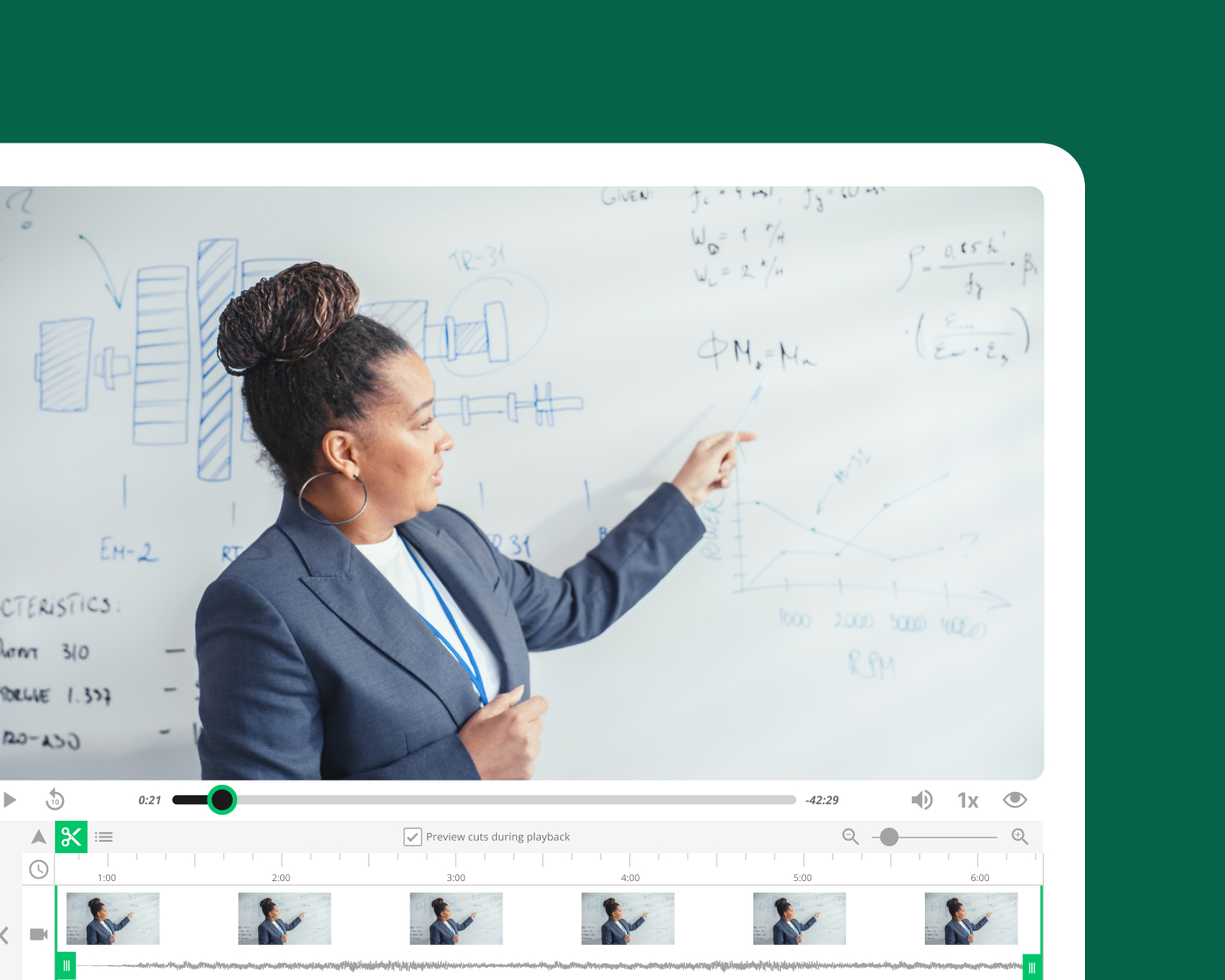
Cuando un docente graba una clase importante con Panopto, puede reutilizar ese contenido en distintos grupos, semestres y formatos de curso sin tener que volver a grabarlo desde cero. La programación automatizada, la integración con el LMS y la publicación instantánea simplifican el proceso de grabación, para que el profesorado dedique menos tiempo a aspectos logísticos y más tiempo a la enseñanza.
AI and intelligent search
AI-powered search, captions, and study support
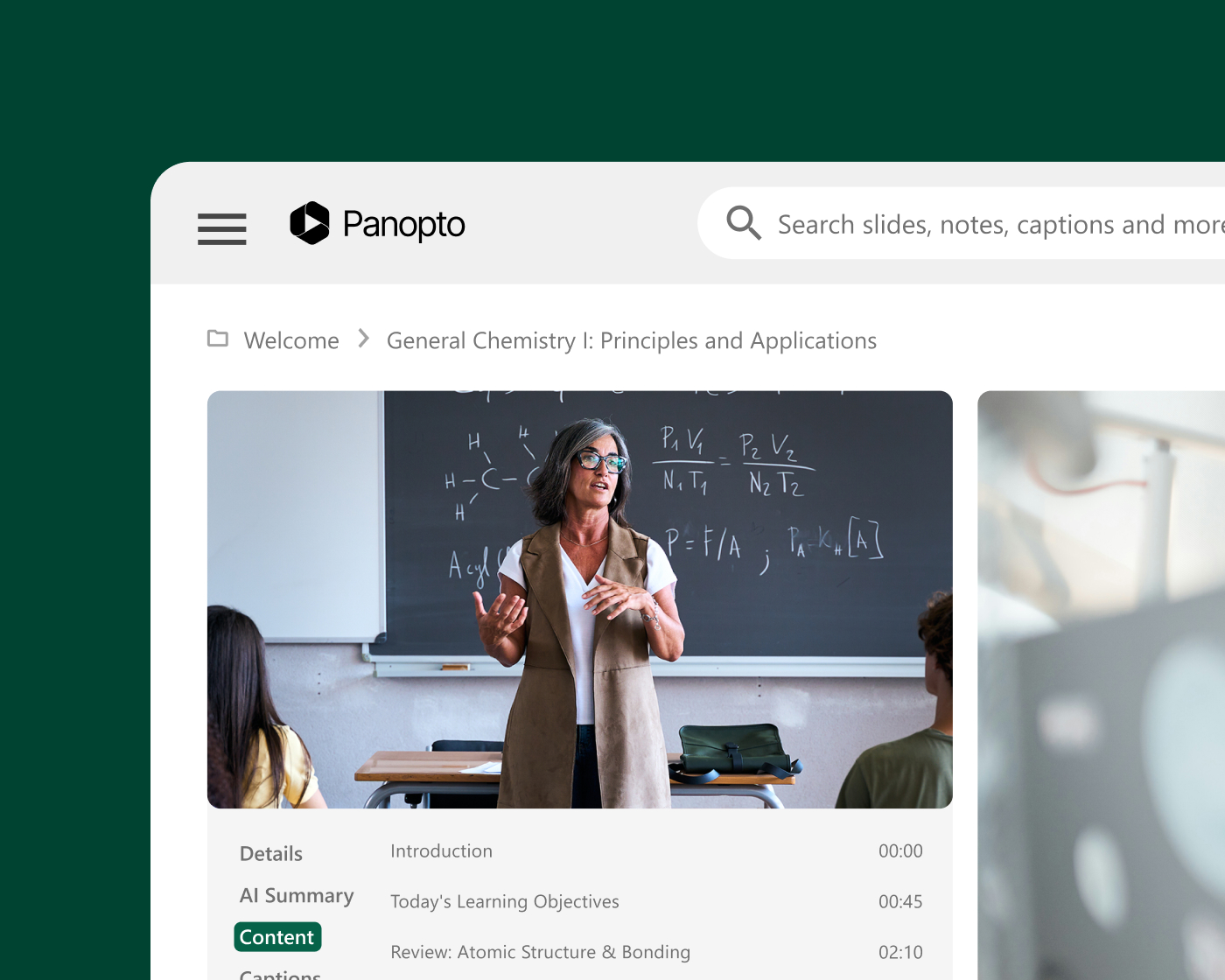
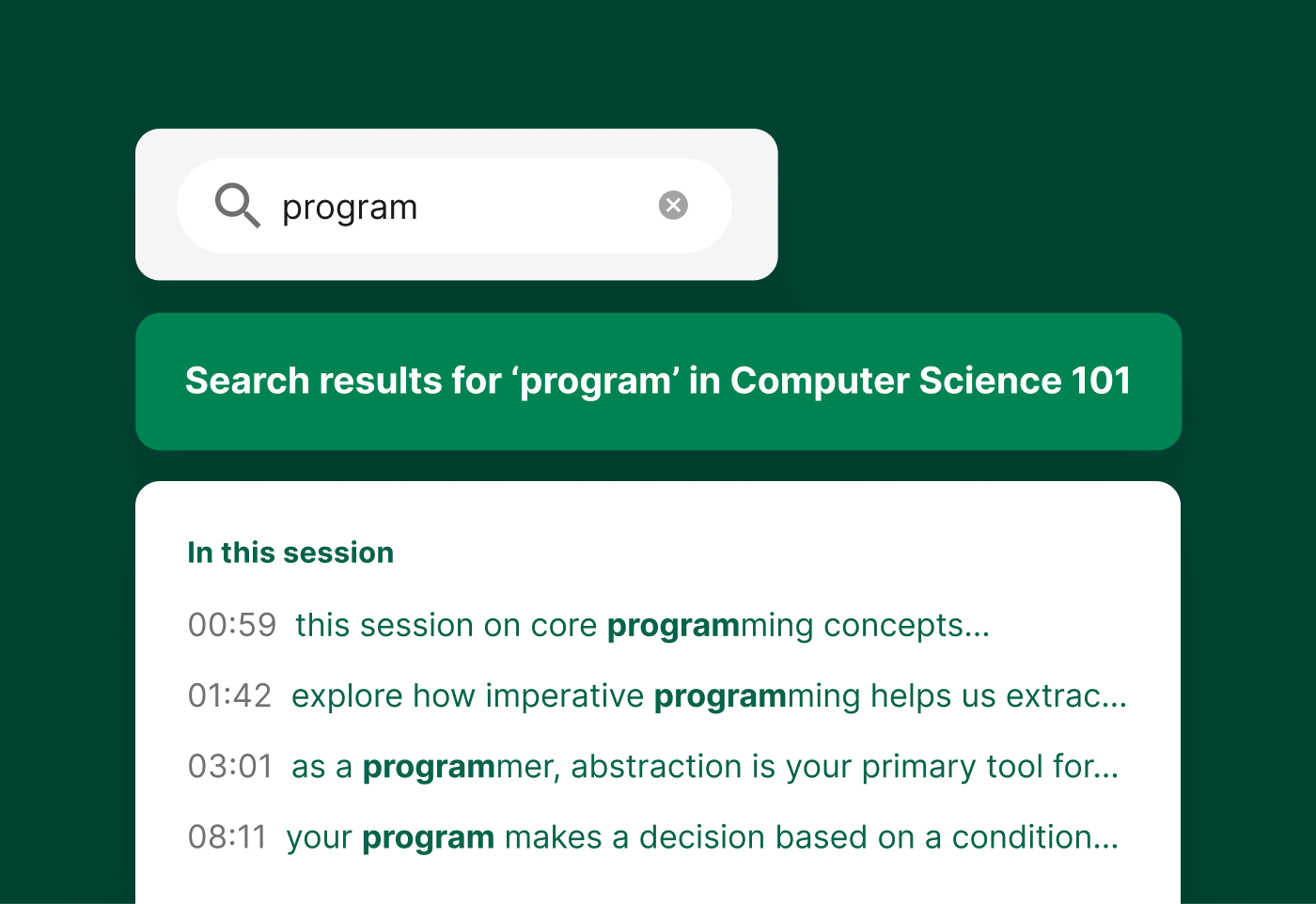
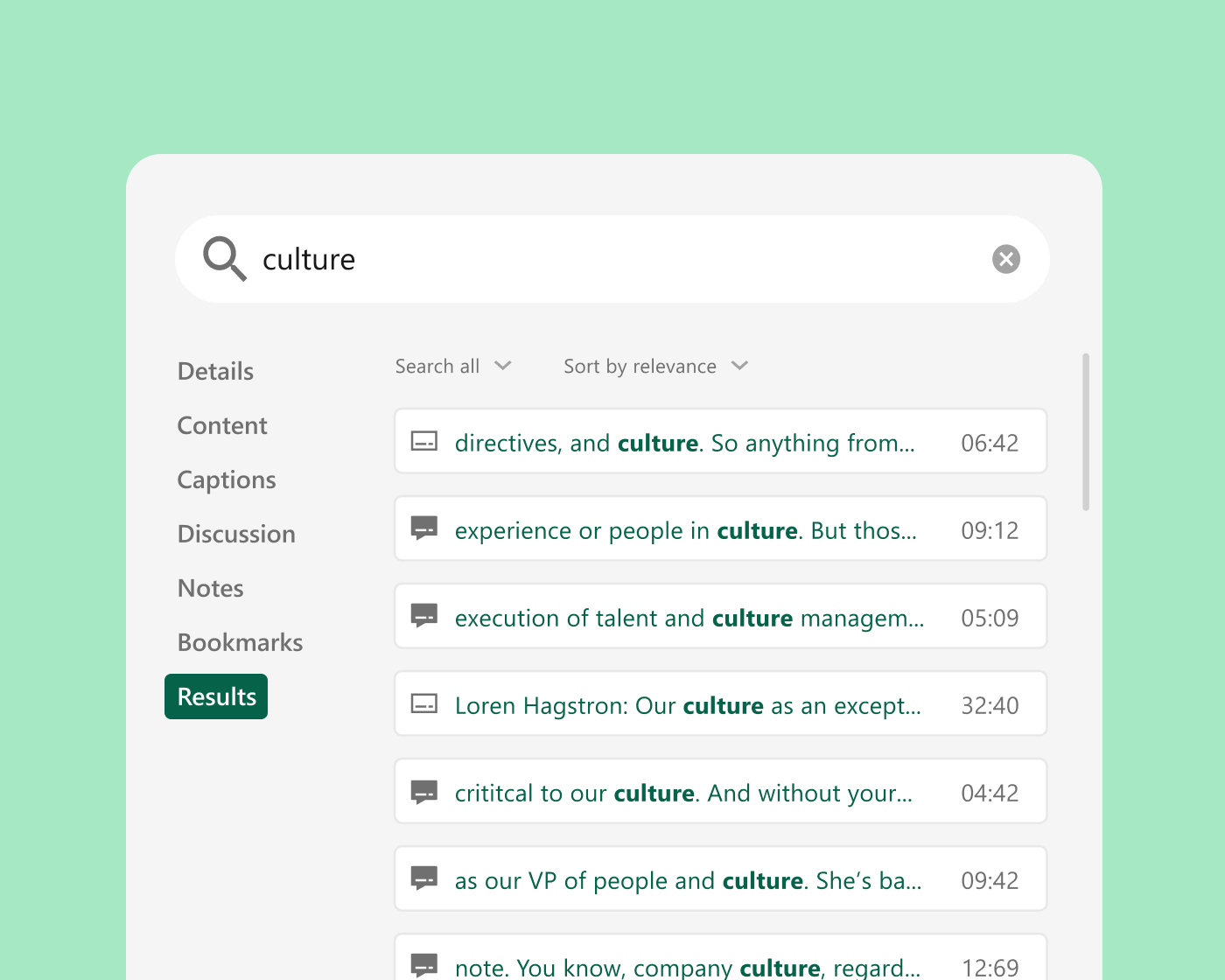
Panopto automatically captions and transcribes every recording. Smart Search indexes spoken words, on-screen text, and slides, so students can jump straight to the moment a concept is covered. Auto-generated chapters break long lectures into scannable segments, grounded in faculty-created course video students trust.

Informe de investigación
Convierte tu videoteca en el compañero de estudio con IA en el que los estudiantes pueden confiar.
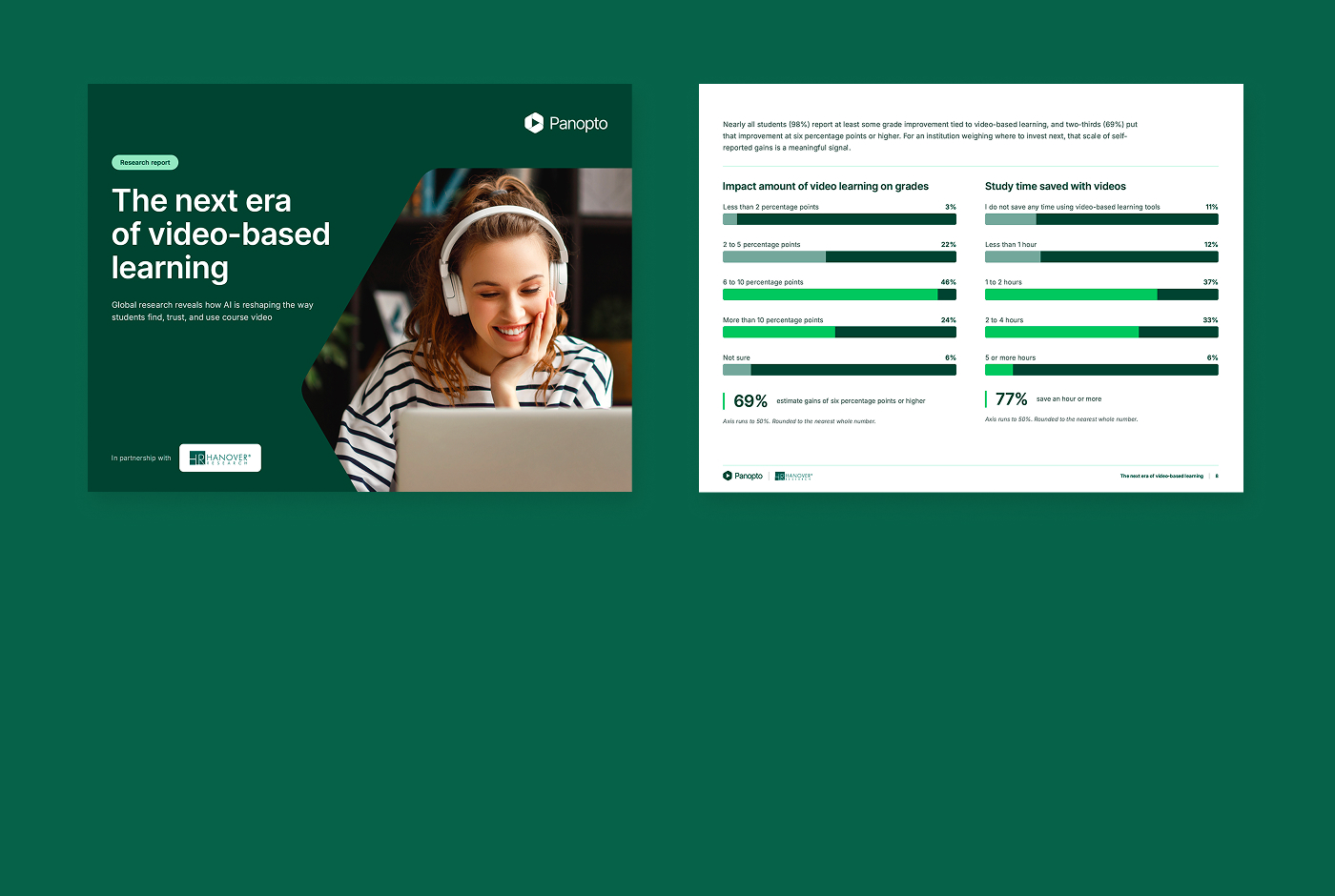
Los estudiantes ya ahorran horas y mejoran sus calificaciones con los videos de los cursos, pero la IA externa a la que muchos recurren desconoce lo que su profesor impartió, y ahí es donde comienza a surgir la desconfianza. Cuando la IA especializada se basa en videos creados por el profesorado, los estudiantes obtienen una experiencia de aprendizaje interactiva y confiable.
91%
Estudiantes que ya utilizan la IA para estudiar
69%
Los estudiantes estiman que el aprendizaje basado en videos mejora sus calificaciones en seis puntos porcentuales o más.
84%
Los estudiantes con IA integrada la consideran muy o extremadamente valiosa.
Integrate with your existing systems
Built to fit your existing stack, not replace it. Deep integrations with your LMS, collaboration tools, and classroom AV systems mean Panopto works the way your campus already does.

Canvas by Instructure
sistema de gestión del aprendizaje
Moodle
sistema de gestión del aprendizaje
D2L Brightspace
sistema de gestión del aprendizaje

Blackboard
sistema de gestión del aprendizaje
Zoom
Colaboración
Microsoft Teams
Colaboración
Descubre cómo nuestros clientes ponen el conocimiento en práctica
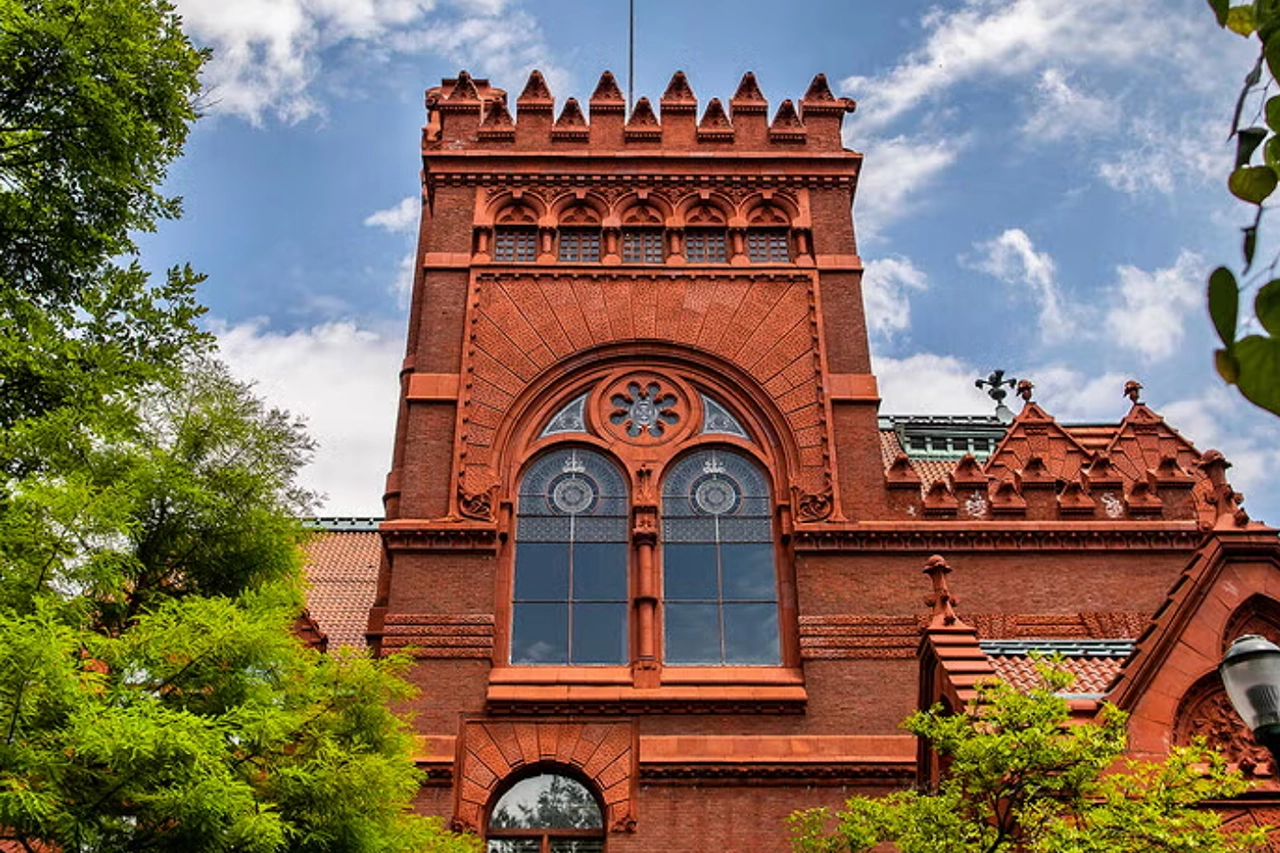

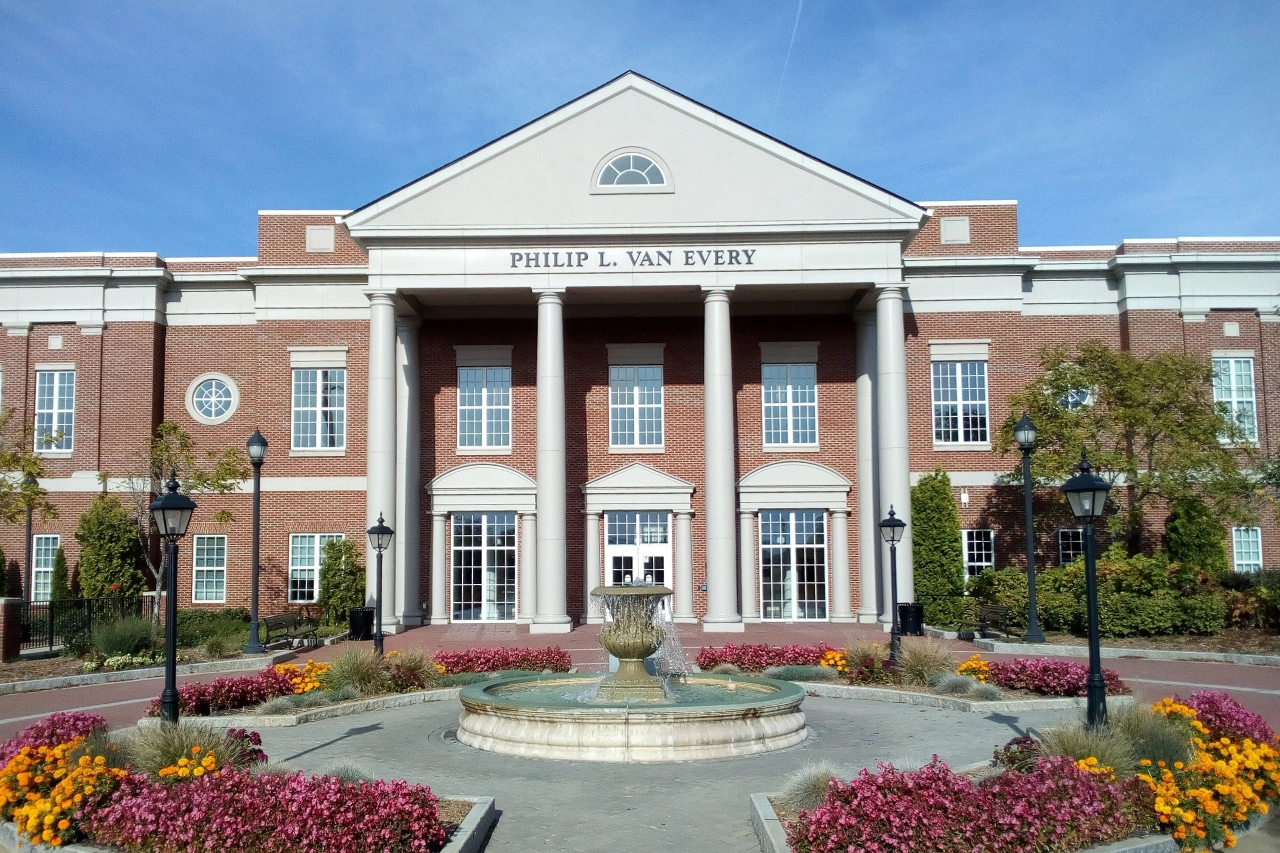
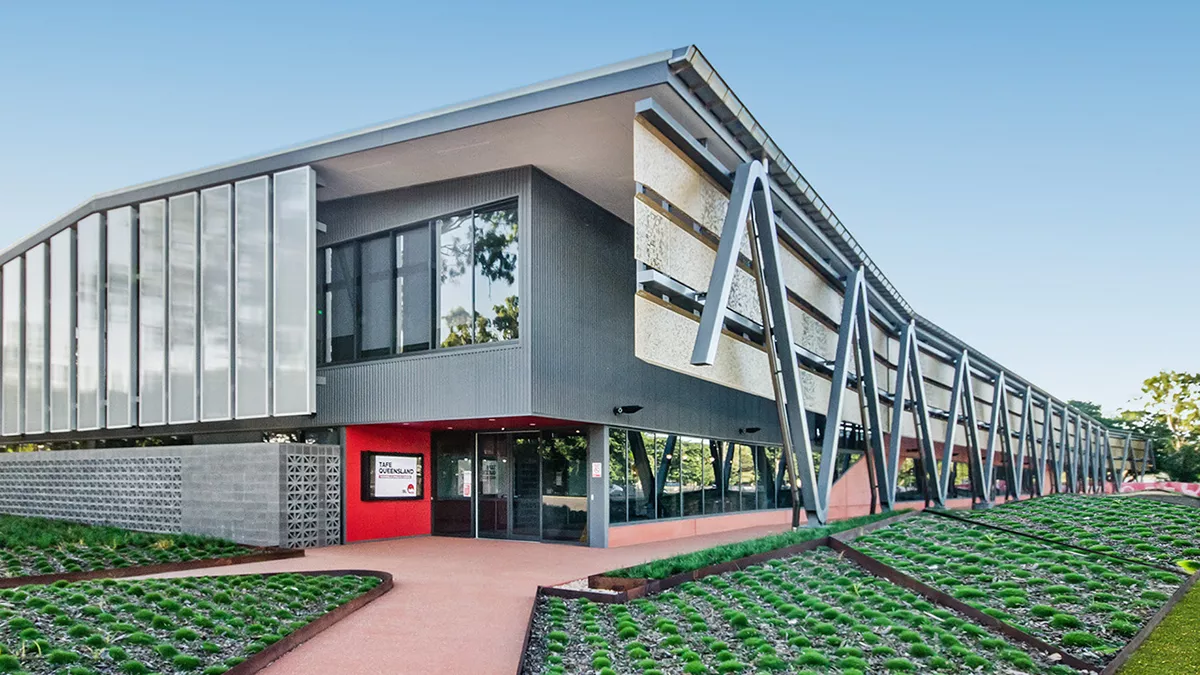



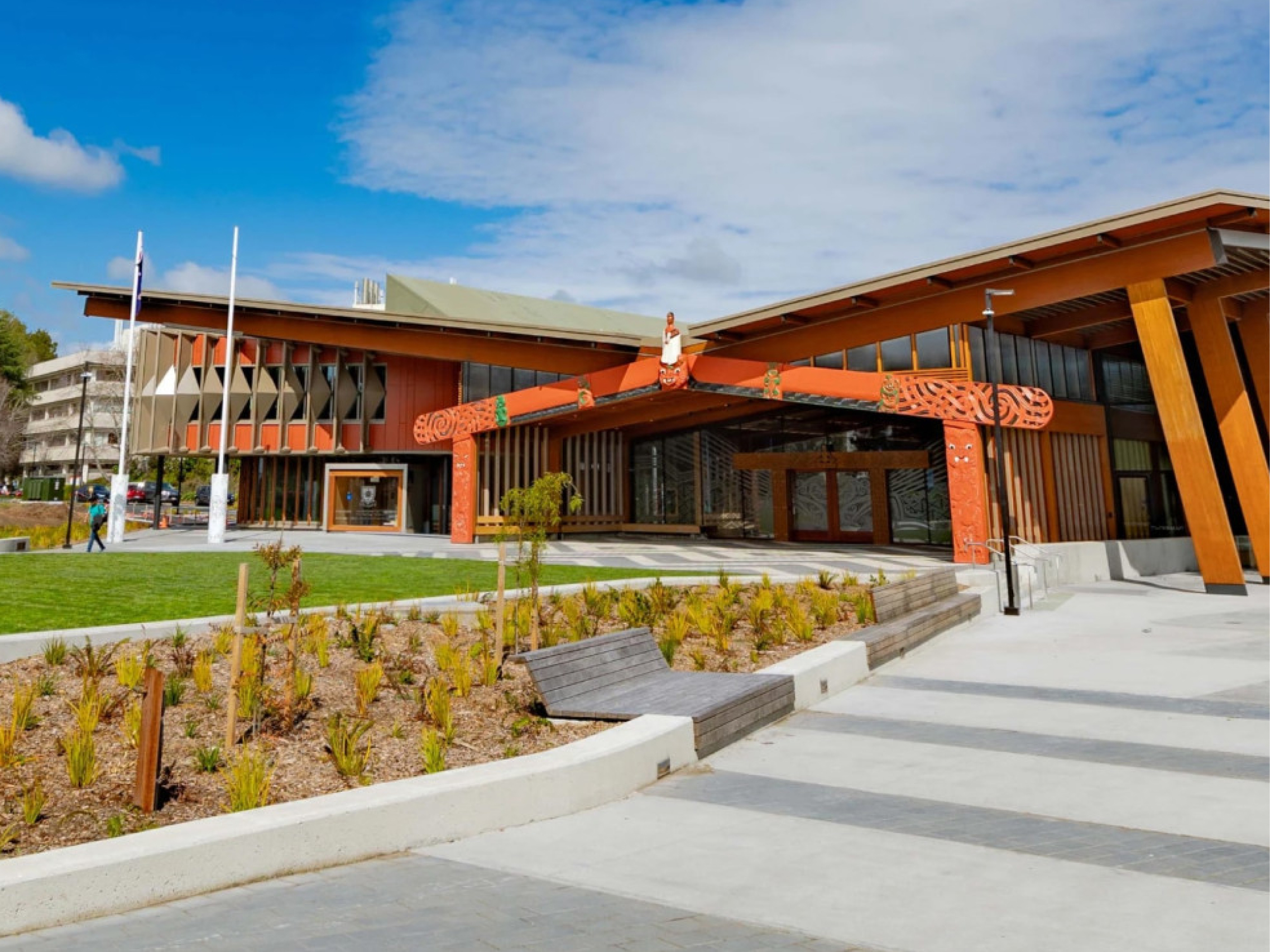
Cómo utilizan Panopto las principales instituciones educativas
Lo que dicen los clientes de Panopto
“[Panopto] se ha convertido en un recurso esencial para nuestro profesorado y nuestros estudiantes. Durante los últimos tres años, nuestro profesorado y nuestro personal han creado más de 60.000 horas de grabaciones académicas que los estudiantes utilizan como útil recurso de aprendizaje".
Director de Diseño y Prestación de la Experiencia Académica, University of Washington
"Desde el punto de vista administrativo, implementarla [la integración LTI] fue una decisión evidente, pero tanto el profesorado como los estudiantes no se dieron cuenta de que necesitaban esta función hasta que la vieron en funcionamiento".
Especialista sénior de soporte de tecnología educativa
University of Nevada Las Vegas

"Poder utilizar Panopto para compartir una clase o un vídeo de repaso permite a los estudiantes avanzar a su propio ritmo, lo que, en mi opinión, permite ofrecer las mismas oportunidades a todos. No existe una única forma de aprender que funcione para todo el mundo".
Profesor adjunto
Samuel Merritt University

"Muchos profesores están satisfechos con la calidad de la transcripción, y la mayoría se sienten con confianza como para gestionarlas por su cuenta".
Gerente de proyecto de sistemas multimedia
Central Piedmont Community College

“Desde su implementación Panopto Hemos observado un aumento significativo en el uso del vídeo por parte de los profesores. Hemos facilitado a los docentes la creación y el intercambio de vídeos, y los alumnos se están beneficiando de ello.
Responsable de Tecnologías Educativas
TAFE Queensland

"Muchos estudiantes nos han comentado lo útil que les resulta poder volver atrás y repasar el contenido a su propio ritmo para asegurarse de que han entendido todos los aspectos de la clase".
Tecnólogo educativo
University of Notre Dame

Explora lo que es posible con Panopto para la educación superior


Preguntas frecuentes
¿Cómo se integra Panopto con nuestro LMS?
Panopto integrates with Canvas, Blackboard, Moodle, D2L Brightspace, and other major LMS platforms via LTI, embedding directly inside course environments so students and faculty access video without leaving the system they already use. Course recordings are published automatically, and viewing activity is tracked within the LMS alongside other completion data. Read more about our integrations.
¿Cómo gestiona Panopto la accesibilidad y el subtitulado a gran escala?
Panopto generates captions and transcripts automatically for every recording using built-in speech recognition. Captions are available across accents, disciplines, and languages, without requiring faculty to submit content for manual captioning. When accuracy needs to be improved for a specific recording, captions can be reviewed and edited directly in the platform. Accessibility workflows are institutional, not individual. Read more about our accessibility.
¿Pueden los profesores reutilizar las grabaciones en diferentes grupos y semestres?
Yes. Recordings are stored in a governed library and can be shared across multiple course sections, copied into future course shells, or republished as needed, without duplicating files or re-uploading. Faculty build a personal library of reusable content over time, and the LMS integration ensures that new students see only what they’re meant to access.
¿Cómo admite Panopto los entornos de aprendizaje híbrido?
Panopto gives in-person and remote students equal access to every session. Recordings are captioned, indexed, and published to the LMS the moment a class ends, so students who attended in person and students who joined remotely or missed the session entirely all have the same learning resource available to them. No separate workflows, no gaps in access.
¿Pueden los estudiantes utilizar Panopto para sus propios trabajos en vídeo?
Yes. Students can record presentations, demonstrations, and video assignments directly through Panopto and submit them inside the LMS for instructor review. Peer reviews allow instructors to assign structured feedback between students, all within a governed environment that doesn’t require cobbling together separate tools.
¿Cómo funciona la búsqueda en vídeo para los estudiantes?
Panopto’s intelligent search indexes every spoken word, slide, and on-screen element in every recording using automatic speech recognition and optical character recognition. Students can search for a term, concept, or specific phrase and jump directly to the timestamped moment across the entire course library, rather than rewatching a full lecture to find what they need. Read more about our AI-powered search.
¿Podemos migrar nuestra biblioteca de videos existente a Panopto?
Yes. Panopto supports migration from other video platforms and institutional storage with a structured process that includes content validation, re-linking, and caption restoration or addition. Migration is managed by a dedicated project team with weekly milestones. Panopto’s parallel operation approach keeps content accessible throughout the transition, and Panopto states it has never missed a customer go-live, based on internal delivery records.
Can Panopto support university-wide or multi-campus deployments?
Yes. Panopto is used by higher education institutions ranging from single-campus colleges to large, multi-campus universities. The platform supports centralized administration and granular access controls so institutions can standardize video across colleges, departments, and campuses. Panopto is used at large research and state institutions including University of Washington, Yale, Cornell, NC State, UNLV, and Northeastern.
How does Panopto handle security, SSO, and compliance?
Panopto supports single sign-on through SAML, OAuth, and Active Directory, so students and faculty log in with the credentials they already use. Granular access controls let IT govern who can view, edit, or manage content down to the individual video. Data is encrypted at rest and in transit, and Panopto is FERPA-ready and supports GDPR requirements. Read more about our security and compliance.
What analytics are available for institutions and instructors?
Panopto provides viewing and engagement analytics at the video, course, and library level, including completion rates, drop-off points, and overall usage. Instructors can see how students are engaging with a specific recording, and administrators can access deeper trend analysis through Knowledge Insights, an add-on analytics dashboard. Read more about our analytics.