










Interactivity
Turn video from something people watch into something they learn from
Panopto’s interactivity features embed assessments, discussion prompts, and engagement tools directly inside video content—so learners engage actively with material, not just passively consume it.
Interactivity that makes engagement measurable
From in-video quizzes that check understanding at key moments to discussion threads that extend conversation beyond the classroom, Panopto gives instructors and L&D teams the tools to make video a two-way learning experience—with data to show it’s working.
In-video assessments
Check understanding at the moments that matter most
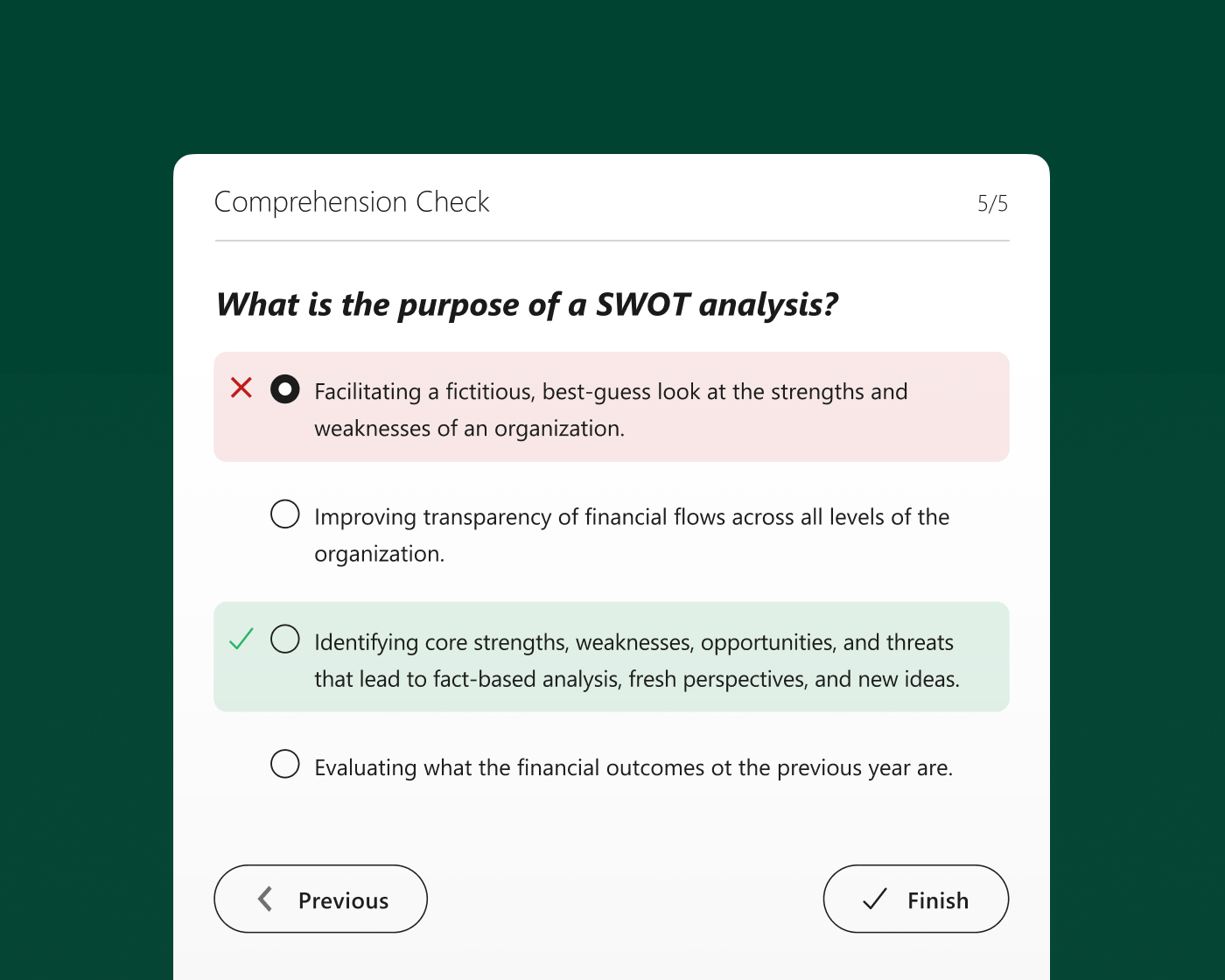
Embed quizzes and knowledge checks directly inside video at any timestamp—pausing playback automatically so learners engage with a concept before moving on. Assessment results feed into the LMS gradebook and analytics dashboard, giving instructors visibility into comprehension across an entire cohort.
Discussion and annotation
Extend the conversation beyond the recording
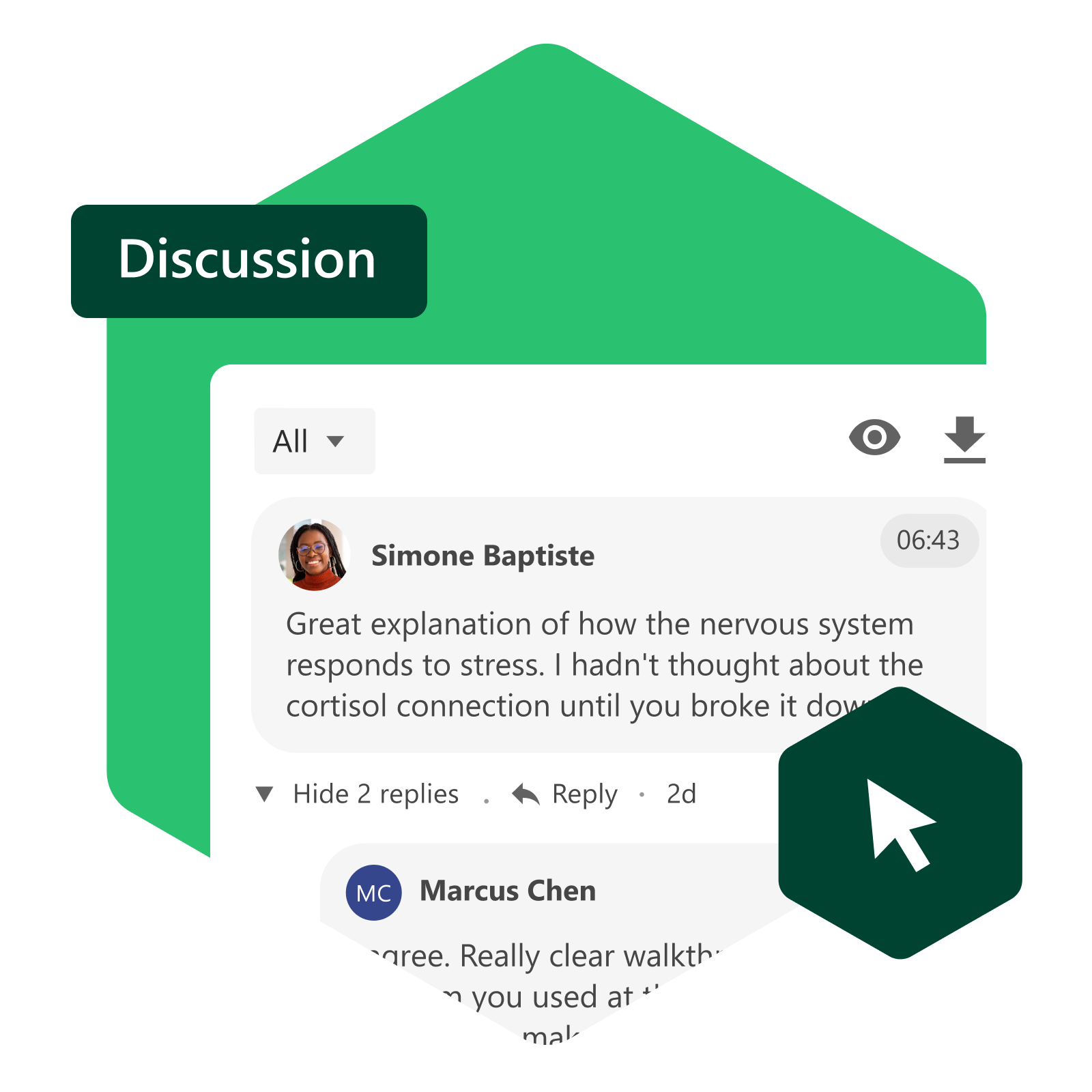
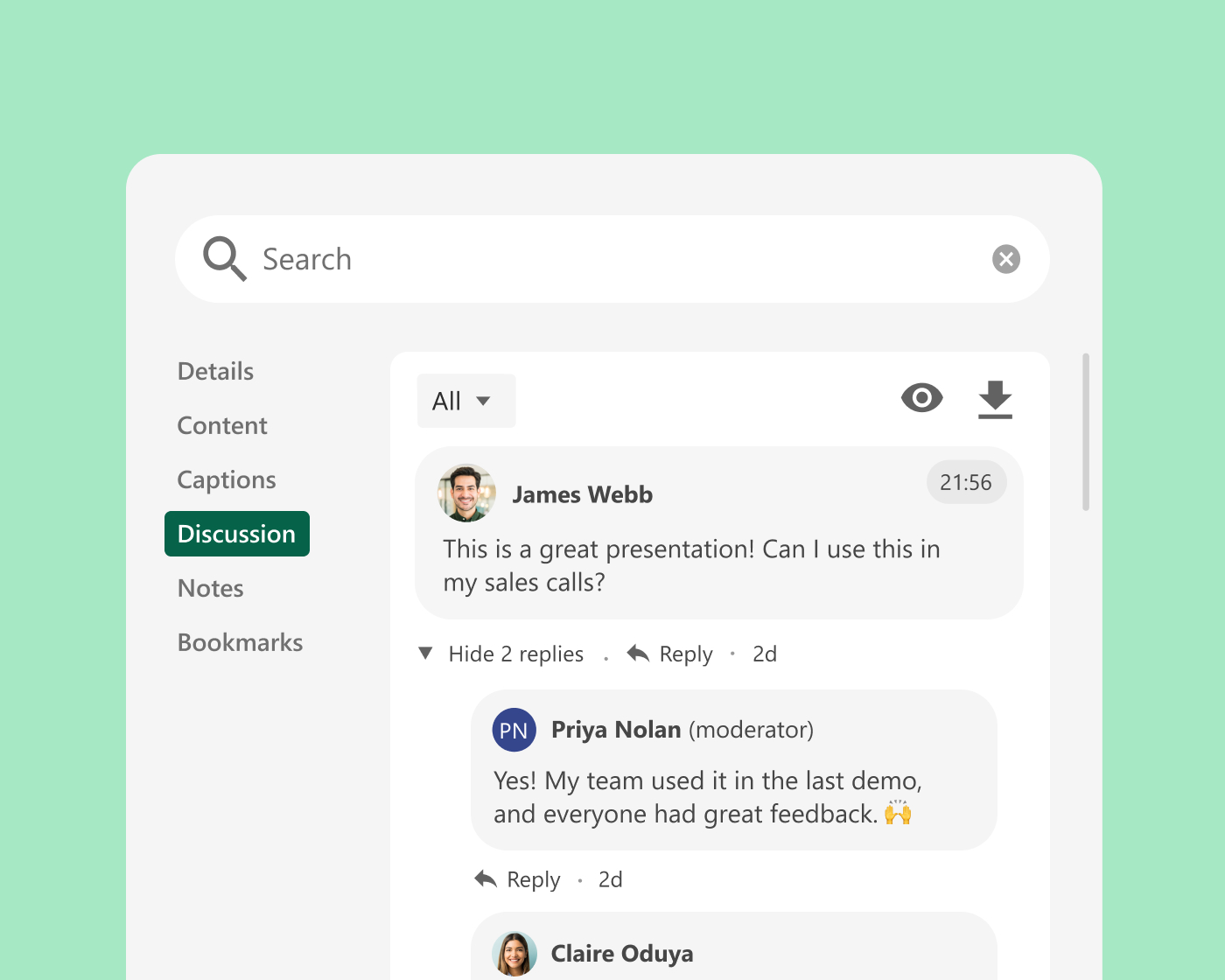
Time-stamped comments and discussion threads let students and colleagues ask questions, share observations, and respond to each other directly within the video—anchored to the exact moment they’re referencing. Instructors can respond in context, turning recorded content into an ongoing learning dialogue.
Engagement tracking
Understand how learners are engaging with every video
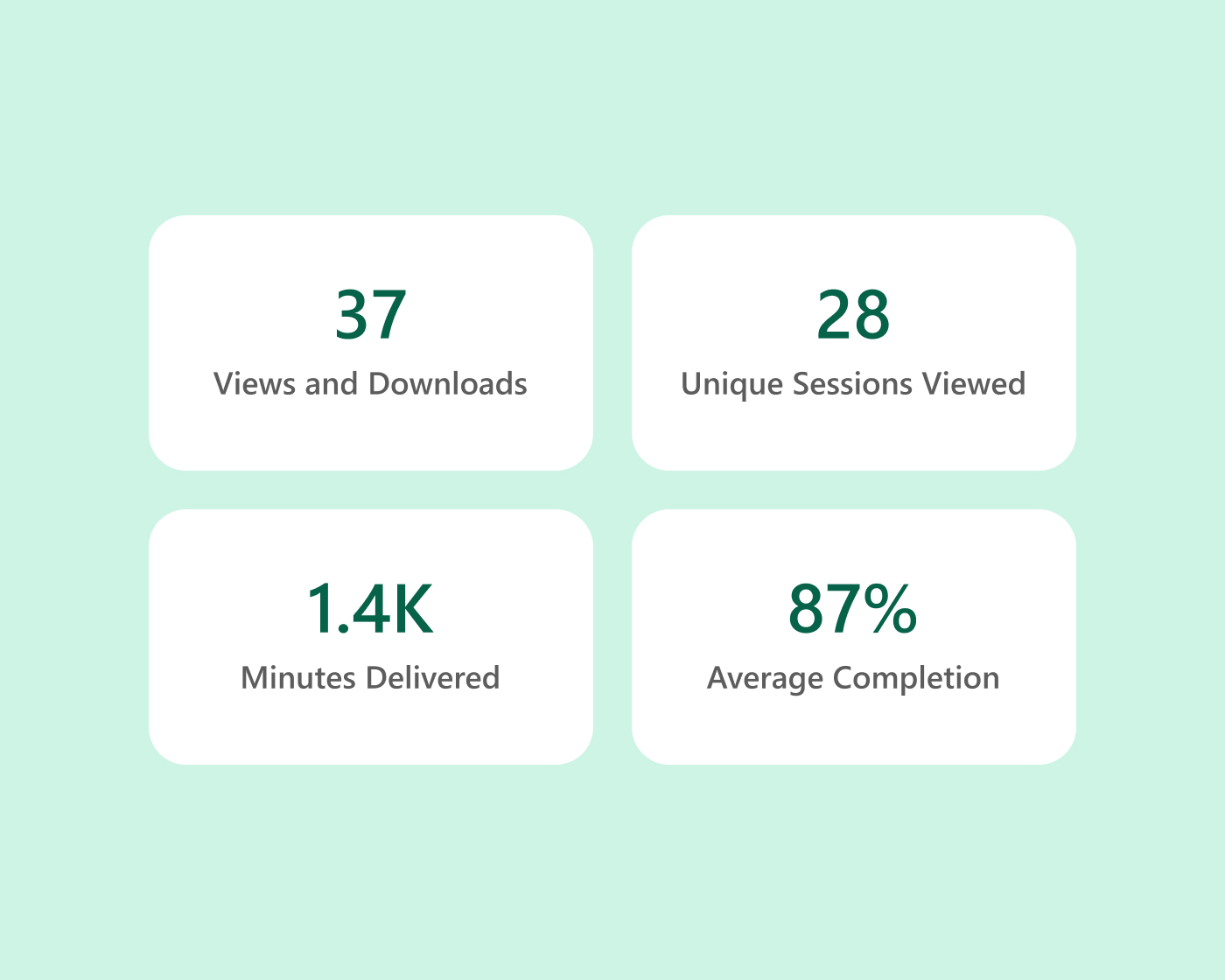
Panopto tracks views, unique viewers, minutes delivered, and per-learner completion percentage for every video. The viewer engagement chart shows which moments in a video are rewatched most—surfacing content that learners find difficult or valuable—and per-learner reports give instructors visibility into who is engaging and who may be falling behind.
Platform add-on
Create learning paths that respond to how each learner answers
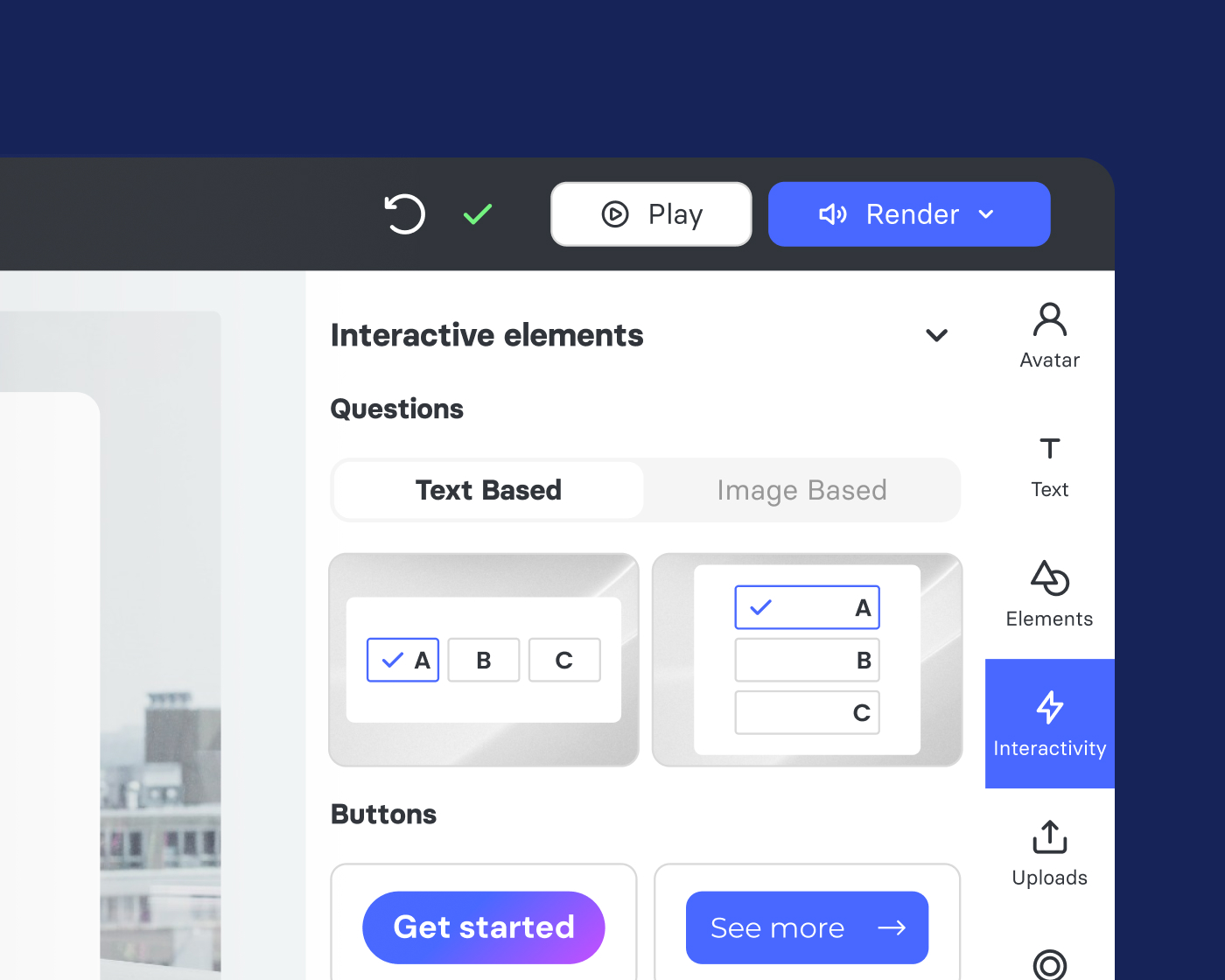
Elai, Panopto’s AI Video Studio, supports branching video that lets creators build scenario-based content where the path through the material changes based on learner choices. Particularly effective for compliance training, onboarding, and soft skills development, it makes practice realistic without putting learners in live situations.
Platform add-on
See exactly how learners are engaging with every video
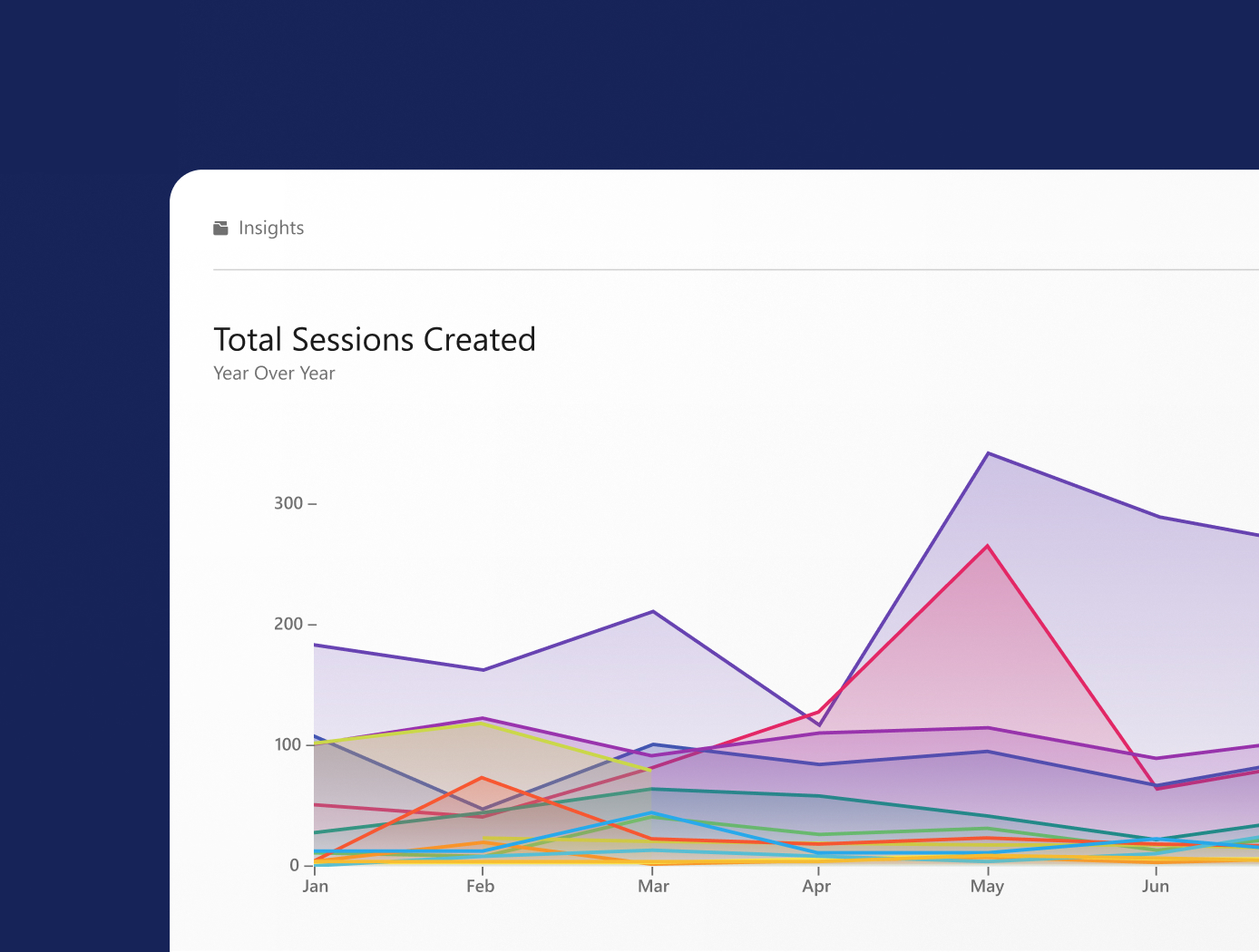
Knowledge Insights tracks where learners pause, rewind, skip, and complete—giving instructors and L&D teams precise insight into which moments land and which lose the audience. Combined with quiz results and completion data, engagement tracking surfaces the information needed to improve content and identify learners who need support.
Explore more of what Panopto can do
Interactivity is one part of a platform designed to make video work harder across your entire organization. Explore the capabilities that make it possible.
Take a closer look at interactivity



Frequently asked questions
Can I embed quizzes directly inside a Panopto video?
Yes. Quizzes and knowledge checks can be embedded at any timestamp within a video—pausing playback automatically so learners engage with the content before moving on. Results feed directly into the LMS gradebook and Panopto’s analytics dashboard, giving instructors visibility into comprehension across an entire cohort without any manual data collection.
Can students ask questions or leave comments on a Panopto recording?
Yes. Time-stamped discussion threads let students and colleagues ask questions, share observations, and respond to each other directly within the video—anchored to the exact moment they’re referencing. Instructors can respond in context, and moderation controls give them oversight of the conversation.
What is branching video and when should I use it?
Branching video lets creators build scenario-based content where the path through the material changes based on how a learner answers. It’s particularly effective for compliance training, onboarding, and soft skills development—situations where realistic practice matters but putting learners in live scenarios isn’t practical. Branching video is available through Elai, Panopto’s AI Video Studio add-on.
Can I see how learners are engaging with a specific video—not just whether they completed it?
Yes. Panopto tracks where learners pause, rewind, skip, and drop off—giving instructors and L&D teams precise insight into which moments in a recording are landing and which are losing the audience. Combined with quiz results and completion data, that information surfaces which content needs improvement and which learners may need additional support.
Does interactive video content integrate with my LMS?
Yes. Quiz results, completion data, and assessment scores pass directly into the LMS gradebook through Panopto’s LMS integrations—so interactive video fits into existing grading and reporting workflows without requiring a separate system or manual data transfer. Read more about our integrations.