




- Education
Advancing Accessible Learning Experiences with Video
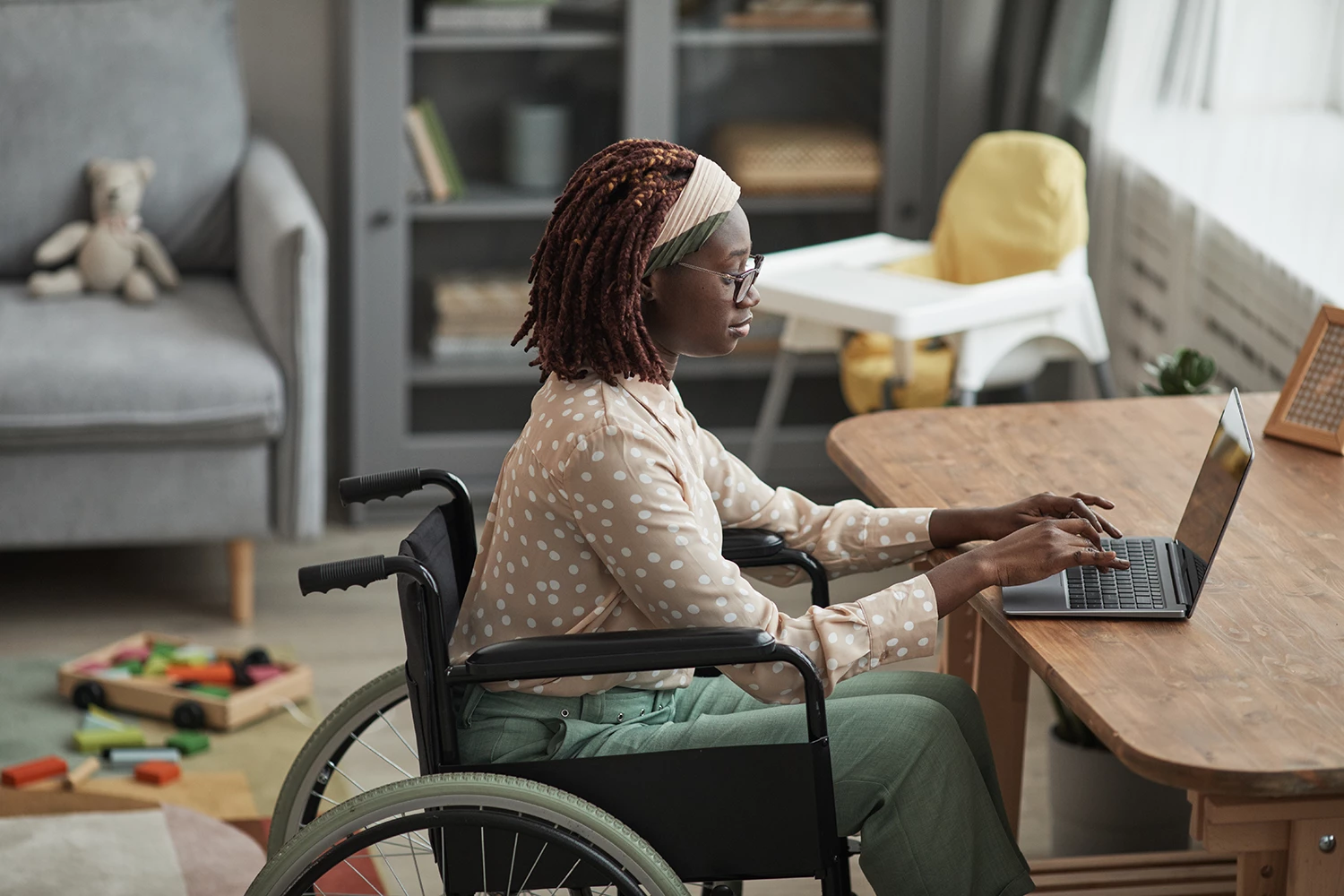
Flipped classrooms and blended learning environments were once novel concepts. Today’s learners expect flexible, student-centered education that extends far beyond the walls of a lecture hall. Asynchronous video, virtual reality, and other digital tools open up new possibilities—but without thoughtful accessibility design, these innovations can unintentionally exclude many students.
Download our free eBook to explore five practical ways to improve accessibility in your institution’s learning ecosystem.
What Is Accessibility in Education?
Accessibility ensures that every learner—regardless of disability, language background, or circumstance—can access, interact with, and benefit from digital content. It goes beyond compliance, embracing universal design principles so that accessible learning materials become integral to the educational process.
Common barriers include:
- Physical or sensory disabilities
- Temporary medical impairments or injuries
- Limited internet bandwidth or unreliable connectivity
- English language learners and those juggling work or caregiving responsibilities
By removing these barriers, institutions not only meet ADA requirements but also foster educational equity and enhance learning for all students.
How the ADA and Related Laws Shape Higher Ed
Since 1990, the Americans with Disabilities Act (ADA) has set the standard for preventing discrimination against people with disabilities. Key legislation and guidelines include:
- Section 504 of the Rehabilitation Act, which mandates equal access and support in educational settings
- Section 508 of the Rehabilitation Act, requiring federal agencies (and recipients of federal funds) to make electronic information accessible
- WCAG 2.1 (Web Content Accessibility Guidelines), offering success criteria for text spacing, color contrast, audio description, and more
Failing to prioritize accessibility can lead to poor learning outcomes, student attrition, loss of federal funding, and reputational risk.
Key Lecture Capture Features for Accessible Learning
Lecture capture platforms play a vital role in breaking down accessibility barriers. Look for solutions that offer:
- Captioning: Ideal for students who are deaf, hard of hearing, or taking notes while they watch
- Screen reader compatibility: Enables synthetic speech to read on-screen text aloud
- Keyboard navigation: Allows full control of video playback without a mouse
- Audio descriptions: Provides narration of visual elements for learners with visual impairments
- Variable playback speeds and interactive transcripts: Empowers students to review content at their own pace
“The videos have just opened up the world for our students,” says Barb Puder, Chair of Basic Sciences at Samuel Merritt University. “It’s created equity for learners who need more time to analyze information.”
Recording ADA-Compliant Lectures
Purpose-built video platforms simplify ADA compliance with features like:
- One-click caption requests and automated captioning workflows
- LMS integration for seamless access to captioned lectures
- Alt text support for images and interactive elements
- WCAG-aligned color contrast and text sizing
Beyond technology, faculty should also:
- Provide brief text summaries of key concepts
- Include links to supplemental resources
- Add descriptive clip titles for complex or specialized content
Panopto’s Commitment to Accessible Education
At Panopto, accessibility isn’t an afterthought—it’s central to our mission: helping anyone share knowledge through video. From our built-in captioning partnerships to intuitive player design, we strive to make every lecture, tutorial, and presentation usable by all learners.
“Panopto has been a partner in our mission to provide the best possible learning experience,” notes Tom Lewis, Director of Academic Experience Design & Delivery at the University of Washington. “They listen to our feedback and continually evolve their service to support our accessibility goals.”
As hybrid and remote learning continue to shape higher education, investing in accessible video not only ensures compliance but also drives student success and institutional resilience.