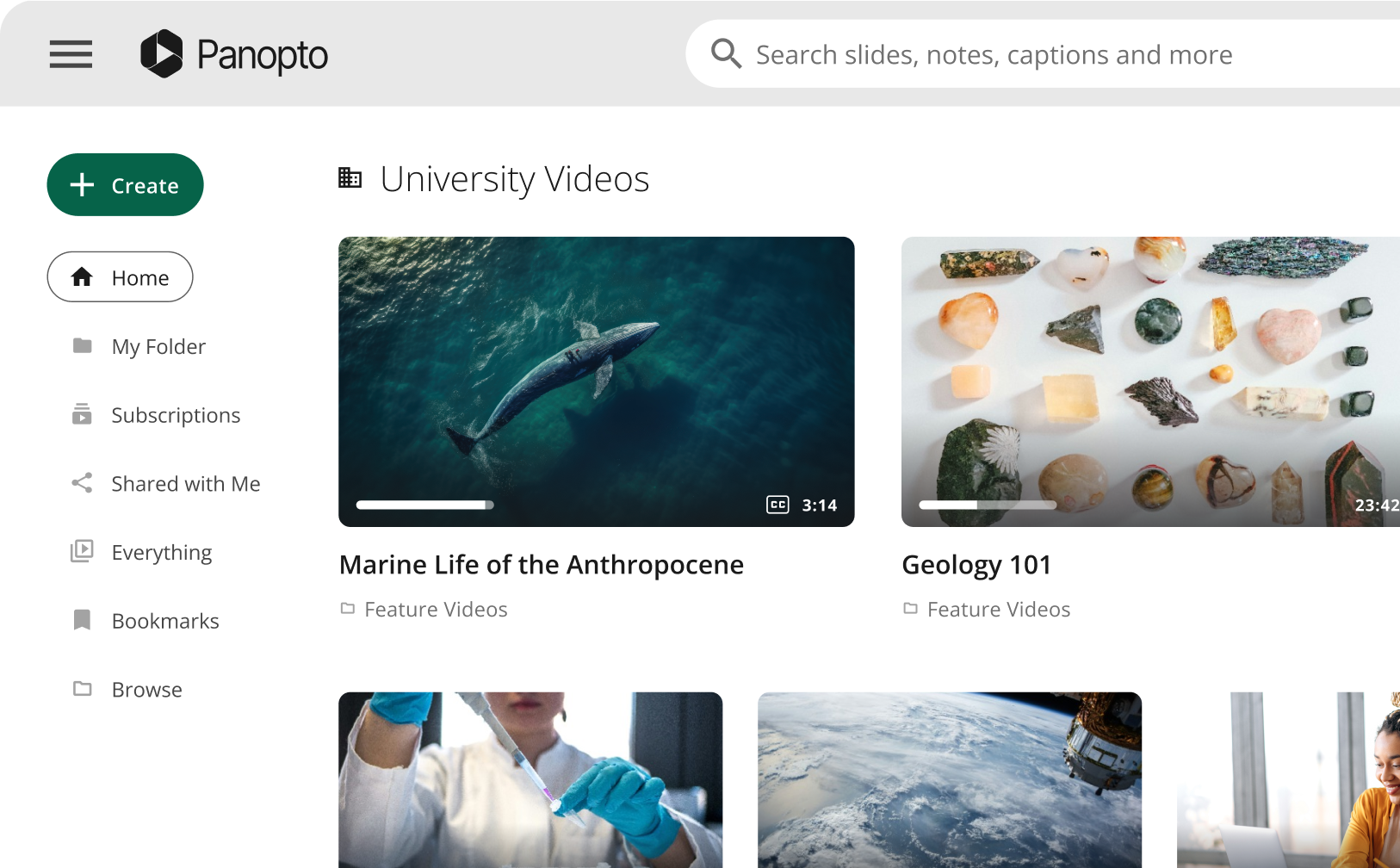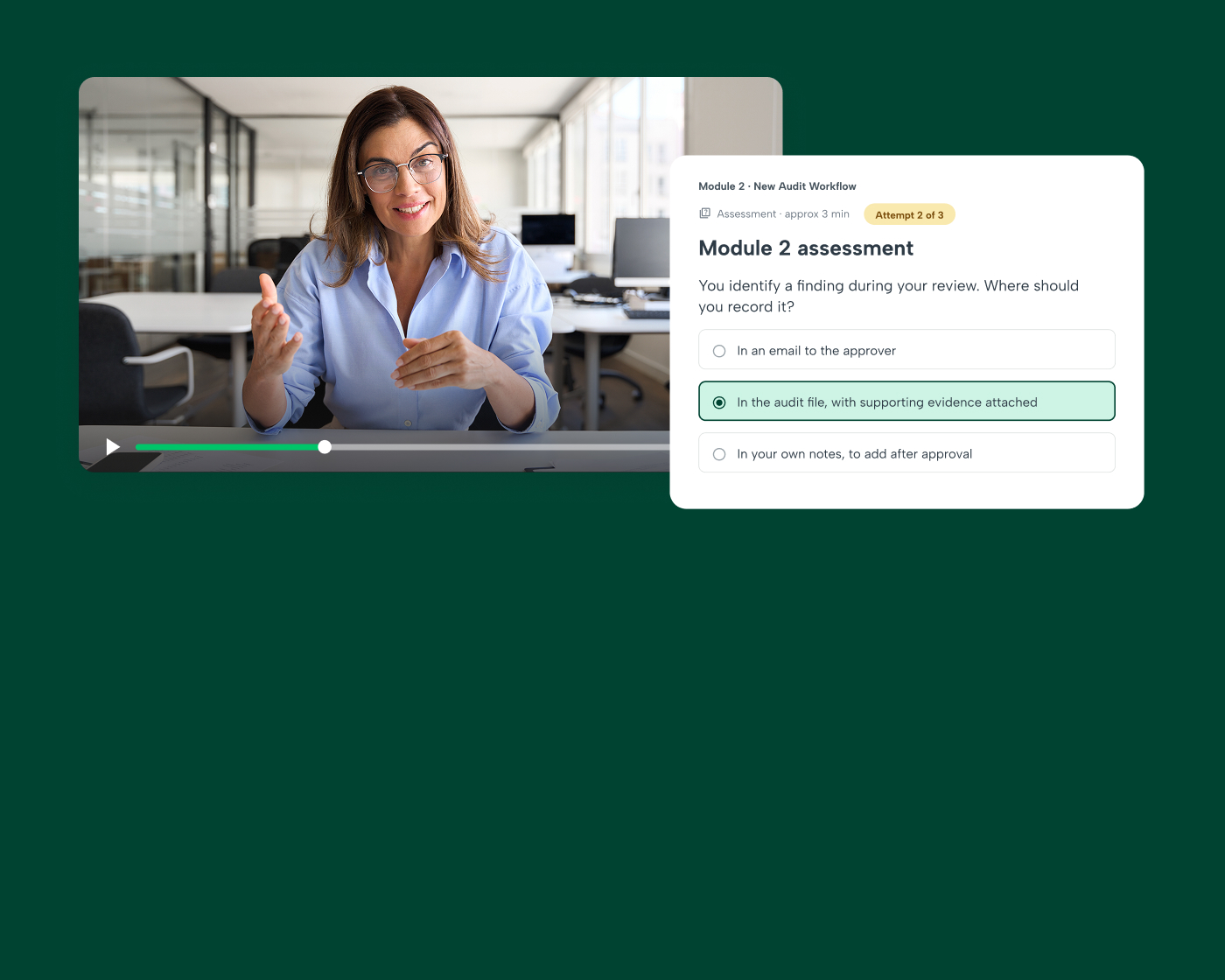











Articulate Rise 360 and Panopto do different jobs. Rise is a web-based course builder for responsive, block-based lessons. Panopto is an enterprise video platform that records, hosts, and searches video by spoken and on-screen words, with per-viewer analytics. Panopto works alongside Rise. When teams use both, they build the lesson in Rise and keep longer or shared video in Panopto, where people can find it again after the course ends.
Rise vs Panopto
Articulate Rise 360 is a web app for building fully responsive courses, so a lesson fits the phone or tablet a learner carries. A lesson for frontline, mobile, or deskless learners might include a safety walkthrough or a product demo video.
This page covers what Rise is built to do, what Panopto is built to do, and how the two work together while your team keeps its tracking in the learning management system (LMS). The details come from Articulate’s and Panopto’s own documentation.
| Articulate Rise 360 | Panopto | |
| Built for | Responsive, block-based lessons that authors build in a web browser | Recording, hosting, searching, and measuring video across an organization |
| Output | SCORM 1.2 and 2004, xAPI, cmi5, and AICC packages for an LMS, plus web output, PDF, or delivery through Reach 360, Articulate’s LMS | A central video library that reaches learners through LTI integrations, embed code, or a SCORM 1.2 manifest |
| Video | Video block for uploaded files under 5 GB, with automatic compression to MP4 unless “Preserve file quality” is selected | Video streams from the library, is searchable by spoken and on-screen words, and can be reused wherever embed code or a link can go |
| Tracking | Course completion by completion percentage, quiz result, or Storyline block | Per-viewer watch time, percent completed, and drop-off trends, with exportable reports |
Video in Rise courses
Authors add video to a Rise lesson by uploading a file or by embedding web content. Short clips work well as uploads, because Rise can require learners to finish an uploaded video before they move on. Longer or shared videos are harder to manage this way. A safety walkthrough used in six courses means six copies to update, unless the courses embed one hosted copy.
The Embed block accepts a web address or embed code, and Rise uses Embedly to embed media from more than 400 content providers. An embedded video keeps playing when a learner switches tabs or scrolls away, and auto-pause requires an uploaded file.
Embedding also changes how the video is tracked. Rise cannot track completion of an embedded video because the video plays from another platform. A lesson that must show a learner watched a clip can use an uploaded file, or rely on Panopto’s viewer analytics for the embedded version. The next section shows how that embedding works with Panopto.
How teams use Rise and Panopto together
Panopto and Rise connect through embedding. Panopto’s Share settings provide an iframe embed code for a video. An author copies the code from Panopto and pastes it into an Embed block in the lesson, so the video streams from Panopto while the lesson stays in Rise.
Access follows the video’s share setting in Panopto. A video set to Public (unlisted) plays for anyone who opens the lesson, with no Panopto account. A Restricted video plays only for people added to it, and a learner who is not signed in to Panopto may need to click to sign in inside the embedded player.
Measurement then comes from two places. Panopto’s viewer statistics record plays of an embedded video, including watch time and percent completed for each signed-in viewer, while Rise records progress through the lesson. Together they show how far a learner went in the lesson and how much of the video a signed-in viewer watched.
The video stays in the Panopto library, where Panopto indexes every spoken word and every word shown on screen. A technician can search for the exact step and jump to that moment months later at the machine when they need a refresher.
Frontline and mobile learning with both tools
Articulate builds Rise courses to be fully responsive, so a lesson adjusts to the screen a learner holds.
Panopto provides quick access to the exact moment a learner needs. Its mobile apps for iOS and Android support playback and search inside videos, and teams can link a QR code to a video so that a scan opens it.
Toyoda Iron Works Co. Ltd. (TOYOTETSU) shows how that quick access works on a factory floor. The Japan-based press parts manufacturer attached QR codes to its equipment, so employees scan a code and watch the training video for that machine. TOYOTETSU reports that onboarding time fell from 40 hours to 20 and that passing rates on the National Trades Skills Test improved by 24%.
Which tool to use when
- Rise fits short, structured lessons with knowledge checks that authors build quickly and learners open on a phone or computer.
- Panopto fits recorded expertise, long walkthroughs, live and recorded events, and any video people will search for later.
- Using both fits lessons that lean on video or reuse the same clips across courses.
Teams planning a larger program can read about video training with Panopto.
Frequently asked questions
Does Panopto replace Articulate Rise?
No. Rise builds the lesson, and Panopto records, hosts, searches, and measures the video that goes into it. Teams can use Rise for structured, responsive courses and Panopto for video that people need to find or reuse.
Can you embed a Panopto video in Rise?
Yes. Rise’s Embed block accepts iframe code, and Panopto provides iframe embed code in a video’s Share settings. The video plays from Panopto and stays outside Rise’s own completion tracking. Videos set to Public (unlisted) play without a Panopto sign-in, and Restricted videos may ask the learner to sign in first.
Can Rise track whether a learner watched an embedded video?
No. Rise cannot track completion of an embedded video because the video plays from another platform. Uploading the clip to a Video block lets Rise require the viewing, and Panopto’s viewer analytics record watch time and percent completed for signed-in viewers of an embedded video.
What is the video file size limit in Rise?
Rise accepts video files under 5 GB. Files outside Articulate’s specifications, which are a bitrate of 10 Mbps or less and a 16:9 aspect ratio up to 1,920 by 1,080 pixels, are compressed automatically to MP4 unless the author selects Preserve file quality. The 5 GB limit applies either way, so larger videos can stay in Panopto and be embedded.
Rise or Storyline for video-heavy training?
Both tools can support uploaded and embedded video, so the choice depends on the kind of course you are building. Rise builds responsive, block-based lessons. This page compares Panopto and Storyline in detail. In either tool, longer or shared video can live in Panopto.
Where can video for Rise courses be hosted?
Short clips that must count toward completion can be uploaded to Rise. Longer, shared, or frequently updated video can be hosted in Panopto and embedded, giving every course one copy to show and making the video searchable by spoken and on-screen words.