




Video Content Management (CMS) Software for Every Team
Store, manage, and share video content securely with Panopto’s enterprise video content management system, built for organizations that need to scale video at any size.








What Is Video Content Management? Enterprise CMS for Video Assets
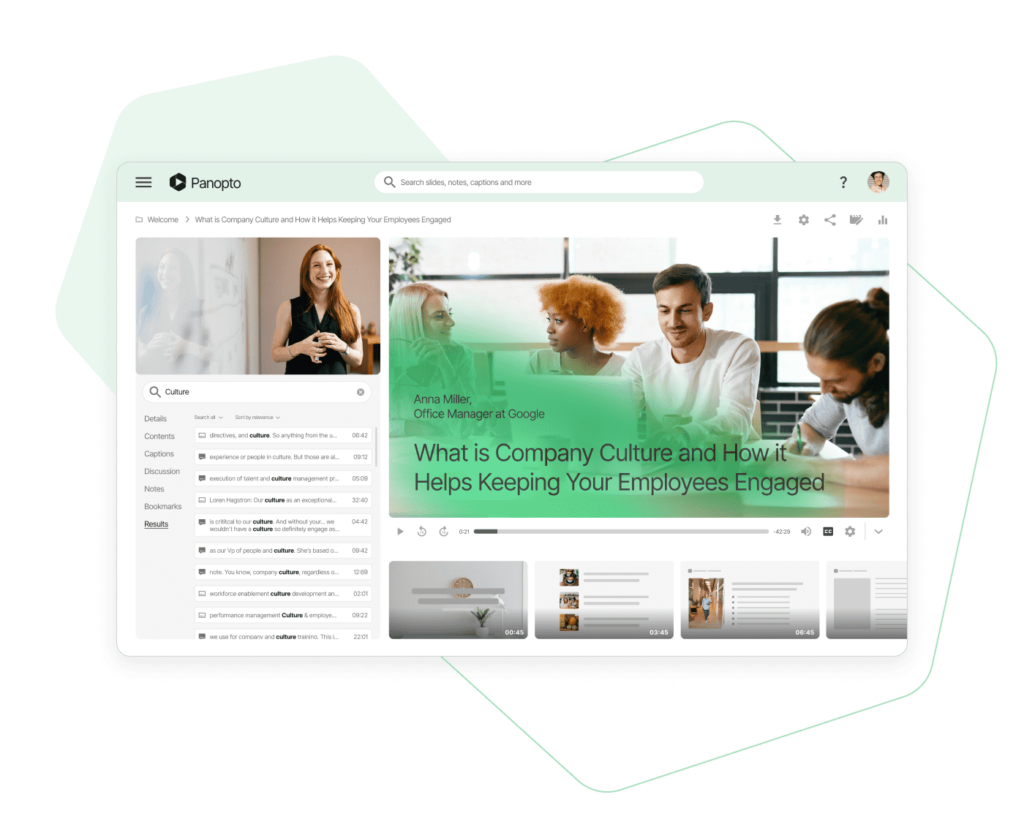
Traditional learning management systems, content management systems, and CRM platforms weren’t designed for video. They limit file sizes, restrict video formats, and create network bottlenecks when streaming content. A video content management system handles video-specific requirements, centralized storage, format compatibility, and optimized delivery at enterprise scale.
Panopto’s video CMS makes it easy for anyone in your organization to find and stream video assets from anywhere. The platform integrates with your existing LMS, CMS, CRM, and internal systems, so you can share videos where your people already work.
“For the team here at Nike, Panopto has two major benefits. First, the Panopto video platform really helps us meet all our video needs. And second, Panopto’s customer service has been just amazing.”
Marie Dufosse, Program Coordinator, Nike

Secure Video Content Management with SSO and Granular Permissions
Panopto integrates with single sign-on systems including Google Apps, OAuth, SAML, and Active Directory, plus LMS authentication for desktop and mobile users. Customers can authenticate through additional ID providers using our API and continuously synchronize access control lists.
Videos uploaded to your Panopto video library or live streamed are viewable only by users with granted access. Administrators can expand access to anyone logged into your Panopto CMS or make content public. Sharing settings can be updated for entire collections, eliminating individual file management.
AI-Powered Video Content Management System for Productivity
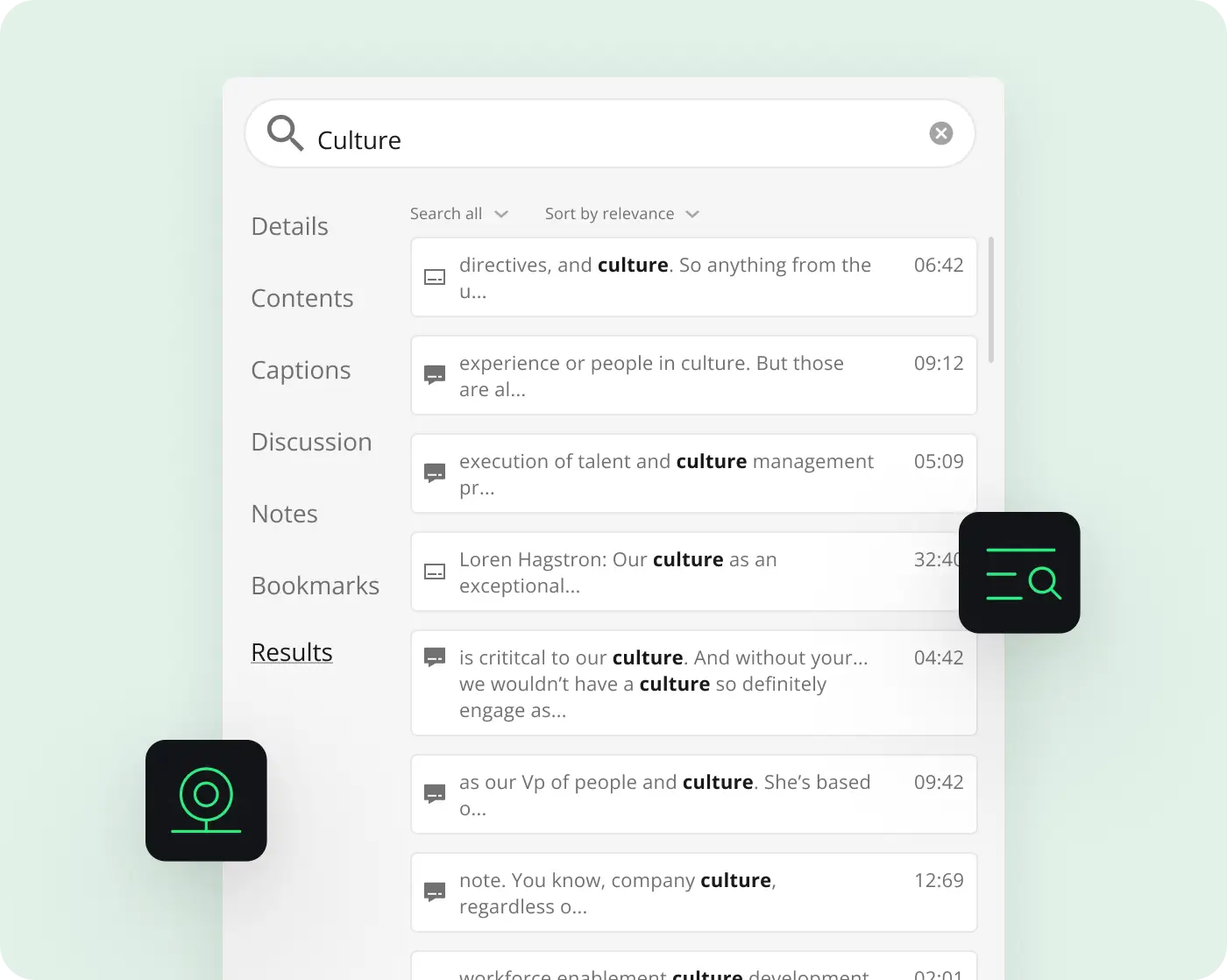
Panopto’s video search engine helps organizations collaborate and share knowledge more effectively. Search your entire video library like you search email to instantly find information in any video you have permission to view. Jump to the exact moment a keyword appears, or use in-video navigation features like the table of contents and visual thumbnails.
Video tagging and subscriptions increase content visibility across teams, departments, or your organization. Browse videos by tag or subscribe to relevant tags for business updates. You can also subscribe to videos shared by other users in your organization.
Automatic Video Transcoding and Format Conversion in Your CMS
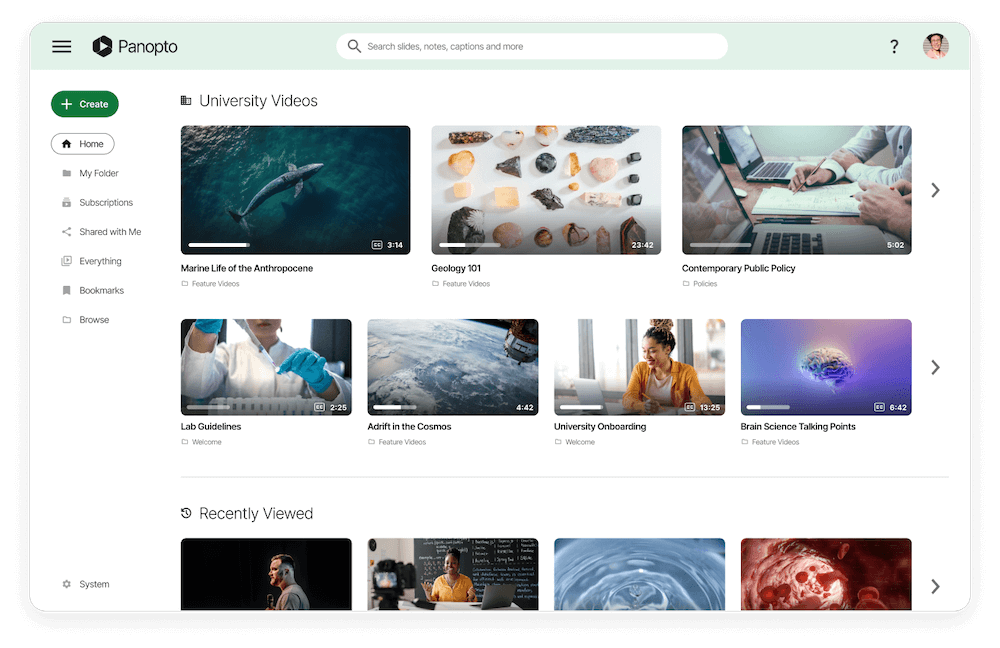
Upload videos in virtually any format, one file or one hundred. Panopto automatically transcodes every recording for playback on any device. The platform supports AVI, MP4, MPG, WMV, MOV, QT, ASF, 3GP, WMA, MP3, M4V, and additional formats.
Complete Video Content Management Platform: Create to Distribute
Panopto is a complete platform for creating, managing, and live streaming video content securely from any device. Use it standalone or integrate with your LMS, CMS, CRM, or company portal to streamline video workflows.

Video Cloud
Host videos securely in the cloud with access controls for your portal and individual videos.

Drag-and-Drop Video Upload
Upload existing videos one at a time or in bulk with simple drag-and-drop functionality.

Video Transcoding
Automatic format conversion ensures optimal playback across all devices and file types.

Video Delivery
Deliver video over your network and across firewalls using HLS and adaptive bitrate streaming.

Mobile Apps
Native mobile support puts your entire video library in your pocket on iOS and Android.

Interactive Video Players
Engage viewers with interactive players offering flexible playback options and multi-stream viewing.

Interactive Quizzing
Add quizzes to test comprehension, reinforce concepts, and improve content retention.

Video Analytics
Access detailed reports on viewer engagement and drop-off rates for every video in your library.

Video Captioning
Automatically add captions to videos for improved accessibility and compliance.

Brand Customization
Customize your video portal’s colors, logo, and icons to match your organization’s brand.
Custom Video Branding for Enterprise Content Management
Add your logo and colors to customize the look and feel of your videos everywhere they appear.
Brand Your Video Content Management System and Players
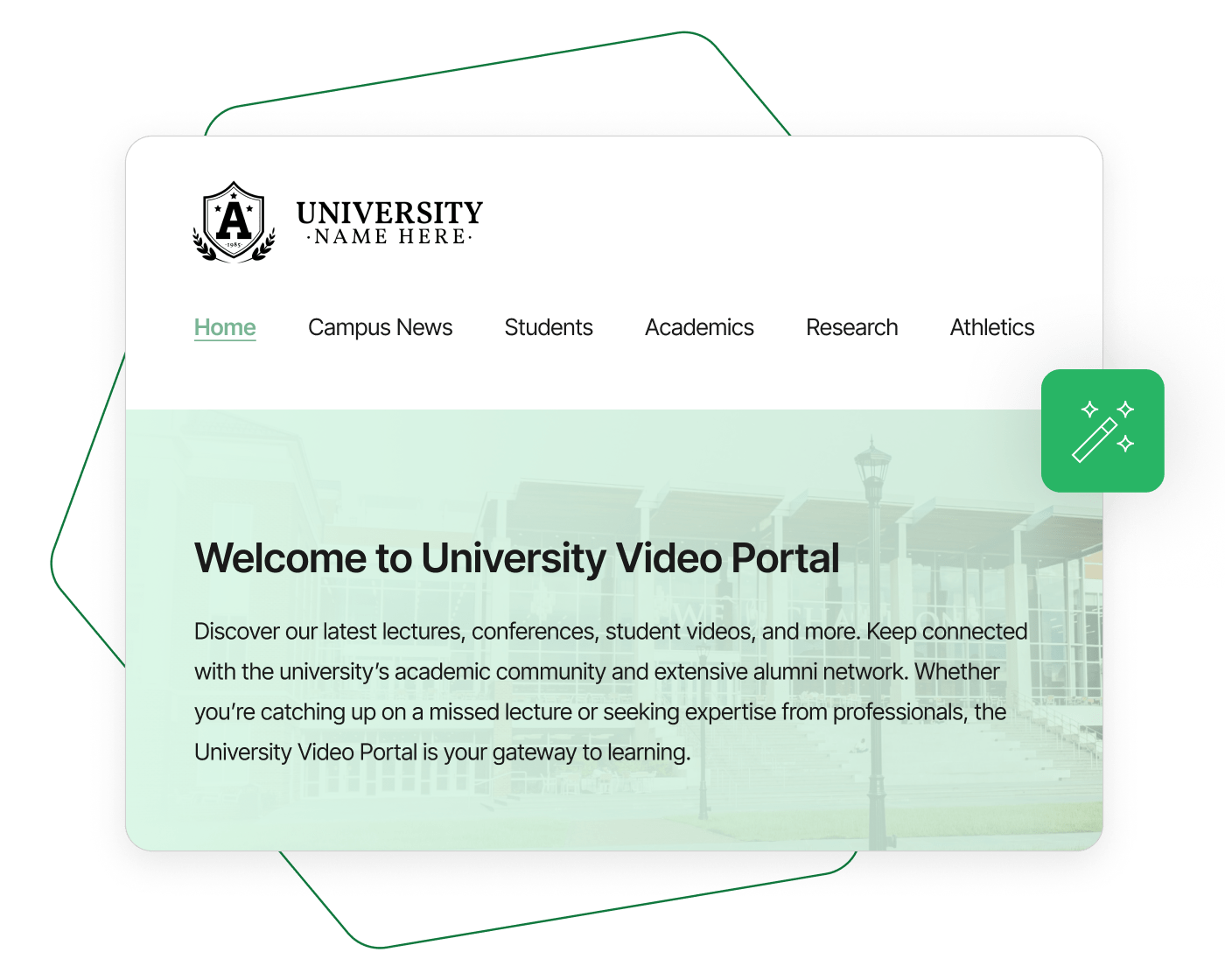
Panopto extends brand customization beyond homepage logos. Customize your entire video library, portal page, interactive video player, embedded player, and all controls, tabs, and buttons.
Apply unique branding at the folder level for academic departments, child brands, and individual business units.

Quick Video Portal Customization in Under 60 Seconds
Upload your logo and pick an accent color. Panopto automatically customizes your video portal and player controls to reflect your brand identity. No web design expertise required.
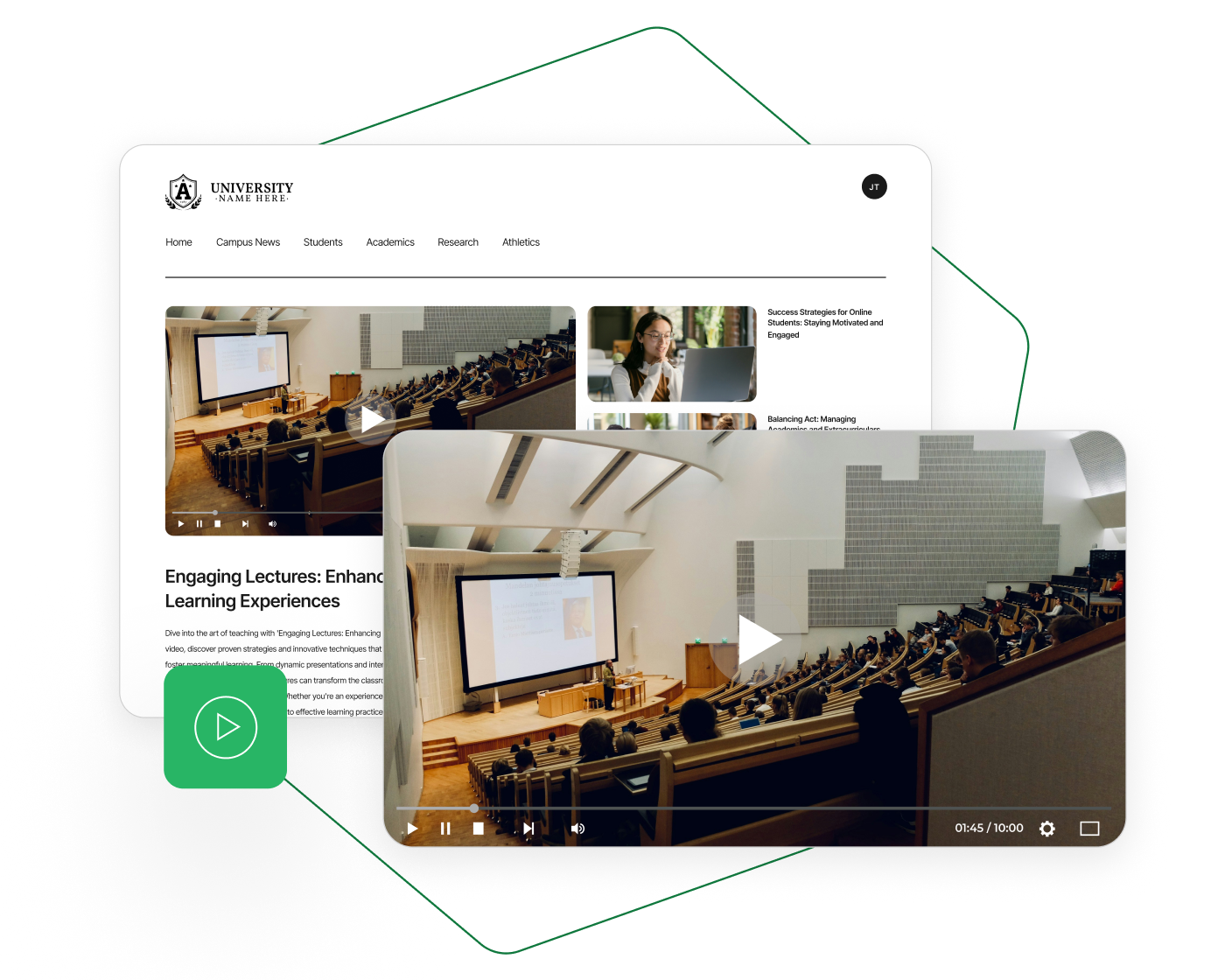
Video Content Management Branding for Every Organization
Panopto’s algorithm adjusts site colors and highlights automatically to ensure text readability and visual consistency, regardless of your chosen brand colors.
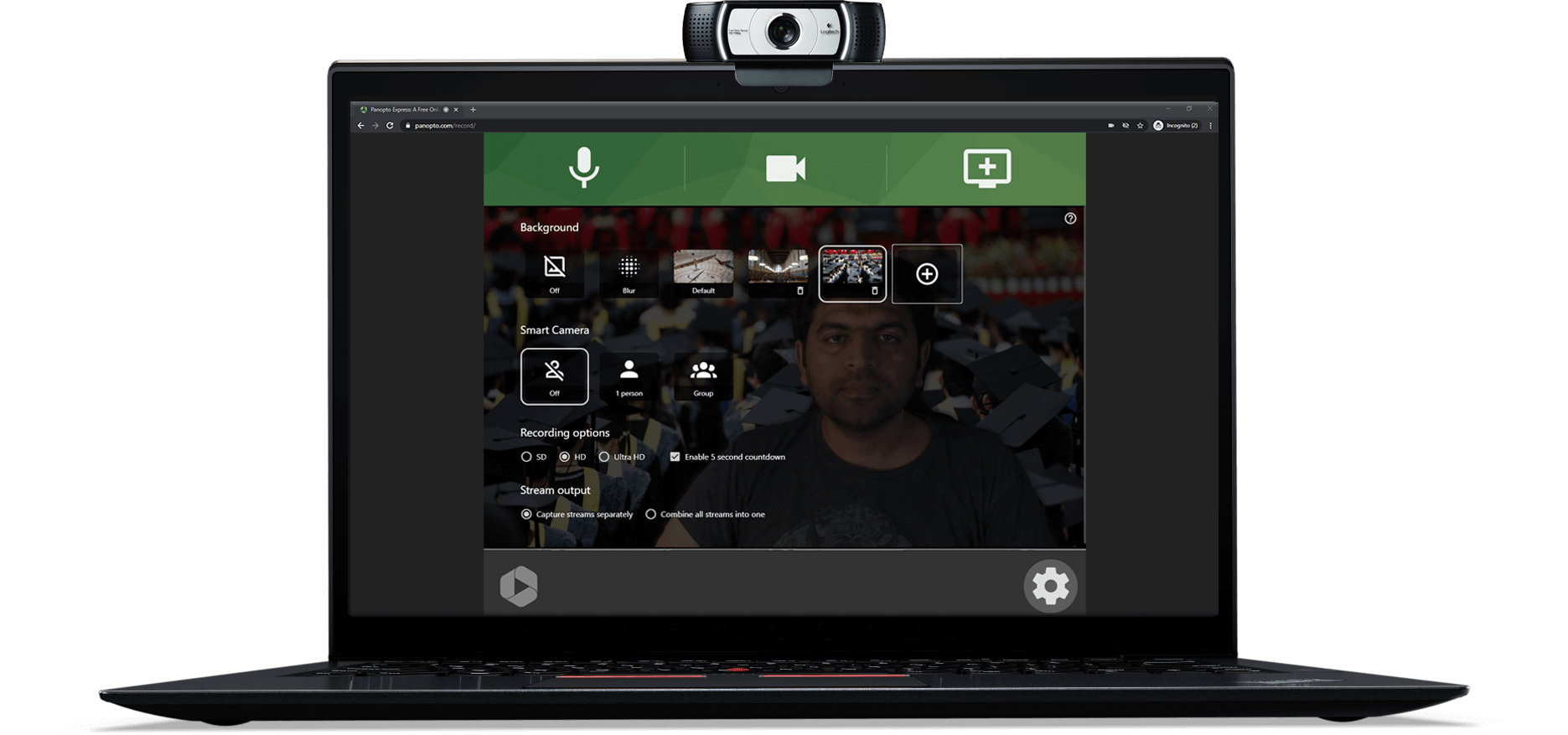
Virtual Background Tools for Professional Video Content
Create professional video messages and presentations with virtual background blur and replacement when recording in a professional environment isn’t possible. Upload a default background image so users can create video content with consistent branding while staying productive.
Read more about video capture hardware solutions.


Frequently Asked Questions
What’s the difference between a video CMS and a regular CMS?
Video CMS platforms are purpose-built for video storage, transcoding, streaming, and search. Regular CMS platforms like WordPress have file size limits and lack video-specific features like automatic transcoding, adaptive bitrate streaming, and video search.
Can Panopto handle large video libraries?
Yes. Panopto is built for enterprise scale and can manage libraries with thousands or millions of videos. The platform includes AI-powered search to help users quickly find content across massive video collections.
How does video transcoding work?
When you upload a video, Panopto automatically converts it to multiple formats and resolutions optimized for different devices and connection speeds. This happens in the background, you simply upload and the system handles compatibility.
Does Panopto integrate with existing business systems?
Yes. Panopto integrates with major LMS platforms (Canvas, Blackboard, Moodle, D2L), authentication systems (SSO, OAuth, SAML, Active Directory), and can connect with CRM and other enterprise systems via API.
How secure is video content in Panopto?
Panopto provides enterprise-grade security with granular permissions, SSO integration, encryption, access controls, and compliance with FERPA, GDPR, and accessibility standards. All videos are private by default and viewable only by authorized users.
Can I customize the video player to match my brand?
Yes. Panopto offers comprehensive branding options including custom logos, colors, player controls, and even folder-level branding for different departments or business units. Customization takes under 60 seconds with no coding required.