




Virtual Classroom Software
Create a rich virtual classroom experience with the industry-leading video platform that helps you do more with your LMS and video conferencing solutions.
13,000,000
users











Turn face-to-face lessons into fully interactive virtual classrooms
Deliver lessons with live webcasting on various device
Panopto gives you the flexibility to record any combination of video sources in full HD from anywhere. The platform automatically recognizes connected cameras and microphones, making recording effortless. Stream classes live or capture sessions for on-demand playback, giving distance learners access to everything they’d see in a physical classroom: instructor video, screen shares, slides, whiteboards, and document cameras.
Students control their own learning experience. They can toggle between video feeds, turn captions on or off, and adjust playback speed. This interactive approach helps improve student outcomes for both synchronous and asynchronous learning.
Boost learning outcomes with interactive video tools
Panopto automates workflows and simplifies the delivery of hybrid learning courses.
Students increasingly rely on virtual learning through platforms like Zoom, Webex, and Teams. However, synchronous classes alone don’t fully replace in-person instruction, and many students can’t attend every live session.
“Panopto has given our students and faculty the ability to use video technology much more easily than they ever could before, and that really enhances the teaching and learning process.”
Jeana Rogers, Specialist, Butler University Center for Academic Technology
Give students flexible, on-demand access to recorded classes
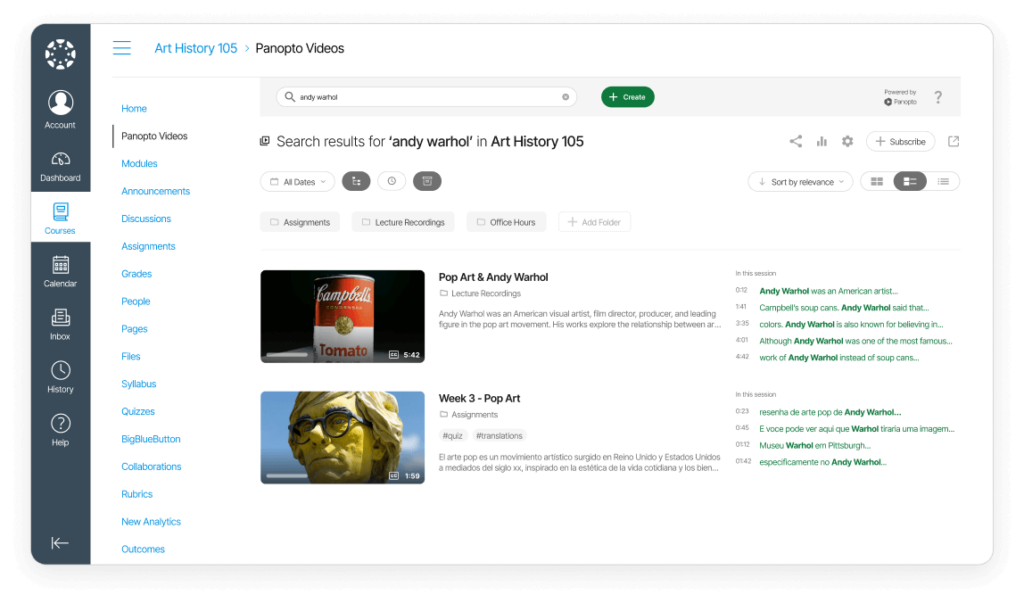
Build a searchable, structured video library that students can explore anytime
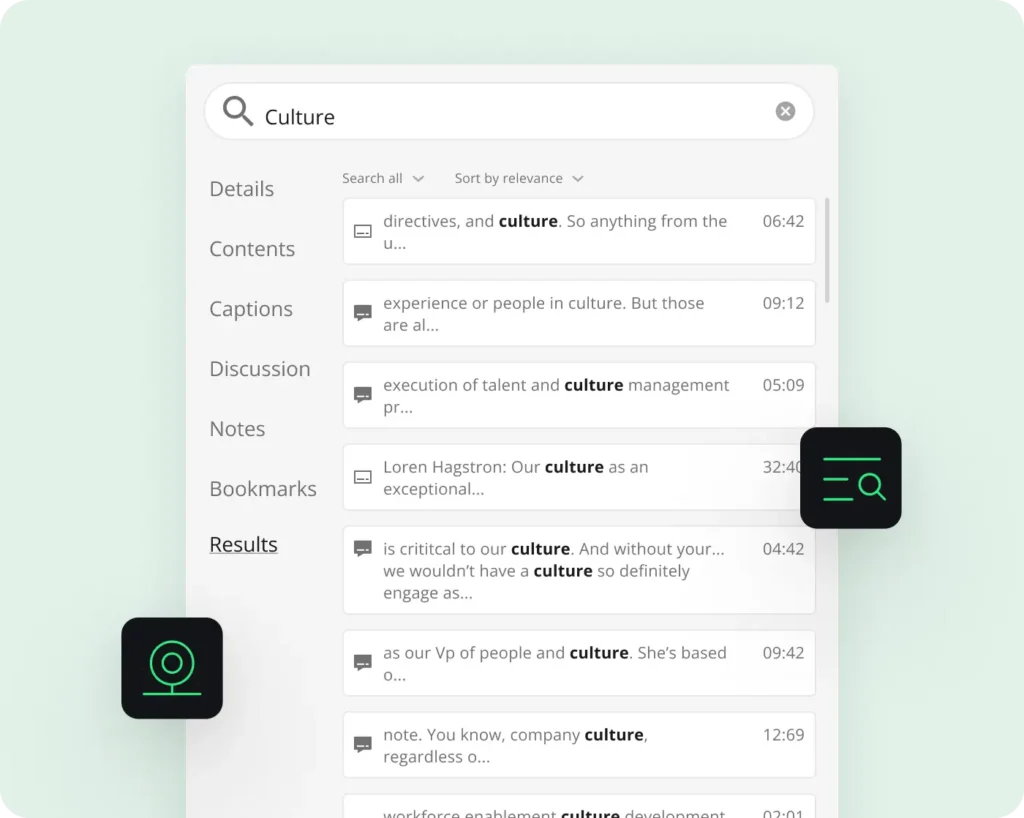
Panopto’s Smart Search feature helps students instantly find relevant moments when keywords are mentioned or shown on screen, making study sessions more efficient.
Students can follow faculty and subscribe to video tags to learn from experts in their field. Tags also enable browsing related videos for deeper mastery of concepts and interdisciplinary exploration.
Drive engagement with collaborative virtual classroom features
Time-stamped comments, and multi-stream playback built-in
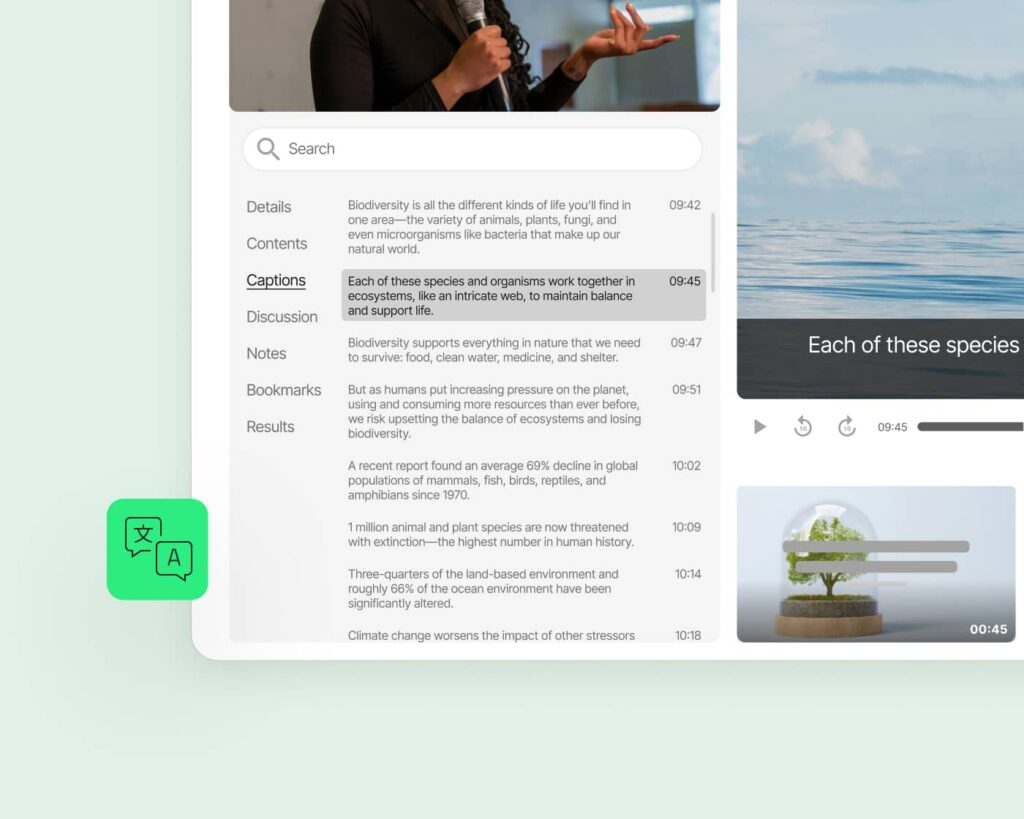
Students can ask questions, participate in discussions, and create personal bookmarks directly in the video player, whether watching live or on-demand.
Distance learners get a personalized classroom experience even when viewing recorded content, with the ability to interact with classmates and take notes just like in a physical classroom.
Ensure accessibility for every learner, without extra effort
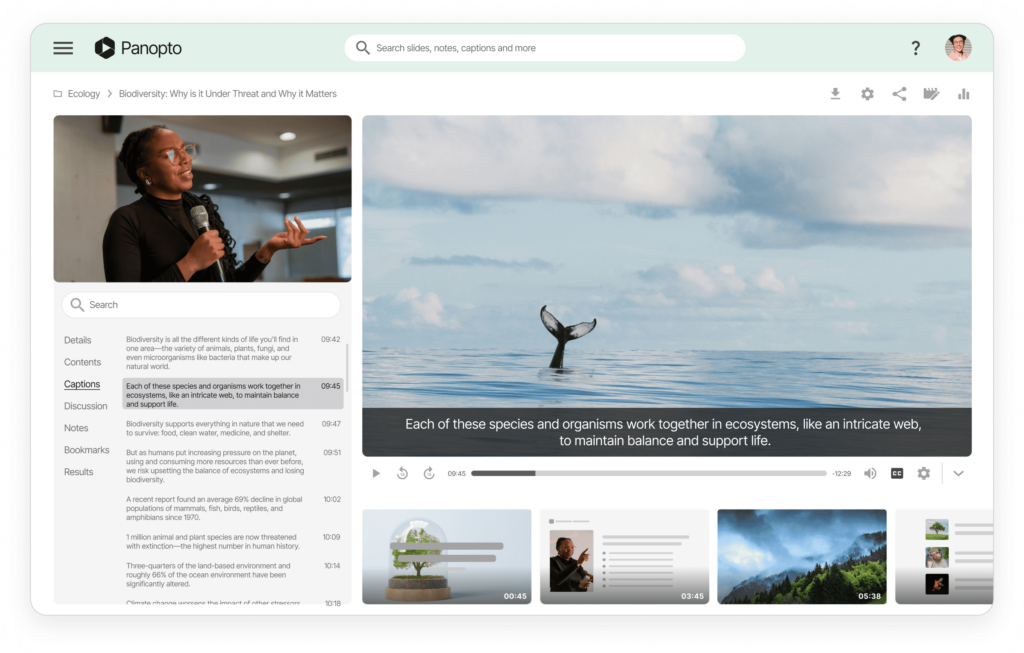
Captions, transcripts, keyboard navigation, and screen reader support by default
Panopto offers flexible captioning options, including affordable 508-compliant captions starting at $1 per minute. Viewers can configure caption settings and adjust playback speed to meet their needs.
Every element, from the library to video players, supports screen reader software and keyboard navigation.
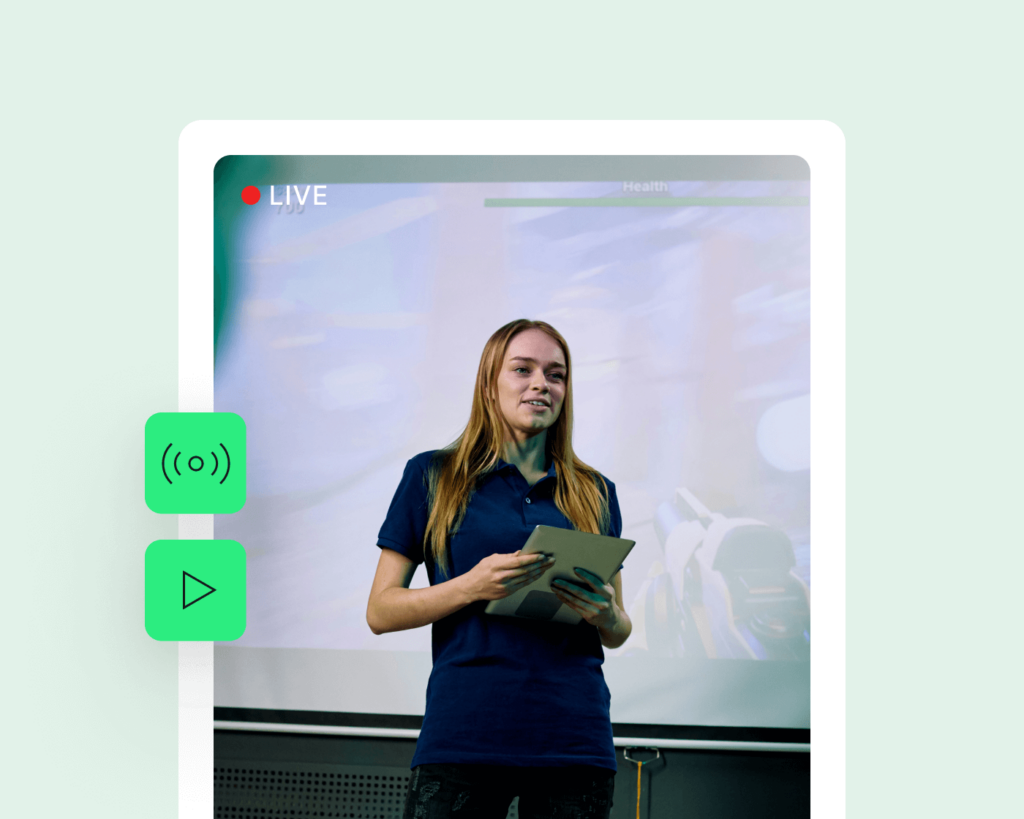
Stream live virtual classes globally. Fast, scalable, and reliable
HLS delivery and cloud-based infrastructure optimized for low-latency viewing
Expand course access beyond physical classroom limits with Panopto’s one-click webcasting. Securely live stream classes to increase enrollment in high-demand courses.
After each live stream ends, Panopto automatically shares a recording for on-demand viewing and review.
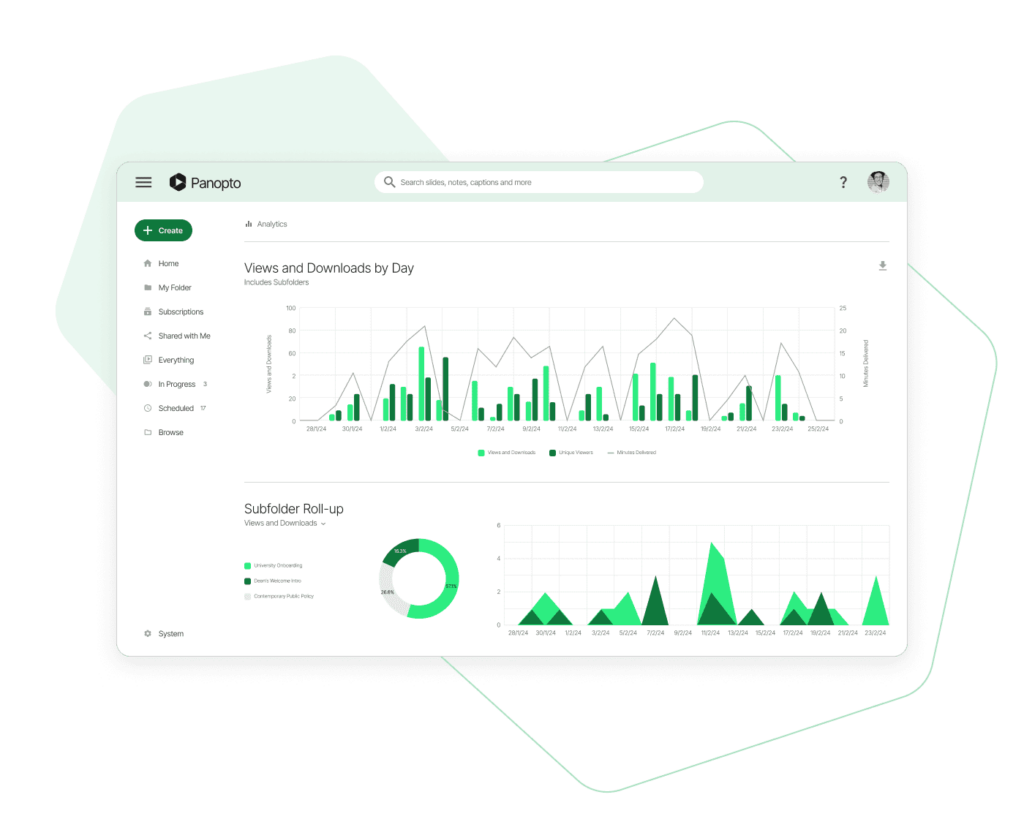
Track engagement and participation with built-in analytics
Visualize views, interaction rates, and learning progress in real time
Faculty can view reports showing which students watched each video and how long they engaged before dropping off.
Panopto can send in-video quiz results directly to your LMS, providing valuable data to monitor learner progress and identify struggling students.

Reduce support burden with Panopto’s included customer success team
Training included for every instructor
Panopto’s 24/7 customer service has earned a 99% satisfaction rating three years running. Comprehensive support comes standard with every implementation.
Read more about active learning with video.


Frequently Asked Questions
What makes Panopto different from video conferencing platforms?
Panopto integrates with video conferencing platforms like Zoom, Teams, and Webex to automatically capture, process, and share recordings. Unlike standalone conferencing tools, Panopto provides searchable video libraries, automated workflows, LMS integration, and analytics, all optimized for education.
Can Panopto work with our existing LMS?
Yes. Panopto integrates with all major learning management systems including Canvas, Blackboard, Moodle, D2L, and Schoology. Videos can be shared directly through your LMS with proper access controls and grade passback for quizzes.
How does the video search feature work?
Panopto’s Smart Search uses AI to index every word spoken and shown on screen in your videos. Students can search for any term and jump directly to that moment in the recording, saving time and improving study efficiency.
Do students need special software to view videos?
No. Students watch videos in any modern web browser with no downloads required. Panopto also offers native iOS and Android apps for mobile viewing with optimized performance across all connection speeds.
Can instructors edit videos after recording?
Yes. Panopto’s online video editor lets instructors trim, cut, splice, and switch between video sources without complex software. You can also add quizzes, captions, and interactive elements before publishing.
How secure are virtual classroom recordings?
Panopto provides enterprise-grade security with granular access controls, SSO integration (OAuth, SAML, Active Directory), encryption, and compliance with FERPA, GDPR, and accessibility standards. Only authorized users can access recordings.