




Upload Videos Online with Enterprise-Grade Security and Speed
Upload your entire video library in minutes. Drag and drop individual files or select hundreds at once. Panopto organizes everything automatically while AI transcription runs in the background.








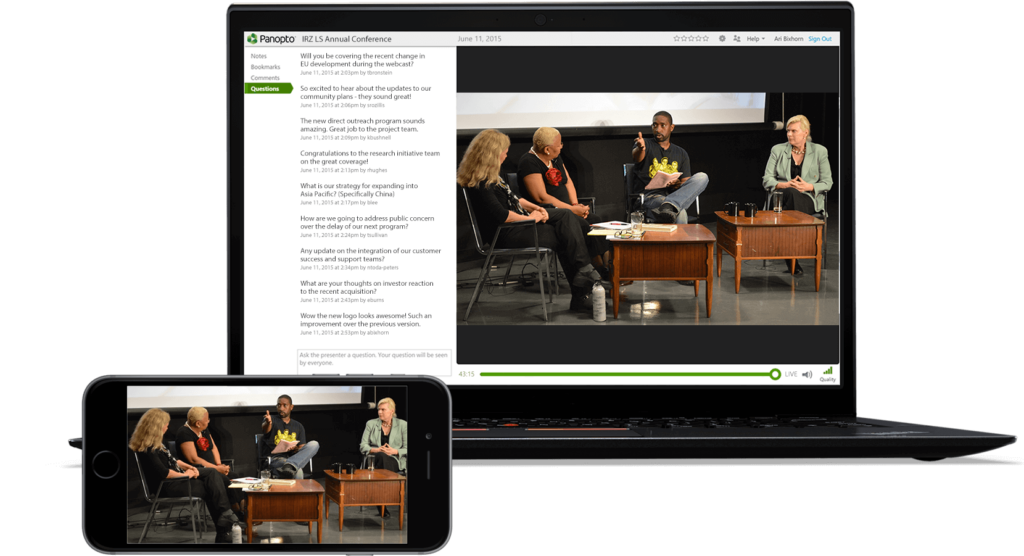
Automatic video processing and optimization
Upload Once, Stream Everywhere – Optimized for Desktop, Mobile, and Tablet
Your videos automatically adjust to any screen size. Panopto converts your uploads into multiple formats so viewers get the best quality on their device. No extra work required.
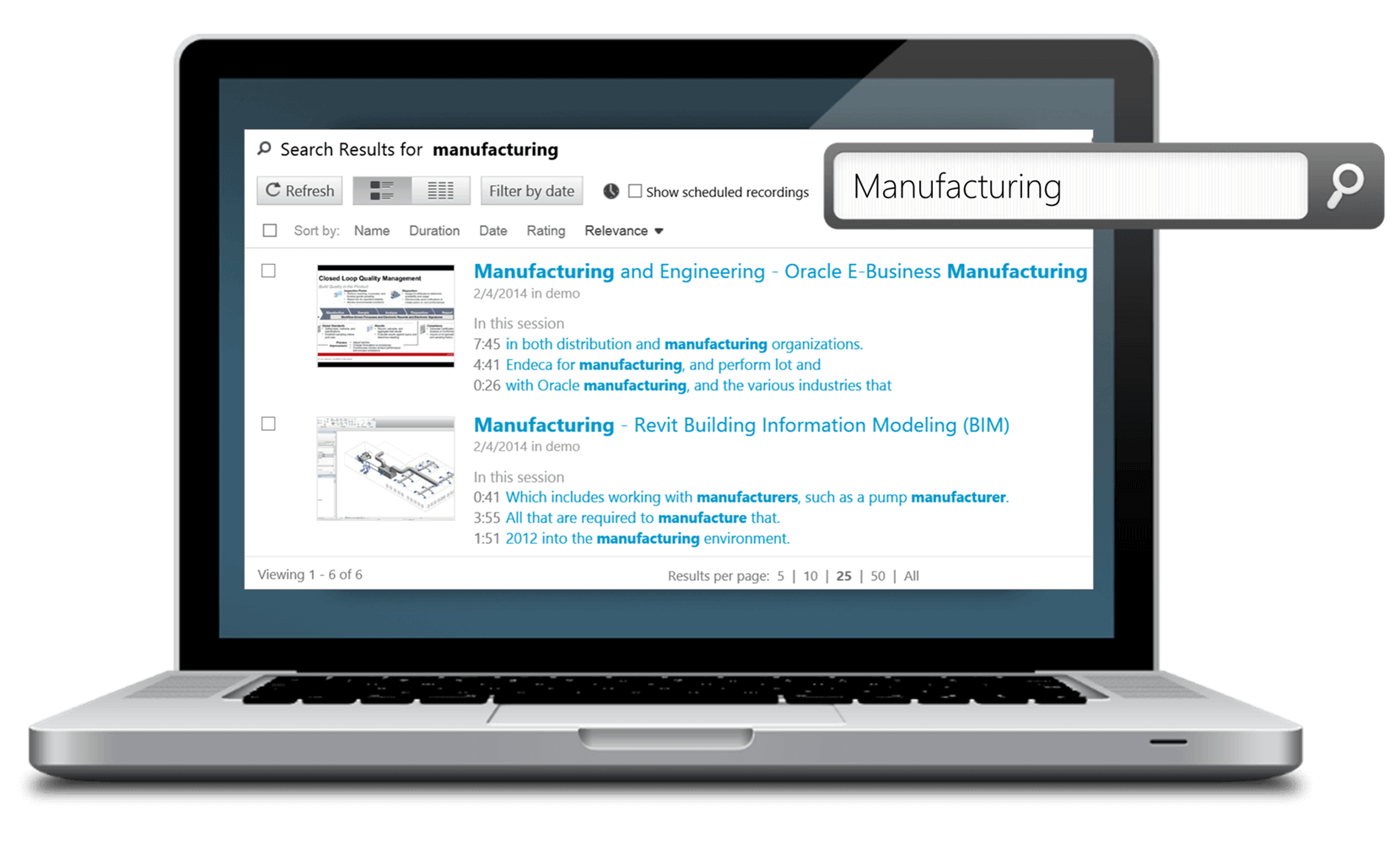
Upload Videos Online with Built-In AI Search and Transcription
Find Any Word or Topic Within Your Uploaded Video Content Instantly
Panopto’s AI indexes every spoken word in your videos. Search your entire library like you’d search your email. Jump straight to the exact moment someone mentions a topic.
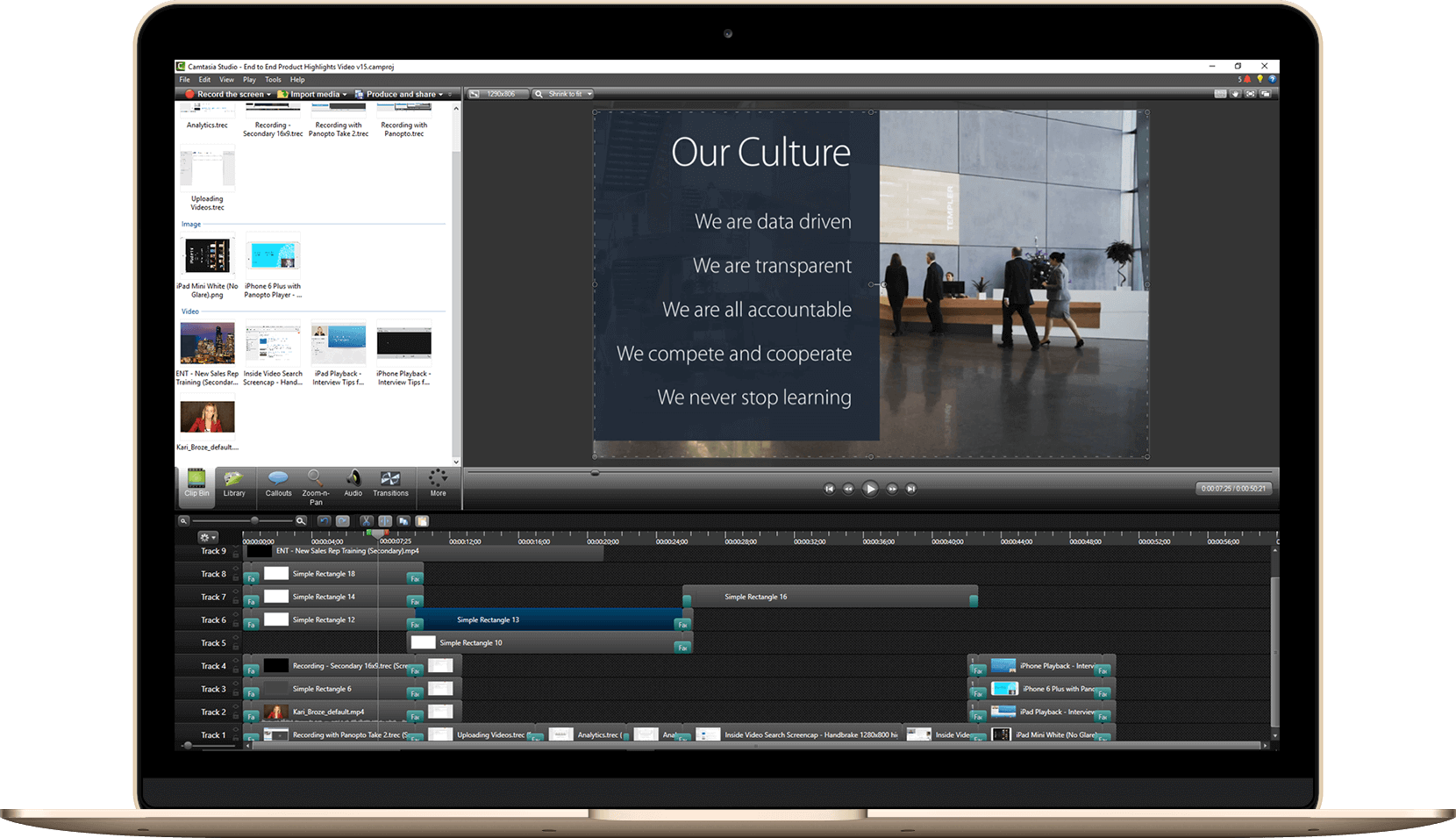
Bulk Video Upload: Migrate Your Existing Video Library Seamlessly
Import Multiple Video Files Simultaneously with Metadata Preservation
Moving your existing video library doesn’t mean starting from scratch. Upload hundreds of videos at once while keeping all your titles, descriptions, and custom data intact. Your organization stays organized.
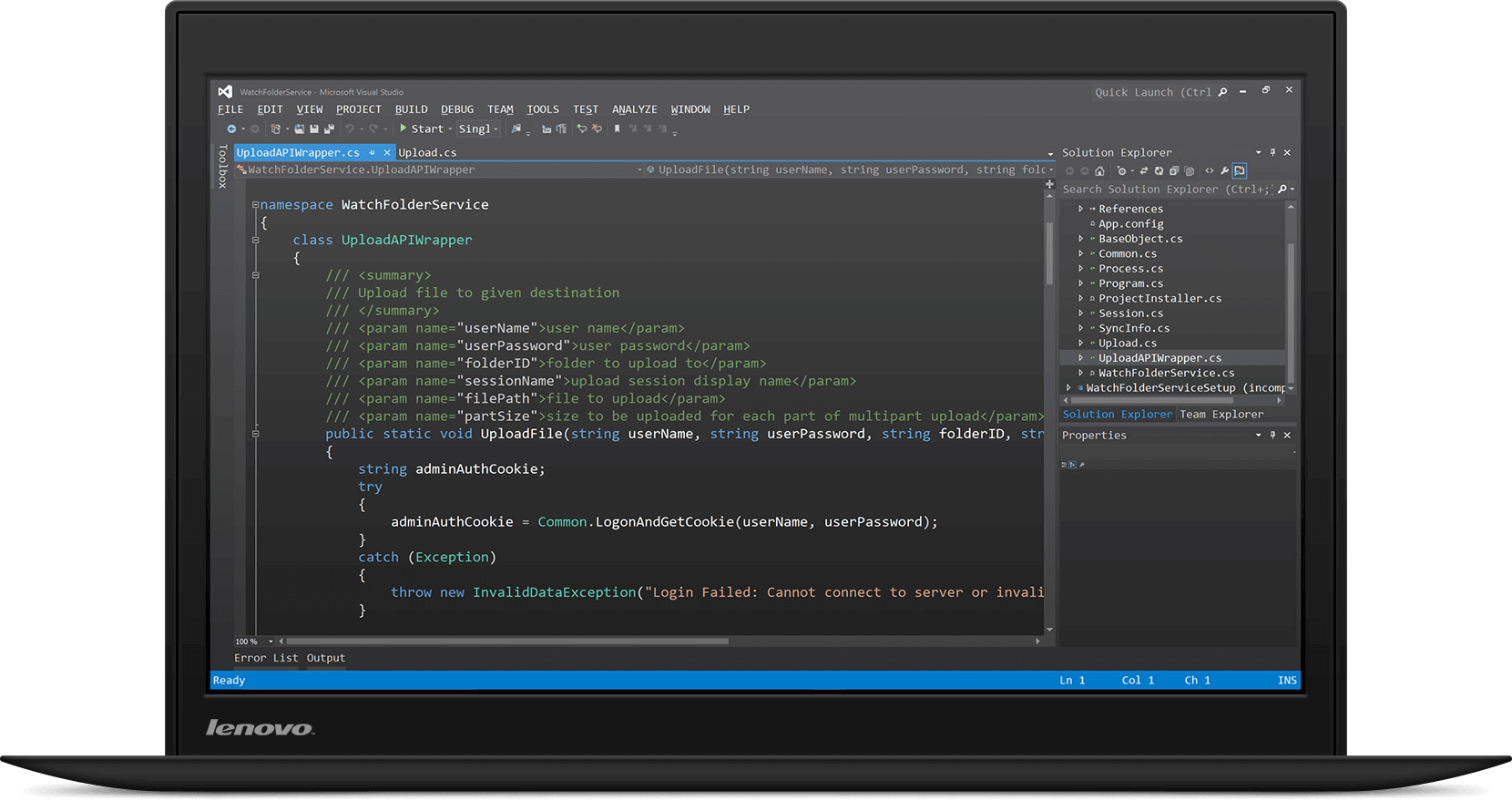
Developer-Friendly Video Upload API for Automated Workflows
REST API Documentation for Custom Video Upload Integration
Build Panopto directly into your existing workflows. Our API lets developers automate video uploads, set permissions, and manage content programmatically. Full documentation and code samples included.
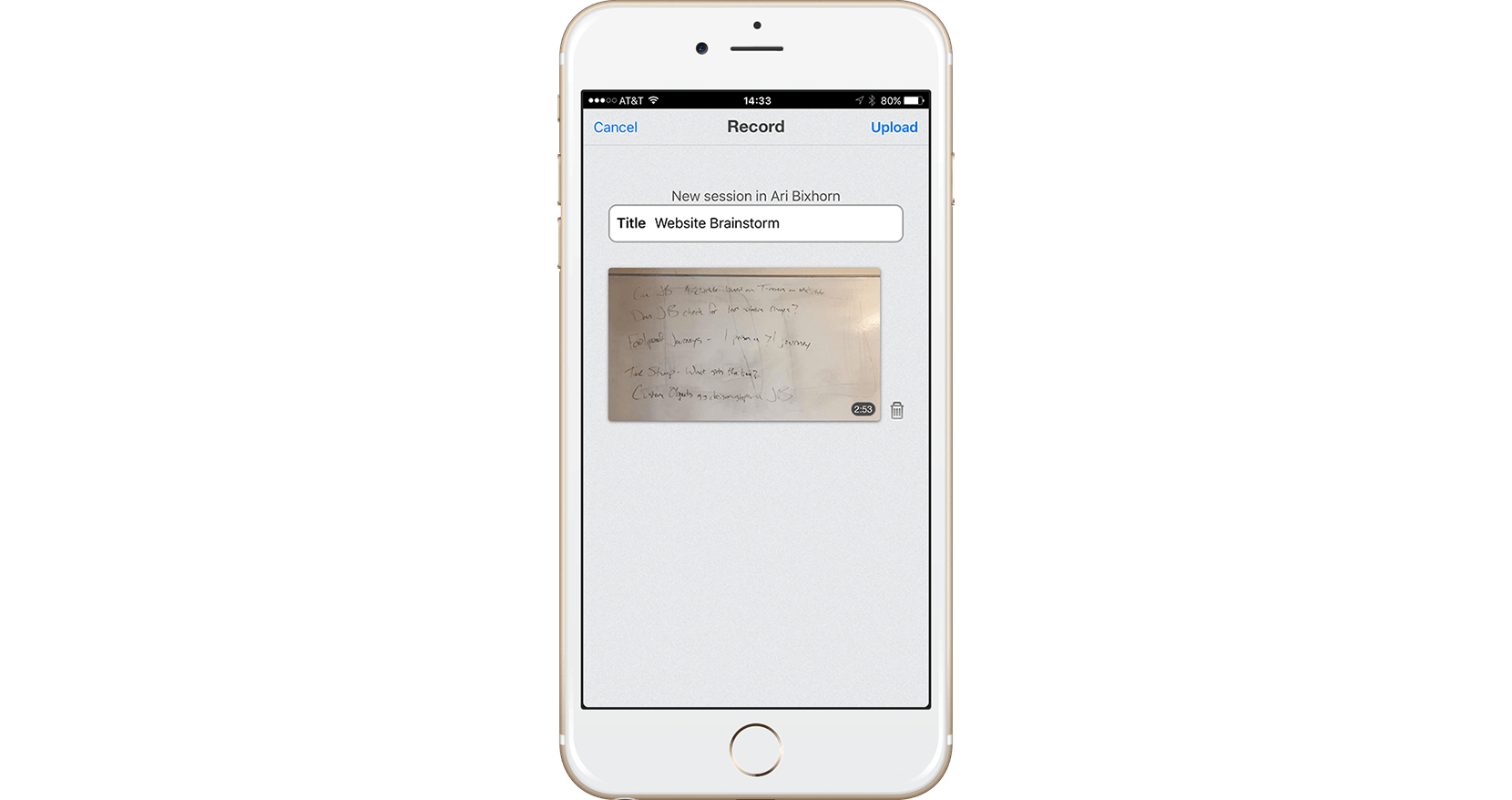
Mobile Video Upload Apps: Record and Share from iOS and Android
Capture and Upload Videos Directly from Your Mobile Device
Record training videos or campus updates from anywhere. The Panopto mobile app uploads your content to your library automatically. Your team can access it minutes later.
Read more about uploading video files.


Frequently Asked Questions
What video file formats does Panopto support?
Panopto accepts all major video formats including MP4, MOV, AVI, WMV, and more. You don’t need to convert files before uploading. The platform handles format optimization automatically.
Is there a limit on video file size?
No hard limits on file size. You can upload videos of any length, from 30-second clips to multi-hour recordings. Processing time scales with file size, but uploads happen in the background.
Can I upload videos directly from Zoom or Teams?
Yes. Panopto integrates with Zoom, Microsoft Teams, and other video conferencing tools. You can automatically capture and upload meeting recordings without manual downloads. Transcripts come along too.
How long does video processing take after upload?
Most videos are ready to view within minutes. AI transcription and indexing typically finish within an hour, depending on video length. You’ll get an email when processing completes.
Can I edit videos after uploading them?
Accordion Content
How secure are my uploaded videos?
Absolutely. Panopto’s built-in editor lets you trim clips, add captions, insert quizzes, and splice multiple videos together. All editing happens in your browser—no software downloads needed.