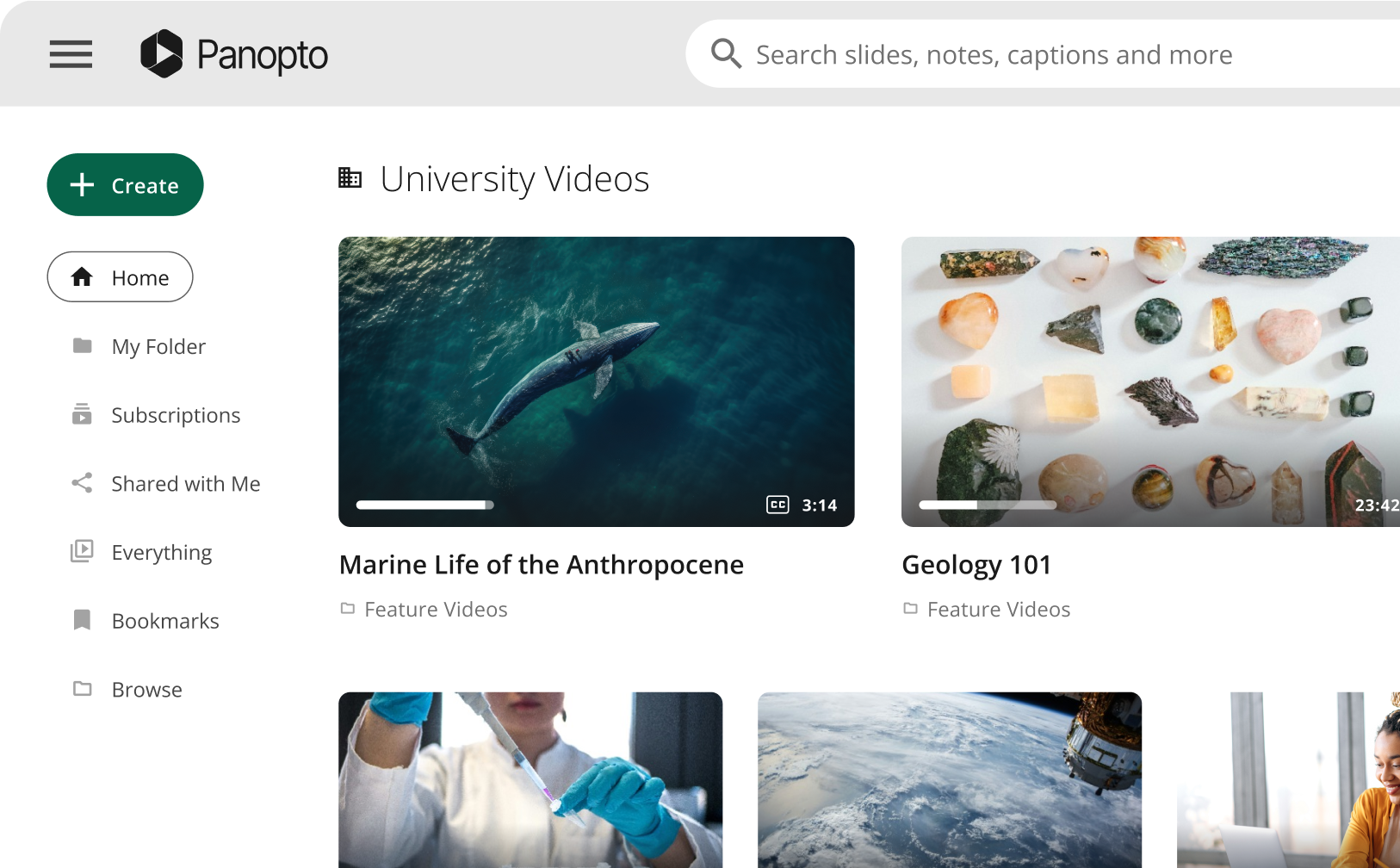









A VCMS, or video content management system, is the platform an organization uses to store, organize, govern, search and share its video. Before you choose one, ask every vendor five questions: how it scales, how it preserves knowledge, how it supports training, how ready its AI is, and how it will win adoption across teams. Panopto’s Video CMS page describes the category from the product side; this post is the buyer’s side.
The five questions come from a Panopto webinar, 5 Critical Questions to Ask Before You Choose a VCMS, with Brandon Arentson of Cox Enterprises and Katie Watkins of The Wharton School. They apply the same way whether you are a university buying for faculty and students or a company buying for L&D, operations and communications. Under each question is what a good answer sounds like, so you can tell a real one from a demo script.
How can the platform scale without breaking your budget?
Video use grows faster than anyone plans for. One department records its meetings, then every department does; one program moves its training to video, then the library has ten thousand files. If cost grows at the same rate, the platform becomes the thing people are told to stop using.
- Ask for the full financial picture, not the license fee: storage, streaming, support, add-ons, and what happens to the price when users or hours of content double.
- Ask about deployment and storage options, and whether retention rules can keep the library from growing without limit.
What a good answer sounds like
A pricing model you can explain to finance in one sentence, with the cost of growth stated up front. Retention policies that archive or delete by age or inactivity, so storage stays under control without someone curating it by hand.
For a university: pricing that does not penalize a campus for recording every lecture.
For a company: pricing that does not penalize a plant for recording every procedure.
A bad answer is “it depends on usage” with no numbers attached.
Will it preserve institutional knowledge?
Every recorded lecture, training session and expert walkthrough is knowledge that leaves when the person does, unless the recording is somewhere people can find it. A library nobody can search inside is storage, not knowledge.
- Ask what is indexed: spoken words, on-screen text, slides, metadata.
- Ask whether search returns the moment inside a video or only the video.
- Ask what happens to a faculty member’s lectures when they retire, and to an operator’s walkthroughs when they move plants.
What a good answer sounds like
Search that lands on the timestamp where a term was spoken or shown, across the whole library, with no manual tagging required. Transcripts, chapters and summaries generated automatically on upload. Permissions that let a department keep its library when the person who built it leaves.
Arentson described structured video libraries as what let Cox Enterprises deploy training and knowledge across geographies and departments; the equivalent in higher education is a lecture library that stays available to the next cohort.
A bad answer is “users can add tags”.
Can training be scaled efficiently without adding staff?
The platform should make the people who hold the knowledge able to publish it, without a video team in the middle. If every recording needs an editor and every caption needs a request, the program grows only as fast as the team that supports it.
- Ask who can record and publish, what the recording tools are, how captions and chapters are produced, and how much of the workflow is automatic.
- Ask what the admin team does in a typical week.
What a good answer sounds like
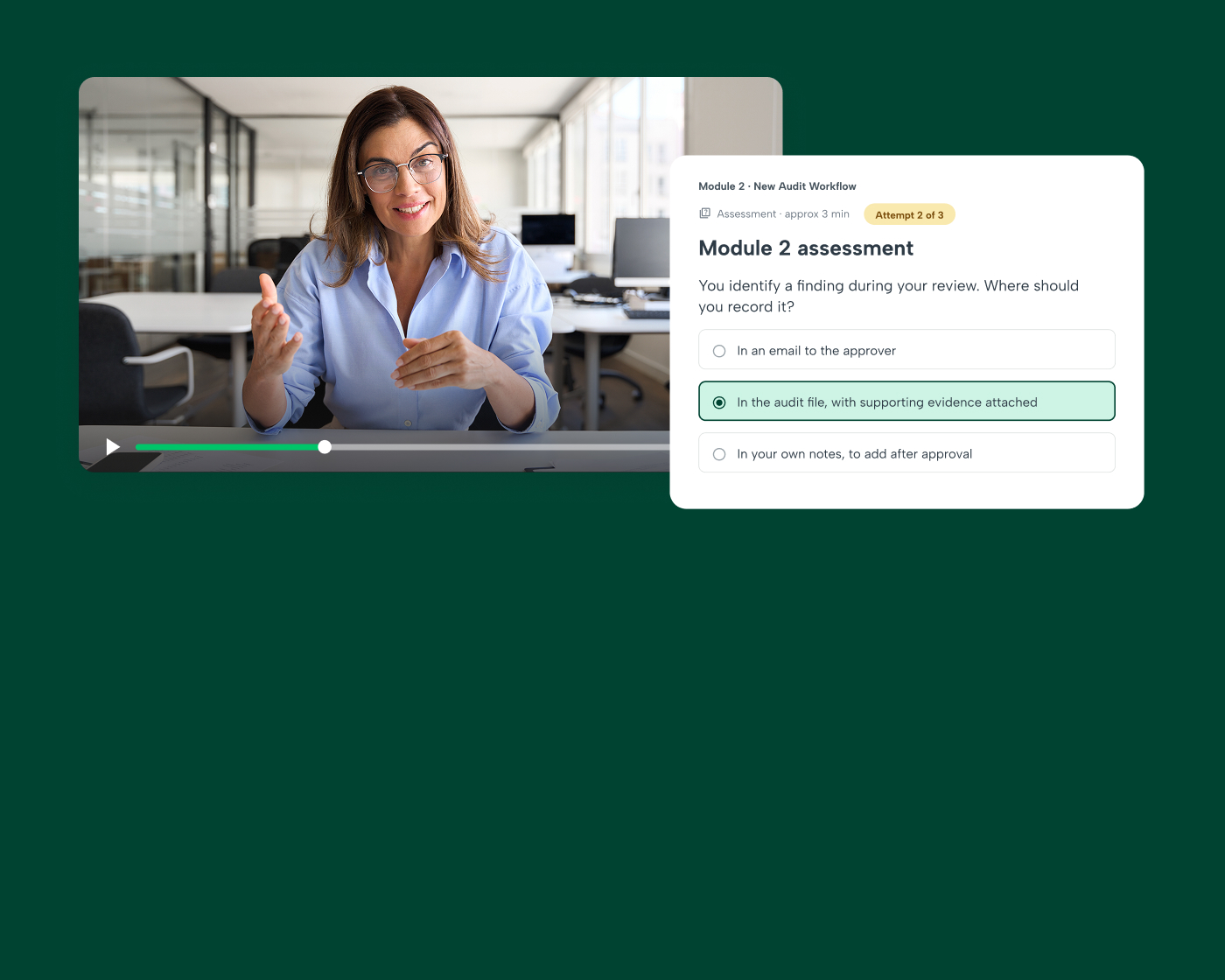
Faculty and subject matter experts record from a laptop, a lecture hall or a phone and publish without a ticket. Captions, chapters and transcripts generate on their own. Scheduled recordings capture recurring sessions without anyone pressing record.
Watkins, IT technical director at Wharton, put it as the technology “disappearing” in the service of content and learning.
A bad answer involves a production queue.
How future-ready is the platform?
Future-ready does not mean a long AI feature list. It means the platform integrates with what you run now (the LMS, the conferencing tools, the identity provider), keeps up with accessibility standards, and adds AI where it changes the result: search, summaries, translation, question answering over your own content.
- Ask which AI features are released today, what they are trained on and whether your content is used to train them, how AI search handles permissions, and what the integration roadmap looks like.
- Ask the same question about accessibility.
What a good answer sounds like
Integrations with your LMS over LTI, your conferencing tools pulling recordings in automatically, SSO through your identity provider. AI that answers a question with the moment in a recording where it is covered, inside the permissions the viewer already has, and a plain statement of whether customer content trains the vendor’s models. Captions and WCAG conformance documented, not promised.
A bad answer is a roadmap slide with no dates.
Will it build consensus across stakeholders?
The platform that wins is the one every group can see itself using: faculty and IT and the registrar’s office at a university; L&D, operations, communications, compliance and IT at a company. A platform that serves one of them well and the rest poorly becomes shelfware for the rest.
- Ask each stakeholder group to name the one thing they would use it for, then ask the vendor to show that thing.
- Ask how the platform handles teaching, training, communications and compliance in one library, and how adoption went at a customer like you.
What a good answer sounds like
One library that serves lecture capture and corporate training, town halls and compliance modules, with permissions that keep them separate where they need to be. References you can call, in your sector.
Watkins described the goal as an experience that connects people with content across departments; the test is whether each of your stakeholders can describe that experience in their own terms after the demo.
A bad answer is a separate product for each group.
Total cost of ownership, and the questions behind the questions
A VCMS evaluation looks past features and license fees to setup, integrations, support, training, storage and the cost of growth. It also looks at what the platform replaces: the conferencing storage, the shared drives, the consumer video accounts and the hours spent looking for recordings nobody can find.
For more detail, check out our other posts on the subject: video management system cost on what the figures include, and best video management software for training on how the platforms compare for L&D teams.
Making a confident choice
Choosing a video CMS is a decision about where your organization’s knowledge will live for the next decade. Ask the five questions, score the answers against what a good one sounds like, and get each stakeholder group in the room for the demo.
Watch the full webinar, 5 Critical Questions to Ask Before You Choose a VCMS, for the discussion behind each question, and see how Panopto’s Video CMS answers them.
Frequently asked questions
Video content management system: the platform an organization uses to store, organize, govern, search and share its video. It is often shortened to video CMS. Examples of what it holds: lecture recordings, training videos, meeting recordings, town halls and expert walkthroughs.
What is the difference between a VCMS and an LMS?
A learning management system manages courses, enrollments, assignments and completion records. A video CMS manages the video: recording, storage, permissions, search inside every recording and viewing analytics. The two connect, so a video assigned in the LMS plays from the VCMS and completion flows back. Most organizations run both.
What is the difference between a VCMS and video hosting?
Video hosting stores and streams files. A VCMS adds what an organization needs on top: search inside every video, role-based permissions tied to your identity system, analytics on who watched what, integration with the LMS and conferencing tools, and governance such as retention policies and audit logs.
Who should be involved in choosing a VCMS?
Everyone who will put content in or rely on getting content out: in higher education, faculty, instructional technology, IT and the accessibility office; in a company, L&D, operations, communications, compliance and IT. IT and security should review integration and data handling in every case, and finance should see the full cost of growth.
How long does a VCMS evaluation take?
Allow a quarter: a few weeks to agree the requirements with each stakeholder group, demos scored against them, reference calls in your sector, a security review and a pilot with real content. Rushing the stakeholder step is the most common reason a platform is chosen and then not adopted.